Website BuildersReview
Consently Review: Cheap Cookie Consent, Odd Tier Math
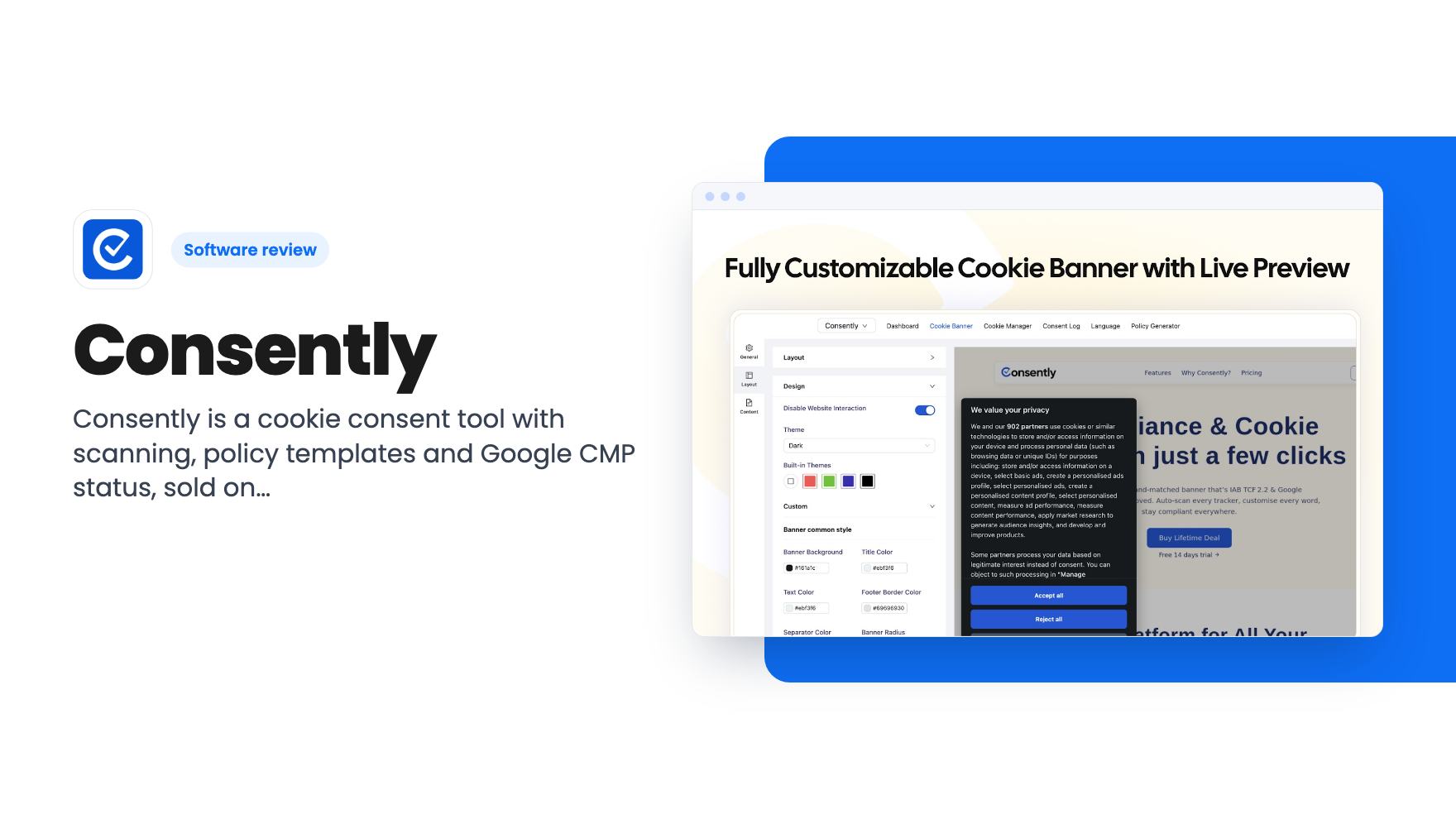
Consently is a cookie consent tool with scanning, policy templates and Google CMP status, sold on AppSumo from $39. Here's what the listing covers and where it's thin.
SiteSkite manages many WordPress sites from one dashboard. WP Reset Pro Plan resets, snapshots and rescues broken ones. Here is which lifetime deal fits.
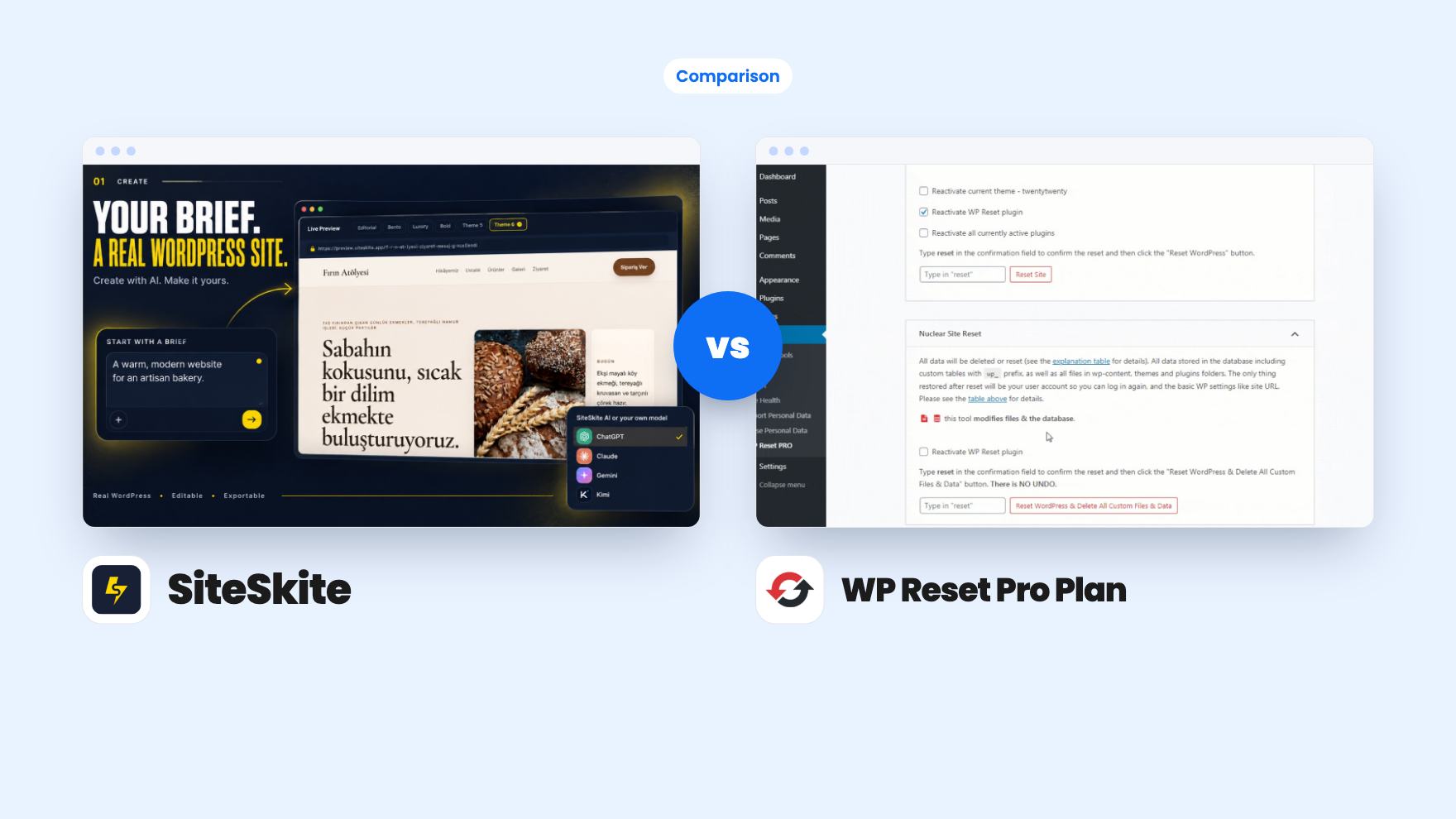
SiteSkite takes 2 rounds, WP Reset Pro Plan takes 2.
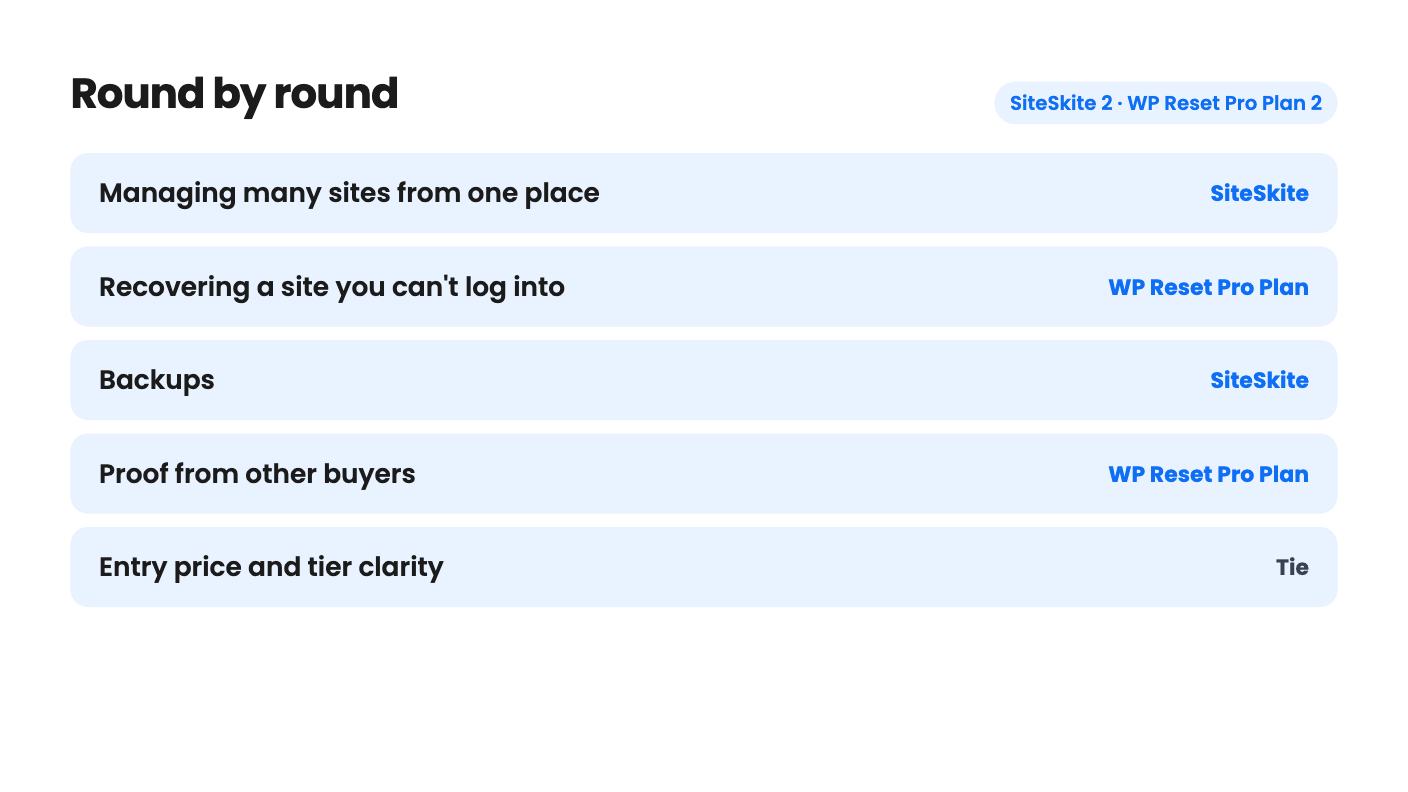
| Round | Winner | Why |
|---|---|---|
| Managing many sites from one place | SiteSkite | SiteSkite offers one dashboard for health, updates, performance and one-click admin login across 10 to 70 sites, while WP Reset's dashboard mainly handles licences, snapshots and Collections. |
| Recovering a site you can't log into | WP Reset Pro Plan | WP Reset's Emergency Recovery Script has over 12 tools and runs without wp-admin, and SiteSkite's listing describes nothing comparable. |
| Backups | SiteSkite | SiteSkite schedules full or incremental backups to Dropbox, Google Drive, S3, Backblaze B2 or pCloud, whereas the WP Reset listing says its snapshots don't replace a full backup system. |
| Proof from other buyers | WP Reset Pro Plan | WP Reset has 1,312 AppSumo reviews averaging 4.93, against 4 reviews averaging 4.75 for SiteSkite. |
| Entry price and tier clarity | Tie | SiteSkite's $29 tier covers one site, and WP Reset's $49 tier probably covers five, but both listings muddle which numbers belong to which tier. |
| Extras beyond maintenance | Tie | SiteSkite adds an AI site builder and staging, WP Reset adds Collections and bulk resets, and neither listing shows enough output to prefer one. |
| SiteSkite | WP Reset Pro Plan | |
|---|---|---|
| Starts at | $29 | $49 |
| List price | $36 | $158 |
| Plan | Lifetime Deal | Lifetime Deal |
| Deal ends | Not listed | Not listed |
| Best for | Ecommerce, Freelancers, Web design agencies | Developers, Freelancers, Web design agencies |
| Alternative to | Modular DS, ManageWP, WP Umbrella | Not listed |
You look after a pile of client WordPress sites, and two different things keep you worried. One is the slow grind of updates, backups and reports across all of them. The other is the sudden kind: a plugin update, a white screen, and no way back into wp-admin. SiteSkite and WP Reset Pro Plan are both lifetime deals aimed at people in that spot, but they go after different halves of the problem. We haven’t used either, so everything below comes from the listings.
They overlap less than the shared category suggests.
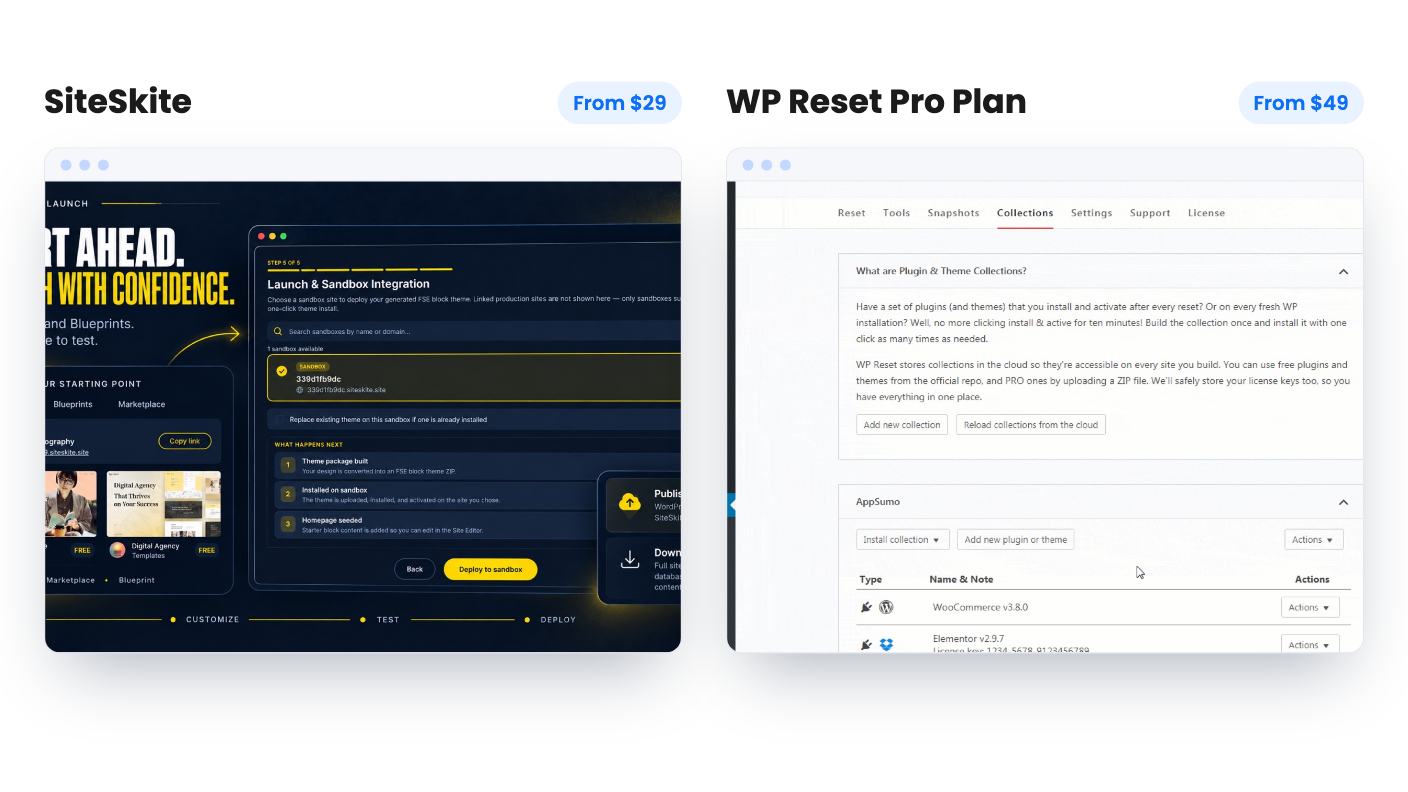
SiteSkite is a portfolio manager. You connect your WordPress sites, then review health, updates and performance from one dashboard, run maintenance across all of them and jump into any admin with one-click login. It’s pitched as an alternative to ManageWP, Modular DS and WP Umbrella, which tells you the job: replacing a monthly care subscription.
WP Reset Pro Plan is a toolkit for when a single site needs a do-over or a rescue. It resets a site to defaults without reinstalling WordPress, deletes selected parts of it, takes snapshots you can roll back to, and installs sets of plugins and themes in bulk. The listing mentions over 35 tools, including cleanup of revisions, drafts, orphaned media and unused database objects.
So one tool watches the whole fleet. The other is what you reach for when one site is on fire or needs gutting.
This is the round where the two are easiest to confuse and most worth separating.
SiteSkite does proper backups. You can schedule full or incremental ones, restore files or databases, and store them with SiteSkite or in your own Dropbox, Google Drive, Amazon S3, Backblaze B2 or pCloud. Bring-your-own storage is available on every tier, which matters if a client contract says their data stays in their bucket.
WP Reset takes snapshots, manually or automatically. The demo video says automatic ones fire before major events such as a plugin or theme being activated, updated or deactivated. Those are exactly the moments that break sites, so the trigger is sensible. Storage can be WP Reset Cloud, Dropbox, Google Drive or pCloud, with 3 GB per cloud site licence according to the plan table. The listing is also upfront that this doesn’t replace a full backup system, and we’d take that at face value.
The real separator is the Emergency Recovery Script. You upload it to your WordPress folder and run it, and it works without other WordPress files. It scans core files for added and modified ones and lets you deactivate a problem plugin. The listing says it can even recover a client site that never had the plugin installed. That claim deserves a test on a genuinely broken site, and the listing says little about malware cleanup. Still, SiteSkite’s listing describes nothing equivalent for a lockout.
SiteSkite packs in more side features. There’s a sandbox where you can start from a Marketplace template or Blueprint, or clone a site from a backup, then test layouts, plugins and updates and collect client feedback. You publish through SiteSkite Link or export to your own host. There’s also AI Site Studio, which generates an editable WordPress site from a short brief, and MCP support so assistants like ChatGPT, Claude and Cursor can manage connected sites.
Be cautious with the AI parts. The listing shows no example output and no video, and it doesn’t say which actions MCP allows. Treat them as claims until you’ve seen them.
WP Reset’s extras are more modest and easier to picture. Collections let you save a named set of plugins and themes and install the lot on a new site from the cloud. A MainWP extension exists if you already use that tool. The dashboard also supports white-labeling, so you can rebrand the plugin with your own logo, colours and name for one client and not another. A nice touch, though not a reason to buy alone.
WP Reset’s review summary admits you need individual logins for cloud uploads, which sounds tedious across many sites. SiteSkite’s listing mentions no such chore, but it also gives less evidence from real users.
SiteSkite has four lifetime tiers, and the FAQ maps them like this:
That works out to about $29, $13.90, $10 and $8.56 per connected site. The bottom tier is narrow, so the value is higher up. Monthly AI credits and AI Sites caps vary by tier, but the feature table isn’t consistent about which number goes where. Blueprint limits, the white label plugin and custom domains are muddled too. Check the checkout page.
WP Reset has four tiers at $49, $129, $299 and $499, all with lifetime access, future Pro Plan updates and the ability to switch tiers. Its feature table gives four values per row without labelling them. Site licences read Unlimited, Unlimited, 50, 5, and remote actions, rebranding and staging look absent from the cheapest tier. Our best guess is that $49 means five site licences, but we can’t confirm it. The listing also says you can switch between 3 tiers while showing four.
Both deals require activating your licence within 60 days, and WP Reset’s AppSumo summary mentions a 60-day money-back guarantee. Neither listing says what the product costs once the deal ends, so the lifetime saving is hard to measure.
WP Reset has 1,312 AppSumo reviews averaging 4.93. That’s AppSumo’s own storefront, and the review summary reads like marketing copy, but it’s a large sample and it points to wide satisfaction. SiteSkite has 4 reviews averaging 4.75, and the listing doesn’t state the product’s age. Four happy reviews are encouraging and nothing more.
If you want proven software, that gap counts for a lot. If you’re willing to pilot, SiteSkite’s own advice is fair: connect two or three sites alongside your current tool and compare before migrating the rest.
Pick SiteSkite if you’re running 10 or more client sites and paying monthly for a care tool. The $139 tier and up is where it makes sense, and the $29 tier only suits a single site. Skip it if you don’t use WordPress or need a long track record.
Pick WP Reset Pro Plan if you build, inherit and repair WordPress sites. The rollback snapshots and the lockout script are the draw, and $49 is a small bet with a refund window behind it. Skip it if your hosts already give you one-click restores or you want it to be your only backup.
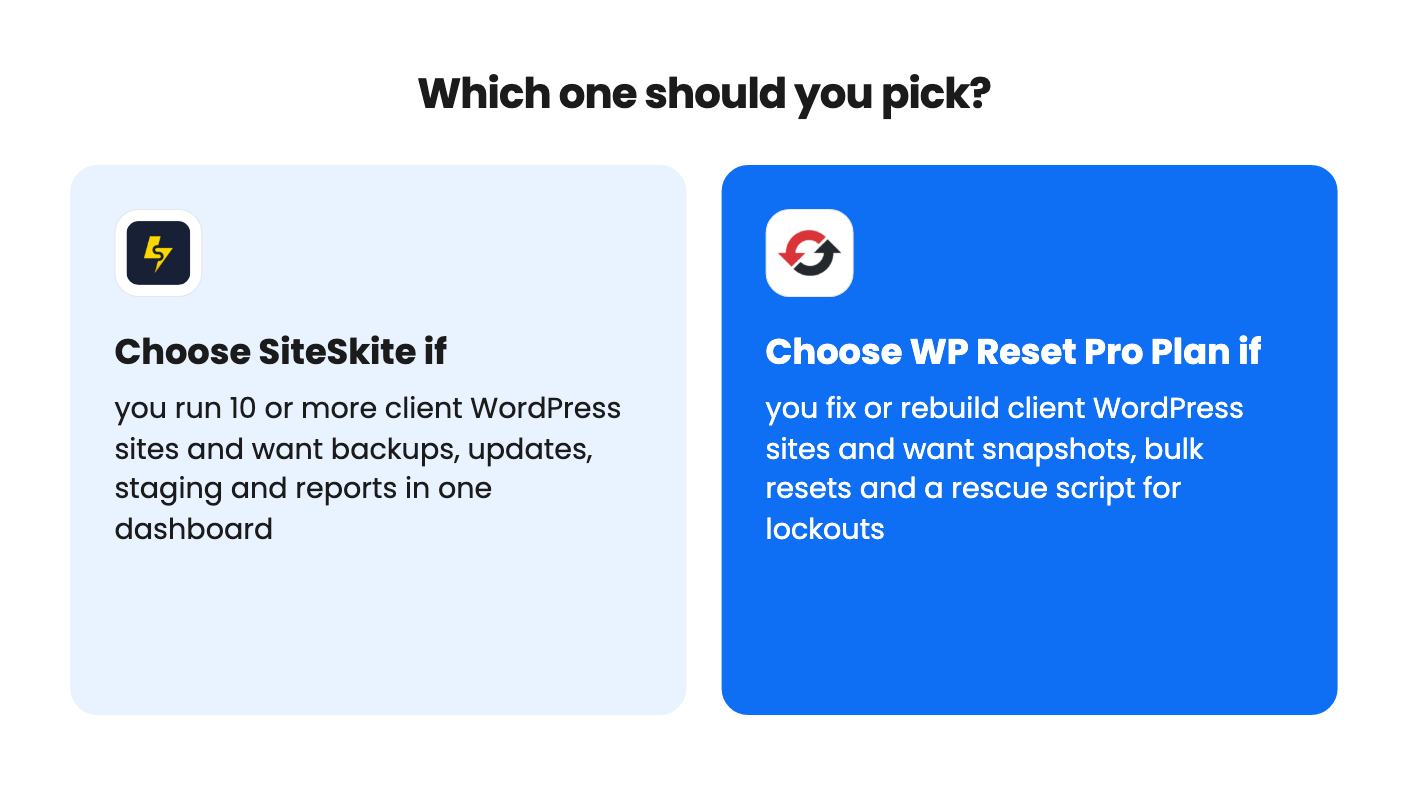
If you do both jobs, these two don’t cancel each other out. Start with whichever problem costs you more hours right now, and let the tier tables on the live pages settle the rest.
Nothing in either listing rules it out, and they do different jobs. SiteSkite handles backups, updates and reports across sites, and WP Reset adds resets and a rescue script. Pilot them on a couple of sites first.
WP Reset's $49 tier looks like the better fit, since it appears to allow around five site licences. SiteSkite's $29 tier covers one site, and its value starts at the $139 tier with 10 sites. Confirm the tier table on the live page.
SiteSkite is built around scheduled full and incremental backups with restore for files and databases. WP Reset's listing says its snapshots do not replace a full backup system, so treat them as rollback points.
How this comparison was made: researched from both tools' official listings and demo videos, and written with help from AI. We have not tested SiteSkite or WP Reset Pro Plan hands-on yet. Prices and deal terms change, so check AppSumo before you buy. See our affiliate disclosure.
Consently is a cookie consent tool with scanning, policy templates and Google CMP status, sold on AppSumo from $39. Here's what the listing covers and where it's thin.
Five AppSumo lifetime deals listed as Webflow alternatives, from a $69 all-in-one site builder to AI app generators, with who each suits and what's missing.
Eight AppSumo lifetime deals named as Squarespace alternatives, grouped by need, with the limits and gaps each listing shows and who each one suits.