Website BuildersReview
Consently Review: Cheap Cookie Consent, Odd Tier Math
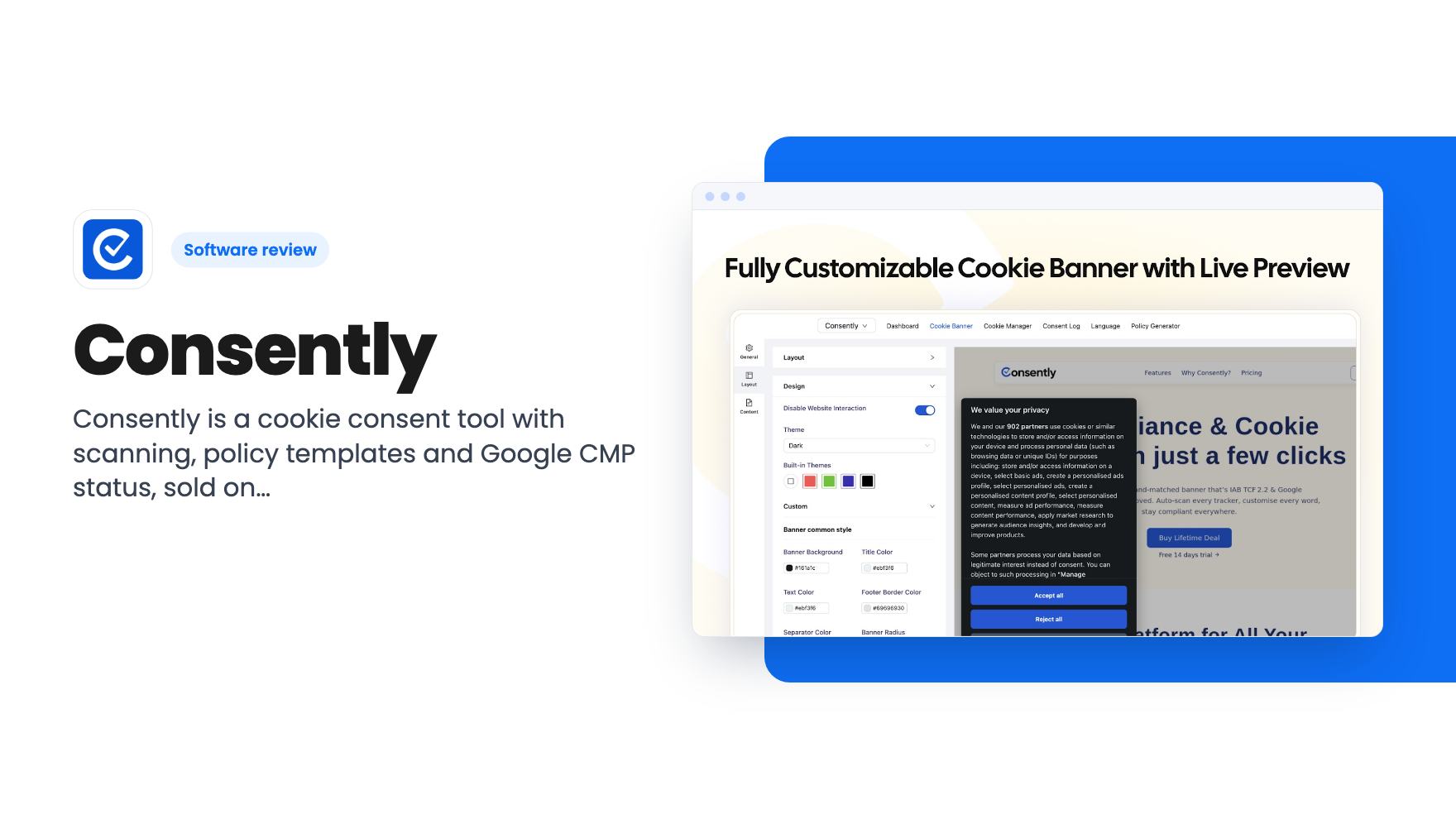
Consently is a cookie consent tool with scanning, policy templates and Google CMP status, sold on AppSumo from $39. Here's what the listing covers and where it's thin.
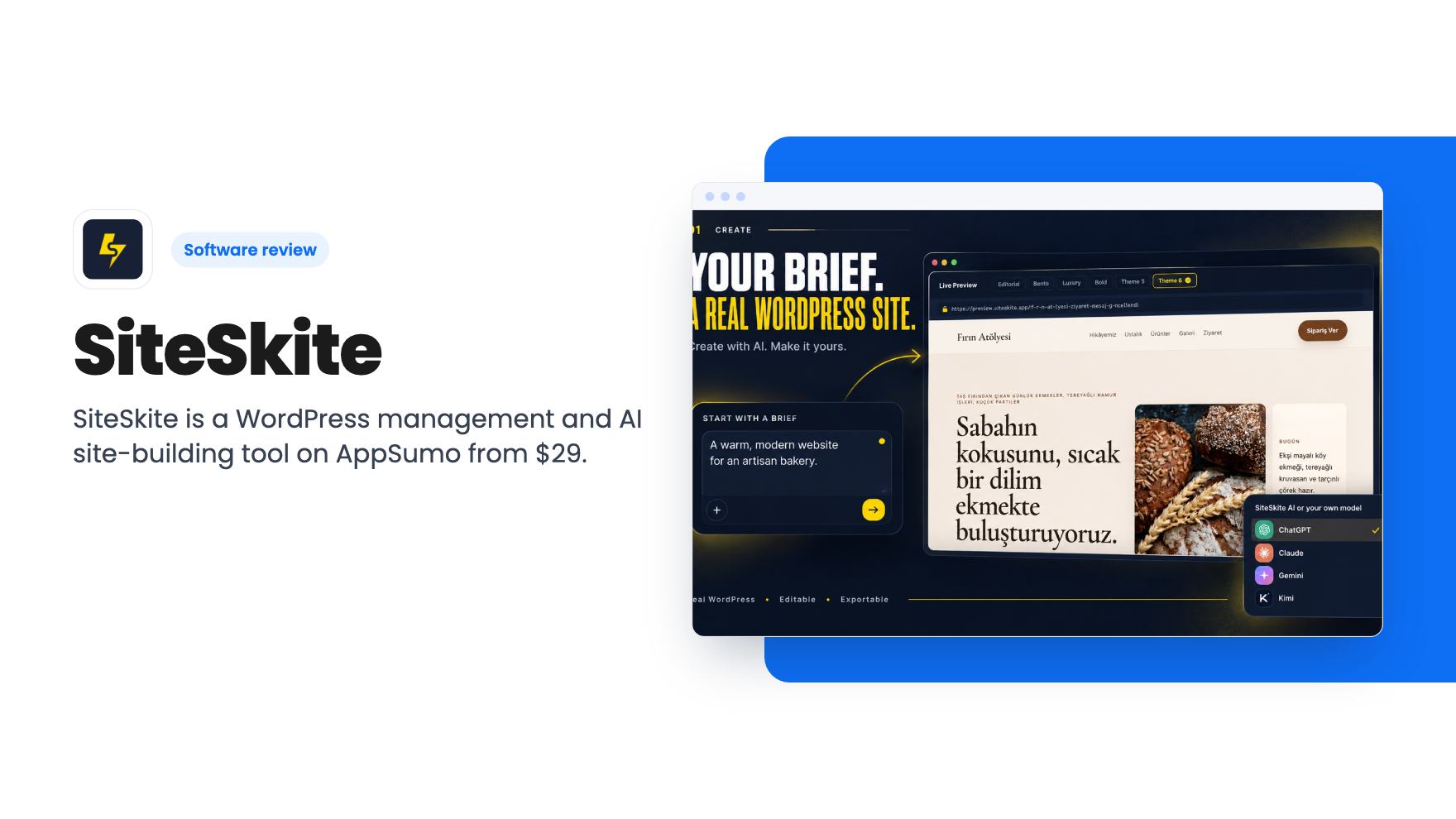
SiteSkite is a WordPress management and AI site-building tool on AppSumo from $29. Here is what each tier includes and where the listing is vague.
Lifetime deal price
$29$3619% off
Lifetime Deal
Our take: Freelancers and small agencies running 10 to 70 WordPress sites will find the Growth and higher tiers a cheap alternative to monthly care tools. Skip the $29 tier unless you only need one site, and skip the whole deal if you don't run WordPress or want proven, long-tested software.
You manage a handful of WordPress sites for clients, and every Monday starts the same way. Log into each admin, check for plugin updates, glance at backups, hope nothing broke over the weekend. It works until you have twelve sites instead of four.
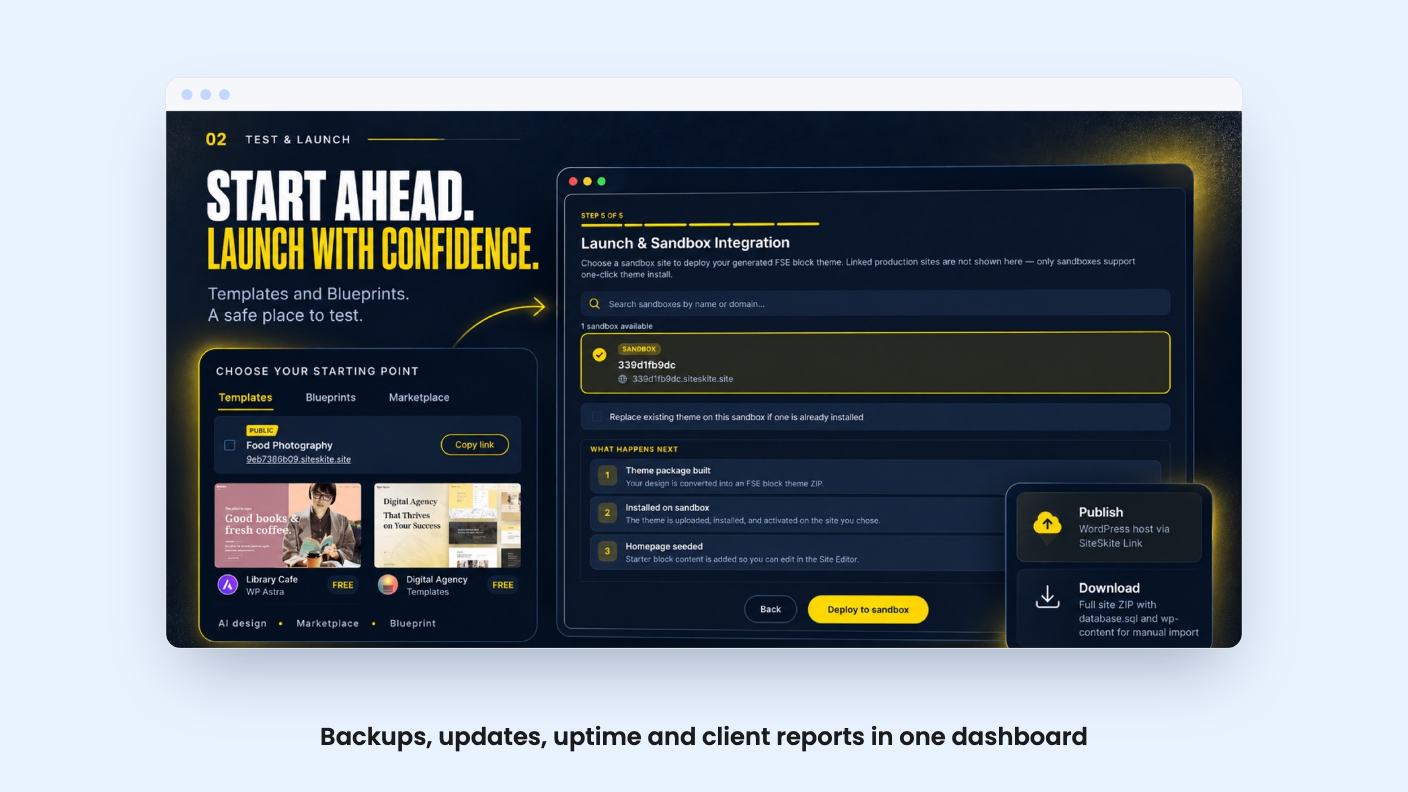
SiteSkite is built for that chore. It’s a WordPress management tool that also adds an AI site builder and a staging sandbox, and AppSumo is selling it as a lifetime deal starting at $29 (list price $36). It’s pitched as an alternative to ManageWP, Modular DS and WP Umbrella.
We haven’t used it ourselves, so everything below comes from the listing. That matters, because the listing is marketing copy and a few parts of it are unclear.
The core is a single dashboard for every connected WordPress site. According to the listing, you can review site health, updates and performance, run maintenance across the whole portfolio, and jump into any site’s admin with one-click login.
Backups are the part most agencies will care about. You can schedule full or incremental backups and restore files or databases when something breaks. Storage can be SiteSkite’s own, or you can connect Dropbox, Google Drive, Amazon S3, Backblaze B2 or pCloud.
That last point is useful. If a client’s contract says backups must sit in their own bucket, you can do that on every tier.
There are also branded client reports covering uptime, backups, updates and completed work. If you bill a monthly care plan, this is the document that justifies the invoice. The listing doesn’t show what the reports look like or how customizable they are, so check a sample before you count on them.
The sandbox feature is more interesting than it first sounds. You can start from a Marketplace template or a reusable Blueprint, or clone a site from an existing backup. Then you test layouts, plugins and updates, and collect client feedback before anything goes live.
Publishing goes through SiteSkite Link, or you can export the full site to your own WordPress host. The export option is reassuring, since it means a build isn’t trapped inside the platform.
The AI side is called AI Site Studio. You give it a short business brief and it generates an editable WordPress site, lets you explore design directions, and refines the result through conversation. You can use SiteSkite’s own AI or bring your own model, such as ChatGPT, Claude, Gemini or Kimi.
The listing doesn’t show any example output. “A real, editable WordPress site” is a claim, not a demo, and there’s no video to back it up. Treat the AI builder as a time saver for first drafts at best until you’ve seen results.
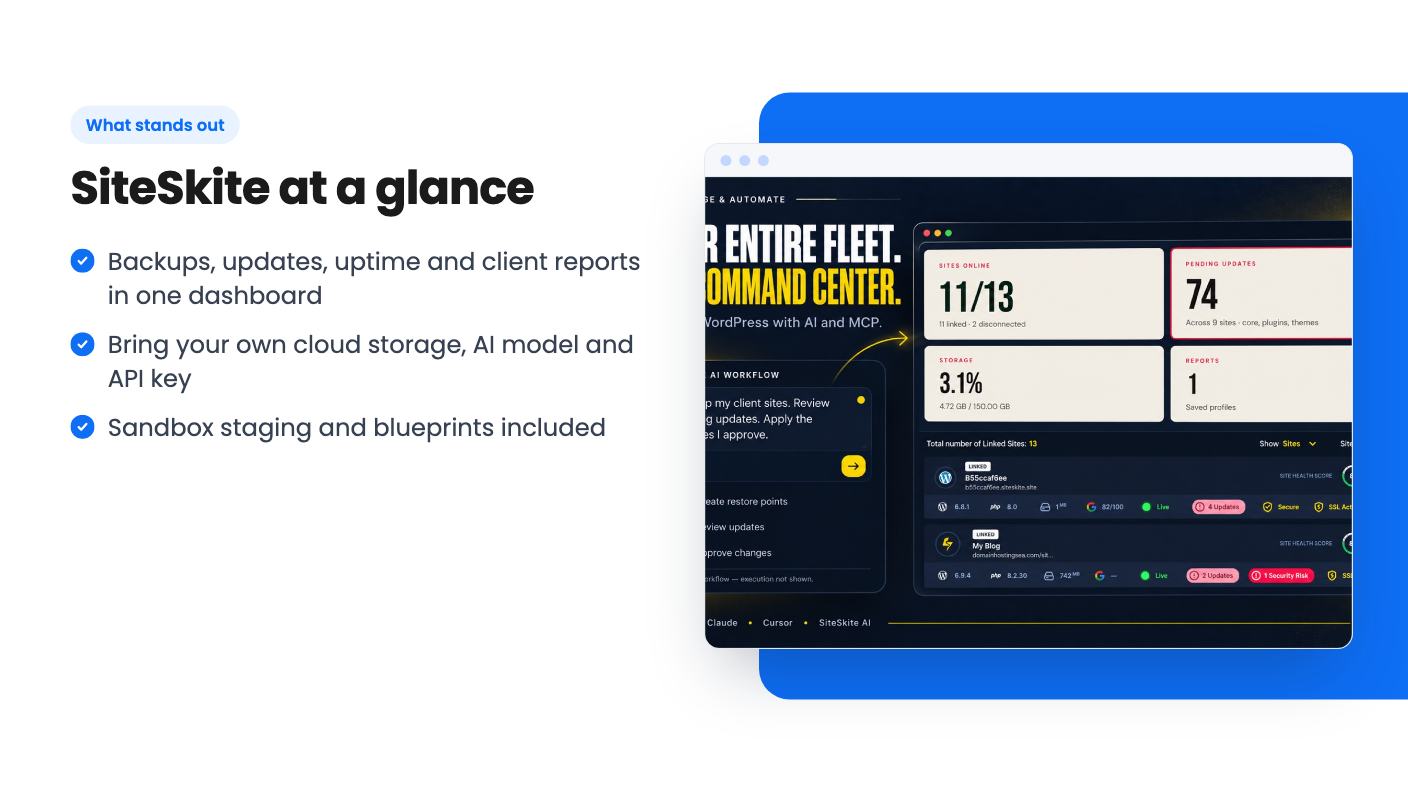
SiteSkite supports MCP, which lets assistants like ChatGPT, Claude and Cursor manage your connected sites. The idea is that you ask your assistant to check which sites need updates, and SiteSkite does the actual work underneath.
It’s an appealing idea if you already live in one of those tools. It’s also the kind of feature that’s easy to list and hard to judge from a description. The listing doesn’t say which actions are available through MCP or what limits apply.
There are four lifetime tiers, and you can move up or down between them. Going by the listing’s FAQ, they map like this:
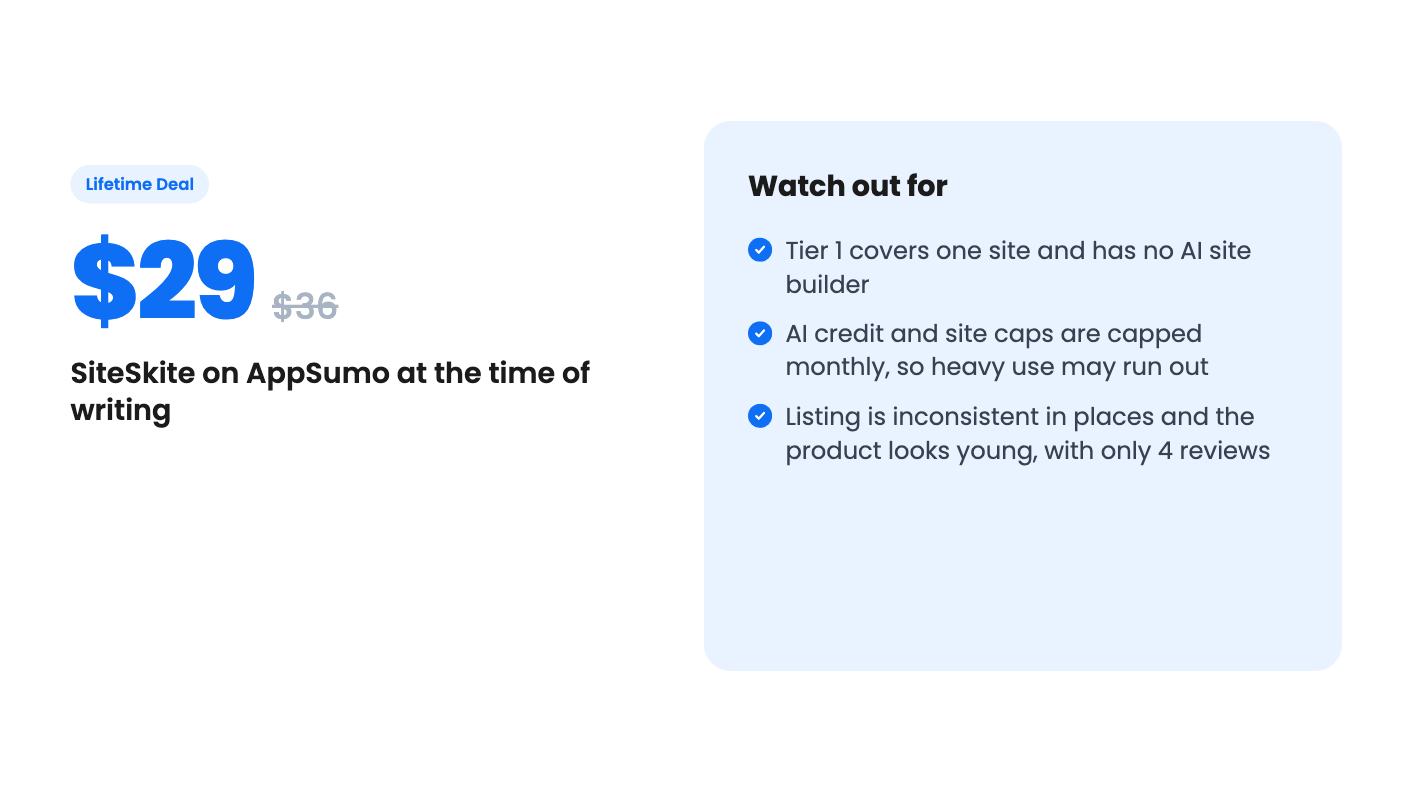
Per connected site, that’s about $29, $13.90, $10 and $8.56. So the real value sits in the upper tiers. The $29 tier is a single-site backup and maintenance license with some AI chat credits, which is a narrow product.
Monthly caps are the main thing to watch. AI credits run from 500 up to 20,000 a month, and AI Sites are capped at up to 20, 45 or 120 a month on the top three tiers. The listing’s feature table isn’t consistent about which number belongs to which tier, so confirm the exact figures on the checkout page before you buy. Blueprint limits, white label plugin and custom domain availability are also muddled in the table.
Two other conditions: you must activate your license within 60 days, and the listing promises all future plan updates. It doesn’t say what happens to credit allowances if the company changes its AI costs later.
Skip this if you don’t run WordPress. It does nothing for Shopify, Webflow or custom stacks.
Skip the $29 tier if you manage more than one site, or if you want the AI builder. Skip the deal entirely if you need a long track record. AppSumo shows 4 reviews averaging 4.75, which is encouraging but a tiny sample, and the product’s age isn’t stated.
The sensible way to try it is the one the listing suggests. Connect two or three pilot sites next to your current tool, compare the backups and update workflow, and only then migrate the rest. Keep the refund window in mind while you do that.
If you manage somewhere between 10 and 70 client sites, the Growth or Professional tier is where this deal makes sense. You’d get backups, staging, reporting and optional AI tooling for a one-time cost, but you should treat the AI claims as unproven until you’ve seen them work on your own sites.
According to the listing, AI Site Studio and Bring Your Own AI Model start at the $139 tier (Growth). The $29 tier gets MCP access and monthly AI credits for chats and automations, but not site generation.
Yes. Every tier supports Dropbox, Google Drive, Amazon S3, Backblaze B2 or pCloud, with full or incremental backups. SiteSkite-managed storage is separate and ranges from 2.5 GB to 175 GB by tier.
The listing says the plugin runs independently on the same sites, so you can connect a few pilot sites and compare workflows before moving the rest in batches.
How this review was made: researched from SiteSkite's official listing, and written with help from AI. We have not tested SiteSkite hands-on yet. Prices and deal terms change, so check AppSumo before you buy. See our affiliate disclosure.
Consently is a cookie consent tool with scanning, policy templates and Google CMP status, sold on AppSumo from $39. Here's what the listing covers and where it's thin.
Five AppSumo lifetime deals listed as Webflow alternatives, from a $69 all-in-one site builder to AI app generators, with who each suits and what's missing.
Eight AppSumo lifetime deals named as Squarespace alternatives, grouped by need, with the limits and gaps each listing shows and who each one suits.