
Forms & SchedulingReview
zcal Review: A Good-Looking Scheduler at a $59 Lifetime Price
zcal is a design-focused scheduling tool with team booking and custom domains. The lifetime deal runs $59 to $219, with user caps that matter.
kiwilaunch ($39) is built around iPhone card payments and your own site. TidyCal ($29 or $79) offers clearer limits, team seats and a bigger track record.
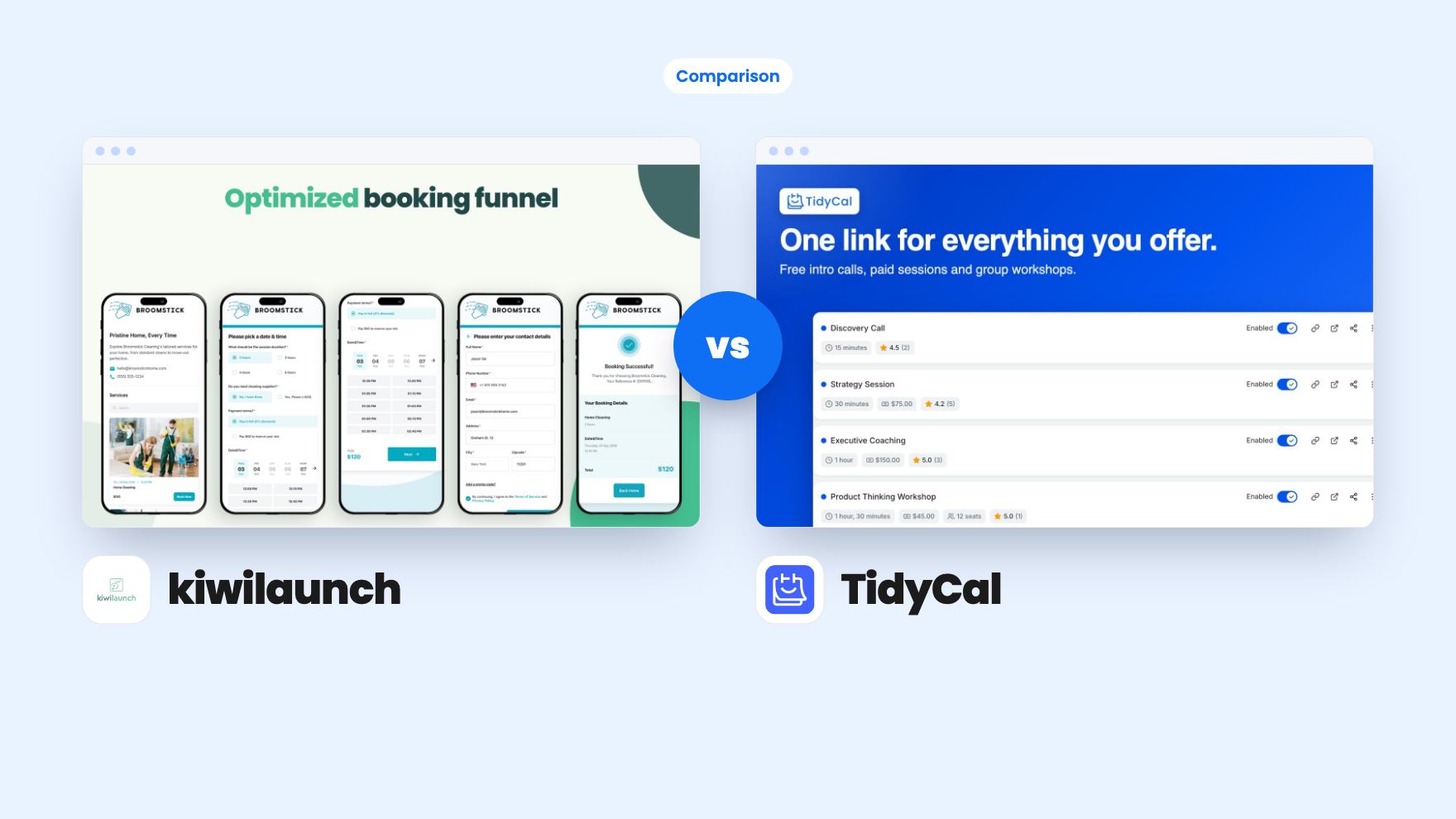
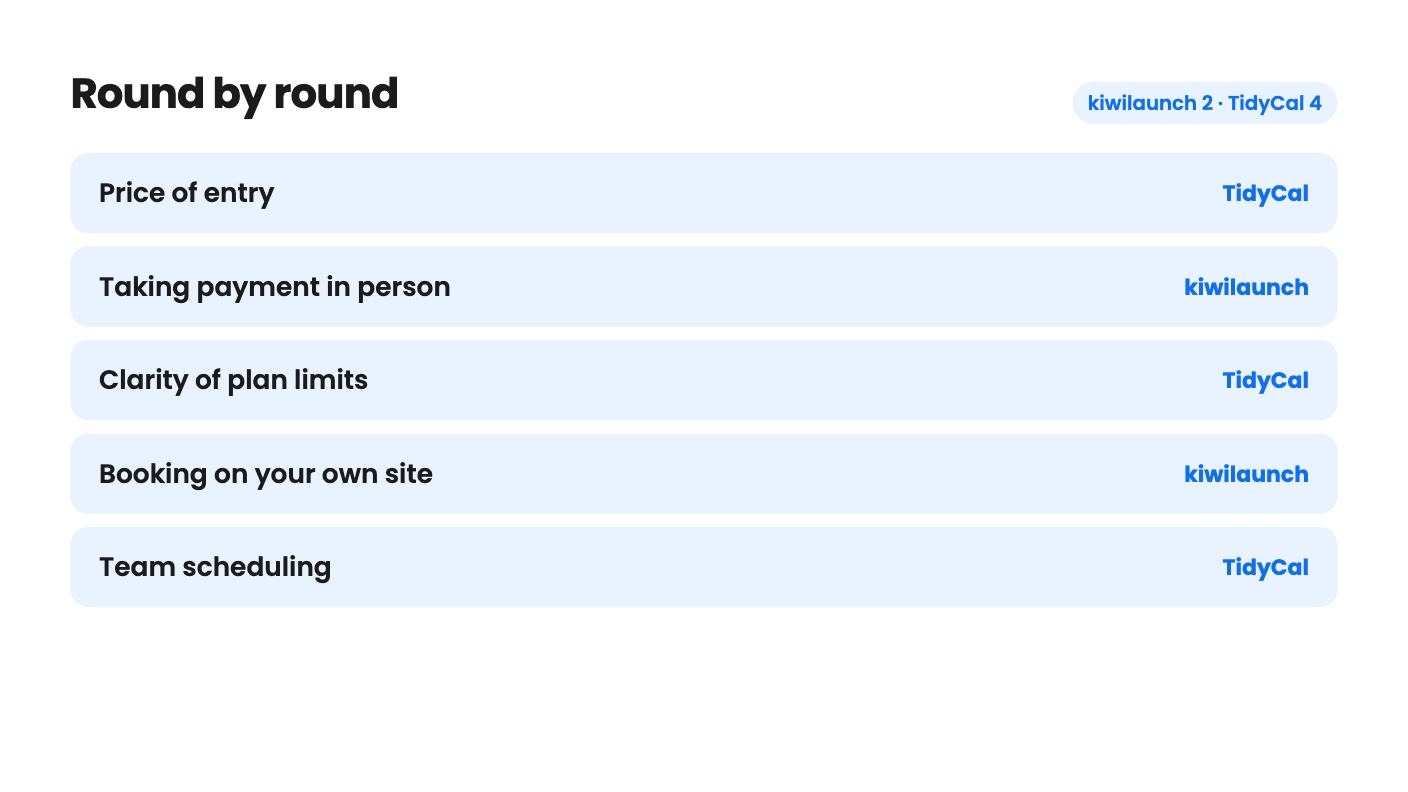
kiwilaunch takes 2 rounds, TidyCal takes 4.
| Round | Winner | Why |
|---|---|---|
| Price of entry | TidyCal | TidyCal's solo tier is $29 against kiwilaunch's $39, and both come with a 60-day window to redeem or refund. |
| Taking payment in person | kiwilaunch | kiwilaunch supports Tap to Pay on iPhone with your own Stripe account, while TidyCal only lists payment at booking through Stripe or PayPal. |
| Clarity of plan limits | TidyCal | TidyCal states unlimited bookings, 10 calendars and its 1% fee, whereas kiwilaunch gives no numbers for services, bookings or staff. |
| Booking on your own site | kiwilaunch | kiwilaunch is pitched around pasting one script into your page, while TidyCal lifetime plans have no custom domain and keep a Powered by TidyCal bar. |
| Team scheduling | TidyCal | TidyCal's $79 tier adds three extra members, round-robin and collective meetings, and kiwilaunch lists no team features. |
| Track record | TidyCal | TidyCal has 937 AppSumo reviews at 4.32 and is an AppSumo Original, against 48 reviews at 4.62 for a younger product with no public roadmap. |
| kiwilaunch | TidyCal | |
|---|---|---|
| Starts at | $39 | $29 |
| List price | $936 | $144 |
| Plan | Lifetime Deal | Lifetime Deal |
| Deal ends | Not listed | Not listed |
| Best for | Freelancers, Online coaches, Small businesses | Online coaches, Small businesses, Solopreneurs |
| Alternative to | Acuity Scheduling, Calendly | Acuity Scheduling, Calendly |
You’re a coach or consultant with a calendar full of back-and-forth messages. Does Tuesday work? What about Thursday morning? Both tools here promise to end that, both are on AppSumo as lifetime deals, and both list Calendly and Acuity Scheduling as the tools they replace. They get there by different routes, and that matters more than the $10 gap in price.
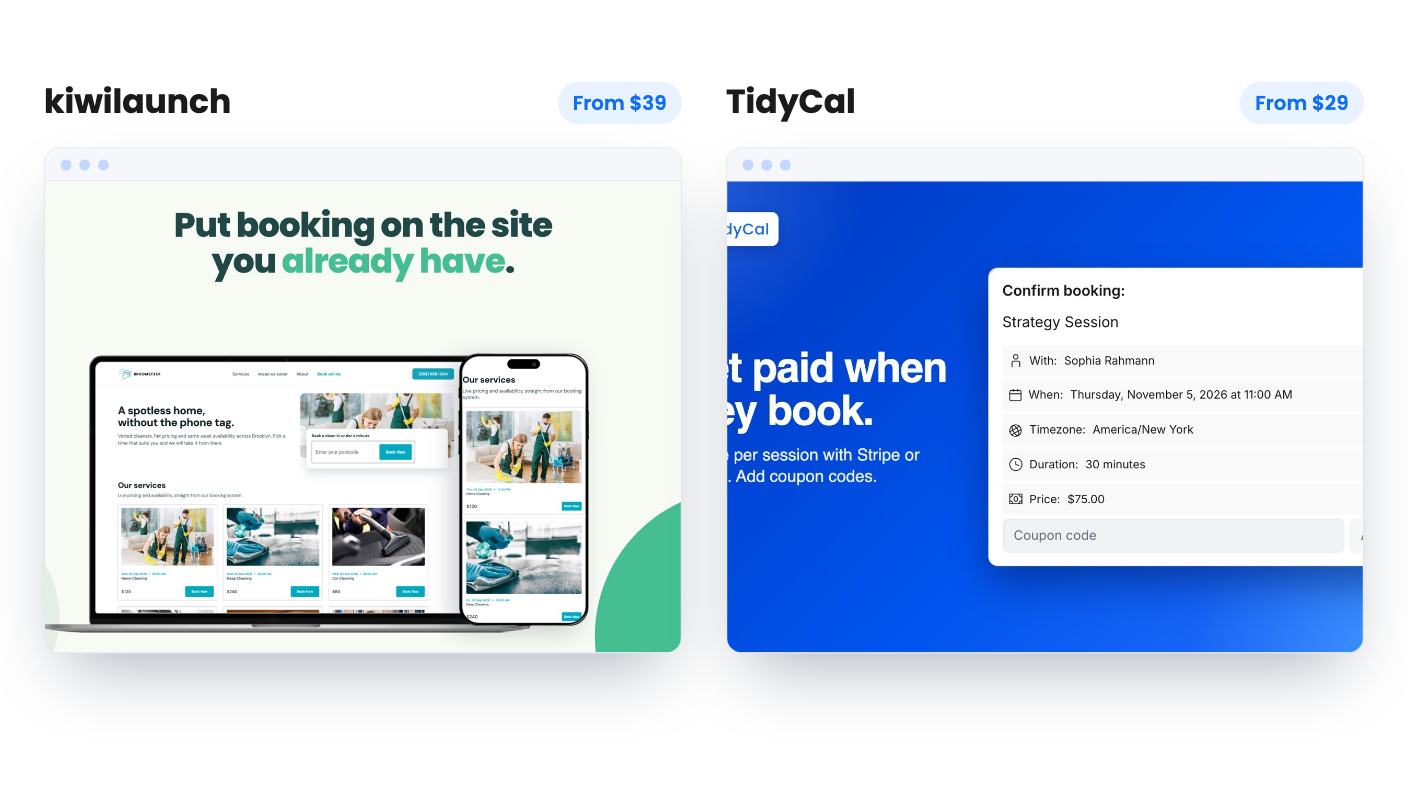
kiwilaunch costs $39 for a single tier. TidyCal costs $29 for the solo tier or $79 for an Agency tier with team features. We haven’t used either, so everything below comes from the listings and the sales copy attached to them.
kiwilaunch is built around your iPhone. The listing says the iPhone app is the full back office and can run everything, and its standout feature is Tap to Pay on iPhone. A client taps a physical card or Apple Pay on your phone, and you’re paid with no separate terminal. You connect your own Stripe account, so the money lands with you.
TidyCal is a more conventional scheduler. You build booking types, share a link, and people pick a slot. It adds paid bookings, packages and coupon codes on top. Nothing in its listing mentions taking a card in person.
So the question is where your clients pay you. If it’s at the door, at the gym or in the client’s living room, kiwilaunch has a pitch TidyCal simply doesn’t. If it’s online before the session, TidyCal covers that fine.
TidyCal is the easier one to judge, because it tells you its limits. Both tiers get unlimited bookings per month, up to 10 connected calendars across Google, Outlook/Office 365 and Apple, and automatic Zoom, Google Meet and Microsoft Teams links. You can create one-on-one, group and recurring booking types, with custom availability, buffer time and booking limits. Intake questions, confirmation emails you write yourself, and automatic review collection round it out.
kiwilaunch is vaguer. Its AI step drafts your whole catalog from a few sentences, and the listing says you can take a first booking three minutes after signing up. That’s a good idea, since setting up services is the dull part. But the listing doesn’t say how many services you can create, how many bookings per month are allowed, or whether staff calendars exist. It lists integrations with Google Calendar, Google Meet, Stripe, WordPress and Zapier. No Outlook or Apple calendar, no Zoom.
That gap in the information is a real cost. With TidyCal you can read what you’re buying. With kiwilaunch you’d be relying on the refund window to find out.
Both connect to Stripe. TidyCal also takes PayPal, and it sells packages and subscriptions so a client can pay upfront for several sessions. For a coach selling a six-session block, that’s a tidy setup.
The catch is a 1% platform fee on paid bookings, on top of Stripe or PayPal fees. On a $200 session that’s $2. It’s small, but it’s permanent on a lifetime plan, and only the Pro subscription removes it.
kiwilaunch’s listing says nothing about processing fees or any platform fee. Stripe has its own pricing, so go and read it. It also doesn’t mention packages, subscriptions or coupons, so assume they’re absent until the company says otherwise.
This is where kiwilaunch has the stronger story. You paste one script and a booking widget appears on your own service page, along with a catalog component that shows your services with live prices and availability. No website yet? Your kiwi booking page becomes your website. The company’s own line is that kiwi lets a service business sell under its own brand, though the admin panel carries kiwilaunch branding and there’s no agency white-label.
TidyCal is blunter about its limits. Lifetime plans keep a Powered by TidyCal bar at the bottom of the booking page and a logo in emails. Neither tier includes a custom domain. Pro removes the bar, at $8.25 a month billed yearly, which works out to roughly $99 a year. If a clean page on your own domain matters to you, the real TidyCal cost is the lifetime deal plus a subscription.
You can still add your logo and colours and pick a page style on TidyCal for free. AppSumo’s summary also mentions a newer theme editor, but that’s marketing copy, so check it in the free plan.
If you have staff, the decision is nearly made for you. TidyCal’s $79 Agency tier adds three team members, a team booking page, round-robin and collective meetings, a custom reply-to address and 10 SMS reminders a month. Teammates sign up for free accounts, but each can connect only one calendar on a free account.
That SMS allowance is thin, and the listing says texts work only in the US and Canada. The solo tier gets email reminders only. Treat SMS as a minor extra rather than a reason to pay $50 more.
kiwilaunch lists no team scheduling at all. It’s a one-person tool as far as the listing shows.
Then there’s the Android question. kiwilaunch launched its native iOS app in August 2026 and describes Android as under construction. If you or your clients are on Android, half the pitch is missing for now.
TidyCal is an AppSumo Original, with 937 reviews averaging 4.32. kiwilaunch has 48 reviews averaging 4.62, and the company says it has been growing since 2022 but has no public roadmap because it doesn’t plan three months ahead. A higher average on a small sample isn’t the same as a proven product. For a lifetime deal, I’d give TidyCal the edge on staying power, though the company’s own claims about survival are just that.
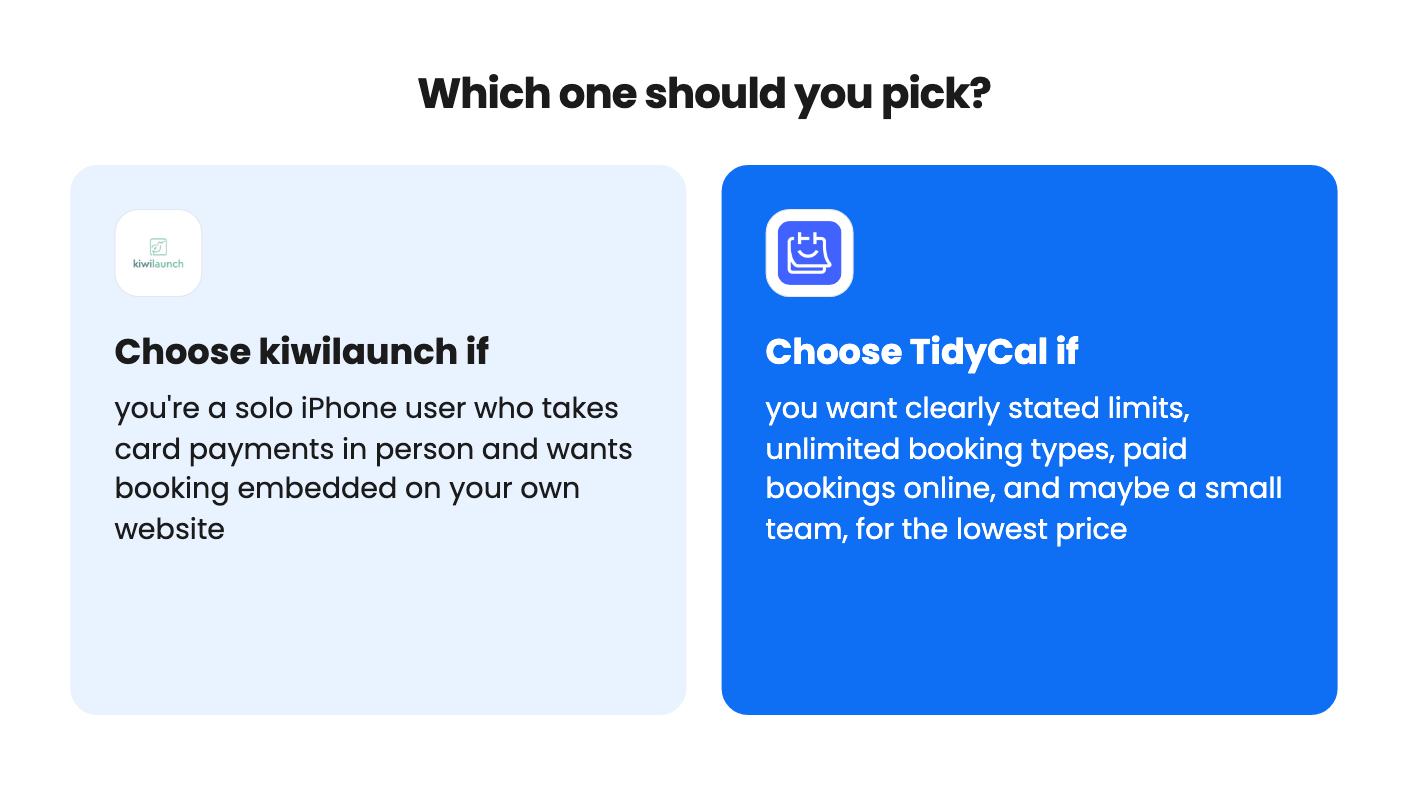
Buy kiwilaunch if you’re a solo trainer, tutor, photographer or stylist with an iPhone who gets paid in person and wants booking on your own site. The $39 price and 60-day money-back guarantee keep the gamble small. Ask about service and booking limits before you rely on it.
Buy TidyCal if you want to know what you’re getting. The $29 tier covers unlimited booking types, Zoom links and online payments, and you can try the free plan before the 60 days run out. Pay the extra for Agency only if you genuinely have up to three colleagues to schedule.
Skip both if you need a custom domain with no vendor branding, or full agency white-label. Neither lifetime deal offers that.
Only kiwilaunch lists that. Its iPhone app supports Tap to Pay on iPhone through your own Stripe account. TidyCal lists payment at the time of booking through Stripe or PayPal, and nothing about in-person card taking.
TidyCal lifetime plans keep a Powered by TidyCal bar and a logo in emails, and neither tier includes a custom domain. Removing it needs the Pro subscription at $8.25 a month billed yearly. kiwilaunch says its admin panel carries kiwilaunch branding and it has no agency white-label, but the listing doesn't say what shows on your embedded widget.
TidyCal, going by the listings. kiwilaunch says its native Android app is still under construction, and the Tap to Pay feature is iPhone only. TidyCal's listing doesn't mention a mobile app either way, so check that on its free plan.
How this comparison was made: researched from both tools' official listings and demo videos, and written with help from AI. We have not tested kiwilaunch or TidyCal hands-on yet. Prices and deal terms change, so check AppSumo before you buy. See our affiliate disclosure.
zcal is a design-focused scheduling tool with team booking and custom domains. The lifetime deal runs $59 to $219, with user caps that matter.
AppSumo hasn't announced its Black Friday 2026 deals yet. Here's how to shortlist, check plan limits and which lifetime deals to watch.
Yoya swaps the booking form for an AI chat and sends you a pre-call brief. Here's what the $49, $129 and $249 AppSumo lifetime tiers really get you.

