
Forms & SchedulingReview
zcal Review: A Good-Looking Scheduler at a $59 Lifetime Price
zcal is a design-focused scheduling tool with team booking and custom domains. The lifetime deal runs $59 to $219, with user caps that matter.
Formly has 239 reviews and drop-off tracking. Kiwiform is cheaper to start but has 7 reviews and no custom domain on tier 1. Here's how they compare.
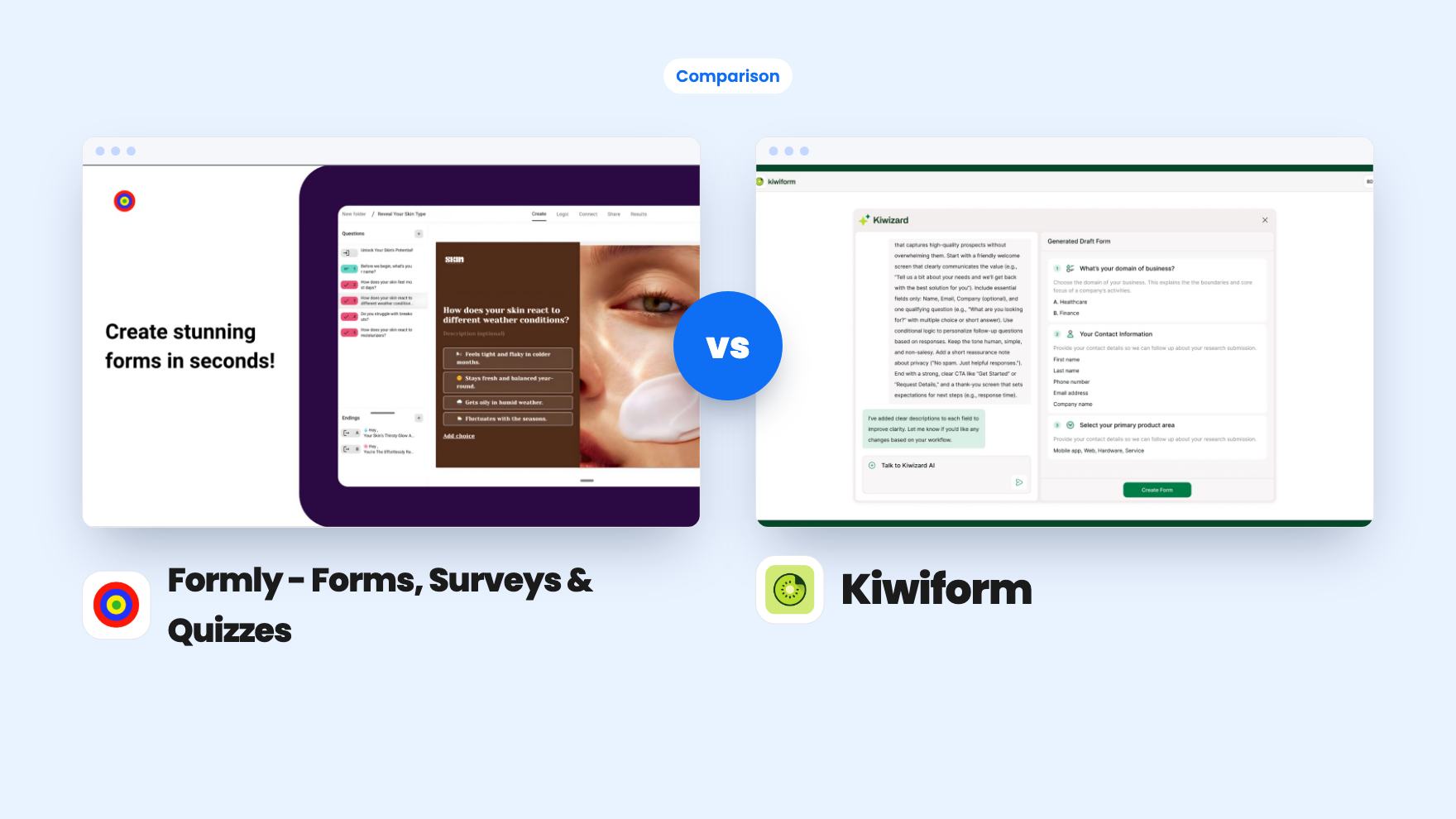
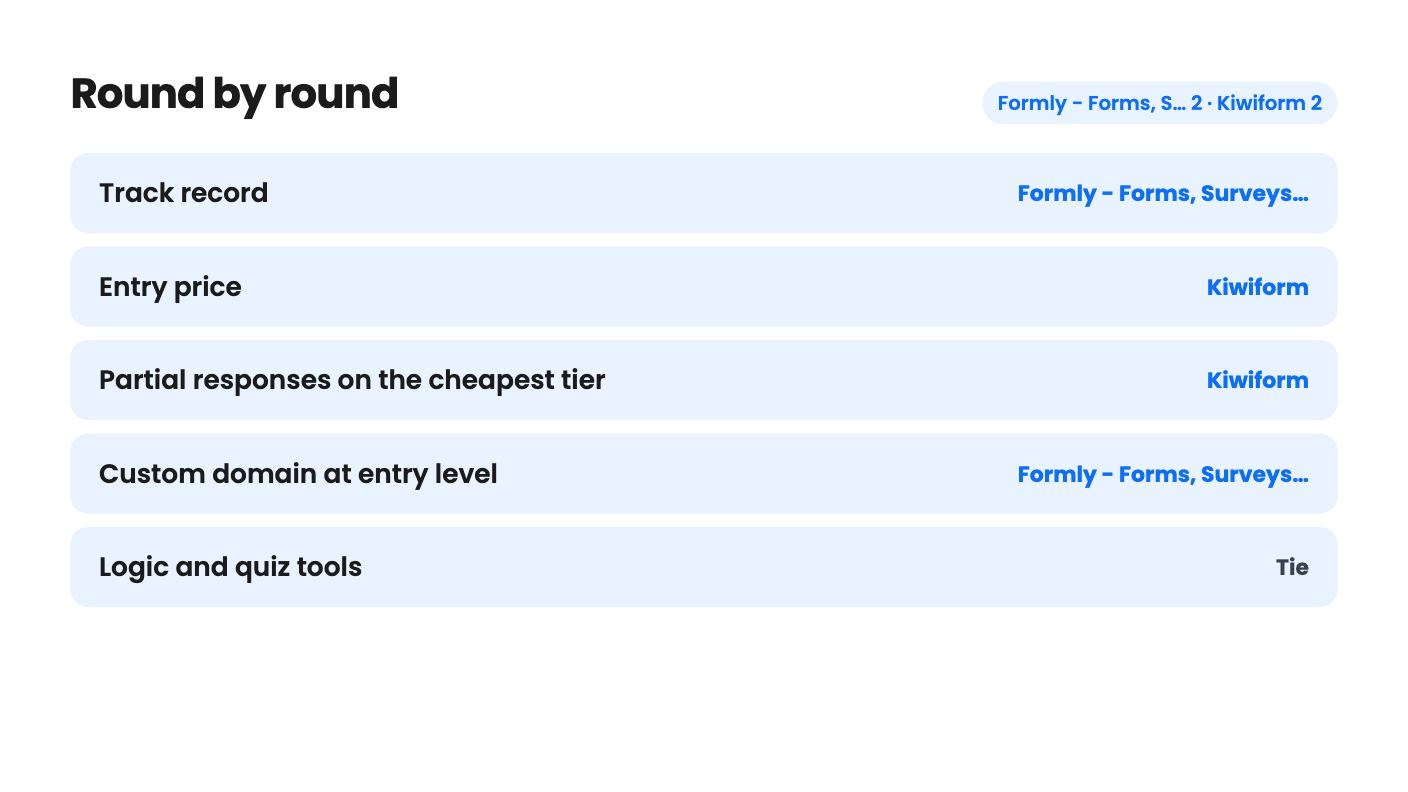
Formly - Forms, Surveys & Quizzes takes 2 rounds, Kiwiform takes 2.
| Round | Winner | Why |
|---|---|---|
| Track record | Formly - Forms, Surveys & Quizzes | Formly shows 239 AppSumo reviews at 4.62, while Kiwiform shows only 7 at 4.71, which is too small a sample to trust. |
| Entry price | Kiwiform | Kiwiform starts at $79 against $99 for Formly, and its top tier is $237 against Formly's $495. |
| Partial responses on the cheapest tier | Kiwiform | Formly's plan table marks partial responses false on tier 1, while Kiwiform's analytics list partial submissions without a tier restriction in what we have. |
| Custom domain at entry level | Formly - Forms, Surveys & Quizzes | Formly tier 1 lists 10 domains, while Kiwiform's Basic tier has no custom domain with SSL until the $158 Pro tier. |
| Logic and quiz tools | Tie | Both list branching, conditional rules and scored quizzes, and neither says how many rules a form can hold. |
| Integrations | Tie | Each names four or five connections and leans on Zapier and webhooks, and neither clearly separates native from indirect. |
| Formly - Forms, Surveys & Quizzes | Kiwiform | |
|---|---|---|
| Starts at | $99 | $79 |
| List price | $696 | $399 |
| Plan | Lifetime Deal | Lifetime Deal |
| Deal ends | Not listed | Jan 15, 2027 |
| Best for | Marketers, Marketing agencies, Small businesses | Marketers, Small businesses, Solopreneurs |
| Alternative to | SurveyMonkey, Typeform | SurveyMonkey, Typeform, Jotform |
Picture a small agency that sends a quote request form to every lead, and a coaching business that runs three separate Google Forms and cleans up a spreadsheet by hand every Friday. Both want the same thing: a Typeform-style builder, no monthly bill, and some way to see why people quit halfway through. Formly and Kiwiform both pitch themselves at that buyer.
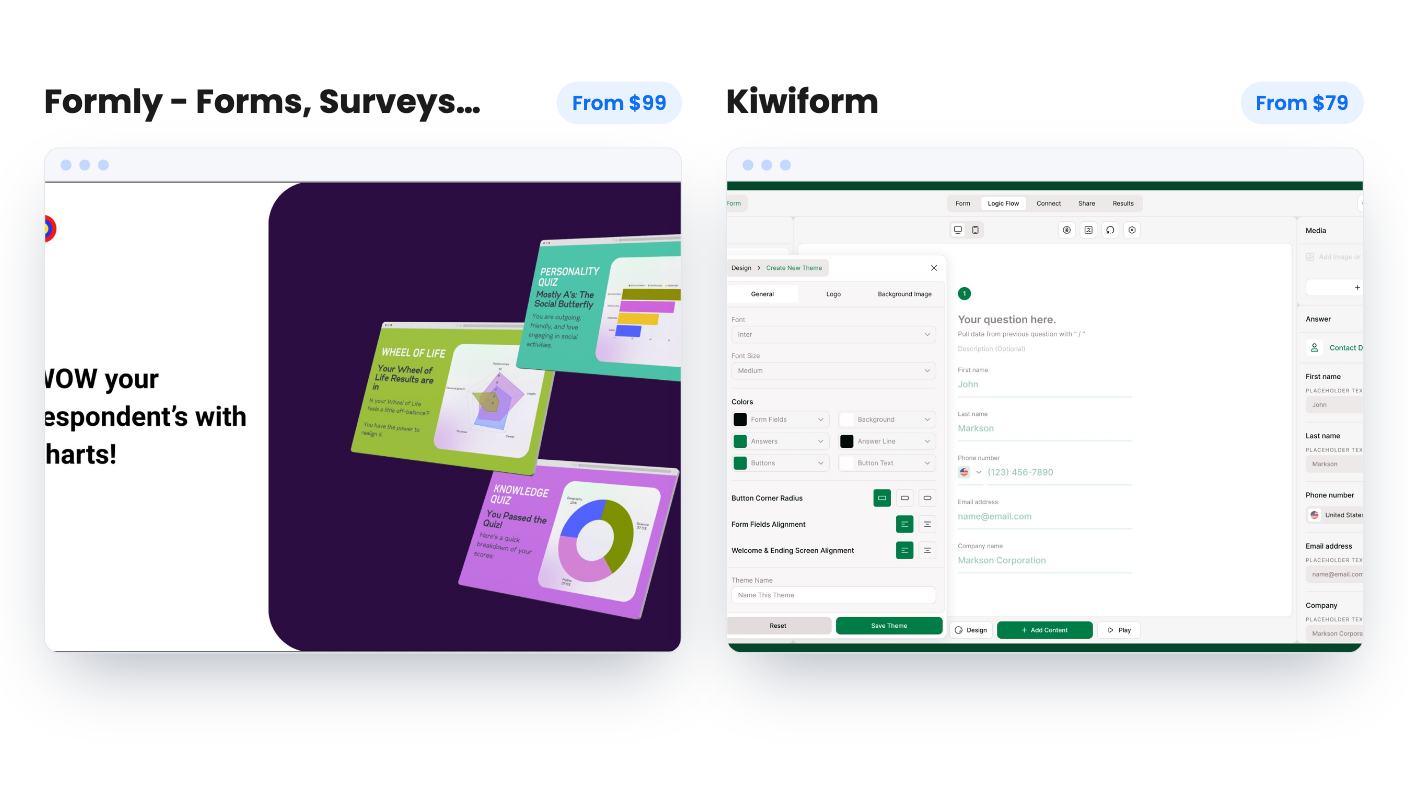
They overlap more than they differ. We haven’t used either one, so everything below comes from the AppSumo listings and plan tables, which are marketing material. Where the listings go quiet, we’ll say so.
Formly has 239 AppSumo reviews averaging 4.62 out of 5. Kiwiform has 7, averaging 4.71. Those two numbers don’t compare. Seven reviews can’t tell you how support behaves, how often things break, or what the company does after the launch rush.
Neither listing says how long its product has existed or what the roadmap looks like. For Kiwiform, that silence plus the tiny review count is the main risk. A lifetime deal only pays off if the company is still around in a few years.
Formly’s bigger pool of buyers doesn’t guarantee that either, but it gives you something to lean on. Kiwiform asks for more faith.
Kiwiform does win on price. It’s $79 against $99 at the entry tier, and $237 against $297 at the third rung. Its deal also ends on 15 January 2027 and is only open to brand-new Kiwiform users. Formly’s listing, as we have it, shows neither an end date nor a new-user restriction.
On the basics they’re close. Both offer conditional logic, branching, and control over themes, fonts and colors. Both let you build scored quizzes.
Formly adds full-page and conversational layouts, 25+ languages including right-to-left, and templates with built-in logic. Its question types include image choice, rating and opinion scale. Combine its Calculator with payment questions and the listing says you can set up a basic online store. We’d treat that as fine for a simple order form, nothing more.
Kiwiform’s distinct touches are answer recall, where a respondent’s first name can reappear later in the form, and a built-in accessibility checker that flags colour contrast and missing alt text. You can also rewrite system messages such as button labels and validation errors, and set share thumbnails for links you post on social media. It routes scores to multiple endings, which suits lead qualification well.
Neither listing says how many branches or rules a single form can hold. Complicated logic is where form builders tend to get messy, so build your most tangled form during the refund window before you commit.
Formly also shows quiz scores and survey results as bar, donut, radar or gauge charts. Kiwiform doesn’t mention anything similar.
This is the section that decides things for anyone buying for lead capture.
Formly tracks drop-off rates and captures partial responses, so a half-finished form with an email address still lands in your Results section. That’s a real selling point. But the plan table marks partial responses false on tier 1, and prevent duplicate responses too. The $99 tier lacks the feature that makes the product interesting for lead forms. You’d need tier 2 at $198.
The table has another oddity. Tier 5 marks advanced analytics and drop-off rates as false, while tiers 1 to 4 have them. That looks like a listing error to us, but the listing doesn’t say so. Ask before paying $495.
Kiwiform’s dashboard covers views, submissions, completion rates and partial submissions, with filtering and report export. The plan features we have for Kiwiform only list forms, responses, workspaces and team members, so we can’t confirm whether partial submissions are available on every tier. The listing doesn’t restrict them, which is a point in its favour, but it isn’t proof.
Kiwiform also lets you schedule start and end dates, set a submission limit, autosave responses, show a progress bar and add spam protection and a cookie consent notice. Formly’s listing doesn’t cover most of that.
Formly’s integrations field names Google Sheets, Pabbly Connect, Webhooks and Zapier. The feature copy adds Mailchimp, Slack and HubSpot but doesn’t say which are direct connections. If you don’t already pay for Zapier, that matters.
Kiwiform names Google Sheets, HubSpot, Slack, Stripe and Zapier, and claims webhooks reach 1000+ apps. Read that as Zapier and webhooks doing most of the work. Stripe is a useful name to see if you take payments, since Formly mentions payment questions but never names a processor.
We’d call this a tie. Both are short on native connectors, and a buyer with a specific CRM should check before paying.
Both give unlimited forms and unlimited responses on every tier. The limits sit elsewhere.
The like-for-like comparison is three seats. Kiwiform Pro costs $158 and gives you a custom domain. Formly tier 2 costs $198 and gives you partial responses plus unlimited domains. Formly doesn’t say whether its AI cap is monthly, which makes its numbers hard to set against Kiwiform’s.
Kiwiform’s table has its own quirks. Email verification is on for the first two tiers and off for Business, and blacklisting respondents is on only for Basic. The listing doesn’t explain either. Kiwiform also warns that future AI models may need an add-on, and Formly ties updates to its Gold Plan, so later features in higher plans may not reach you.
Both require redemption within 60 days. Formly lets you stack five codes and mentions a 60-day money-back guarantee. Kiwiform allows three, and the listing text we have doesn’t spell out its refund terms.
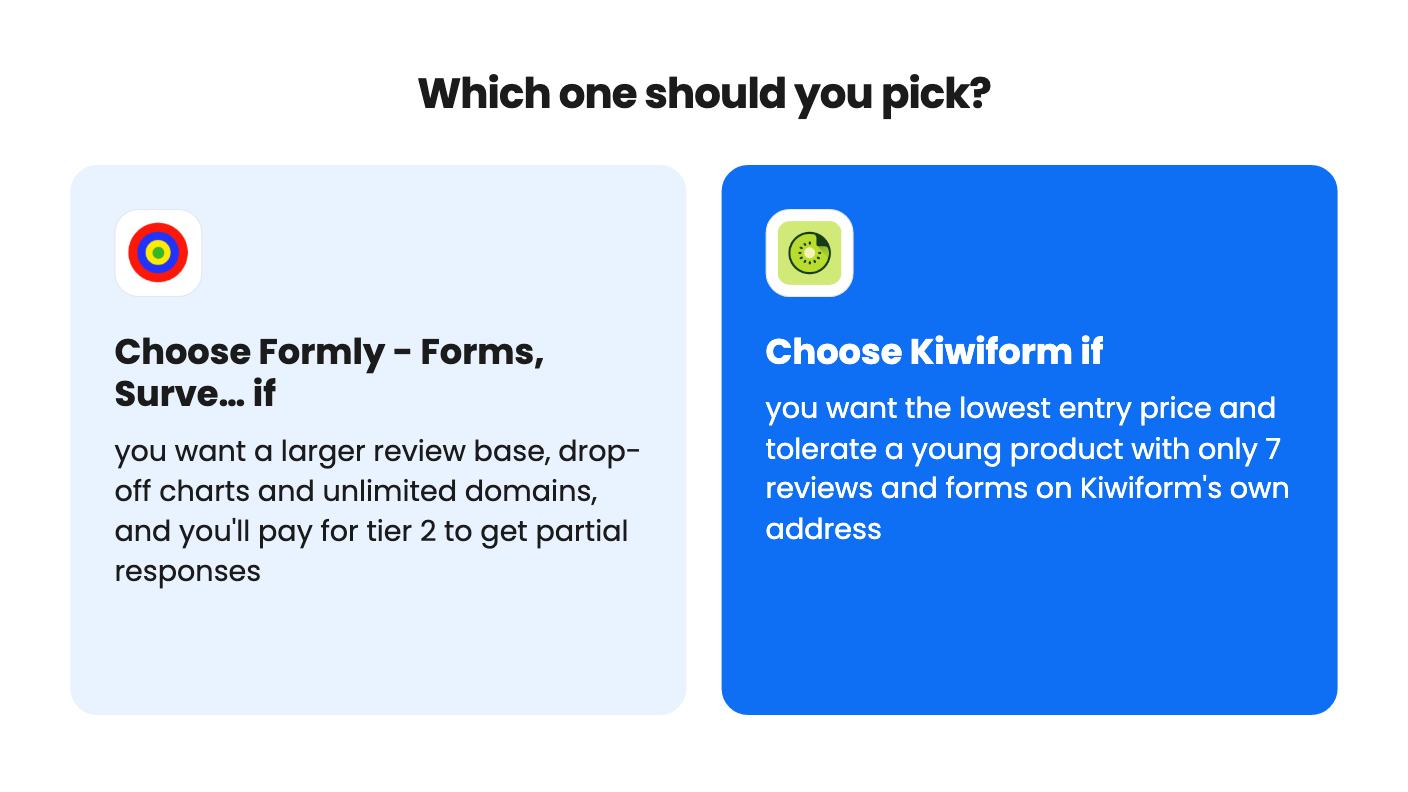
If you want the safer bet, buy Formly, but start at tier 2. The $99 tier is a trap for anyone who wants drop-off data on partial leads. At $198 you get a product with a real review history, unlimited domains and the analytics that justify the purchase.
If price is the deciding factor and your needs are modest, Kiwiform Pro at $158 is the more affordable way to get three seats and a custom domain. Basic at $79 works for a solo owner who is happy with forms on Kiwiform’s own address and builds mostly by hand.
The seven reviews are the thing to weigh honestly. Build one real form in the first week with whichever you pick, test your integrations, and use the refund window if anything feels off.
Kiwiform. Its tiers are $79, $158 and $237, while Formly's are $99, $198, $297, $396 and $495. At the three-user level it's $158 for Kiwiform Pro against $198 for Formly tier 2.
Formly does, but only from tier 2 up, since its plan table marks tier 1 as false. Kiwiform's listing says its analytics track partial submissions, and the plan features we have don't gate it by tier.
On Formly tier 1 the table lists 10 domains. On Kiwiform, custom domain with SSL is off on Basic and only arrives on the $158 Pro tier.
How this comparison was made: researched from both tools' official listings and demo videos, and written with help from AI. We have not tested Formly - Forms, Surveys & Quizzes or Kiwiform hands-on yet. Prices and deal terms change, so check AppSumo before you buy. See our affiliate disclosure.
zcal is a design-focused scheduling tool with team booking and custom domains. The lifetime deal runs $59 to $219, with user caps that matter.
AppSumo hasn't announced its Black Friday 2026 deals yet. Here's how to shortlist, check plan limits and which lifetime deals to watch.
Yoya swaps the booking form for an AI chat and sends you a pre-call brief. Here's what the $49, $129 and $249 AppSumo lifetime tiers really get you.

