AI Writing & VideoTop deals
AppSumo Deals Ending Before Black Friday 2026: Buy or Wait?
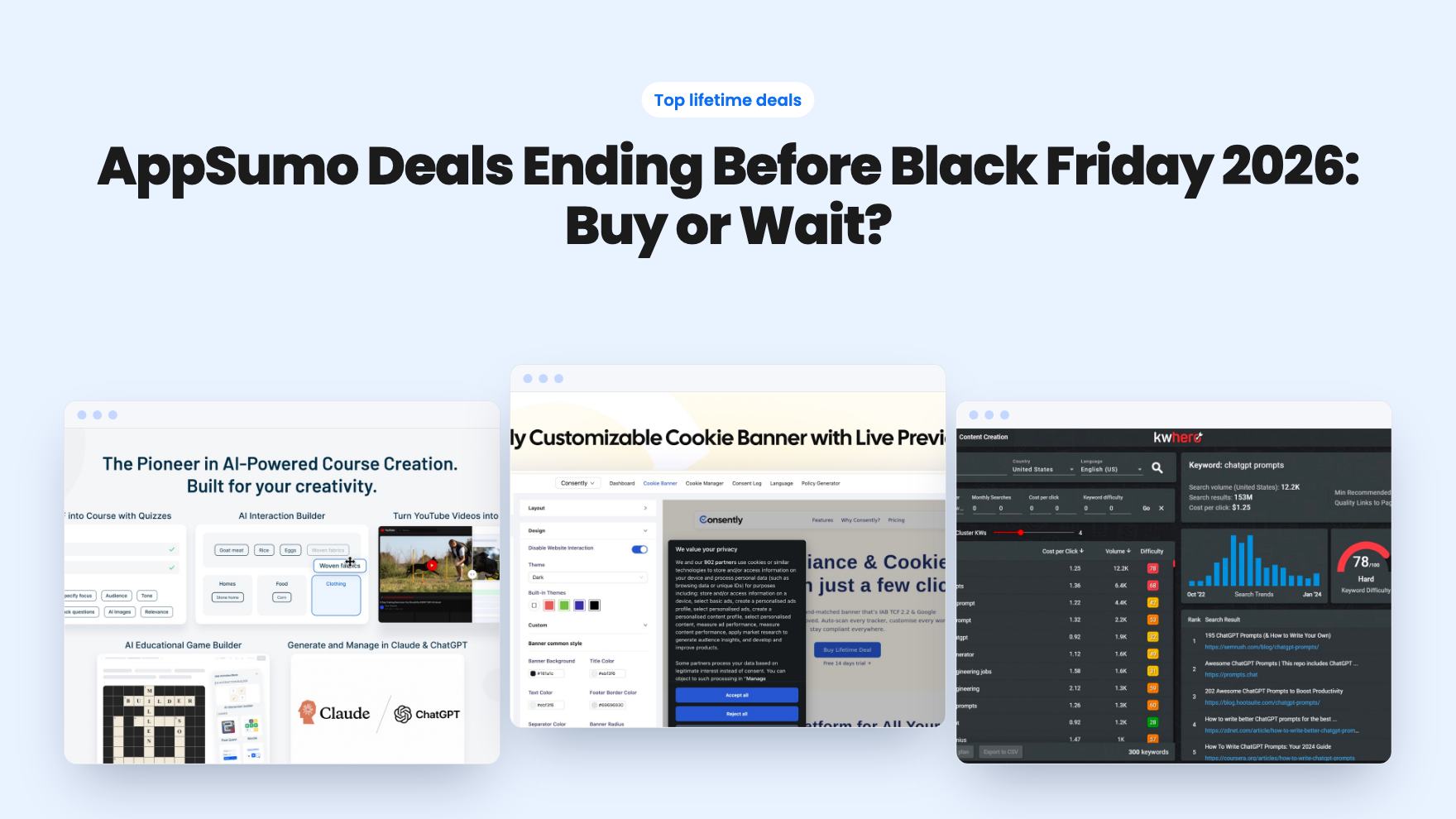
Fourteen AppSumo lifetime deals end before Black Friday on November 27, 2026. Here are the seven worth a look now, and who should skip them.
BuzzHooks is a hosted AI ad maker with monthly credits. CSuite is a $49 desktop app where you supply the models. Here's which lifetime deal fits.
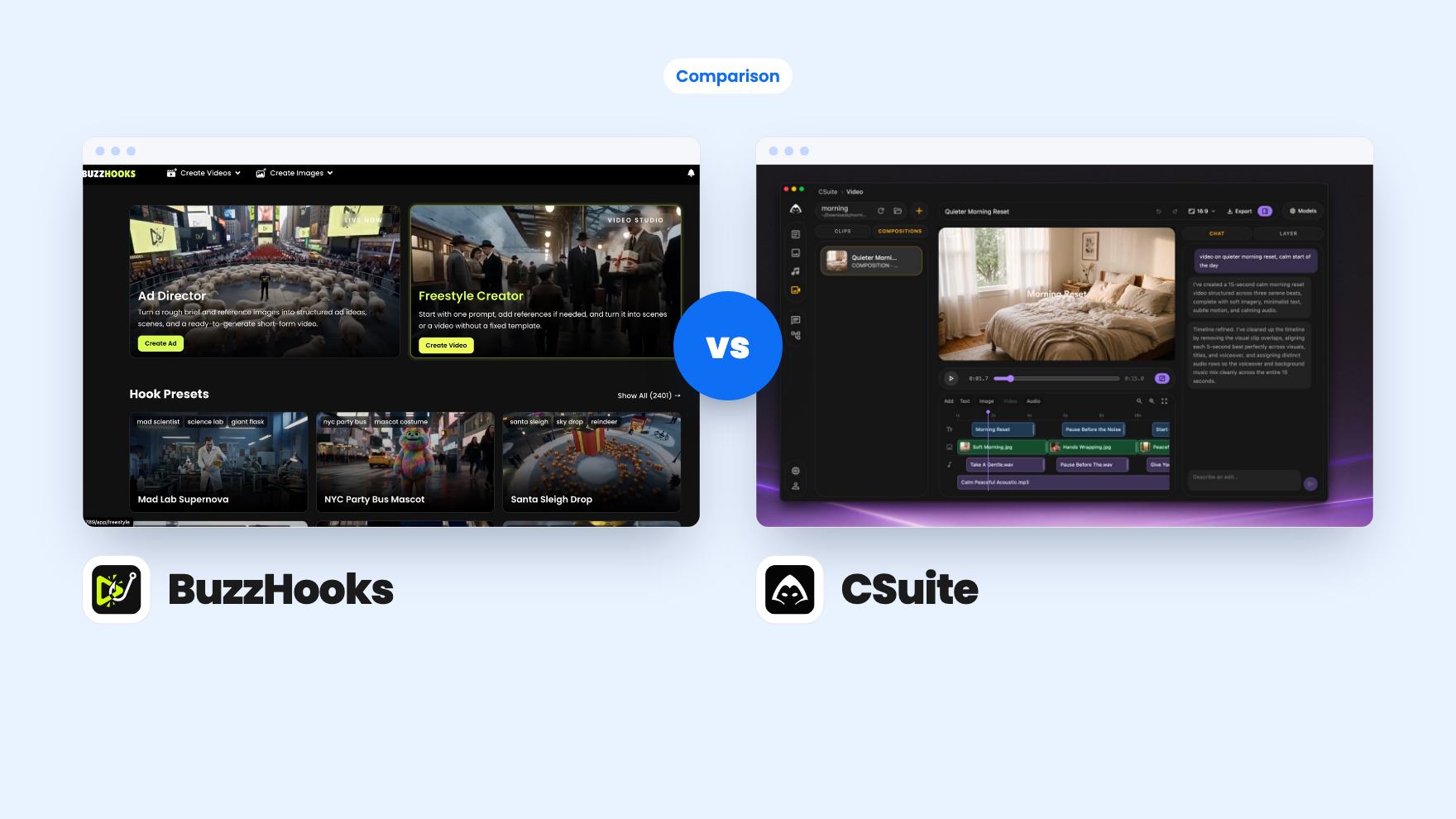
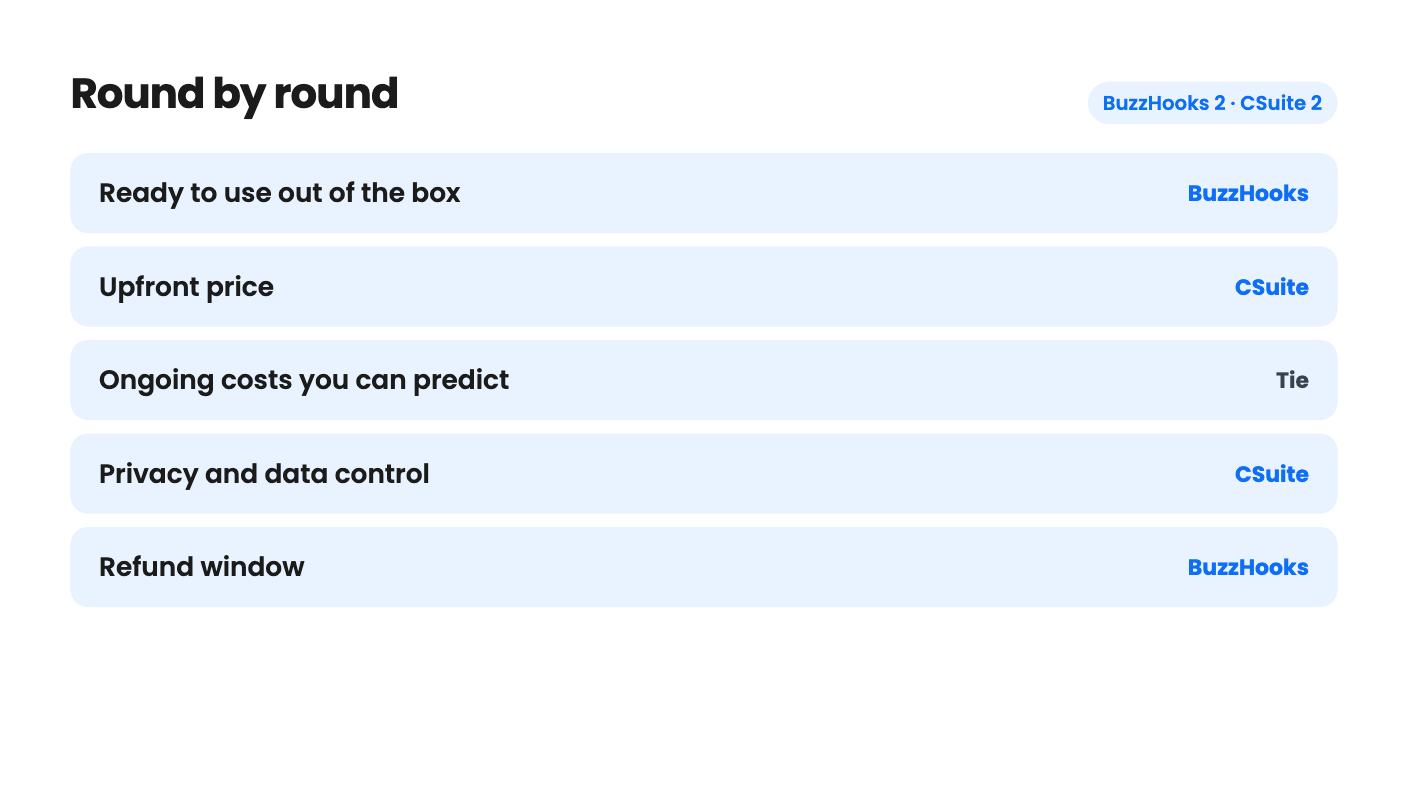
BuzzHooks takes 2 rounds, CSuite takes 2.
| Round | Winner | Why |
|---|---|---|
| Ready to use out of the box | BuzzHooks | BuzzHooks gives you guided video apps and 2,400+ hook presets in one hosted tool, while CSuite needs you to install models or add provider keys first. |
| Upfront price | CSuite | CSuite is a single $49 tier, while BuzzHooks starts at $59 and climbs to $499 for the top tier. |
| Ongoing costs you can predict | Tie | BuzzHooks never says what a video costs in credits, and CSuite never says what cloud providers will charge you. |
| Privacy and data control | CSuite | CSuite keeps files and prompts on your disk and sends cloud requests straight from the app to your provider. |
| Refund window | BuzzHooks | BuzzHooks offers 60 days to test, against CSuite's 7 days by email through Stripe. |
| BuzzHooks | CSuite | |
|---|---|---|
| Starts at | $59 | $49 |
| List price | $399 | $98 |
| Plan | Lifetime Deal | Lifetime Deal |
| Deal ends | Dec 4, 2026 | Not listed |
| Best for | Ecommerce, Marketing agencies, Small businesses | Content creators, Freelancers, Marketers |
| Alternative to | Canva, Creatify, Higgsfield | Canva, HeyGen, Jasper |
You need a few short video clips this week, and you’d rather not hire someone or lose an afternoon in an editor. Both of these lifetime deals claim to help. They go about it in opposite ways, and that difference should decide your purchase more than the price tag does.
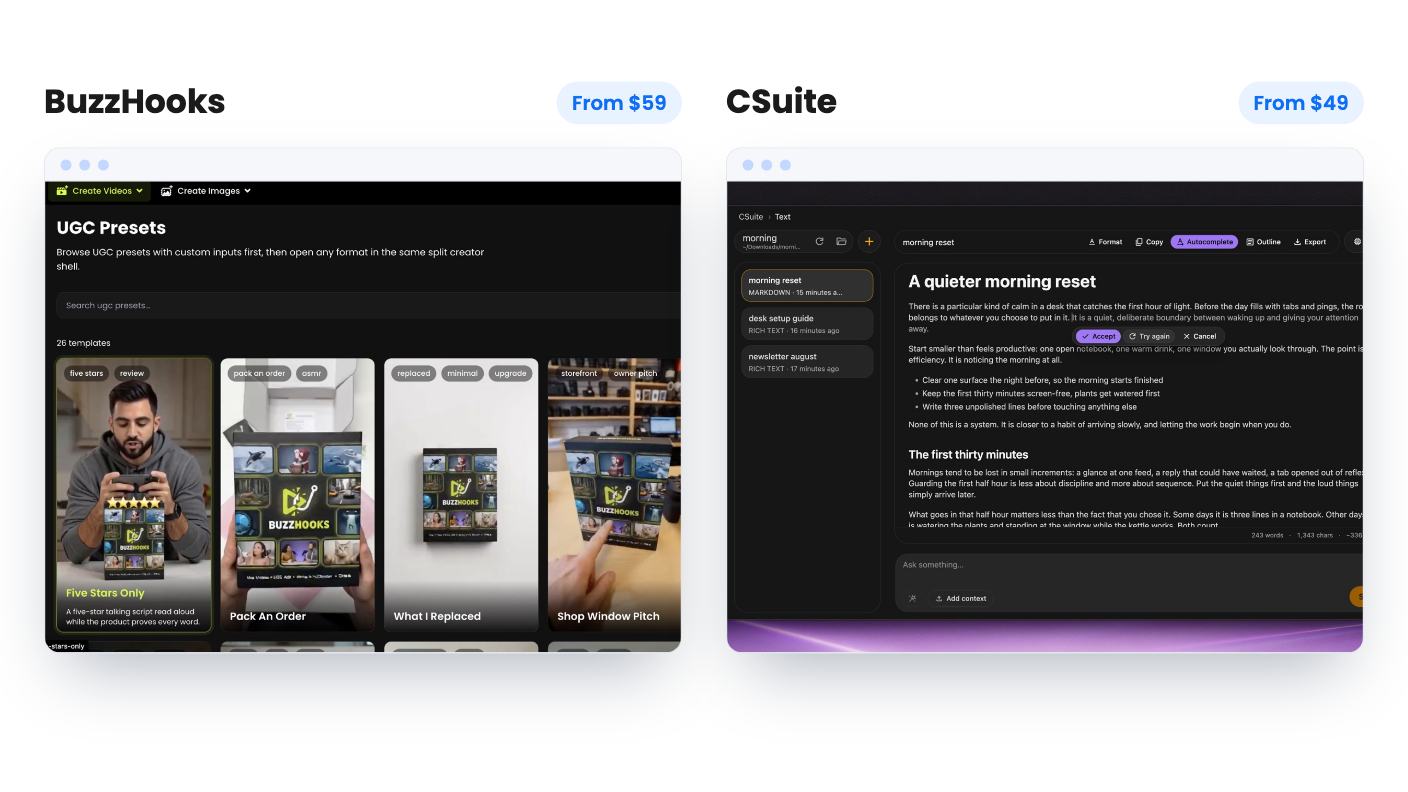
BuzzHooks is a hosted service. You work inside its studios, pick a preset, fill in some fields and let it build short ads. The credits, models and compute are all handled for you, within a monthly allowance.
CSuite is a desktop app for macOS, Windows 10 and newer, and Linux. There’s no web version. It’s more of a control panel for other people’s models. You either download local models such as Gemma, Llama, Qwen and Flux, or you paste in your own keys for providers like Replicate and Runware.
So the question isn’t really which one makes better video. It’s whether you want a finished kitchen or a workbench with tools you supply yourself.
Both are filed under AI video on AppSumo, and both list Canva as an alternative. I’d read that loosely for each. Neither listing shows the tool replacing a full design suite.
The draw is speed for a specific kind of buyer. There are 2,400+ viral hook presets, 37 viral scenes and 26 UGC presets, plus 15 video apps and 10 image apps. The video apps cover try-ons, product studios, unboxings, restaurant promos and property tours. You fill in simple fields, add product images and preview an example before building.
If you sell physical products or run a restaurant or a property business, that structure is worth a look. You skip the blank prompt box and the timeline.
The weak spot is credits. The tiers give you 500, 1,500, 5,000 and 10,000 a month, and the listing never says what a video, an image or a regeneration costs. AppSumo’s own review summary admits some buyers find the credit costs high. Without a per-output price, 500 credits could be a handful of videos or a few dozen images. We can’t tell you which.
There’s also a gap between the feature list and the FAQ. The features describe AI studios and scene building. The FAQ talks about pairing hooks with your own clips, captions and auto-posting that is still rolling out. It reads like a product that’s still finding its shape. The rating is 4.16 out of 5 across 19 reviews.
CSuite is aimed at someone who likes owning the process. The composition editor builds multi-track timelines with titles, images, audio and clips, and renders to MP4. You describe what you want and the AI drafts the layers, voiceover and music. Audio works from a script, with a voice per speaker and MP3 export.
The feature I’d single out is the workflow canvas. You wire a text step into an image step into a video step, then replay from any node. If you pay per generation on cloud models, rerunning only the broken step saves real money. The listing doesn’t say whether you can save or share those chains as templates, so ask before you count on that.
Privacy is the other selling point. Files, prompts and outputs live on your disk, and cloud requests go from the app straight to your provider, not through CSuite’s servers.
What’s missing matters. There are no hardware requirements, no mention of who builds it, and no way to judge draft quality from the listing. Reviews are thin too, at 4.5 across 4.
BuzzHooks sells four lifetime tiers: $59 (list $399), $139 (list $699), $299 (list $999) and $499 (list $1,299). They map to Starter, Pro, Agency and Scale. The deal is for brand-new users only, and you must activate within 60 days. Downgrades are only allowed within 60 days of purchase. The deal ends on December 3, 2026, so you have about a month.
One clause deserves a careful read. Access to future AI models may be discounted or may need an add-on. In a field where the best model changes every few months, that means lifetime covers the platform, not every model you’ll eventually want.
CSuite is a single $49 tier, down from a listed $98. It’s not stackable, and you must redeem within 60 days. The license works on any of your machines, but only one can be active at a time. The refund window is 7 days, by emailing support@csuite.so.
That 7 days is short for an app where you may spend the first few days downloading models and sorting out keys. BuzzHooks’ 60 days is far kinder to a cautious buyer.
CSuite’s cheaper sticker price also hides a cost. The lifetime fee covers the app. If you go the cloud route, the provider bills are yours, and the listing gives no estimate.
Pick BuzzHooks if you’re a small business owner who wants ads without learning new software. Start at the $59 tier, use the 60-day window on one real product, and watch how fast the 500 credits drain. If they vanish in a few clips, that tells you what you need to know before you spend more. Agencies should hold off on the higher tiers until the seller states a credit cost per video.
Pick CSuite if you’re a creator or freelancer who already pays for Replicate or similar, or you have a strong machine and enjoy experimenting. At $49 it’s a low-risk bet on a tidy workspace, provided you test it inside those 7 days. It’s a poor fit for a modest laptop, for anyone wanting a one-click video generator, or for a team, since it’s a single-license desktop app with no mention of collaboration.
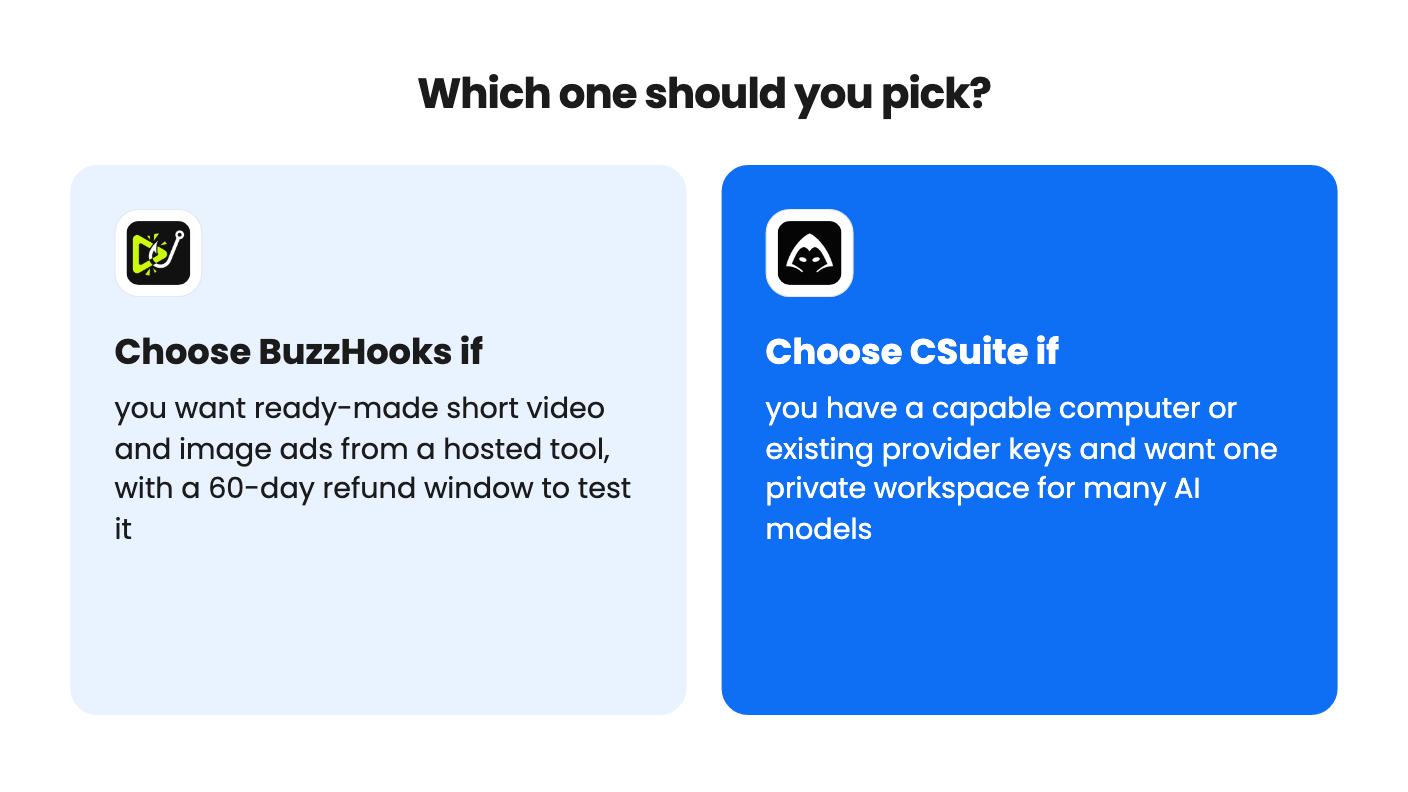
If you can’t decide, ask yourself who you want doing the setup. With BuzzHooks, the vendor does it and limits what you get through credits. With CSuite, you do it and the limits come from your hardware and your provider bills. Neither listing gives enough pricing detail to call this a bargain outright, so buy the one whose unknowns you’re more comfortable chasing down.
The listing doesn't give minimum RAM, GPU or disk requirements. Local video models are heavy, so on a modest laptop you'd likely use the cloud route with your own Replicate or Runware keys, and pay those providers directly.
CSuite costs less upfront at $49, but the listing says the price covers the app, not the compute. BuzzHooks starts at $59 with monthly credits included, though it doesn't say how many credits each video uses. Neither listing lets you work out a true monthly cost.
BuzzHooks, because the 60-day money-back window gives you time to run a real project. CSuite's refund window is 7 days, so you'd need to set it up and test quickly.
How this comparison was made: researched from both tools' official listings and demo videos, and written with help from AI. We have not tested BuzzHooks or CSuite hands-on yet. Prices and deal terms change, so check AppSumo before you buy. See our affiliate disclosure.
Fourteen AppSumo lifetime deals end before Black Friday on November 27, 2026. Here are the seven worth a look now, and who should skip them.
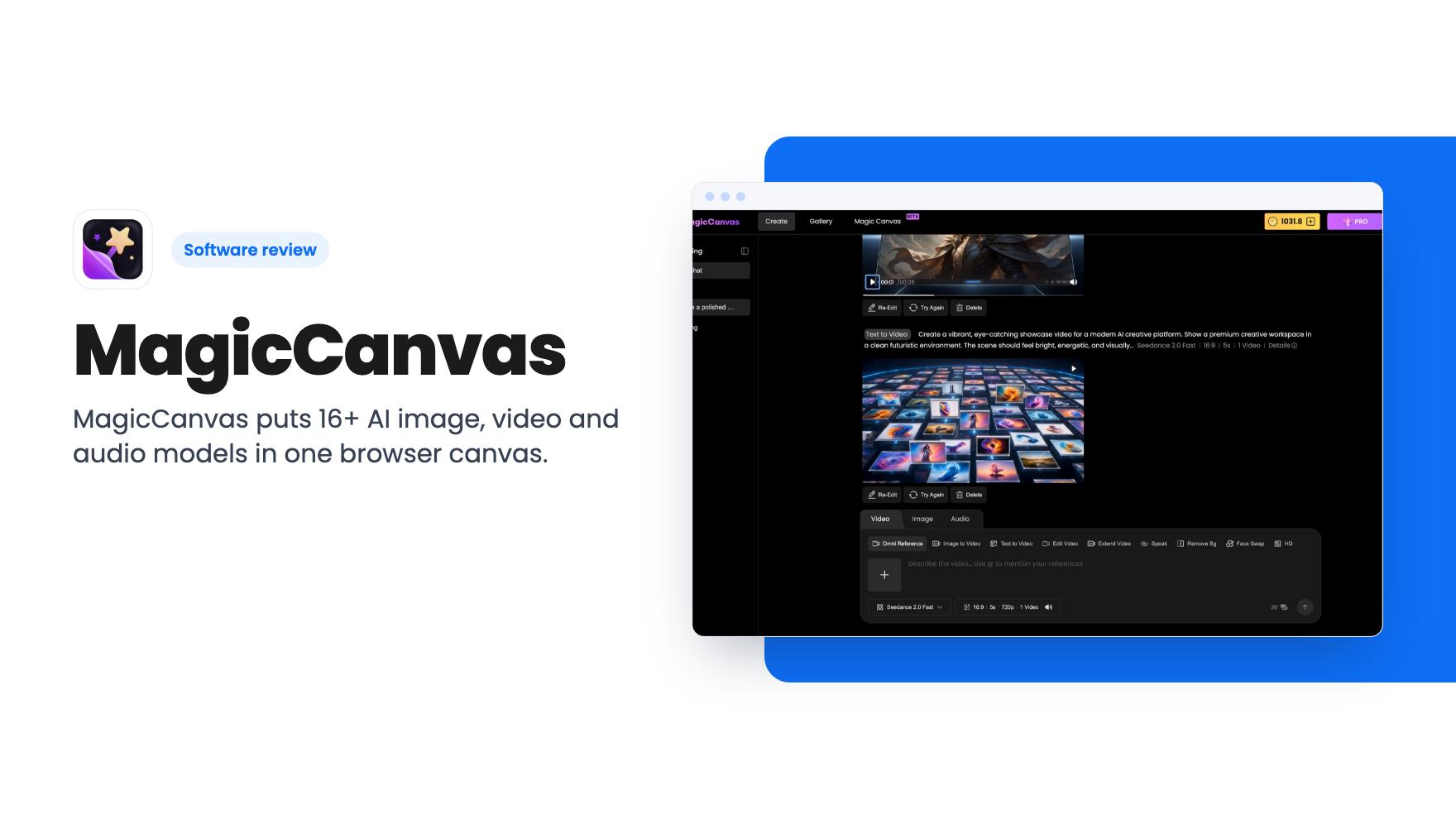
MagicCanvas puts 16+ AI image, video and audio models in one browser canvas. The $59 lifetime deal looks cheap, but the monthly credit caps matter most.
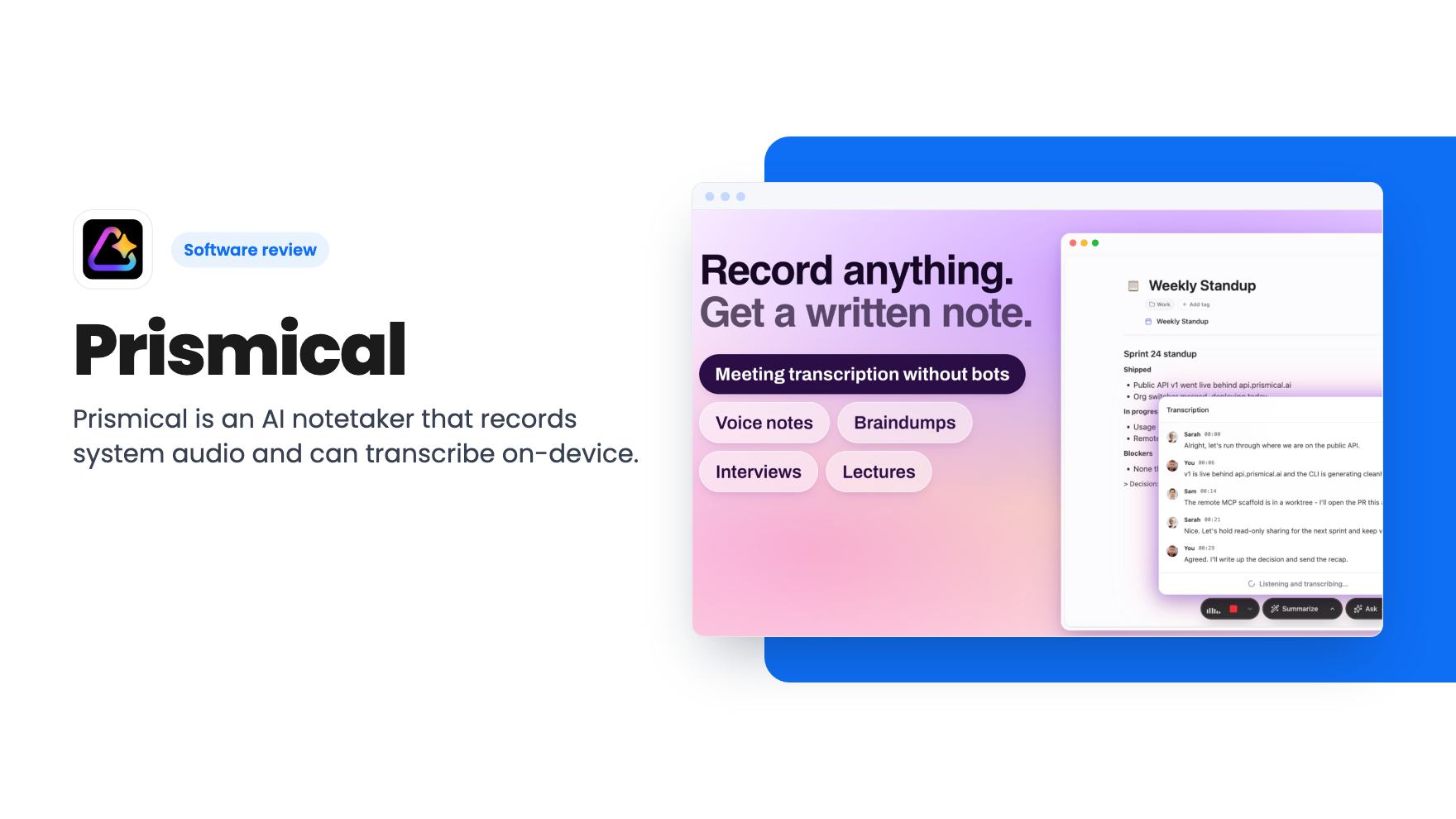
Prismical is an AI notetaker that records system audio and can transcribe on-device. The AppSumo lifetime deal runs $59 to $749, and the tier limits matter.