Helpdesk & SupportReview
Hyperleap AI Review: Solid Chatbot Deal, Mind the Credit Cap
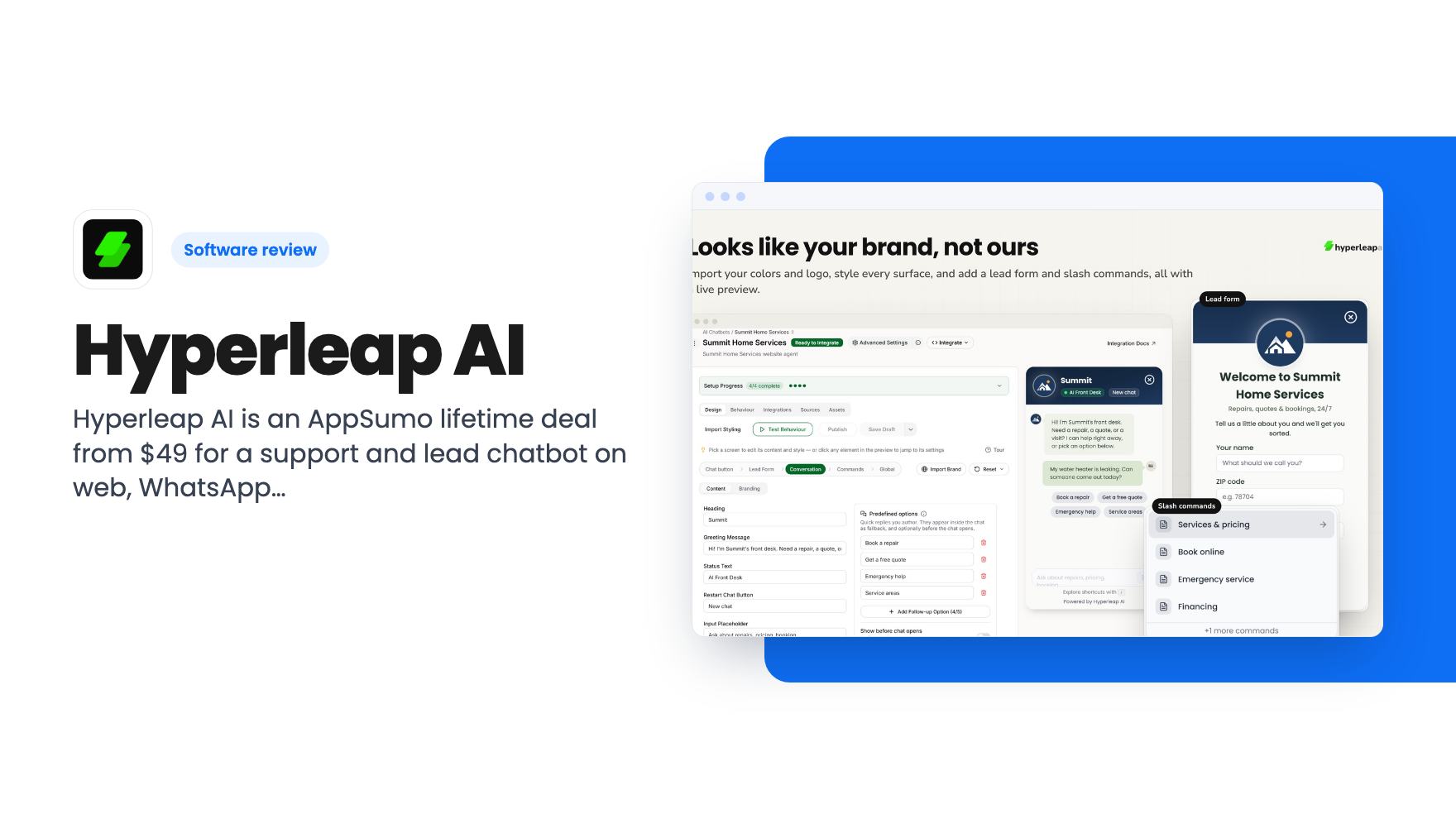
Hyperleap AI is an AppSumo lifetime deal from $49 for a support and lead chatbot on web, WhatsApp, Instagram and Messenger. Credits are capped, though.
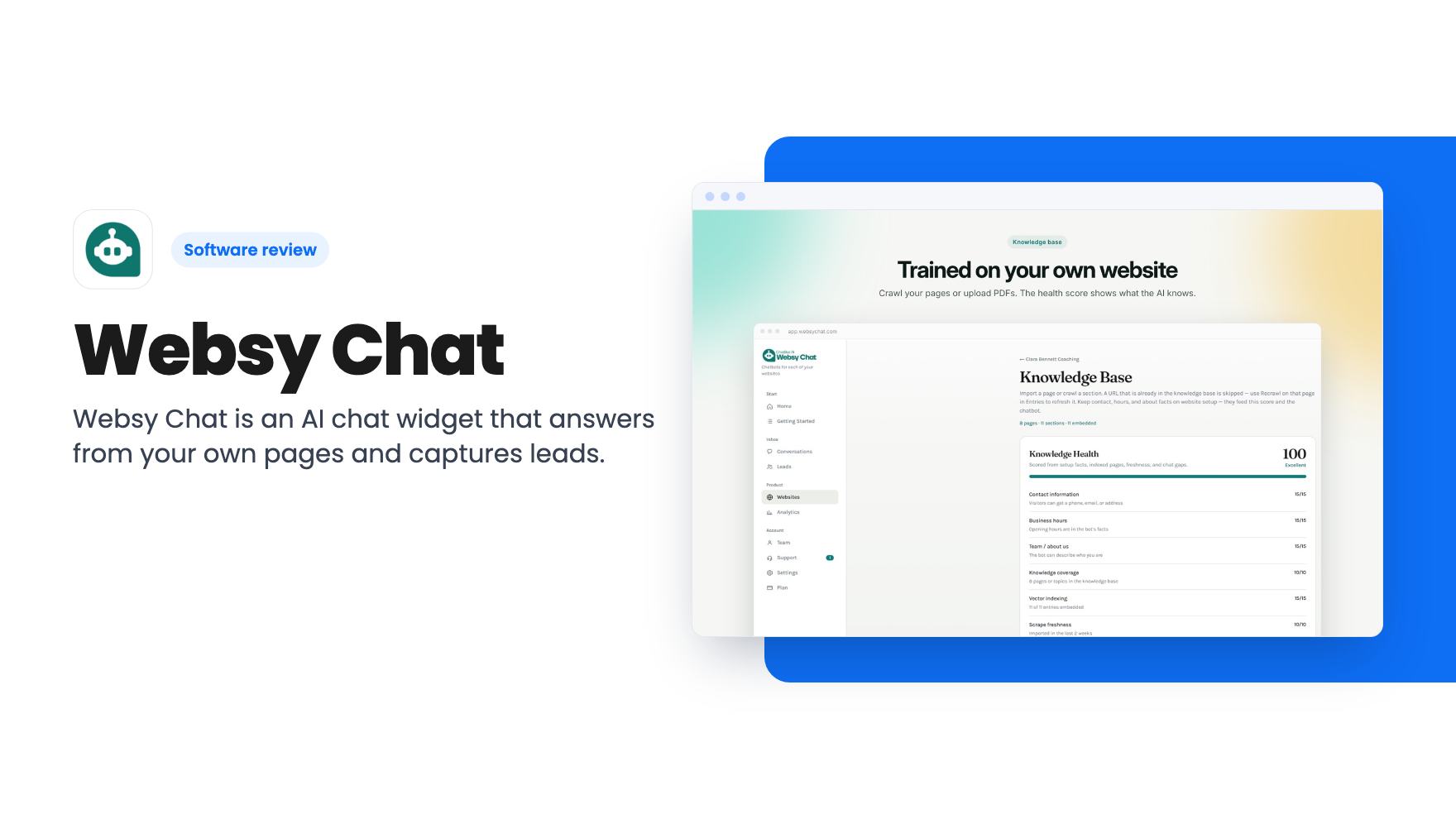
Websy Chat is an AI chat widget that answers from your own pages and captures leads. The AppSumo lifetime deal starts at $69, but message caps are small.
Lifetime deal price
$69$12545% off
Lifetime Deal
Our take: Worth a look for solo operators, coaches and local service businesses with one site and modest traffic who want after-hours answers and lead capture for a one-time fee. Skip it if you need a full helpdesk, heavy traffic, live chat on the $69 tier, or proof of reliability from an established product.
You’re on a job, or in a client session, or asleep. Someone lands on your website at 9pm and wants to know if you cover their area, what a first appointment costs, or whether you do weekends. They don’t find the answer fast enough, so they close the tab and message someone else.
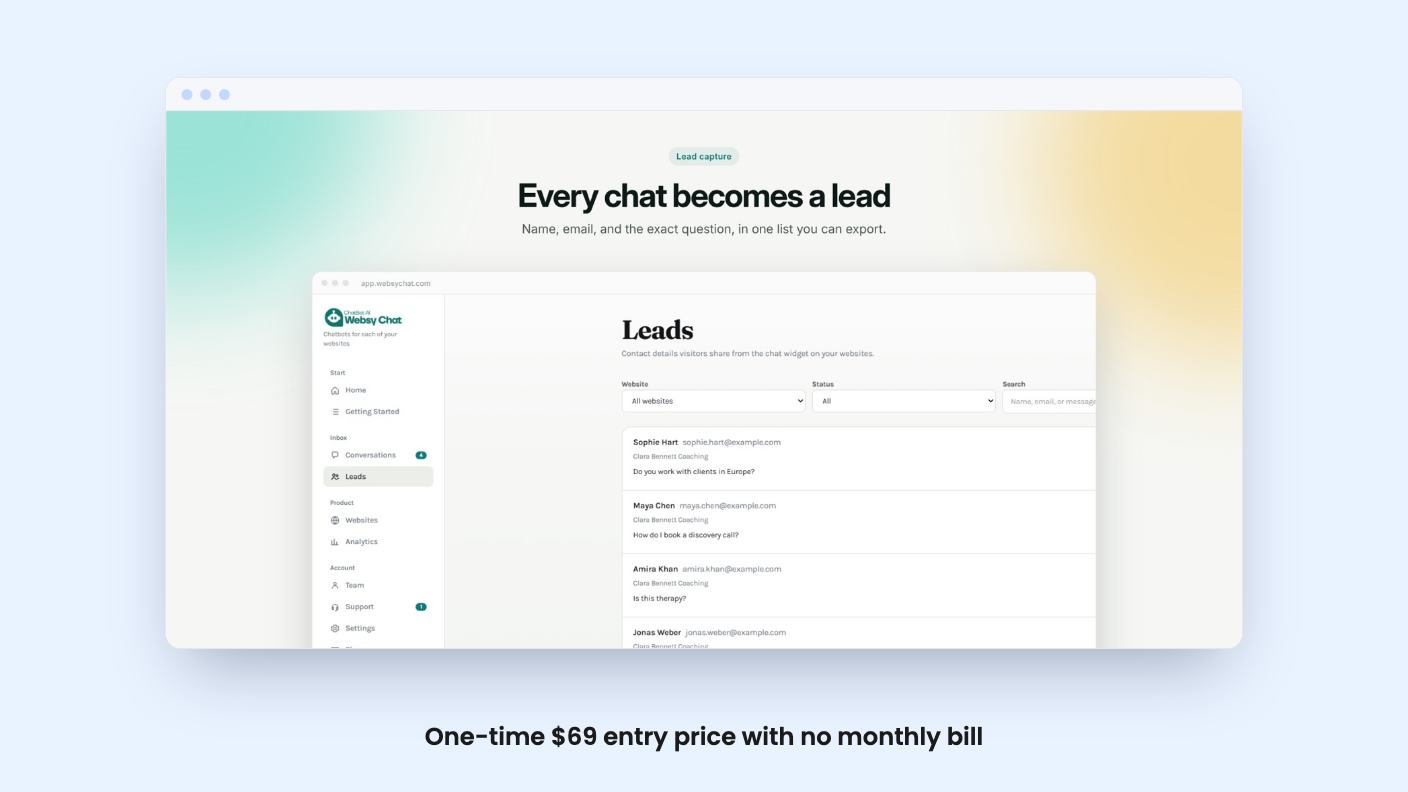
That’s the gap Websy Chat is aimed at. It’s an AI chat widget that sits on your site and answers visitor questions using your own content. The AppSumo deal sells it as a lifetime plan, starting at $69 (listed at $125).
I haven’t used it, so everything here comes from the AppSumo listing. There’s no demo video to go on either, which means I can’t tell you how the dashboard looks or how good the answers are. What I can do is lay out what’s promised, what’s capped and where the listing stays quiet.
You point Websy Chat at the pages and files you already publish. It answers visitor questions from that material only. According to the listing, if someone asks something that isn’t in there, the bot says it doesn’t know and offers to take a message.
That’s the right design choice for a small business. A chatbot that guesses at your prices or invents a guarantee is worse than no chatbot. Whether it holds to that in practice is something the listing can’t prove, so test it with a few awkward questions during the refund window before you trust it with customers.
Each website has its own set of pages, and you can remove what you added. The listing also says visitors can write in their own language and get a reply in that language, drawn from your content. Your site can stay in English. If you serve a mixed community, that’s a useful extra, though the listing doesn’t say which languages are supported or how well.
The listing doesn’t give limits on how many pages or files you can add, which file types work, or how often content gets re-read when your site changes. For a tool that lives or dies on its training material, that’s a gap.
The lead side is simple. The widget collects a visitor’s name, email and the actual question they asked. Each lead lands in your inbox with the full chat attached, so you aren’t chasing someone with no context.
I like that the question comes along. A form that says “John, john@example.com” is nearly useless. A note that says John wants a quote for a kitchen refit before March is something you can reply to in two minutes.
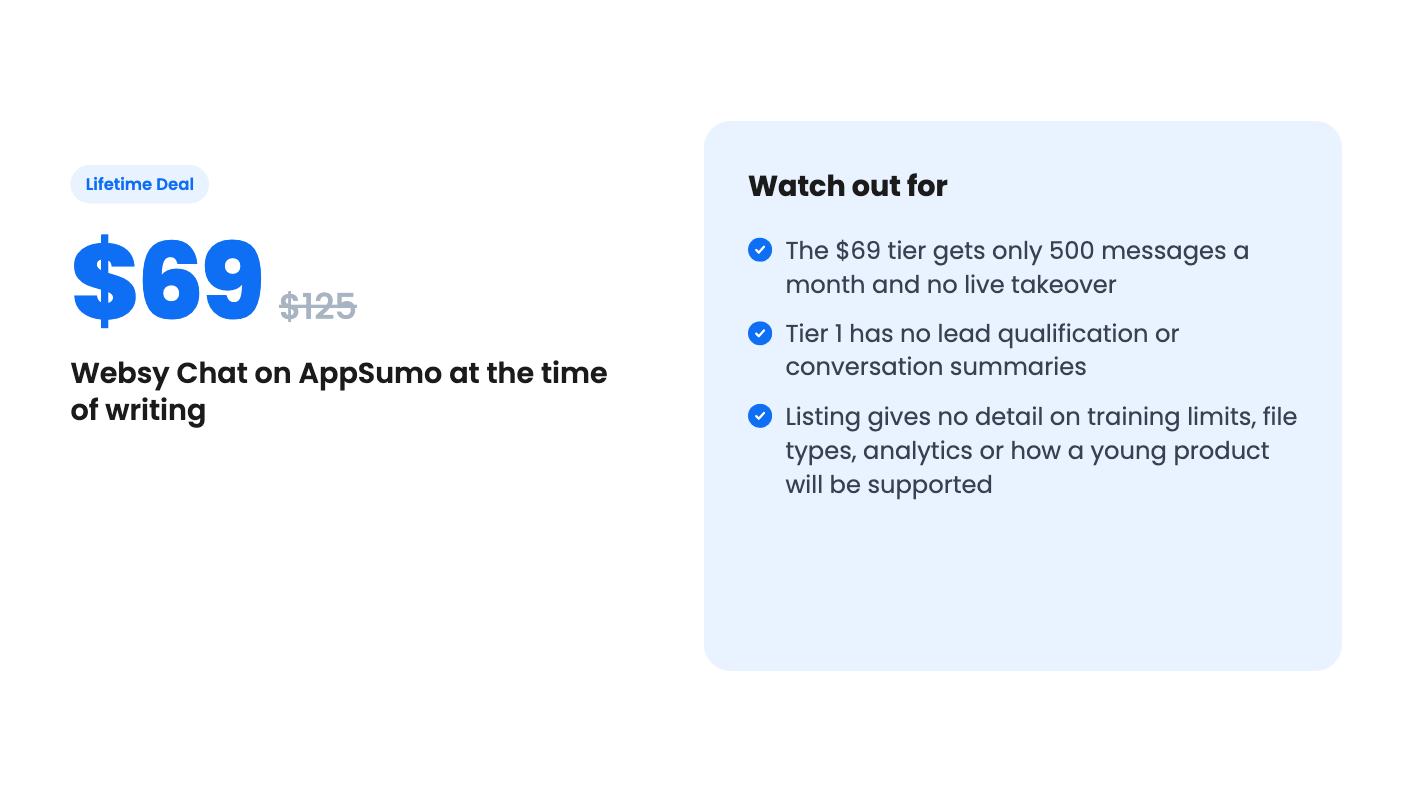
Higher tiers add lead qualification, meaning goals, timeline and budget, plus conversation summaries. The $69 tier gets neither. If you want the bot to screen leads before they reach you, the listing makes you pay for at least two codes.
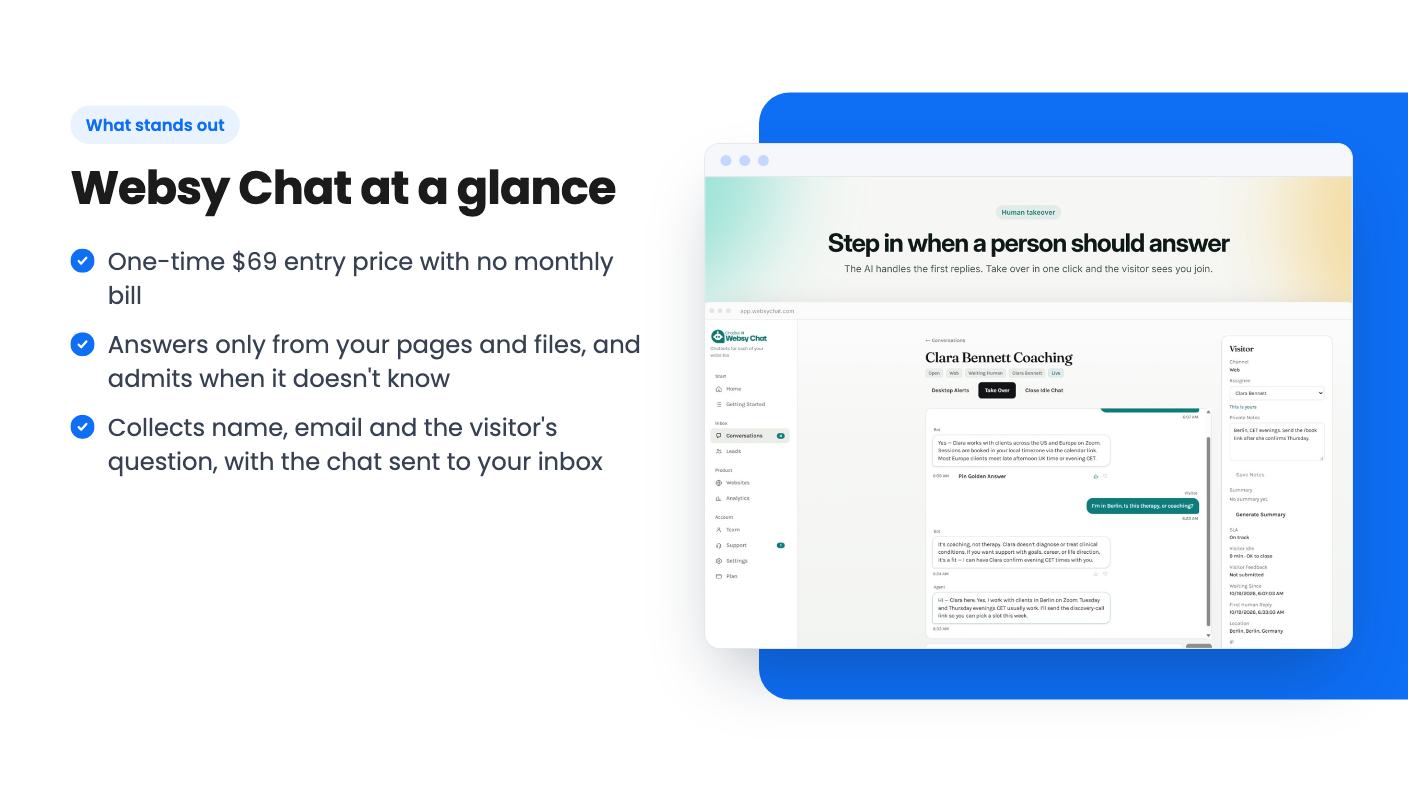
Human takeover is the feature that makes this more than an FAQ bot. With 2 or 3 codes, you can open a live conversation in your inbox and take over, and the visitor sees you arrive.
That suits the handoff most small businesses actually want. The bot handles the routine questions, and you step in when someone is clearly ready to buy. With one code, you don’t get that. You get the bot, the lead capture and the emailed transcript, and nothing live.
The listing doesn’t mention notifications, mobile apps or how quickly you’re alerted that a chat is live. If you’re hoping to jump in from your phone mid-job, ask the vendor before assuming it works that way.
Setup is one script pasted into your footer, the same kind of step as adding an analytics tag. The listing names WordPress, Wix, Squarespace, Shopify and Webflow, plus plain HTML. If your builder lets you add a footer script, it should work.
The portal also checks that the widget is loading on your live site. That’s a small thing, but it saves the usual “is it even there?” confusion. Setup is self-serve on every tier, so there’s no onboarding help promised.
The deal is a one-time payment, with no monthly bill, and all future plan updates are included. You can stack up to 3 codes, and you have to redeem within 60 days of purchase. The listing’s plan table reads in an odd order (3 / 2 / 1), so I matched it against the FAQ. This is how it works out:
The message cap is the number to watch. 500 messages a month is small. The listing doesn’t say whether a message means one visitor question, one bot reply or both. That changes how far 500 goes, and it’s the first thing I’d ask. It also doesn’t say what happens when you run out: whether the widget stops, slows down or asks you to upgrade.
The jump in price is also steep for what you get. The cheapest code is a plain answer-and-capture bot. To get live takeover you need to double the spend, and the extra messages come in at only 500 per code. If you have one site and want to step into chats, $138 is the real entry price.
The cap on messages resets monthly, so a quiet month doesn’t roll over. A lifetime deal also means the vendor has to keep the service running on a fixed payment. The listing gives no company history, roadmap or support details, so treat this as a young product and size your risk accordingly.
Skip it if your site gets steady traffic. 500 messages vanish quickly once a few hundred visitors start poking at the widget. Even 1,500 is modest.
Skip it if you need a real support desk. Drift, Intercom and Zendesk are named as the alternatives, but the listing shows no ticketing, no CRM sync and no reporting. There’s no mention of connecting to your email marketing tool or a calendar either. This is a front-door widget, not a service operation.
Buy it if you’re a consultant, coach or local tradesperson with one website and a handful of repeat questions. For $69 you’re testing an idea cheaply, and for $138 you get a shot at live chat as well. Just treat the first month as a trial: load your best pages, ask the bot ugly questions and see whether the leads that arrive are worth replying to.
No. According to the listing, human takeover is only included with 2 or 3 codes. A single $69 code is owner only and has no live takeover, lead qualification or conversation summaries.
One code gives 1 website and 500 messages a month. Two codes give 2 websites and 1,000 messages. Three codes give 3 websites and 1,500 messages. The limit resets monthly, and the listing doesn't say what happens when you hit it.
The listing says it answers only from the pages and files you add, and says so when it doesn't know, then offers to take a message. That's the vendor's claim, so check it with your own tricky questions before relying on it.
How this review was made: researched from Websy Chat's official listing, and written with help from AI. We have not tested Websy Chat hands-on yet. Prices and deal terms change, so check AppSumo before you buy. See our affiliate disclosure.
Hyperleap AI is an AppSumo lifetime deal from $49 for a support and lead chatbot on web, WhatsApp, Instagram and Messenger. Credits are capped, though.
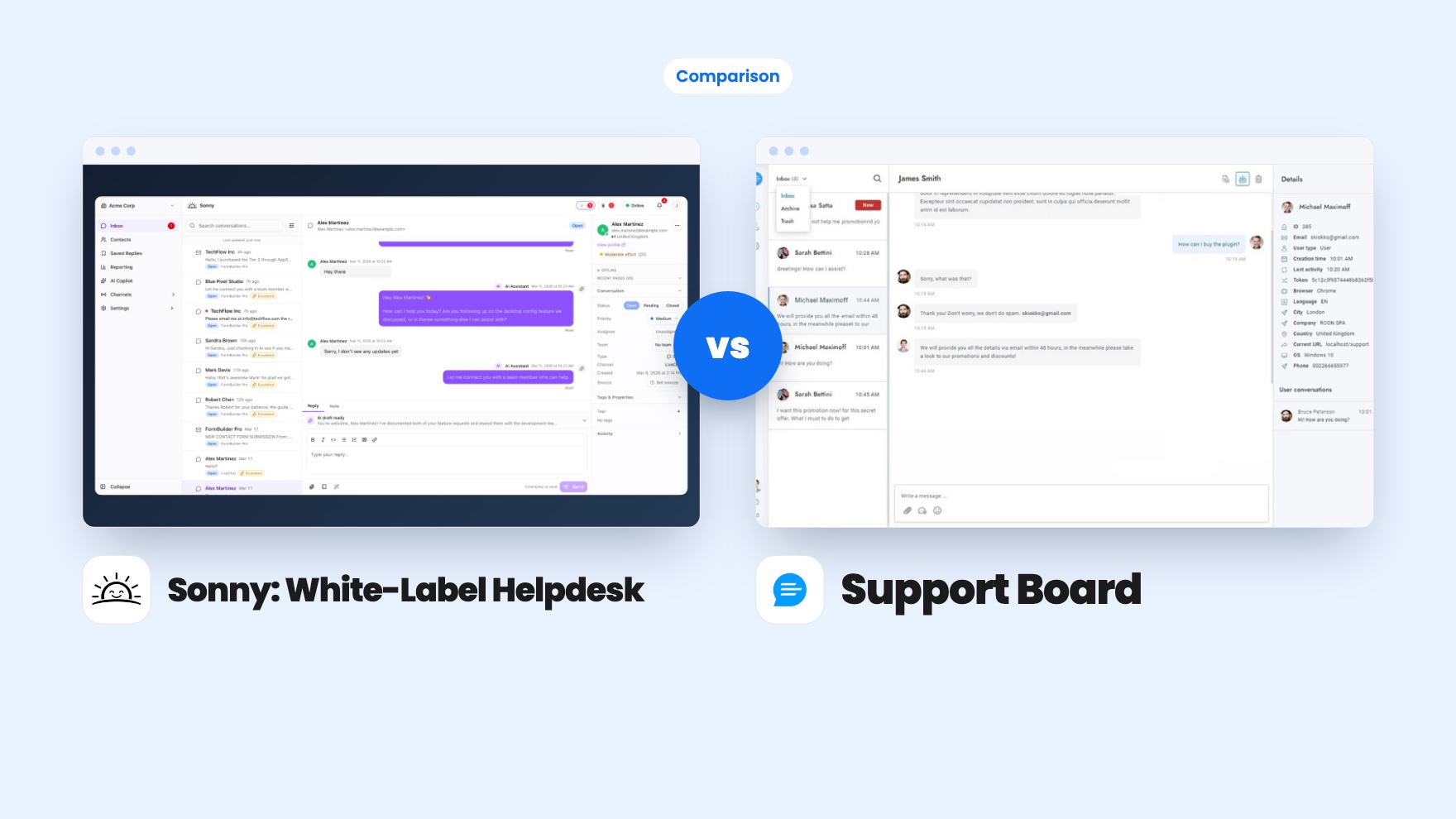
Sonny gives agencies unlimited white-label client workspaces for $149. Support Board offers WhatsApp, Instagram and an AI chatbot from $69, with fees on top.
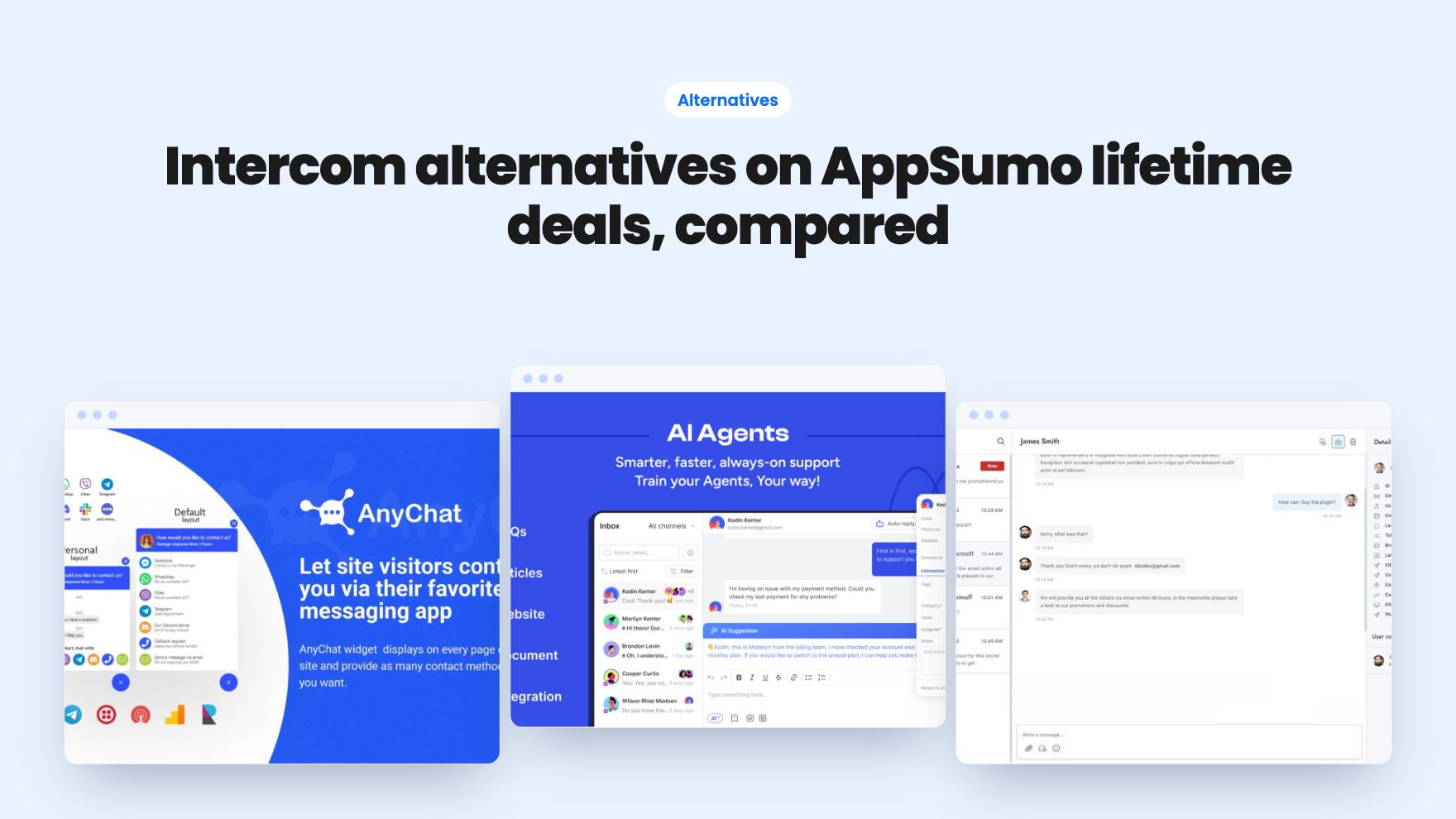
Seven AppSumo lifetime deals that stand in for Intercom, from WhatsApp widgets to AI bots and a resellable helpdesk. Tier limits and gaps, from the listings.