


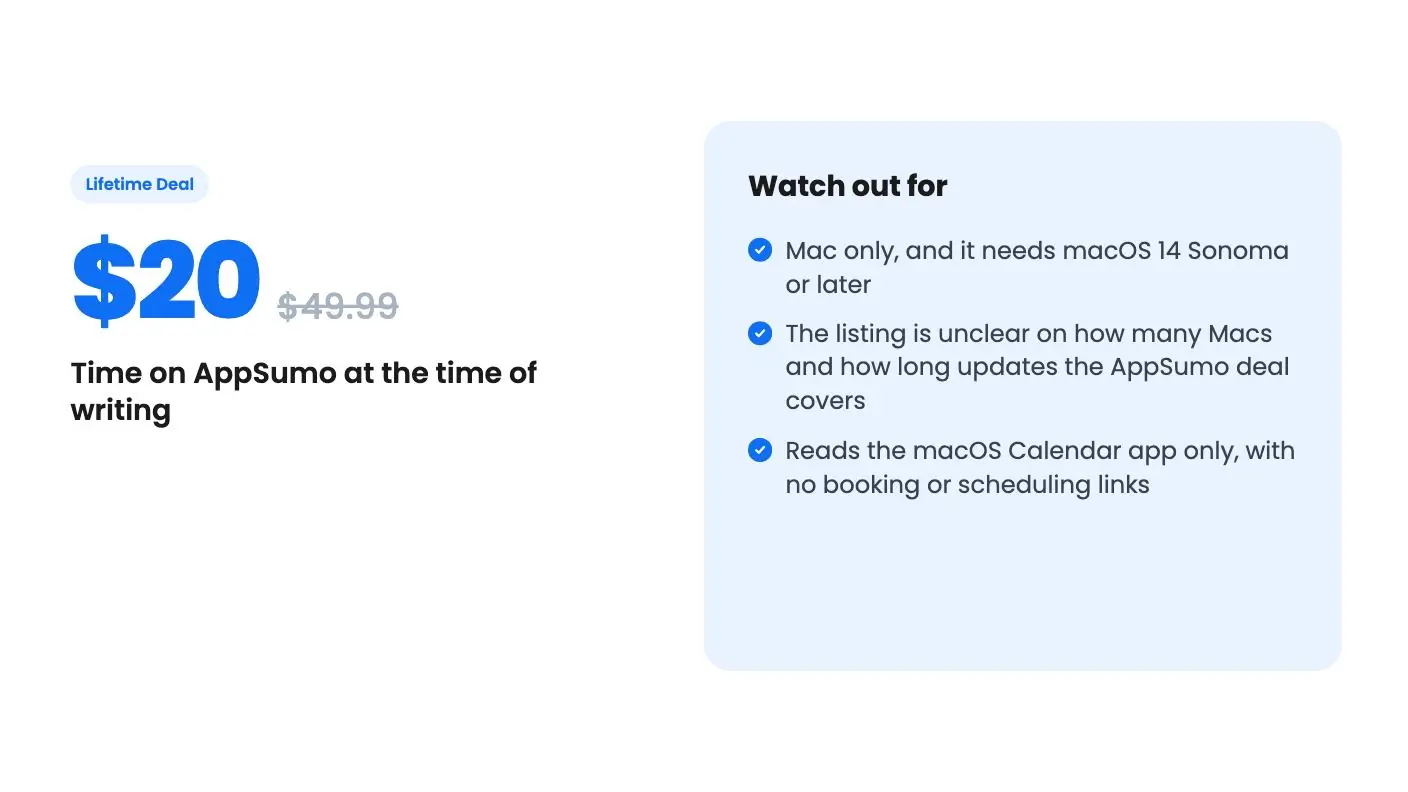
Lifetime deal price
$20$49.9960% off
Lifetime Deal
Quick verdict
Our take: Buy it if you're a freelancer, consultant or agency owner on a Mac who schedules across several time zones and wants something lighter than a full calendar app. Skip it if you use Windows, run macOS older than 14, or need shared booking links. Get the license and update terms confirmed before you pay, because the listing contradicts itself.
Best for: Consultants, Freelancers, Agencies
What we like
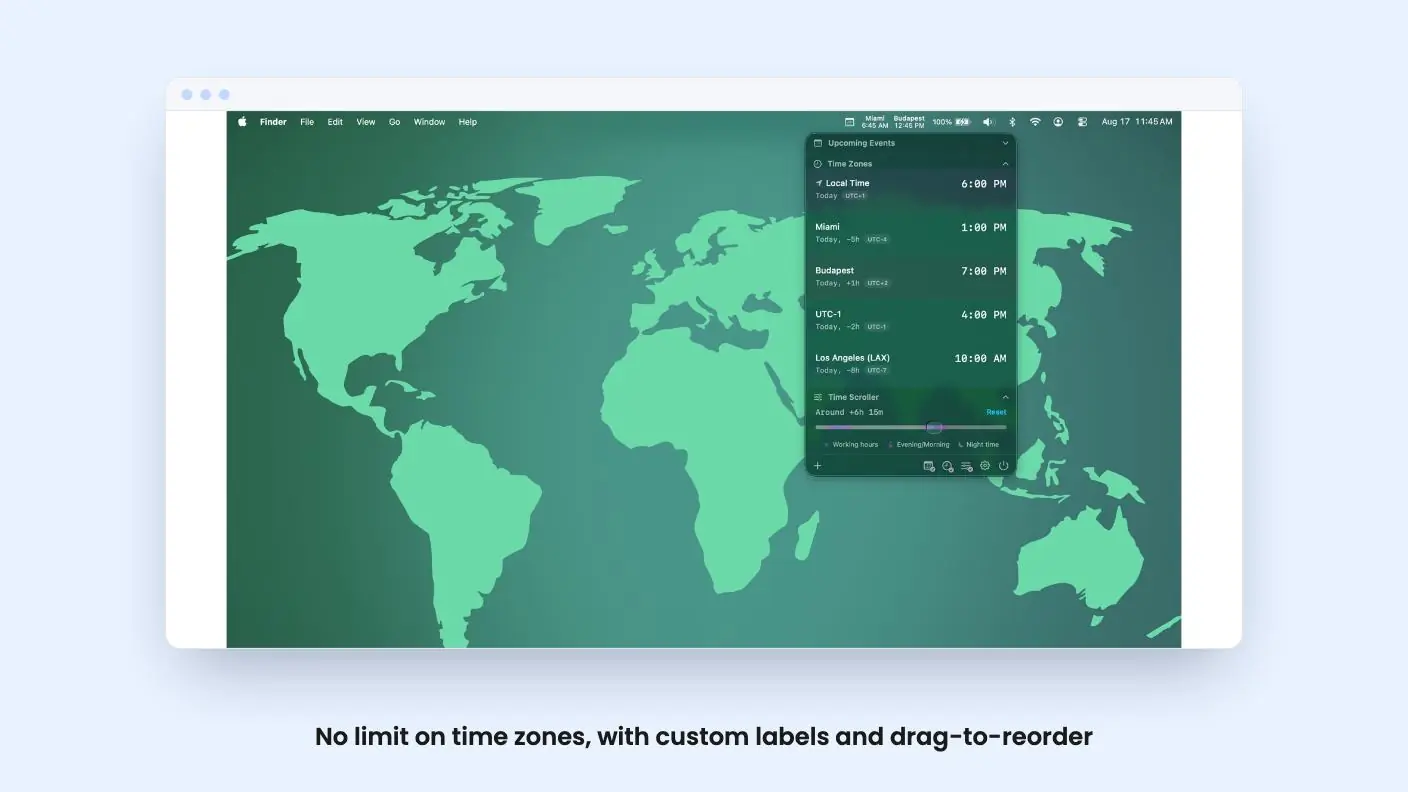
- No limit on time zones, with custom labels and drag-to-reorder
- Time scroller and date picker for planning meetings across zones
- One-click join for Zoom, Google Meet, Teams and Webex
- 7-day free trial with no credit card or sign-up
Watch out for
- Mac only, and it needs macOS 14 Sonoma or later
- The listing is unclear on how many Macs and how long updates the AppSumo deal covers
- Reads the macOS Calendar app only, with no booking or scheduling links
Say you’ve got a client in Mumbai, another in Lisbon, and a contractor in Manila. Every time one of them proposes a call, you open a browser tab, search for a converter, do some mental arithmetic and hope daylight saving hasn’t shifted something. It’s a small tax, but you pay it several times a week.
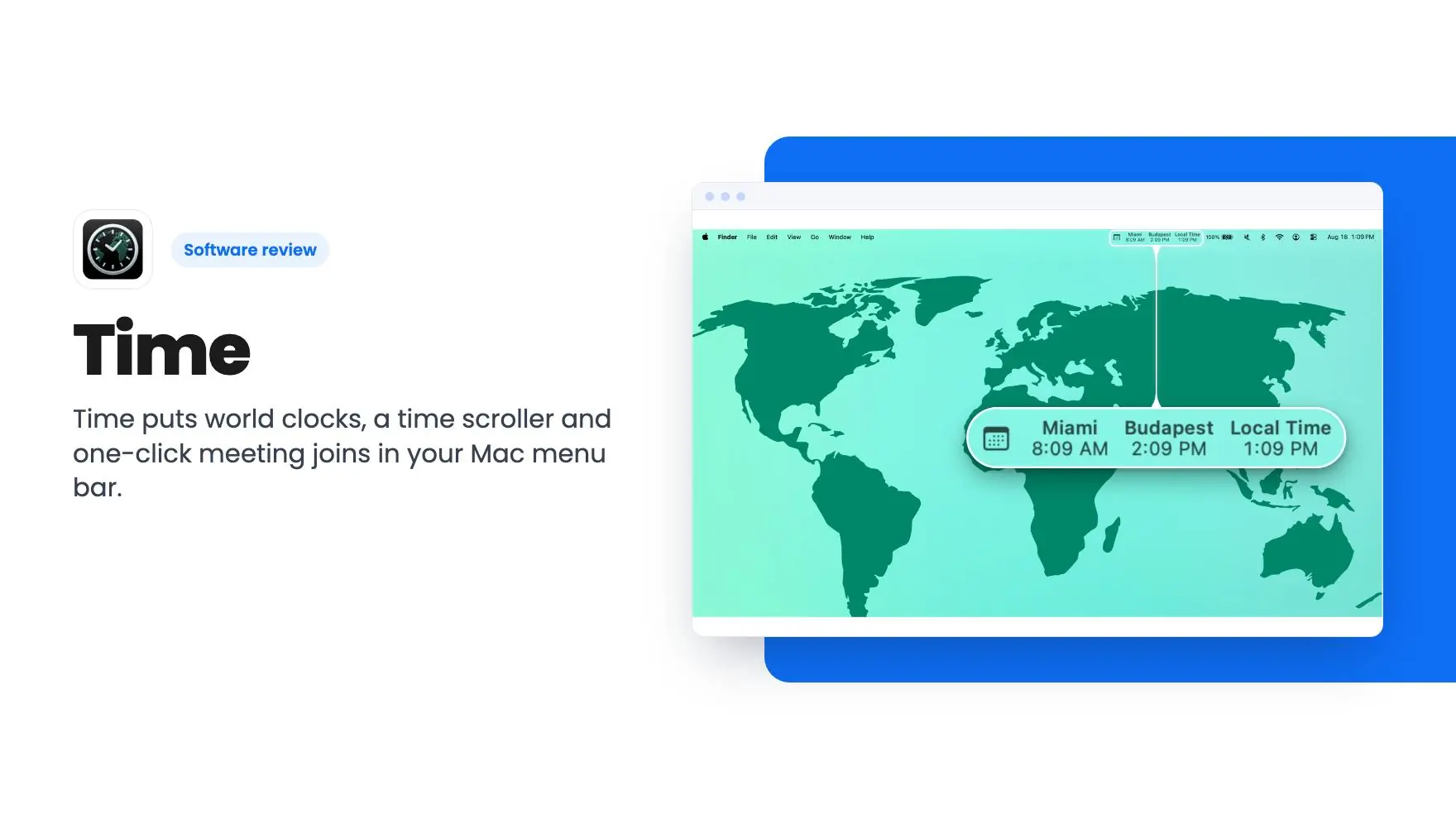
Time is a Mac app that tries to remove that tax. It sits in your menu bar, shows the zones you care about, and lets you preview a meeting time across all of them. It’s $20 on AppSumo as a lifetime deal, down from a $49.99 list price. We haven’t used it ourselves, so everything in this Time review comes from the listing, and I’ll point out where the listing leaves gaps.
What lives in the Time menu bar
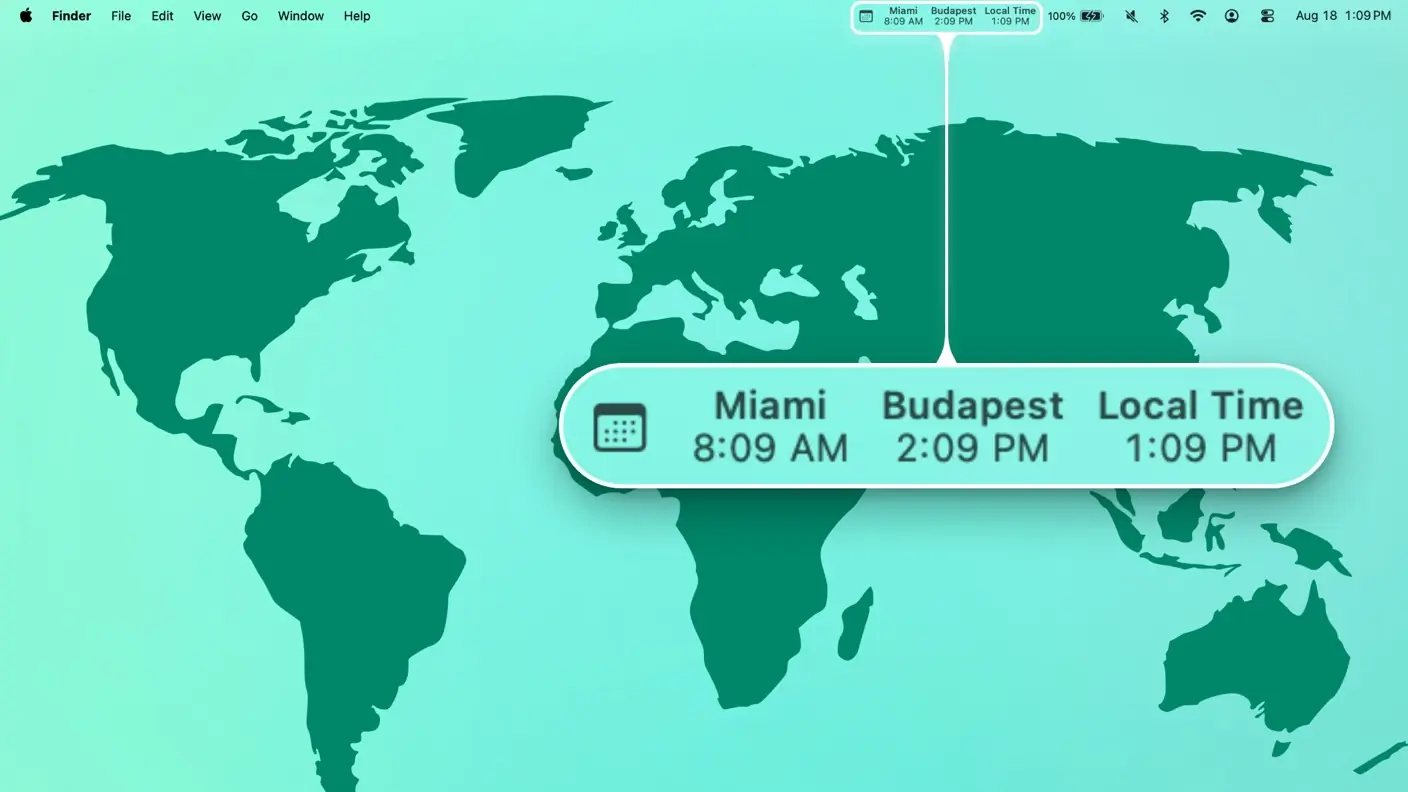
The core idea is simple. You add cities or custom time zones, give each one a label, and the clocks appear in your menu bar. The listing says there’s no limit on how many zones you can track, which beats tools that cap you at a handful.
You can drag zones into any order. You can also decide, zone by zone, whether each one shows in the menu bar itself or only in the popover. That matters more than it sounds. Five clocks crammed into a busy menu bar is clutter, so keeping your two key zones visible and the rest one click away is a sensible setup.
There are display options as well: 12 or 24-hour format, custom fonts, colors and alignment, and a setting to hide your own local zone. Day and night segments are color-coded, so you can tell at a glance whether the person you’re about to message is asleep.
The time scroller is the feature to judge it by
A row of clocks isn’t hard to find elsewhere. The time scroller is where Time has to earn its price. You drag it up to 24 hours in either direction and every zone updates together, so you can slide until you find a slot that isn’t midnight for somebody.
A date picker covers future meetings. That’s the part people tend to get wrong, because the gap between two cities isn’t always the same next month as it is today, and it’s a detail worth noting in any Time review.
Adding a zone is flexible too. Type a 3-letter IATA airport code like JFK, LHR or NRT and the app searches a database of more than 5,500 airports, showing the code, airport name and city so you can confirm you’ve picked the right place. If you travel a lot or work with people who think in airport codes, that’s a handy shortcut. If you don’t, a city name does the same job.
Daylight saving and fixed offsets
Time warns you about DST changes up to 7 days ahead. If you coordinate across hemispheres, that’s useful, because the US, Europe and the southern hemisphere all change on different dates. A week’s notice is enough to catch a recurring call that’s about to move by an hour for one side.
The listing also mentions fixed UTC-offset zones, such as UTC+5:30 or UTC-8, which don’t shift with daylight saving. The use case is a counterpart whose contract or system always runs on a fixed offset. It’s niche, but if that’s your situation it prevents a repeating mistake.
Calendar view and one-click joins
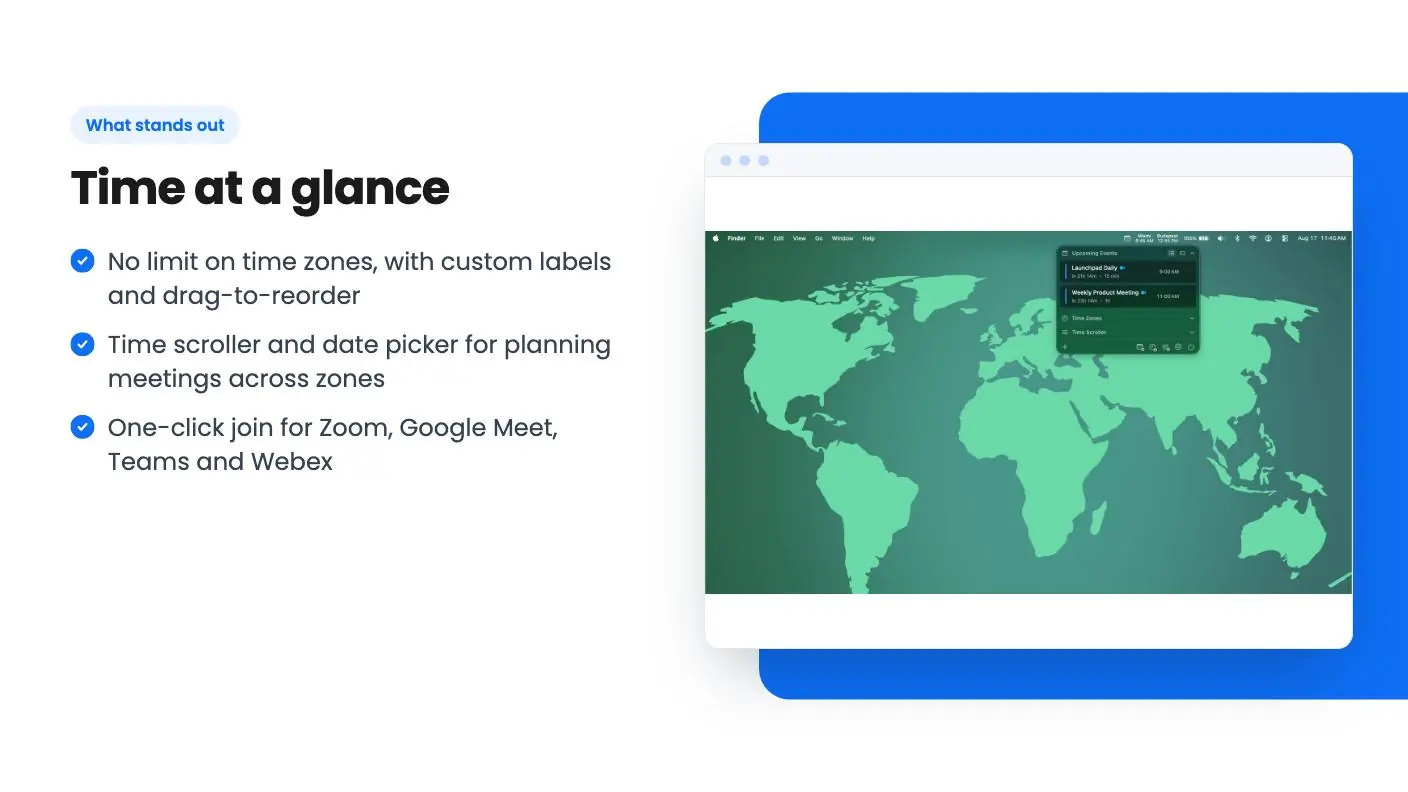
Time reads your calendar through the macOS Calendar app. Whatever accounts you’ve already connected there, such as Google or iCloud, can appear in the app. The listing describes no direct sign-in to those services, so I’d treat Time as a viewer layered on top of what macOS already has.
The app detects meeting links for Zoom, Google Meet, Microsoft Teams and Webex. When an event is about to start, you click it and join, instead of hunting through an invite email. There’s also a day view with a vertical timeline, and you can dismiss and restore individual events.
On privacy, the listing says calendar data is accessed on-device and that nothing, including time zone preferences, goes to external servers. It also says the app contains no analytics or tracking code. That’s the seller’s claim, so read it as a claim. Still, it’s the right pitch for a tool that sees your whole schedule.
The deal, and where the listing gets muddy
The price is $20 for lifetime access. You have to redeem your code within 60 days of purchase, and the deal isn’t stackable, so a second code won’t add seats or licenses.
This is where I’d slow down. The plan table reads ‘License covers: 5 Mac / 1 Mac’ and ‘Free automatic updates: Forever / 1 year’. It doesn’t say which value belongs to the AppSumo deal and which to the developer’s own retail license. The deal tier text says ‘All future plan updates’, which points toward forever. But the developer’s FAQ talks about one year of free updates, and about a 1 Mac versus 3 Mac split that doesn’t match the ‘5 Mac’ figure at all.
So I can’t tell you how many Macs the deal covers, or whether updates run forever or for a year. If it turns out to be one Mac with a year of updates, $20 is still modest. The FAQ says your license keeps working indefinitely after that first year, with no forced cutoff, so you’d simply stop receiving new versions. The main open question in this Time review is that license detail, so get a straight answer from the seller or AppSumo support if either detail matters to you.
The 7-day trial gives you every feature with no credit card, so you can try the real thing first. Team licensing exists as well, starting at 5 seats with discounts at larger sizes, but it’s quoted by email through the developer and isn’t part of this deal.
Who should pass on Time
If you’re on Windows or Linux, this isn’t for you. If your Mac is stuck below macOS 14 Sonoma, it won’t run. Those are hard stops.
It’s also a viewer, not a scheduler. Nothing in the listing mentions booking links, availability sharing or letting clients pick a slot. If your problem is getting people onto your calendar, you need a different tool.
The listing gives us little to judge the developer’s track record by. There are no customer numbers, no stated roadmap, and no review detail beyond AppSumo’s own summary, which is marketing copy. At $20 that risk is small, but it exists.
If you talk to people in three or more zones every week, install the trial, connect your real calendar, and run a normal scheduling week through it. That is the short version of this Time review. Then put the license and update questions to the seller before you spend the $20.
Related reading: Radius Booking review, TidyCal review.
All Time features
Taken from Time's AppSumo listing. We haven't tested these features hands-on.
Multi-Time Zone Menu Bar Display
- Multi-time zone menu bar display with custom labels
- Drag-to-reorder time zones
- Per-zone visibility: menu bar vs. popover, independently
Time Scroller and Date Picker
- Airport code search (5,500+ airports worldwide)
- Time Scroller: drag ±24 hours to preview all zones
- Date picker for planning future meeting times
Calendar Integration and Meeting Joins
- Calendar integration via macOS Calendar app
- One-click meeting join for Zoom, Google Meet, Teams, Webex
- DST change warnings up to 7 days in advance
DST Warnings and Fixed UTC Offsets
- Day/night color-coded time segments
- Fixed UTC-offset zones (e.g., UTC+5:30) unaffected by DST
- Dismiss and restore individual calendar events
Airport Code Search
- Calendar Day View with vertical timeline layout
- Auto-hide current local time zone option
- 12/24-hour format, custom fonts, colors, and alignment
What changes by plan
| Feature | Tier 1 | Tier 2 |
|---|---|---|
| License covers | 1 Mac | 5 Mac |
| Free automatic updates | 1 year | Forever |
What the lifetime deal includes
- Lifetime access to Time
- You must redeem your code(s) within 60 days of purchase
- All future plan updates
- Please note: This deal is not stackable
At a glance
- Best for
- Consultants, Freelancers, Agencies
- Category
- Operations › Calendar & Scheduling
- Website
- menubartime.com
Decided Time fits? The lifetime deal starts at $20. Check the tier limits on AppSumo before you pick one.
Get Time on AppSumoKeep reading about Time
Time FAQ
Does Time work on Windows or older Macs?
No. According to the listing, Time requires macOS 14 Sonoma or later and is built natively in SwiftUI. Windows isn't mentioned anywhere, so assume it isn't supported.
Can I try Time before buying the deal?
Yes. The listing says every feature is available for 7 days with no credit card or sign-up. Spend that week with your real calendar connected before you redeem a code.
Do I get free updates forever with the AppSumo deal?
The deal tier says 'All future plan updates', but the plan table also shows '1 year' of free updates, and the developer's FAQ describes one year. The listing doesn't reconcile these, so ask before you buy. Either way, the FAQ says the version you own keeps working indefinitely.
Is Time worth it?
The verdict says it's worth buying if you're a freelancer, consultant or agency owner on a Mac who schedules across several time zones and wants something lighter than a full calendar app. It's not for Windows users, anyone on macOS older than 14, or anyone who needs shared booking links. The listing contradicts itself on license and update terms, so get those confirmed before paying.
Does Time have a free trial?
Yes. The article says there's a 7-day trial that gives you every feature with no credit card. That lets you connect your real calendar and run a normal scheduling week through it before you spend the $20.
Does Time work with Zoom and Google Meet?
The article says the app detects meeting links for Zoom, Google Meet, Microsoft Teams and Webex. When an event is about to start, you click it and join instead of hunting through an invite email.