If your business runs on a pile of Google Sheets, you know the routine. One for client reporting, one for the content calendar, a third that somebody insists is the master list. The data is useful, but nothing links to anything else, and every report means copying numbers from one tab to another.
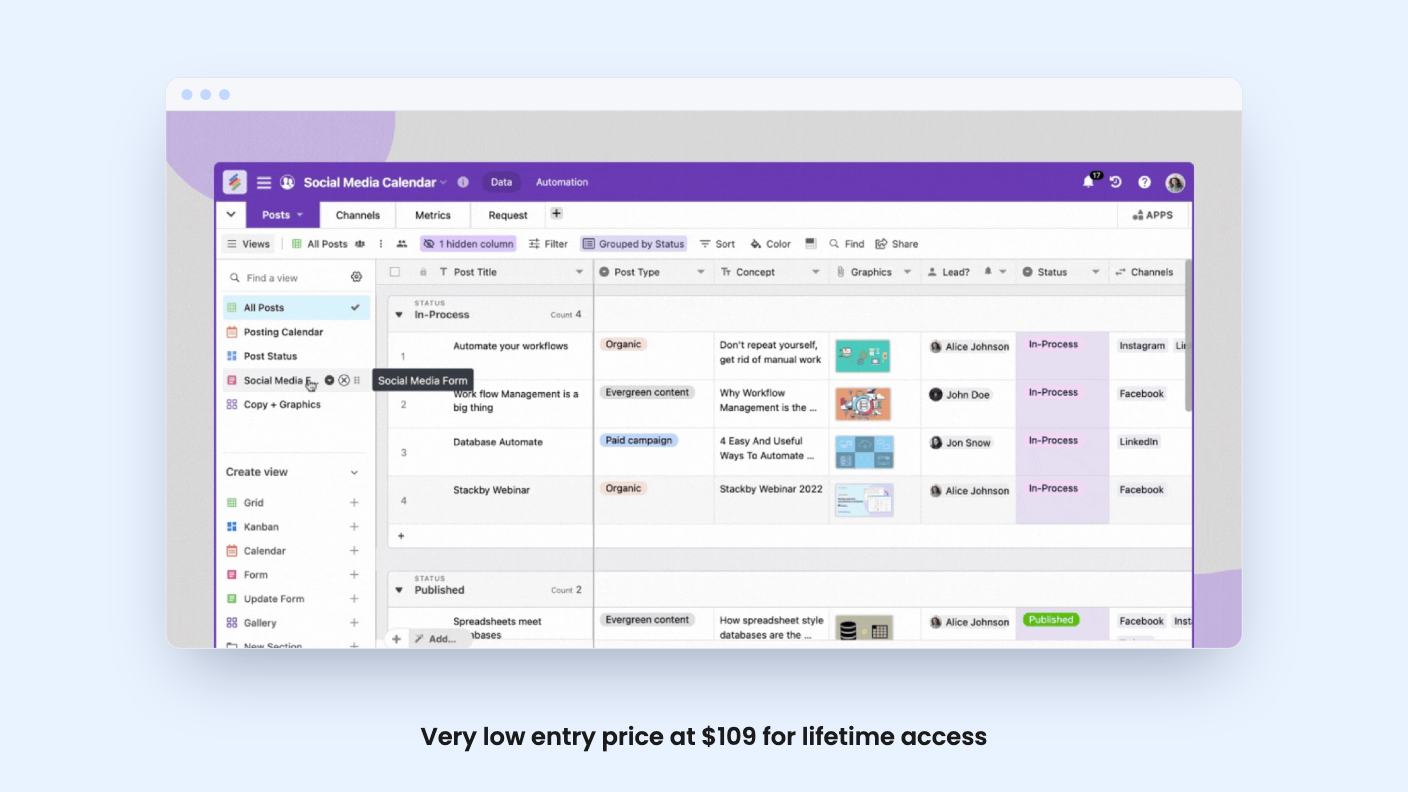
Stackby is built for that mess. It’s a spreadsheet-style database in the Airtable mould, and AppSumo is selling lifetime access starting at $109 (listed at $160). The deal has ten tiers and the differences between them matter a lot, so we’ll spend most of this review on those.
What you get for the idea
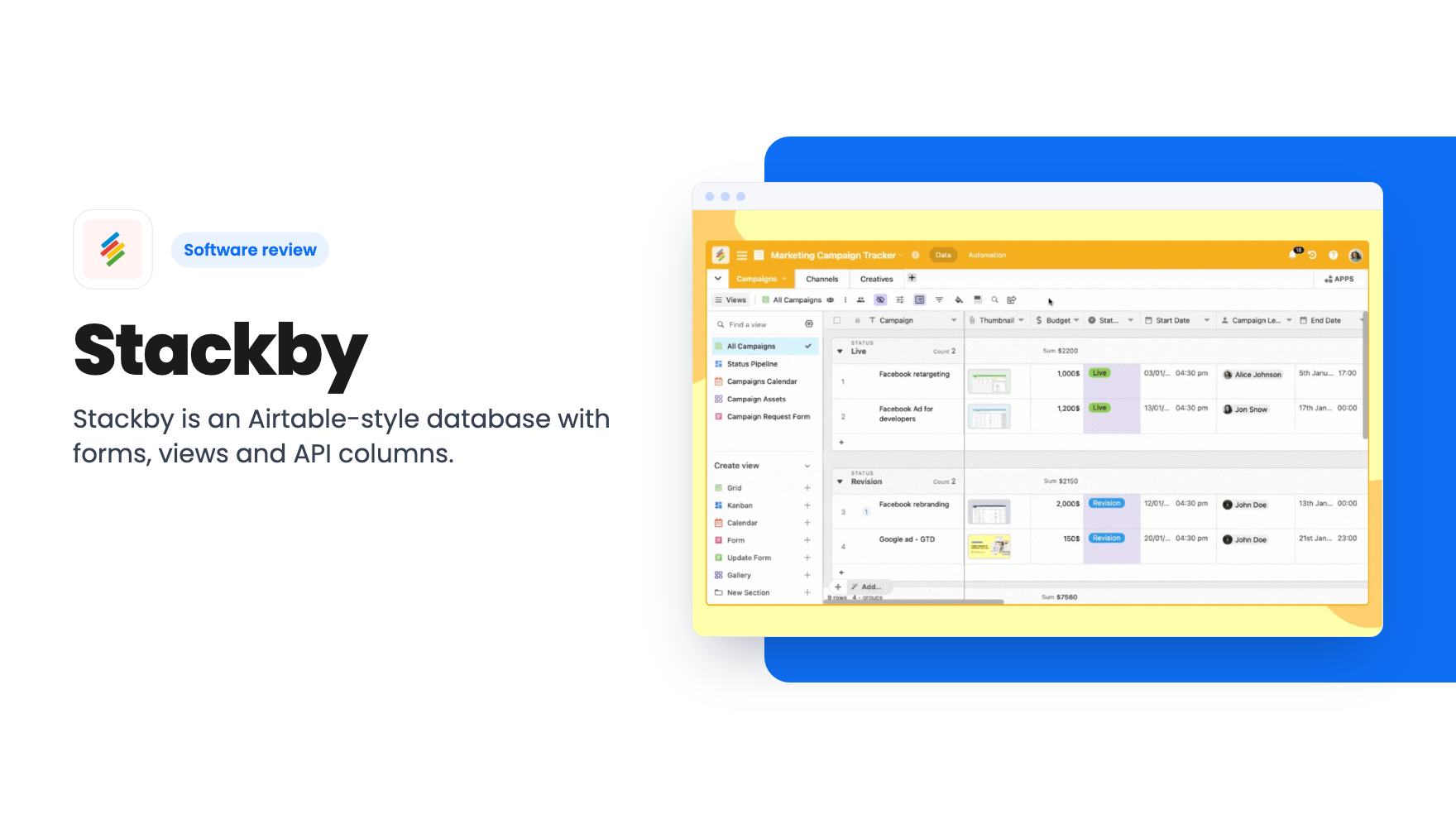
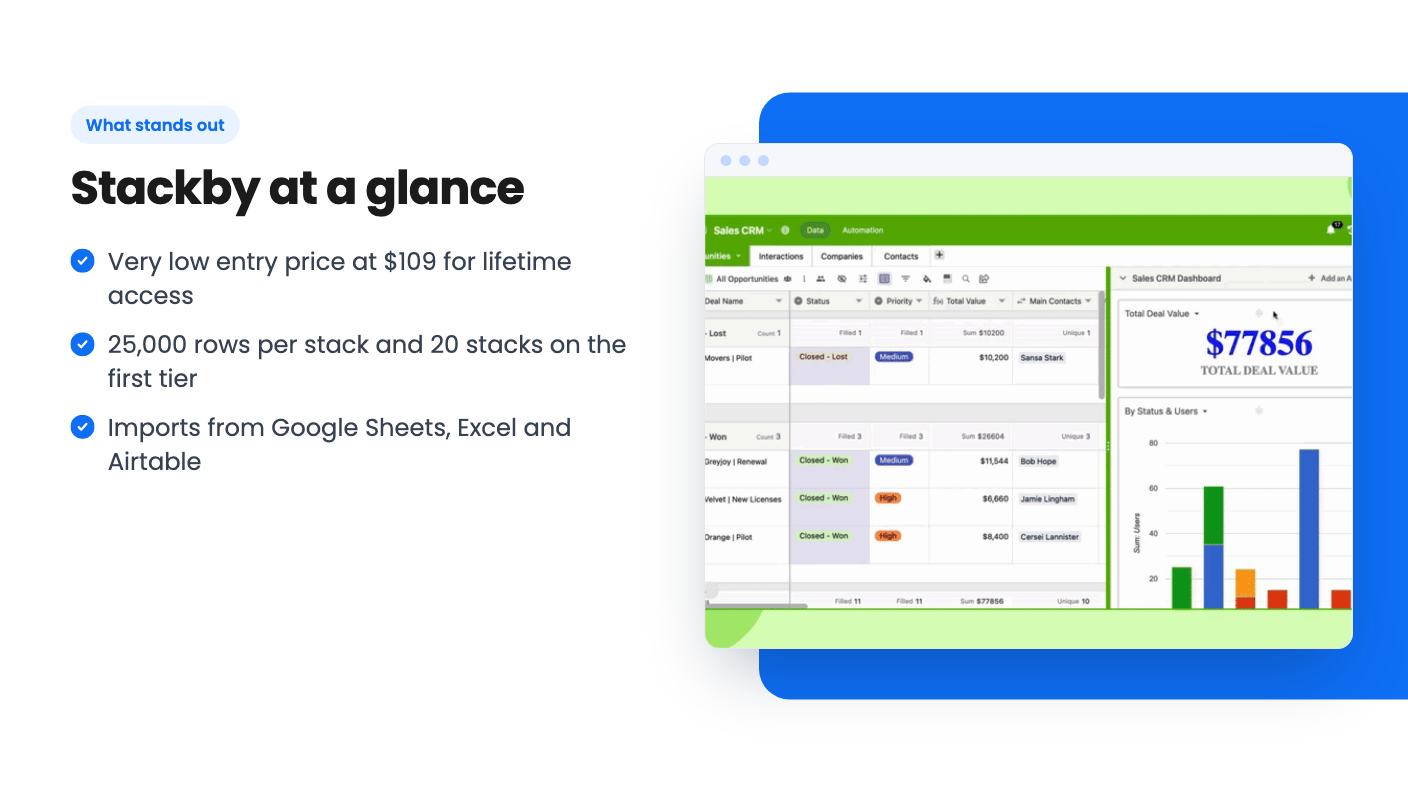
According to the listing, Stackby calls its databases “stacks”. You can start from one of 1000+ templates or import from Google Sheets, Excel or Airtable. There are 30+ column types, including dropdowns, attachments and formulas, and you can link records or look up related data.
Views are where it feels flexible. The listing’s FAQ names Grid, Kanban, Calendar, Gallery, List, Timeline and Forms, and you can share filtered views with teammates or clients. Forms let outsiders submit data straight into a table, which is handy for intake requests or lead capture.
Collaboration is the usual set: comments, checklists, assignees, deadlines and reminders. There are also dashboards with charts, summary boxes, goal trackers and pivot tables, plus a tool for designing invoices, quotes and one-pagers.
The listing pitches it as an alternative to Airtable and Monday.com. The Airtable comparison is fair. The Monday.com one is a stretch, because what’s described here is a database with task features bolted on, not a dedicated project management tool. The listing doesn’t mention things like Gantt charts or resource planning, so don’t assume they exist.
What the demo video shows
The video is about one thing: pulling marketing data into a table through API columns. The presenter starts from an automation-enabled template, such as Google Analytics, YouTube channel analytics, Google AdWords or LinkedIn ads tracking, and adds it to a workspace.
Then comes the connection step. The narrator says there are over 40 types of API integrations covering over 125 individual services, including Google Analytics, YouTube analytics, Ahrefs and Facebook ads. You connect either by authenticating your account or by pasting an API key. For YouTube, that means creating a key in the Google developer console first, which isn’t exactly one click.
Once connected, you point a column at a service, such as Google Analytics users by view ID, and give it an ID column and start and end dates. A built-in data explorer lets you pick which fields to pull in. You can refresh by hand or schedule it daily, every three days, weekly or monthly, for all rows or only new ones. Stackby then shows when it last refreshed and how many API requests it has used.
Two cautions. The transcript we have is badly garbled, with sentences looping over and over, so we can’t vouch for every detail. And the video says nothing about pricing, caps or lifetime tiers. The scheduled refresh it shows maps to the listing’s “API - automated refresh” line, which is false on the first four tiers.
What $109 actually buys
This is the part to read slowly. The first tier gives you 3 users, 20 stacks and 25,000 rows per stack. Attachments are capped at 4GB per stack with a 5MB upload limit, which is small if your clients send design files or scans. Revision history is 60 days and you get 100 conversational AI credits.
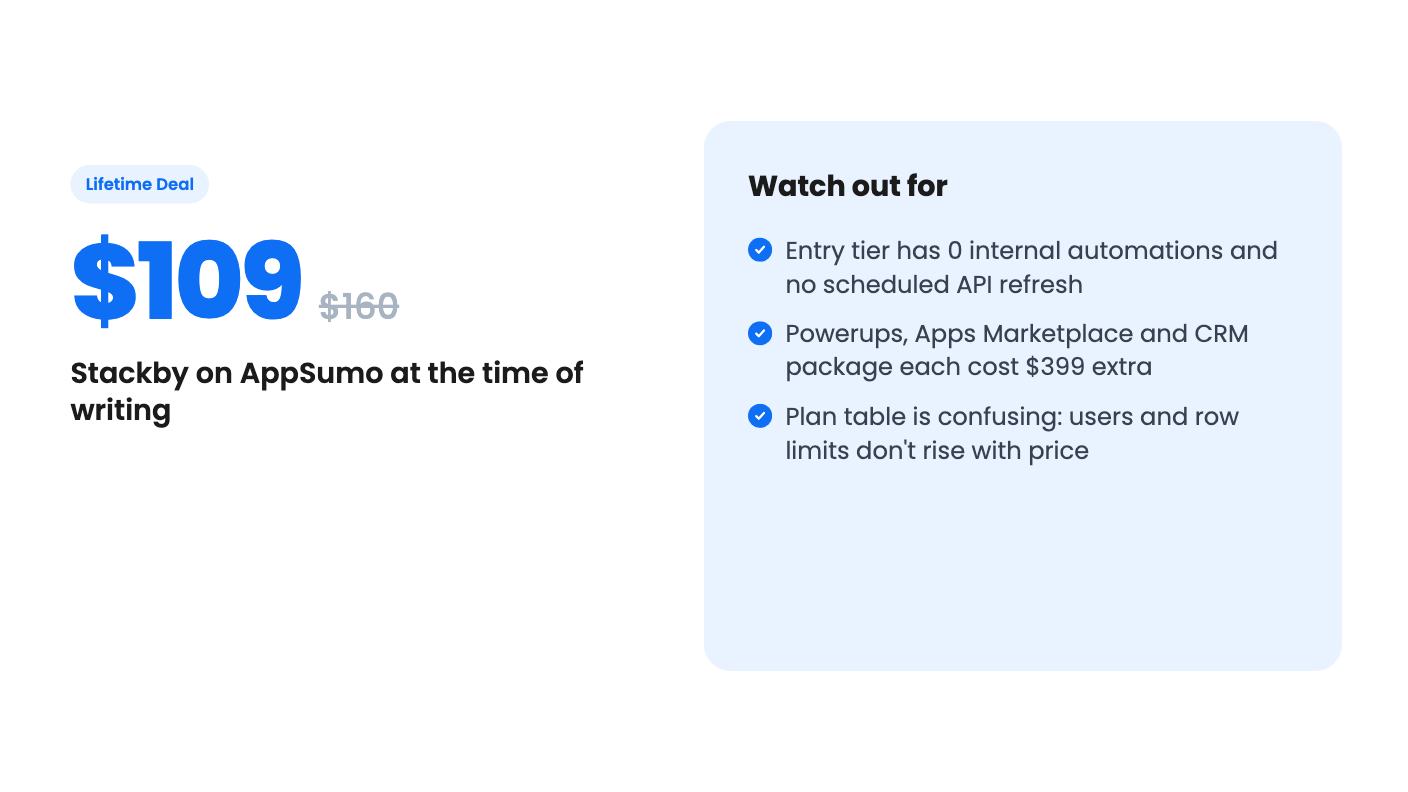
The list of zeros is longer. Internal automations: 0. API automation runs per month: 0. Apps per stack: 0. AI fields, automated API refresh and custom apps are all marked false. Build with AI and the AI MCP connector are marked true, but the listing doesn’t explain what either involves in practice.
So the entry tier is a database with forms, views and dashboards. It is not the automated, auto-refreshing setup in the demo. If that setup is why you’re reading, $109 doesn’t get you there.
Where the higher tiers change things
Automation shows up higher up, and the numbers don’t climb in a tidy way:
- $436: 4 users, 10,000 rows per stack, 750 internal automations a month, 500 API runs.
- $545: 5 users, 10,000 rows, 750 automations, 750 API runs, plus AI fields and automated API refresh.
- $654: 6 users, 7,000 rows, 1,000 automations, and the first custom app with subdomain mapping.
Notice that row limits fall as the price rises, from 25,000 at $109 to 5,000 at $763. The top three tiers list 0 internal automations again, and the two highest list 0 API runs. Even the user counts look odd: $109 lists 3 users, $218 lists 2 and $327 lists 1.
The listing doesn’t explain any of this. It may be a formatting slip or a real quirk of how the plans were mapped, but we can’t tell from the source. Ask Stackby’s support, or check AppSumo’s Q&A, before you pick a tier with your own numbers in mind.
You can also stack up to 10 codes to raise your limits, and past buyers are grandfathered into new features and limits. That helps if you want to grow slowly, though it also means the real price of a bigger setup is the sum of several purchases.
The costs that aren’t in the headline
Lifetime here comes with strings. Extra users cost $120 per user, paid annually per workspace, so a growing team brings back a subscription in all but name.
The listing also describes Powerups as the features that control who edits columns, tables or views, restore deleted data, color-code records and find duplicates. Enabling them is a $399 one-time payment. The Apps Marketplace is another $399 and a CRM package is a third. Permissions and deleted-data recovery are things many teams consider basic, so paying more than the deal price to switch them on feels steep.
AppSumo shows 146 reviews averaging 4.64 out of 5, and its summary says performance with larger datasets has improved and that there’s still a learning curve. That summary is marketing copy, so treat the score as a good sign and not a guarantee. A 30-day money-back guarantee is mentioned, and you have to redeem within 60 days.
Who should skip it
Skip it if you want hands-off automation on a budget. At $109 you get none of the automations, none of the scheduled refresh and none of the apps, and the tiers that do include them cost four to six times as much. Also skip it if you need granular permissions or file-heavy storage without paying for add-ons.
It makes sense for a small agency or a solo operator who wants a tidy relational database to replace spreadsheets, shares views and forms with clients, and is happy to refresh data by hand. For that person, 25,000 rows per stack and 20 stacks is generous for the price, and the 30-day window gives you time to import a real sheet and see whether the interface suits you before anything is locked in.
How this review was made: researched from Stackby's official listing and a transcript of its demo video, and written with help from AI. We have not tested Stackby hands-on yet. Prices and deal terms change, so check AppSumo before you buy. See our affiliate disclosure.