


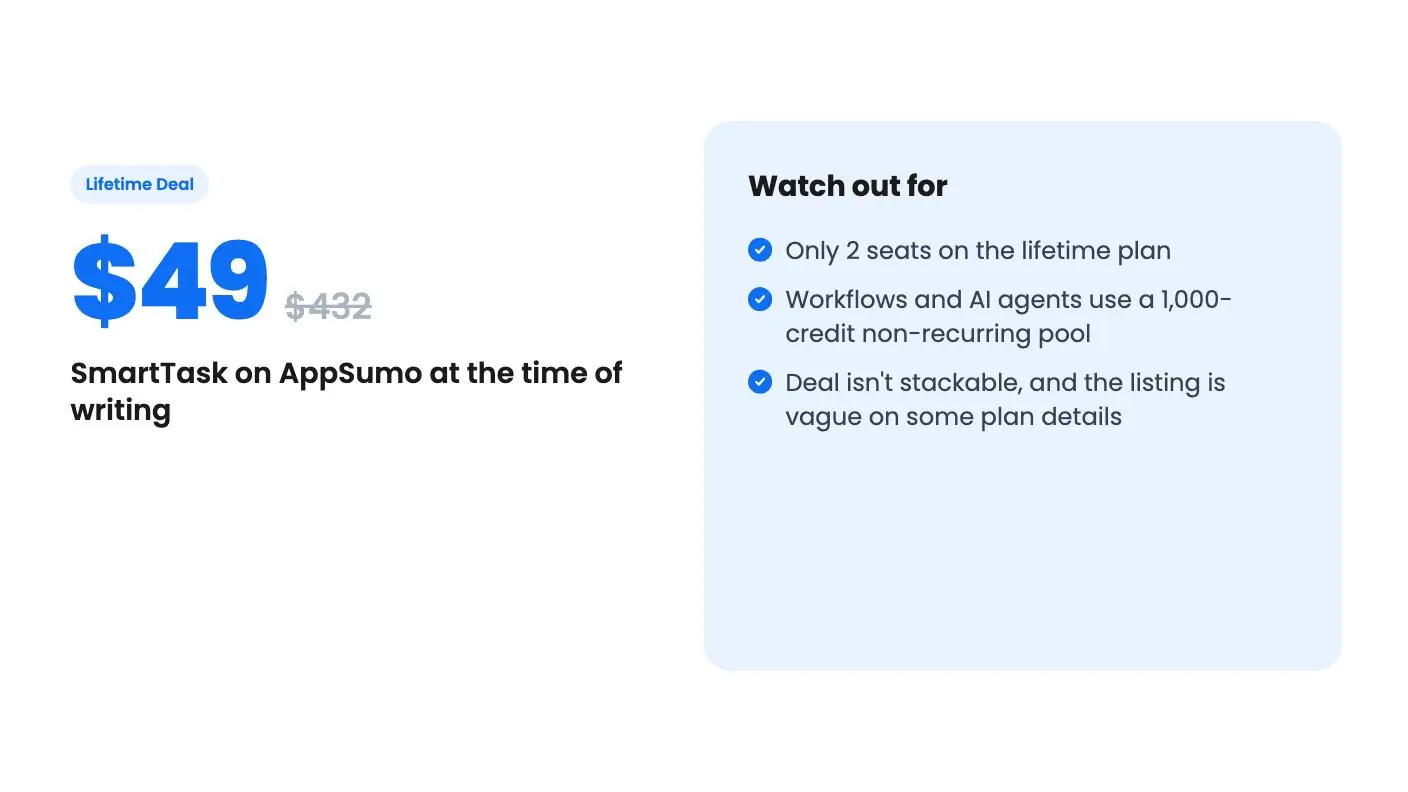
Lifetime deal price
$49$43289% off
Lifetime Deal
Quick verdict
Our take: Buy it if you run a small service business, want one place for tasks, client portals and a simple deal pipeline, and can live with 2 seats. Skip it if you have a team larger than two, need proven stability, or expect unlimited automations, since workflows and AI agents draw on 1,000 non-recurring credits.
Best for: Small businesses, Professional Services, Agencies
Alternative to: Asana, ClickUp, Wrike
What we like
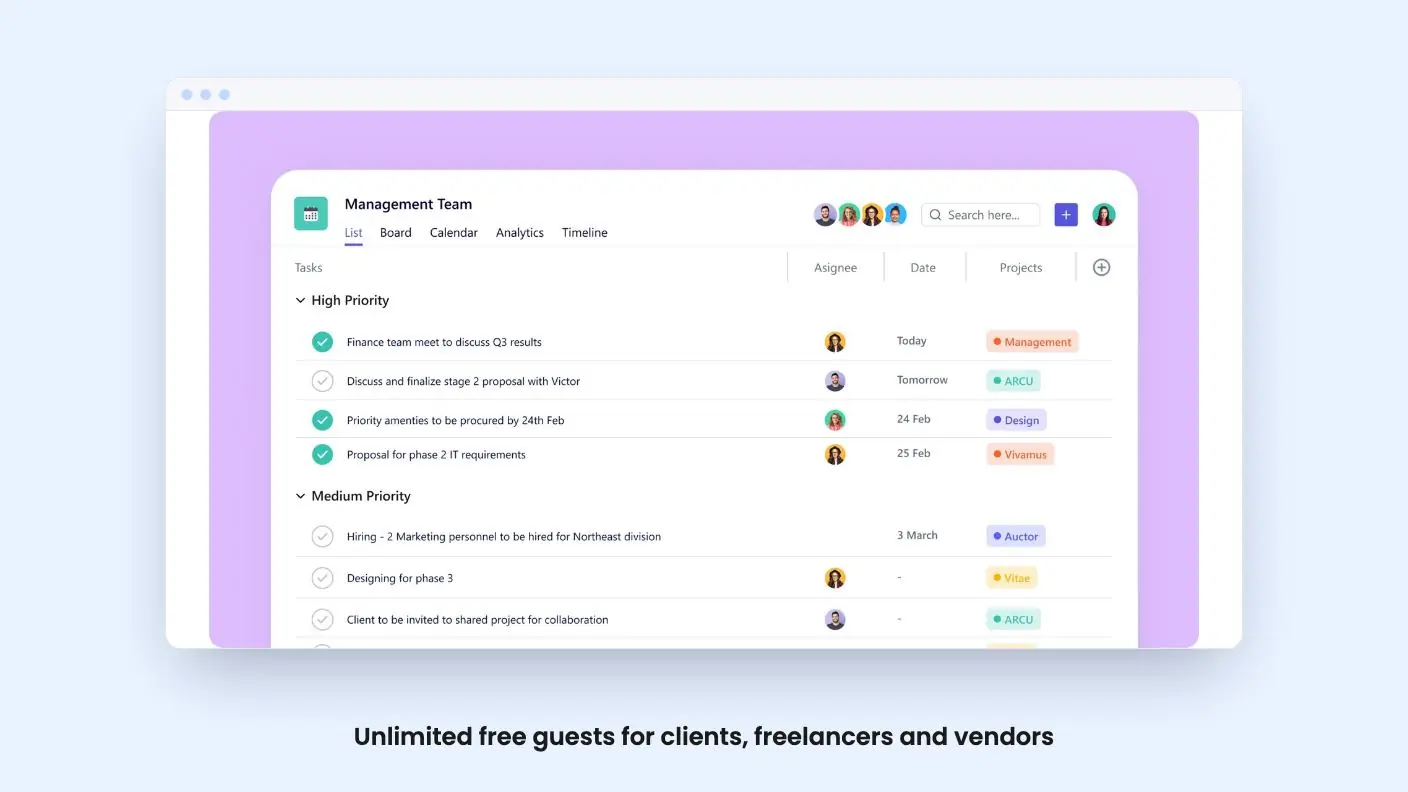
- Unlimited free guests for clients, freelancers and vendors
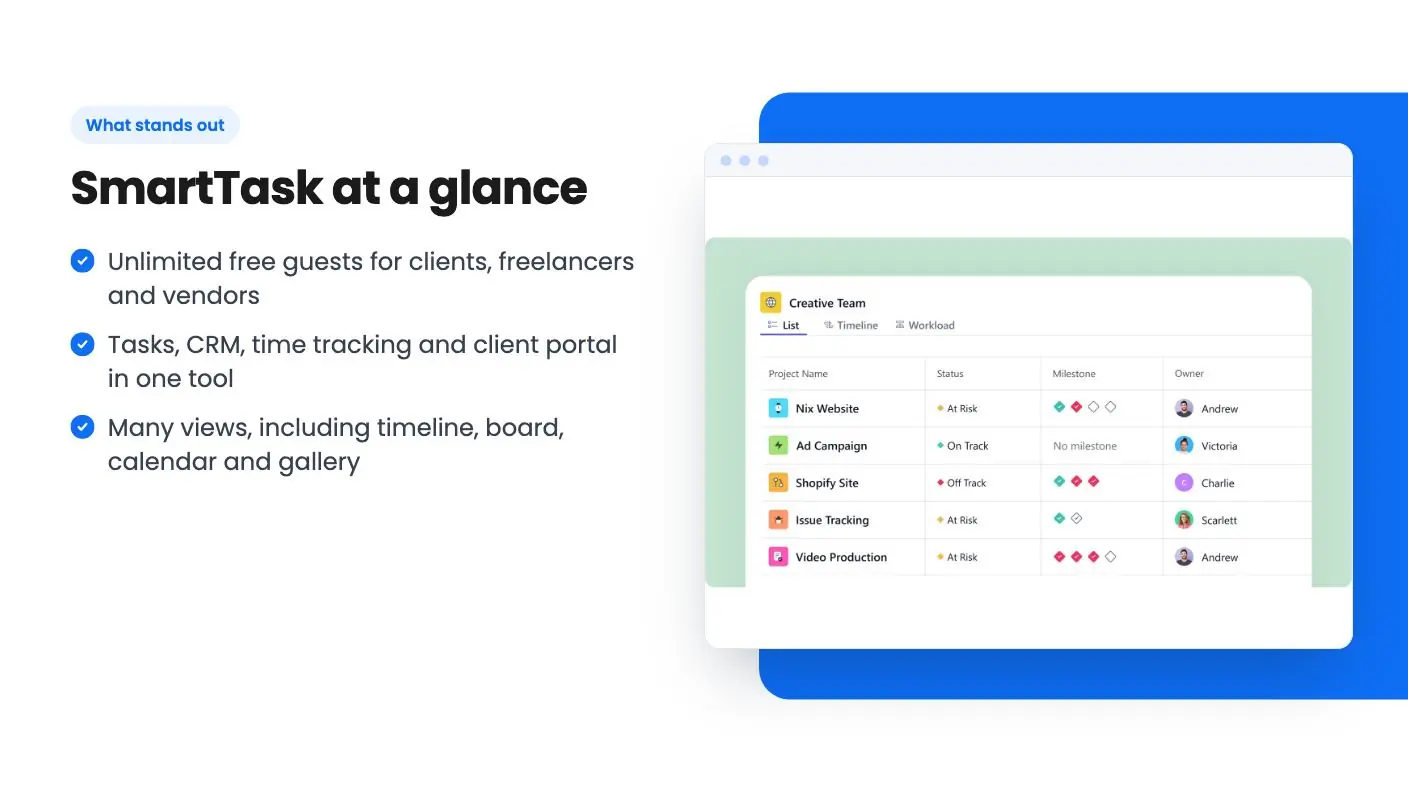
- Tasks, CRM, time tracking and client portal in one tool
- Many views, including timeline, board, calendar and gallery
- Credits don't expire and you can buy more
Watch out for
- Only 2 seats on the lifetime plan
- Workflows and AI agents use a 1,000-credit non-recurring pool
- Deal isn't stackable, and the listing is vague on some plan details
Picture a small agency with three tools open on one client job. Tasks live in one app, the deal pipeline in another, and the client keeps emailing because they can’t see where anything stands. Each tool is fine alone. Together they cost money and eat attention.
Get SmartTask for $49 on AppSumo →
SmartTask is trying to collapse that stack. It’s a project management tool with a sales CRM and a client portal attached, and it’s currently an AppSumo lifetime deal at $49, down from a listed $432. The listing pitches it as an alternative to Asana, ClickUp and Wrike, aimed at small businesses, professional services and agencies.
We haven’t used it hands-on, and there’s no product video for this deal, so everything in this SmartTask review comes from the listing. Treat it as a map of what the vendor claims, not a verdict on how it feels to use.
What SmartTask gives you for the project side
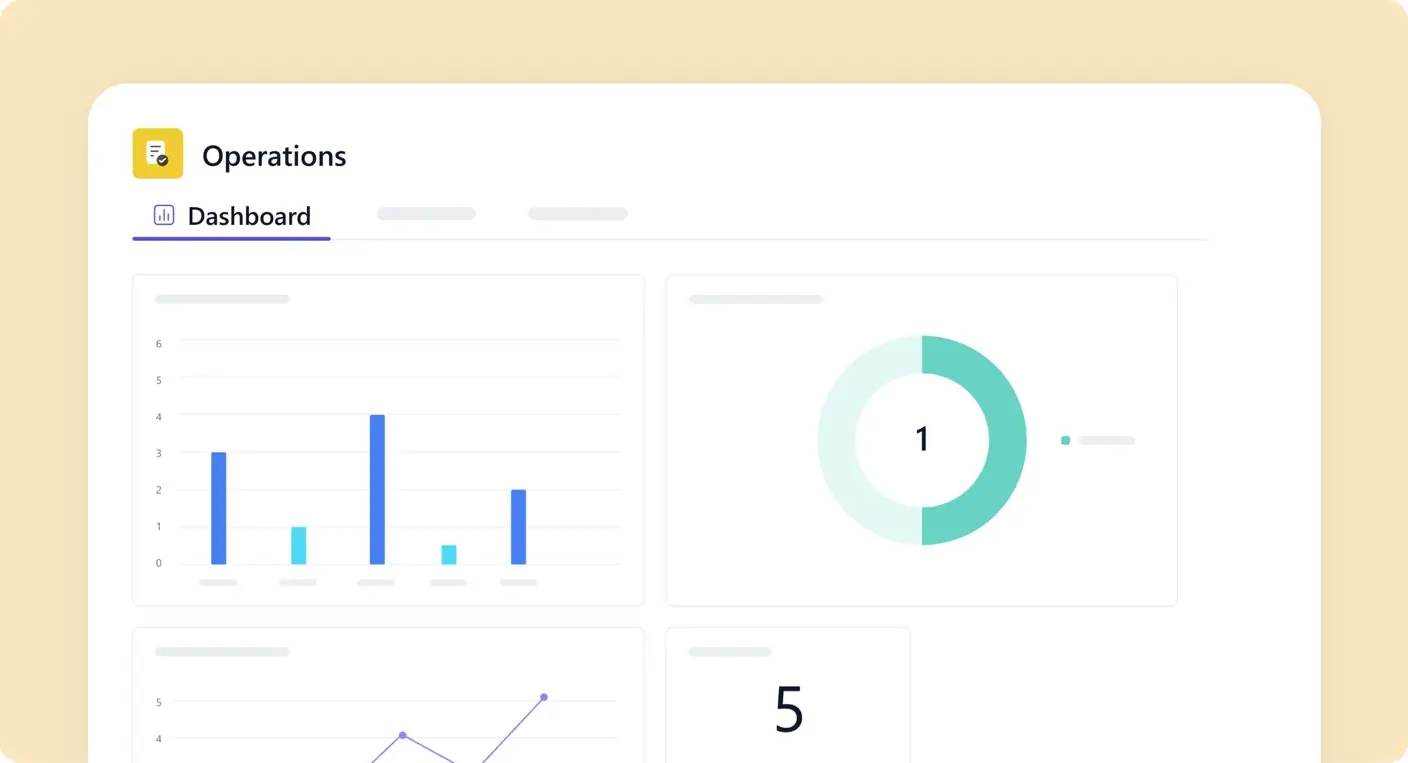
The project management core is broad. According to the listing, you get list, board, calendar, timeline and gallery views, plus dashboards. There are task dependencies, subtasks, milestones and a critical path view, which is something you usually only see in heavier tools. Recurring tasks are included too, and so is multi-homing, meaning one task can sit in several projects.
The plan features also list custom fields, forms, custom views and publish to web. That’s a decent checklist for a tool at this price.
One gap in the listing: the feature section for project management ends with an empty bullet. We don’t know what was meant to be there, so don’t assume it’s something good.
The CRM and client portal are the real pitch
Plenty of tools do tasks. The part of this SmartTask review worth your time is the stuff around the tasks.
The sales CRM is a deal pipeline that tracks opportunities by stage. You can send and receive email from inside the app, and a won deal can be converted straight into a project. For a freelancer or small agency, that handoff from “they said yes” to “here’s the project” is a small but real time saver.
Then there’s the client side. You get a client portal with controlled visibility, and you can mark projects, tasks or comments private so clients only see what you choose. The listing also says you can annotate on video, images and PDFs, which helps with creative review.
And guests are unlimited and free. That’s the detail I’d care about most if I billed clients for work.
Get SmartTask for $49 on AppSumo →
Time, billing and automation
The FAQ section adds more. You can log time entries, generate timesheets, set billable and cost rates, lock approved time, and set budgets to track profitability per project. For a service business, that’s the difference between guessing and knowing whether a job paid off.
Workflows let you build multi-step automations that send email, WhatsApp or Slack messages. You can also assign tasks to AI agents based on your criteria. The listing also mentions an MCP server for AI assistants such as Claude and ChatGPT.
Integrations listed on the deal page are Dropbox, Google Calendar, Google Drive, Google Sheets, Mailchimp, Slack, Twilio, WhatsApp and Zapier. The FAQ adds Make.com, Pabbly, Outlook Calendar and Jotform, among others.
The SmartTask limits that matter
Here’s where the $49 gets its asterisks.
First, seats. The plan lists 2 seats. That’s fine for a solo operator with a partner or assistant. It’s tight for a team of five. The listing says to contact support if you want more users, but it doesn’t say what extra seats cost.
Second, credits. Workflows and AI agents both use credits, and the lifetime plan includes 1,000 that are non-recurring. They don’t expire, which is good, but they also don’t refill. You can buy more, though the listing gives no pricing for that. If you plan to run automations heavily, you can’t tell yet how far 1,000 will go, because the listing doesn’t say how many credits a workflow run or an agent task consumes.
Third, the free plan. The FAQ says SmartTask has a Free Forever plan with unlimited tasks, users, projects, contacts and guests, plus access to all core features. If that’s accurate, it changes the math. You could test the core product at no cost before paying, and you’d want to find out exactly what the lifetime tier adds. The listing doesn’t spell that out beyond workflows, AI agents and a few other items.
Other details: the deal isn’t stackable, you must redeem your code within 60 days, and future plan updates are included. The deal maps to the Premium subscription plan, with possible minor differences in features or credits.
Who should buy SmartTask, and who should skip
This fits a freelancer, consultant or small agency that wants one tool for tasks, a basic pipeline, time tracking and a client portal. If you currently pay for a project tool plus a separate portal, $49 is a low-risk way to try consolidating.
Here is who should pass in this SmartTask review. Skip it if you have a team bigger than two and don’t want to negotiate extra seats. Skip it if automation is the main reason you’re buying, since the credit pool is fixed and the cost of each action is unclear. And if you need a deep CRM, treat this one as a lightweight pipeline, not a replacement for a dedicated sales tool.
The tool also reads as young and wide. It covers a lot of ground: projects, CRM, billing, AI agents, an MCP server. Broad products at this price often do some parts better than others. Without a demo video or hands-on time, we can’t say which parts those are here.
My advice after this SmartTask review: start on the free plan if it’s really available, run one real client project through it, and only then pay the $49. AppSumo’s refund window, if you need it, is something to confirm on the listing page before checkout, because this listing doesn’t state it.
Related reading: SelfManager.ai vs SmartTask, SmartTask vs t0ggles, FuseBase review.
All SmartTask features
Taken from SmartTask's AppSumo listing. We haven't tested these features hands-on.
Project & Task Management
- Dynamic views: list, board, calendar, timeline, gallery, dashboards
- Task dependencies, subtasks, milestones, and critical path
- Recurring tasks and multi-homing across projects
Sales CRM
- Deal pipeline to track opportunities by stage
- Send and receive email directly inside SmartTask
- Convert won deals straight into projects
Client Collaboration
- Client portal with controlled visibility
- Unlimited free guests for clients, freelancers, and vendors
- Annotate on Video, Image and PDF
Workflows
- Create multi-step workflows and automations
- Send Email, WhatsApp or Slack message
- Assign tasks to AI agents based on your criteria
Included in every plan
- Seats, Unlimited guests: 2
- Project Management
- Forms
- Workflows (Uses Credits)
- AI Agents (Uses Credits)
- Custom Views
- Publish to Web
What changes by plan
| Feature | Tier 1 | Tier 2 | Tier 3 | Tier 4 |
|---|---|---|---|---|
| Custom Fields | ✓ | — | — | — |
What the lifetime deal includes
- Lifetime access to SmartTask
- You must redeem your code(s) within 60 days of purchase
- All future plan updates
- Please note: This deal is not stackable
At a glance
- Best for
- Small businesses, Professional Services, Agencies
- Alternative to
- Asana, ClickUp, Wrike
- Integrations
- Dropbox, Google Calendar, Google Drive, Google Sheets, Mailchimp, Slack, Twilio, Whatsapp, Zapier
- Category
- Operations › Project Management
- Website
- www.smarttask.io
Decided SmartTask fits? The lifetime deal starts at $49. Check the tier limits on AppSumo before you pick one.
Get SmartTask on AppSumoKeep reading about SmartTask
- SelfManager.ai vs SmartTask: side-by-side comparison
- SmartTask vs t0ggles: side-by-side comparison
- Asana Alternatives: 5 AppSumo Lifetime Deals Compared
- ClickUp Alternatives on Lifetime Deal: 5 AppSumo Options
- Project management lifetime deals: 10 options and who fits
- All Project Management lifetime deal reviews
SmartTask FAQ
How many users does the SmartTask lifetime deal include?
The plan features list 2 seats, along with unlimited guests. Guests are clients, freelancers and vendors. If you need more seats later, the listing says to contact support, and it doesn't give a price for extra users.
Do I get unlimited automations and AI agents?
No. Workflows and AI agents both use credits. The lifetime plan includes 1,000 credits that are non-recurring and don't expire. You can buy more at any time, but the listing doesn't say what extra credits cost.
Is the lifetime deal the same as the paid subscription?
Not exactly. The listing says the deal maps to the Premium plan on SmartTask's pricing page, but warns there may be minor feature or credit differences. Check the pricing page before you buy.
Does SmartTask have a free plan?
The listing's FAQ says SmartTask has a Free Forever plan with unlimited tasks, users, projects, contacts and guests, plus access to all core features. We haven't confirmed that beyond the listing. The listing also doesn't spell out exactly what the lifetime tier adds beyond workflows, AI agents and a few other items.
Is SmartTask worth it?
It fits a freelancer, consultant or small agency that wants tasks, a basic pipeline, time tracking and a client portal in one tool. At $49 it's a low-risk way to try consolidating. It's a poor fit for teams larger than two, or for anyone buying mainly for automation, since the plan has 2 seats and 1,000 non-recurring credits.
What are the best SmartTask alternatives?
The listing pitches SmartTask as an alternative to Asana, ClickUp and Wrike, aimed at small businesses, professional services and agencies. What sets it apart is the sales CRM and client portal built around the project tools. If you need a deep CRM, treat it as a lightweight pipeline, not a dedicated sales tool.