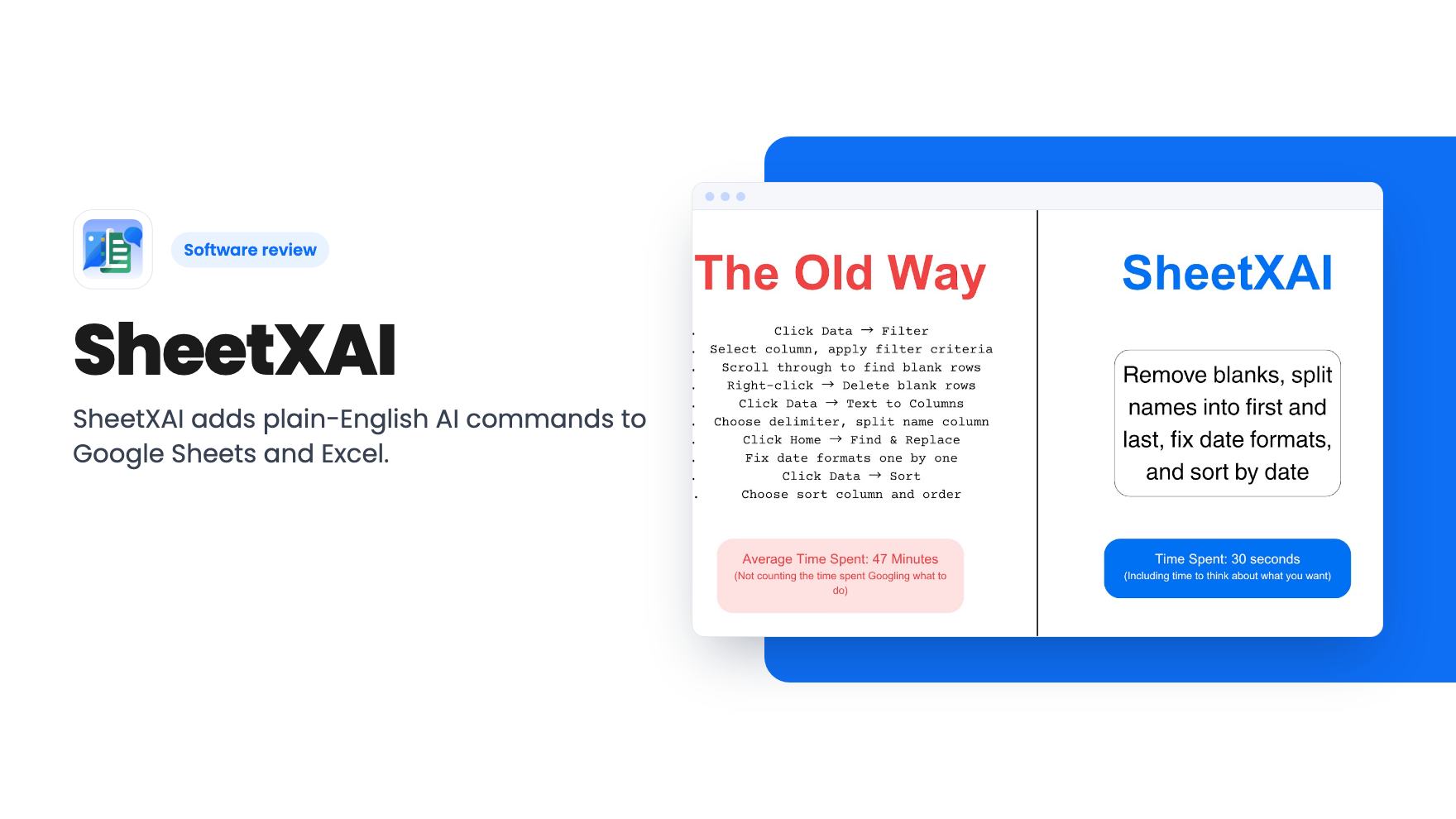
You’ve got a sheet of 800 leads. The phone numbers are formatted three different ways, a few dozen contacts appear twice, and a client wants a chart by Friday. You know a formula could fix most of it, but you’d lose an hour finding the right one first. That’s the kind of afternoon SheetXAI is built to shorten.
It’s an add-on for Google Sheets and Excel. You open it from the Extensions menu, type what you want in plain English, and it does the work in the sheet. The AppSumo lifetime deal starts at $49, down from a $180 list price. Here’s what that buys, and where the listing leaves gaps.
What you type, and what it’s supposed to do
The core pitch is multi-step commands. According to the listing, you can ask it to clean data, split columns, remove blanks, fix formatting and generate reports in one go. It also says it can create charts, find duplicate contacts and merge them, all without writing a formula.
That’s the part most small business owners will use daily. Nobody enjoys wrestling with a messy export from a CRM or a store. If you can say “remove blank rows, split the full name column, and highlight duplicate emails” and get the result, that’s real time back.
The listing’s FAQ adds that it can work across multiple sheets at once and do live web research. Those are claims from the vendor, and we haven’t verified how well either works on messy real data.
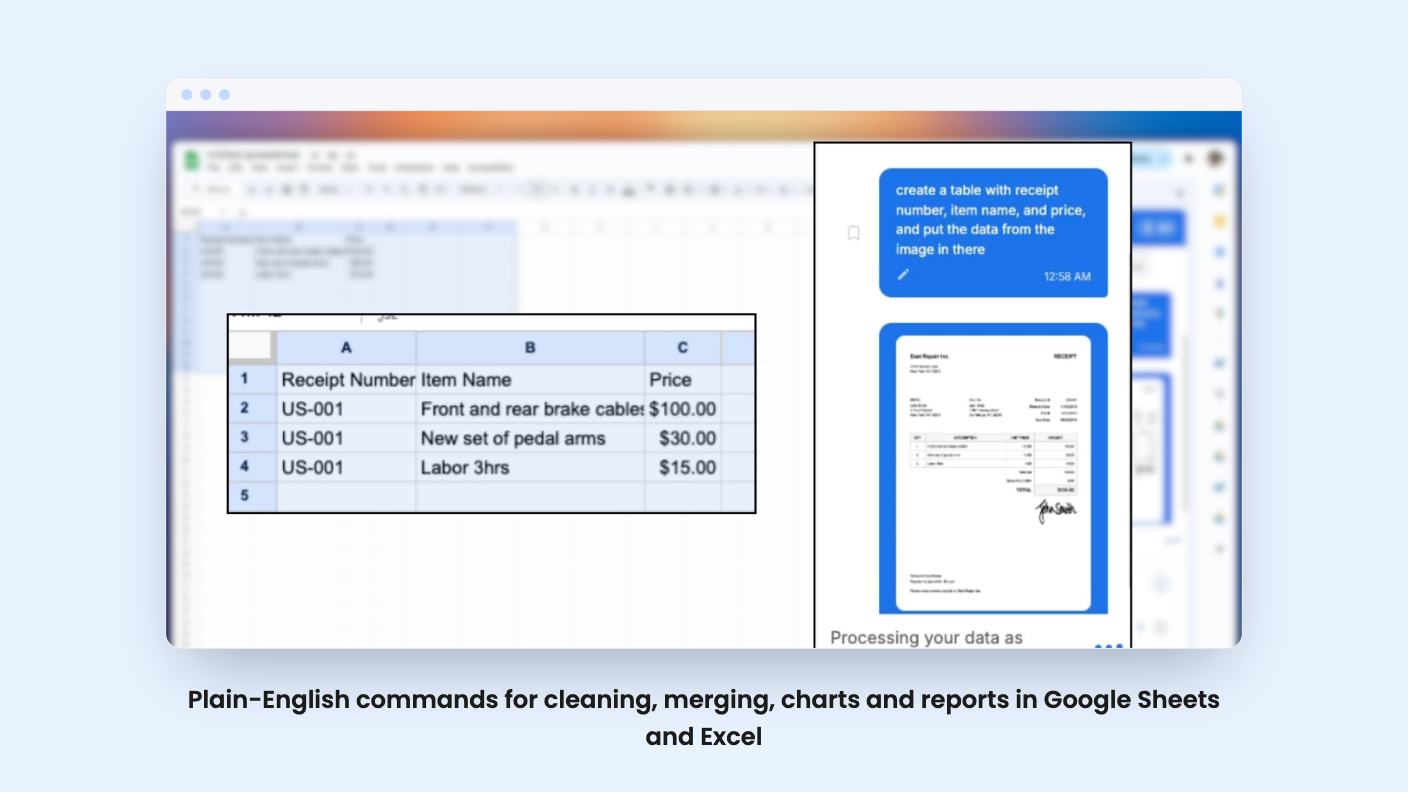
The document feature is the one I’d look at hardest. You upload PDFs, photos, handwritten forms, invoices, receipts or other unstructured documents, and it pulls key details into rows and columns. The listing suggests expense reports, client intake forms, contracts turned into trackable data, and research material.
If you or your bookkeeper retype receipts into a sheet every month, this is the use case that could pay for the license quickly. But the listing gives no accuracy figures and no file limits. Handwriting recognition in particular varies a lot from tool to tool. Expect to check the output, at least at first.
Content generation inside the cells
SheetXAI also generates content row by row. The listing mentions marketing copy, research summaries, custom images, video and audio for every row of data. Picture a sheet of product names with a column of descriptions and a column of images filling in beside them.
It’s a broad promise. A single add-on that writes, researches and makes video is covering a lot of ground, and depth usually suffers. The plan table also gates much of this by tier, which I’ll get to below.
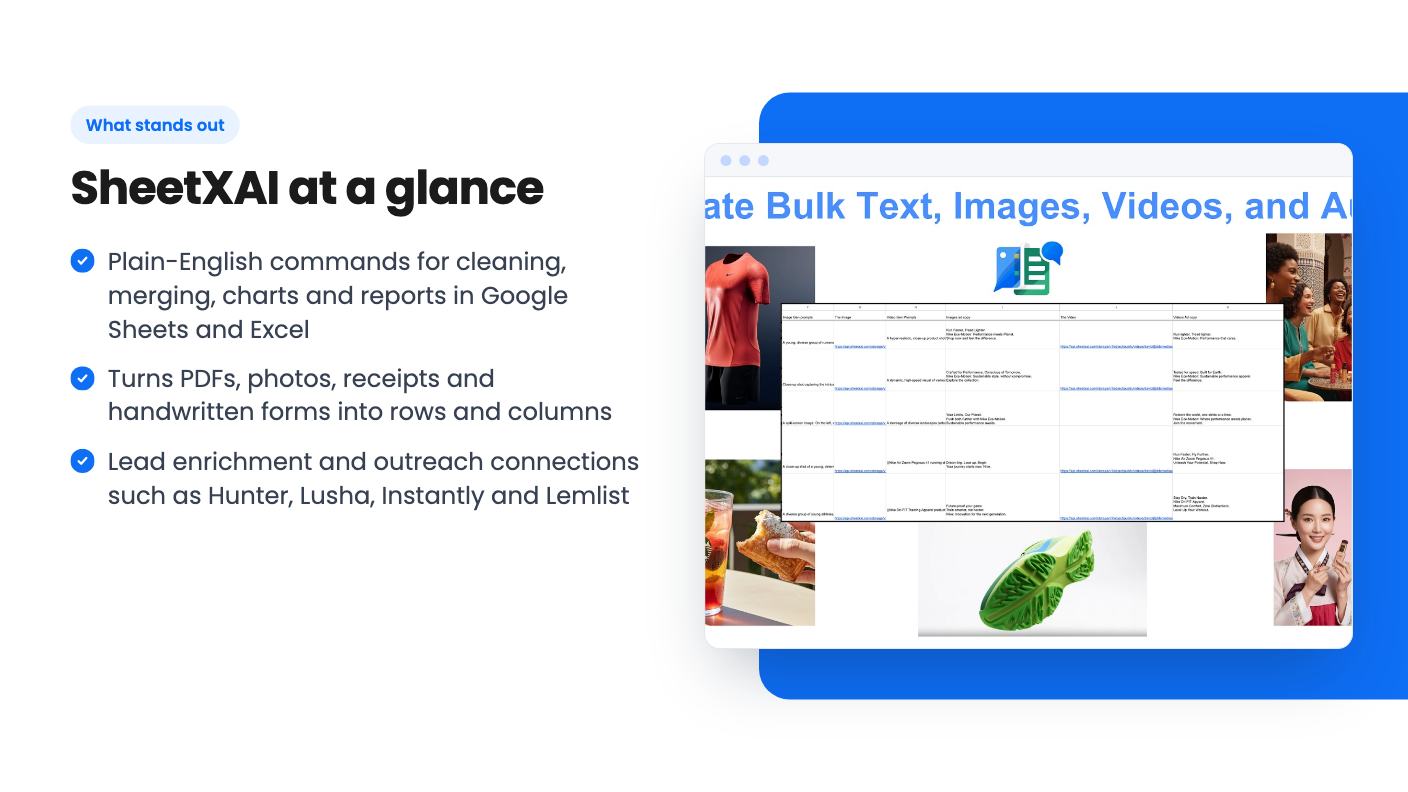
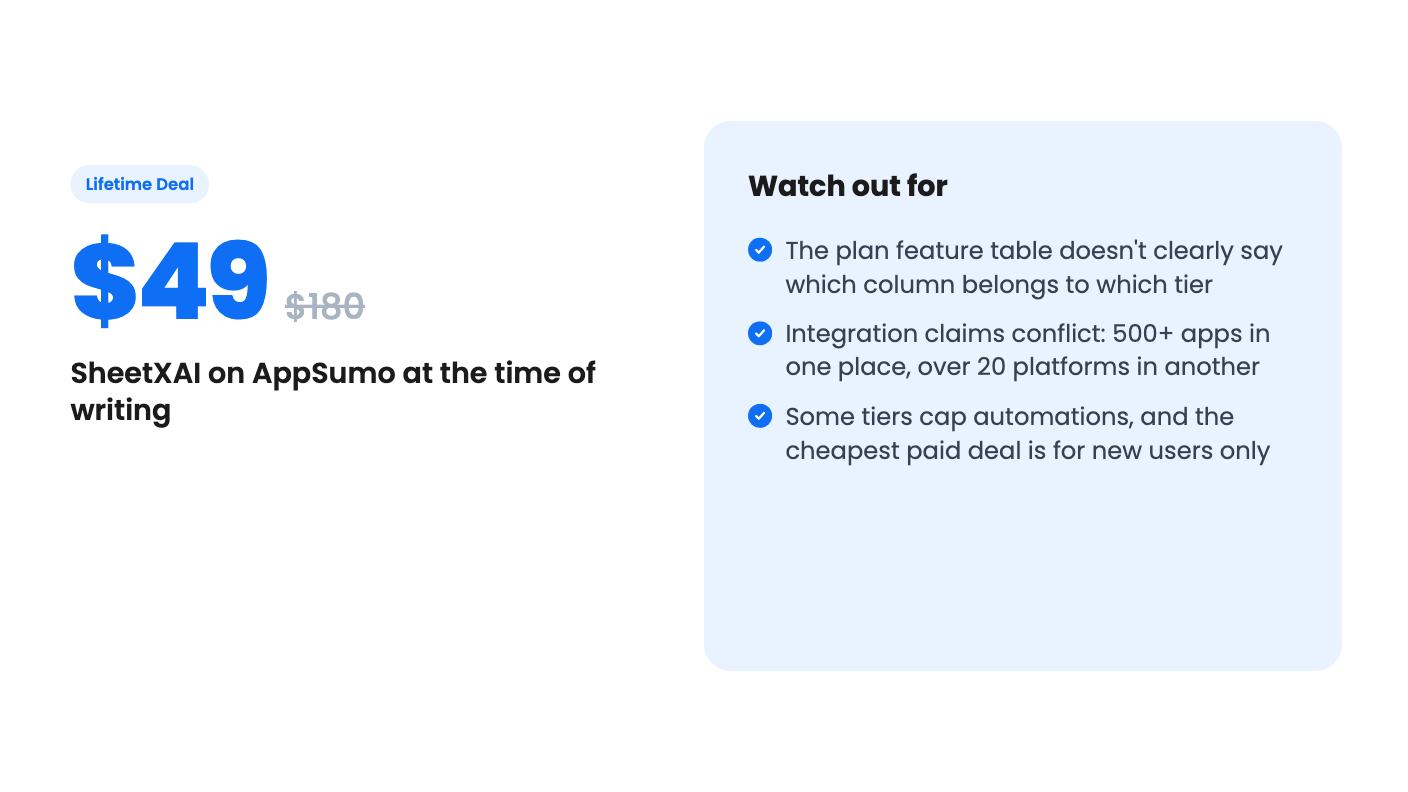
The feature list says you can connect 500+ apps, including HubSpot, Google Analytics, Gamma, Apollo, FullEnrich and Icypeas. It also names Hunter, Lusha, Instantly and Lemlist for verifying emails, enriching leads and launching outreach campaigns. AppSumo’s integration list shows Google Sheets, Instantly, Office 365, WooCommerce and WordPress.
Then there’s the FAQ, which says over 20 platforms. That’s a big gap from 500+. It might be that 500+ comes through a third-party connector layer, but the listing doesn’t explain it. Before you buy for a specific integration, confirm that exact app is supported.
For agencies running cold outreach, the idea is clear enough. Build the lead list in a sheet, verify and enrich it, then push it to your sending tool without leaving the spreadsheet. That’s a sensible workflow if it holds up.
What the founder video shows
The video on the listing is a founder intro, not a product demo. David D’Souza, the founder and CEO, says he used to run a marketing and retention agency, was good at marketing and customers, and hated spreadsheets. He says he looked at AppSumo, Gemini and Copilot, found nothing that fit, and built SheetXAI. He says it has been running for two years.
He mentions pulling Meta ads results into a sheet to track them, and sending leads out to outreach tools such as Instantly. He also invites buyers to contact him with problems.
So you don’t see the product working in that video. There’s no walkthrough of a command and no output on screen. It tells you who built it and why, which is useful, but it doesn’t prove the features. Look for a live demo or use the refund window before trusting the feature list.
The four tiers, and why the table is hard to read
There are four lifetime tiers: $49 (was $180), $149 (was $540), $199 (was $900) and $299 (was $4,500). All include lifetime access and future updates to the AppSumo plan. The deal is for new SheetXAI users only, and you must activate within 60 days. You can upgrade while the deal is live, but you can only downgrade within 60 days of purchase.
The plan feature table is where I stopped. It lists licenses as 25 / 5 / 3 / 1 and automations as limited in the first column (10 daily, 10 mini apps per month) and unlimited in the rest. Most of the media and scraping features are marked true in the first three columns and false in the last. The listing doesn’t label which column maps to which price. Read in order, it would give the $49 tier 25 licenses, which looks backwards.
I wouldn’t guess. Check the comparison on the AppSumo page yourself before you pick a tier. The listing also doesn’t explain what “automations” and “mini apps” mean in practice, or whether there are usage or credit limits on AI generation. Image, video and audio generation usually cost the vendor real money, so ask the founder about fair-use limits.
The $4,500 list price on the top tier is a number I’d ignore. It tells you nothing about what the product is worth.
Who should buy it, and who should skip it
Buy it if you live in Google Sheets or Excel, you handle lead lists, expense data or client forms, and you’d happily trade a few dollars for fewer formula headaches. At $49 with a 60-day money-back guarantee per AppSumo, the risk is low. The 76 AppSumo reviews average 4.93 out of 5, and AppSumo’s own summary mentions responsive founder support, a slight learning curve for advanced features and occasional integration issues. Treat that summary as marketing, but the pattern is plausible for a young product.
Skip it if you open a spreadsheet twice a week. You won’t earn the money back. Skip it too if you already use Gemini or Copilot and only need basic cleanup, since the built-in tools may be enough.
And hold off if one specific integration or media feature is your whole reason for buying. Get a written answer on which tier includes it first.
How this review was made: researched from SheetXAI's official listing and a transcript of its demo video, and written with help from AI. We have not tested SheetXAI hands-on yet. Prices and deal terms change, so check AppSumo before you buy. See our affiliate disclosure.