Picture a monthly chore that eats ten minutes and all of your patience. You save a report into a folder, upload it to an FTP server, then email the right person to say it’s there. It isn’t hard. It’s just dull, and dull tasks get skipped or done wrong when you’re tired.
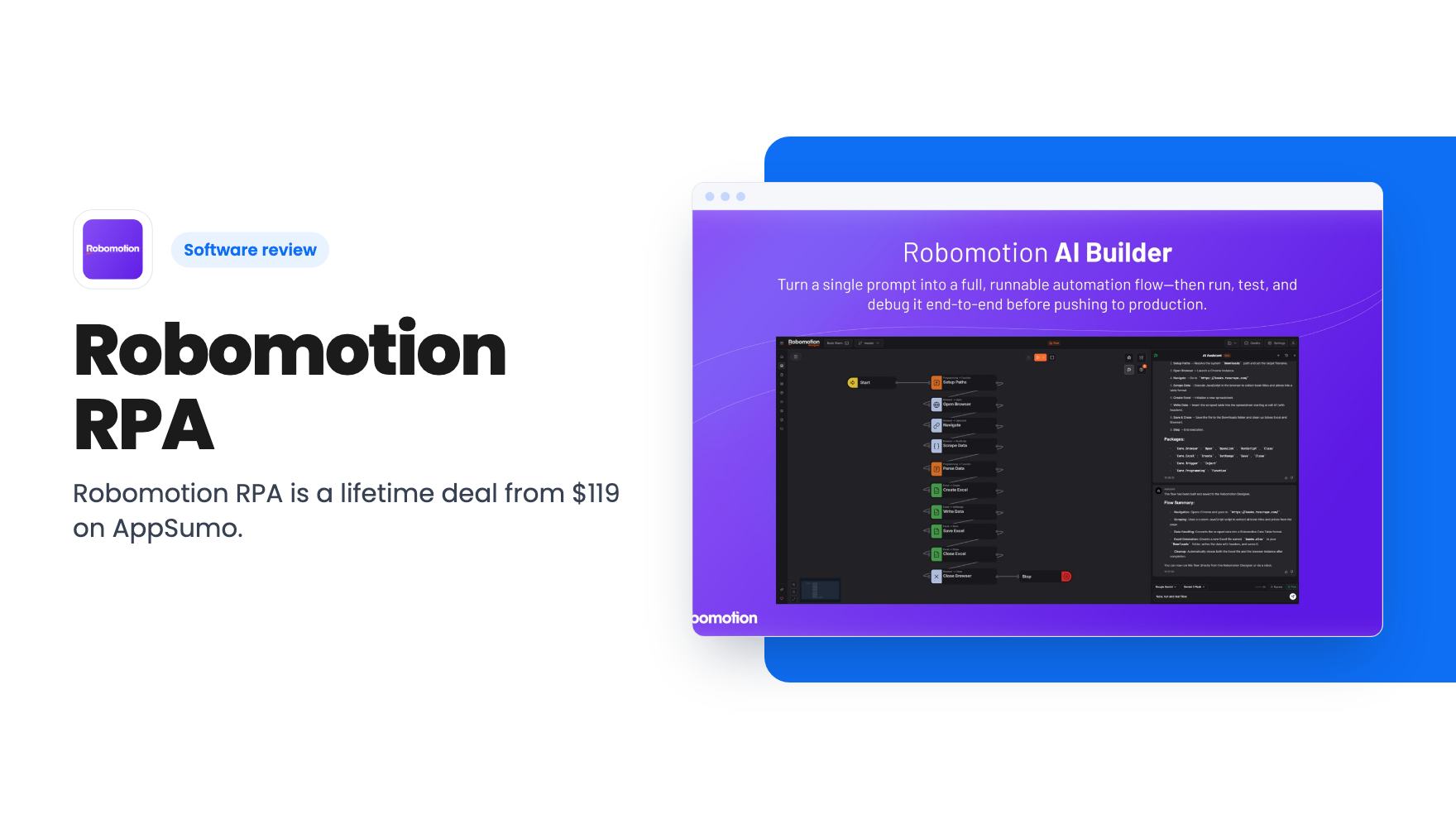
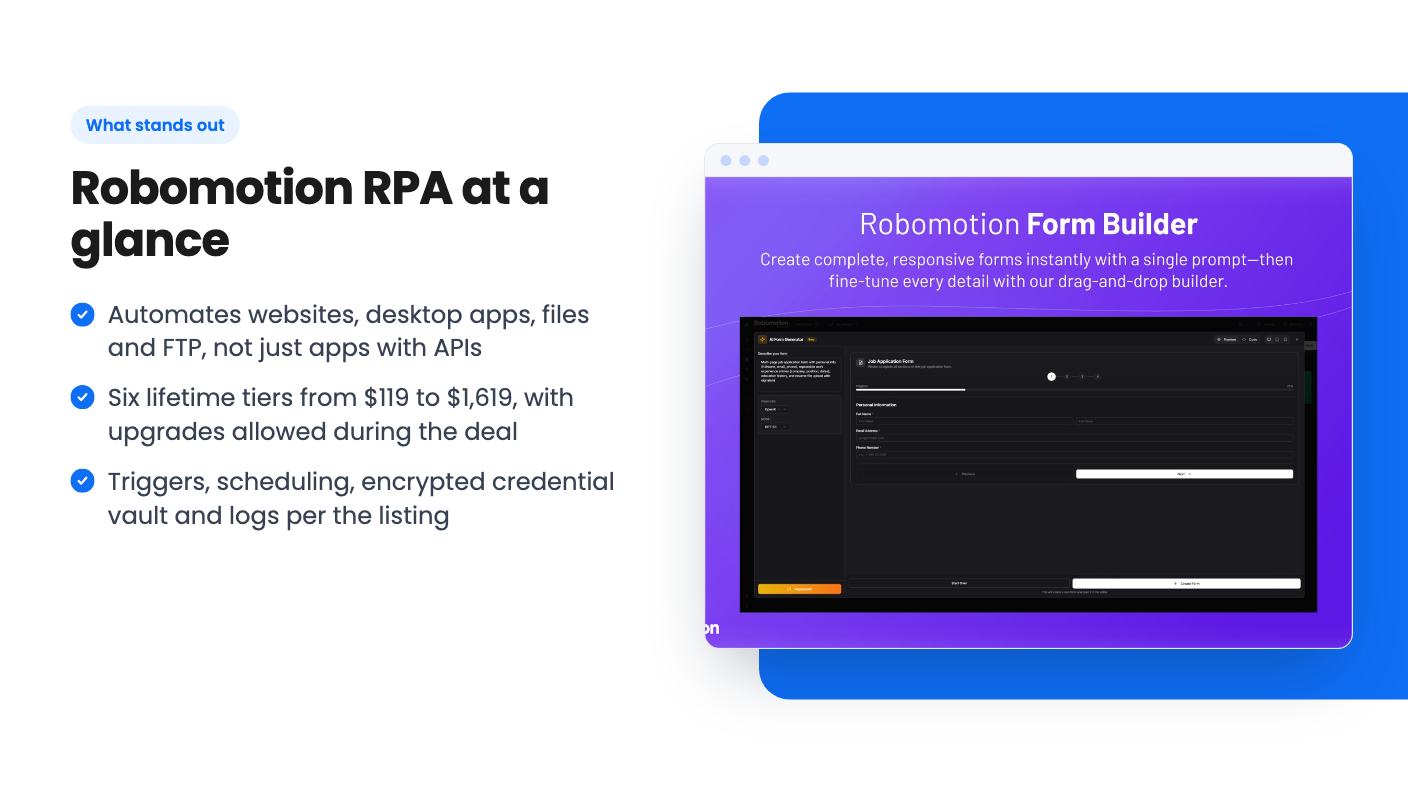
That’s the kind of job Robomotion RPA is aimed at. It’s a robotic process automation tool, which means software ‘robots’ that click, type, copy and upload the way you would. The AppSumo deal starts at $119 for lifetime access, with six tiers up to $1,619.
We haven’t used it ourselves. What follows comes from the AppSumo listing and a creator’s demo video, so treat it as a buyer’s briefing, not a lab report.
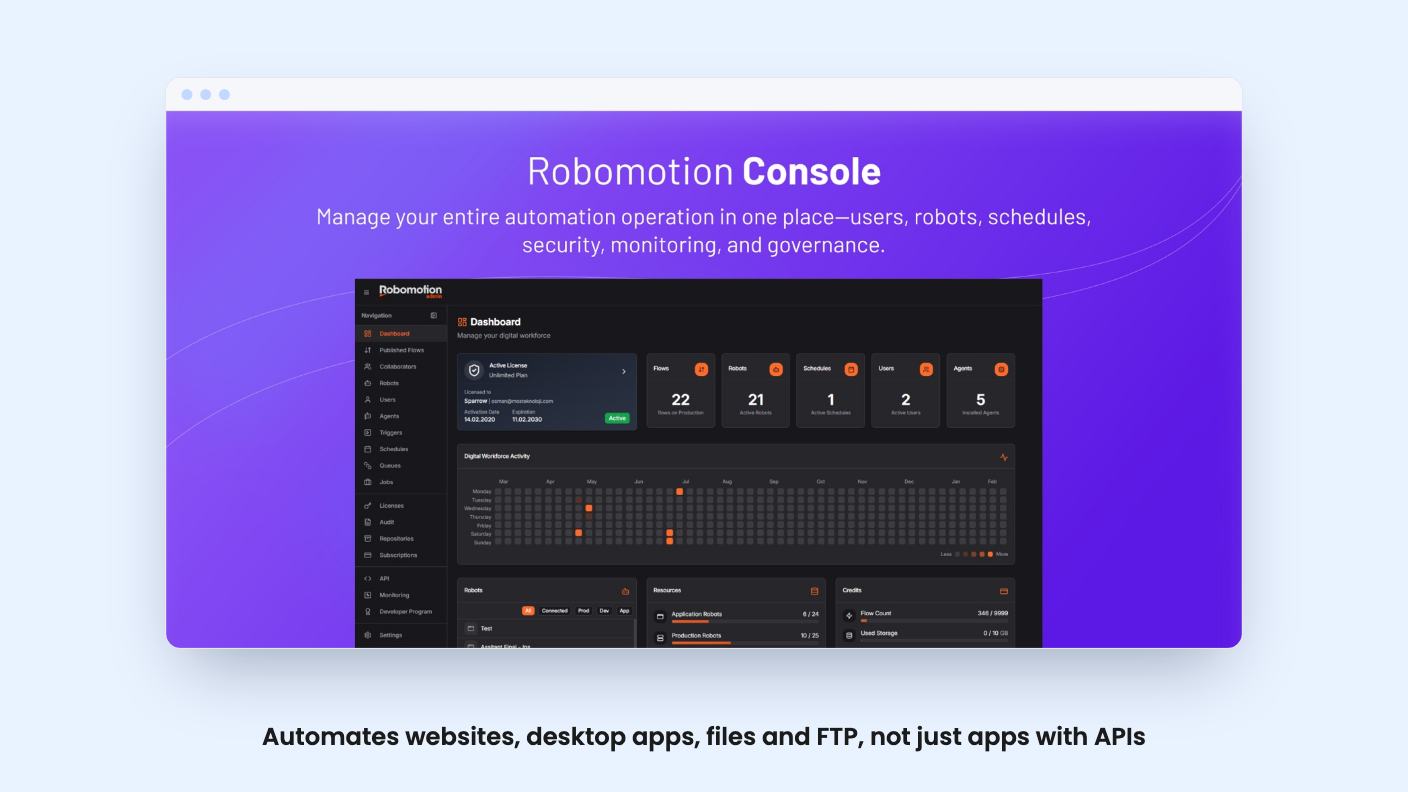
Most automation tools connect apps through their APIs. Robomotion is closer to a very patient assistant sitting at your computer. The listing says it automates web and desktop applications, and the video makes the same point: if you can do it in a browser or on your machine, a flow can probably do it.
The flow builder is drag and drop. The video shows nodes for browser actions, Excel, Google Sheets, the file system, FTP, mail, mouse and keyboard, forms, queues and triggers. For browser work you can target elements with XPath or CSS selectors, or fall back on OCR to find images and words on screen.
The listing also mentions an AI assistant that builds, refines and debugs flows, and a feature that describes flows in plain English. It says the tool can catch and fix errors automatically. The listing gives no examples, accuracy figures or limits for any of this, so we’d treat it as a helper for first drafts and not something to bet a payroll process on.
What the demo video shows
The presenter opens with two workflows they say they run. One detects a new file in a folder, uploads it by FTP and emails a person. The other sets up a hosting account and builds a templated website on it. Both are plain examples of repetitive work, which is a fair way to show the product.
The walkthrough then covers the admin console, where you see your robots and whether they’re connected. A connected robot is a running one, installed through the Robomotion desktop app on a computer or a cloud server. There’s also a monitoring view, a bot console, and a set of ready-made templates you can open and edit.
The presenter suggests ideas such as bank reconciliation, competitor price checks, spreadsheet reports and lead research. Some are pulled from the vendor’s own case studies, and the presenter admits not knowing how well lead generation works. Read those as starting points, not proof.
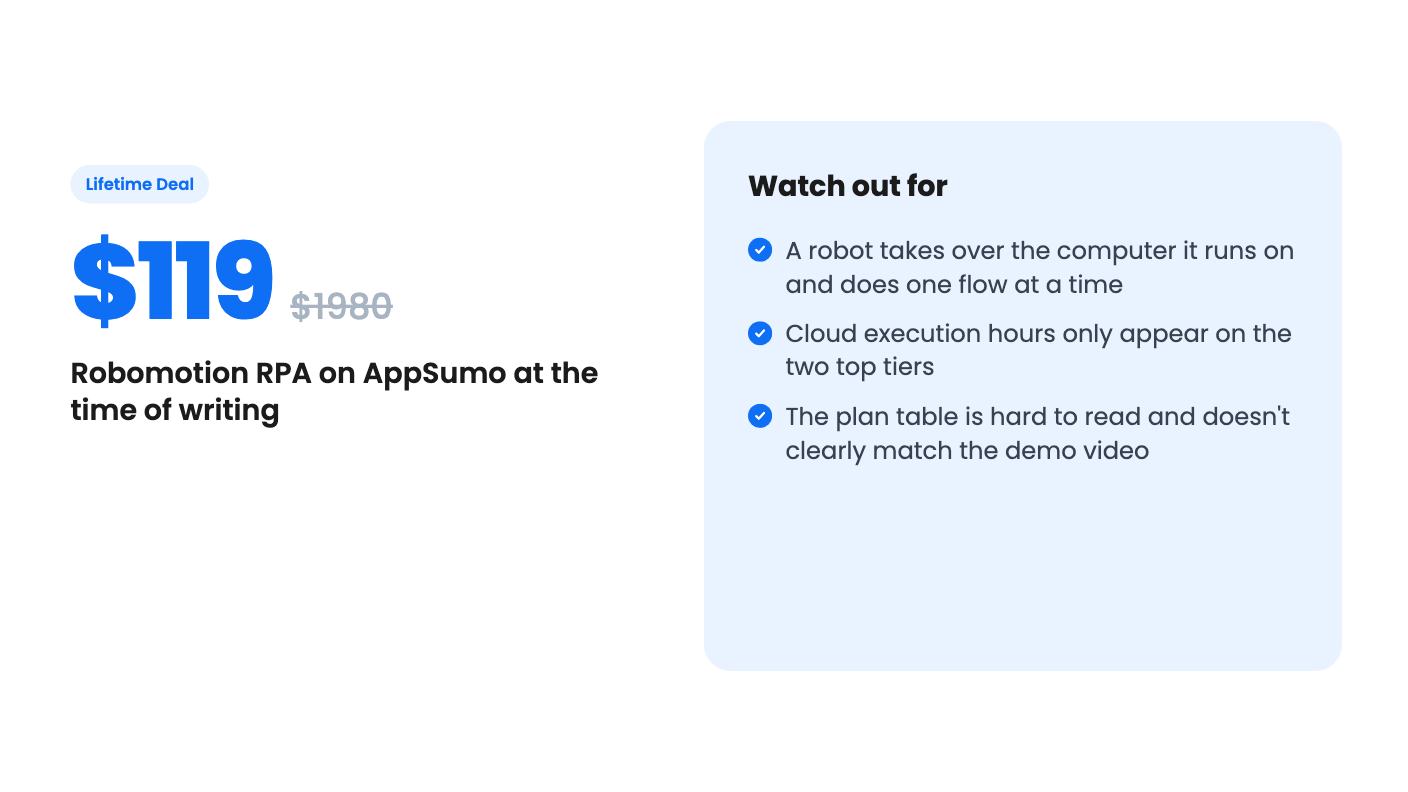
Then comes the part you should read twice. When a robot runs a process, the video says, it takes over your computer. It can also do only one thing at a time. The presenter calls this the biggest drawback, and we agree. If you plan to automate while you work on the same laptop, that’s a real problem.
Tiers, limits and the confusing table
The video describes tier 1 ($119) as two production robots, 25 flows and 30-minute scheduling. Higher tiers raise those numbers. Here’s what the listing gives for the extremes:
- Production robots run from 2 on tier 1 up to 20 on tier 6.
- Flows run from 25 up to unlimited.
- Scheduling gets faster, from every 30 minutes down to every minute.
- Cloud execution hours appear only on the two top tiers, at 12 and 36 hours per month.
- Application robots are listed at 5 on the lower tiers and 10 on the top one.
That cloud point matters. On the four cheaper tiers you get no cloud execution hours, so robots run on hardware you provide. That might be a spare PC or a rented server. The video itself hints at getting a VPS, which is an extra cost the deal price doesn’t cover.
We’d also flag the plan table. The user counts and the trigger and queue rows don’t line up neatly with what the video says. The presenter says triggers start at tier 2 and queues at tier 4, while the listing’s rows show a different pattern. The listing doesn’t label which column is which tier. Before you pay, check the exact limits on the tier you’re buying, especially if you need triggers or queues.
Per the listing, the supported triggers are file system, email, HTTP and queue. That’s useful for ‘run this when a file lands’ automations, which is exactly what the demo showed.
The deal terms
The deal ends on 2026-11-29. Every tier includes lifetime access and future updates to the Starter plan, with the deal mapped to a new plan name if the name changes. You can upgrade between the six tiers while the deal is live and downgrade within 60 days of purchase. You have to activate your license within 60 days.
The listing also covers security and records. Credentials go into encrypted vaults that only you can decrypt. Versions, audit logs and job logs (three months of the latter two) are in every tier.
AppSumo shows 98 reviews averaging 4.76 out of 5. Its own summary praises the automation power, support and community, while admitting minor trouble with the interface and documentation. That summary is marketing copy, but the 60-day money-back guarantee it mentions gives you room to test.
Our view on price: $119 is a modest bet for a tool the listing prices at $1,980, though that list price is the vendor’s own number and tells you little. The cheapest tier is for trying a handful of flows. Serious use pushes you up the ladder fast, and the speed and cloud features that ease the robot problem sit at $1,079 and $1,619.
Who should pass
Skip it if your needs are simple app-to-app hand-offs, like sending a form entry into a spreadsheet. A standard no-code tool is easier to set up and won’t tie up a computer.
Skip it if you want to hand off automation and never think about it again. You’ll install an app, build flows, pick selectors and fix them when a website changes. The video also notes that sites which detect robots may block you, so scraping and login flows can be fragile.
Buy it if you have a stack of repetitive tasks that live in browsers, spreadsheets, FTP and local files, and you’re comfortable with a visual builder. Start at $119, build one flow you already do by hand, and use the 60-day window to decide whether the one-robot, one-flow limit fits how you work.
How this review was made: researched from Robomotion RPA's official listing and a transcript of its demo video, and written with help from AI. We have not tested Robomotion RPA hands-on yet. Prices and deal terms change, so check AppSumo before you buy. See our affiliate disclosure.