
Social MediaComparison
Creator Insights vs SocialBu: Idea Engine or Everyday Scheduler
Both are $49 social media lifetime deals on AppSumo. Creator Insights helps you research and repurpose. SocialBu schedules, reports and handles the inbox.
PostSpread is a social scheduler for 13 networks with AI captions, an API and MCP access. The AppSumo lifetime deal costs $69 with unlimited accounts.

Lifetime deal price
$690
Lifetime Deal
Our take: Worth a look if you run several brands or clients and want a cheap scheduler with team approvals, or if you want AI agents posting for you through MCP. Skip it if you need a proven, long-established tool with independent reviews, or a built-in inbox and listening features, which the listing doesn't mention.
You finish a good post for LinkedIn on Monday morning. Then you retype a shorter version for X, trim it again for Instagram, hunt for a square image, and by lunch you’ve decided Facebook can wait until tomorrow. Multiply that by three clients and a Friday deadline, and you can see why people pay for schedulers.
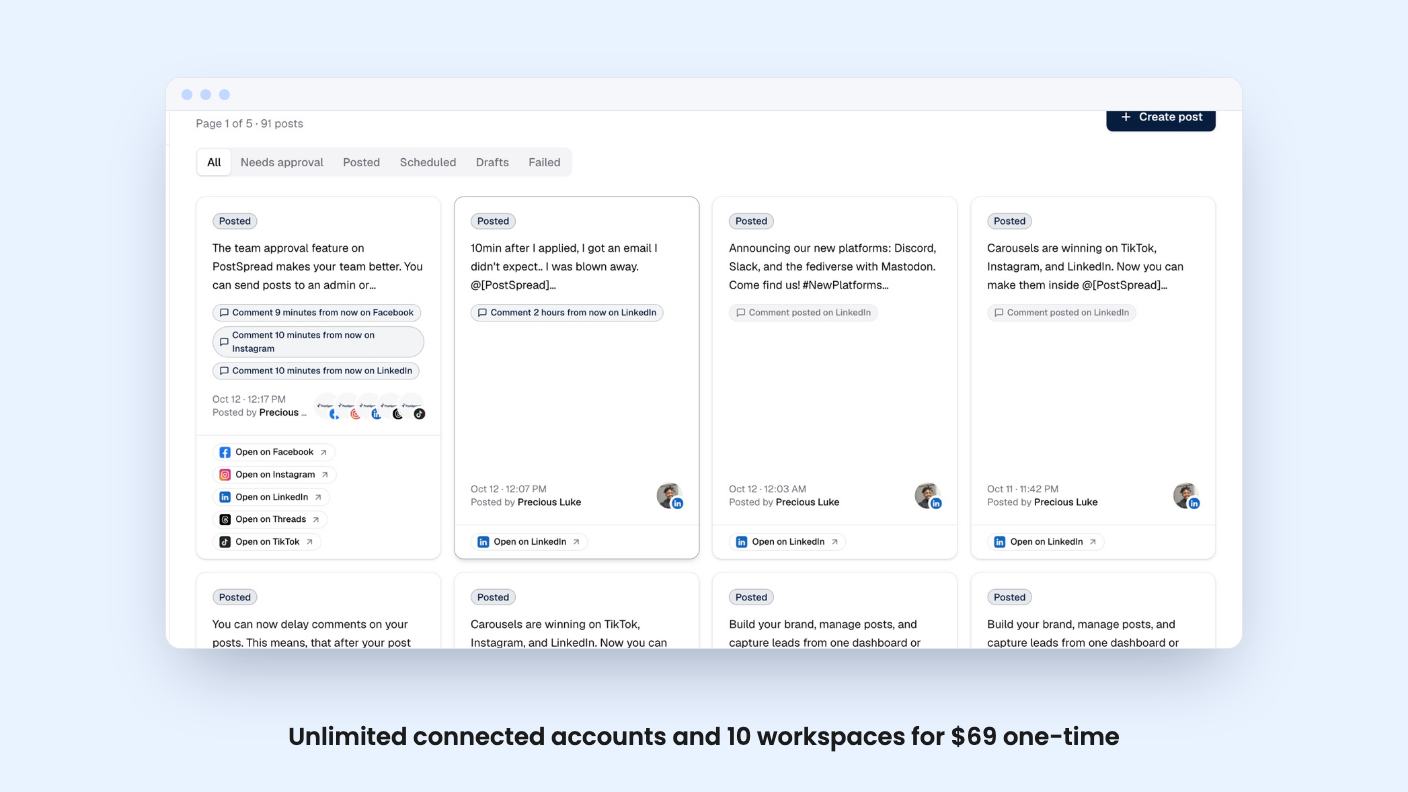
PostSpread is one of those schedulers, and it’s currently on AppSumo as a lifetime deal for $69. The pitch is simple: write once, publish to 13 networks, and let AI adjust the wording for each. We haven’t used it hands-on, so everything below comes from the listing, and I’ll flag where the listing is thin.
The supported networks are X, Instagram, Facebook, LinkedIn, TikTok, YouTube, Threads, Pinterest, Bluesky, Telegram, Mastodon, Discord and Slack. That’s a wider spread than most budget schedulers offer, and the inclusion of Bluesky, Mastodon, Telegram and Slack suggests it’s aimed at people who post in more places than the big four.
One oddity: AppSumo’s integration tag lists only Facebook, Instagram, LinkedIn, Pinterest and TikTok. The feature text and FAQ name all 13, so I’d treat the longer list as the real one. Still, confirm that your own platforms are supported before you buy.
You can connect multiple accounts per platform, schedule by timezone, and see everything on a visual calendar. Drafts and post previews are included, which matters more than it sounds if someone else has to sign off.
The listing mentions carousel posts, Instagram Stories and a Grid Maker. If you manage Instagram for a shop or a studio, those are the formats you actually use, so it’s good to see them in the list.
Threads and multi-part posts are supported, including native Twitter/X threads you can build and preview before publishing. A 50 GB reusable media library holds your images and video, and you can import directly from Canva and Unsplash. That saves a download-and-upload step for anyone who designs in Canva.
Then there are delayed first comments on Facebook, Instagram and LinkedIn. People use these to put hashtags or links outside the main caption. It’s a small feature, but plenty of cheaper tools skip it.
Failed posts get a retry, and you get email alerts when a post goes live or needs attention. The listing doesn’t say how many retries or how long it waits, so I wouldn’t assume much beyond that.
The AI side rewrites a caption to fit each platform’s length and tone, and the listing says it can match your voice. It also offers quick actions: fix grammar, condense, expand, add emoji, rewrite as an announcement. You can generate a caption from a one-line brief too.
The listing also mentions content repurposing. It doesn’t explain how that works, for example whether it turns a blog post into a week of posts or just reformats one caption. Ask before you count on it.
There’s no mention of credit limits on the AI features in the lifetime tier. That could mean they’re unlimited, or it could mean nobody wrote down the cap. The listing doesn’t say.
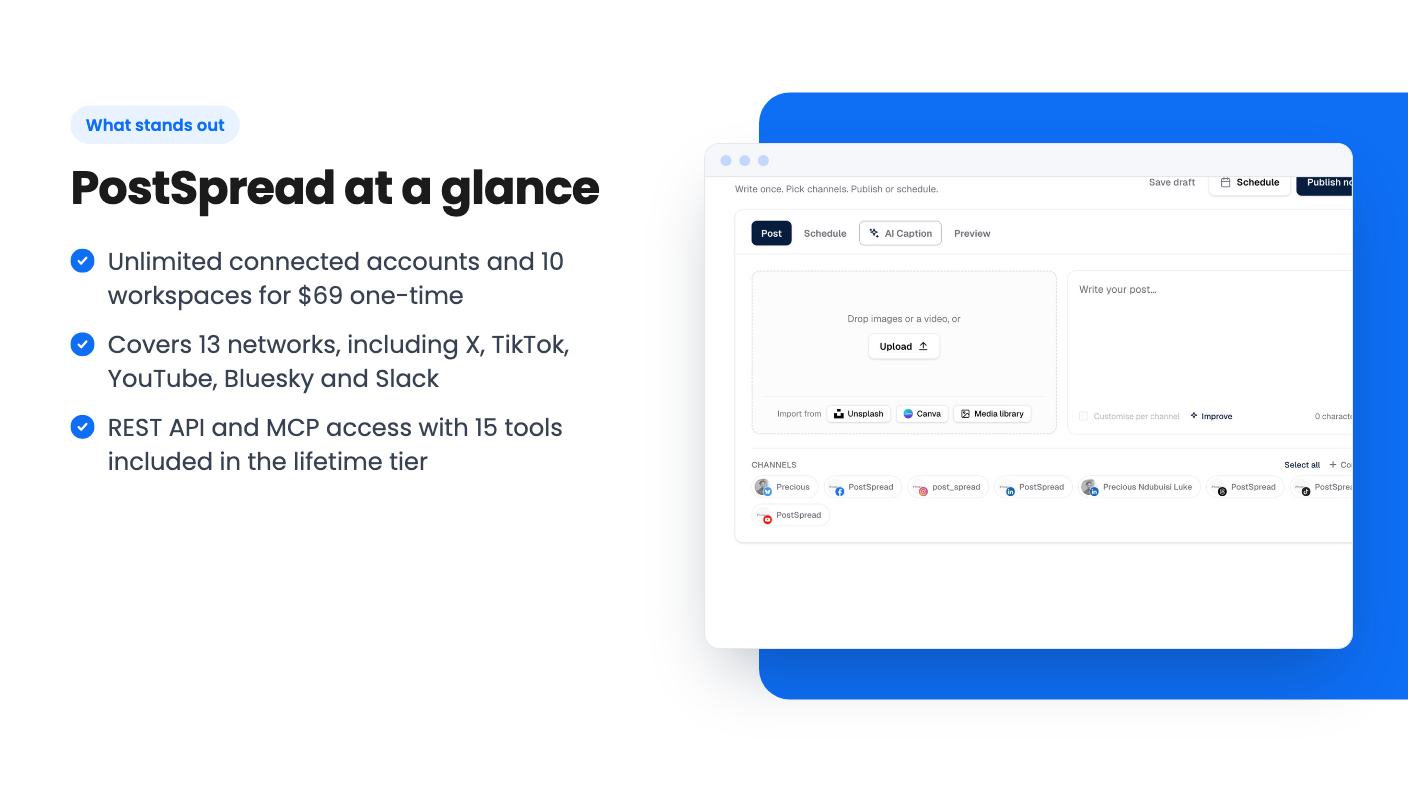
This is the part that sets PostSpread apart from a typical Buffer alternative. The lifetime tier includes a plain REST API with bearer tokens. You can post, schedule, upload media, read results with live links and pull analytics. An OpenAPI spec is included, along with per-platform options such as first comments and threads.
On top of that sits MCP access. You can connect Claude, Cursor, VS Code or any MCP client, and the agent gets 15 tools covering drafts, scheduling, media, channels and analytics. Sign-in uses OAuth, access is revocable, and team approvals still apply, so an agent can’t skip your review step.
That last detail is the one I like. If you’re going to let an AI assistant queue posts, you want a human gate. Whether that gate works smoothly in practice, we can’t say.
If you don’t write code or use AI agents, this section is irrelevant to you. Don’t pay for it out of curiosity.
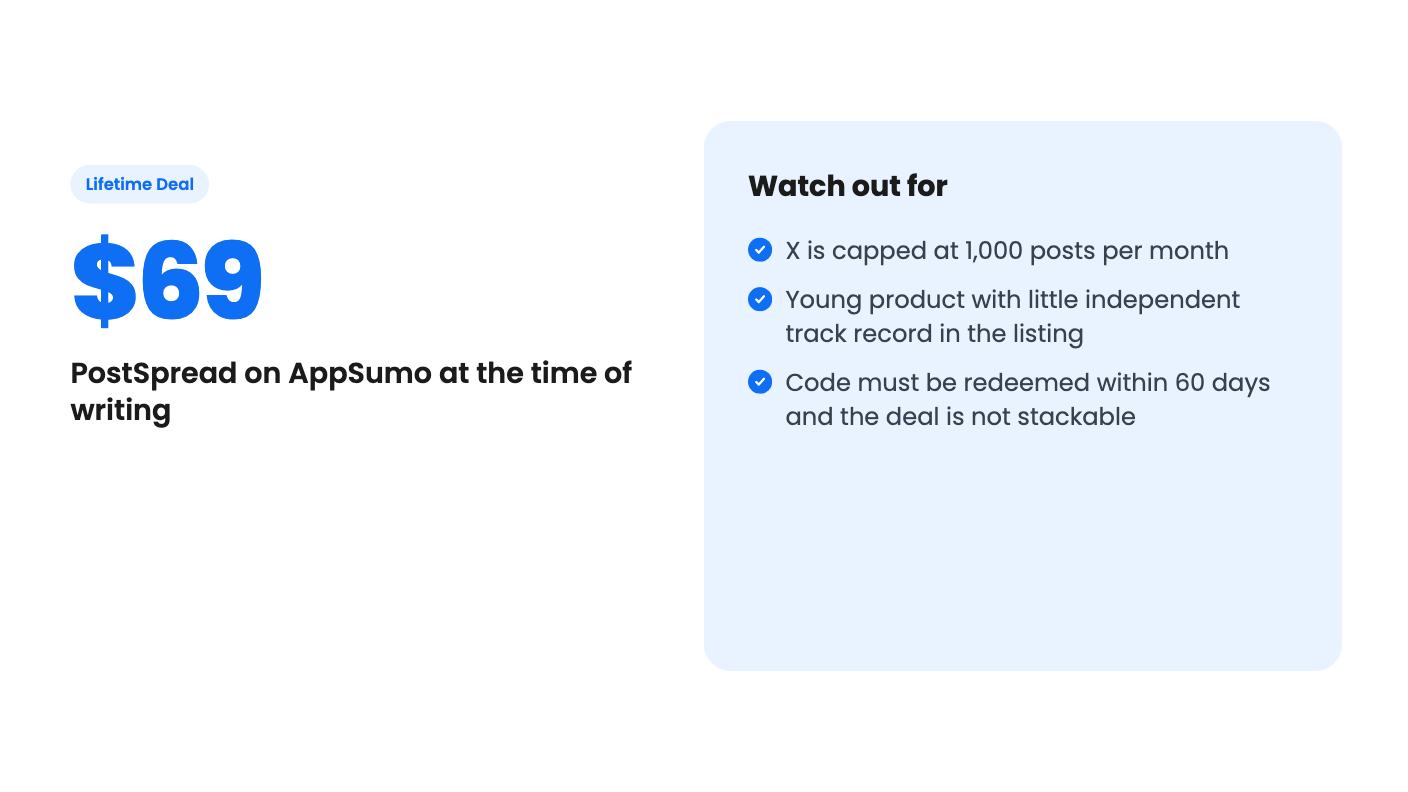
The lifetime tier costs $69 and includes unlimited connected social accounts, 10 workspaces, up to 10 team members, approval workflows, analytics, priority support and all future plan updates. AppSumo shows a list price of $0, which is clearly a data glitch, so ignore it.
For comparison, the listing’s FAQ describes monthly plans. Bloom is $17 a month with 15 connected channels, unlimited posts, 3 workspaces and X support. Forest is $42 a month with unlimited channels, 10 workspaces and team invites. The lifetime tier’s features line up closely with Forest. If that’s right, $69 once is less than two months of Forest, which is a strong price on paper.
The limits are worth reading carefully:
That last point is the best advice I can give. Use the free plan, connect your real accounts, and schedule a week of posts before you buy.
PostSpread appears to be a young product. The listing gives no founding date, customer count or review history, and AppSumo’s own summary is marketing copy. A lifetime deal only pays off if the company is still around in three years, and that’s the real risk at $69. It’s a small risk in dollar terms, but it’s real.
Analytics are described as detailed, with engagement insights and trends, but no examples are given. Nothing mentions a social inbox, comment replies, social listening or white-label reports for clients. If you need to answer comments from inside the tool, this listing doesn’t promise that.
The FAQ also says the product uses official, approved API methods and OAuth flows, so accounts shouldn’t be blocked. That’s reassuring, but platforms change their rules, and no scheduler can guarantee against that.
Skip PostSpread if you only post to one or two platforms and already have a scheduler that works. The savings are small and switching has a cost. Skip it too if you need engagement inbox features or client-ready reporting, because neither is described. And if you want a tool with years of public reviews behind it, wait. For a freelancer, a small agency or a founder running several brands who wants cheap, wide coverage and doesn’t mind betting $69 on a newer product, it’s a reasonable gamble, and the free plan lets you check the basics first.
According to the listing, it supports X, Instagram, Facebook, LinkedIn, TikTok, YouTube, Threads, Pinterest, Bluesky, Telegram, Mastodon, Discord and Slack. That is 13 networks.
Accounts are unlimited and posts are unlimited across supported platforms, except X, which is capped at 1,000 posts per month. You get 10 workspaces, up to 10 team members and a 50 GB media library. You must redeem within 60 days, and codes can't be stacked.
Yes. The listing says it works with Claude, Cursor, VS Code or any MCP client through 15 tools covering drafts, scheduling, media, channels and analytics. Sign-in uses OAuth, access can be revoked, and team approvals still apply.
How this review was made: researched from PostSpread's official listing, and written with help from AI. We have not tested PostSpread hands-on yet. Prices and deal terms change, so check AppSumo before you buy. See our affiliate disclosure.
Both are $49 social media lifetime deals on AppSumo. Creator Insights helps you research and repurpose. SocialBu schedules, reports and handles the inbox.
Ten AppSumo lifetime deals for small businesses, from booking and forms to SEO and outreach, with the limits and tier quirks each listing shows.
Both are $49 AppSumo deals for social media. Creator Insights is built for research and scripting, PixaSocial Ai for cutting long video into shorts.

