
Social MediaComparison
Creator Insights vs SocialBu: Idea Engine or Everyday Scheduler
Both are $49 social media lifetime deals on AppSumo. Creator Insights helps you research and repurpose. SocialBu schedules, reports and handles the inbox.
PostPop turns a topic line into branded carousels and captions. Our review of the $49 to $199 AppSumo lifetime deal covers the tiers, the limits and who should skip it.
Lifetime deal price
$49$24980% off
Lifetime Deal
Our take: PostPop makes sense for a solo founder or small agency that wants on-brand carousels from a topic line and already has a scheduler. Skip it if you want auto-posting, a full design editor, or clear plan caps before you pay. The listing contradicts itself on several numbers, and the product has only one AppSumo review so far.
It’s Tuesday morning and you’ve promised yourself a LinkedIn carousel this week. You open a design tool, stare at a blank canvas, pick a font, change it, and forty minutes later you have two slides and a caption you hate. That’s the situation PostPop is built for.
PostPop is a social post generator for people who don’t want to design. You pick a post type, type one line about the topic, and it produces the slides, the caption and the hashtags in your brand’s look. It’s currently on AppSumo as a lifetime deal, and we haven’t used it hands-on, so everything below comes from the listing. There’s no demo video either, which is worth holding against it.
The flow is short. You choose a format, type a topic, set a tone (the listing names punchy, expert or friendly), and PostPop writes the hook, the slides, the caption and the hashtags. If one slide needs a nudge, you edit it by hand on the slide itself. There are no layers.
The formats are the useful part. The FAQ lists eleven: Carousel, Tuesday Tips, Fun Quote, Myth vs Fact, Listicle, Announcement, Before/After, How-to Steps, Q&A, Big Stat and Photo Post. For a small business, that’s most of what you’d post in a normal month. Before/After posts take your own uploaded photos and place them in a branded split layout, which suits salons, contractors and anyone with real work to show.
The listing also mentions controls for writing style: a voice lock that learns from up to three example posts, rules such as banned words, and caption length from one sentence upward. We can’t judge how well they work.
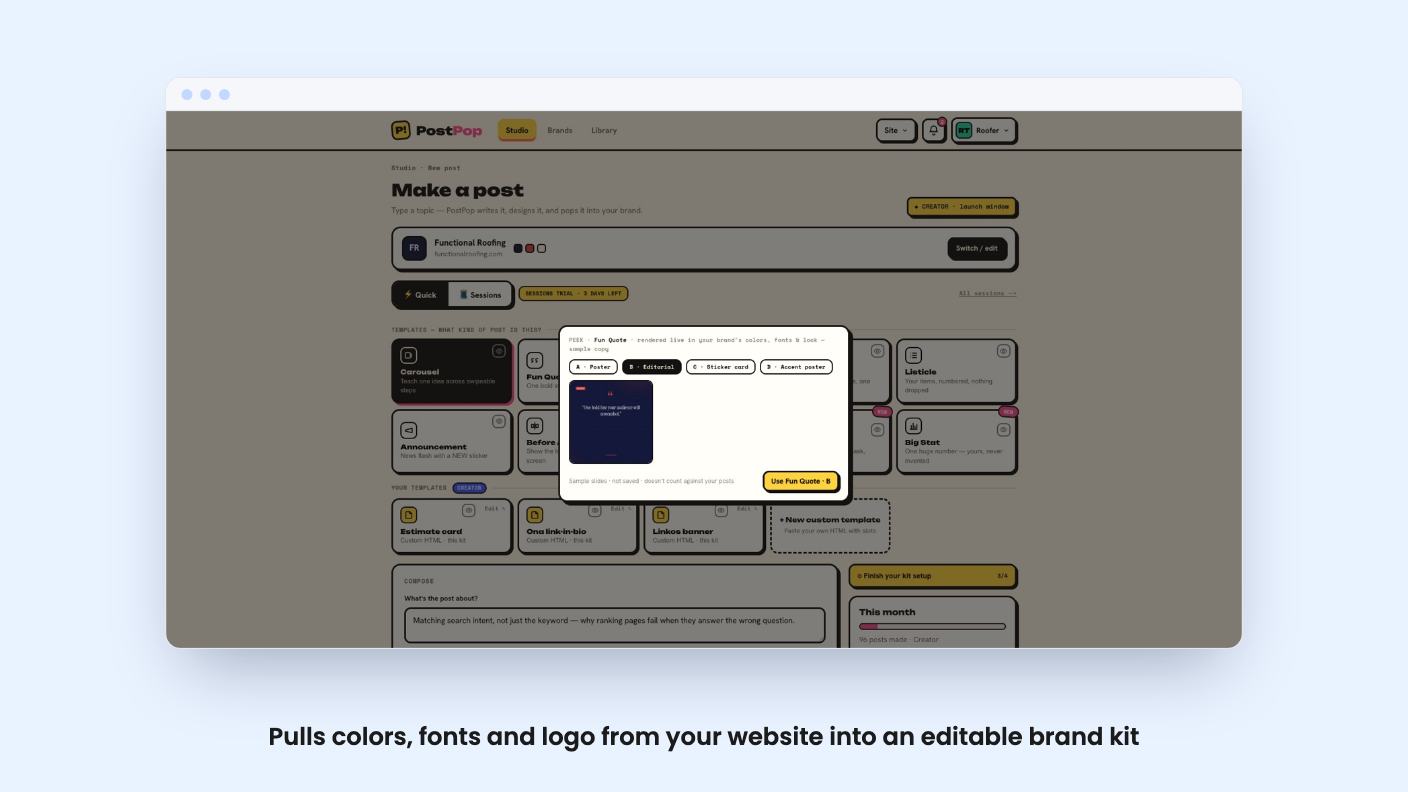
You paste your website address and PostPop pulls your colors, fonts and logo into a brand kit you can edit. No website? Describe your business in one sentence and it writes from that. Text color adjusts to your palette so slides don’t end up low-contrast, which is a small thing that saves a lot of annoyance.
Agencies get the more interesting angle. You can keep several brand kits and switch between them, so a client’s posts don’t come out in your colors. How many kits you get depends on the tier, and that’s one of the places the listing is hard to read.
One claim we like in principle: the AI doesn’t invent statistics. Any stat that needs a source is flagged for you to check. That’s the right instinct, because a made-up number in a carousel is how a small brand gets embarrassed. It also means the checking is still your job.
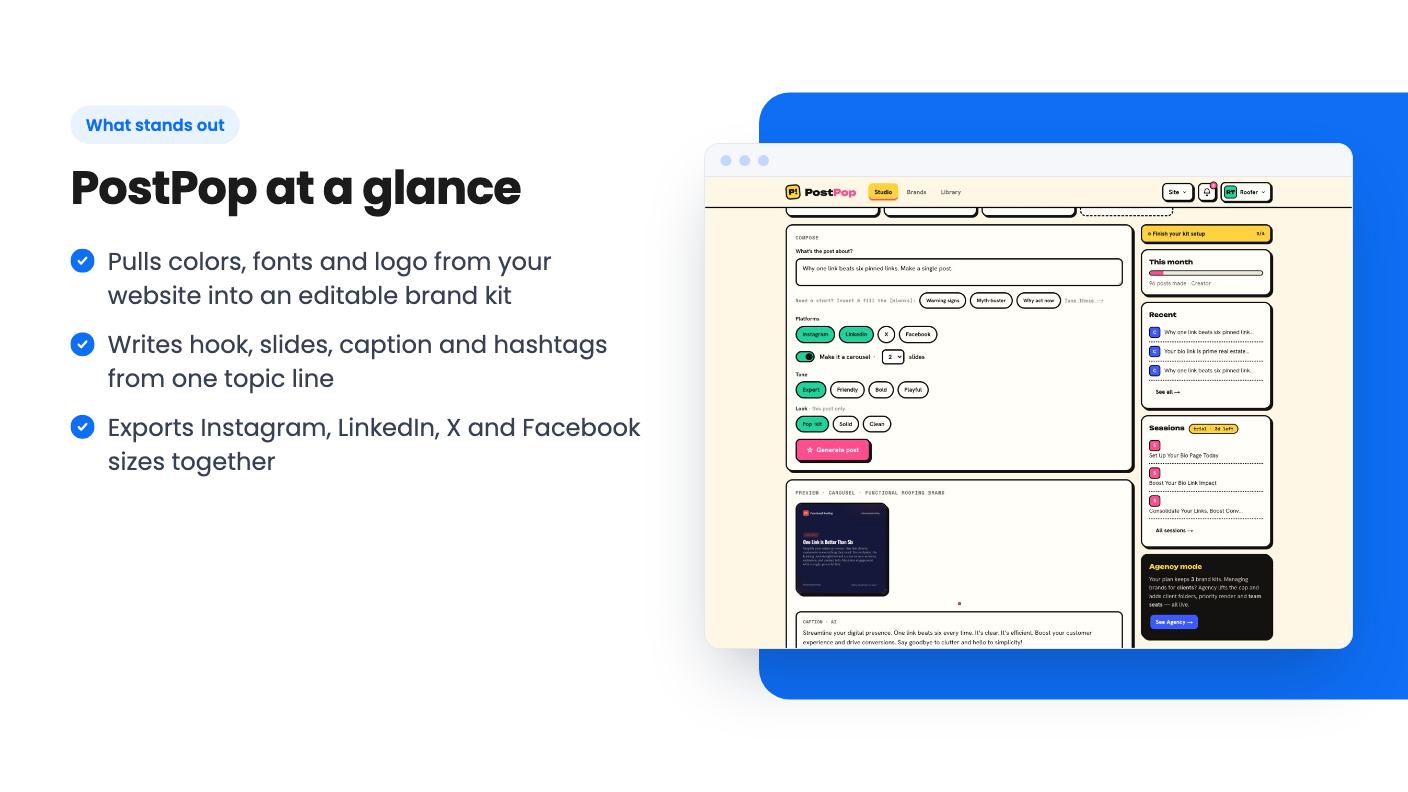
One export gives you Instagram square and portrait, LinkedIn, X and Facebook dimensions together. Posts stay in a library, so you can re-export at another size later. That’s a practical feature if you reuse content across platforms.
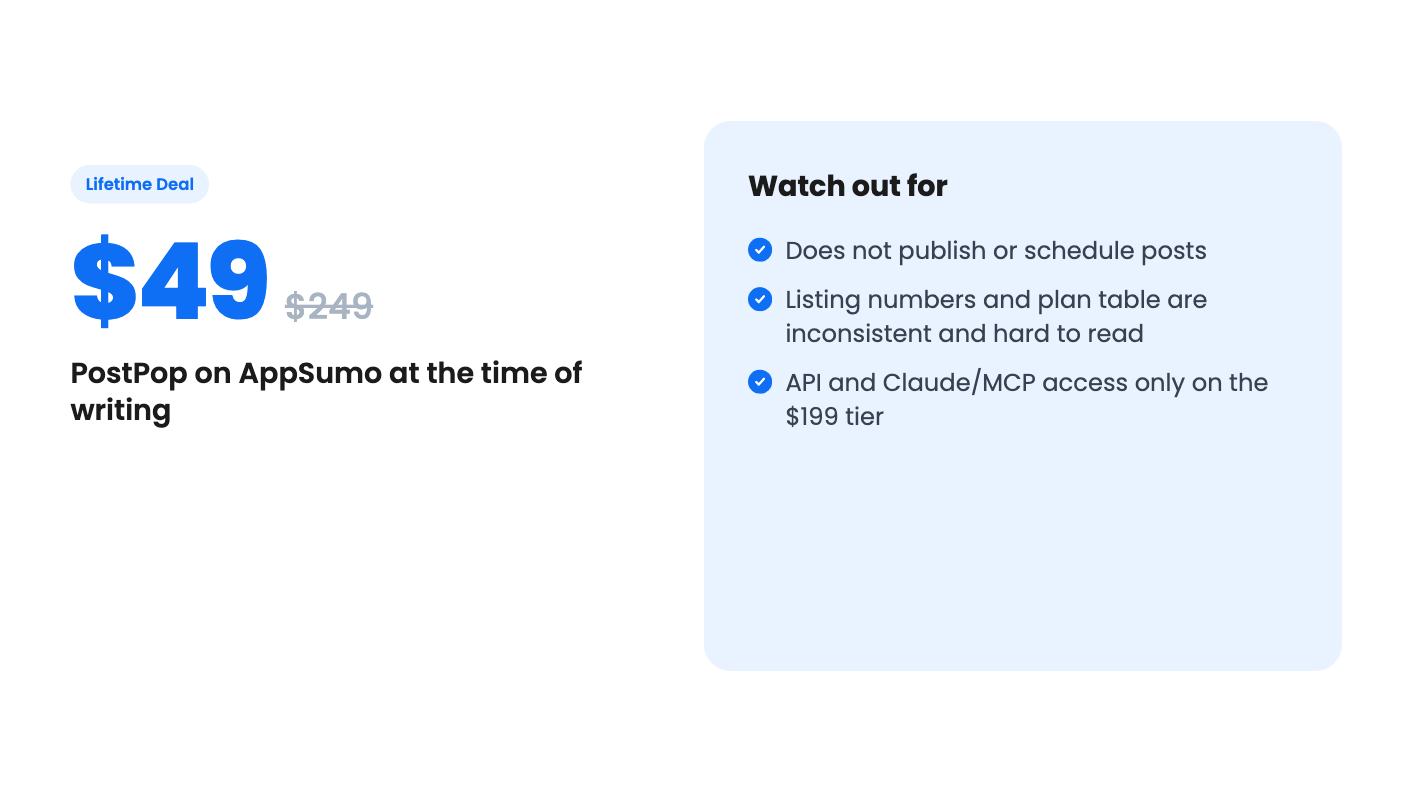
Here’s the limit that matters most. PostPop does not publish. It won’t schedule, and it won’t post. The listing says so plainly, and says the same about the API and the Claude integration. If you don’t already have a scheduler, you’re adding another tool to the pile.
It also isn’t a general design tool. You get a fixed set of templates, each in several looks, and custom HTML templates appear in the plan table for some tiers. If you want to build your own layouts from scratch, this isn’t that.
There are three lifetime tiers: $49 (listed at $249), $99 (listed at $499) and $199 (listed at $749). All three say lifetime access, future plan updates, a 60-day window to activate your license, and the ability to move between tiers. The crossed-out list prices are AppSumo-style anchors, so don’t read them as proof of value.
The tier details are where it gets shaky. The plan table has five columns for three tiers, and the numbers for brand kits, posts per month and team seats don’t line up cleanly. One row shows 30 posts a month in one column and 250 in another, then 100, then unlimited. The listing doesn’t say which column belongs to which tier. Template designs are given as 29, 30 and 31 in different places, and the feature copy mentions ten templates while the FAQ says eleven.
We’d treat none of those figures as settled. Ask the seller, or check the live plan page, before you pick a tier. Specifically, you want to know your monthly post cap, your brand kit count, and whether exports carry a watermark. The table suggests the entry tier might not be watermark-free, but it’s unclear.
What the listing does say clearly is that the API and the Claude/Cursor integration are on Tier 3 only. The API has five endpoints and uses keys you create and revoke yourself. The integration appears as four tools inside an MCP client. Both are interesting for agencies automating content, and both cost you the $199 tier.
There are also extras outside the deal. A Sessions add-on, which keeps every version of a post together in one thread, is €9.99 one-time, with a seven-day trial. The plan table also shows extra monthly charges in euros for additional brand kits and team seats. A lifetime deal that still has a monthly meter for some features deserves a close read.
The free plan, per the FAQ, gives you 8 posts a month, all eleven templates and one brand kit, with a small ‘made with PostPop’ watermark. That’s useful: you can try it before spending anything. Use it.
Social proof is thin. AppSumo shows one review, four stars out of five. That’s not enough to say anything about reliability, support or how long the product will keep being developed.
Skip it if you need auto-posting in the same tool, or if you want detailed control over layout. Skip it if you already pay for a tool with templates and AI captions that you’re happy with. And hold off if the unclear plan table bothers you, because it should.
It fits better if you’re a solo founder, coach or small agency that posts a few times a week, has a scheduler, and wants branded carousels without opening a design app. At $49, the risk is small if the entry tier covers your volume. Confirm that before you buy, run the free plan first, and keep the 60-day activation window in mind.
No. According to the listing, that is by design. It exports ready-to-post images plus the caption and hashtags, and you drop them into whatever scheduler you already use. The month calendar is a plan, not a schedule.
The listing says the five-endpoint API and the MCP server for Claude, Cursor and other clients are on Tier 3, which costs $199. Tiers 1 and 2 are priced at $49 and $99.
The listing says no. It frames and structures your content, and any stat that needs a source is flagged for your review. You still have to check those numbers yourself before publishing.
How this review was made: researched from PostPop's official listing, and written with help from AI. We have not tested PostPop hands-on yet. Prices and deal terms change, so check AppSumo before you buy. See our affiliate disclosure.
Both are $49 social media lifetime deals on AppSumo. Creator Insights helps you research and repurpose. SocialBu schedules, reports and handles the inbox.
Ten AppSumo lifetime deals for small businesses, from booking and forms to SEO and outreach, with the limits and tier quirks each listing shows.
Both are $49 AppSumo deals for social media. Creator Insights is built for research and scripting, PixaSocial Ai for cutting long video into shorts.

