
Forms & SchedulingReview
zcal Review: A Good-Looking Scheduler at a $59 Lifetime Price
zcal is a design-focused scheduling tool with team booking and custom domains. The lifetime deal runs $59 to $219, with user caps that matter.
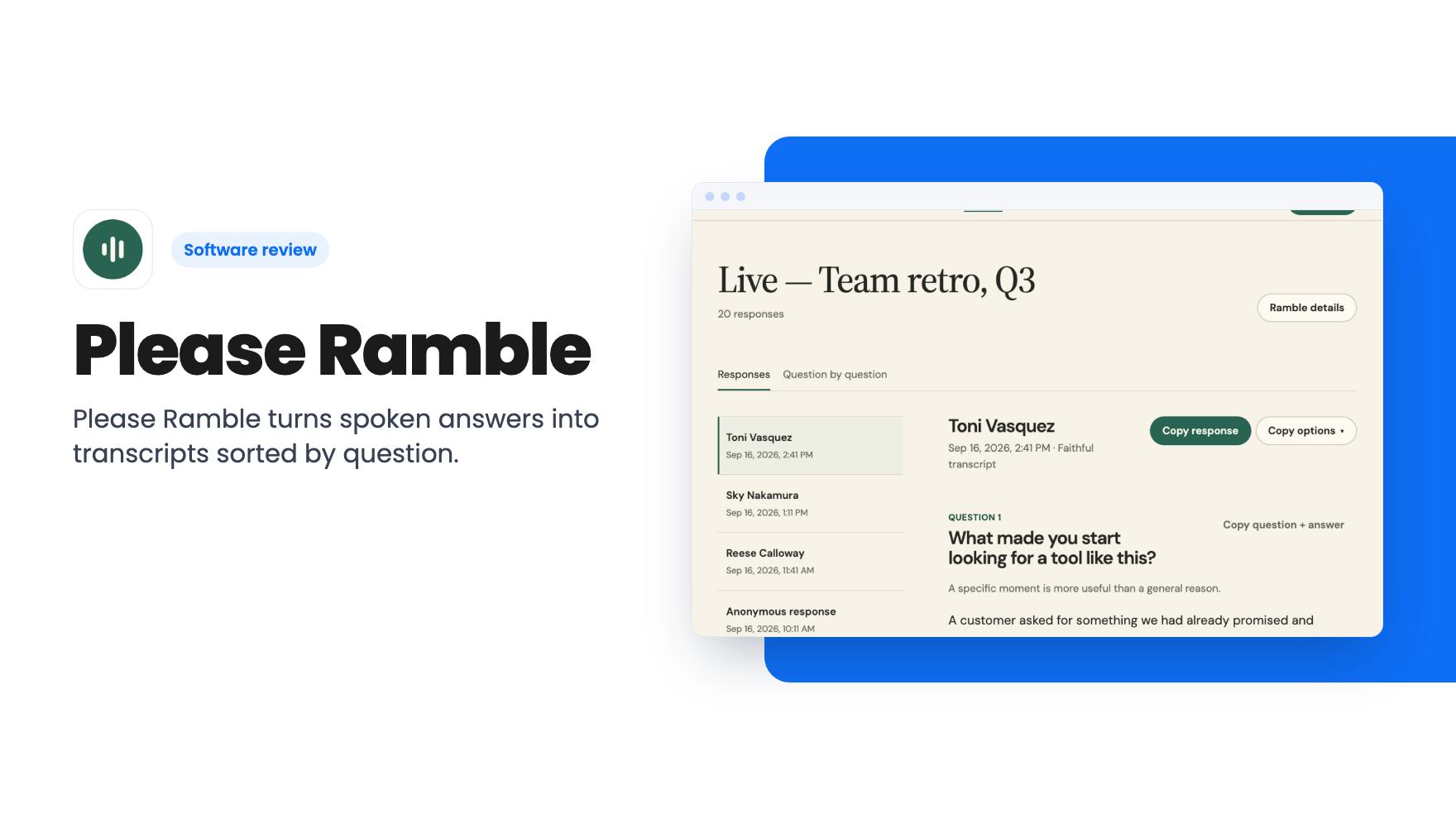
Please Ramble turns spoken answers into transcripts sorted by question. The $79 AppSumo deal includes 400 minutes total, once, so check the math before you buy.
Lifetime deal price
$79$28873% off
Lifetime Deal
Our take: Buy it if you're a consultant or small agency who wants richer client intake answers than a written form gets, and you'll run a modest number of Rambles. Skip it if you need team seats, long interviews, volume, or a proven product, because the 400 minutes don't refresh and the tool is new.
Picture the intake form you send every new client. Twelve boxes, a polite note, and a week later you get back three half-sentences and a blank field where the useful part should be. People aren’t lazy. Typing a polished answer is just harder than saying what’s on their mind.
Please Ramble is built around that gap. You set up a short list of questions, send a link, and the respondent talks their answers out loud instead of typing them. You get text back. It’s a narrow idea, and I like narrow ideas when the pricing is honest about their limits. Here, the limits need a careful read.
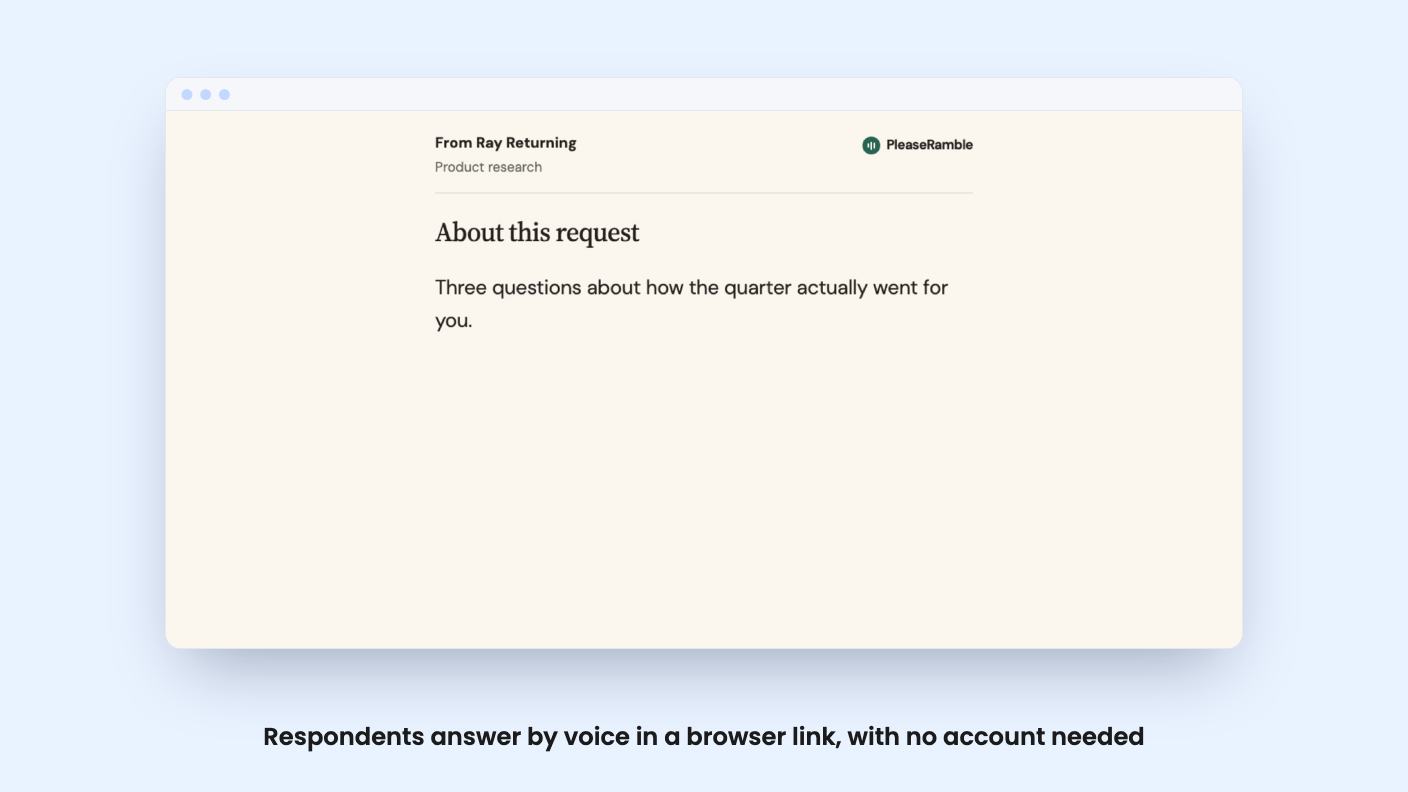
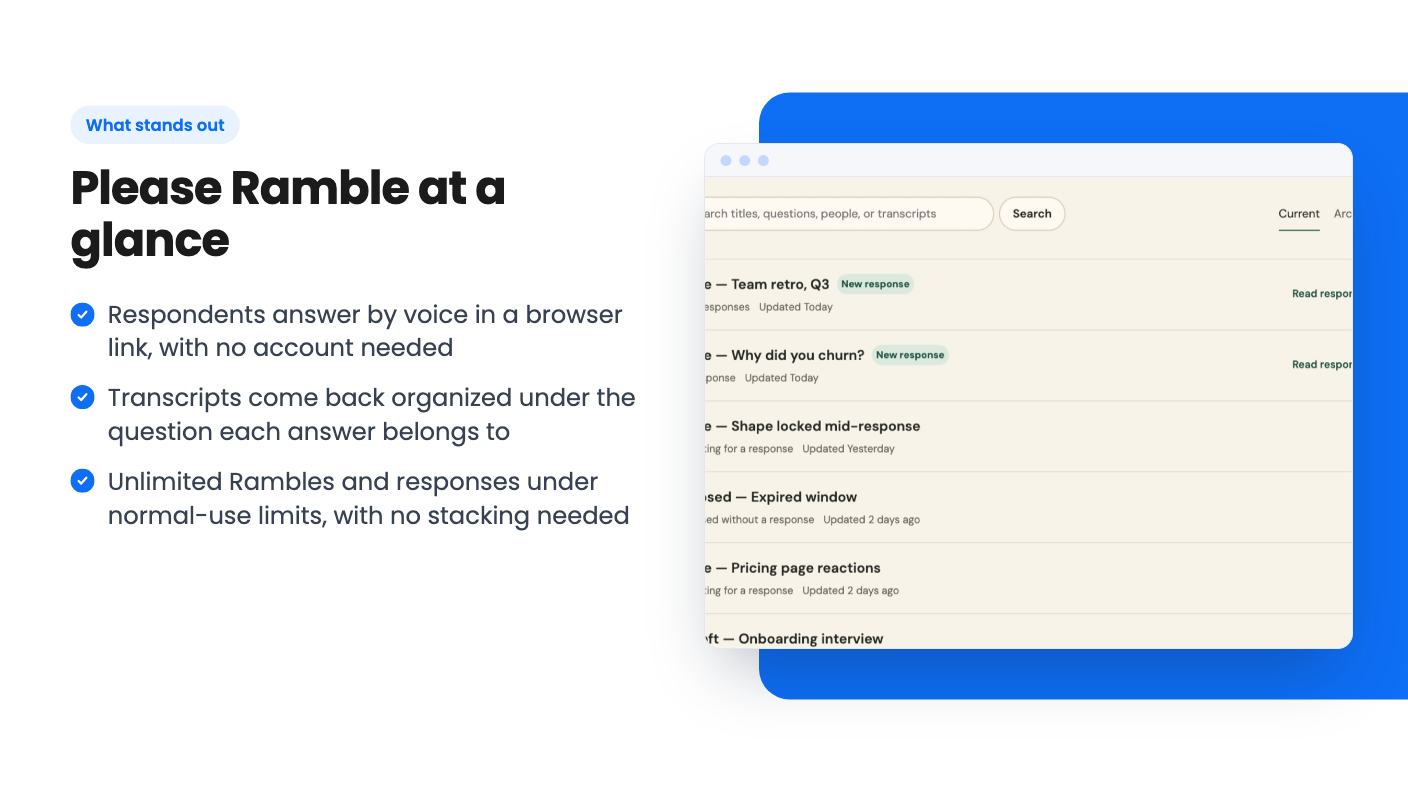
A Ramble is a voice-first form. You write between one and eight questions, and each one gives the respondent room to speak. They don’t need an account. They open your link in a browser and start answering.
When they finish, every spoken answer is transcribed and returned under the question it answered. That’s the real selling point. A loose voice note gives you one long undifferentiated recording that you have to scrub through. A written form gives you short, tidy answers that skip the nuance. A Ramble sits between them: your question path, their natural speech, sorted text on your side.
One link can go to many people, so you aren’t building a new form per client unless you want to.
There’s a second voice feature on the creator side. You can talk through what you need to learn, and the tool produces a structured draft. Then you edit the generated title, context and questions before you share anything.
That edit step matters. A generated draft is a starting point, and the listing is clear that you review it first. What the listing doesn’t say is how good the drafts are, or how much cleanup they typically need. There’s no product video to judge from, so treat this as a convenience you’ll want to try before relying on.
The deal also includes MCP connector access, and the listing names Claude and ChatGPT as integrations. The listing doesn’t explain what you can do through them, so I wouldn’t count on any specific workflow. If connecting your transcripts to an AI assistant is a reason you’re buying, ask the developer exactly what it does first.
AppSumo lists consultants and marketing agencies as the best fit, and that sounds right. Discovery questions, client onboarding, post-project feedback, and stakeholder input are all places where a sentence of context beats a ticked box.
It’s less obvious as a swap for Typeform, SurveyMonkey or Gravity Forms, which the listing names as alternatives. Those tools handle payments, logic, dozens of field types and big response volumes. Please Ramble handles spoken answers to up to eight questions. That’s a different job, and I’d treat it as a complement to your form tool rather than a replacement.
There’s also the respondent’s side to think about. Some people hate talking to a screen, and some are in places where they can’t speak freely. If your clients are mostly on a noisy shop floor or a commute, a written form may still get you better answers. The listing says nothing about languages, accents or accuracy either, so test with a real client before you send it to your whole list.
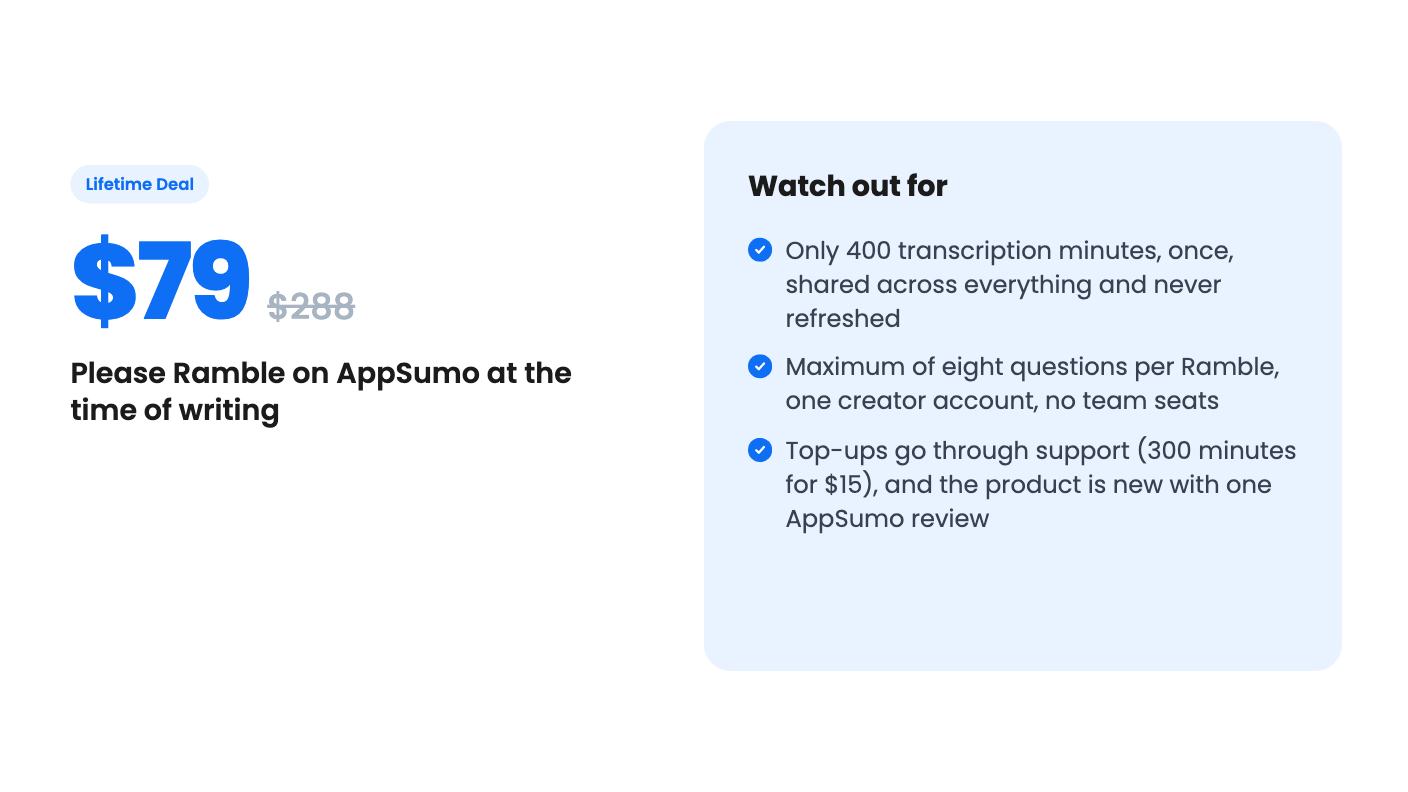
This is the part to read twice. The listing says lifetime access doesn’t mean unlimited transcription. You get 400 minutes total, included once. Not per month. It doesn’t expire and it doesn’t refresh.
Every recorded answer draws from that single balance, across all your Rambles, questions and respondents. Five minutes of answers uses five minutes, however many questions they cover. The listing also says unlimited Rambles and responses, but that only holds under normal-human-use limits, and it doesn’t define what those are.
Here’s the plain arithmetic. If a typical respondent talks for five minutes in total, 400 minutes covers about 80 of them. At ten minutes each, it’s about 40. Those are my illustrations, not figures from the listing, but they show how fast a busy agency could use up the balance.
When it runs out, your existing Rambles and transcripts stay put and responses aren’t automatically cut off. You then contact support to buy 300 more minutes for $15. That works out to five cents a minute, which is fair. But a top-up that goes through a support request is slower than a button, and you’d be depending on a very small team to reply.
The price is $79, down from a listed $288. There’s one tier for one creator account. No stacking, no team seats, no extra creators. You can switch between license tiers, but with only one tier that’s mostly theoretical. You must activate your license within 60 days of purchase, and future plan updates are included.
At $79 the risk is small, and if you’d use maybe a few dozen voice responses a year, it’s reasonable. If you picture hundreds, the real cost is $79 plus repeated $15 top-ups, and you’d need to be comfortable with that.
The product also looks young. AppSumo shows one review at 5.00 out of 5, which tells us very little. It’s one person’s opinion on a brand-new listing. There’s no demo video, and the listing doesn’t mention export formats, branding options, retention of transcripts or how long a single answer can run.
Skip this if you have a team that needs shared access, since it’s one creator only. Skip it if your forms are long, because eight questions is the cap. Skip it if you collect responses at volume, because the minutes will drain. And skip it if you want a mature, well-documented product with a track record, because this isn’t that yet.
If you’re a solo consultant or small agency who wants warmer, fuller answers from a handful of clients, it’s a cheap way to try the idea. AppSumo’s refund window is the safety net, so use it to run a real intake through before you commit. Send one Ramble to a friendly client and read what comes back.
No. According to the listing, respondents open your link and answer in their browser without creating an account. One link can be shared with many people.
The listing says your Rambles and existing transcripts stay available and responses aren't automatically interrupted. You contact support to buy a top-up of 300 minutes for $15. There's no automatic charge.
According to the listing, there's no server-side audio archive. Audio is sent for transcription when the respondent hits Finish, and you receive text. Unfinished recordings can stay temporarily in the respondent's own browser for recovery on the same device.
How this review was made: researched from Please Ramble's official listing, and written with help from AI. We have not tested Please Ramble hands-on yet. Prices and deal terms change, so check AppSumo before you buy. See our affiliate disclosure.
zcal is a design-focused scheduling tool with team booking and custom domains. The lifetime deal runs $59 to $219, with user caps that matter.
AppSumo hasn't announced its Black Friday 2026 deals yet. Here's how to shortlist, check plan limits and which lifetime deals to watch.
Yoya swaps the booking form for an AI chat and sends you a pre-call brief. Here's what the $49, $129 and $249 AppSumo lifetime tiers really get you.

