You send a quote on Monday. By Thursday you’ve heard nothing, and you can’t tell whether the client ignored it, never saw it, or is quietly deciding. That small gap is the one PDFMint is trying to fill, and it’s the most interesting thing in the listing.
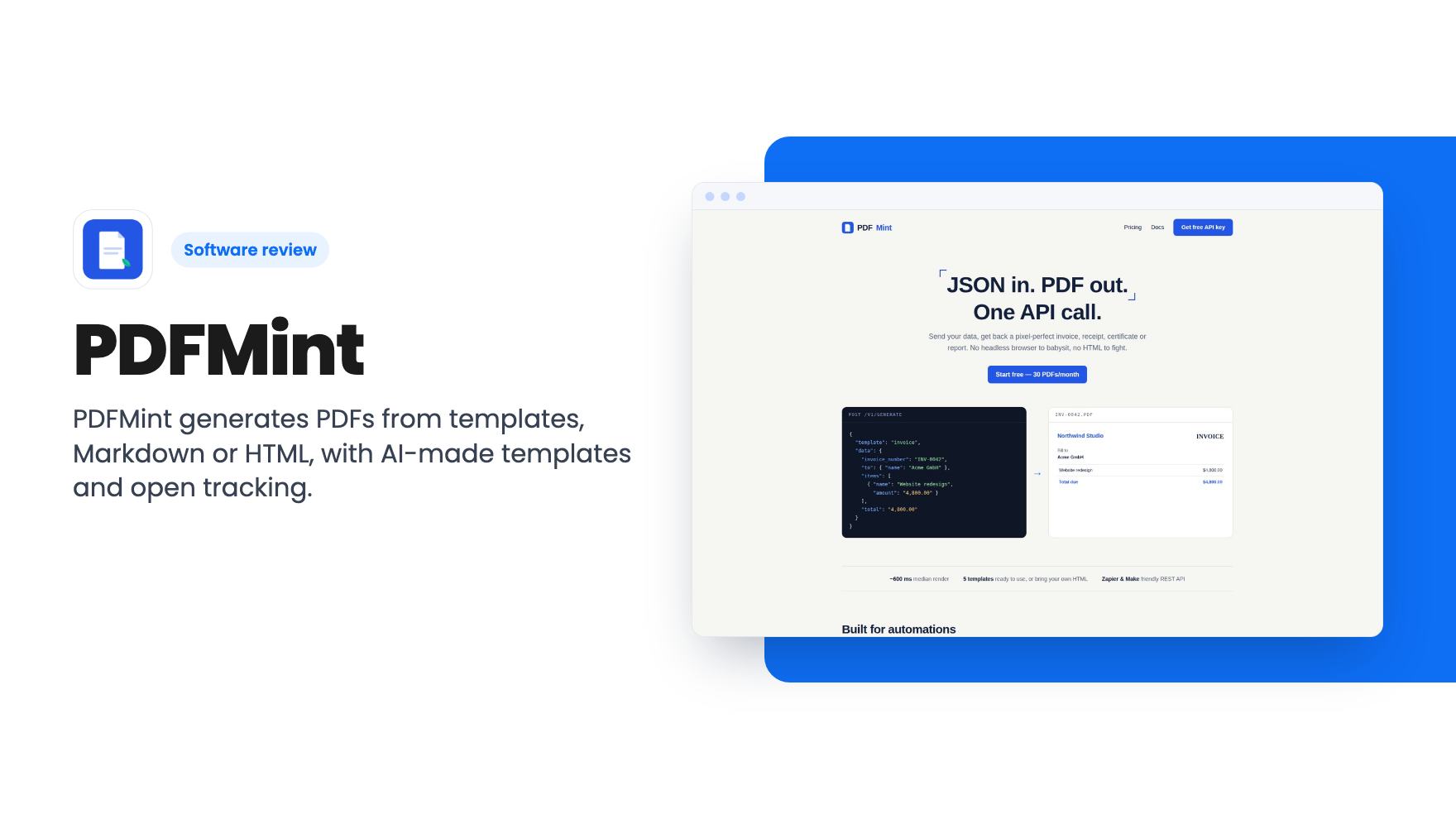
Most of the product is more ordinary than that, and that’s fine. PDFMint is a PDF generation service. You feed it data, Markdown or HTML, and it hands back a finished PDF. The AppSumo deal puts that behind a one-time payment, with monthly caps that matter more than the headline price suggests.
What PDFMint actually does
The listing describes four ways to get a document out of it. You can send JSON data into one of the built-in templates. You can write Markdown or raw HTML and have it rendered. Or you can describe a document in plain English and get a template back.
The built-in set is small. According to the listing, there are five designed templates: invoice, receipt, certificate, report and packing slip. You can add your logo and colors to them. If your paperwork is mostly those five things, that’s likely enough. If you need a contract, a proposal or a branded statement, you’re relying on the AI template feature or on writing your own HTML.
The listing also says the free web tools work entirely in your browser. You fill in a form and download a PDF. That matters for anyone who doesn’t write code, because it means you can use the product before you ever touch an API.
The two features that set it apart
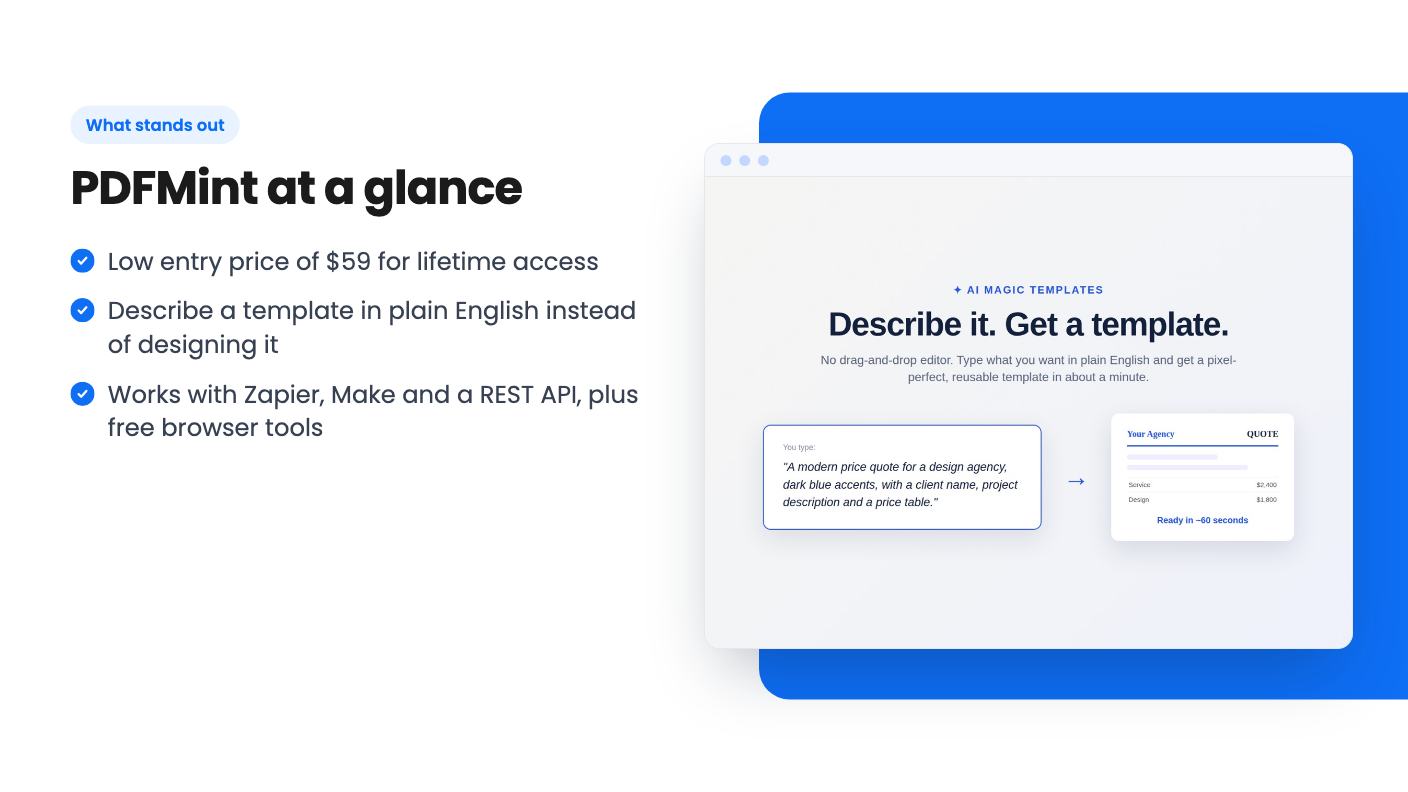
The first is Magic Templates. You type something like ‘a modern invoice, dark blue, French labels’ and, per the listing, get a reusable template in about 60 seconds. There’s no drag-and-drop editor. That’s either a relief or a dealbreaker depending on how you work.
I like the idea for developers and freelancers who hate fiddling with layout tools. I’m less sure about the results, because the listing shows no examples and there’s no demo video. ‘Custom template in a minute’ is easy to promise. How closely it follows a brand guide, and how many rounds of re-describing it takes, the listing doesn’t say.
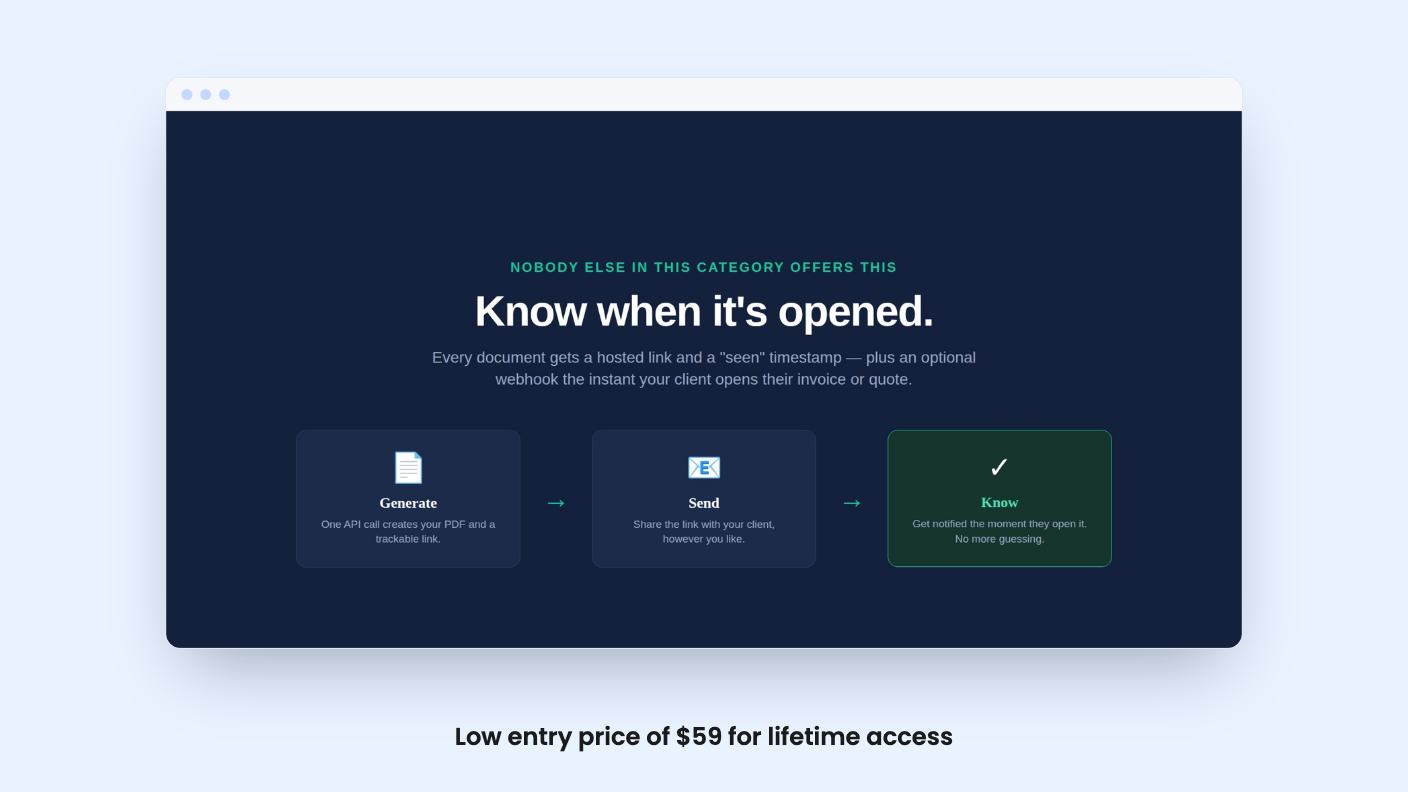
The second is open tracking. When a client opens the invoice or quote you sent, you get a timestamp and an optional webhook. The listing claims no other PDF API offers this. That’s a bold line, and we haven’t checked it against competitors, so treat it as a claim.
It also doesn’t say how the tracking works. Does it rely on a link, an embedded pixel, or something inside the file? That affects how reliable it is, and whether privacy-minded clients or blockers will make the data patchy. The listing is silent on this.
How it fits into your workflow
The listed integrations are Make, Zapier and a REST API. That covers the usual setups. A freelancer could trigger an invoice from a form or a CRM update in Zapier. A small SaaS could call the API when a customer pays.
The webhook for open events is where this gets useful. You could, for example, nudge yourself when a quote is opened and not answered. That’s a reasonable use. The listing doesn’t describe anything beyond the webhook, though, so there’s no built-in dashboard or follow-up tool that we can see.
On privacy, the listing says document data is used only to render your PDF and isn’t sold or used to train AI. Generated documents auto-delete after 30 days, and you can disable storage per request. That’s a sensible default for invoices, but if you need records, save your own copies.
The three tiers and their limits
All three tiers promise lifetime access, future plan updates, and the ability to switch between tiers. You must activate your license within 60 days of purchase. Here’s how the listing breaks down:
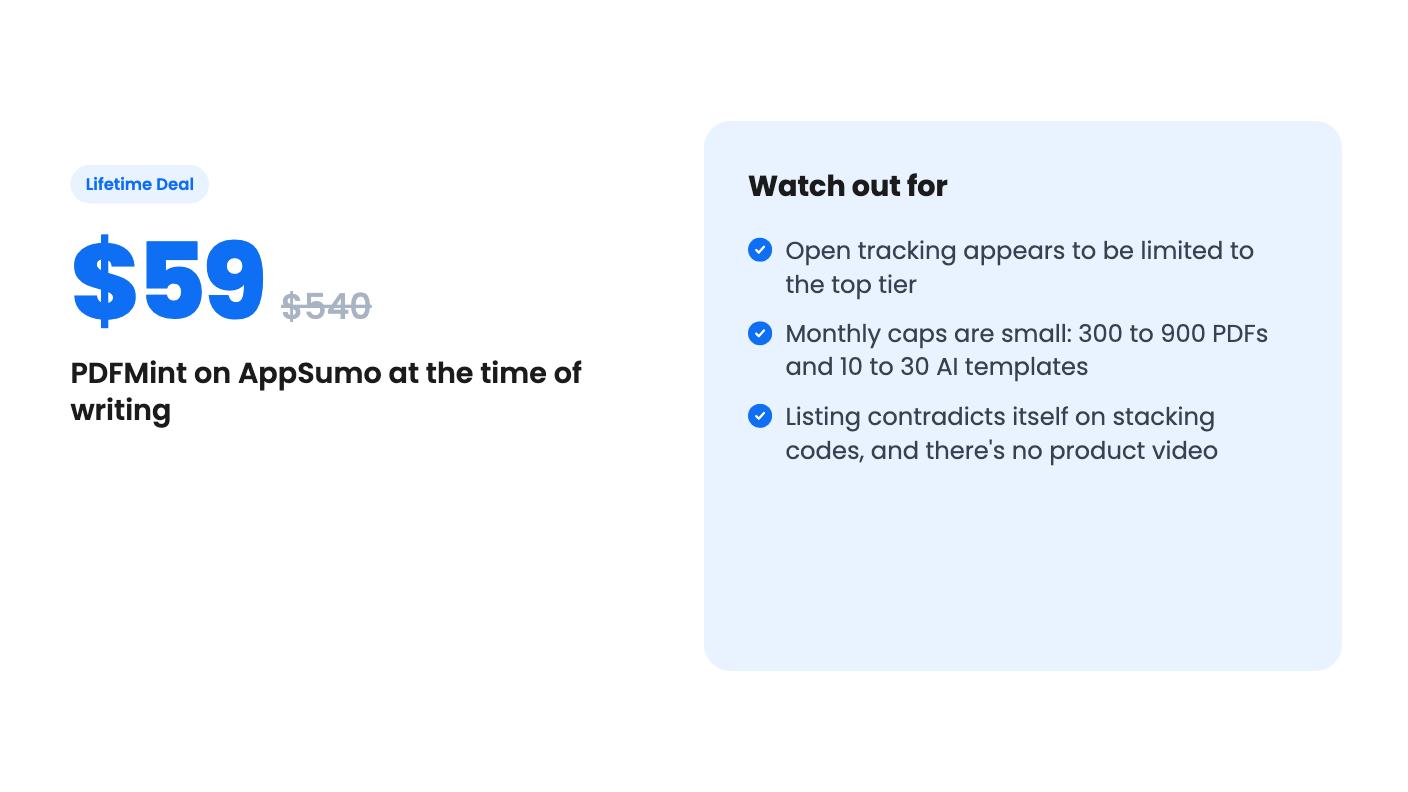
- $59 (list $540): 300 PDFs a month, 10 Magic Templates a month, no open tracking.
- $118 (list $1,764): 600 PDFs a month, 20 Magic Templates a month, no open tracking.
- $177 (list $2,052): 900 PDFs a month, 30 Magic Templates a month, with open tracking.
One caveat. The plan table in the listing shows the numbers as 900, 600, 300, with tracking true, false, false. That runs top to bottom, opposite to the price order above. Our reading is that the most expensive tier gets the most, including tracking, but you should confirm that on the live page before paying.
If that reading is right, the feature that most distinguishes PDFMint is locked behind the top tier. So the $59 deal is a plain PDF generator with AI templates, not the tracking product the headlines describe. That’s worth knowing before you buy.
The list prices are also odd. $540, $1,764 and $2,052 don’t scale in any obvious way, and nobody pays those. I’d ignore the ‘was’ prices entirely and judge the deal on what you’d pay for a similar service per month.
There’s another loose end. The FAQ says that when you hit your limit, generation pauses and you can stack codes to raise it permanently. The plan details say ‘no codes, no stacking.’ Both can’t be true. Ask support which applies, because it decides whether you can grow into the product or have to switch tiers.
Who should skip it
Skip it if you generate thousands of documents a month. Even the top tier caps at 900, and once you hit the limit, generation simply stops until the next cycle. For an invoicing run at month end, that could be a real problem.
Skip it if you want open tracking but only want to spend $59. And skip it if you want a visual editor, since the listing says there isn’t one.
It’s also a young-looking product with a thin listing. There’s no demo video, no sample outputs, and no stated roadmap. A lifetime deal on a small API service depends on the vendor sticking around, and the listing gives us nothing to judge that by.
If you’re a freelancer or a small SaaS with modest, steady document volume, the entry tier is a cheap bet on a tool that could save you a few hours of template work. The top tier is more interesting but harder to judge without seeing how the tracking behaves. Read the live listing, ask the questions above, and use the refund window if one applies.
How this review was made: researched from PDFMint's official listing, and written with help from AI. We have not tested PDFMint hands-on yet. Prices and deal terms change, so check AppSumo before you buy. See our affiliate disclosure.