
Social MediaComparison
Creator Insights vs SocialBu: Idea Engine or Everyday Scheduler
Both are $49 social media lifetime deals on AppSumo. Creator Insights helps you research and repurpose. SocialBu schedules, reports and handles the inbox.
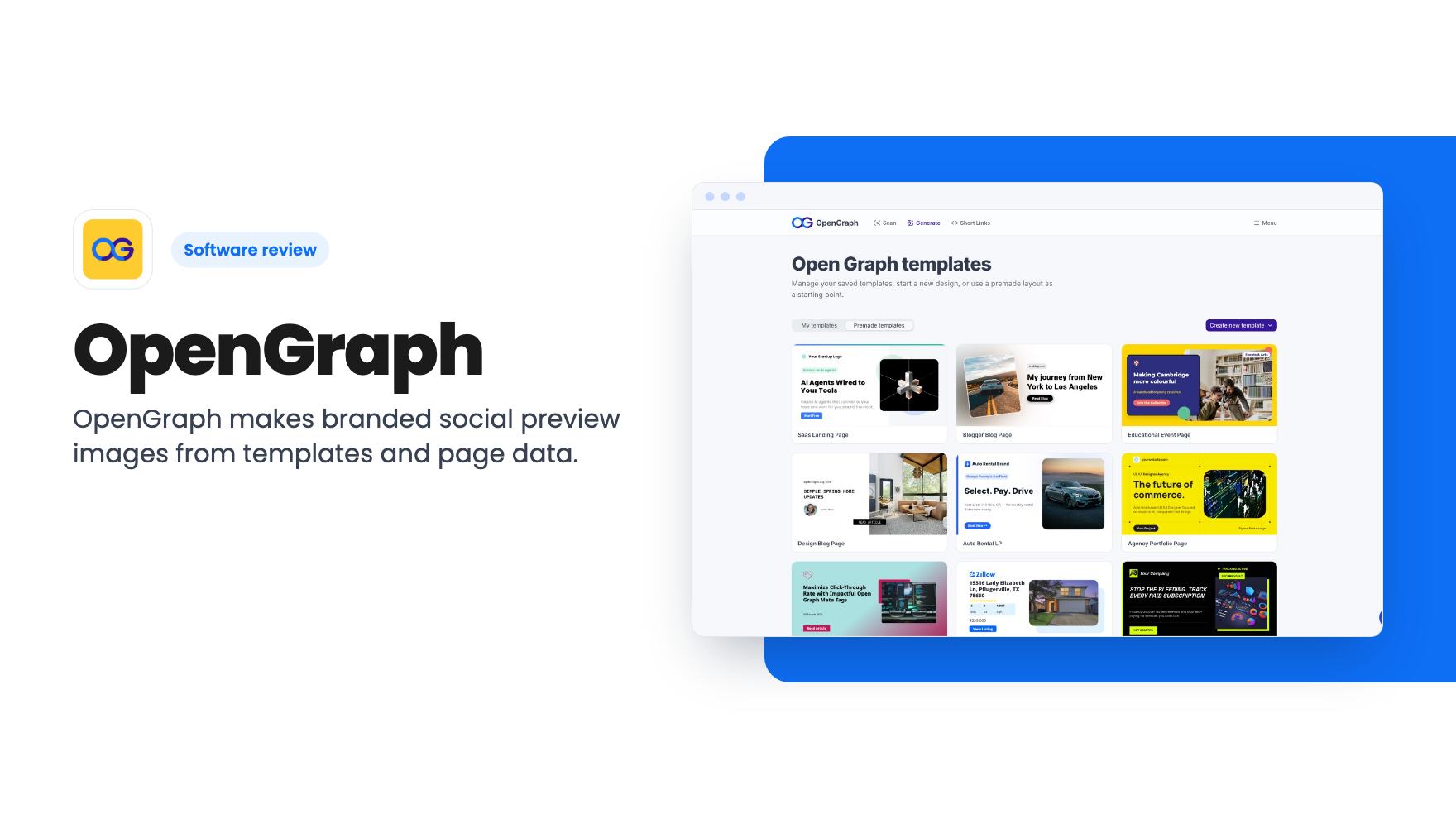
OpenGraph makes branded social preview images from templates and page data. The AppSumo lifetime deal starts at $59, but the caps and AI limits need a close look.
Lifetime deal price
$59$36084% off
Lifetime Deal
Our take: Buy it if you publish a lot of pages and want share images to appear without opening a design tool each time. Skip it if you post a handful of articles a month, or if you need proven reliability, because the product is young and the listing is vague on some limits.
You publish a blog post, paste the link into LinkedIn, and the preview comes out as a grey box or a badly cropped screenshot. The fix is a proper social image, which means opening a design tool, resizing a canvas and exporting a file. Do that for every post, product page and landing page, and it quietly eats your week.
OpenGraph is built to remove that chore. It’s an AppSumo lifetime deal that generates Open Graph images, the preview pictures that appear when a link is shared, from a template you design once. The listing pitches it at bloggers, ecommerce stores and marketers, and names Bannerbear and Placid as the tools it replaces.
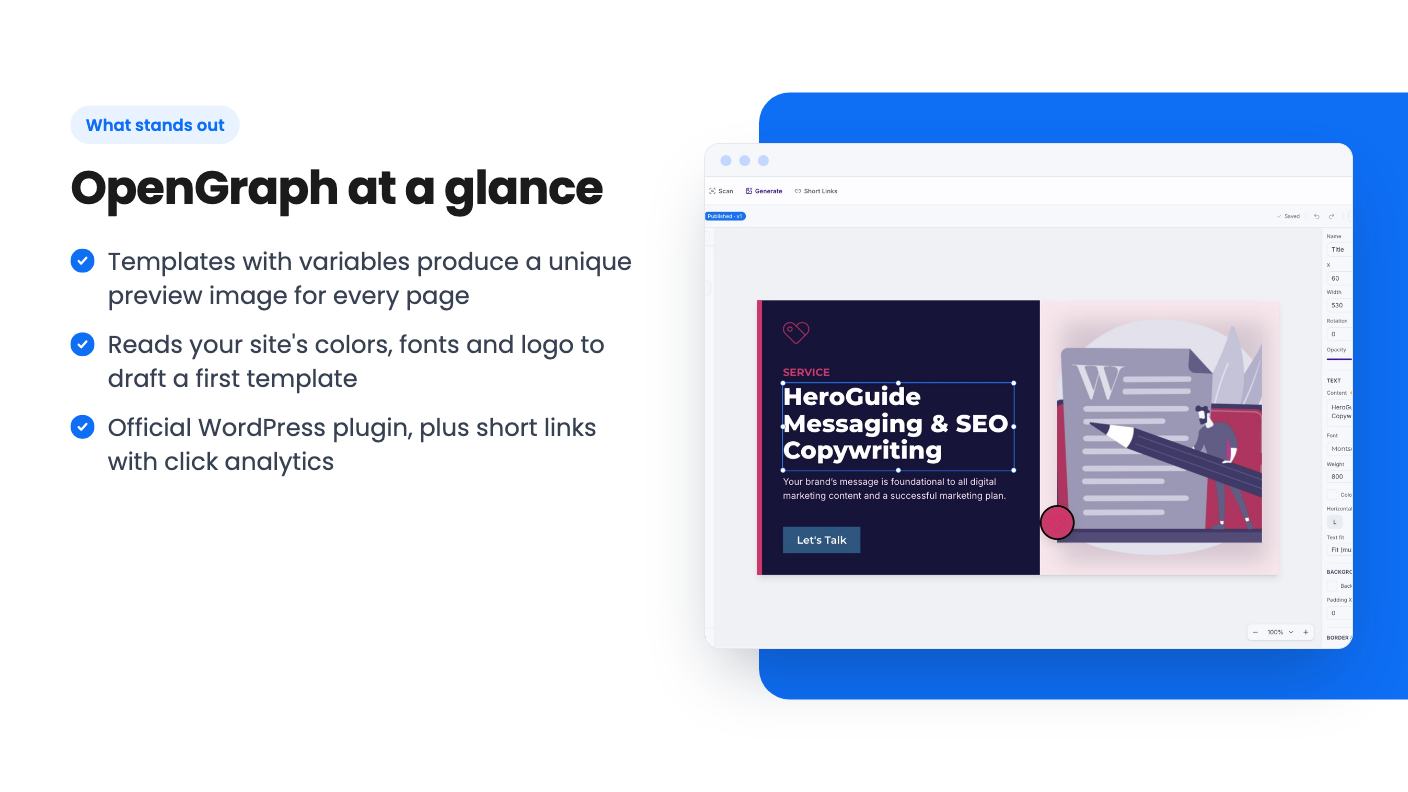
The starting point is your URL. Per the listing, the AI reads your site’s colors, fonts and logo and drafts a branded template. You can add a description of the look you want, and if generation fails you can retry it. We can’t say how good the first drafts are, since we haven’t used the tool. Treat the AI step as a head start, not a finished design.
If you’d rather not use AI, there are premade layouts you can copy into your workspace. There’s also a manual editor with a blank 1200 x 630 canvas. It supports text, image and rectangle layers, and you can move, resize, rotate, reorder, hide, duplicate and style them. That’s a fairly small toolbox, so don’t expect Canva-level flexibility.
The feature that matters most is variables. You mark parts of the design, such as the title, description, featured image, author or price, as variables. Each page then supplies its own values while keeping the same layout. One template can cover a whole blog or a whole product catalog.
Publishing a template gives you a dynamic image URL, which you use as the page’s og:image. The listing says edits to a template flow through to every page using it. That’s useful if you rebrand and don’t want to touch 400 posts.
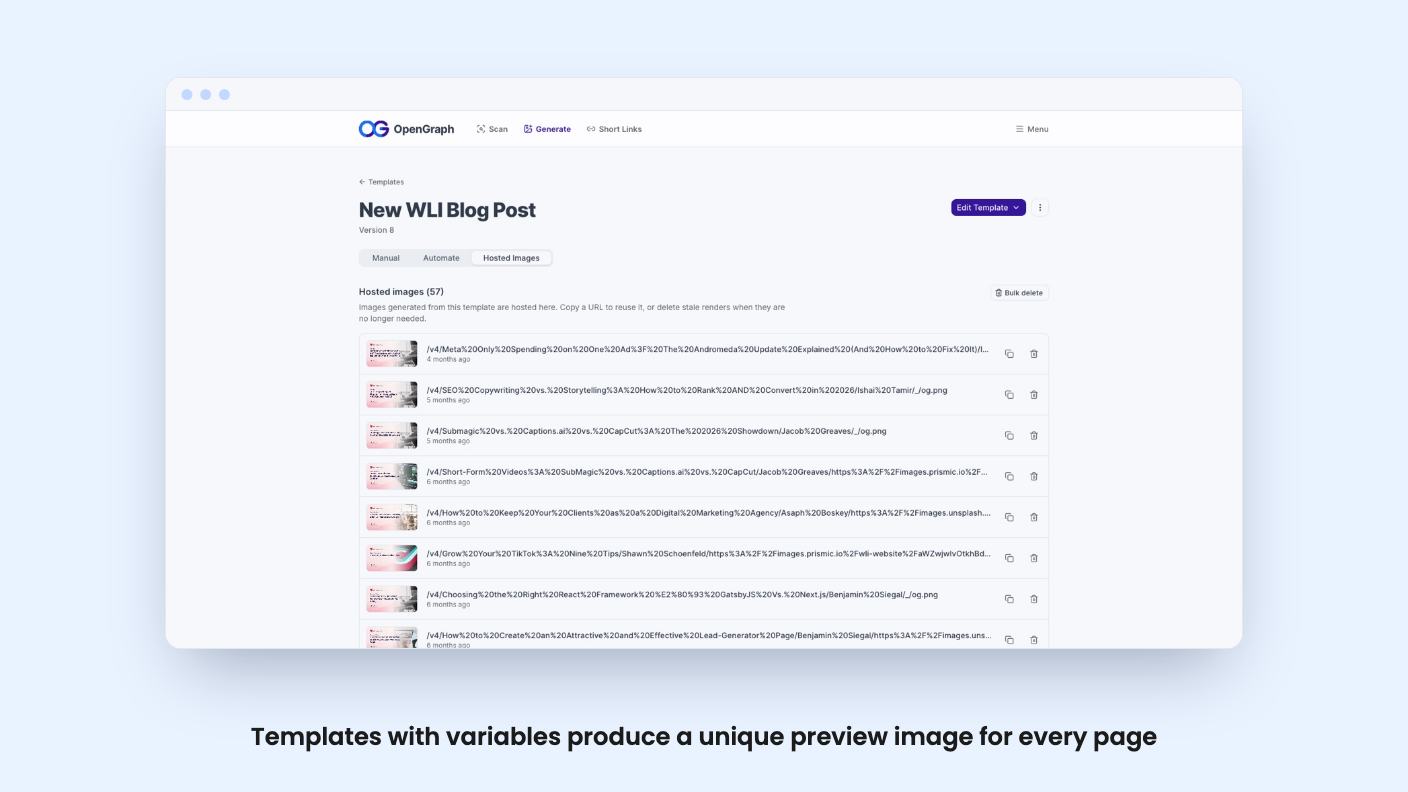
Generated images are hosted on OpenGraph’s own CDN, so you aren’t uploading files to your media library. The listing promises global caching and no broken previews after the fact. You also get a dashboard to browse the images you’ve generated.
There’s a second feature that’s easy to overlook: short links with custom OG metadata. You create a link, attach a branded preview image, and track clicks by device, country, browser and referrer. The listing calls the analytics unlimited. Short links themselves are capped per month on every tier, so read that line carefully.
WordPress users get an official plugin that connects a template to a site, and Yoast is listed as an integration. Everyone else has to paste the generated image URL into their page metadata. That’s easy for a developer and mildly annoying for a shop owner on a hosted platform. The listing doesn’t mention Shopify or Webflow, so we can’t tell you how smooth those setups are.
The video on the listing is a short message from Benjamin, one of the founders. It describes the product as something that helps agencies, marketers and developers generate on-brand OG images at scale, so you don’t have to design a new one for every page. They also ask for honest feedback in comments and reviews.
That’s it. There’s no screen recording in the transcript, no walkthrough of the editor and no demonstration of the AI step. So the demo video doesn’t settle any of the questions that matter, like how clean the generated templates look or how fast images render. You’re buying on the listing’s description, and you have no footage to check it against.
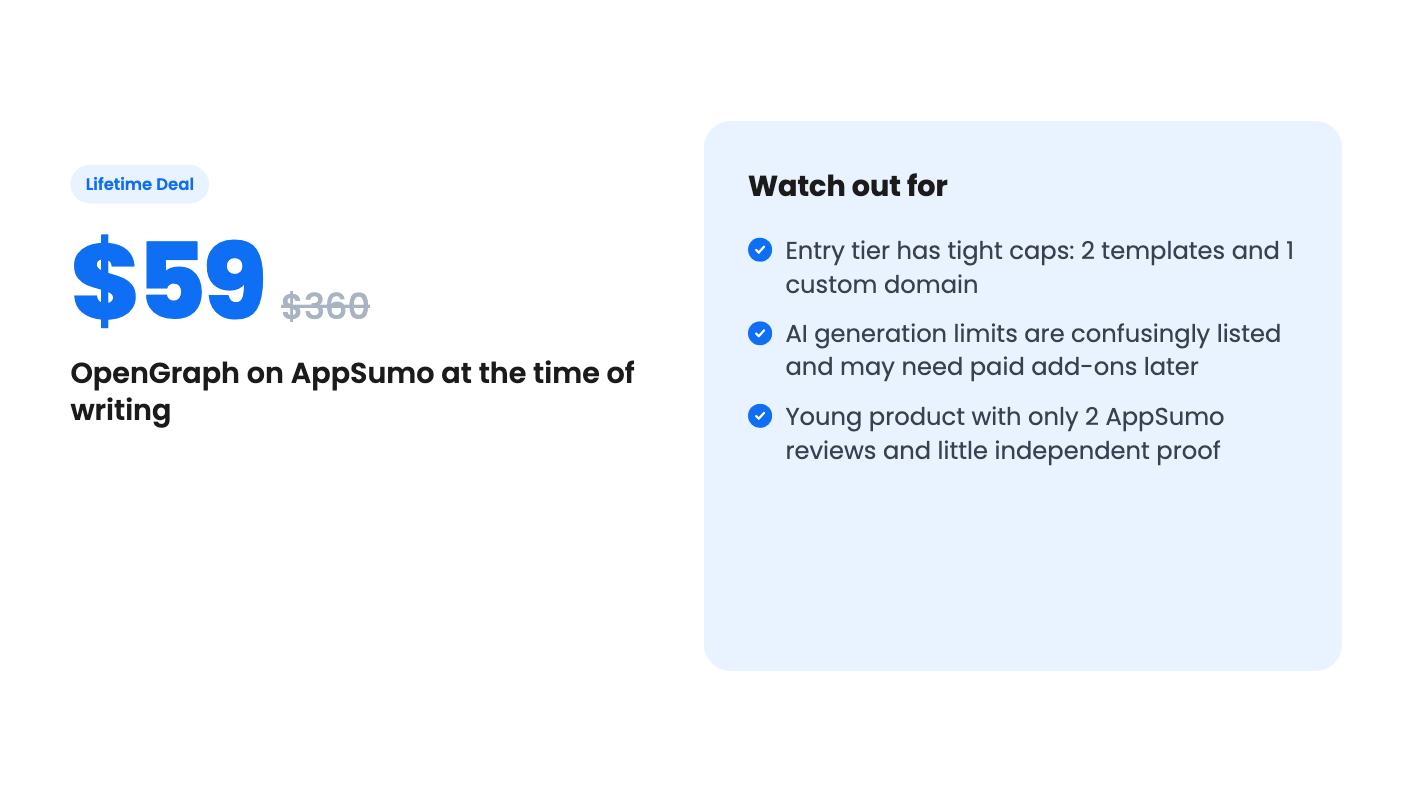
Prices are $59 (list $360), $159 (list $720) and $299 (list $2,400). Those list prices are the company’s own anchors, so ignore the discount percentages. What counts is the cap table.
The listing doesn’t label which number belongs to which tier. The first four rows run from largest to smallest, which fits $299, $159 and $59. The AI row doesn’t fit that pattern at all. Read in the same order, it would give the top tier the fewest AI generations. Either it’s a typo or the tiers really are built that way. Ask before you pay.
The $59 tier looks thin if that reading is right. Two templates and one custom domain are enough for a single blog, but not for an agency. The listing also doesn’t say whether the OG image cap is monthly or total, and that matters. 500 images for life is very different from 500 a month.
There are other conditions. The deal is for new OpenGraph users only. You must activate within 60 days, and you can only downgrade within 60 days of purchase. Future AI models might come at a discount or need an add-on, so the AI side of the product may cost more over time. The lifetime part covers the plan, not whatever the founders build next.
If you publish a few posts a month, a free design template and ten minutes will do the job. The value here grows with page count, so a small blog gets little from automation.
Skip it too if you want a full design suite. The editor handles text, images and rectangles, and nothing else is listed. Also be cautious if you need dependable infrastructure. The product is young, and the listing shows only two AppSumo reviews, both five stars. That is too little to judge long-term support or uptime.
It makes sense for a content-heavy WordPress site, a store with a large catalog, or a directory with thousands of programmatic pages. For those, $59 to $299 is a modest bet. Start at the lowest tier only if you’re sure two templates will cover you, and check the unlabeled AI numbers with the team before you commit.
Not necessarily, according to the listing. You can start from a premade layout, ask the AI to draft a template from your URL, or build one in the visual editor. WordPress users connect through the official plugin. Custom sites need the generated image URL placed in their page metadata, which takes some basic technical comfort.
The listing shows caps on OG images (25,000 / 5,000 / 500), templates (50 / 10 / 2), short links (500 / 100 / 25 per month) and custom domains (25 / 5 / 1). The figures are listed from the largest to the smallest, which matches the $299, $159 and $59 tiers. The AI generation row (10 / 100 / 30 per month) does not follow that order, so confirm it before buying.
Not necessarily. The listing says access to future AI models may come at a discounted rate or may need an add-on. You do get future updates to the Starter, Growth and Scale plans.
How this review was made: researched from OpenGraph's official listing and a transcript of its demo video, and written with help from AI. We have not tested OpenGraph hands-on yet. Prices and deal terms change, so check AppSumo before you buy. See our affiliate disclosure.
Both are $49 social media lifetime deals on AppSumo. Creator Insights helps you research and repurpose. SocialBu schedules, reports and handles the inbox.
Ten AppSumo lifetime deals for small businesses, from booking and forms to SEO and outreach, with the limits and tier quirks each listing shows.
Both are $49 AppSumo deals for social media. Creator Insights is built for research and scripting, PixaSocial Ai for cutting long video into shorts.

