


Lifetime deal price
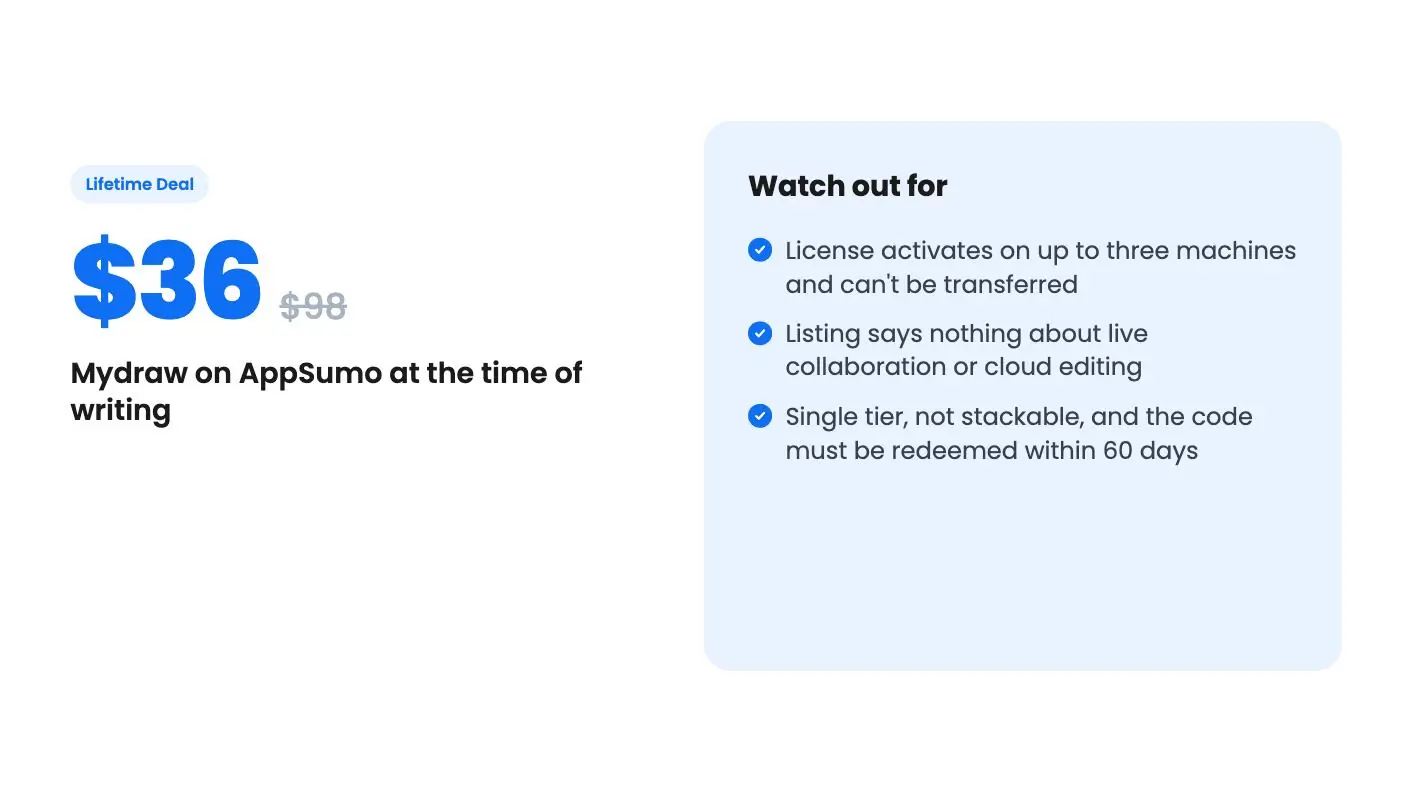
$36$9863% off
Lifetime Deal
Quick verdict
Our take: Buy it if you need flowcharts, org charts or network diagrams on a Windows or Mac desktop and want to open Visio files without a subscription. Skip it if you need real-time team collaboration or browser-based editing, because the listing doesn't promise either.
Best for: Content creators, Graphic designers, Creators
Alternative to: Microsoft Powerpoint, Miro
What we like
- Opens and saves VSD and VSDX Visio files
- One-time $36 price with all future versions included
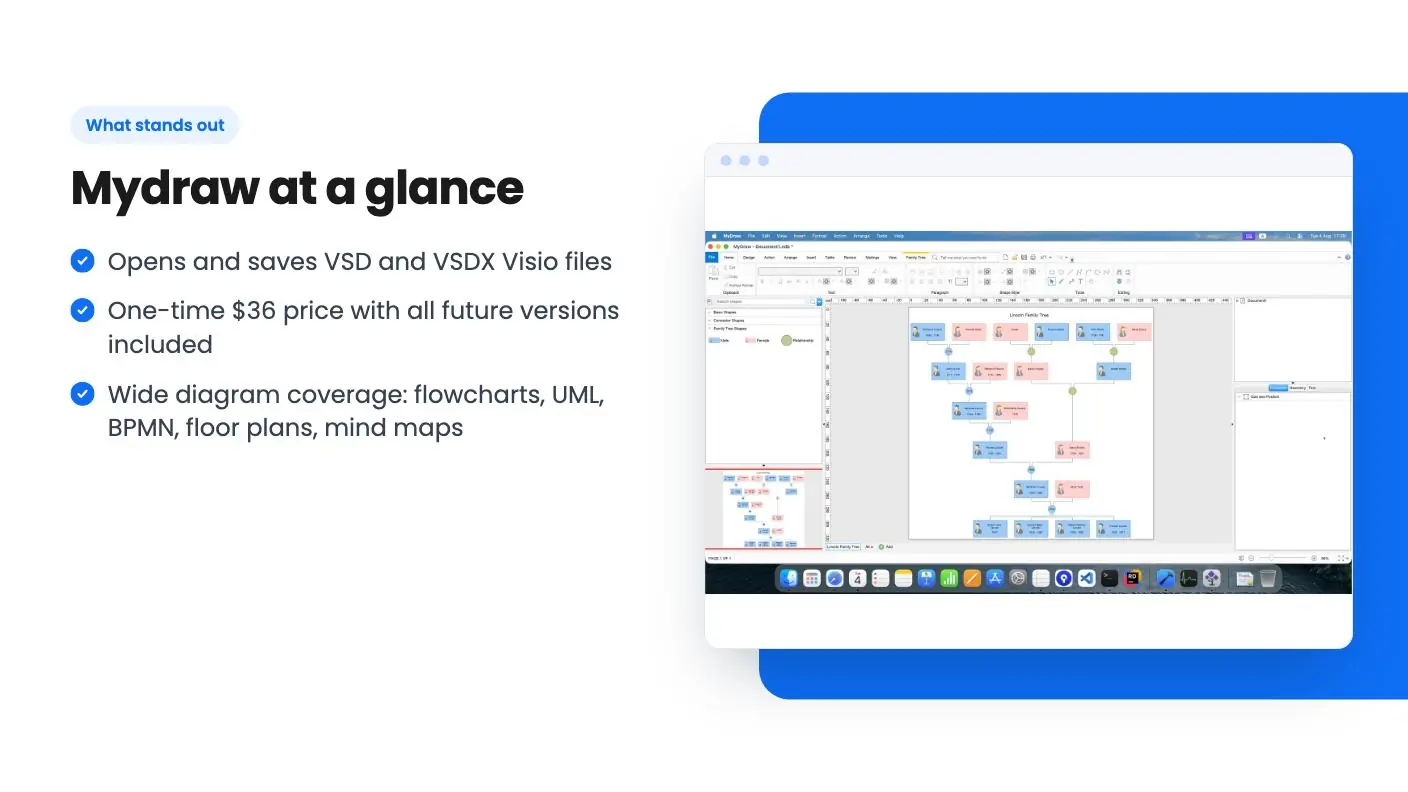
- Wide diagram coverage: flowcharts, UML, BPMN, floor plans, mind maps
- Exports to PDF, SVG, EMF, PNG, JPEG and BMP
Watch out for
- License activates on up to three machines and can't be transferred
- Listing says nothing about live collaboration or cloud editing
- Single tier, not stackable, and the code must be redeemed within 60 days
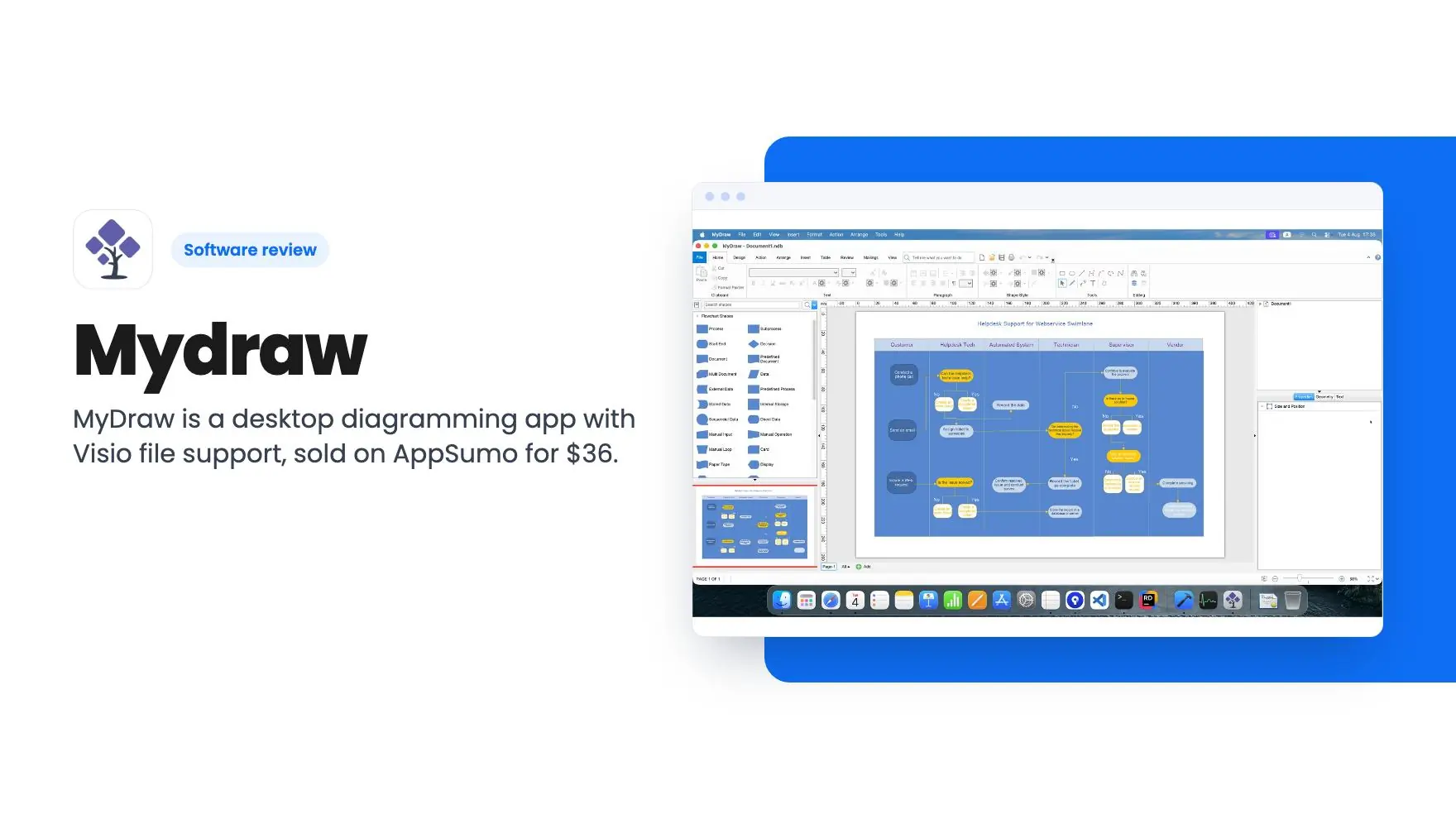
You inherit a folder of Visio files from a former colleague. Network maps, an org chart, a couple of process flows. Nobody on your team has a Visio license, and a Microsoft subscription just to open six drawings feels silly. That’s the situation MyDraw is aimed at, and it’s why this $36 deal gets a Mydraw review.
Get Mydraw for $36 on AppSumo →
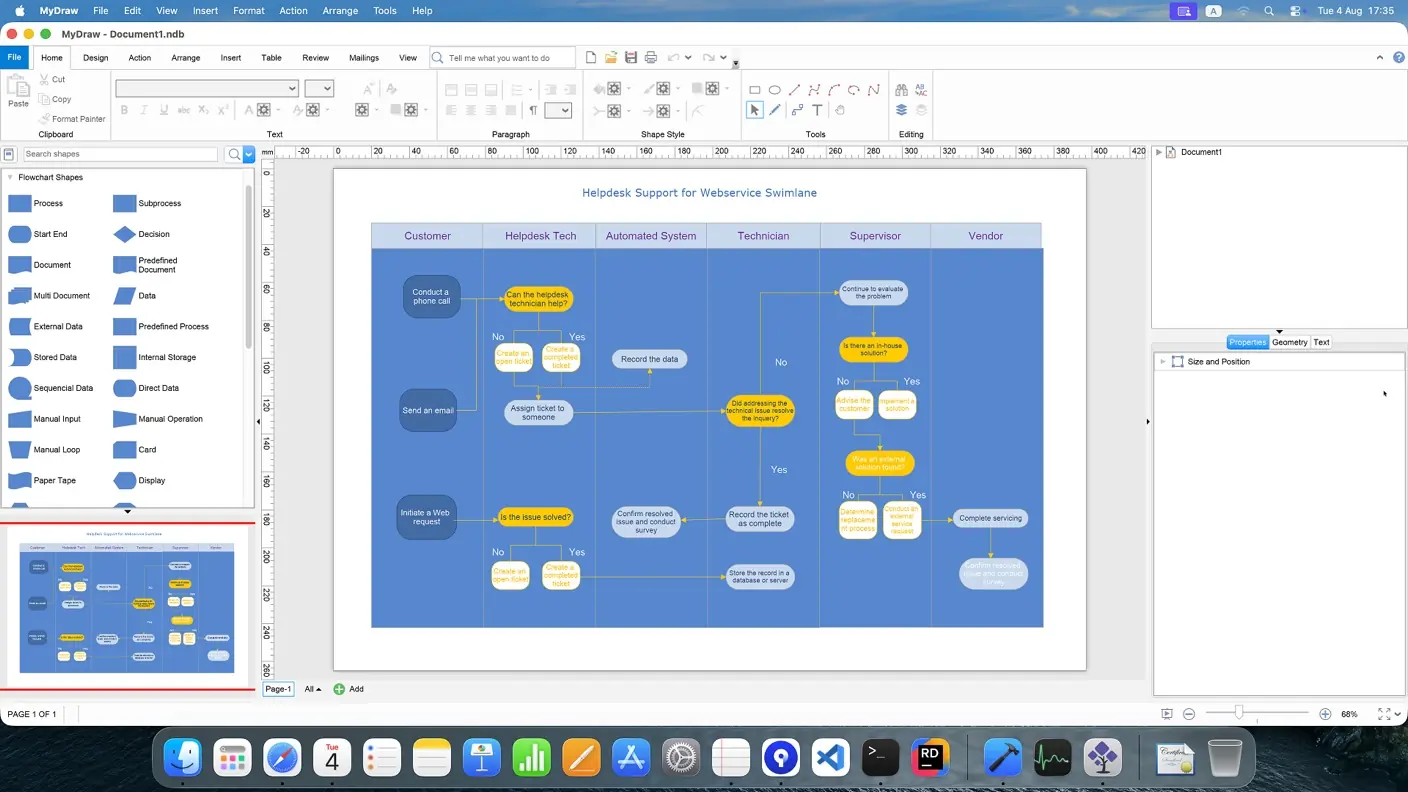
This Mydraw review starts with the basics: MyDraw is desktop diagramming software for Windows and macOS. The listing says it handles flowcharts, organization charts, mind maps, network diagrams, UML diagrams, BPMN models, floor plans and “many other types of visual documents.” That’s a broad list, and for a small business it covers most of what you’d ever draw.
What you’re actually buying with Mydraw
The AppSumo page has one tier. You pay $36, down from a listed $98, and you get lifetime access plus all future plan updates. There’s no ladder of plans to puzzle over, which is nice.
The catch list is short but real. You must redeem your code within 60 days of purchase. The deal isn’t stackable, so buying extra codes won’t add anything. And the listing’s FAQ describes the license as perpetual, activated on up to three different machines, with no transfer once it’s activated.
That last point matters more than it looks. If your laptop dies or you hand a machine to a new hire, the listing doesn’t say what happens to that activation. It just says the license can’t be moved. Ask support before you buy if you swap hardware often.
The Visio angle is the real selling point
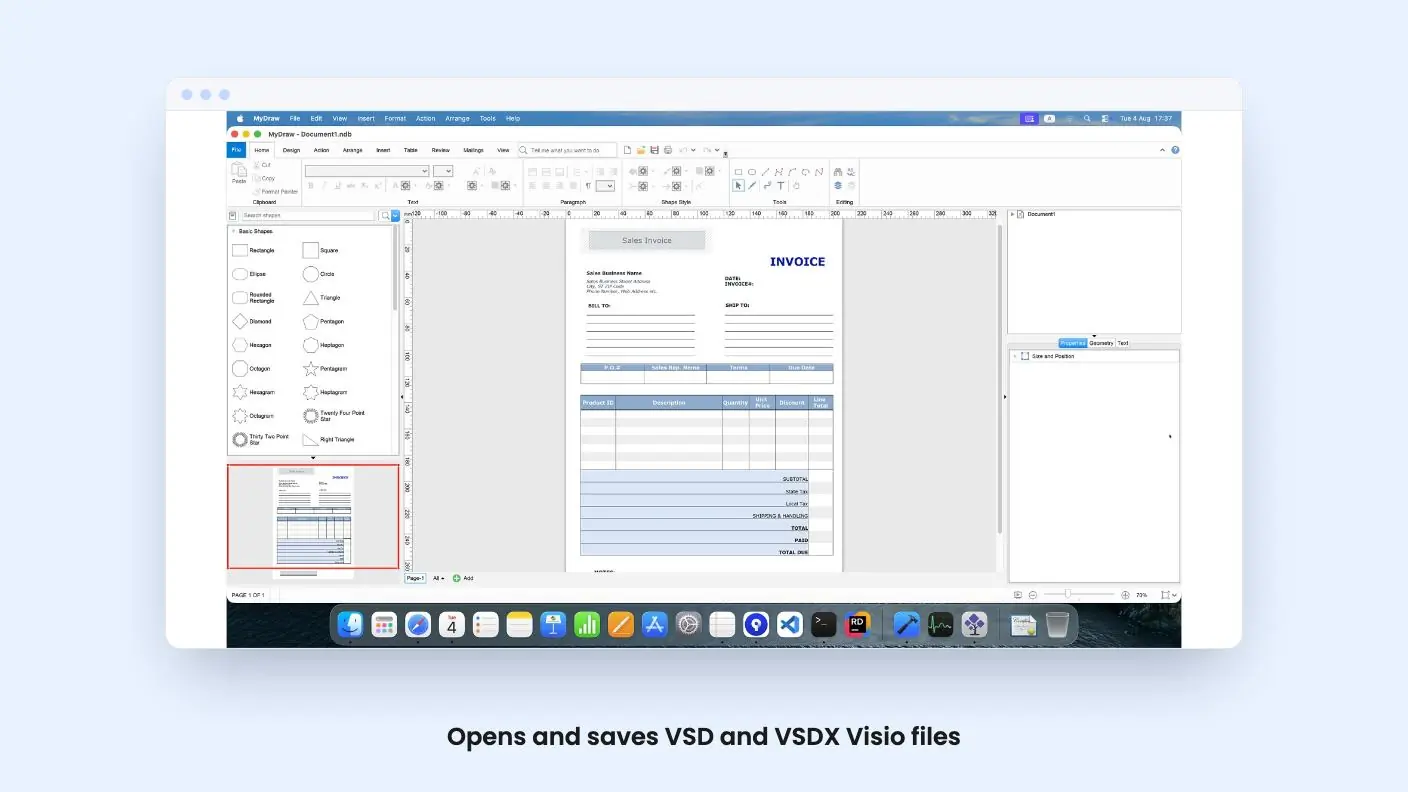
Plenty of cheap drawing tools exist. Fewer of them open the files other people send you. According to the listing, MyDraw imports and exports both VSD and VSDX, and the FAQ calls it functionally similar to Microsoft Visio.
If you work with clients, contractors or an IT provider who live in Visio, that’s the feature to care about. You can receive a file, edit it and send it back without asking anyone to re-export.
Here’s my caution. The listing says the formats are supported. It doesn’t say how well complex drawings survive the trip, with custom shapes, layers or linked data. Visio conversion is famously uneven across every tool that tries it. Try your own files early and don’t assume.
Get Mydraw for $36 on AppSumo →
Export options and file formats
The export side is better documented. MyDraw handles vector formats like PDF, SVG and EMF, plus raster formats like PNG, JPEG and BMP.
For day-to-day work, that’s enough. PDF for sending to a client, PNG for dropping into a slide, SVG when a designer wants something scalable. EMF is a useful one if you’re pasting into older Office documents.
Notably absent from the listing is anything about exporting to other diagram formats, or about templates beyond a mention in a G2 review that there are “a large number” of them. That count comes from a user quote, not from the vendor, so treat it as loose.
Who it fits, and who should pass
The two G2 quotes on the page, from a small business user and a museum or institution user, praise ease of use, templates, documentation and support. They’re curated testimonials on a sales page. Take them as a friendly signal, not a verdict.
The listing positions MyDraw as an alternative to PowerPoint and Miro. I’d push back on the Miro comparison. Miro is a browser-based whiteboard built around teams working together live. MyDraw, as described here, is a desktop app with a license tied to machines. The listing never mentions real-time collaboration, comments or shared boards. If your team brainstorms together on a canvas, this isn’t that.
Integrations are listed as Dropbox, Google Drive and Jira. The listing gives no detail on what they do. Likely you can save or open files from cloud storage, but that’s a guess, and the Jira connection is unexplained. Don’t buy for Jira until you’ve asked.
MyDraw does suit a solo owner, an office manager or a small IT team who draw diagrams a few times a month and want the files to live on their own computers. It also suits anyone tired of paying yearly for software they open twice a quarter.
Skip it if you need browser access from any device, shared editing, or a tool built for presentations. Skip it too if you expect to move licenses between machines as staff change.
Is Mydraw $36 a fair price?
For a desktop diagramming tool that reads Visio files, yes, on paper. The risk is low in dollar terms, and a one-time fee beats a recurring one if you’ll use it for even a year.
What this Mydraw review can’t tell you is how the app feels day to day. We haven’t used it, there’s no demo video attached to the listing, and the page offers no screenshots of the interface in the material we have. Read recent G2 reviews, grab the free trial if MyDraw offers one, and check AppSumo’s refund window before you commit.
The unknowns in this Mydraw review are the pace of future updates and what counts as a “new version.” Lifetime promises are only as good as the company keeping them, and the listing gives no company history. Still, for $36 you’re not betting much.
Related reading: DemoFast review, BlitzReels review.
All Mydraw features
Taken from Mydraw's AppSumo listing. We haven't tested these features hands-on.
Verified G2 User – Small Business
- "Professional Data Visualization Software"
- MyDraw is easy to use even for beginners, with a minimal learning curve. It supports Microsoft Visio file formats, works on both Windows and Mac, offers a large number of templates, and is affordable with a one-time license. It also supports many export formats and has great documentation and customer support.
"A New Tool For Better Diagramming"
- Verified G2 User – Museums & Institutions
- "After trying other diagramming software, I decided to stick with MyDraw. It combines vector drawing capabilities with powerful diagramming features. The guides and layout tools make creating professional diagrams much easier."
What the lifetime deal includes
- Lifetime access to Mydraw
- You must redeem your code(s) within 60 days of purchase
- All future plan updates
- Please note: This deal is not stackable
At a glance
- Best for
- Content creators, Graphic designers, Creators
- Alternative to
- Microsoft Powerpoint, Miro
- Integrations
- Dropbox, Google Drive, Jira
- Category
- Media & Design › Design & Branding
- Website
- www.mydraw.com
Decided Mydraw fits? The lifetime deal starts at $36. Check the tier limits on AppSumo before you pick one.
Get Mydraw on AppSumoKeep reading about Mydraw
Mydraw FAQ
Can MyDraw open Visio files?
Yes. According to the listing, it supports both VSD and VSDX files for import and export. The listing doesn't say how faithfully complex Visio drawings carry over, so test with one of your own files during the refund window.
How many computers can I use the lifetime license on?
Up to three machines, on Windows or macOS. Once activated, the license can't be transferred to another machine, so a replaced laptop could become a support conversation.
Do I get future updates?
The listing says you'll receive all future new versions for Lifetime. It doesn't define what counts as a new version versus a separate product, and it doesn't spell out the refund terms.
Is Mydraw worth it?
For $36, it looks worth it if you need flowcharts, org charts or network diagrams on a Windows or Mac desktop and want to open Visio files without a subscription. Skip it if you need real-time team collaboration or browser-based editing, because the listing doesn't promise either. We haven't used it ourselves.
What are the best Mydraw alternatives?
The listing positions Mydraw as an alternative to Microsoft PowerPoint and Miro. The article pushes back on the Miro comparison, since Miro is a browser-based whiteboard for live teamwork, while Mydraw is a desktop app with a license tied to machines.
What file formats can Mydraw export to?
Mydraw exports vector formats like PDF, SVG and EMF, plus raster formats like PNG, JPEG and BMP. It also imports and exports Visio VSD and VSDX files, though the listing doesn't say how well complex drawings survive the conversion.