You spend an hour in Claude working out a content plan. Then another half hour in Perplexity chasing sources. A few Reddit threads and a couple of X posts later, you have good research scattered across five tabs, and none of it is in the notebook where you actually want to work.
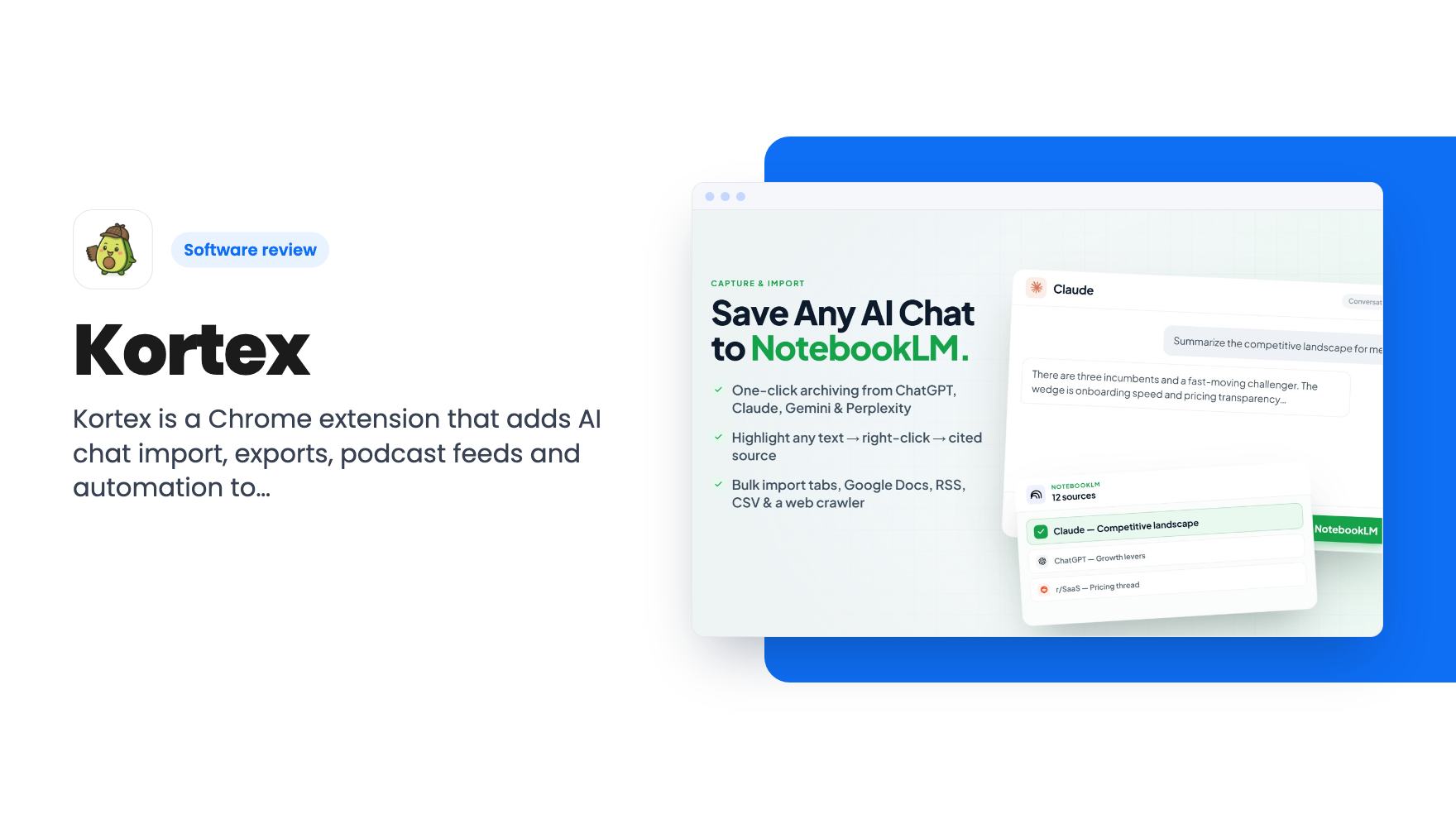
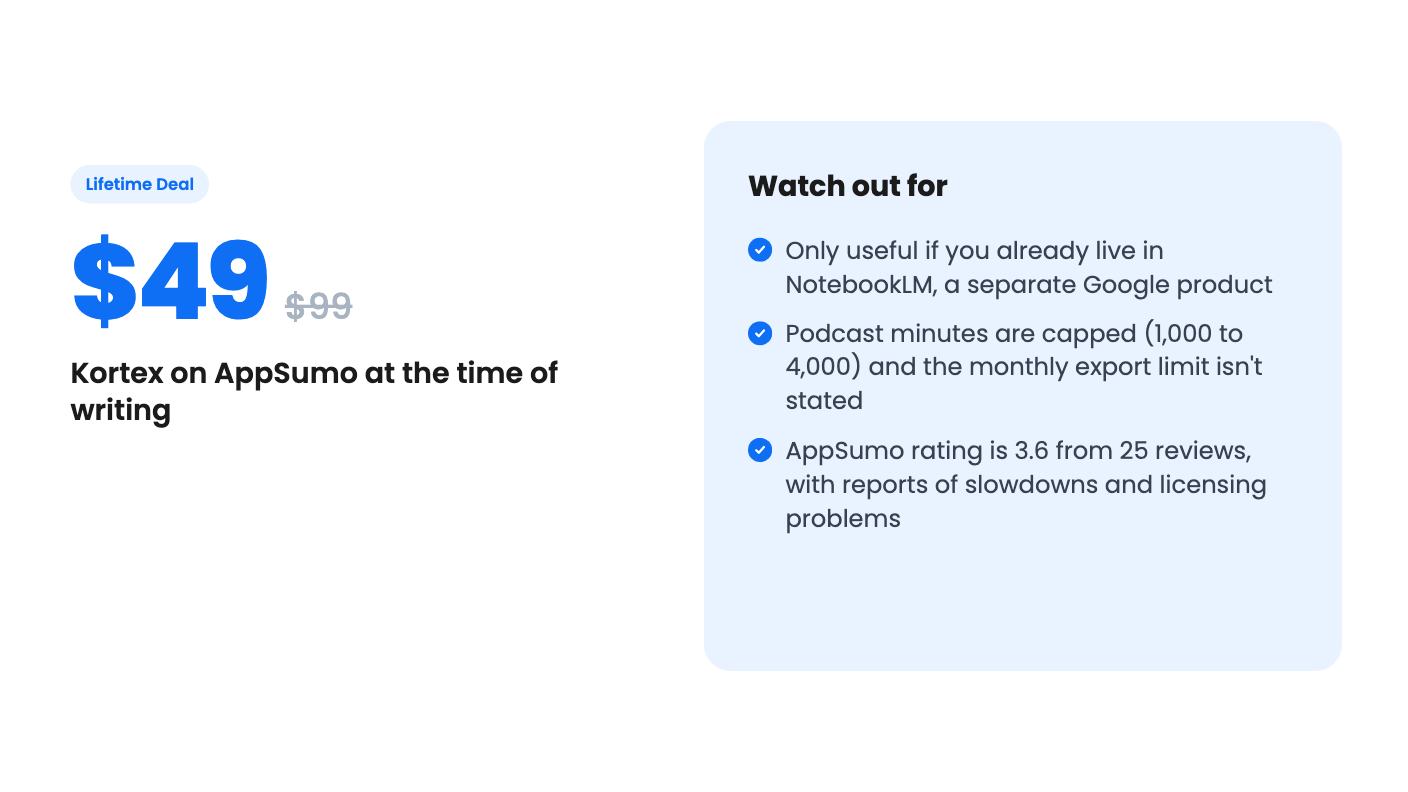
That’s the situation Kortex is built for. It’s a Chrome extension that sits on top of Google’s NotebookLM and adds the plumbing NotebookLM doesn’t give you: import from other AI tools, better exports, a podcast feed and some automation. AppSumo has it at $49 for a lifetime tier, down from a $99 list price.
What you get on top of NotebookLM
The listing groups the product into four jobs: bring things in, get things out, turn notebooks into audio, and automate the repetitive parts.
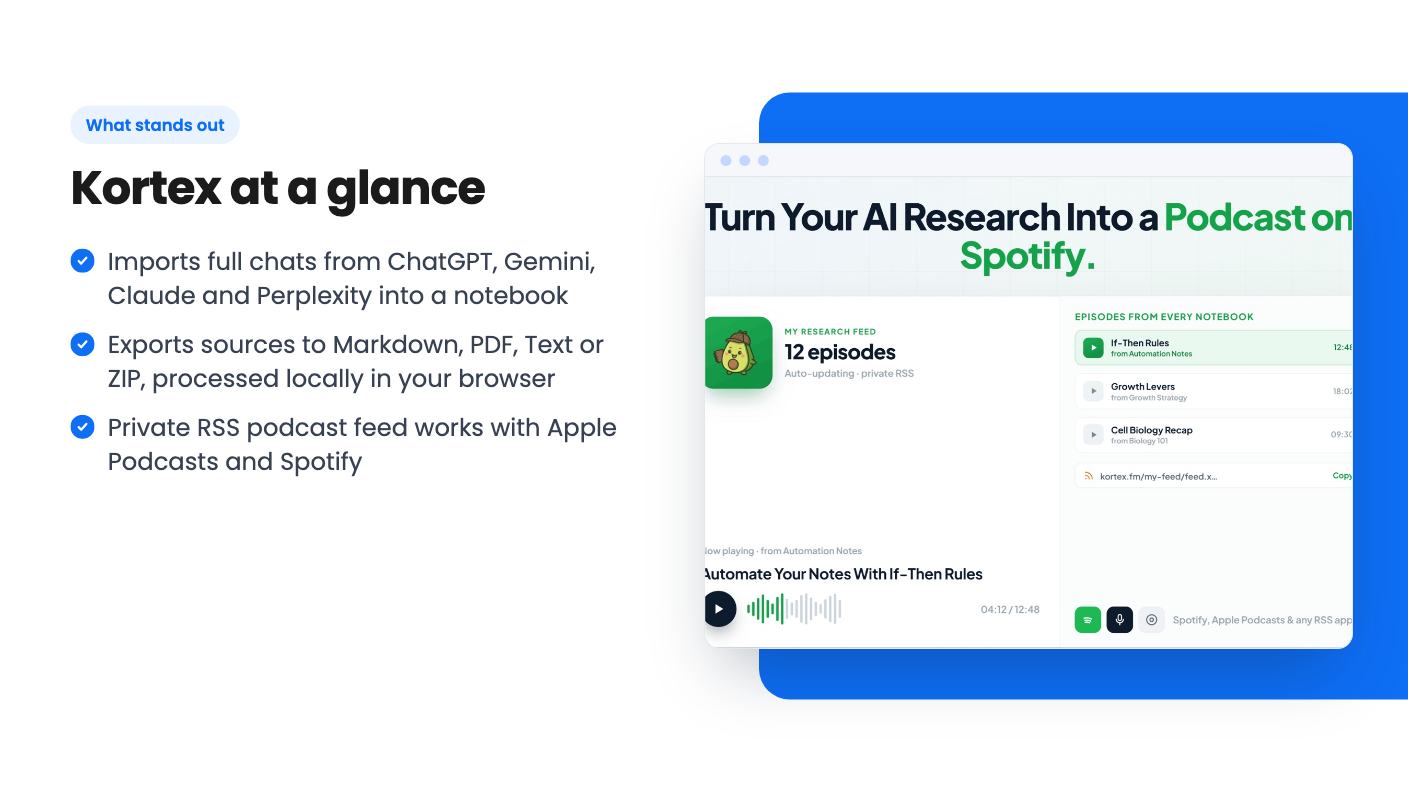
For bringing things in, Kortex says it can import whole conversations from ChatGPT, Gemini, Claude and Perplexity into a notebook in one click. You can also highlight text on any webpage and save it as a cited source, and pull in Reddit and X posts with their source links intact.
That’s a sensible pitch. Anyone who has copied a long chat into a doc just to feed it to NotebookLM will see the appeal.
The extension also has a Prompt Holder for saving NotebookLM prompts in folders with tags, plus custom source views. Those show up in the FAQ rather than the feature sections, which tells you the listing was written around the headline features.
Exports that leave NotebookLM
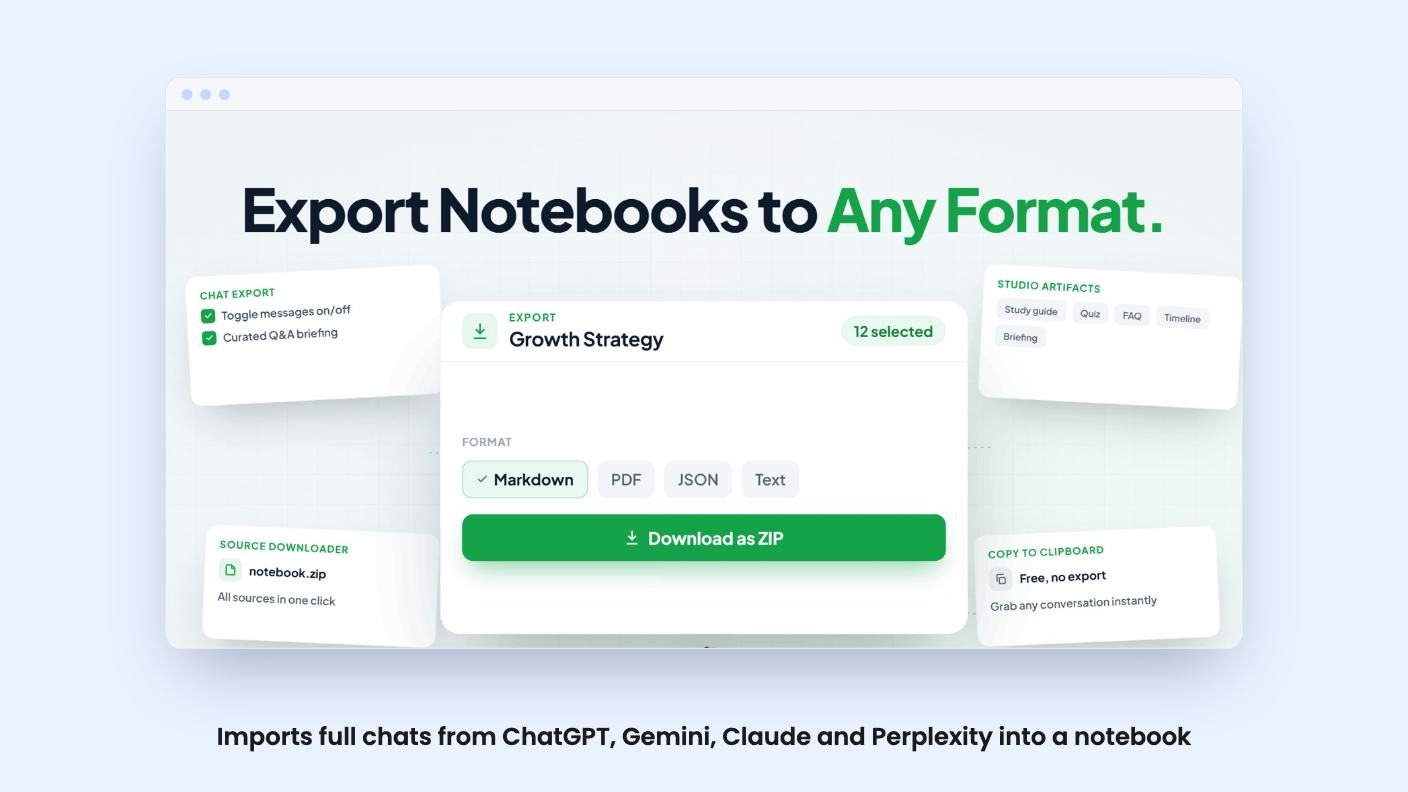
Exporting is the part I’d care about most. According to the listing, you can export notebook sources to Markdown, PDF, Text or ZIP. The FAQ says the Markdown export detects hierarchy, so headings and structure should survive. How well that works on messy sources, the listing doesn’t say.
You can also pick individual messages from a chat to build a trimmed briefing, and download notes and artifacts such as study guides, timelines and FAQs.
The privacy note is reasonable. Exports are processed locally in your browser, and the listing says only usage statistics sit on Kortex’s servers. Sign-in is required, though, through Google OAuth, with Firebase and Firestore behind it for syncing prompts and views.
One gap: the FAQ mentions a monthly export limit and says failed exports don’t count against it. It never says what the limit is. That’s a number you should know before paying, so ask the seller.
The podcast feed and automation rules
This is the flashier half. Kortex can generate an audio overview of a notebook in one click, then publish a private RSS feed that Apple Podcasts and Spotify can subscribe to. A built-in player lets you reorder and download episodes.
It’s a neat way to listen to your own research on a commute. It’s also capped. The feed system comes with 1,000, 2,000 or 4,000 minutes depending on tier, and the listing doesn’t say whether that’s per month or total. If it’s total, a heavy user could run through the lowest tier faster than expected.
The automation side lets you build rules with triggers and actions, like tagging a source, generating a briefing or routing something to the podcast feed. Two pre-built pipelines, Auto-Researcher and Podcast Curator, are named. The listing gives no detail on what they do step by step, and there was no product video to check. Treat this section as promising and unproven.
Tiers, limits and the number that looks wrong
All three tiers are lifetime and include future updates to the Lifetime Pro plan. Folders, imports, cloud sync, automation pipelines, source views, bulk imports and bulk generation are listed as available on every tier. The differences are prompts and podcast minutes:
- $49 (was $99): 500 stored prompts, 1,000 podcast minutes
- $79 (was $247.50): 200 stored prompts, 2,000 podcast minutes
- $159 (was $618.75): unlimited stored prompts, 4,000 podcast minutes
Look at the middle tier. It lists fewer prompts than the cheapest one. That’s almost certainly a listing mistake, but I can’t tell which number is wrong. Don’t buy the $79 tier until the seller clarifies.
The usual AppSumo terms apply. You must activate your license within 60 days, you can upgrade between tiers while the deal is live, and you can downgrade within 60 days of purchase. A 60-day money-back guarantee backs it up, which lowers the risk. The deal ends on November 15, 2026.
One more oddity: the FAQ says deleting sources from a notebook is for “Lite and Pro users only.” The deal tiers aren’t named Lite or Pro, so it’s unclear whether that feature comes with your purchase.
What the reviews and the product age tell us
AppSumo shows 25 reviews averaging 3.6 out of 5. That’s middling. AppSumo’s own summary calls the feedback positive, but it also mentions occasional slowdowns and licensing hiccups. I’d read that as real friction, not a footnote.
There’s a structural risk too. Kortex depends on NotebookLM, a product Google controls. If Google changes how the interface works or ships its own import and export tools, an extension like this can break or lose its reason to exist. The listing says nothing about how fast Kortex fixes breakage.
The AppSumo comparison to Evernote and Notion also stretches things. Kortex doesn’t replace a note-taking workspace. It’s an accessory for people who already chose NotebookLM.
Who should skip it
Skip Kortex if you don’t use NotebookLM today, since nothing here stands on its own. Skip it if you work in Firefox, which isn’t supported yet, or if you need a general knowledge base with pages, databases and team sharing. If you want the podcast feed for heavy daily use, the minute caps and the unclear reset period should give you pause. For a solo blogger or creator who already collects research in NotebookLM, the $49 tier is a cheap bet with a 60-day refund behind it. Just confirm the export limit and the tier numbers before you pay.
How this review was made: researched from Kortex's official listing, and written with help from AI. We have not tested Kortex hands-on yet. Prices and deal terms change, so check AppSumo before you buy. See our affiliate disclosure.