Picture a six-person agency. One person pays for ChatGPT, another has Claude on a personal card, and a freelancer pastes client briefs into whatever free tool is open that day. Nobody knows what the team spends on AI each month, and nobody can say which model saw which client’s material. Intrascope.app is built for exactly that mess.
What Intrascope is trying to replace
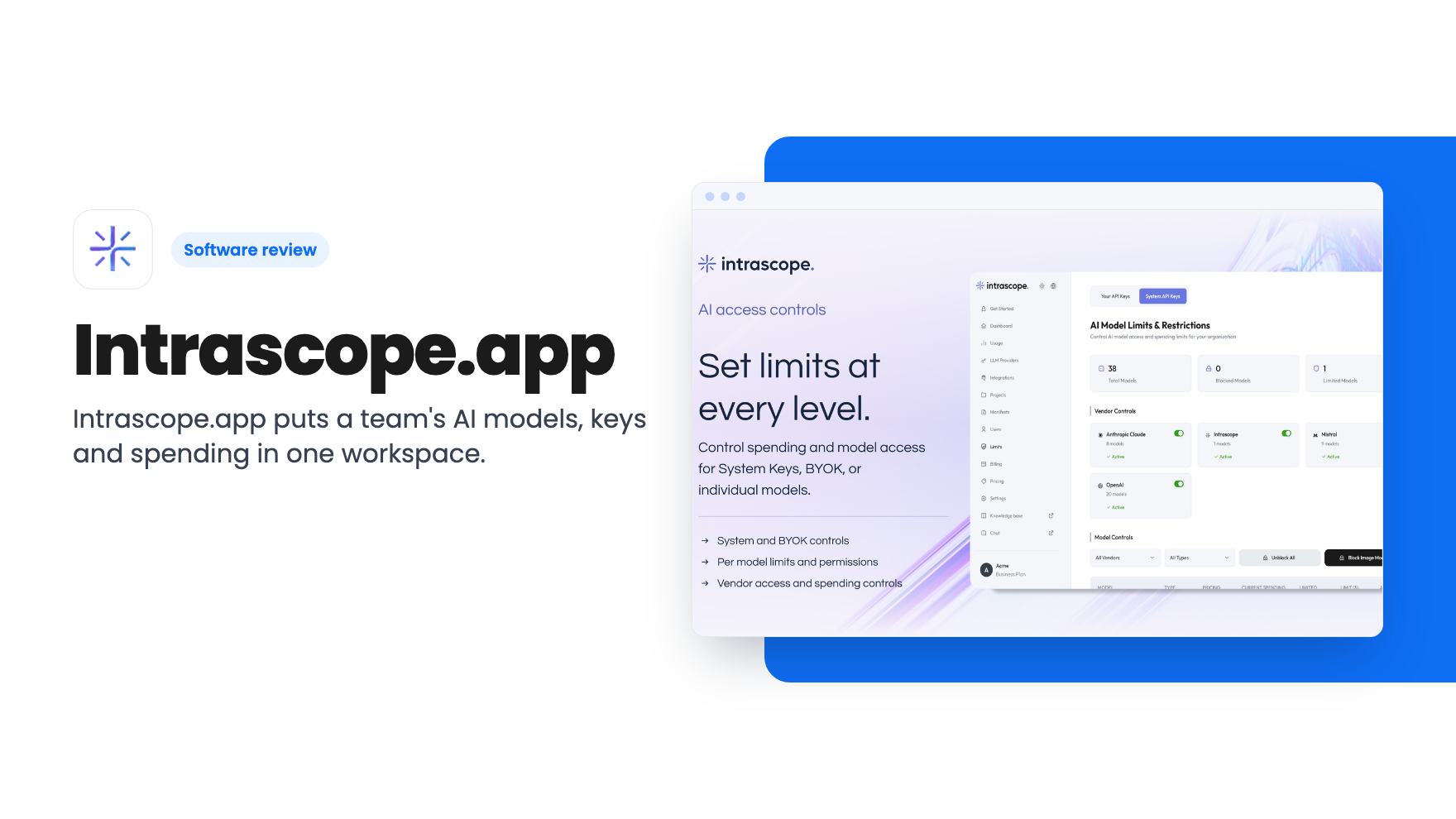
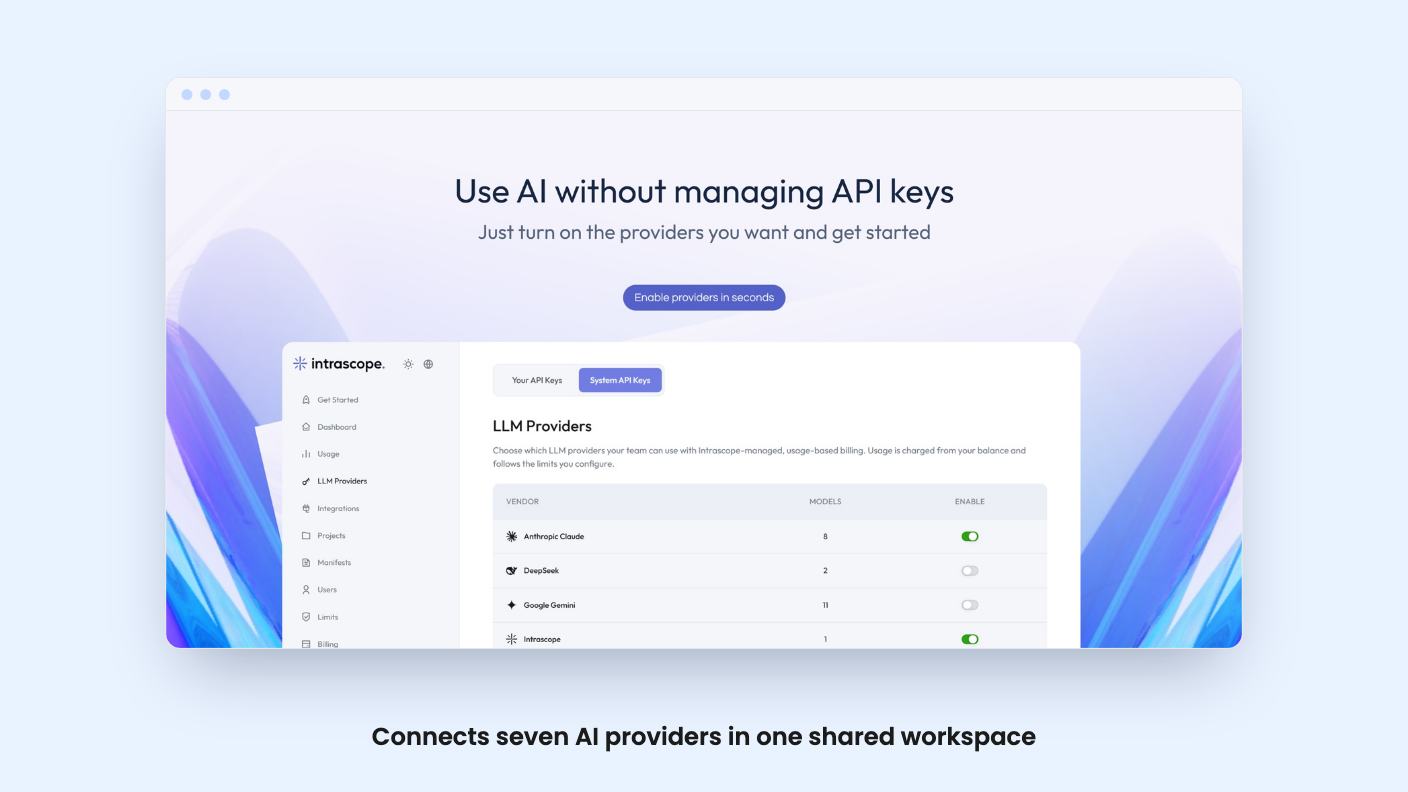
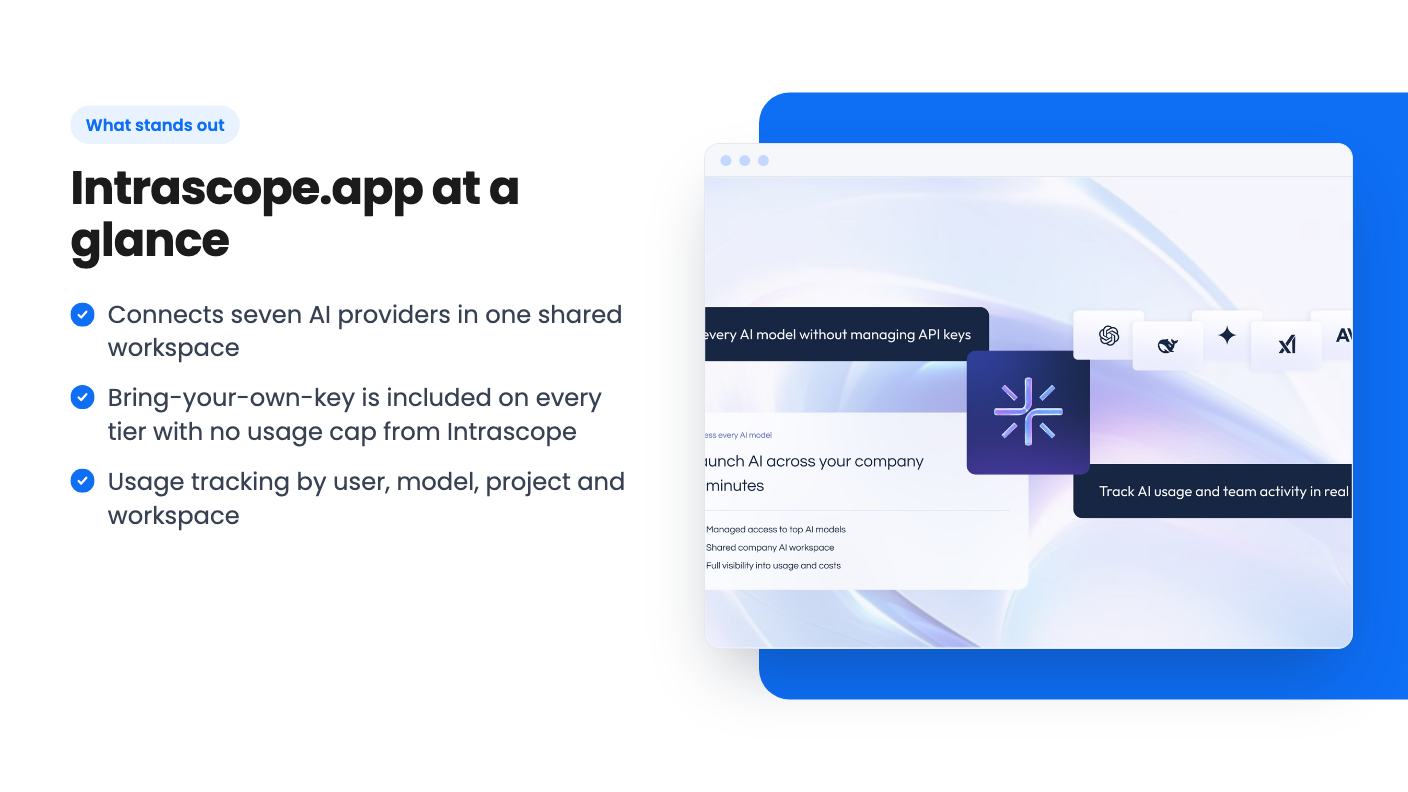
The pitch is one shared workspace where your team uses several AI providers instead of scattered personal accounts. The listing names OpenAI, Claude, Gemini, Mistral, DeepSeek, xAI and Qwen.
Inside that workspace, you organize work into projects. The listing says users can work across different projects while prompts, context, models and team activity stay easier to manage. It doesn’t explain what “project context” means in practice, such as whether it’s saved instructions, uploaded files or something else. That’s the sort of detail you’d want to see before relying on it.
The listing compares the product to ChatGPT Team. The argument is that ChatGPT Team centers on a single provider, while this lets you mix providers under one set of permissions. That’s a fair distinction, though the listing doesn’t give a feature-by-feature comparison.
Controls and cost tracking are the real draw
Two things make this more interesting than a chat window with a model dropdown.
First, access control. Admins can manage user access, project access, model availability and workspace permissions. You can decide which models each workspace or team gets. If you don’t want an intern running the priciest model all day, this is the lever.
Second, usage and cost visibility. The listing says you can see usage by user, model, project and workspace. For an agency billing clients, being able to see spend by project is useful. The listing doesn’t say whether you can export that data, set hard spending limits or send alerts, so don’t assume any of it.
The listing’s phrase about managing AI adoption “with confidence” is marketing language. What you can verify is that the tracking dimensions are named. How detailed the dashboards are, we can’t say from the listing.
Your keys or theirs
This part of the pricing is easy to misread, so here it is plainly.
You have two ways to run AI inside Intrascope. You can connect your own provider API keys (BYOK), or you can use managed AI access through Intrascope’s own keys.
BYOK is included on every tier, and the listing calls that usage unlimited. But the provider still bills you directly, so the lifetime deal doesn’t make the AI itself free. Anyone buying a lifetime deal hoping to stop paying for AI should read that line twice.
Managed credits are for teams that don’t want to deal with API keys. They’re only in the upper tiers, and the listing says extra managed usage can be added by credit top-up. It doesn’t say what a top-up costs or what one credit buys in terms of messages or tokens. That’s a real gap, because 10,000 credits a month means little until you know how fast a typical team burns through them.
The three tiers
Here’s what the listing shows. It doesn’t label its columns, so the tier mapping below follows the order of the numbers and the FAQ, which confirms Tier 2 gets 10,000 credits and Tier 3 gets 20,000.
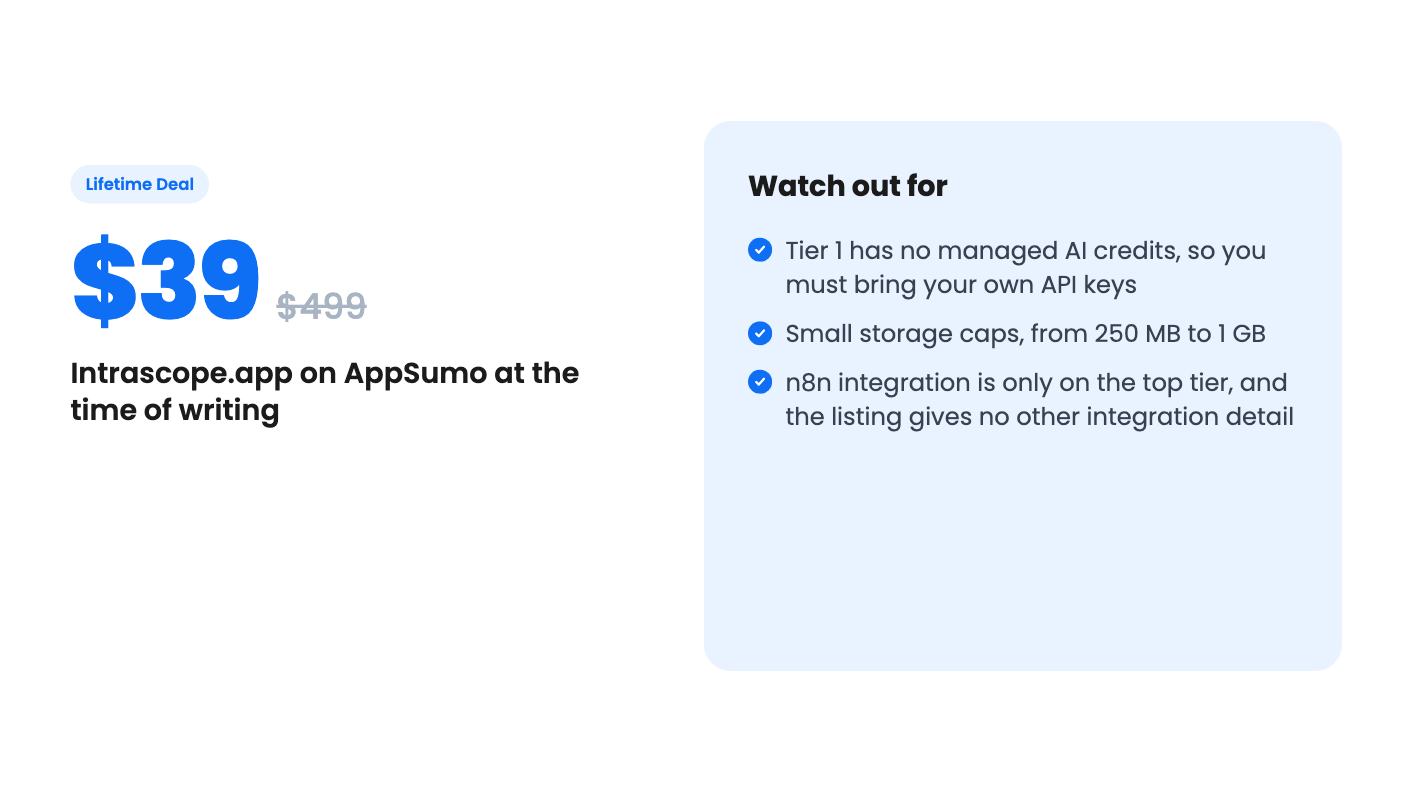
- Tier 1, $39 (listed at $499): no managed credits, 5 users plus 1 admin, 250 MB of database storage.
- Tier 2, $99 (listed at $1,250): 10,000 managed credits a month, 10 users plus 1 admin, 500 MB of storage.
- Tier 3, $199 (listed at $2,500): 20,000 managed credits a month, 20 users plus 1 admin, 1 GB of storage, and the n8n integration.
The project numbers look odd. The listing shows 10, 5 and 20 projects, which would give Tier 1 the most projects and Tier 2 the fewest if the order holds. That may be a listing mistake or an intentional trade-off. Ask the seller before you pick a tier based on project count.
Also ignore the “list price” figures. A $499 price tag on a brand-new tool tells you nothing about what it’s worth.
Other terms: you must activate your license within 60 days, all future plan updates are included, and you can switch between the three tiers. The listing names an API as the only integration, plus n8n on Tier 3.
Limits worth weighing
Storage is small. 250 MB on the entry tier and 1 GB at the top won’t matter if you mostly chat with models, but it may if you plan to keep lots of project context in there. The listing doesn’t say exactly what counts toward that storage.
The user caps matter too. Five users on Tier 1 suits a tiny agency, but a growing team will hit the ceiling quickly and have to pay again to move up.
Then there’s the usual lifetime-deal risk. The listing doesn’t say how long the product has existed, how large the company is or what the roadmap looks like. “All future plan updates” is a promise, not a track record. A tool that sits between your team and your AI providers has to keep adding new models as they appear, and you’re relying on a small vendor to do that.
We also haven’t used it, and there’s no demo video for this listing, so we can’t speak to how the interface feels or how reliable it is.
Who should buy, and who shouldn’t
This fits a small agency, marketing team or operations team that already pays for more than one AI subscription and wants to consolidate. If you’re comfortable creating API keys, Tier 1 at $39 is a low-risk way to try the shared workspace, because you pay your providers directly and only commit a small amount to the platform.
Tier 2 makes sense if you want some teammates to start without touching keys. Tier 3 mainly makes sense if you need 20 users or want the n8n connection.
Skip it if you work alone. A single person gets little from permissions and team cost tracking. Skip it too if you expect the deal to cover your AI bills, or if your team depends on one provider and is happy with that provider’s own team plan.
If you do buy, test the keys setup, the model controls and the usage reports early. AppSumo’s refund window is the right time to find out whether the dashboards show what you need.
How this review was made: researched from Intrascope.app's official listing, and written with help from AI. We have not tested Intrascope.app hands-on yet. Prices and deal terms change, so check AppSumo before you buy. See our affiliate disclosure.