


Lifetime deal price
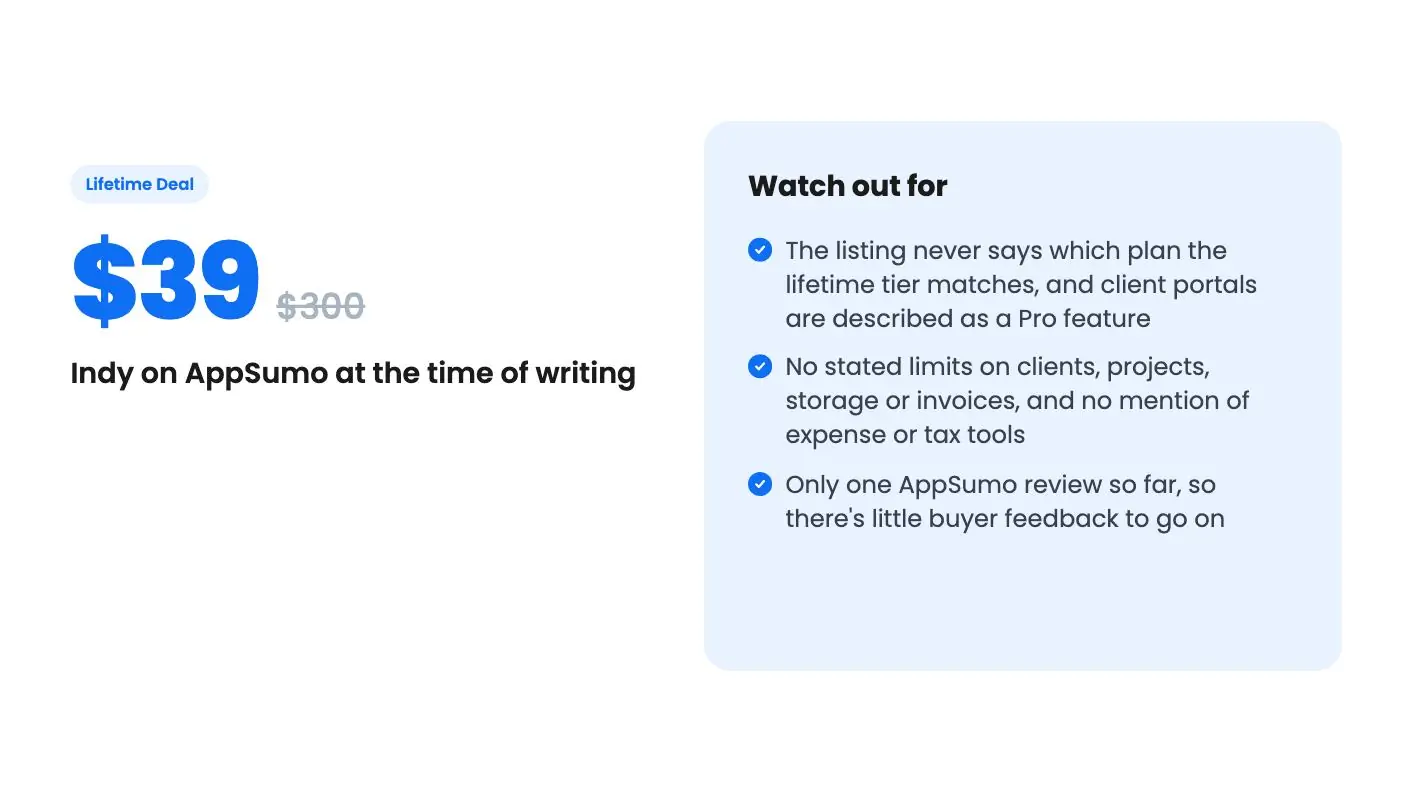
$39$30087% off
Lifetime Deal
5.0(1 AppSumo review)
Quick verdict
Our take: Buy it if you're a freelancer or solo service provider who wants proposals, contracts and invoices linked in one place and can live with a few open questions. Skip it if you need real bookkeeping, tax or expense tracking, or if client portals are your main reason to buy, because the listing doesn't confirm the $39 tier includes them.
Best for: Freelancers, Small businesses, Solopreneurs
Alternative to: Freshbooks, Honeybook, Wave Accounting
What we like
- An accepted proposal can turn into a contract and an invoice, so you stop retyping client details
- Clients can e-sign without creating an account
- Status tracking shows when documents are sent, viewed, signed or paid
- $39 with all future plan updates is low against the $300 list price
Watch out for
- The listing never says which plan the lifetime tier matches, and client portals are described as a Pro feature
- No stated limits on clients, projects, storage or invoices, and no mention of expense or tax tools
- Only one AppSumo review so far, so there's little buyer feedback to go on
You finish a project and then realize the paperwork is scattered everywhere. The proposal lives in a Google Doc, the contract went out through a separate signing tool, and the invoice is a spreadsheet you’d rather not send. Each one is a small leak, and clients notice when a freelancer looks disorganised.
Indy is aimed at that mess. According to the AppSumo listing, it combines proposals, contracts, invoices and a shared client workspace in one tool. It’s currently sold as a lifetime deal for $39 against a $300 list price. We haven’t used it ourselves, so everything in this Indy review comes from the listing.
What Indy says it covers
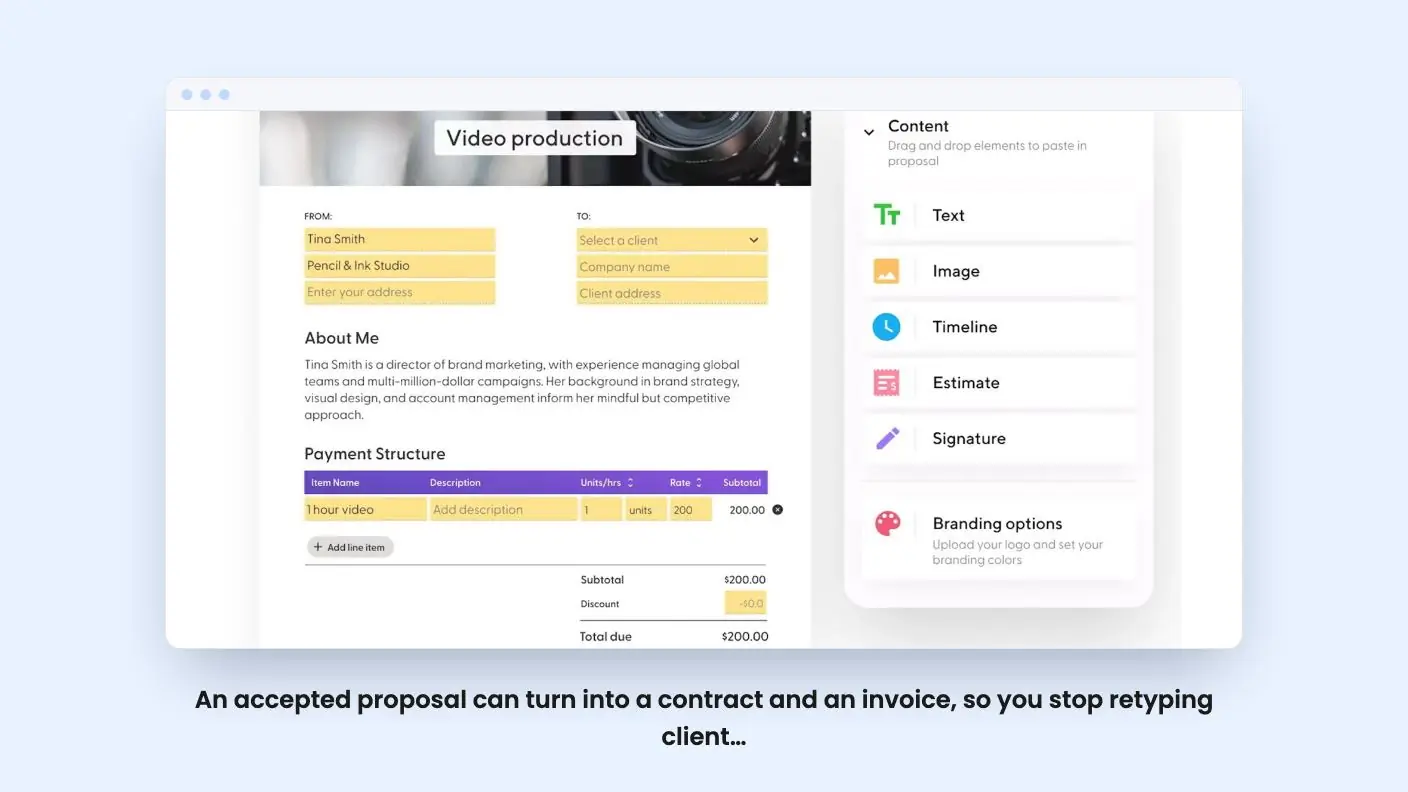
The pitch is a chain of documents that hand off to each other. You send a proposal, the client accepts it, and the listing says the accepted proposal can move automatically into a contract and an invoice. That’s the most useful idea on the page. Retyping the same client details into three tools is where a lot of admin time goes.
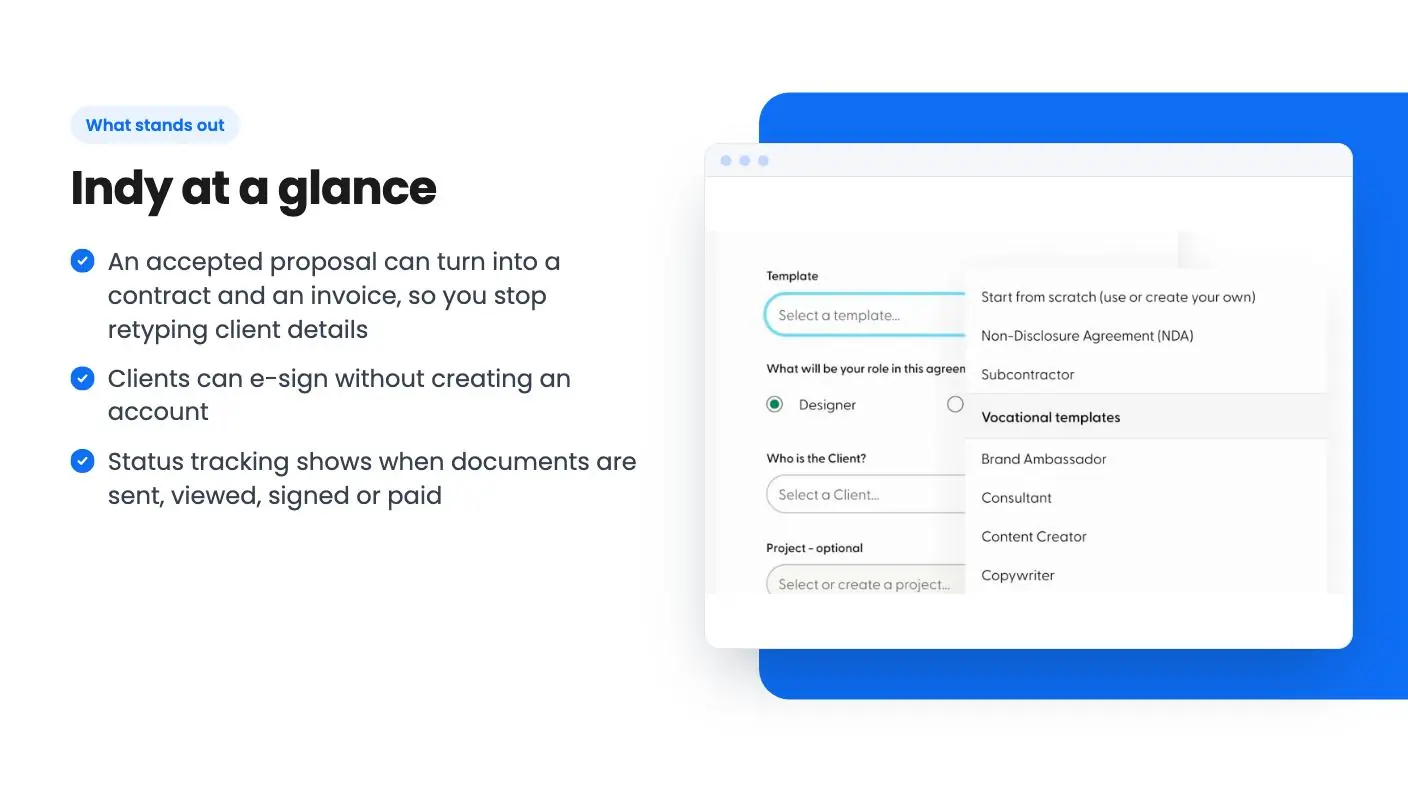
Proposals start from Indy’s templates or a drag-and-drop builder, and you can see whether one has been viewed and approved. Contracts use templates the listing calls legally vetted. That’s a marketing phrase we can’t verify, so if a contract carries real money, have a professional read the template first.
Then there’s the client workspace: shared files, chat and tasks, with access settings that control what each client sees. Projects show up as task lists or kanban boards.
Indy invoicing and getting paid
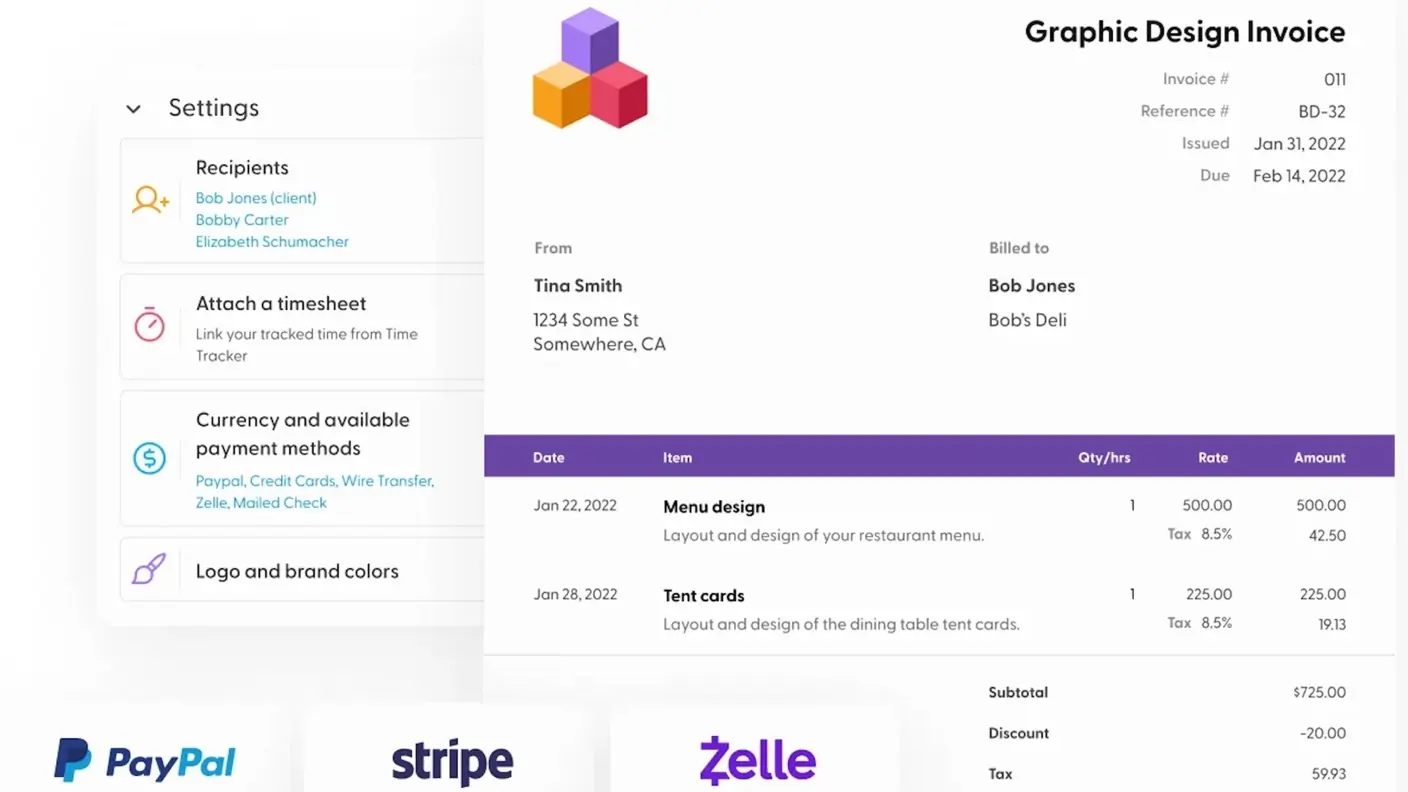
This is the part most freelancers will touch every week. You get branded invoices from customizable templates, plus recurring invoices for clients on retainer. Payments can arrive through PayPal, Stripe or direct deposit, and each invoice shows whether it’s been sent, viewed or paid.
One inconsistency in this Indy review deserves a flag. The integrations list names only Google Calendar and PayPal, while the feature text and the FAQ both mention Stripe. It probably works. Still, confirm the setup and any processing fees before you build a pricing page around card payments.
The listing is also silent on late fees, payment reminders, multiple currencies, taxes and expense tracking. For some freelancers that’s fine. If you’re expecting FreshBooks or Wave behavior, it’s a gap you’d want filled before paying.
Contracts without the signup wall
Clients can sign electronically without creating an account. You also get real-time updates when a contract is viewed or signed. That detail matters more than it sounds. Asking a new client to register for yet another service just to sign your agreement is a reliable way to lose a week.
The view and sign notifications help with follow-up. If a contract has been opened three times and still isn’t signed, something in it probably needs revising, and a reminder email won’t fix that. The listing makes the same point about knowing when to resend or revise.
What the page leaves out is any detail on signature audit trails, document storage or how many contracts you can send. Those questions come up fast if you work with larger clients whose legal teams ask for proof.
The client workspace, and the Pro plan question
The workspace is where Indy overlaps with project tools, though it doesn’t read as a full project manager. Task lists and kanban boards suit a solo operator tracking deliverables for a handful of clients. If you run a team with dependencies, time tracking and resource planning, look elsewhere.
The listing’s FAQ says Indy’s Pro plan includes client portals. Here’s the catch. The deal page never says whether the $39 lifetime tier is Pro, a lower plan, or something else. Client workspaces are one of the four headline features, so this is the first thing to ask Indy or AppSumo support.
On integrations, the FAQ says Google Calendar syncs two-way and Zapier connects Indy to other apps. It doesn’t say what Zapier access costs or what the lifetime plan allows there. If automation matters to you, budget for the possibility that it’s an extra expense.
The Indy lifetime deal, and what it doesn’t say
Here’s what the listing states about the terms:
- One tier at $39, down from $300.
- Lifetime access to Indy and all future plan updates.
- Codes must be redeemed within 60 days of purchase.
- The deal is not stackable, so you can’t buy extra codes to raise limits.
That last point matters. With no stacking, you get a single plan, and the page never lists what its limits are. We don’t know the cap on clients, projects, invoices or storage, or whether any of them are unlimited. The listing also says nothing about refund terms, so check the checkout page for those.
The listing gives no founding date, user count or roadmap either, so this Indy review has little to go on there. The only AppSumo review is a single 5.00 out of 5. One review tells you almost nothing, so treat the rating as noise and not as proof of quality.
Who should buy, and who should skip
The short version of this Indy review is to buy it if you’re a freelancer, consultant or solo studio that sends proposals and contracts regularly and wants the invoice to follow on its own. At $39 the downside is small, and the connected workflow is the whole appeal.
Skip it if you need actual bookkeeping. Comparing Indy with Wave or FreshBooks only makes sense for the invoicing slice. Skip it too if client portals are your reason for buying and support can’t confirm they’re in your tier.
If you’re on the fence, send support one message before checkout asking for the exact limits of the lifetime plan and whether it includes client portals. A clear answer settles most of what this listing leaves open.
Related reading: FuseBase vs Indy, SelfManager.ai review.
All Indy features
Taken from Indy's AppSumo listing. We haven't tested these features hands-on.
Get paid on time
- Create branded invoices in seconds with customizable templates
- Set up recurring invoices for ongoing clients and accept payments via PayPal, Stripe, or direct deposit
- Track invoice status in real time so you know when it’s sent, viewed, and paid
Create high-quality proposals
- Choose from Indy’s proposal templates or design your own using a simple drag-and-drop builder
- Keep tabs on the proposal status so you know when it’s been viewed and approved
- Automatically transition accepted proposals into contracts and invoices
Get contracts signed in a snap
- Customize legally vetted contact templates to fit your needs without sacrificing professionalism
- Let clients sign electronically—no need to create a new account!
- Get real-time updates when contracts are viewed or signed, so you know when to resend or revise
Bring all your clients into one workspace
- Share files, chat, and manage tasks—all in one place
- Use customizable access settings to control what clients see
- Monitor project timelines with visual aids like task lists and kanban boards
What the lifetime deal includes
- Lifetime access to Indy
- You must redeem your code(s) within 60 days of purchase
- All future plan updates
- Please note: This deal is not stackable
At a glance
- Best for
- Freelancers, Small businesses, Solopreneurs
- Alternative to
- Freshbooks, Honeybook, Wave Accounting
- Integrations
- Google Calendar, PayPal
- Category
- Operations › Project Management
- Website
- weareindy.com
Decided Indy fits? The lifetime deal starts at $39. Check the tier limits on AppSumo before you pick one.
Get Indy on AppSumoKeep reading about Indy
Indy FAQ
Does the Indy lifetime deal include client portals?
The listing doesn't say. Its FAQ states that client portals come with Indy's Pro plan, but the deal page never says which plan the $39 tier matches. Ask support before buying if portals matter to you.
Can I take payments through Indy?
According to the listing, invoices can accept payments through PayPal, Stripe or direct deposit. The integrations list only names Google Calendar and PayPal, so confirm the Stripe setup and any fees before you promise clients a card option.
Is Indy a replacement for accounting software?
Not from what the listing shows. It's pitched as an alternative to FreshBooks, HoneyBook and Wave, but the described features cover invoices, proposals, contracts and client workspaces. Expense tracking, tax reports and bookkeeping aren't mentioned.