


Lifetime deal price
$49
Lifetime Deal
1.0(1 AppSumo review)
Quick verdict
Our take: HTML Pub suits people who already get HTML out of Claude, ChatGPT or Cursor and want a fast, cheap place to publish landing pages. Tier 1 at $49 is the sensible entry point. Skip it if you need a large site, a mature visual builder, or clear answers on editing published pages, because the listing contradicts itself there.
Best for: Developers, Marketers, Agencies
Alternative to: Notion, Webflow, Wix
What we like
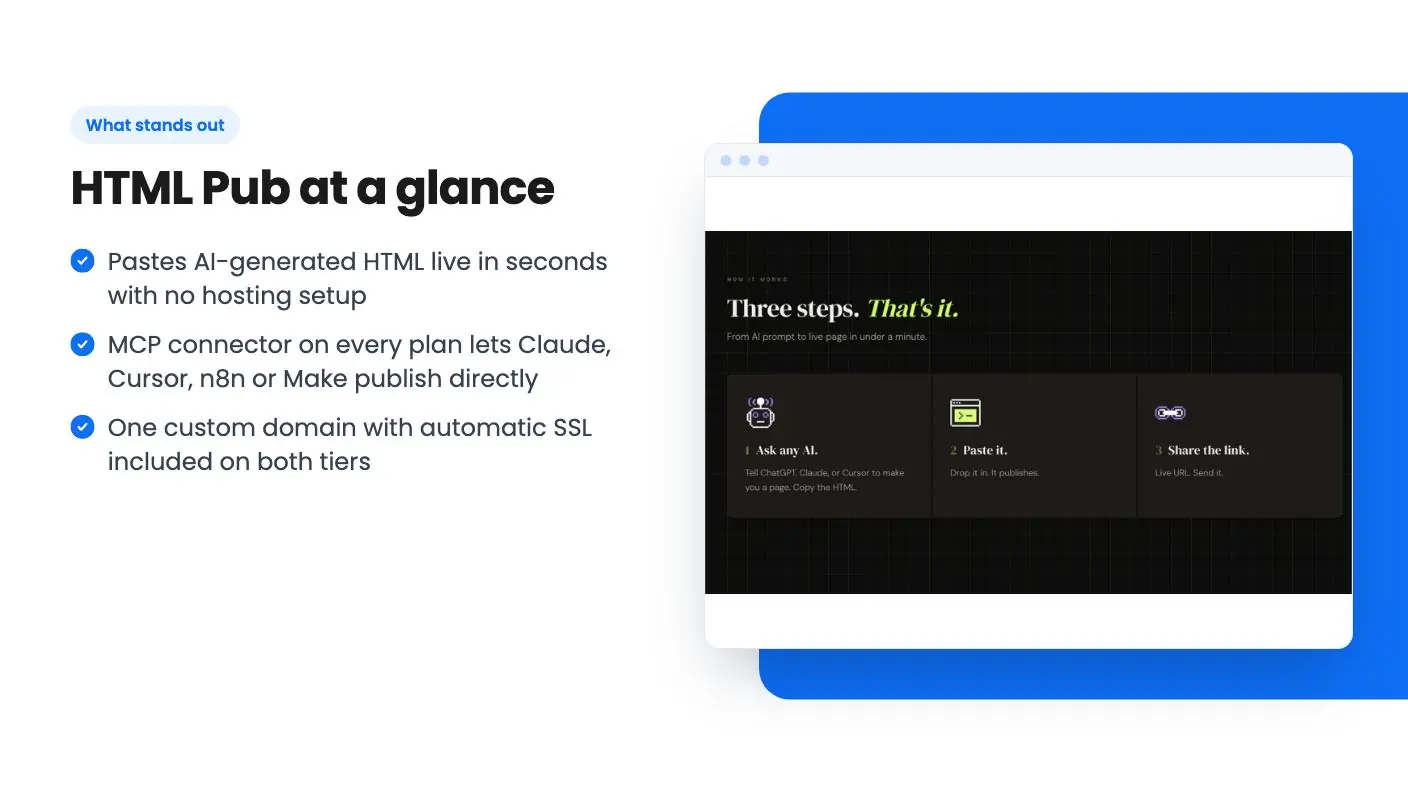
- Pastes AI-generated HTML live in seconds with no hosting setup
- MCP connector on every plan lets Claude, Cursor, n8n or Make publish directly
- One custom domain with automatic SSL included on both tiers
- Stripe, Shopify, forms and CRM hooks without backend code
Watch out for
- Only 5 pages on Tier 1 and 25 on Tier 2, which is small for a real site
- Listing says published pages cannot be edited directly, which clashes with its own editor claims
- Blog, API access and 90-day analytics are Tier 2 only
Say you’ve asked Claude for a landing page and it hands you a clean block of HTML. You now need hosting, a domain, SSL and somewhere for the contact form to send its messages. For a one-off campaign page that’s a lot of faff, and it’s the gap HTML Pub is aiming at.
Get HTML Pub for $49 on AppSumo →
The idea is simple. You paste the code, or drop in an .html file, and the page goes live on a shareable URL. According to the listing, there’s no server setup involved. We haven’t used the tool ourselves, and there’s no product video, so everything in this HTML Pub review comes from the AppSumo listing.
What HTML Pub actually does
At its core, it’s a publishing layer for AI-written pages. It accepts standard .html and .htm files with CSS and JavaScript embedded in the file, and it supports regular HTML5 elements. The maximum upload is 10MB. Anything bigger, such as video, should sit on an outside CDN and be linked from your page.
Beyond the single-page trick, the listing says you can build multi-page sites with shared navigation and styles. That matters, because a pile of disconnected pages isn’t a website. How well the shared styling holds up in practice isn’t shown anywhere in the material this HTML Pub review draws on.
AppSumo files it as an alternative to Notion, Webflow and Wix. That’s a stretch. Those are full builders with templates, design systems and big ecosystems. HTML Pub looks more like a quick host with an AI assistant attached, and that’s a perfectly fine thing to be.
The MCP connector is the interesting part
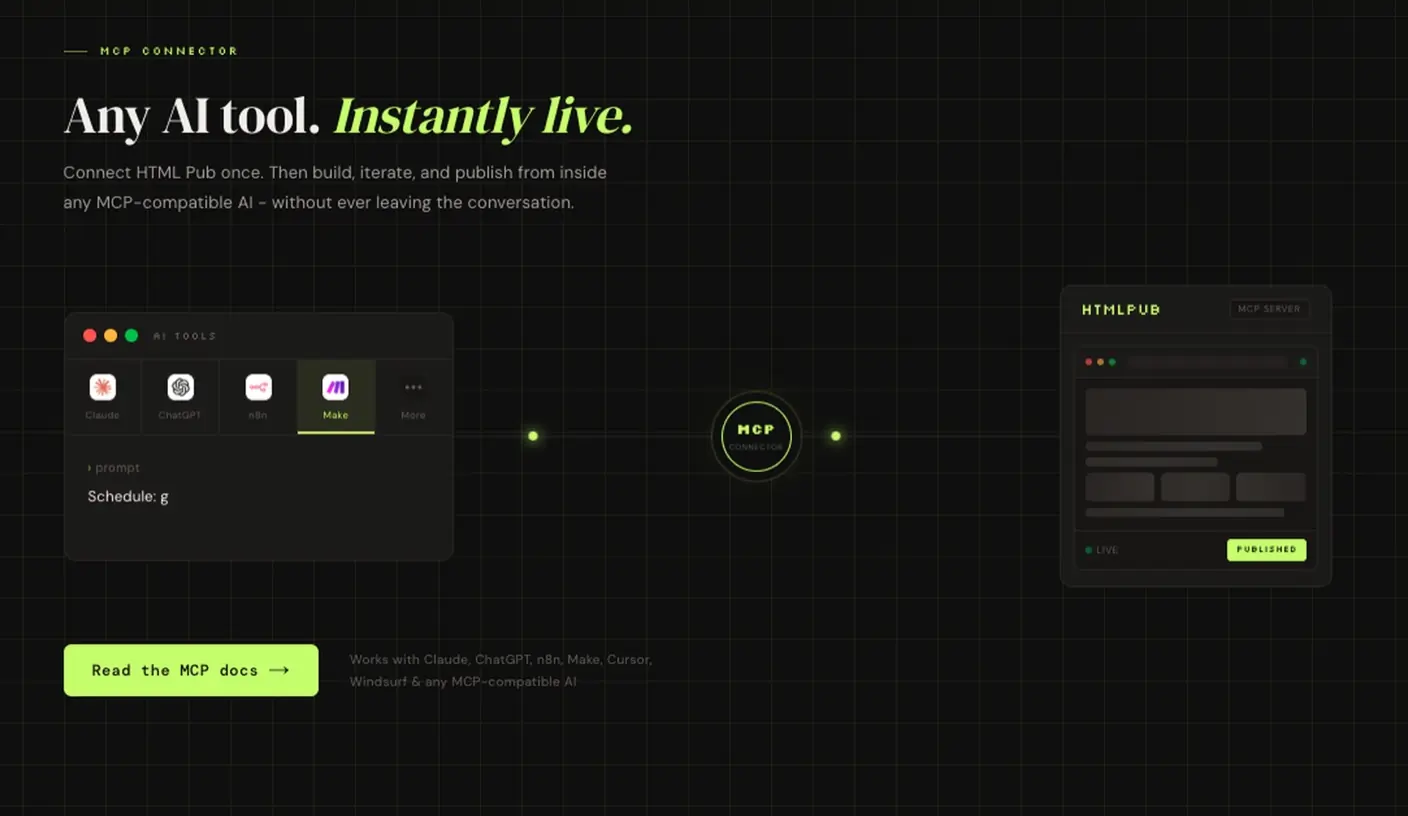
MCP, the Model Context Protocol, lets an AI tool talk straight to HTML Pub. The listing names Claude, ChatGPT, Cursor, Windsurf, n8n and Make. Once connected, your AI can create and update pages without you copying and pasting anything.
This is what separates it from a plain file host. You stay in the chat, ask for a change, and the page updates. The FAQ says the connector is included on every plan, so the $49 tier gets it too.
One caution. MCP support varies between AI tools, and the listing doesn’t say which ones work smoothly and which are rough. Check that your own setup connects before you rely on it.
HTML Pub payments, forms and integrations
Here’s what the listing says you can add without writing backend code:
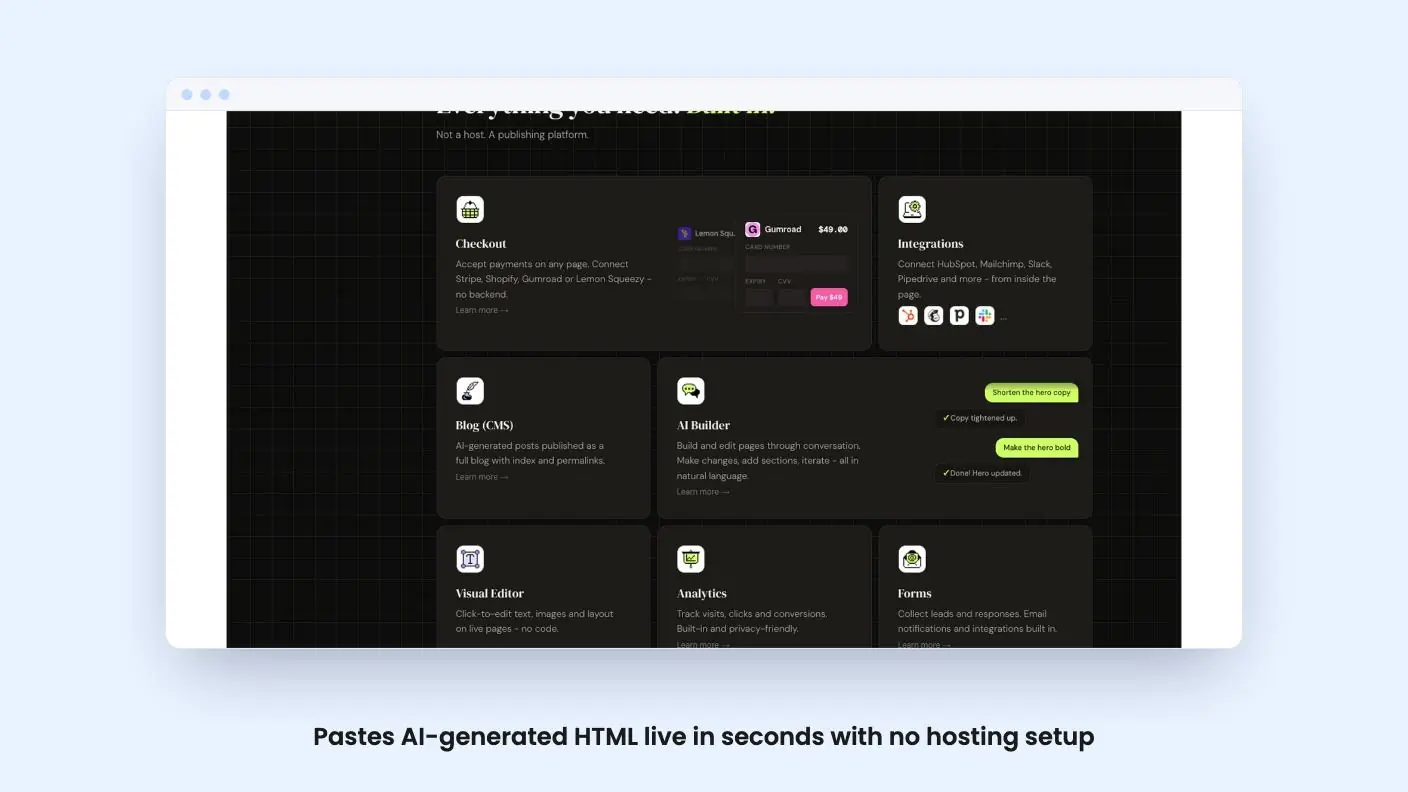
- Payments through Stripe, Shopify, Gumroad or Lemon Squeezy
- Built-in lead forms with email notifications
- Connections to HubSpot, Mailchimp, Slack or Pipedrive from inside the page
For a small business selling one product or collecting enquiries, that covers a fair amount. A single sales page with a Stripe button and a form that emails you is a real use case.
What the listing doesn’t explain is how deep these connections go. We can’t say whether the HubSpot link creates contacts with custom fields or passes along basic details only. Treat the integration list as a starting point and check the one you need before committing.
Get HTML Pub for $49 on AppSumo →
The editing question you should settle first
This is where the listing trips over itself. The feature section promises that you can edit pages through conversation with the AI builder, or click to change text, images and layout in a visual editor. Then the FAQ says published pages cannot currently be edited directly, and that you should delete the page and upload a new version.
Both can’t be fully true at once. Maybe the editors work on drafts and the restriction applies after publishing. Maybe the FAQ is out of date. We can’t tell, and the listing doesn’t clear it up.
If you expect to tweak live pages often, ask about this before you pay. A host where every small fix means delete and re-upload gets tiresome fast, and it could leave your URL dead for a while.
What HTML Pub gives you at $49 and $129
There are two lifetime tiers, and you can move between them. You must activate your license within 60 days of purchase, and there’s no code stacking. The listing says the deal ends on 2026-11-06 at noon Central, which is today as we write this.
Tier 1 costs $49. You get 5 pages, 1,000 AI credits a month, up to 50 assets per page and 1 GB of storage. Tier 2 costs $129 and gives you 25 pages, 3,000 credits, unlimited assets per page and 5 GB. It also adds API access, one blog and 90 days of Pro Analytics.
Both tiers include one custom domain with SSL and a CDN, set up by pointing a CNAME record at HTML Pub.
Five pages is thin. A home page, an about page, a pricing page, a contact page and one landing page, and you’re done. That works for a single campaign or a tiny brochure site, and not much beyond it. Twenty-five pages is workable for a small business, but then you’re paying $129, and the blog and API are the real reasons to step up.
AI credits are roughly one AI-assisted edit or page generation each. At 1,000 a month on Tier 1, you’re unlikely to run out if you do most of your drafting in your own AI tool over MCP. The credits only cover the built-in editor.
Risks to weigh before you buy
The product looks young. The listing shows a deal price against a list price of $0, which tells us nothing about what the regular plans cost. So we can’t say how big the discount is, or what you’d pay by skipping the lifetime deal.
The cancellation FAQ is also puzzling in a lifetime context. It says that if you cancel a paid plan, published pages go offline, and you can resubscribe to bring them back. That reads like language written for monthly subscriptions. How it applies to a lifetime license isn’t spelled out anywhere this HTML Pub review could find, so ask what happens to your pages if you downgrade tiers.
On security, the listing says uploaded HTML is served in an isolated context with Content Security Policy headers, and is scanned for signs of phishing or malware. It also says HTML is served as-is without sanitization. That’s fine for your own pages. It does mean you’re responsible for whatever code your AI produces.
Who should skip HTML Pub
If you want drag-and-drop design from templates, skip it. If you need a large site, a store with lots of products, or fine control over SEO settings, it doesn’t look built for that. The listing says nothing about SEO tools or form spam protection.
People who never use AI tools to build pages will get little from the headline feature, and a conventional builder will be easier for them.
If you do generate pages with Claude or Cursor and want somewhere to put them without a monthly bill, Tier 1 at $49 is a low-risk way to try the idea, and that is where this HTML Pub review lands. Just treat the editing question as a condition of buying, not a detail.
Related reading: Gigneo - WordPress Freelance Service & Job Marketplace Builder review, WP Reset Pro Plan review.
All HTML Pub features
Taken from HTML Pub's AppSumo listing. We haven't tested these features hands-on.
Paste your AI’s HTML and go live
- Ask ChatGPT, Claude, or Cursor for a page, then paste the code or drop in an HTML file
- Get a live page in seconds with no hosting setup or server config
- Share your live URL the moment it publishes
Build and publish without leaving your AI
- Connect once to Claude, ChatGPT, Cursor, Windsurf, n8n, or Make using MCP
- Build, iterate, and publish without ever leaving the AI conversation
- Plug HTML Pub into your own workflows with API access (available in Tier 2)
Accept payments and capture leads without backend code
- Accept payments on any page by connecting Stripe, Shopify, Gumroad, or Lemon Squeezy
- Collect leads with built-in forms and email notifications
- Connect HubSpot, Mailchimp, Slack, or Pipedrive from inside the page
Turn one-off pages into full websites
- Build multi-page sites with shared navigation and styles, not just one-offs
- Edit pages through conversation with the AI builder, or click to change text, images, and layout in the visual editor
- Publish on your own custom domain with SSL, CDN, and custom slugs included
- Turn AI-generated posts into a full blog with an index and permalinks (available in Tier 2)
What changes by plan
| Feature | Tier 1 $49 | Tier 2 $139 |
|---|---|---|
| Pages | 5 | 25 |
| AI Credits per month | 1,000 | 3,000 |
| Assets per Page | Up to 50 | Unlimited |
| Total Storage | 1 GB | 5 GB |
| API Access | — | ✓ |
| Blogs | — | 1 |
| Pro Analytics | — | 90 days |
What the lifetime deal includes
- Lifetime access to HTML Pub
- All future plan updates
- You must activate your license within 60 days of purchase
- Ability to upgrade or downgrade between 2 license tiers
- No codes, no stacking—just choose the plan that is right for you
At a glance
- Best for
- Developers, Marketers, Agencies
- Alternative to
- Notion, Webflow, Wix
- Integrations
- HubSpot, Shopify, Slack, Stripe, MCP
- Category
- Build & Code › Website Builders & WordPress
- Website
- htmlpub.com
Decided HTML Pub fits? The lifetime deal starts at $49. Check the tier limits on AppSumo before you pick one.
Get HTML Pub on AppSumoKeep reading about HTML Pub
HTML Pub FAQ
What is the difference between the two HTML Pub lifetime tiers?
Tier 1 ($49) gives 5 pages, 1,000 AI credits a month, up to 50 assets per page and 1 GB of storage. Tier 2 ($129) gives 25 pages, 3,000 credits, unlimited assets, 5 GB, API access, one blog and 90 days of Pro Analytics. Both include one custom domain and the MCP connector.
Can I edit a page after I publish it?
The listing is mixed on this. The feature list mentions chat editing and a visual editor, but the FAQ says published pages cannot currently be edited directly, and you must delete the page and upload a new version. Ask the seller before you buy if editing matters to you.
Do I need to know how to code to use HTML Pub?
Not much. You ask an AI tool for a page and paste the HTML or connect through MCP. You do need to be comfortable pointing a CNAME record at HTML Pub if you want your own domain.