



Lifetime deal price
$59$28980% off
Lifetime Deal · ends Nov 16, 2026
4.4(37 AppSumo reviews)
Quick verdict
Our take: wpDataTables is a good buy for WordPress site owners who regularly publish pricing tables, catalogs or spreadsheet data and want it responsive and filterable. Skip it if your data lives outside WordPress, if you only need one simple table, or if you need the higher-tier extras like master-detail tables and the Gravity Forms integration, which are locked to the $413 tier.
Best for: Developers, Web designers, Small business owners
Alternative to: Gravity Forms
What we like
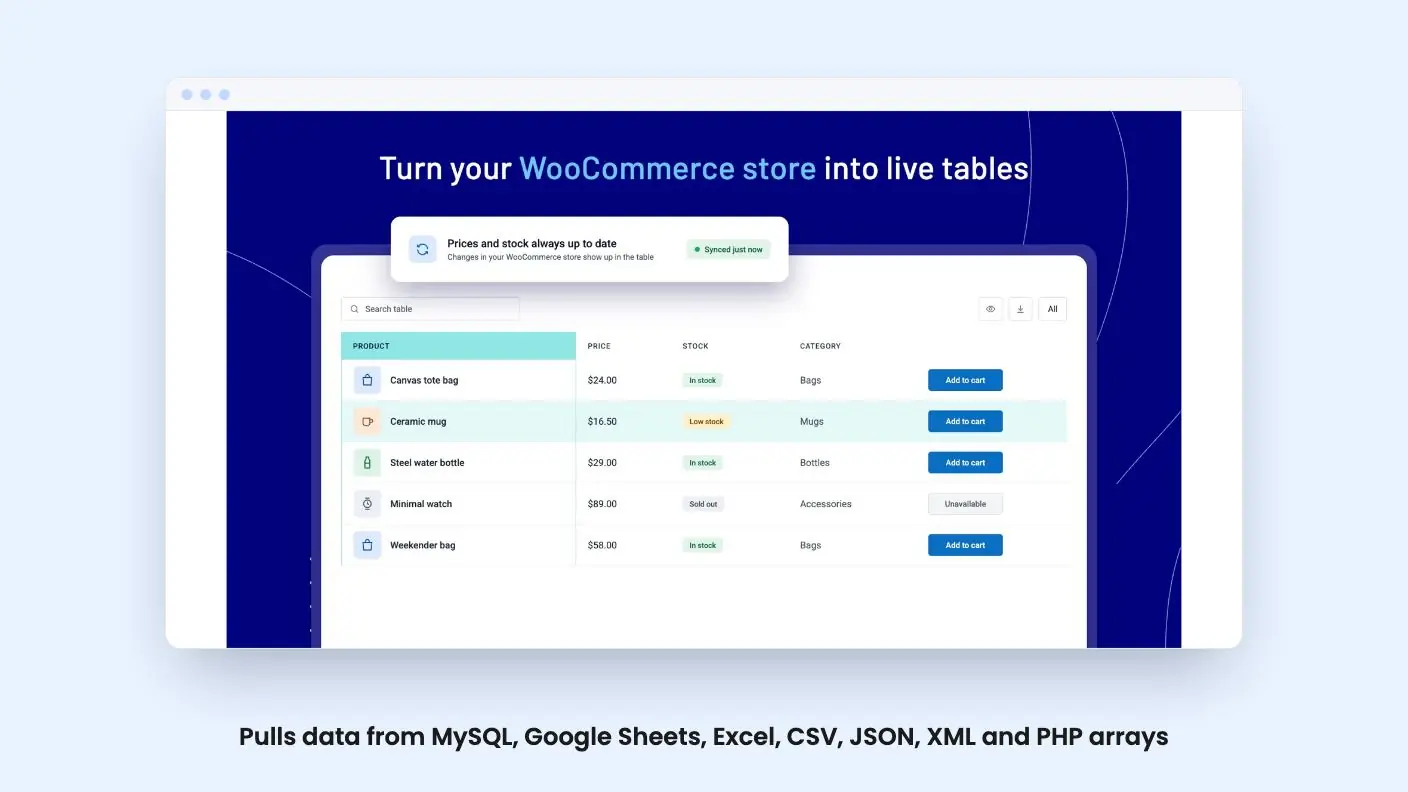
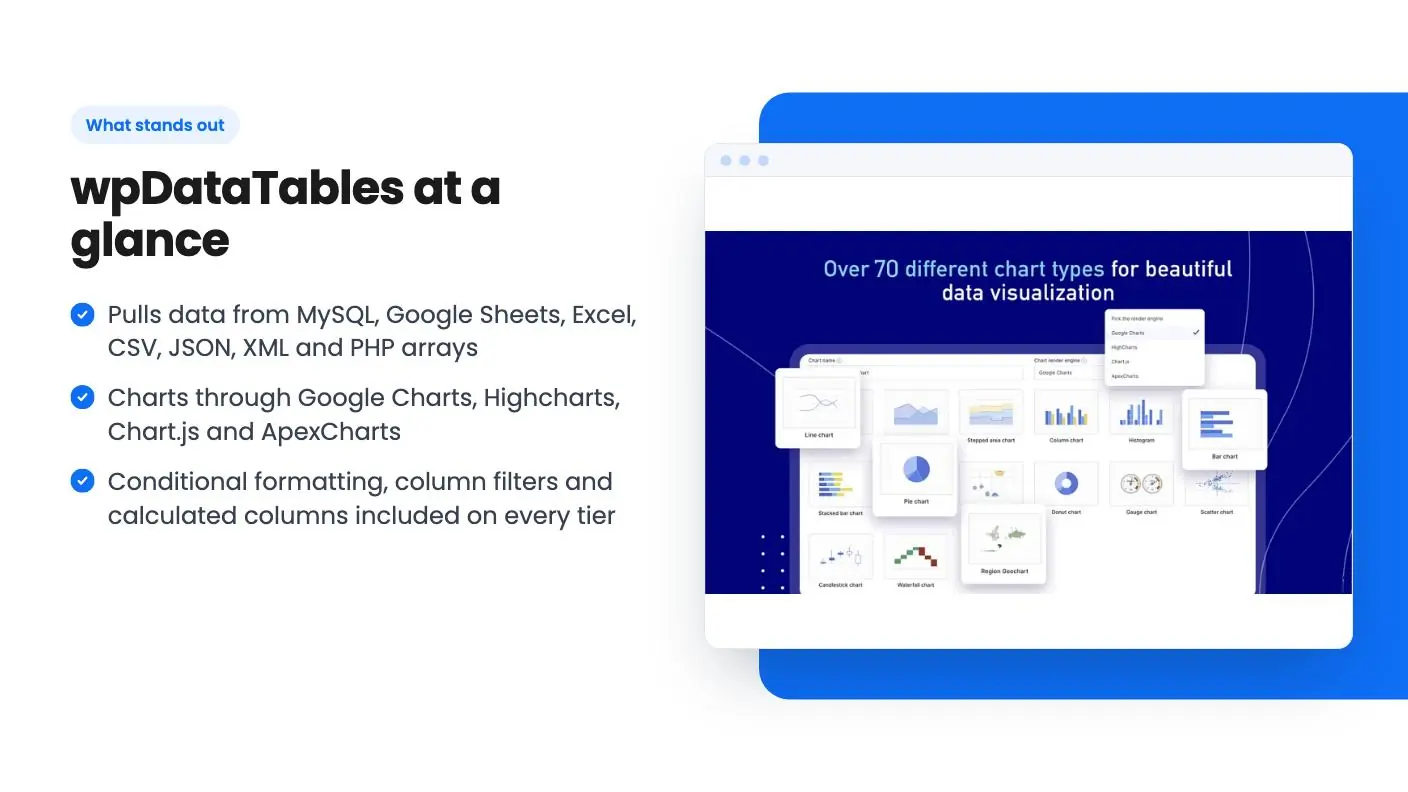
- Pulls data from MySQL, Google Sheets, Excel, CSV, JSON, XML and PHP arrays
- Charts through Google Charts, Highcharts, Chart.js and ApexCharts
- Conditional formatting, column filters and calculated columns included on every tier
- Unlimited tables and charts on all seven tiers
Watch out for
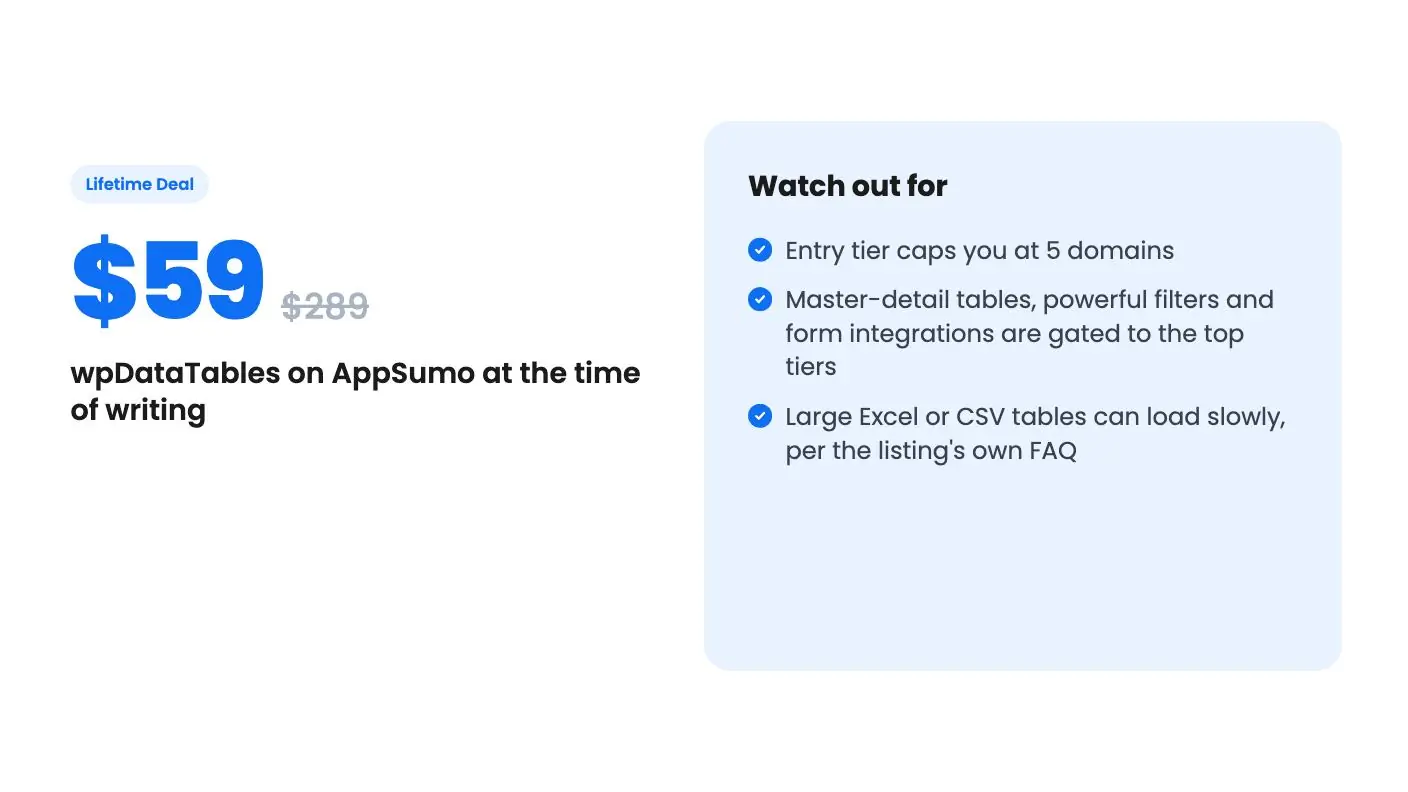
- Entry tier caps you at 5 domains
- Master-detail tables, powerful filters and form integrations are gated to the top tiers
- Large Excel or CSV tables can load slowly, per the listing's own FAQ
Picture a pricing comparison, a product catalog or a client’s spreadsheet pasted into a WordPress page. It looks fine on your desktop, then turns into a sideways-scrolling mess on a phone. Plenty of small business sites live with that for years because fixing it feels like a developer job. wpDataTables is a plugin aimed squarely at that problem, and it’s now on AppSumo as a lifetime deal.
Get wpDataTables for $59 on AppSumo →
A table plugin that talks to your data
The core idea in this wpDataTables review is simple. You create a table inside WordPress, point it at your data, and publish it with a block or shortcode. What makes it more useful than a basic table plugin is how many places the data can come from.
According to the listing and its FAQ, you can build tables from MySQL queries, Google Sheets, PHP arrays, JSON, XML, Excel files and CSV files, or type the data in by hand. Published and shared Google Sheets can sync automatically, and the listing says private Sheets work too. If you have a WooCommerce store or a custom database, there’s a query builder that generates SQL from a point-and-click screen, so you don’t have to write it yourself.
That range is the real selling point. Most of us keep the numbers somewhere else, in a spreadsheet or a database, and we want the website to reflect them without copy-pasting every week.
The features that earn their keep
The listing is long, but a handful of things matter for a small site.
- Responsive display. You choose which columns hide on smaller screens, and visitors expand them with a plus control.
- Filtering and sorting. Visitors can filter by each column, which turns a table into a searchable catalog.
- Conditional formatting. Highlight rows, columns or cells based on rules you set ahead of time.
- Calculated columns. Sum, average, minimum and maximum, without a formula in a spreadsheet.
- Simple tables. Merge cells, style each cell differently and add star ratings.
Charts come from a step-by-step wizard. You pick an engine (Google Charts, Highcharts, Chart.js or ApexCharts), choose pie, bar, line or spline and preview the result before inserting it. Builder support covers the standard WordPress editor, Gutenberg, Elementor and Divi, along with Google Sheets and WooCommerce.
The listing also mentions AI-powered workflows and MCP support for AI assistant integrations on every tier. It gives no detail on what either one does, so this wpDataTables review wouldn’t count them in the purchase decision.
Get wpDataTables for $59 on AppSumo →
What the demo video shows
The demo video is short and mostly a walkthrough of the table-creation screen. The host shows three starting points: a table linked to an existing data source, a table built from scratch, or a simple table with merged cells. He mentions the supported import sources, then moves to customizing language, skin, font and colors.
Two details stand out. First, tables are editable in the back-end by default, and you can let front-end users edit them too, unless the table is linked to an existing data source. That’s a sensible restriction, but it means a live Google Sheets table is read-only for visitors. Second, foreign key support lets you link tables so you don’t repeat the same data in several places.
The chart section is thinner. It says charts can follow table filtering and names line, pie and scatter plots. The end of the transcript also loops and breaks off mid-sentence, so the video doesn’t give you a clean look at the finished output. Treat it as an overview, not proof of how the plugin behaves with your data.
The tiers and where the limits sit
This is the part to read slowly. There are seven tiers, from $59 (list price $289) up to $413 (list price $889). Every tier gets unlimited tables and charts, conditional formatting, filtering, the chart wizard, REST API and webhooks, WooCommerce and Elementor integrations and advanced permissions.
The differences are domains and a few add-ons. The feature table appears to list the highest tier first. Read that way, the $59 tier covers 5 domains, $118 covers 10 and $177 covers 25, while $236 and above are unlimited. The report builder looks to start at $295, the Gravity Forms and Formidable Forms integrations at $354, and master-detail tables and powerful filters only at $413.
The listing doesn’t label that table by tier, so confirm the order on the AppSumo page before you buy. If I read it right, this wpDataTables review would call the cheapest tier a fair deal for a freelancer with a few client sites, and an agency will outgrow it fast.
The terms are fairly standard. You get all future Developer Plan updates, you must redeem within 60 days of purchase, and you can stack up to 7 codes. Previous AppSumo buyers can add codes and are grandfathered into the new feature limits. The deal ends November 16, 2026.
The listing excerpt doesn’t state a refund window, so check that before you check out.
Who should skip it
The listing calls this an alternative to Gravity Forms, which is a little odd. wpDataTables displays and edits data. It isn’t a form builder, and the Gravity Forms and Formidable Forms integrations suggest it sits beside those tools. If forms are your main need, this won’t replace them.
Skip it if your site isn’t on WordPress, since the plugin only runs there. Skip it if you publish one small table a year, because a free table block will do. And be careful if you plan to load big spreadsheets. The listing’s own FAQ notes that large Excel or CSV tables can load slowly, so for heavy data you’d want a database-backed table instead.
The 4.43 average across 37 AppSumo reviews is encouraging, but it’s a short sample and it doesn’t tell you which tier those buyers chose. This wpDataTables review is a read of the listing, not of the plugin. Before you spend more than the entry price, list the sites you’d actually run it on, check that the features you need sit in your tier, and buy the smallest one that covers them.
All wpDataTables features
Taken from wpDataTables's AppSumo listing. We haven't tested these features hands-on.
Build great-looking tables without code
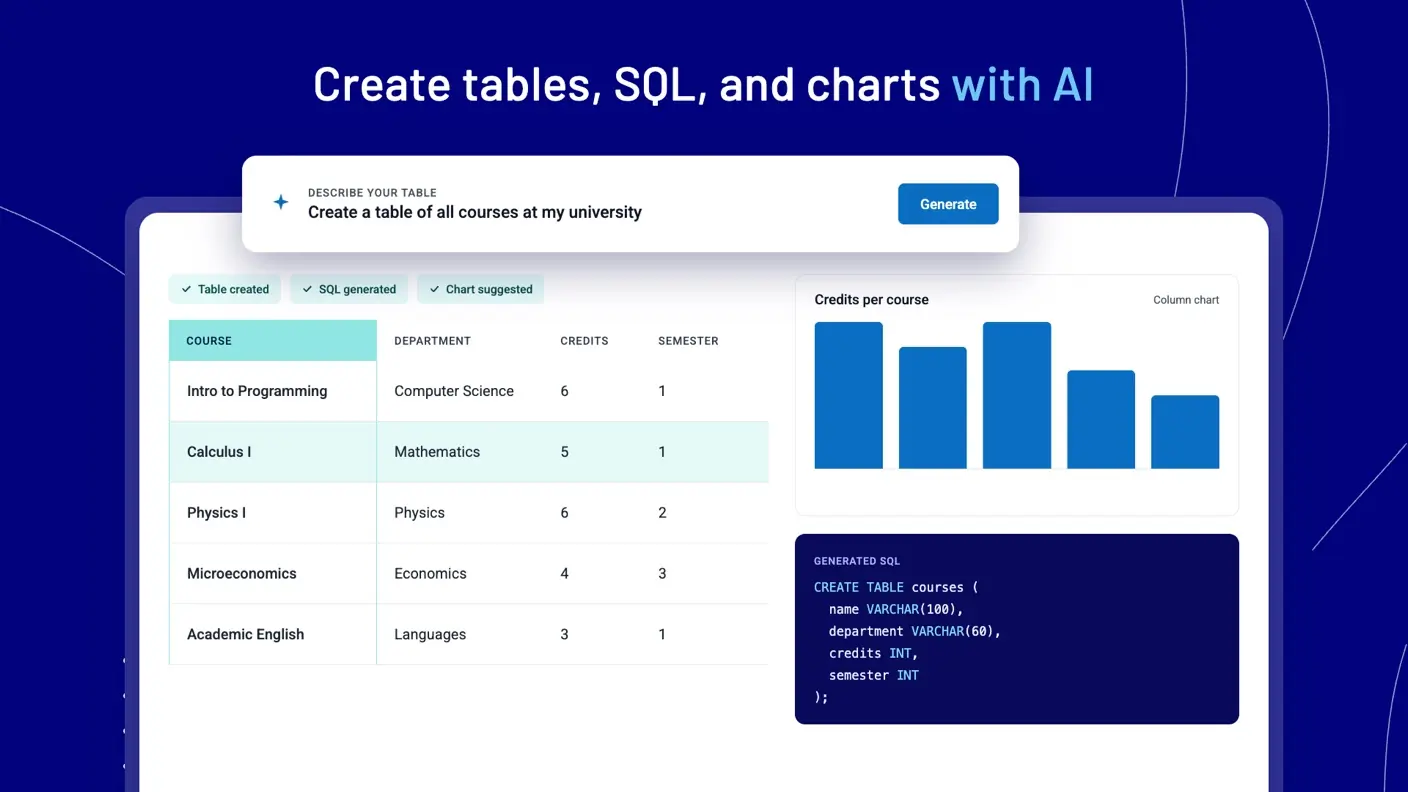
- Create a table or chart by simply adding your data and configuring the table—no complicated coding required
- Customize everything including language, skin, font, and colors
- Use advanced features like responsive design, conditional formatting, and multi-criteria filtering
- Merge cells, style each cell differently, and add star ratings in simple tables that look great across devices
Bring in data from almost anywhere
- Enter data manually or upload files from MySQL queries, Google Sheets, PHP arrays, JSON, and XML
- Automatically sync published and shared Google Sheets or create tables from private Sheets
- Edit tables from the WordPress back-end or front-end and control who can view or edit data on a published page
Turn tables into charts and graphs
- Create responsive, fully customizable charts with the step-by-step Chart Creation Wizard
- Choose from Google Charts, Highcharts, or Chart.js to render pie, bar, line, spline charts, and more
- Live-edit your chart and preview it in real time before inserting it into your page
Customize, calculate, and filter your data
- Choose a color palette or insert your company logo to match your brand
- Add columns that calculate the sum, average, minimum, and maximum of your values in seconds
- Highlight rows, columns, and cells based on conditions you set ahead of time
- Let visitors filter your data by each column so you can use tables as a filterable catalog
Connect databases and publish anywhere
- Pull data from multiple databases and servers with support for MySQL, MS SQL, and PostgreSQL
- Connect several tables together with Foreign Keys to avoid storing repeated information
- Make dynamic SQL queries using 11 types of placeholders that swap in live data
- Publish tables on your site with the standard WP Editor, Visual Composer, or a Gutenberg block
Included in every plan
- AI-powered workflows
- Unlimited tables and charts
- Customizable tables
- Merge cells
- Elementor integration (and all other integrations)
- Native IvyForms integration
- Conditional formatting
- Sorting and multi-criteria filtering
- Live/real-time external database connections
- Pre-filtering tables through URL
- Calculating totals for columns
- Creating and editing charts using the chart creation wizard
- Google Charts, Highcharts, Chart.js, ApexCharts
- MCP support for AI assistant integrations
- REST API & Webhooks
- New builder integrations
- WooCommerce integration
- WP Posts Builder
- Advanced permissions
What changes by plan
| Feature | Tier 1 $59 | Tier 2 $118 | Tier 3 $177 | Tier 4 $236 | Tier 5 $295 | Tier 6 $354 | Tier 7 $413 |
|---|---|---|---|---|---|---|---|
| Domains | 5 | 10 | 25 | Unlimited | Unlimited | Unlimited | Unlimited |
| Report builder | — | — | — | — | ✓ | ✓ | ✓ |
| Gravity forms integration | — | — | — | — | — | ✓ | ✓ |
| Formidable forms Integration | — | — | — | — | — | ✓ | ✓ |
| Master-detail tables | — | — | — | — | — | — | ✓ |
| Powerful filters | — | — | — | — | — | — | ✓ |
What the lifetime deal includes
- Lifetime access to wpDataTables
- All future Developer Plan updates
- If Plan name changes, deal will be mapped to the new Plan name with all accompanying updates
- You must redeem your code(s) within 60 days of purchase
- Stack up to 7 codes
- GDPR compliant
- Available for new wpDataTables users and returning AppSumo purchasers
- Previous AppSumo customers who purchased wpDataTables can buy more codes to increase their feature limits
- Previous AppSumo customers will be grandfathered into the new feature limits
At a glance
- Best for
- Developers, Web designers, Small business owners
- Alternative to
- Gravity Forms
- Integrations
- Divi, Elementor, Google Sheets, WooCommerce, WP Post Builder
- Category
- Build & Code › Website Builders & WordPress
- Website
- wpdatatables.com
Decided wpDataTables fits? The lifetime deal starts at $59, until Nov 16, 2026. Check the tier limits on AppSumo before you pick one.
Get wpDataTables on AppSumoKeep reading about wpDataTables
wpDataTables FAQ
How many sites can I use the wpDataTables lifetime deal on?
It depends on the tier. According to the listing, the $59 tier covers 5 domains, $118 covers 10 and $177 covers 25. The $236 tier and above list unlimited domains. Because the feature table is ambiguous about order, check the tier selector on the AppSumo page before you pay.
Can visitors edit tables on the front end?
Yes, with a limit. The listing says you can edit from the WordPress back-end or front-end and control who can view or edit data on a published page. The demo video adds that front-end editing is not available for tables linked to an existing data source.
Does the deal include future updates?
The listing says you get all future Developer Plan updates, and that the deal maps to a new plan name if the plan is renamed. It also says you can stack up to 7 codes, and you must redeem within 60 days of purchase.