You’re driving, or standing in a client’s lobby, and you remember you promised to send a quote by Friday. You type it into your notes app, or you don’t, and by Thursday night it’s gone. Most small business owners have a graveyard of half-captured tasks like this, spread across WhatsApp messages to themselves, voice memos and photos of whiteboards.
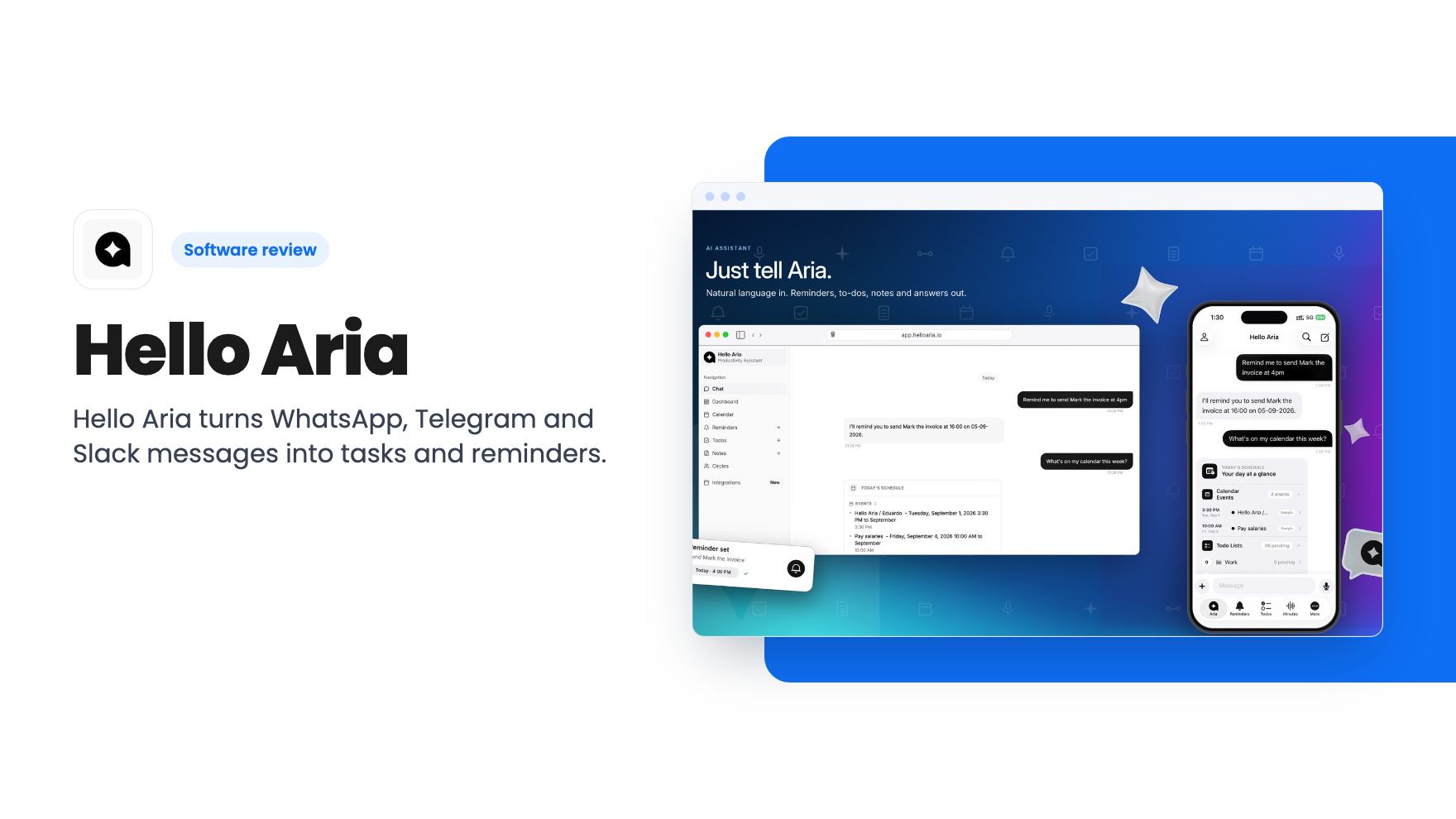
Hello Aria is built around that exact habit. Instead of asking you to open a task manager and fill in a form, it lets you message an assistant in a chat app and have the message turned into a task, reminder, note or calendar event. It’s on AppSumo as a lifetime deal from $39, and it’s worth reading the plan table closely before you click buy.
What happens when you send Aria a message
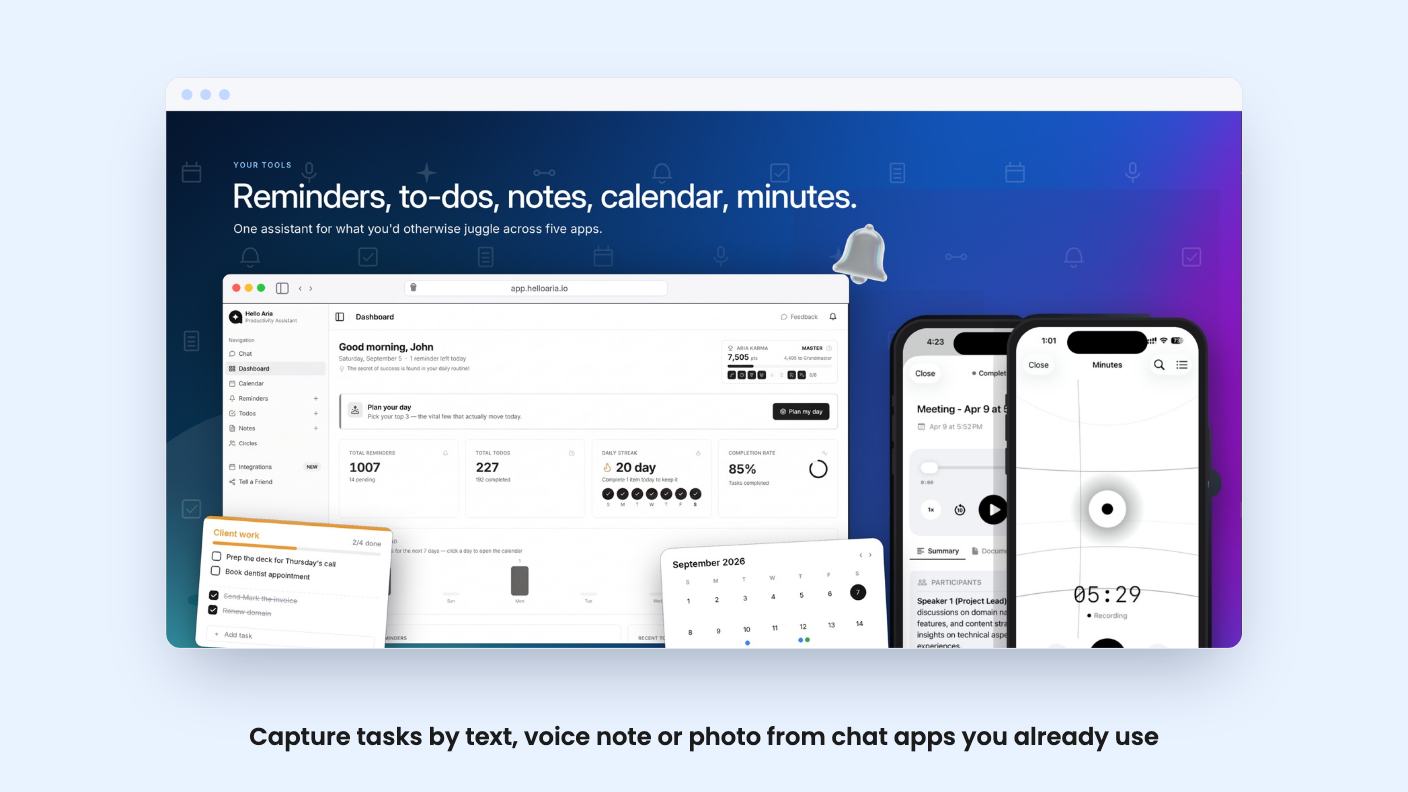
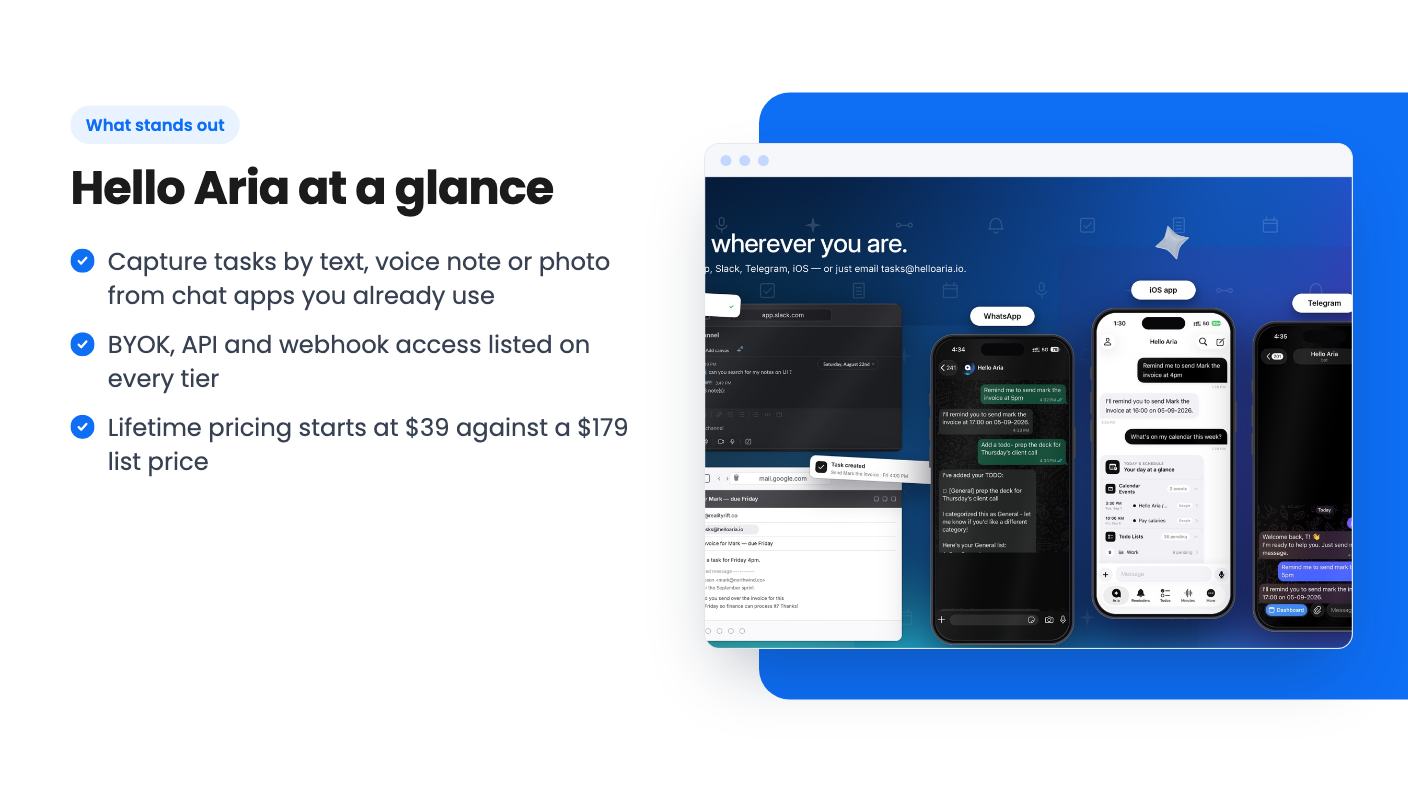
The core idea is simple. You send a plain message, a voice note or a photo, and Aria files it as a reminder, to-do, note or event. According to the listing, voice notes and images work in any language, and the tool pulls out dates, text and action items automatically.
There’s also a meeting minutes mode. The FAQ says you can record a meeting and Aria will transcribe it, summarize it and extract action items, with speaker identification. That’s a useful claim for anyone who sits in client calls and hates writing follow-ups. We haven’t seen a demo of it, and there’s no product video on the listing, so how accurate the transcripts and speaker labels are is unknown.
A scheduled daily briefing rounds this out. It shows what got done, what’s pending and what’s coming up. That’s a small feature, but it’s the kind that decides whether a capture tool becomes a habit or another place where tasks go to sit.
One inbox, several doors
You can reach Aria through WhatsApp, Telegram, Slack, iOS or the web dashboard, and the FAQ says reminders, todos, notes and Circles sync in real time across them. Note that AppSumo’s own integration list names Gmail, Google Calendar, Google Meet, Telegram and WhatsApp, while Slack only shows up in the feature copy. If Slack is your main channel, ask the team to confirm how it works before you buy.
The mobile app is described as WhatsApp’s features plus a unified dashboard, better file management and offline access. Android isn’t officially launched. The FAQ says it’s in beta and offers a beta APK on request. iOS users are covered, and Android users can still use the chat channels.
Circles are the team angle. You can group people, assign tasks, send group reminders and share meeting summaries. For a five-person shop that’s probably enough. If you need dependencies, project views or time tracking, this isn’t that kind of tool.
Connections, API and bring your own key
The connected-tools list is broader than the AppSumo summary suggests. The feature copy and FAQ mention Google Calendar, Drive, Gmail and Meet, plus Outlook Calendar, Outlook Mail and OneDrive. There’s also API access, webhook support and an MCP URL for connecting Aria to Claude.
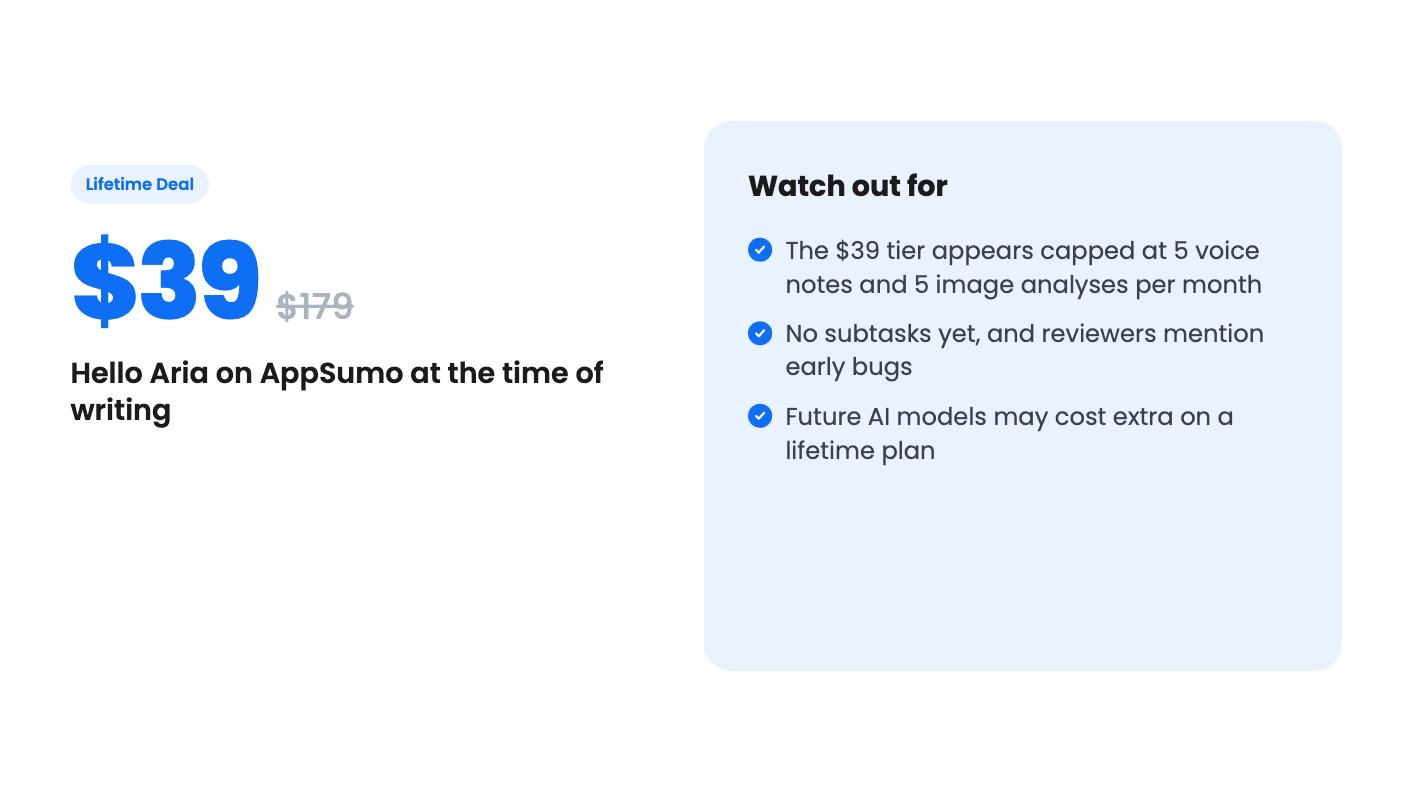
BYOK is listed on all three tiers, so you can run Aria on a model you already pay for. That helps with future costs, since the listing warns that access to future AI models may come at a discounted rate or may need an add-on. The wording is vague. It doesn’t say which models, how much, or what counts as a future model. Lifetime here means lifetime access to the product, not an open-ended promise of free AI.
The FAQ also says data can be exported from the dashboard, or deleted on request. The privacy policy says personal data isn’t sold. Both are good basics for something that reads your messages and meetings.
What each lifetime tier gives you
There are three tiers: $39 (list $179), $99 (list $529) and $199 (list $899). The plan table doesn’t label its columns, which is sloppy. Going by the voice note row, with 5 per month in the last column and unlimited in the first two, the cheapest tier appears to be the last column. Treat that as our reading, not a stated fact.
If that reading is right, the $39 tier is thin:
- One-time reminders only, with no repeating reminders
- 5 voice notes and 5 image analyses per month
- Receive-only reminders from Circles, so you can’t send them
- No AI memory and no monthly internet searches
- No Google Drive, Calendar, Gmail or Meet connection
That last one stands out. Google Calendar is in the headline integration list, yet it seems to be missing from the entry plan. Recurring reminders are the backbone of a reminder app, and five voice notes a month won’t cover a busy week.
The top column adds list management, unlimited meeting minutes, custom integrations and enterprise governance. The middle column drops those but keeps unlimited voice notes and images, repeat reminders and the Google integrations.
The terms are the usual AppSumo ones. The deal is for brand-new Hello Aria users only. You must activate your license within 60 days, and you can only downgrade within 60 days of purchase. The deal ends November 25, 2026.
Rough edges and open questions
This is a young product. AppSumo’s summary of reviews, which is marketing copy, still admits there’s no subtasks feature and that buyers hit some early bugs. Eight reviews averaging 4.62 is a small sample. Praise for responsive support is encouraging, but support responsiveness during a launch promotion doesn’t tell you much about year three.
The listing is also a little untidy. The product site is helloaria.io, the dashboard is app.helloaria.in, and data requests go to an address at realityrift.co. None of that is a red flag by itself, but you’d want to know who’s behind it before putting meeting recordings through it.
There’s the Notion and Todoist comparison too. Aria isn’t a replacement for either if you need databases, wikis, projects or rich task structure. It’s closer to a smart front door for capturing things, with a modest dashboard behind it.
Who should buy, and who should pass
The sweet spot is a solo founder or tiny team that already lives in WhatsApp or Telegram and keeps losing small commitments. If you’d rather speak a note than type one, the capture-by-chat idea is good, and the $99 tier looks like the realistic starting point for that kind of use.
Skip the $39 tier if you need recurring reminders, calendar sync or more than a handful of voice notes. Skip the whole deal if you need subtasks, a stable Android app, or a tool with years of track record. If you’re curious but unsure, wait a few weeks and see how the reviews and bug reports develop before the November 25 deadline.
How this review was made: researched from Hello Aria's official listing, and written with help from AI. We have not tested Hello Aria hands-on yet. Prices and deal terms change, so check AppSumo before you buy. See our affiliate disclosure.