Lead GenerationReview
KingSumo Review: Free Giveaway Tool With a $49 Pro Upgrade
KingSumo runs viral email giveaways. Free tier has unlimited contests, and a one-time $49 Pro adds branding removal, tracking and Mailchimp, Kit and Klaviyo.
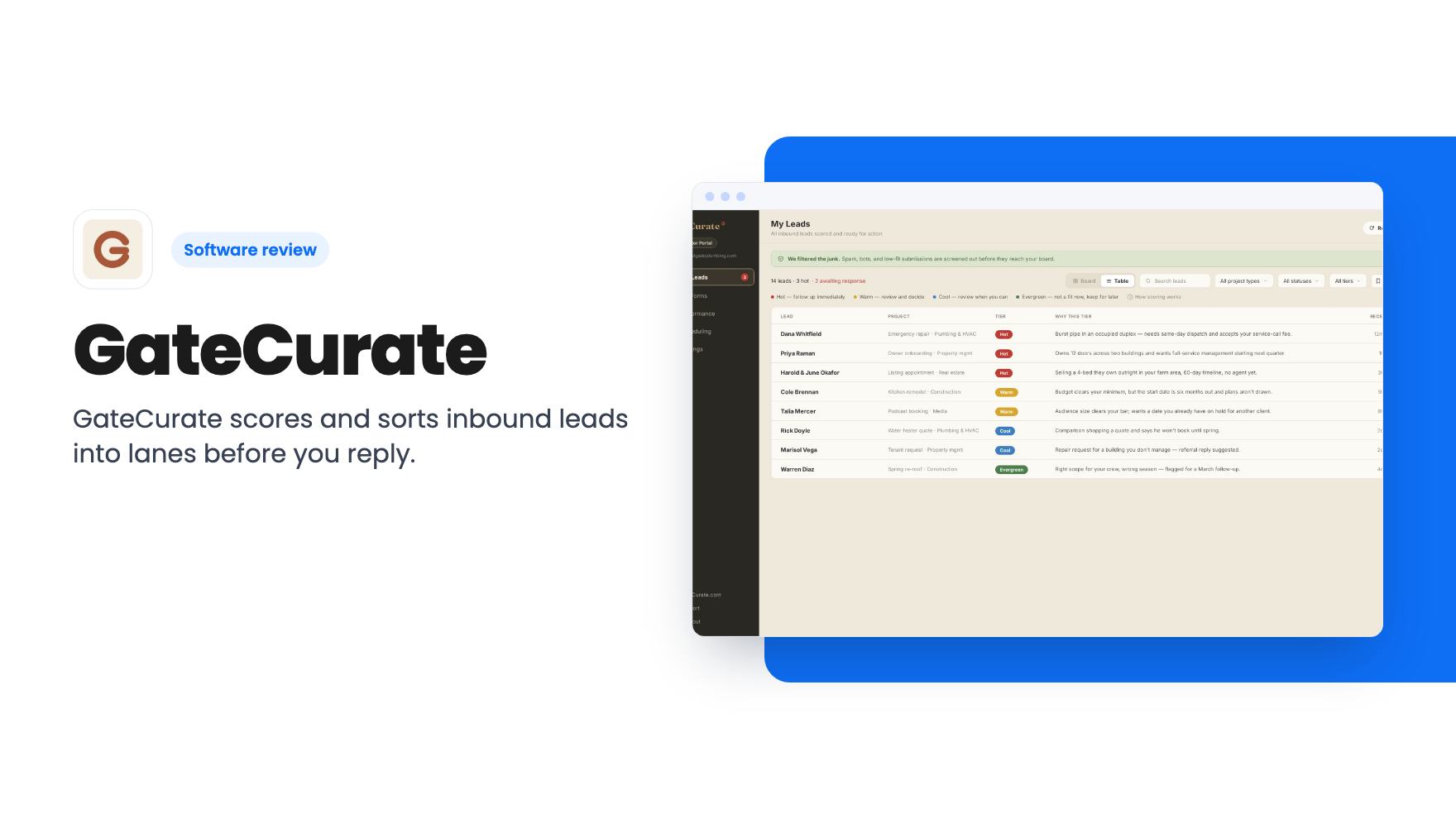
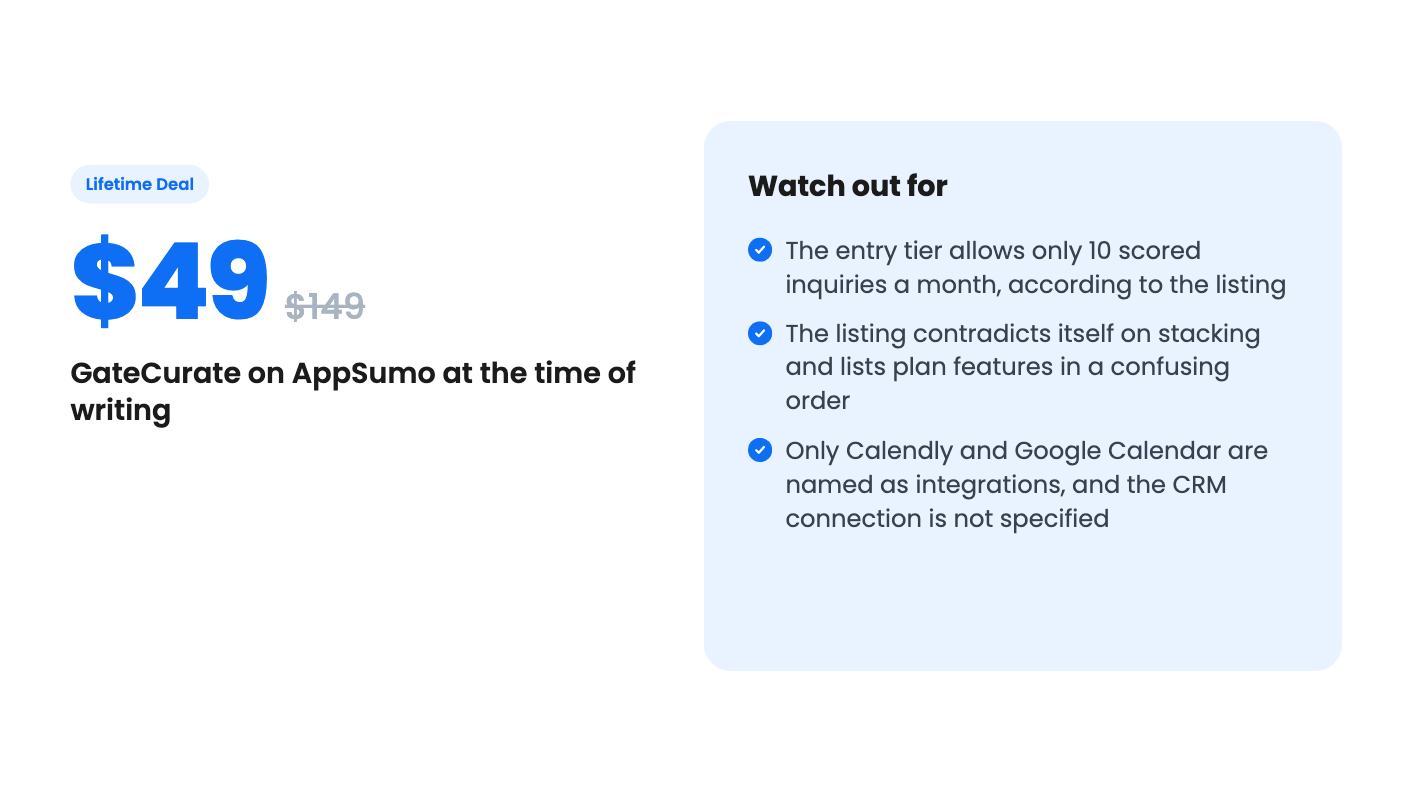
GateCurate scores and sorts inbound leads into lanes before you reply. The $49 AppSumo tier caps you at 10 scored inquiries a month, per the listing.
Lifetime deal price
$49$14967% off
Lifetime Deal
Our take: GateCurate suits a solo service business that gets enough inbound junk to want a filter, and is willing to pay for a higher tier to get a useful monthly cap. Skip it if you want a full form builder, if you need a clear list of CRM integrations, or if the $49 tier's 10 scored inquiries a month won't cover your volume.
If you answer your own inbound, you know the morning routine. Open the inbox, scroll through form fills, and work out which three are real jobs and which are someone fishing for a free quote or a vendor pitch. It eats the first hour of the day, and the good leads sometimes sit while you sort the bad ones.
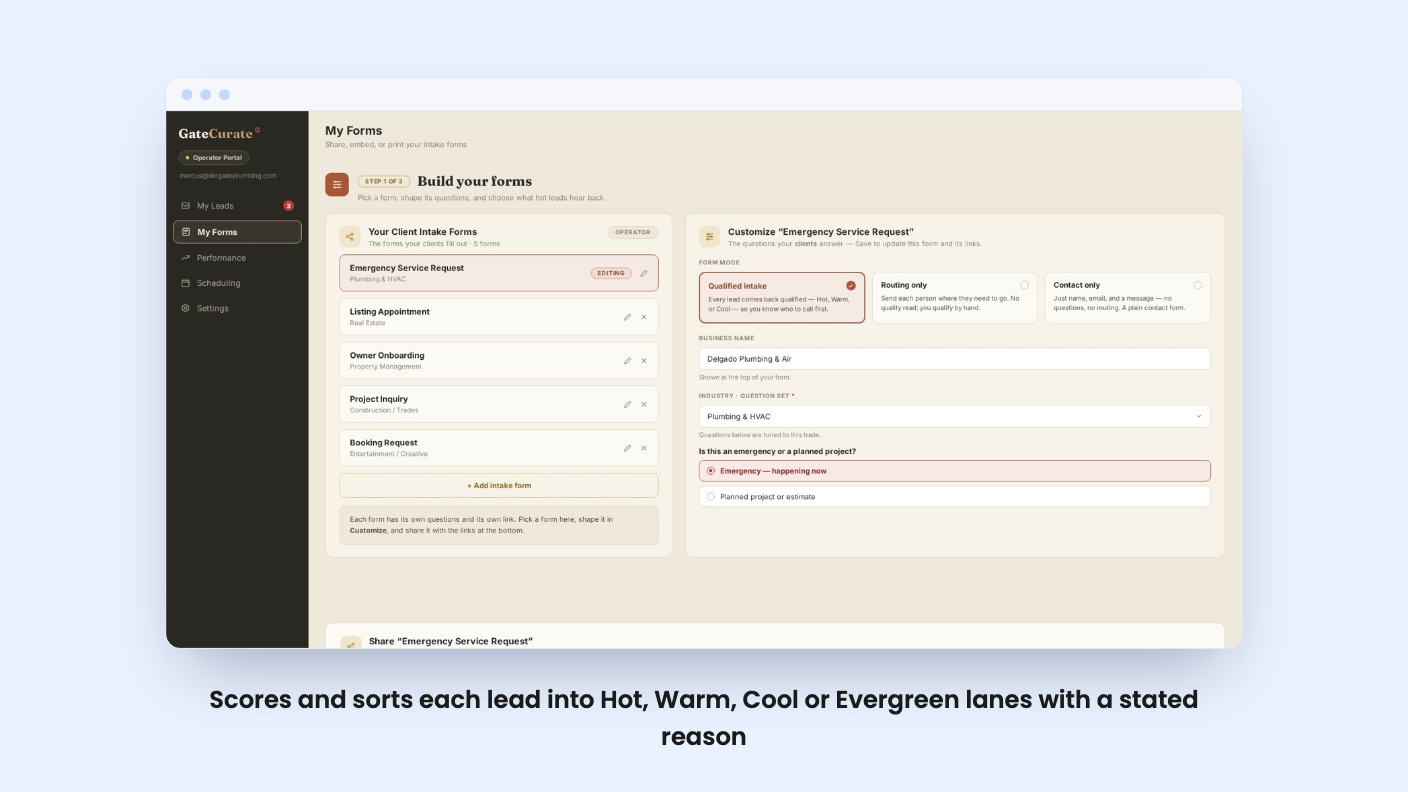
GateCurate is built for exactly that routine. It’s a lead capture and scoring tool, listed under Lead Capture & Forms and pitched as an alternative to Typeform, Jotform and WPForms. We haven’t used it, so everything here comes from the AppSumo listing, which has no demo video and no long-form description. Treat the claims accordingly.
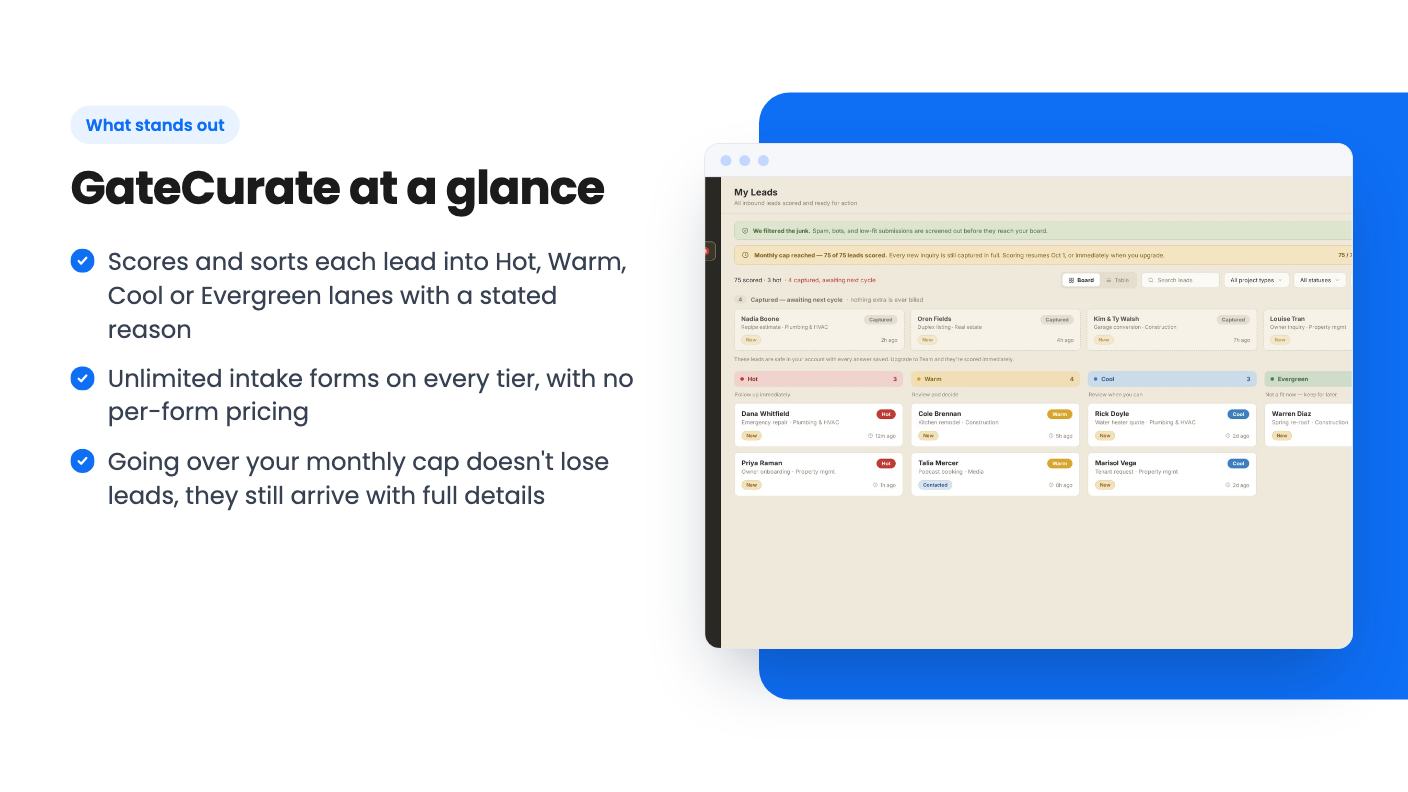
The idea is simple. Someone fills in your intake form, and GateCurate scores the submission on fit and intent. It then drops the lead into one of four lanes: Hot, Warm, Cool or Evergreen. According to the listing, junk gets filtered before it reaches you, so the board shows real work rather than every form fill.
Clicking a lead opens a detail drawer with the full submission and an explanation of why it landed in its lane. That explanation matters more than the score. A number with no reasoning is hard to trust, and a plain-language reason lets you disagree with it.
The listing doesn’t say how the scoring works underneath. We don’t know if it’s rules you set, a model reading the text, or both. That’s the first thing to find out before you rely on it to hide leads from you.
Setup is guided and runs in the browser. It asks about your business, then generates your intake form and an embed code for your site. Before going live, you run a test lead through the gate and watch it get scored. That’s a sensible step, and it’s the part of the listing we like most.
Once leads arrive, you can switch between a board view and a table view. A one-click CSV export is there for when you need the data elsewhere. Response-time tracking shows how long each lead waited for a first reply, which is a useful nudge if you tend to let things slide.
You can also share forms and booking links by email, text or QR code, so the same scoring applies away from your website. The listing’s example is a QR code on a truck door, which tells you who the product is aimed at: trades and professional services.
Intake forms are unlimited on every tier. That’s a real plus if you run separate forms for separate services.
It isn’t a full form builder in the Typeform or Jotform sense, though. The listing doesn’t mention conditional logic, payments, file uploads or templates. If you need those, this isn’t a replacement for those tools. It’s closer to a triage layer.
GateCurate says it sits in front of whatever you already use. Sorted leads land in its own dashboard, and you can export them or send them to your CRM. It isn’t trying to be the system you move everything into.
The only integrations named are Calendly and Google Calendar. The FAQ mentions a CRM connection but never says which CRMs. If you run HubSpot, Pipedrive or something smaller, check with the vendor before buying. “Send them straight to the CRM you already use” is not a supported-apps list.
The pricing is where I’d slow down. Tiers run from $49 to $441, and each step adds one more $49 code. The listing says to redeem within 60 days of purchase and promises all future plan updates.
Here’s what the codes buy. Going by the FAQ and the seat copy, 1 code is the Signal plan, 5 codes is Operator and 9 codes is Team. The listing says to stack 5 codes for 3 seats or 9 codes for 5 seats. The plan features list gives seats as 5, 3, 3, 3, 3, 1, 1, 1, 1 and scored inquiries as 125, 75, 75, 75, 75, 10, 10, 10, 10. Read top to bottom against tiers 1 to 9, that would give the $49 tier five seats, which makes no sense next to the FAQ. It looks like the list runs in reverse. If so:
That’s our reading, not something the listing states. Confirm it on the AppSumo page before paying.
There’s a second contradiction. Every tier carries the note “This deal is not stackable,” while the FAQ and seat copy describe stacking codes. Most likely each tier is a fixed bundle of codes, but the listing doesn’t explain it.
Ten scored inquiries a month on the $49 deal is tight. A solo operator who gets a couple of enquiries a week would use that up. Scoring then pauses until the next cycle, which is the moment the product stops doing its job. The leads still arrive with full details, and nothing is lost or billed extra, but you’re back to sorting by hand.
So the cheap tier works as a trial, and the useful tiers start at $245. That’s a very different pitch from a $49 lifetime deal. At 75 scored inquiries a month, a small business with a steady trickle of leads has room to work. It’s still a hard monthly cap on a lifetime product, so it’s worth asking what the vendor does if their own costs for scoring rise.
Skip GateCurate if you measure success by lead volume. The listing says as much: it’s for operators who’d rather have ten right-fit conversations than a hundred mismatched ones.
Skip it if you need a general-purpose form builder, or if your CRM isn’t confirmed on their integration list. And if your inbound is a few messages a week that you can read in two minutes, a filter won’t save you much.
It also looks like a young product. The listing has no demo video, no reviews we can cite, and an empty description field. We can’t say how reliable the scoring is or how quickly the vendor ships fixes.
If you do want a try, start at the lowest tier and run your real inbound through it for a few weeks. You’ll learn quickly whether the lanes match your own judgment. If they do and you keep hitting the cap, the higher tiers become easier to justify. If they don’t, you’ve spent $49 finding out.
According to the listing, you don't lose any inquiries. They still arrive with contact details, timestamps and form responses intact. Scoring and sorting pause until your next cycle, with no surprise charges.
Yes, per the listing. Your tier depends on how many codes you redeem on one account: 1 code is Signal, 5 is Operator and 9 is Team. Buy more codes on AppSumo and redeem them on the same account. Codes between those tiers add nothing on their own.
No. The listing says it sits in front of your CRM, deciding what each lead deserves before it gets there. You can export to CSV or send leads to your existing CRM, but the listing doesn't say which CRMs are supported.
How this review was made: researched from GateCurate's official listing, and written with help from AI. We have not tested GateCurate hands-on yet. Prices and deal terms change, so check AppSumo before you buy. See our affiliate disclosure.
KingSumo runs viral email giveaways. Free tier has unlimited contests, and a one-time $49 Pro adds branding removal, tracking and Mailchimp, Kit and Klaviyo.
XMagnet bundles prospecting, warm-up, sequences and newsletters. The $59 to $539 AppSumo deal has one-time credits and mailbox caps worth checking first.
Five AppSumo lifetime deals that cover parts of what ZoomInfo does, from contact data to cold email and local prospecting, and who each suits.