Helpdesk & SupportReview
Hyperleap AI Review: Solid Chatbot Deal, Mind the Credit Cap
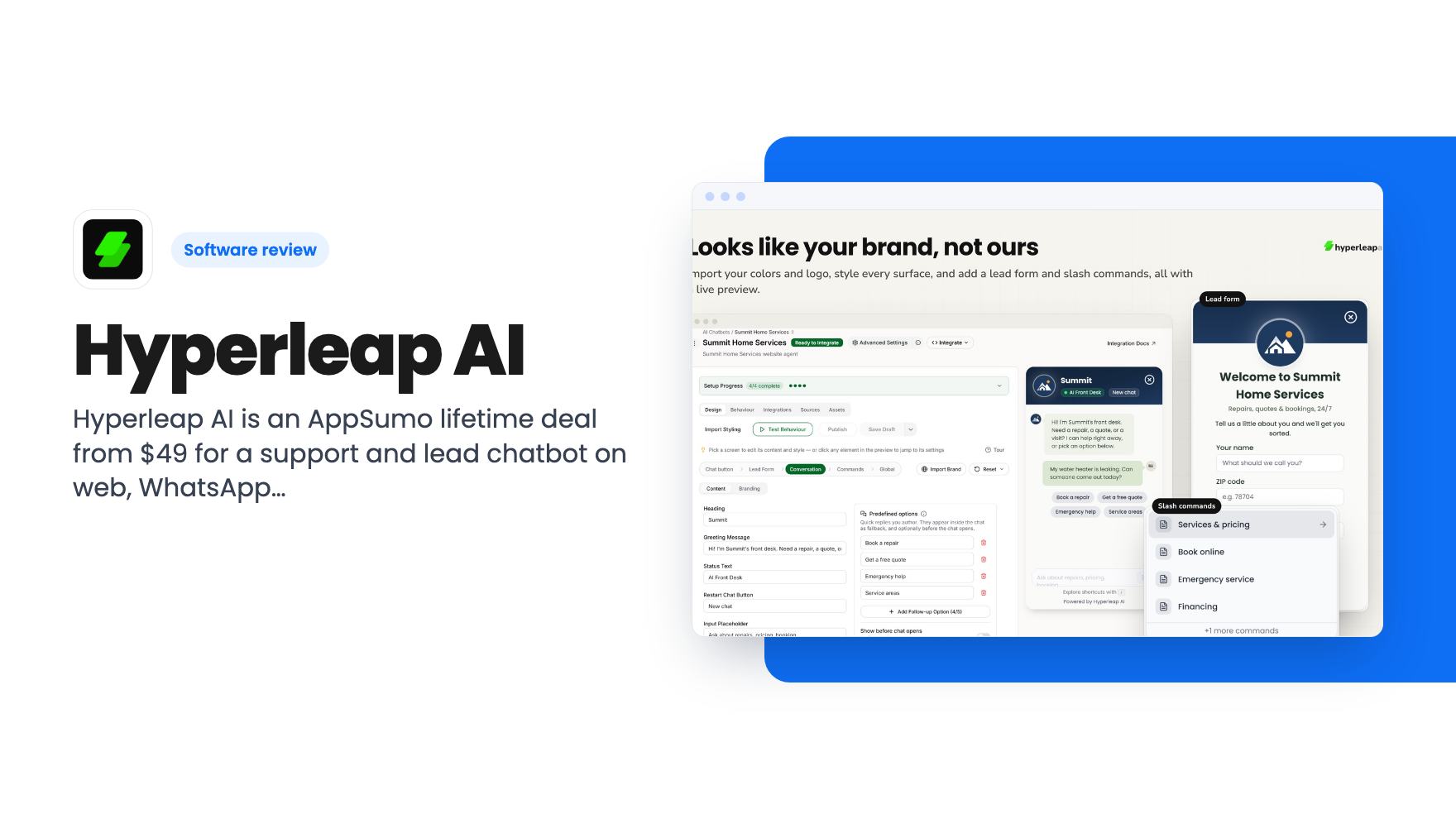
Hyperleap AI is an AppSumo lifetime deal from $49 for a support and lead chatbot on web, WhatsApp, Instagram and Messenger. Credits are capped, though.
Foyer is an AppSumo lifetime deal for a voice agent that answers visitor questions and captures leads. Here are the three tiers, the minute caps and who should skip it.
Lifetime deal price
$59$99094% off
Lifetime Deal · ends Nov 13, 2026
Our take: Foyer suits small sites with modest traffic that want to try a voice agent without a monthly bill, and the $59 tier is a cheap experiment with the 60-day refund window. Skip it if you expect hundreds of conversations a month, need a CRM or calendar link you can verify, or want proof the answers are accurate before paying.
Picture a visitor on your pricing page at 11pm. They have one question: does the plan cover a second user? Nobody’s around, there’s no chat window, and they close the tab. Foyer is built for that moment, and it goes at it with a voice agent instead of a text box.
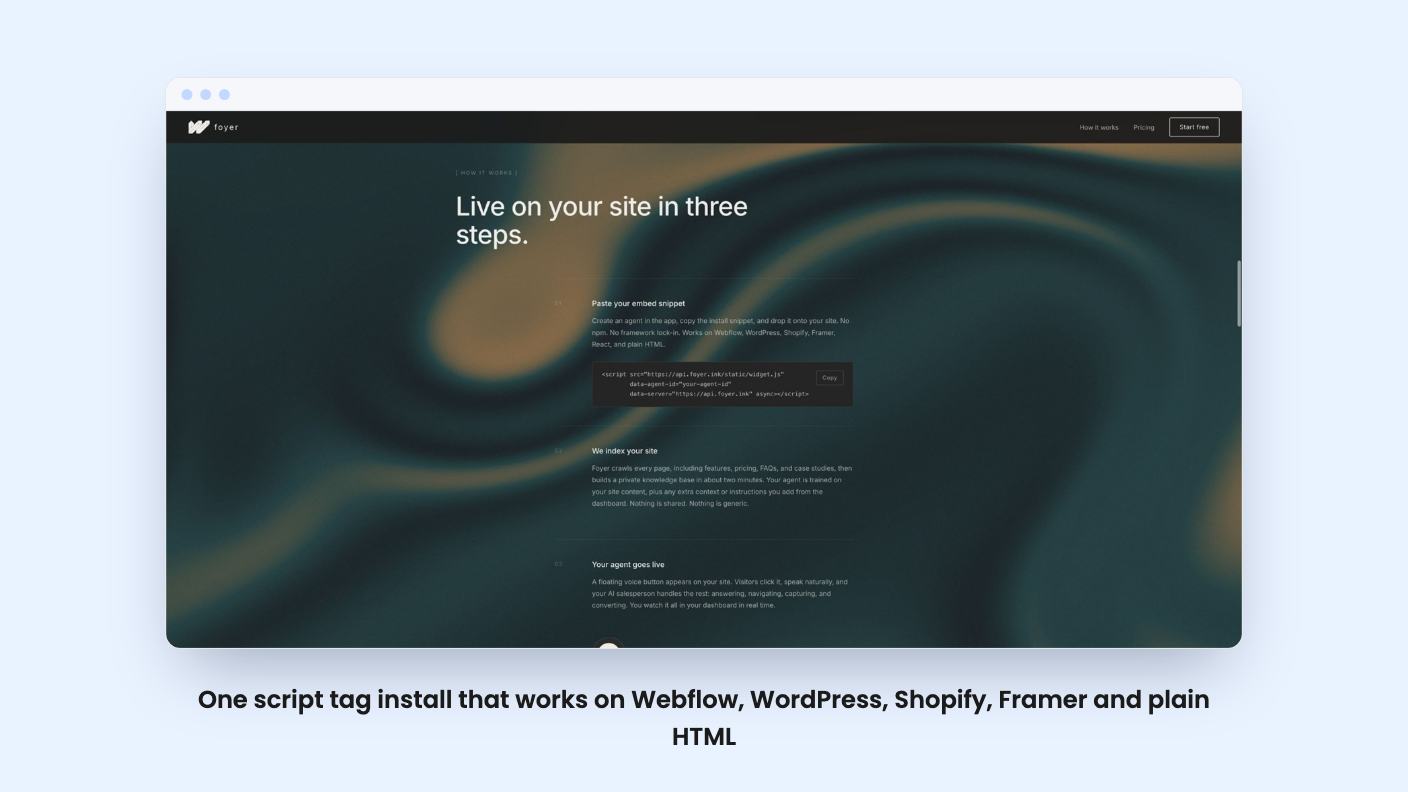
You paste one script tag onto your site. Foyer crawls your pages, builds a private knowledge base from your pricing, features, FAQs and case studies, and a voice agent then answers visitor questions from that content. The listing says it sticks to your indexed material and has guardrails against off-topic replies.
AppSumo files it as an alternative to Drift and Intercom. That’s a generous comparison. Those are full sales and support suites, while Foyer, going by the listing, is narrower: one voice agent, a lead capture flow and an analytics dashboard.
Setup is the best part of the pitch. The tag works on Webflow, WordPress, Shopify, Framer, React and plain HTML, and you can add extra context or instructions from the dashboard without touching code. If you don’t have a developer, that matters.
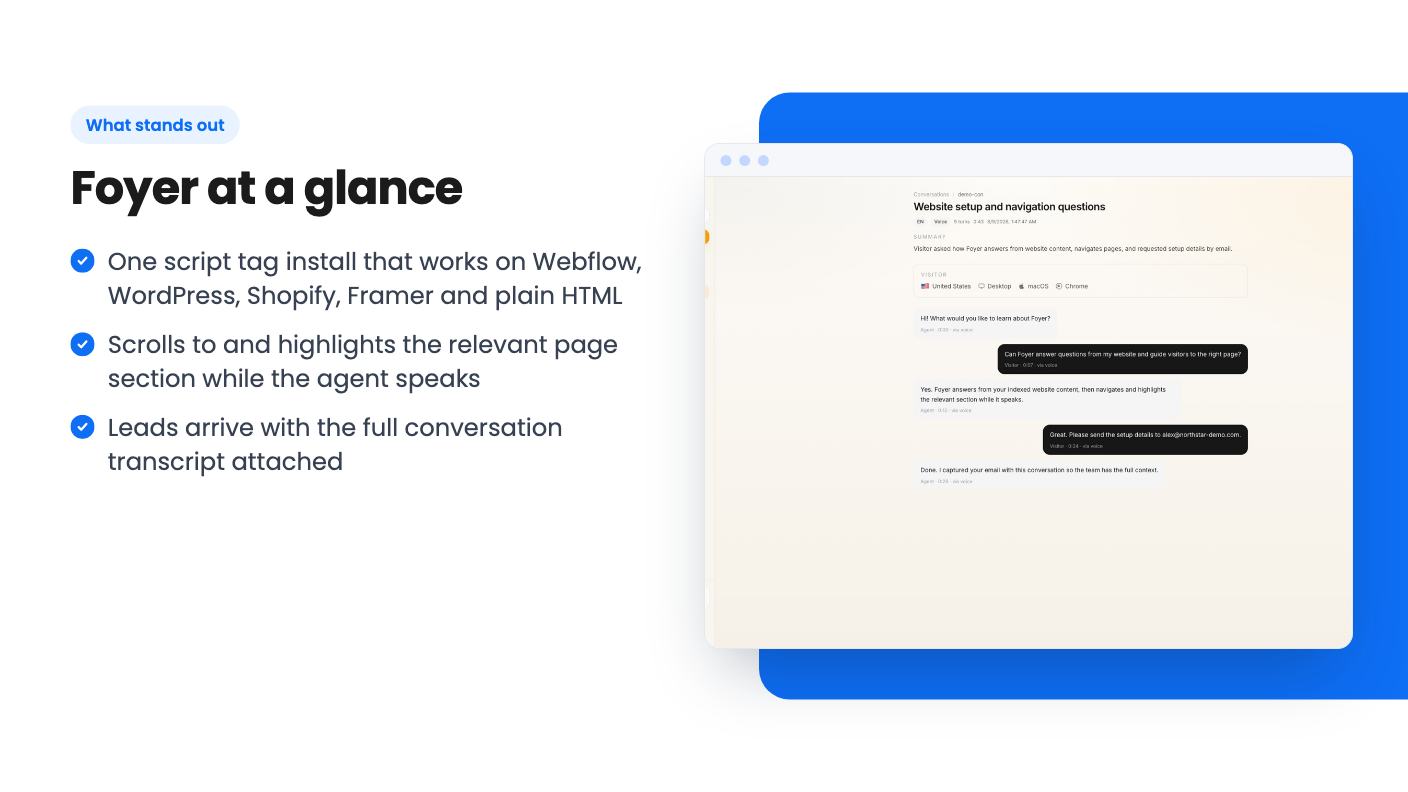
The most distinctive feature is that the agent moves the page while it talks. It scrolls to the relevant section and highlights it, so a visitor who asks about pricing hears the answer and sees the pricing table at the same moment. That’s a better idea than the voice itself. It’s what separates this from a chatbot with a microphone.
Lead capture comes second. Foyer reads buying intent during the conversation and asks for a name and email inside the voice chat. Each lead is saved with the full transcript, so you know what they asked before you write back.
A few other details from the listing:
The listing doesn’t say how visitor data is stored or how consent works. A voice agent that remembers people is something you’ll want answered before it goes on a site with European traffic.
Less than you’d hope. The launch video is a short pitch from a co-founder, not a product walkthrough. There’s no screen recording of the agent talking, no sample conversation and no look at the dashboard.
The founder describes a voice session that sits on your site around the clock and presents your website to visitors the way a salesperson would. He also says it moves visitors between sections and pages and books a call. Treat the booking claim carefully. Nothing in the listing names a calendar integration or explains how booking works.
He also asks buyers to stress test the product and break it if they can. That’s honest, and it tells you this is an early product still collecting feedback. AppSumo’s own summary admits limited customization options that are “being addressed.” Six reviews averaging 4.67 is too small a sample to lean on.
All three tiers get future Pro Plan updates, and you must activate your license within 60 days. You can upgrade between tiers while the deal runs and downgrade within 60 days of purchase. AppSumo also lists a 60-day money-back guarantee.
| Tier 1 ($59) | Tier 2 ($149) | Tier 3 ($299) | |
|---|---|---|---|
| Sites | 1 | 1 | 3 |
| Minutes per month | 50 | 150 | 400 |
| Pages per agent | 100 | 260 | 550 |
| Languages | 1 selected | 30+ auto-switching | 30+ auto-switching |
| Analytics | Basic | Full | Full |
| Widget design | Basic | Full | Full |
| Lead alerts | Dashboard | Dashboard + email | Email + webhooks |
Tier 1 is where I’d be most careful. One language, basic analytics and dashboard-only alerts mean you have to log in to learn someone left their email. For a lead tool, that’s a real gap. Tier 2 closes it for $90 more.
Tier 3 has an oddity. The plan list shows smart models as false there, while tiers 1 and 2 show true, and tier 3 adds OpenAI-compatible BYOK. The listing doesn’t explain the trade-off, so ask before you pay for tier 3 with smart models in mind.
The lifetime fee looks small. The monthly minute limit is where the cost hides.
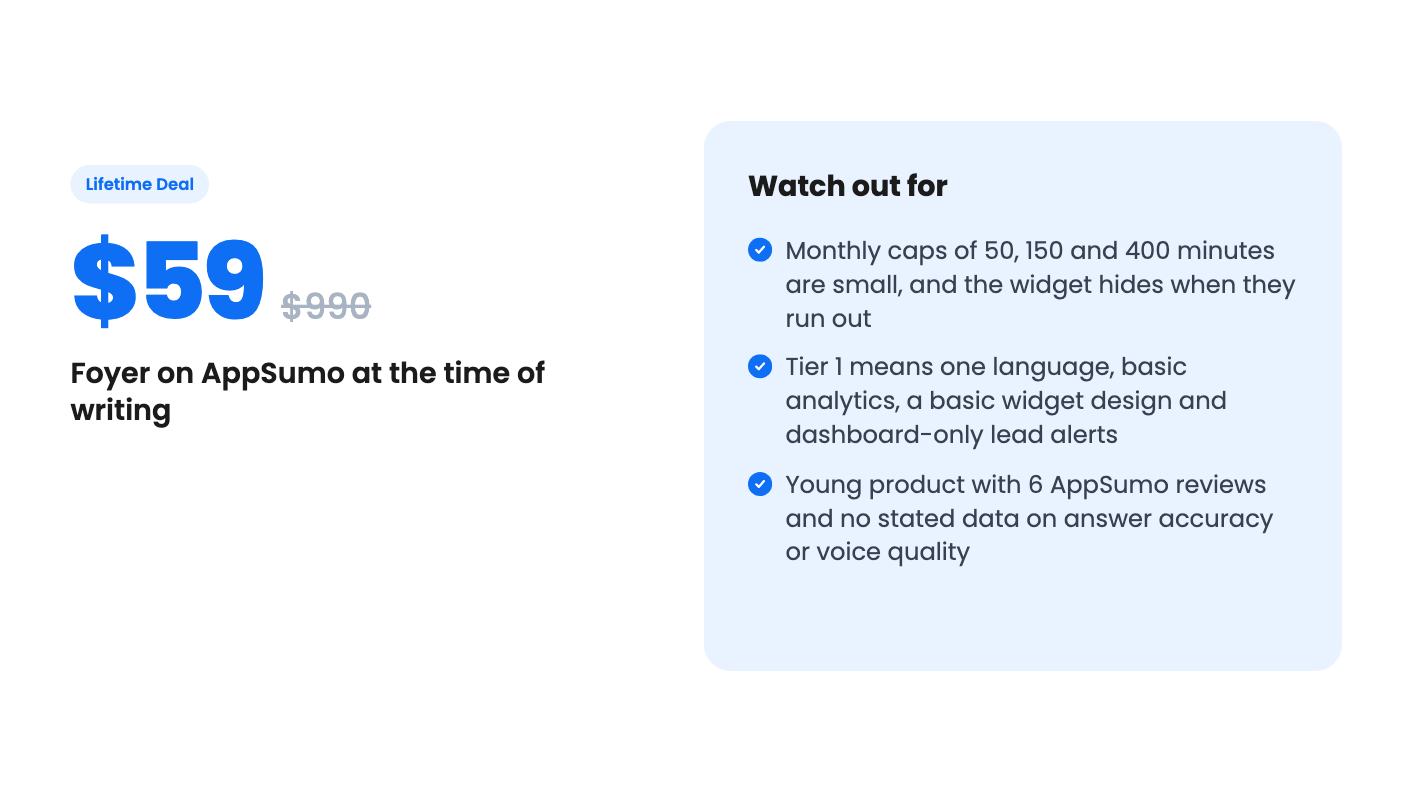
Fifty minutes is under an hour of voice conversation across all your visitors. A handful of curious people asking follow-up questions could use it up fast. Even 400 minutes on tier 3 is about six and a half hours a month, shared across up to three sites.
When you run out, the widget hides itself. That beats a broken button, but your lead capture quietly goes dark until the month resets or you pay. The listing says you can top up minutes or upgrade, yet it gives no top-up prices. That’s the number I’d want first, because it decides whether this is a one-time cost or an ongoing one.
The page limits matter too. A hundred pages on tier 1 is fine for a brochure site and tight for a blog-heavy one.
Skip Foyer if you get steady traffic and expect real conversation volume. The caps will bite, and top-ups cost an amount nobody has published.
Skip it if you need a help desk. The listing doesn’t mention ticketing, human handoff, email sequences or a CRM connection. The named integrations are website platforms, not business tools.
And skip it if you can’t afford a failed experiment. Voice on a website is still unusual, and some visitors won’t want to talk to a page. The listing can’t tell you how natural the voice sounds or how often the agent gets an answer wrong.
If you’re curious, the sensible plan is tier 1 or 2 on one site, a few weeks reading the transcripts, and a refund request inside the 60-day window if the answers fall short. The deal ends on 12 November 2026, so the clock is short.
According to the listing, the widget hides itself so visitors don't see a broken button. Your pages keep working and past leads stay in your dashboard. You can upgrade or top up minutes from the dashboard, but the listing doesn't give top-up prices.
Tier 1 ($59) gives 50 minutes a month, one site and one language. Tier 2 ($149) gives 150 minutes, 30+ auto-switching languages, full analytics and email lead alerts. Tier 3 ($299) gives 400 minutes, three sites, webhooks and BYOK. Most small businesses should start with tier 1 or 2 and use the refund window.
The founder says in the demo video that it books a call, but the listing doesn't name a calendar or CRM integration. Webhooks are only on tier 3, so ask the team before you rely on it for follow-up automation.
How this review was made: researched from Foyer's official listing and a transcript of its demo video, and written with help from AI. We have not tested Foyer hands-on yet. Prices and deal terms change, so check AppSumo before you buy. See our affiliate disclosure.
Hyperleap AI is an AppSumo lifetime deal from $49 for a support and lead chatbot on web, WhatsApp, Instagram and Messenger. Credits are capped, though.
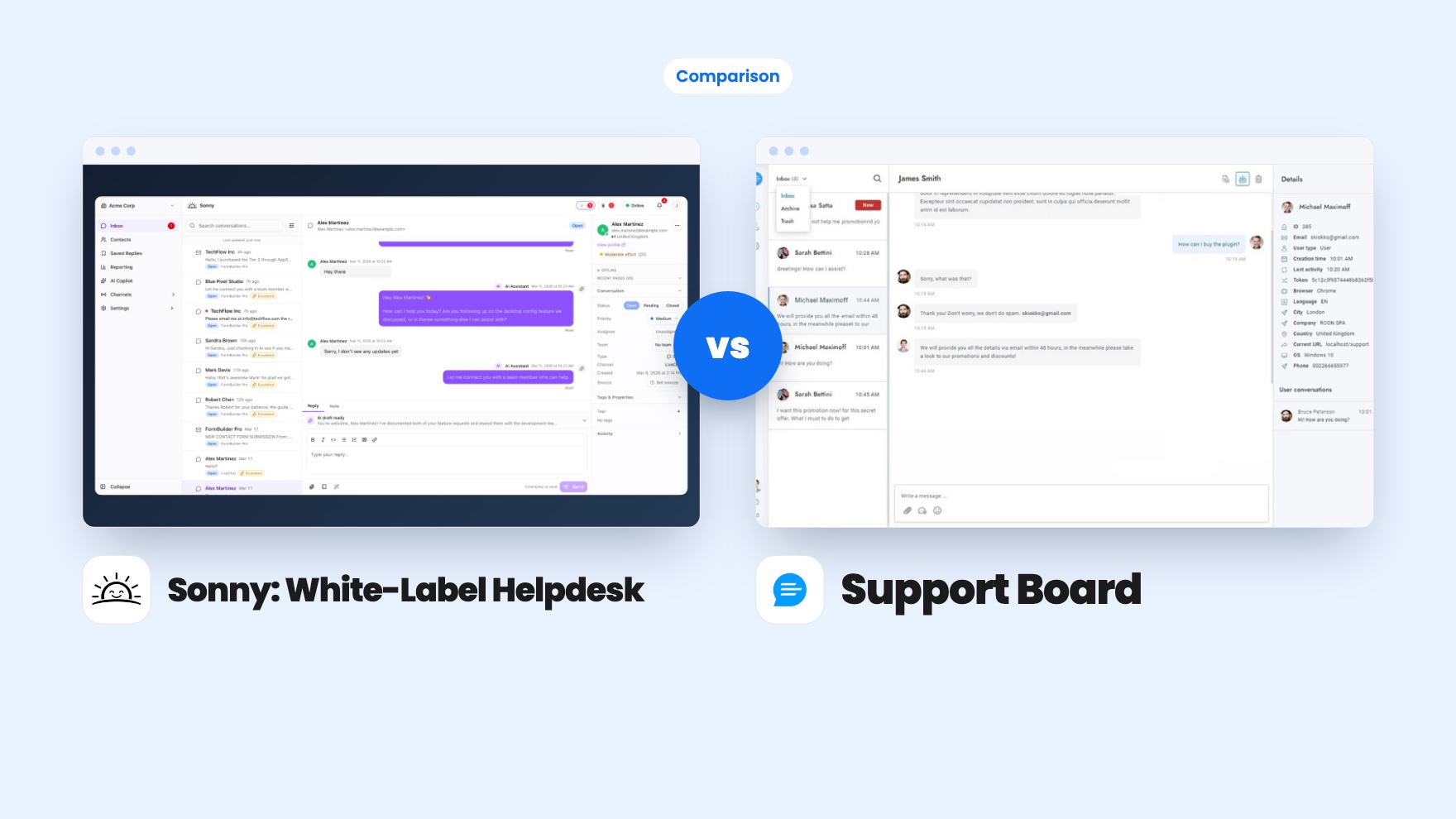
Sonny gives agencies unlimited white-label client workspaces for $149. Support Board offers WhatsApp, Instagram and an AI chatbot from $69, with fees on top.
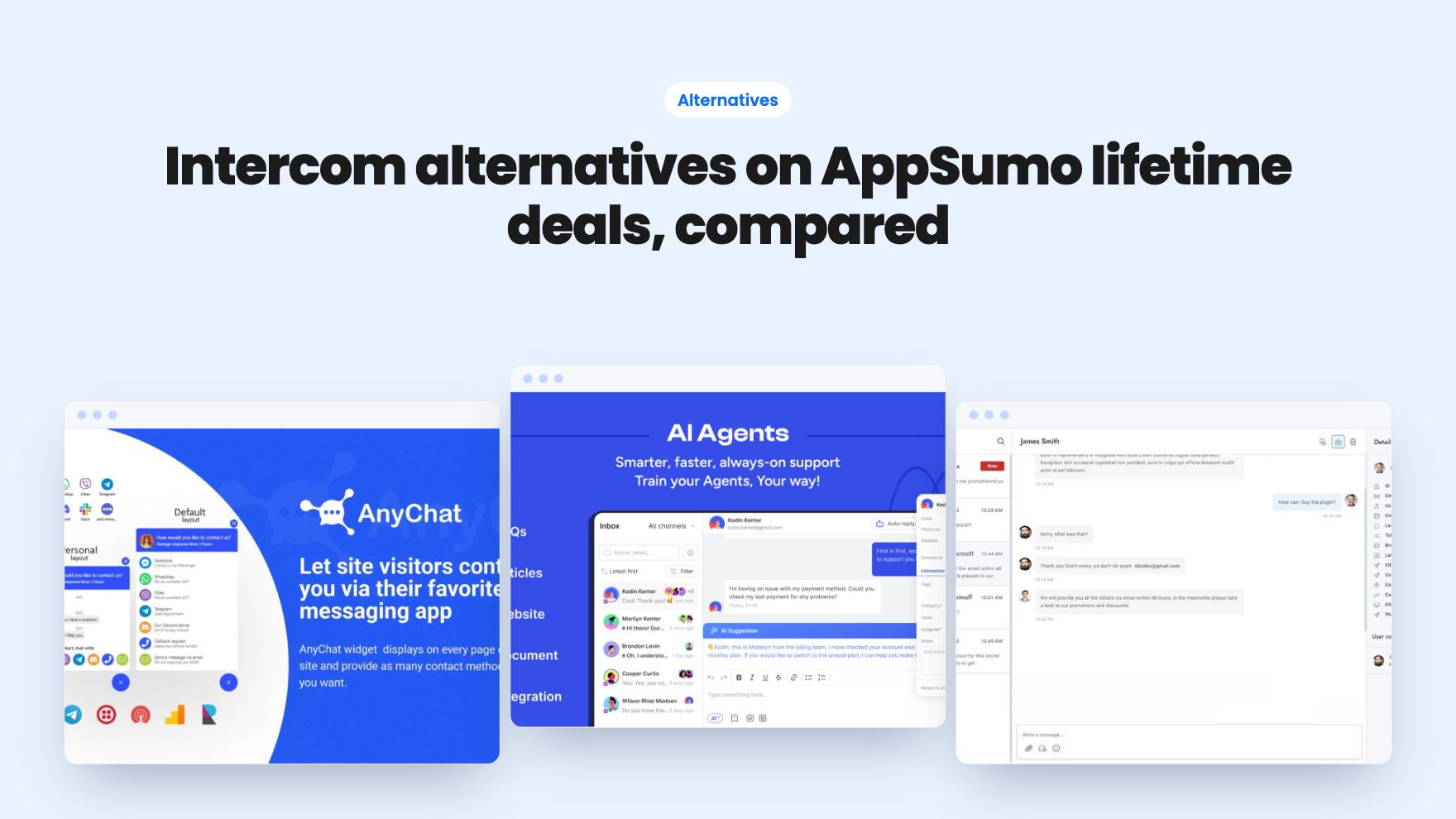
Seven AppSumo lifetime deals that stand in for Intercom, from WhatsApp widgets to AI bots and a resellable helpdesk. Tier limits and gaps, from the listings.