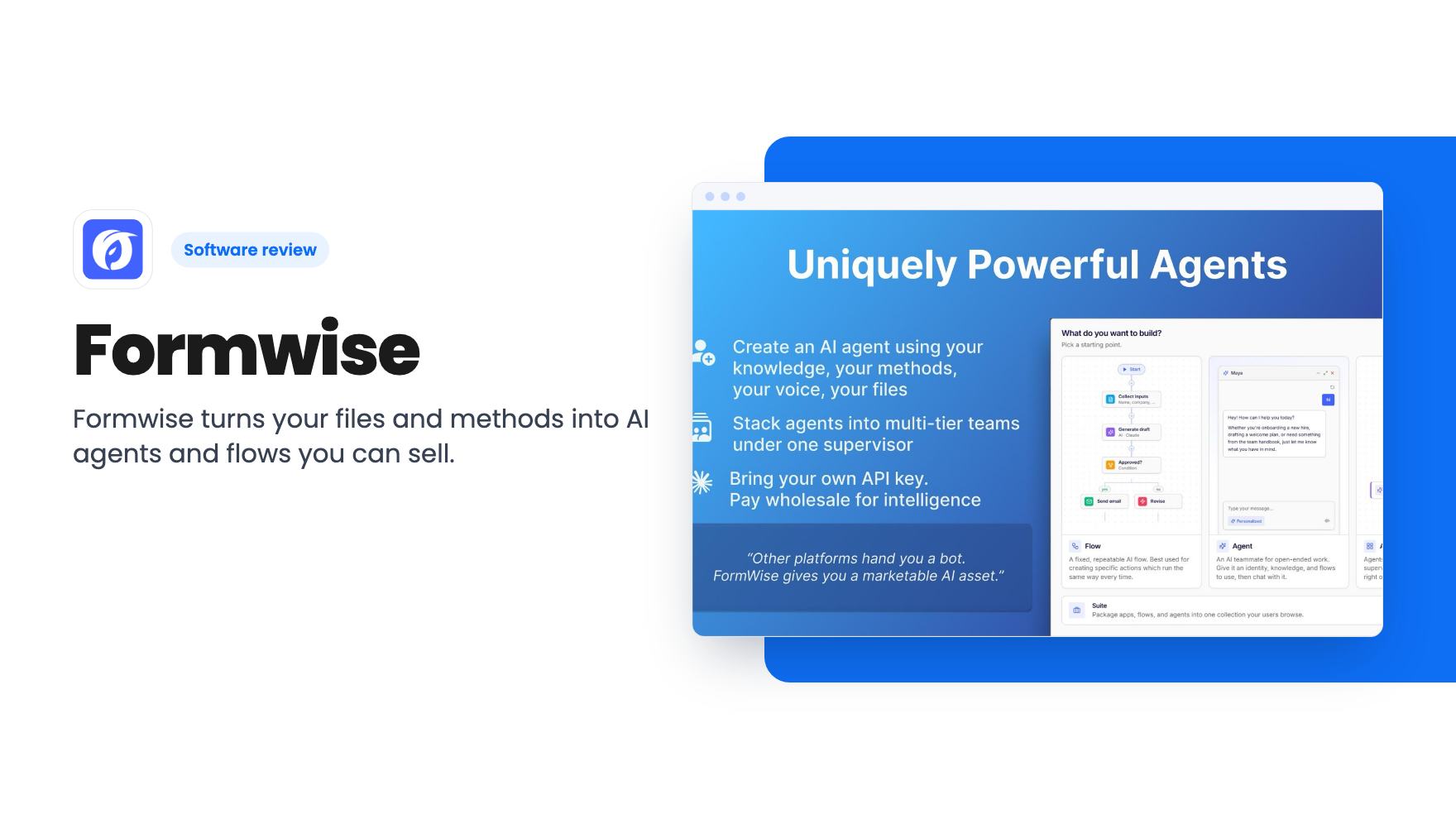
You’ve spent years building a method. Maybe it’s a coaching framework, a client onboarding checklist or an audit process you could run in your sleep. Right now it lives in your head, a few Google Docs and a lot of calls where you explain the same thing for the fortieth time. Formwise is built for that gap. It lets you feed your material into AI agents, then hand those agents to clients, staff or paying customers.
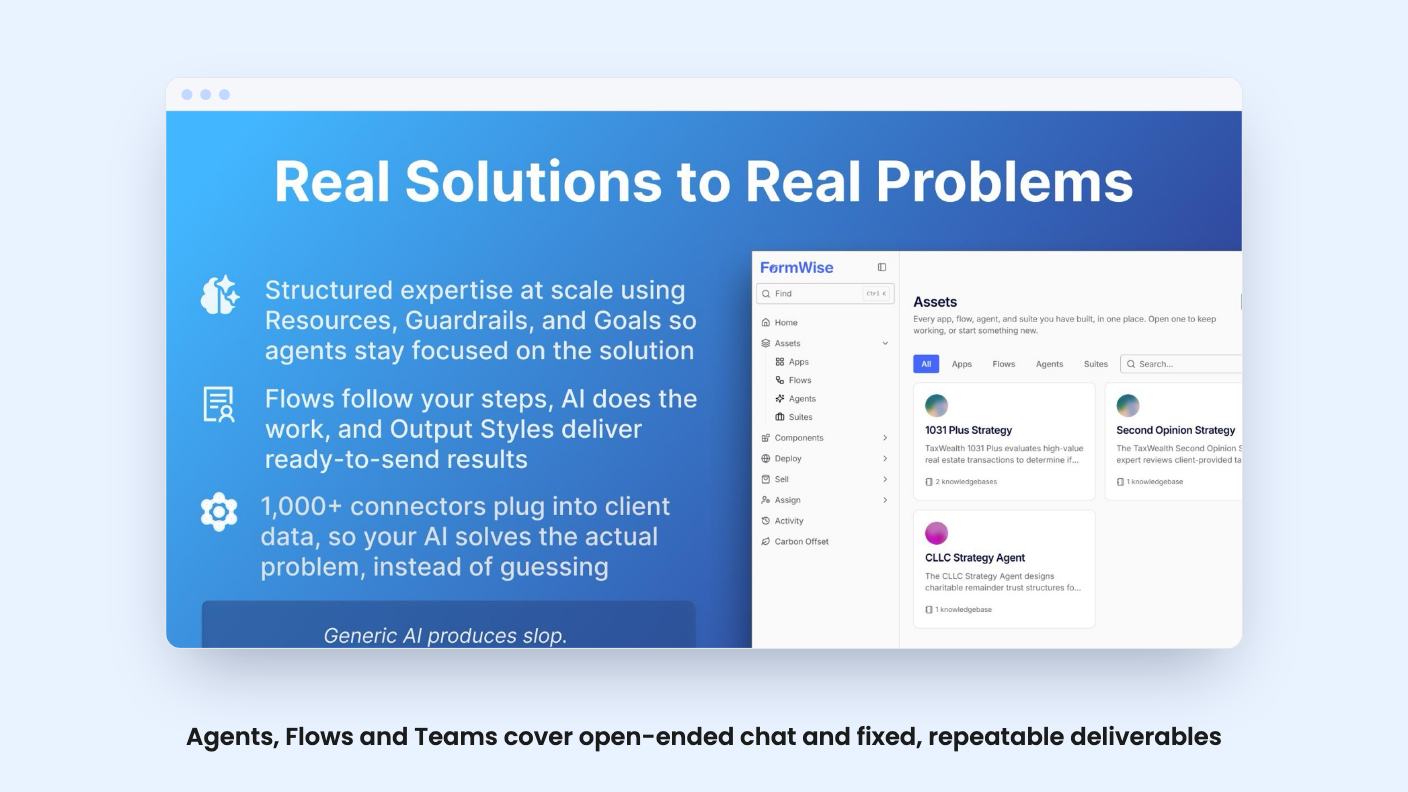
The listing pitches it at consultants, marketing agencies and online coaches, and lists Mindpal and Pickaxe as the tools it replaces. We haven’t used it hands-on, and there’s no demo video in the material we have, so everything below comes from the AppSumo listing.
Agents, flows and teams, and why the split matters
Formwise gives you three building blocks. An Agent handles open-ended conversation and answers from your knowledge bases, instructions and connected apps. A Flow follows steps you design and produces a consistent deliverable, such as an email sequence, a checklist or a content calendar. A Team stacks several agents under a supervisor that routes each request to the right specialist.
That Agent versus Flow split is the most sensible thing in the listing. Plenty of tools give you one chatbot and tell you to prompt harder. Here, if your process is fixed, you build a Flow and get the same shape of result every time. If the questions vary, you build an Agent.
Flows can run two ways. A SmartForm asks its questions as a guided form, and a CoPilot asks them as a guided chat. Both end in the same kind of result, so you pick based on your audience. Output Styles then shape the result into something ready to send.
Keeping the AI on a leash
The worry with any client-facing AI is that it wanders off and says something you’d never say. Formwise’s answer is a set of controls:
- Resources, guardrails and goals for each agent
- Knowledge bases built from your own files
- Memories stored per customer, so an agent can recall who it’s talking to
- Webhooks that fire when an objective is met, so extracted data can reach a CRM, GoHighLevel or Zapier
The listing doesn’t say how strict the guardrails are or how an agent behaves when asked something outside its knowledge. That’s the part we’d want to see in a real demo before trusting it with a paying client. The higher tiers add an AI quality checker, which sounds useful, but the listing gives no detail on what it checks.
Selling access is the actual pitch
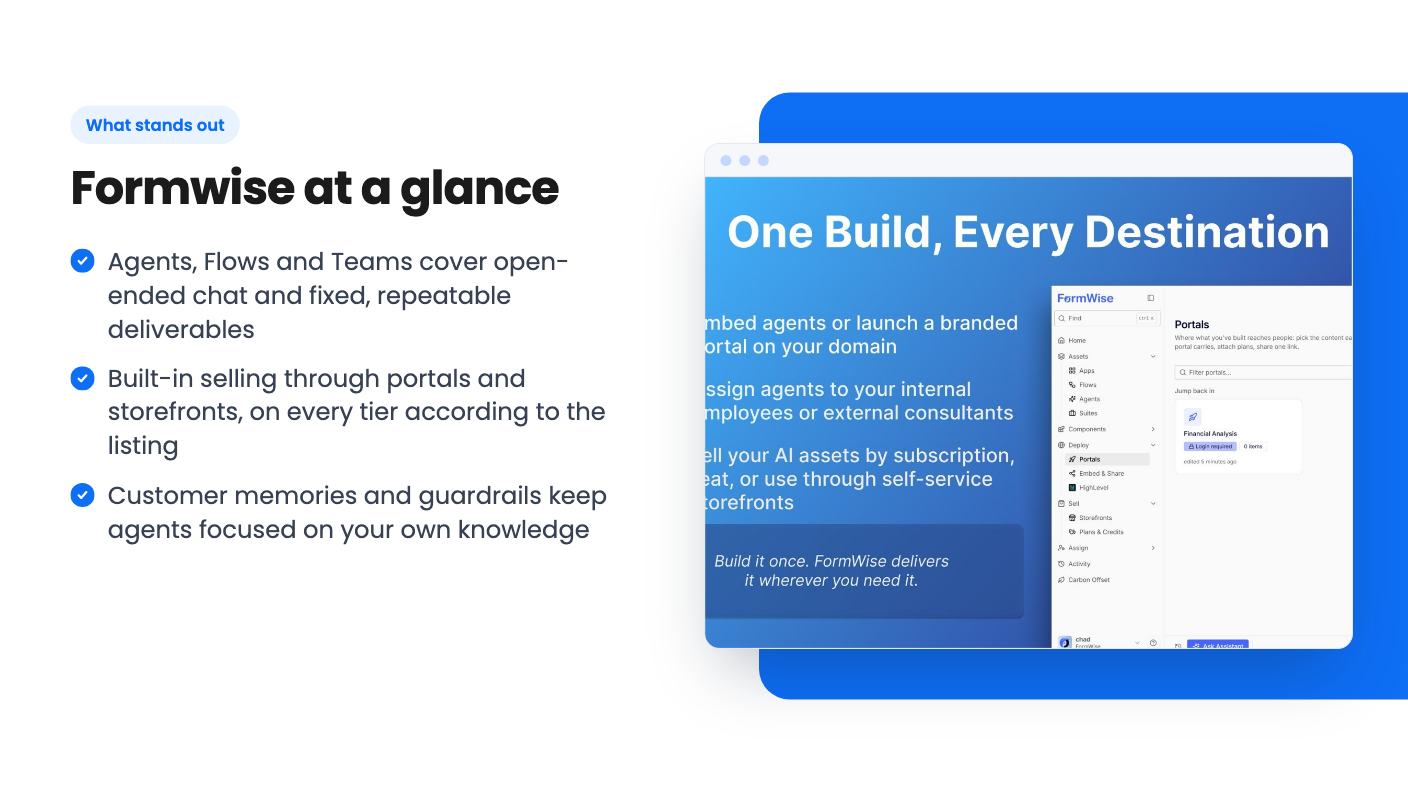
Most AI agent builders stop at building. Formwise goes further and says you can sell your agents and flows by subscription, seat or usage through self-service storefronts. You can share them by link, embed them on your site or publish them in a branded portal with customer login and built-in checkout. You can also assign agents to internal staff or outside consultants, and track earnings and usage.
For a coach with a single-purpose method, that’s an appealing idea: a paid tool that works while you don’t. We’d keep expectations in check, though. The listing says nothing about payment processor fees, payout timing or how checkout works under the hood. The listing’s FAQ answer on selling is also cut off. Treat the monetization story as plausible but unproven until you’ve read the fine print.
There’s an odd extra too. The listing says you can offset carbon for every run, with credits retired in your name and billed through to your client. It doesn’t say what that costs. If it adds a charge to every client run, you’d want to know before you promise anyone a price.
The credit pool is the catch
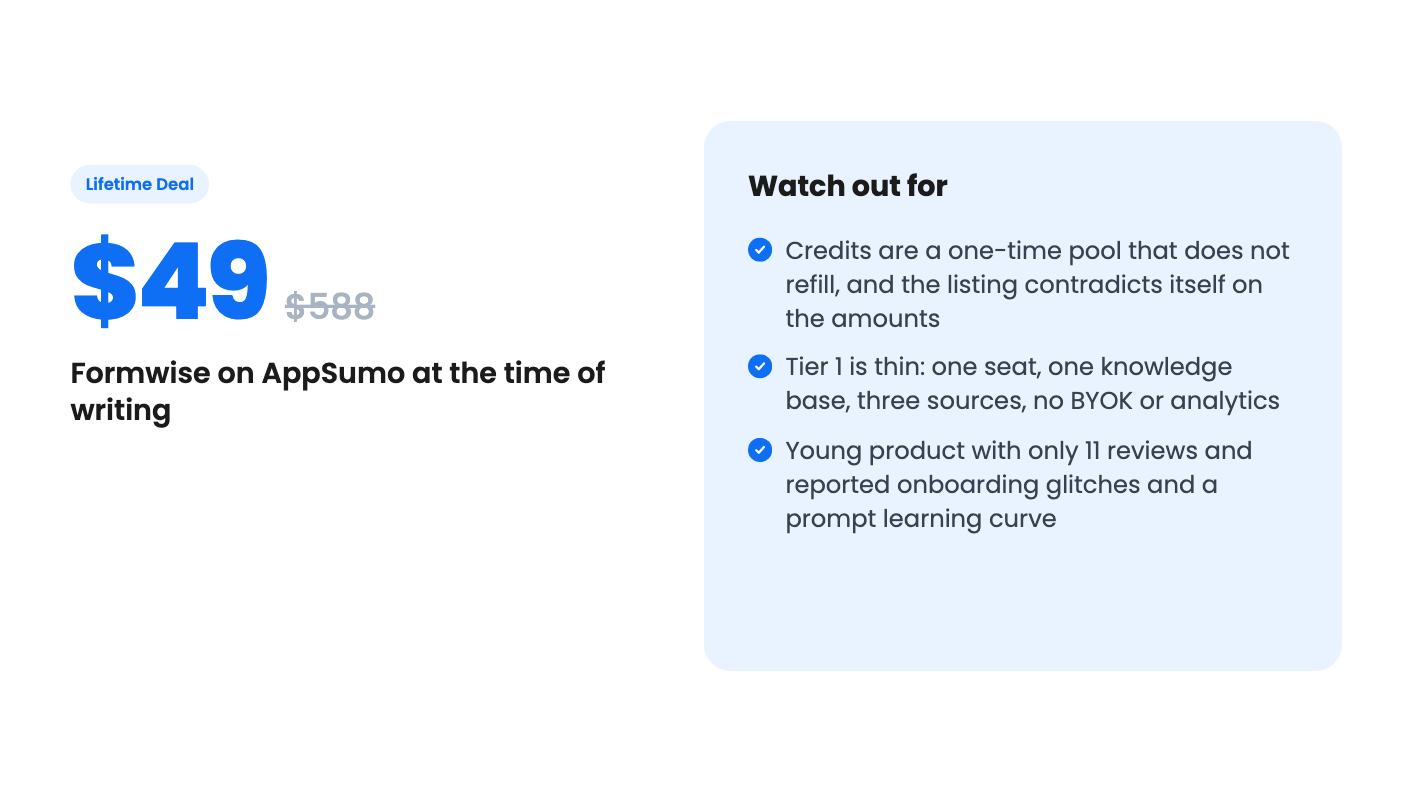
Here’s where a lifetime deal usually gets complicated. Each tier includes a one-time pool of credits that doesn’t refill. Credits are used when agents and flows run, depending on the model you pick and how much it reads and writes. Once they’re gone, you have two options. On Tier 2 and above you can plug in your own OpenAI, Anthropic or Gemini key and pay your provider directly. On any tier you can switch on on-demand usage with a monthly spending limit.
So the lifetime access is to the platform, not to free AI. If you resell agents to clients, your costs scale with their usage, and you’ll want to price accordingly.
The listing is also inconsistent on the numbers. The FAQ says 1,000 credits on Tier 1, 3,500 on Tier 2, 8,500 on Tier 3 and 15,000 on Tier 4. The plan feature table lists 8,500 / 1,000 / 3,500 / 15,000 in tier order. We’d go with the FAQ, since it’s the only one that climbs sensibly, but confirm the figure on the checkout page. The listing also warns that future AI models may need an add-on or come at a discounted rate. Budget for that.
What each tier gets you
Prices are one-time: $49, $159, $309 and $529.
Tier 1 at $49 is a trial-sized plan. You get one seat, one knowledge base with three sources, and no BYOK, analytics or YouTube-to-knowledge-base import. It’s fine for building one agent and finding out whether you like the tool.
Tier 2 at $159 adds three seats, three knowledge bases with ten sources each, BYOK, workspace analytics, the FormWize wizard assistant and YouTube import. For a solo consultant this looks like the practical floor, mainly because of BYOK.
Tier 3 at $309 brings 15 seats, ten knowledge bases, whitelabeling, the branded portal on your own domain, native GoHighLevel, voice dictation and the quality checker. That’s the agency tier.
Tier 4 at $529 gives unlimited seats and knowledge bases, plus the integration connector for those 1,000+ data sources. One oddity: the table shows conversational AI voice as off for Tier 4 and on for the others. That may be a listing error, so ask before buying if voice matters to you.
The listing also says you must activate your license within 60 days, and that you can upgrade while the deal is live but only downgrade within 60 days of purchase.
Who should skip it
Skip it if you want something proven. AppSumo shows 11 reviews averaging 4.91, which is a good sign but a small sample, and AppSumo’s own summary mentions technical glitches during onboarding and a learning curve in structuring prompts. This is a young product, and the listing’s claim that you can have a first agent live in under 15 minutes is marketing copy.
Skip it if your use is heavy and internal, such as running thousands of generations a month. A one-time credit pool is a poor fit for that unless you’re happy paying a model provider on top.
Also skip it if you don’t have a method worth packaging. The tool is only as useful as the knowledge you put in, and it won’t invent expertise you don’t have.
If you do buy, activate within the 60 days and build one agent from a real client document first. Watch how fast the credits drop before you promote anything to customers.
How this review was made: researched from Formwise's official listing, and written with help from AI. We have not tested Formwise hands-on yet. Prices and deal terms change, so check AppSumo before you buy. See our affiliate disclosure.