


Lifetime deal price
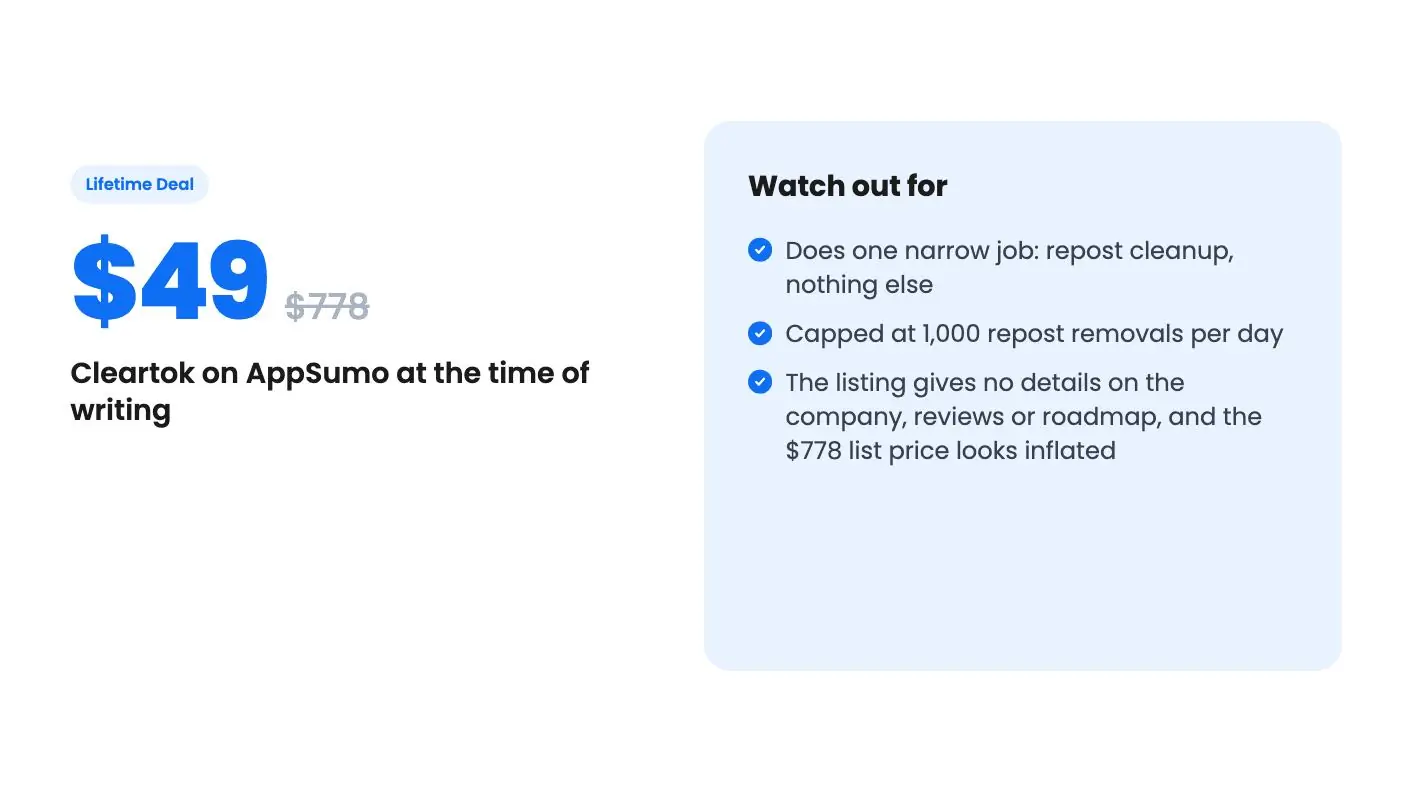
$49$77894% off
Lifetime Deal
Quick verdict
Our take: Buy it if your business TikTok account has years of messy reposts and you want to clean it up in bulk without wiping everything. Skip it if you have only a few reposts, don't use TikTok for your brand, or need scheduling, analytics or anything beyond repost cleanup.
What we like
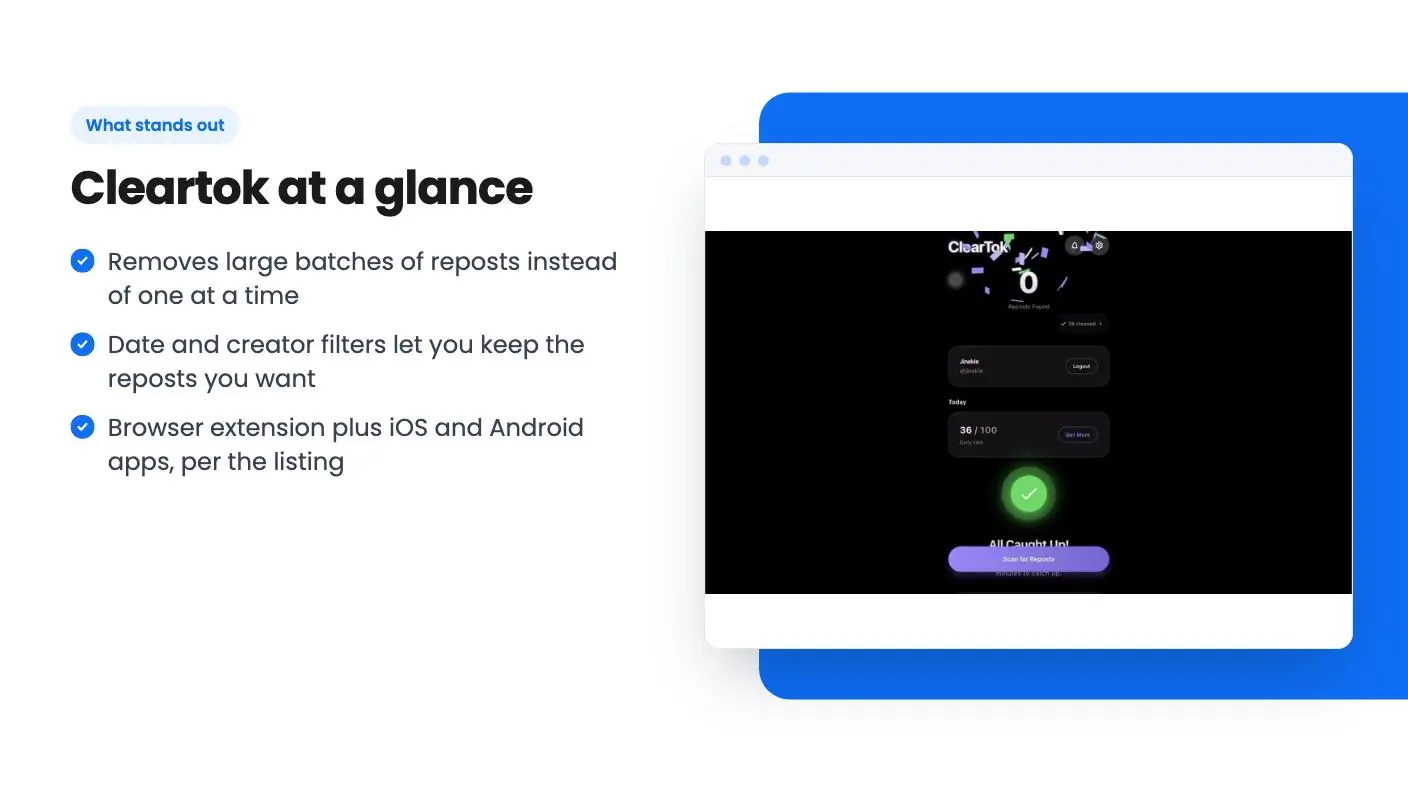
- Removes large batches of reposts instead of one at a time
- Date and creator filters let you keep the reposts you want
- Browser extension plus iOS and Android apps, per the listing
- $49 one-time price with future plan updates included
Watch out for
- Does one narrow job: repost cleanup, nothing else
- Capped at 1,000 repost removals per day
- The listing gives no details on the company, reviews or roadmap, and the $778 list price looks inflated
Say you’ve run a business TikTok account for a couple of years. Early on, you reposted anything that looked relevant: a supplier’s clip, a customer’s shout-out, a trend that seemed worth riding. Now your profile’s repost tab is a pile of content that doesn’t match your brand, and TikTok gives you no quick way to clear it. You tap through one repost at a time, and after thirty you give up.
Get Cleartok for $49 on AppSumo →
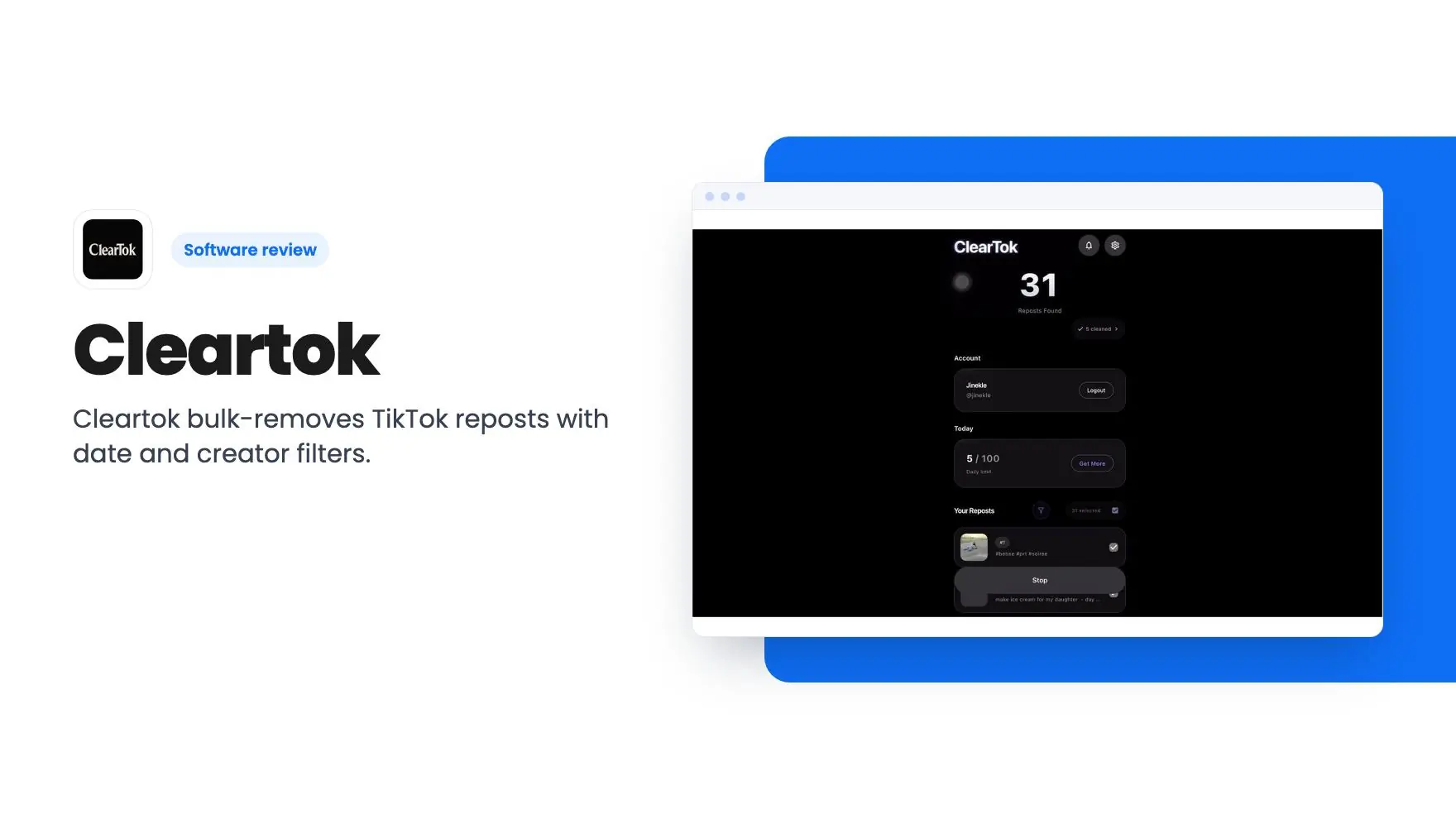
That’s the narrow problem Cleartok is built for. The main thing this Cleartok review found is that it’s a repost cleanup tool, and according to the listing, that’s about all it is.
What Cleartok does, and what it doesn’t
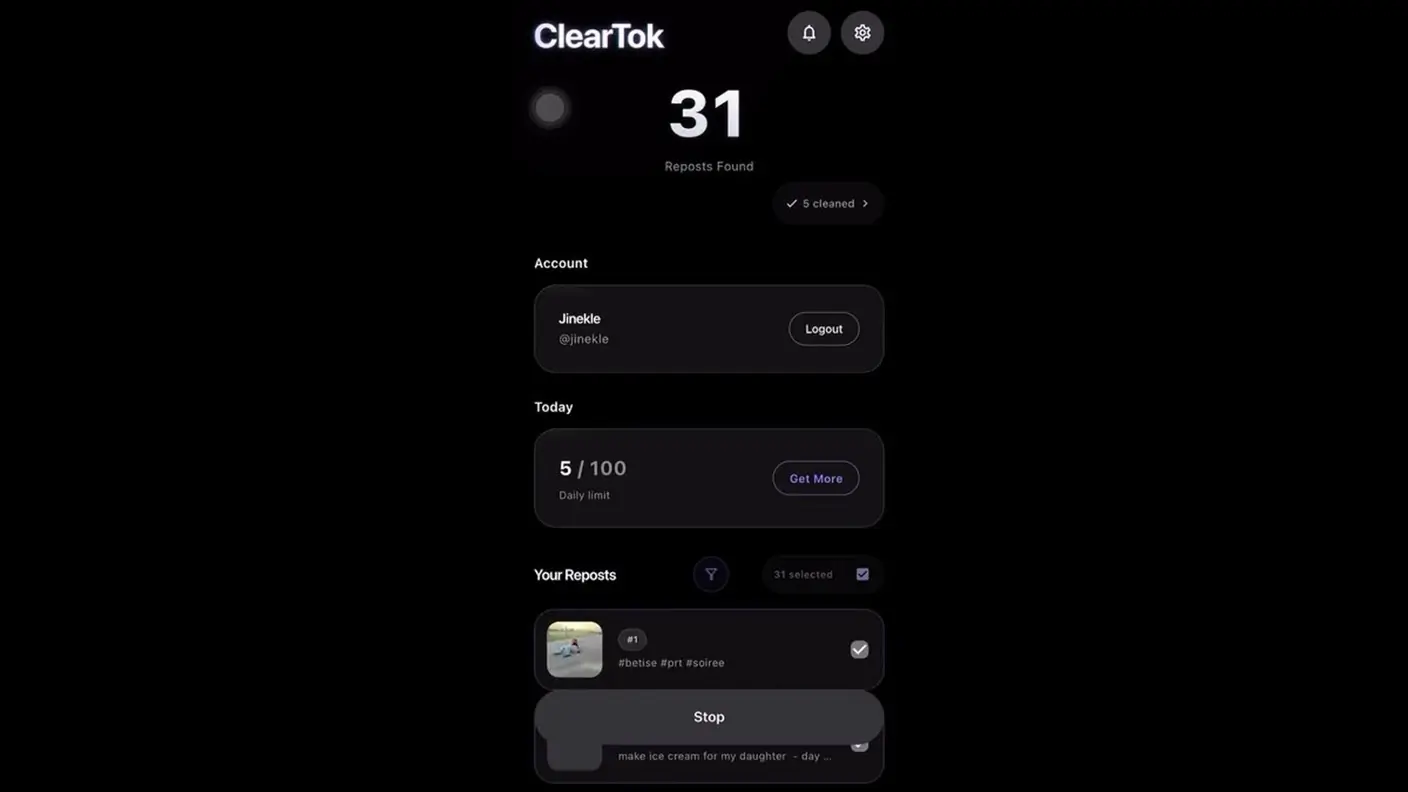
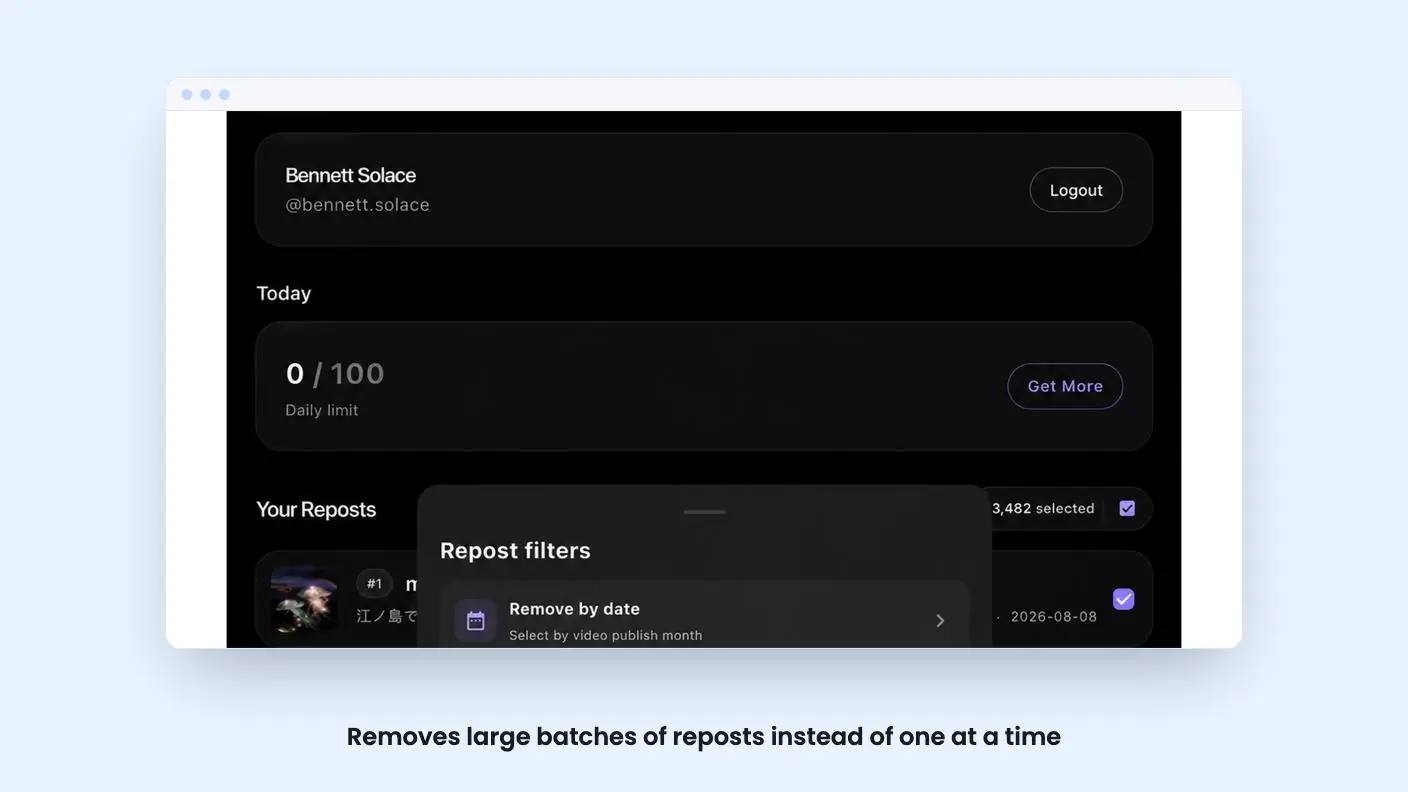
The pitch is simple. Instead of undoing reposts individually, you remove large batches in one go. The listing says it shows your reposts in one place first, so you can look over what’s there before choosing what to delete. While it works through your selection, you can follow its progress.
That’s the whole core feature. There’s no scheduling, no analytics, no content calendar and no cross-posting listed. Cleartok is categorized under social media management on AppSumo, but that label is generous. This is a housekeeping utility, and in this Cleartok review the advice is to buy it only on those terms.
If you’re after something to manage a TikTok presence day to day, this isn’t it.
The filters are what make it usable
A bulk delete button on its own would be a bit dangerous. You wouldn’t want to erase every repost, including the handful that still help your brand. The listing says you can filter reposts by date, which is handy if you want to clear out everything older than a certain point, or a specific stretch when you were posting off-strategy.
You can also filter by creator. That’s useful in a few real situations: you partnered with an account that has since changed direction, you reposted heavily from a creator you no longer want associated with your brand, or you simply want to keep reposts from your own team’s accounts and drop the rest.
The listing’s phrase is cleaning selectively without wiping your entire repost history. That’s the right design goal. What we can’t tell from the listing is how fine-grained the selection gets, for example whether you can combine date and creator filters, or tick individual reposts by hand. The listing doesn’t say, so check before you assume.
Get Cleartok for $49 on AppSumo →
The Repost Receipt is a novelty
Cleartok also generates what it calls a Repost Receipt. It’s a personalized summary of your repost activity, with stats like how many reposts you had, how many creators they came from, and your cleanup progress. You can save and share it as an image.
This looks aimed at individual TikTok users who enjoy sharing a recap, in the spirit of year-end summaries. For a small business it’s a curiosity at best. You might post one for a laugh, but it won’t change how you run your account, and it’s not a reason to pay. I’d treat it as a bonus and ignore it when judging the deal.
Where it runs and how it connects
The listing’s FAQ says there’s a browser extension for Chrome and Edge, plus apps on the Apple App Store and Google Play. It also mentions an official APK for Android, and it warns against modded APKs from outside sources. That warning is sensible. Download only from the links on cleartok.io, because you’re about to connect a TikTok account.
On privacy, the listing says Cleartok doesn’t centrally store your TikTok password. On desktop it uses the TikTok session already active in your browser. On mobile, sign-in goes through the app’s connection flow. You can use the extension and the mobile app together by signing into the same Cleartok account on each device, when your account supports it.
That’s reassuring as far as it goes, but it’s still the company describing itself. The listing also states that Cleartok is independent and not affiliated with TikTok or ByteDance. In practice, that means a tool like this depends on how TikTok’s apps and site behave, and TikTok can change them without warning. The listing doesn’t say how quickly Cleartok responds to that.
The Cleartok $49 deal and its limits
The AppSumo deal is a single tier: $49 for lifetime access, with the list price shown as $778. I wouldn’t read anything into that $778 figure. For a narrow cleanup tool, it looks like an anchor number rather than a price people actually pay, and the listing doesn’t explain it.
What you get for $49:
- Lifetime access to Cleartok
- All future plan updates
- Up to 1,000 repost removals per day
The terms you need to know: you must redeem your code within 60 days of purchase, and the deal isn’t stackable, so buying more codes won’t raise your limits.
The daily cap is the number to think about in any Cleartok review. At 1,000 removals a day, most small business accounts will clear their backlog in a day or two. Even a very large history wouldn’t take long. So the cap is unlikely to hurt, but it’s still a cap, and the listing doesn’t say whether it applies per account or per Cleartok login.
There’s also a bigger question about value. Once you’ve cleaned up your reposts, what’s left to use? You’ll probably run it once, maybe again later if you start reposting more. A lifetime deal makes the most sense for software you use every week. Here, you’re paying $49 to solve a problem you may only have once.
Who should skip Cleartok
Skip Cleartok if you have only a few reposts. Removing ten by hand takes minutes and costs nothing.
Skip it too if TikTok isn’t central to your business. If you post occasionally and your repost tab is tidy, there’s nothing to fix. The same goes if you want a full social media tool, since scheduling, reporting and multi-platform posting aren’t part of what the listing describes.
It’s also a young, single-purpose product, and the listing gives no information about the team, a roadmap or a refund process beyond AppSumo’s own terms. If you’re cautious about connecting a brand account to a small independent tool, that hesitation is reasonable.
In this Cleartok review, the best fit is a business owner or social media manager with hundreds of old reposts who wants to clear them out selectively and be done. For that person, $49 is a fair price for the time saved. Read the extension’s permissions before you connect your account, and run it on a quiet day so you can check the results.
Related reading: Inrō review, Creator Insights review.
All Cleartok features
Taken from Cleartok's AppSumo listing. We haven't tested these features hands-on.
Clean up hundreds of reposts at once
- Skip the one-by-one cleanup and remove large batches of TikTok reposts at once
- See your reposts in one place before deciding what you want to remove
- Track your cleanup progress as ClearTok works through your selected reposts
Keep the reposts you want
- Filter reposts by date to target content from specific time periods
- Filter by creator when you only want to clean up reposts from certain accounts
- Clean selectively without wiping your entire repost history
Turn your repost history into a shareable receipt
- Get a personalized Repost Receipt that summarizes your repost cleanup and activity
- See your repost story at a glance with stats like reposts, creators, and cleanup progress
- Save and share your receipt as a visual recap of your repost history
Included in every plan
- Repost removals/day: 1,000
What the lifetime deal includes
- Lifetime access to Cleartok
- You must redeem your code(s) within 60 days of purchase
- All future plan updates
- Please note: This deal is not stackable
At a glance
- Category
- Marketing › Social Media
- Website
- cleartok.io
Decided Cleartok fits? The lifetime deal starts at $49. Check the tier limits on AppSumo before you pick one.
Get Cleartok on AppSumoKeep reading about Cleartok
Cleartok FAQ
Does Cleartok store my TikTok password?
According to the listing, no. On desktop it uses the TikTok session already active in your browser. On mobile, sign-in happens through the app's connection flow. The listing doesn't explain more than that, so check the privacy details yourself before connecting a brand account.
Is Cleartok affiliated with TikTok?
No. The listing says it's an independent utility and isn't affiliated with, endorsed by or sponsored by TikTok or ByteDance. That also means changes on TikTok's side could affect how it works, and the listing doesn't say how that's handled.
What are the limits of the AppSumo deal?
The single $49 tier gives lifetime access and all future plan updates, with a cap of 1,000 repost removals per day. You must redeem your code within 60 days of purchase, and the deal isn't stackable.