



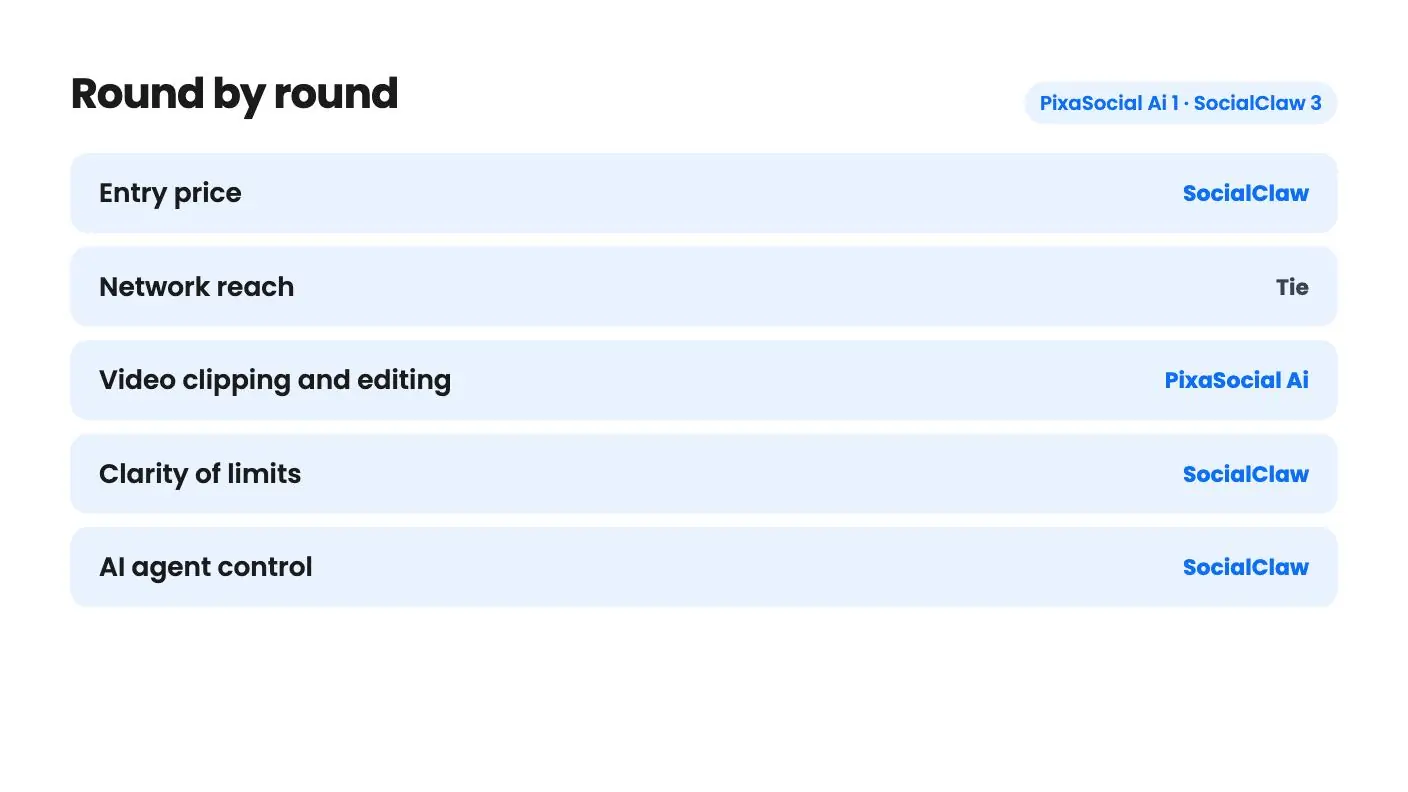
PixaSocial Ai takes 1 round, SocialClaw takes 3.
Round by round
| Round | Winner | Why |
|---|---|---|
| Entry price | SocialClaw | SocialClaw's $39 tier includes 3 accounts and 2,000 posts, while PixaSocial's $49 tier lists no accounts or posts, so its real entry point looks like $99. |
| Network reach | Tie | PixaSocial adds Bluesky, Mastodon and Threads, while SocialClaw lists Facebook Pages and TikTok, so the better fit depends on where your audience is. |
| Video clipping and editing | PixaSocial Ai | Reel Factory is clearly described, with transcription and translation in 60+ languages, while SocialClaw's video generator lists no limits or costs. |
| Clarity of limits | SocialClaw | SocialClaw states flat lifetime caps per code, while PixaSocial's tiers give you less at higher prices and its usage resets after 12 months. |
| AI agent control | SocialClaw | SocialClaw offers a native MCP server, CLI and REST API for Claude, ChatGPT or custom code, and PixaSocial's listing mentions none of these. |
| Track record | Tie | Both have only a couple of AppSumo reviews and no product video, so neither has a proven history. |
Side by side
| PixaSocial Ai | SocialClaw | |
|---|---|---|
| Starts at | $49 | $39 |
| List price | $120 | $540 |
| Plan | Lifetime Deal | Lifetime Deal |
| Deal ends | Not listed | Not listed |
| Best for | Content creators, Social media managers, Social media marketers | Content creators, Small businesses, Solopreneurs |
| Alternative to | Buffer, Hootsuite, Sprout Social, Buffer | Buffer, Hootsuite, Sprout Social, Buffer |
A long webinar recording is sitting on your drive, and you also owe your audience a week of posts. One of these tools wants to chop that recording into captioned shorts. The other wants you to tell Claude to schedule everything while you do something else. PixaSocial Ai and SocialClaw are both social media lifetime deals, both are young, and both leave real questions open in their listings. In PixaSocial Ai vs SocialClaw, the two attack the posting problem from different directions, so the right pick depends on how you actually work.

Two different ideas of what a social tool is
Pixa Social Ai is a creator workbench. The listing describes four pieces: audience modules (psychographics, personas, Operators, Blueprint and a Feedback Simulator), Reel Factory for cutting long video into shorts, publishing to 12 networks, and a Media Studio for editing images and video. Scheduling is one part of a bundle.
SocialClaw is a scheduler built around an AI agent. You can drive it through a native MCP server, a command-line tool or a REST API, which means Claude, ChatGPT or your own code can plan and queue posts without you opening a dashboard. The listing says you don’t need to code because the dashboard handles everything. Still, the agent angle is the whole pitch, and it won’t mean much if you never use an assistant.
Both listings name Buffer, Hootsuite and Sprout Social as alternatives. That’s generous to both. In PixaSocial Ai vs SocialClaw, neither one mentions analytics, approval flows or a shared inbox, which is what many buyers of those bigger tools are paying for.
What you actually pay
SocialClaw is the easier one to read. A single $39 code gives you 3 connected accounts and 2,000 posts in total, with up to 200 of those going to X. That’s a lifetime total, not a monthly allowance. You can stack up to four codes, and each step costs another $39 and adds the same amount.
| Tier | Price | Accounts | Total posts | X posts |
|---|---|---|---|---|
| 1 | $39 | 3 | 2,000 | 200 |
| 2 | $78 | 6 | 4,000 | 400 |
| 3 | $117 | 9 | 6,000 | 600 |
| 4 | $156 | 12 | 8,000 | 800 |
You have to redeem codes within 60 days of purchase. There’s no volume discount for buying more, so only stack if you truly need the room.
PixaSocial’s $49 headline needs a careful read. In the plan table, tier 1 shows None for both connected accounts and posts per month, and Reel Factory isn’t included. As written, that looks like an editor and media library without publishing. Tier 2 at $99 is where the table shows 15 accounts, 100 posts per month, 360 Reel Factory clips per year and voice generation. That’s the price we’d plan around.
Then it gets strange. Tier 3 at $199 shows 12 accounts, 50 posts per month and 120 clips per year. Tier 4 at $349 shows 10 accounts, 60 posts per month and no Reel Factory at all. Paying more gets you less of the core features, with bigger image generation limits as the consolation. It could be a listing error, or the top tiers could be aimed at image-only users. The listing doesn’t say, so ask before you spend $199 or more.
There’s a second catch. PixaSocial says included usage covers 12 months, after which you top up or keep the login and the editors. No top-up prices are given, so you can’t work out a long-term cost. SocialClaw’s caps are tighter in one sense, but at least you can see the ceiling on day one. The one thing it doesn’t say is whether a post sent to three networks counts once or three times, and that changes the math a lot.
Networks: different gaps
PixaSocial lists X, Instagram, Threads, LinkedIn, YouTube, Reddit, Telegram, Pinterest, Mastodon, WordPress, Bluesky and Discord. That’s a good spread if you want Bluesky or Mastodon in the same queue as LinkedIn. Facebook isn’t on the list. TikTok isn’t either, yet the integrations field names TikTok, so the listing contradicts itself.
SocialClaw lists eleven: X, LinkedIn, Instagram, Facebook Pages, TikTok, YouTube, Reddit, Pinterest, Discord, Telegram and WordPress. Its FAQ answer names ten and leaves Reddit out. Threads, Bluesky and Mastodon don’t appear anywhere.
For a local business with customers on Facebook, SocialClaw covers something PixaSocial may not. For someone building an audience on the newer text networks, it’s the reverse. We’d call it even.
SocialClaw also gives each brand its own workspace, with a connect link so clients can attach their own accounts instead of sharing passwords. That’s useful for freelancers, but the listing doesn’t say how many workspaces you get.
Video, editing and the fuzzy parts
Reel Factory is the best-described feature in either listing. You give it long video, and it detects the spoken language, transcribes it and produces captioned shorts, with translation into 60+ languages. It is not prompt-to-video, so you need footage first. If you record podcasts or webinars, that’s a real time saver.
SocialClaw’s counterpart is a UGC marketplace and video generator. You supply screenshots, pick from a roster of real UGC actors and get a creator-style promo video, plus a remix option for viral videos. The listing gives no limits, credits, lengths or costs, and it says nothing about the rights question that remixing other people’s videos raises. Treat it as a maybe-bonus.
PixaSocial has vague spots too. Operators and Blueprint are named but never explained, and the Feedback Simulator comes with no example output or data source. The Media Studio is called Canva-like, with no template or stock asset counts.
Neither listing has a product video that we could find, and each has only a couple of AppSumo reviews. That’s too few to say anything about reliability or whether the sellers will keep the network connections updated.
Which one to buy
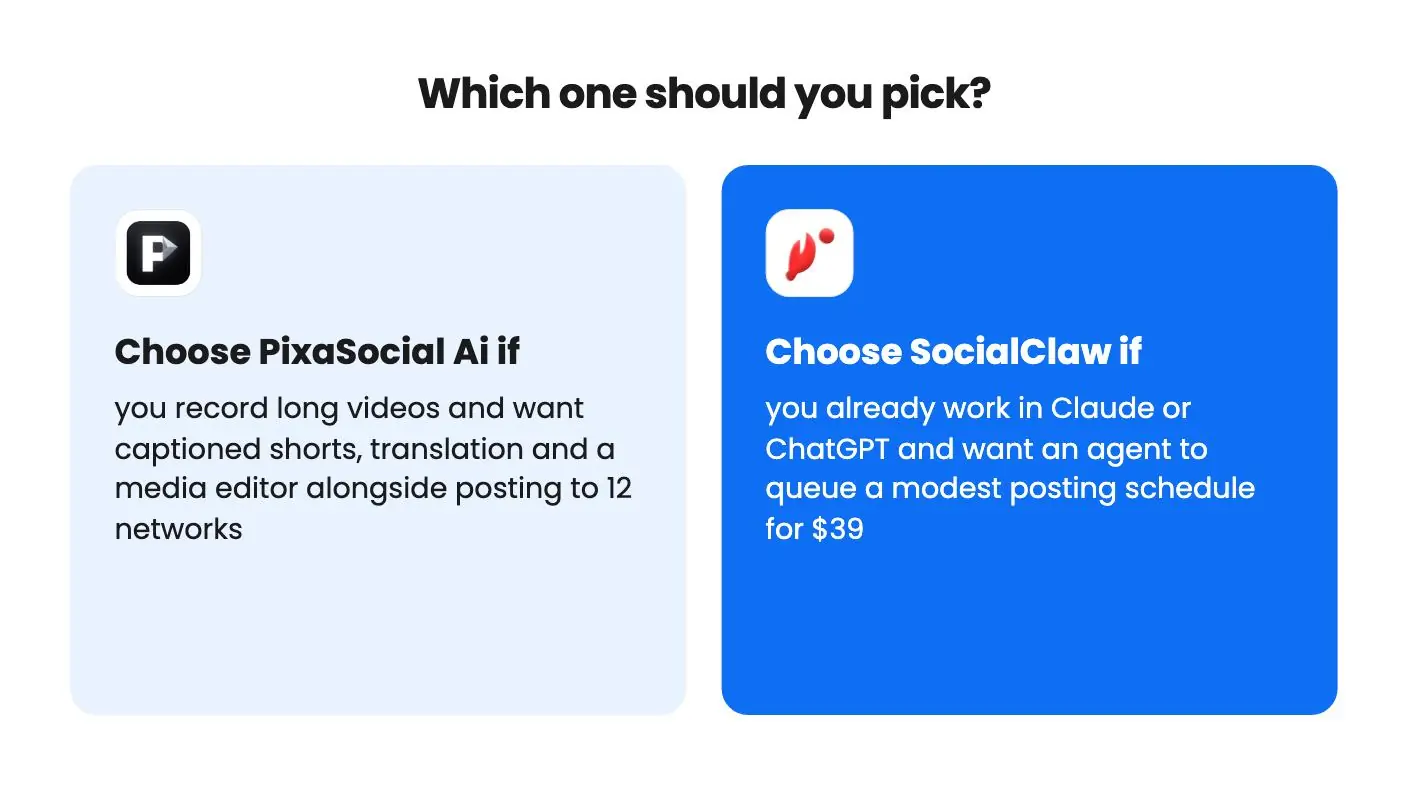
Pick PixaSocial Ai if long-form video is your raw material and you want shorts, translated captions and a media editor under one login. Start from tier 2, not the $49 tier, and use the refund window to run one real video through Reel Factory. If the clips come out usable, you’ll know quickly.
Pick SocialClaw if you already draft in Claude or ChatGPT and are tired of pasting text into a scheduler. At $39 the downside is small. Two thousand lifetime posts is roughly one a day for five and a half years, but only if cross-posts count once, and a busy brand could burn through it much faster. Heavy posters should skip it.
Skip both if you need analytics, approvals or a shared inbox. Nothing in either listing says they exist.
Before you buy, send the sellers a few questions. For PixaSocial, ask why higher tiers include less and whether Facebook and TikTok work today. For SocialClaw, ask how cross-posts are counted, whether Reddit is supported and what the video tool costs to use.
Read the full reviews
Frequently asked questions
Which is cheaper, PixaSocial Ai or SocialClaw?
SocialClaw starts at $39 and includes posting. PixaSocial's $49 tier shows no connected accounts or posts, so the tier that appears to include publishing is $99.
Do either of these give unlimited posting for life?
No. SocialClaw caps one code at 2,000 lifetime posts, with up to 200 on X. PixaSocial's included usage covers 12 months, then you top up, and the listing gives no top-up prices.
Which one is better for turning long videos into shorts?
PixaSocial Ai. Reel Factory cuts long video into captioned shorts with translation, but you need existing footage. SocialClaw's video tool is a generator with unstated limits.