Helpdesk & SupportReview
Hyperleap AI Review: Solid Chatbot Deal, Mind the Credit Cap
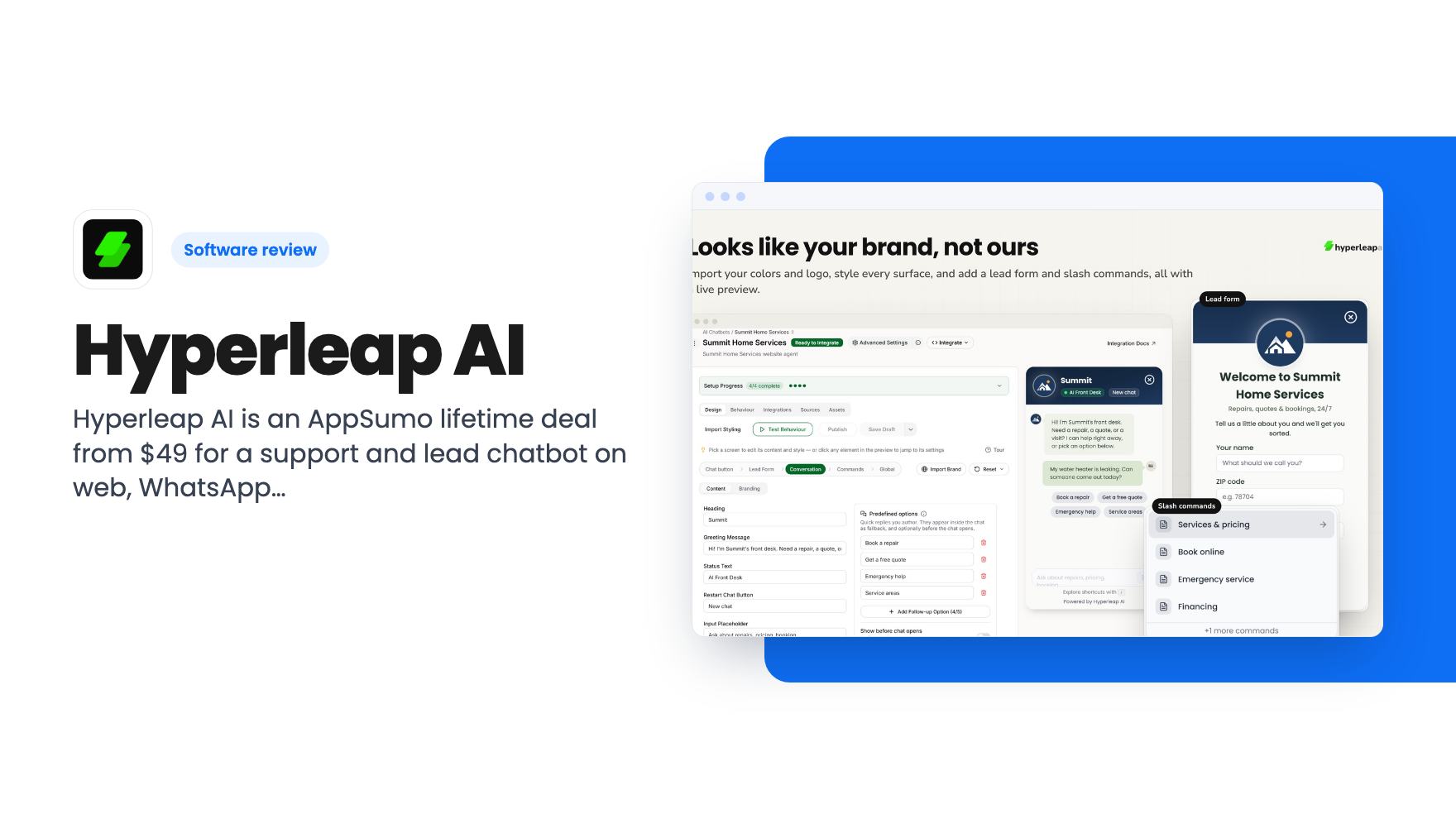
Hyperleap AI is an AppSumo lifetime deal from $49 for a support and lead chatbot on web, WhatsApp, Instagram and Messenger. Credits are capped, though.
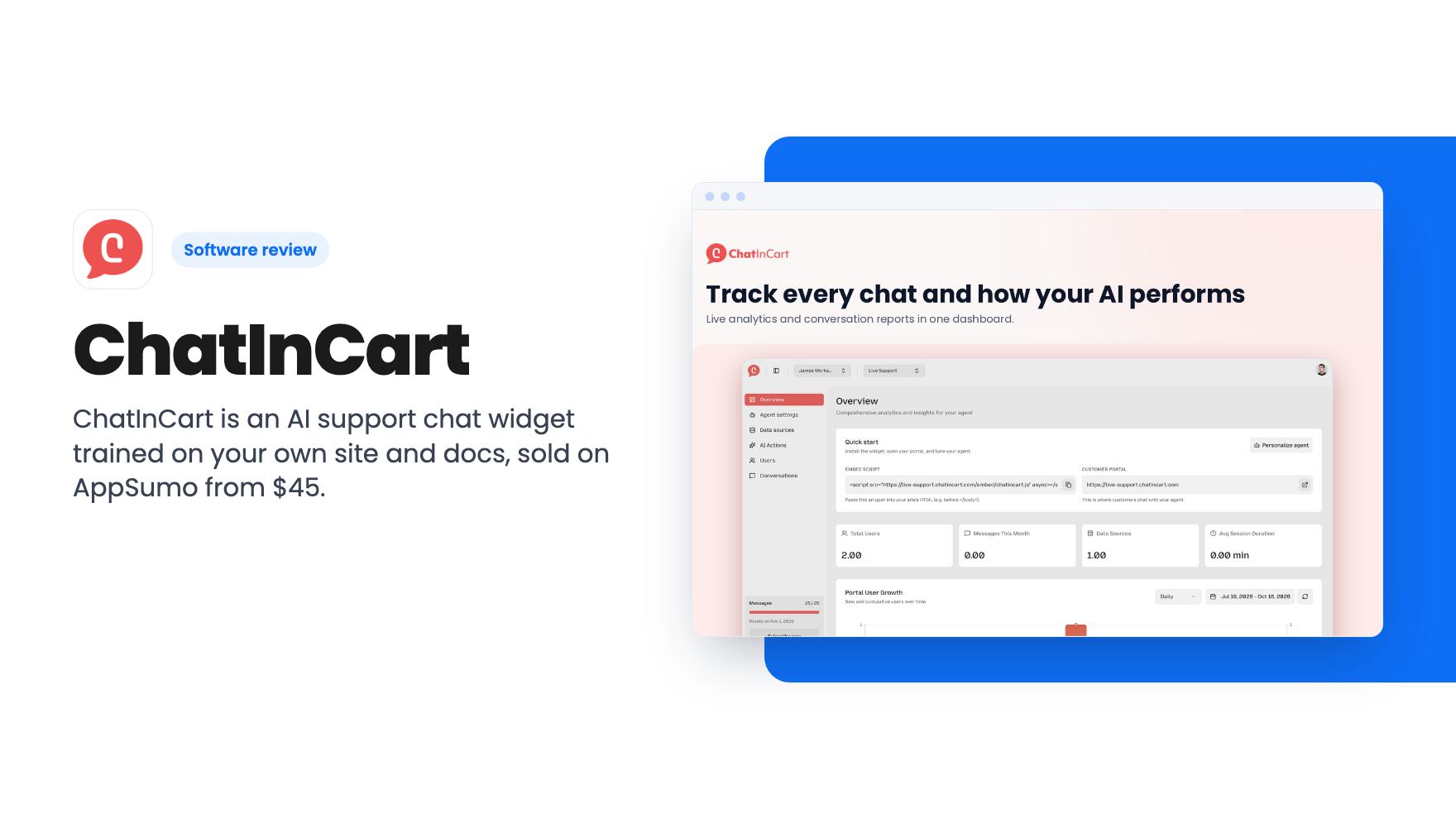
ChatInCart is an AI support chat widget trained on your own site and docs, sold on AppSumo from $45. Here's what the listing shows and where it stays vague.
Lifetime deal price
$45$14469% off
Lifetime Deal
Our take: Worth a look if you run a small site or store with a pile of repeat questions and want a cheap AI widget with a human takeover option. Skip it if you need proven reliability, a clear tier comparison or deep helpdesk features, because the listing is thin on all three and we haven't tested it.
If you sell anything online, you already know the pattern. The same handful of questions land in your inbox every day. Where’s my order. Do you ship abroad. Is this compatible with that. You know the answers, they’re probably on your site somewhere, and you still type them out again.
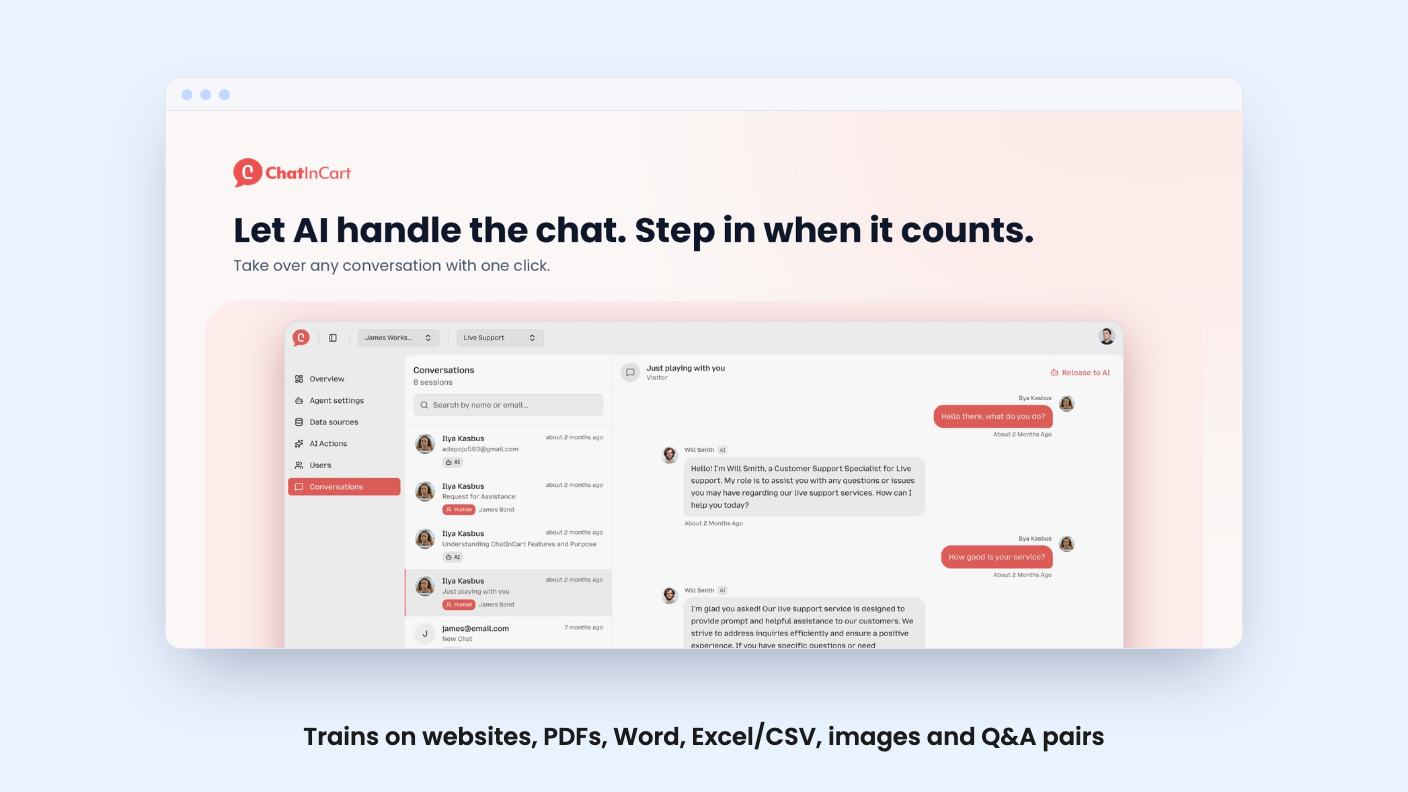
ChatInCart is built for exactly that situation. It’s an AI chat widget you train on your own content, then embed on your site. AppSumo has it as a lifetime deal from $45, down from a listed $144. We haven’t used it, so everything below comes from the listing, and I’ll flag where the listing goes quiet.
This is the part that decides whether a tool like this is useful. The bot is only as good as what you feed it, and the listing is fairly generous on formats.
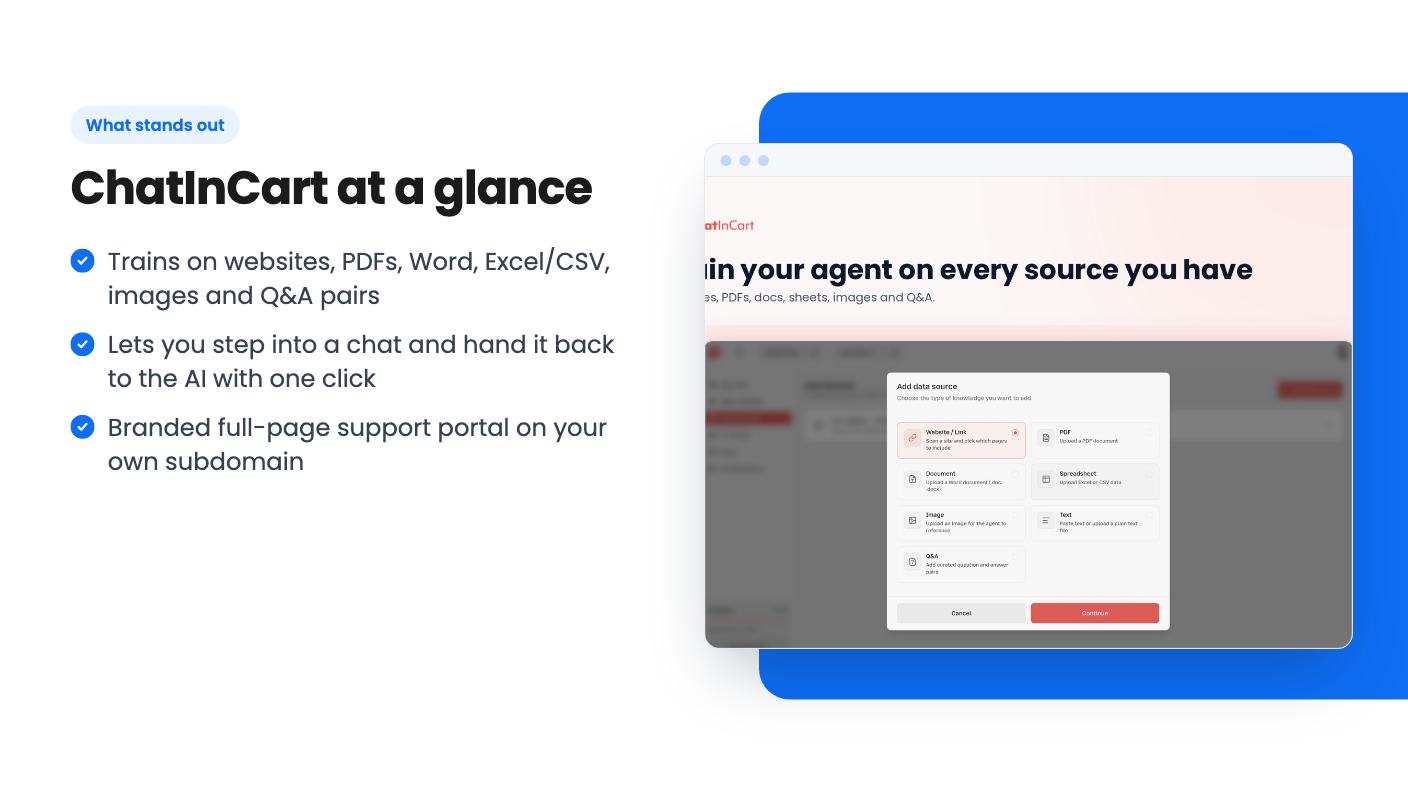
You can scan a website and choose which pages to include. That page-picking matters more than it sounds, because most sites have old blog posts and outdated policy pages you don’t want the bot quoting. You can also upload PDFs, Word files (.doc and .docx), and Excel or CSV files. On top of that, there are images, plain text and curated Q&A pairs.
The Q&A pairs are the feature I’d lean on first. If you know the five answers you never want worded loosely, such as refund terms or delivery times, you write them yourself and the agent has a clear source to draw from.
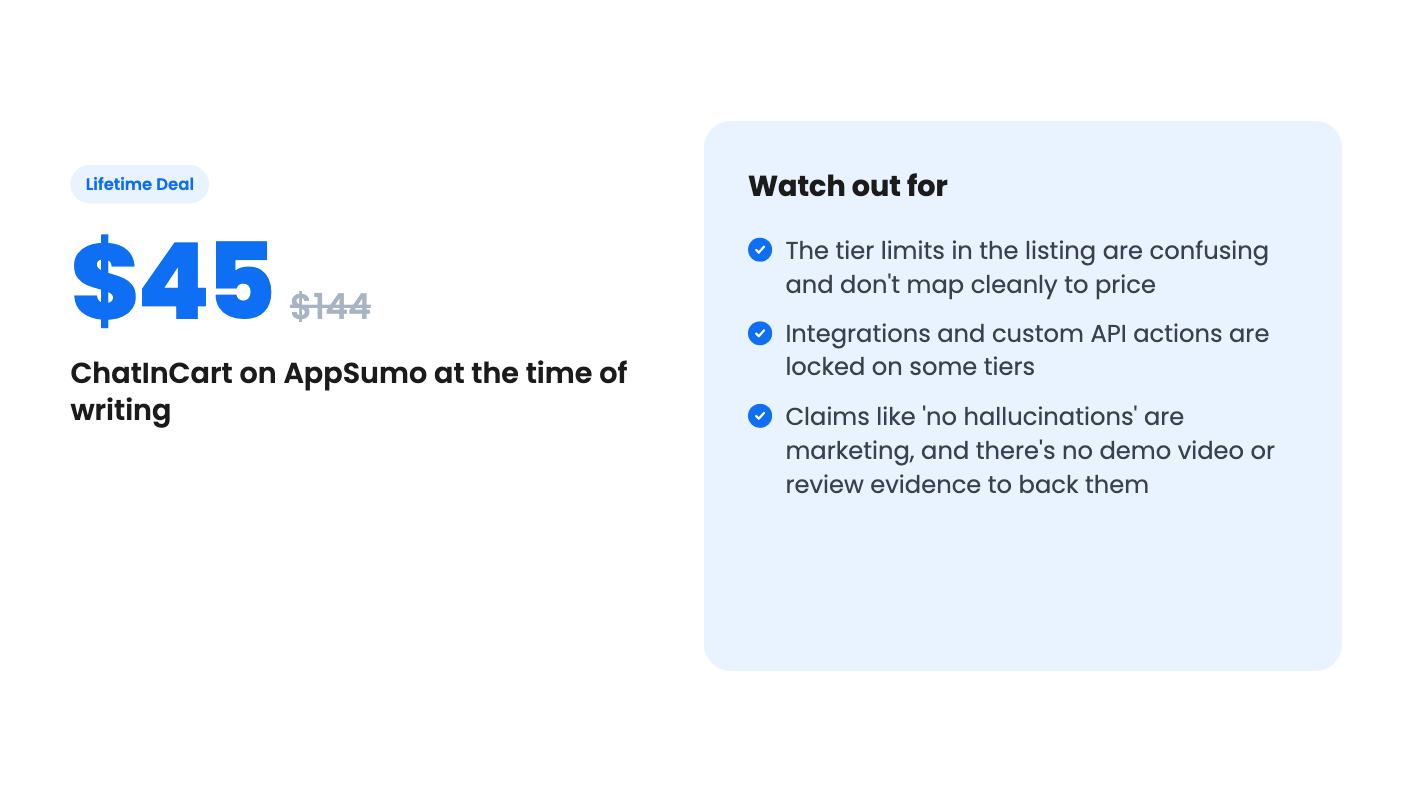
The listing’s FAQ says the AI answers accurately with ‘no hallucinations’. I’d treat that as a hopeful claim, not a guarantee. Nothing in the listing explains how answers are checked, and there’s no demo video to watch. Expect to test it with your own awkward questions before pointing real customers at it.
AI support goes wrong in a predictable way. A customer asks something slightly outside the training, the bot sounds confident, and you hear about it later. What matters is how fast you can get a person into the conversation.
ChatInCart has a single inbox for every conversation, searchable by customer name or email. Each chat is marked as handled by AI or by a human. You can reply in the thread yourself, then release it back to the AI with one click.
That handoff is sensible and it’s what I’d want from any tool in this price range. What the listing doesn’t say is whether you get alerts when a chat needs you, or whether the bot knows when to escalate on its own. If you can’t be watching an inbox all day, that gap matters.
Besides the embedded widget, you get a full-page chat experience on your own subdomain, styled like ChatGPT. Customers can start new chats and come back to old ones. You can set your own name and colors, and add a link back to your website in the sidebar.
This is a nice extra for a small business without a help center. You can send people a link instead of building a support page. I’d still want to see how it looks before promising anyone it’s fully white-labeled, since the listing only mentions the name and colors.
The dashboard covers the basics. You see total users, monthly messages, data sources and average session duration. There’s a chart of portal user growth with custom date ranges, a message usage meter in the sidebar, and a quick start card with your embed script and portal link. Nothing here tells you whether the bot is answering well, though. Usage numbers aren’t quality numbers, so you’ll be reading the conversations yourself.
The listing names HubSpot, Shopify, Slack and Stripe, and says the agent can call them during a chat. It also mentions connecting your own API. In practice, that could mean looking up an order or notifying your team in Slack.
But the plan table shows integrations as off on one tier and on for the other two. Custom API actions are on for only one tier. So if actions are the reason you’re interested, the cheapest option may not give you what you need. The listing doesn’t explain what the agent can actually do with each integration, so I’d treat the Shopify and Stripe lines as a direction, not a spec.
Pricing is $45, $100 or $150, listed against $144, $250 and $500. Every tier has lifetime access, future plan updates, a requirement to activate within 60 days, and the freedom to upgrade or downgrade between the three. There are no codes and no stacking.
The feature table is where I got stuck. These are the figures as given:
Read in order, those numbers don’t climb or fall in step with price. One column seems to be the big-message, big-storage plan, another is the 1,000 message plan with 15 data sources, and it isn’t obvious which price goes with which. The listing doesn’t spell it out. Before you pay anything, check the checkout page and confirm what your tier gives you.
Even at the best case, 1,000 messages a month is small for a busy store, and 10,000 isn’t much more once a bot is chatty. Every back-and-forth probably counts. The listing doesn’t say what happens if you go over.
Skip this if you need a full helpdesk with tickets, SLAs and team routing. The pitch is an AI front line, and the listing doesn’t describe ticketing. The Intercom comparison is a stretch.
Be careful too if you want a mature product. There’s no demo video, no stated roadmap and a thin feature list, so this looks like a young tool. A lifetime deal only pays off if the company is still around in two years, and that’s a risk you can’t read from a listing.
AppSumo deals normally come with a refund window, so check the current terms. If you’re tempted, I’d pick the tier that fits your integrations, load your real FAQ content, and ask it ten questions your customers actually send before the window closes.
According to the listing, you can scan a website and pick which pages to include, upload PDFs, .doc/.docx and Excel or CSV files, and add images, plain text or Q&A pairs. How many of these you can use depends on your tier's data source cap.
Yes. The listing says you can review all conversations in one inbox, see which are handled by AI or a human, reply in the thread yourself, then release it back to the AI with one click.
No. The plan table shows integrations as unavailable on one tier and included on the other two, and custom API actions as included on only one. Check which tier gets which on the checkout page before you pay.
How this review was made: researched from ChatInCart's official listing, and written with help from AI. We have not tested ChatInCart hands-on yet. Prices and deal terms change, so check AppSumo before you buy. See our affiliate disclosure.
Hyperleap AI is an AppSumo lifetime deal from $49 for a support and lead chatbot on web, WhatsApp, Instagram and Messenger. Credits are capped, though.
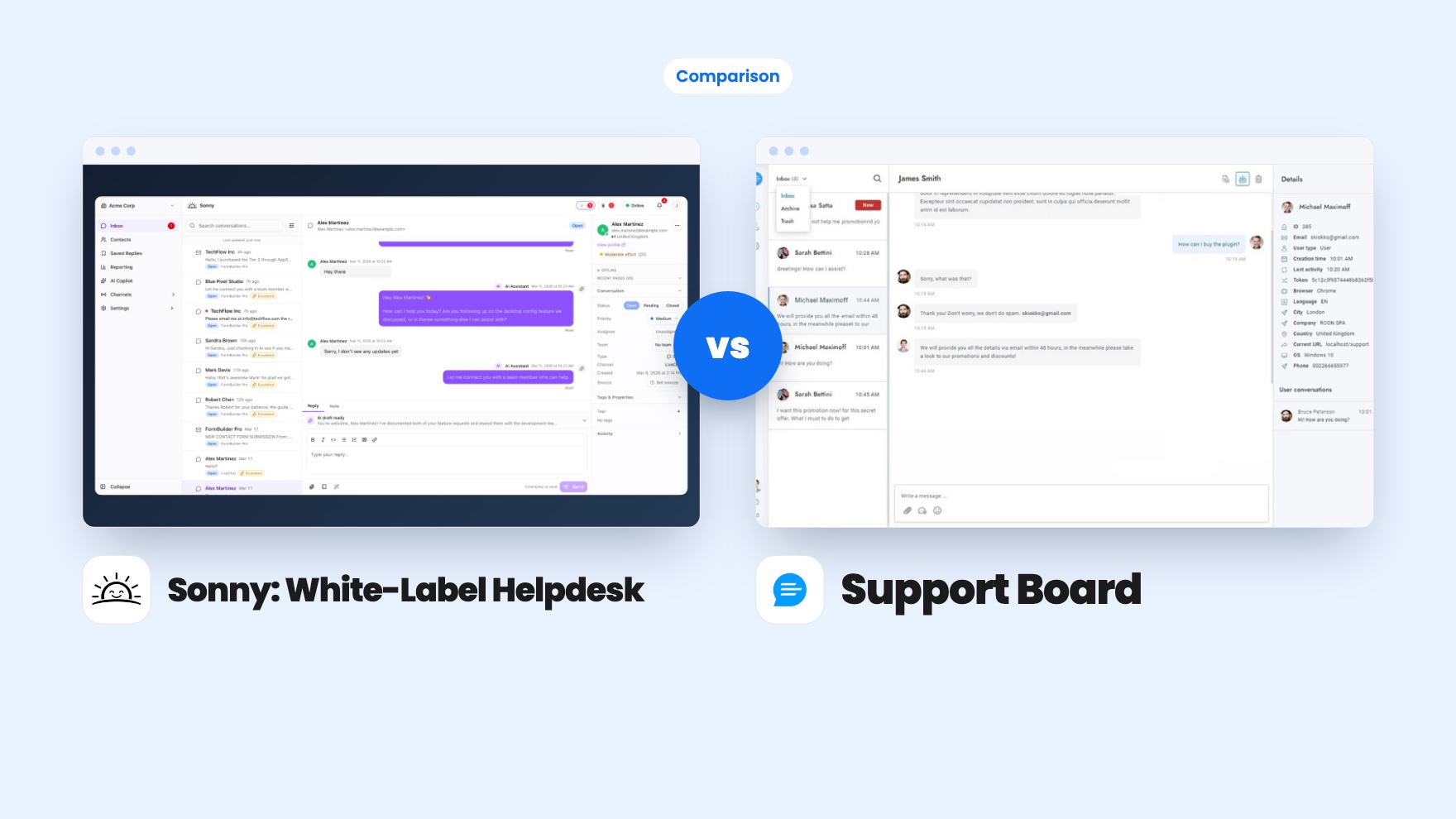
Sonny gives agencies unlimited white-label client workspaces for $149. Support Board offers WhatsApp, Instagram and an AI chatbot from $69, with fees on top.
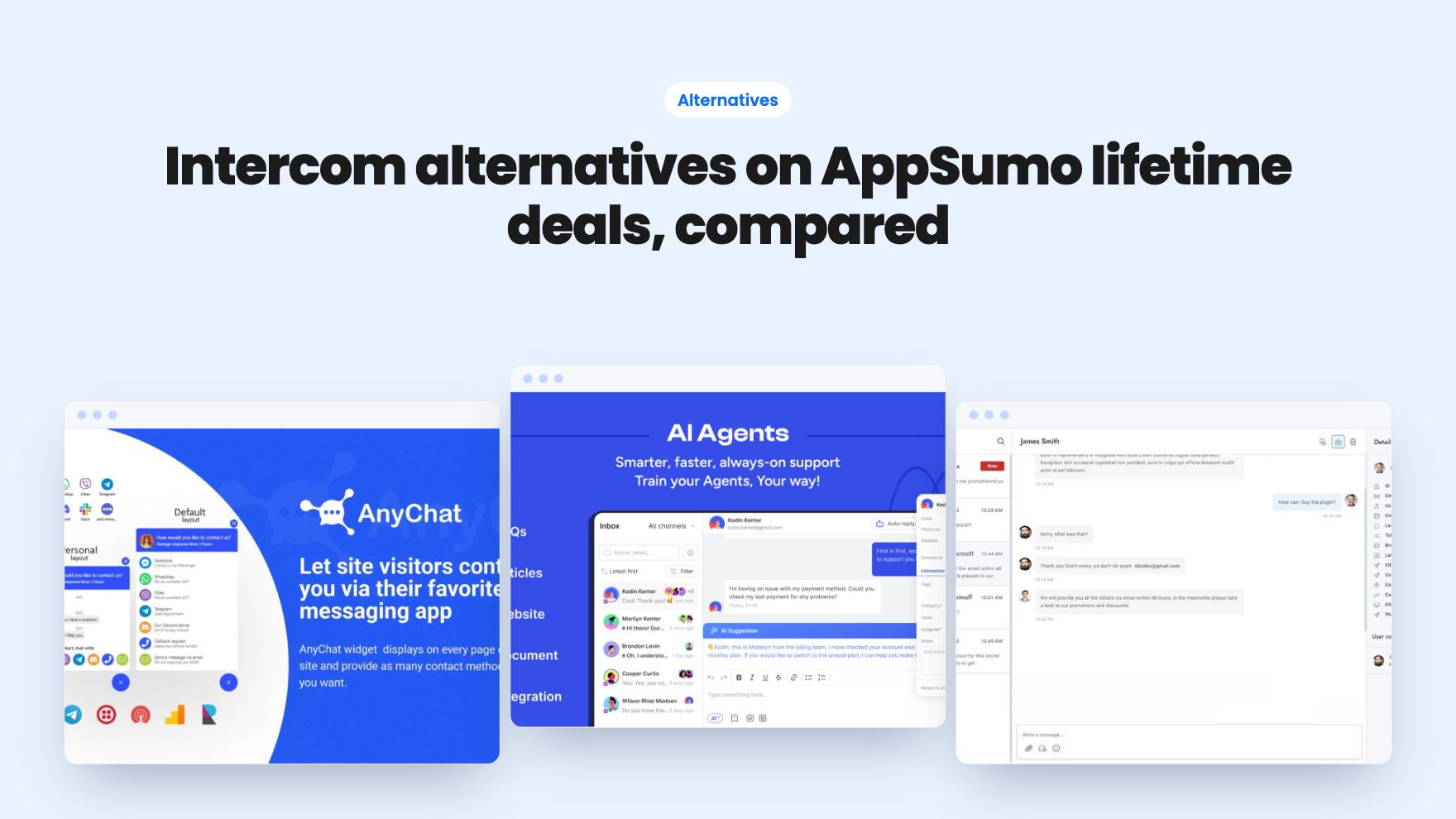
Seven AppSumo lifetime deals that stand in for Intercom, from WhatsApp widgets to AI bots and a resellable helpdesk. Tier limits and gaps, from the listings.