
Social MediaComparison
Creator Insights vs SocialBu: Idea Engine or Everyday Scheduler
Both are $49 social media lifetime deals on AppSumo. Creator Insights helps you research and repurpose. SocialBu schedules, reports and handles the inbox.
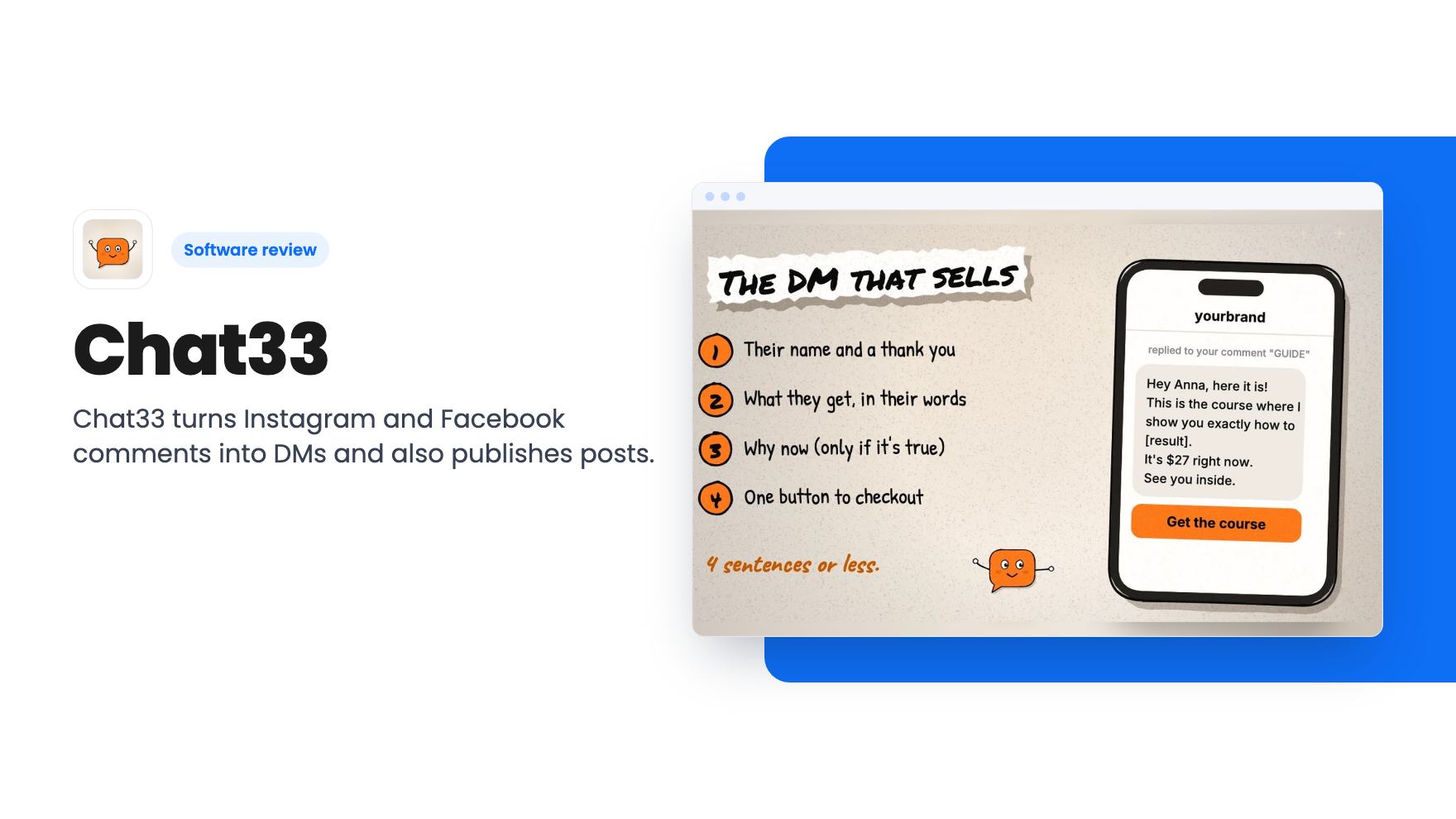
Chat33 turns Instagram and Facebook comments into DMs and also publishes posts. A $199 lifetime deal from a young, solo-built product.
Lifetime deal price
$1990
Lifetime Deal
Our take: Buy one code if you sell through Instagram or Facebook comments and want a flat price instead of a ManyChat-style monthly bill. Skip it if you need a proven scheduler, DM automation beyond Instagram and Facebook, or a vendor with a long track record.
Picture a reel that does well. You said “comment LINK” in the caption, and now a few hundred people have done exactly that. Every one of them wants a message with the link, and every minute they wait, fewer of them still care. Answering by hand isn’t realistic. That gap is what Chat33 is built around.
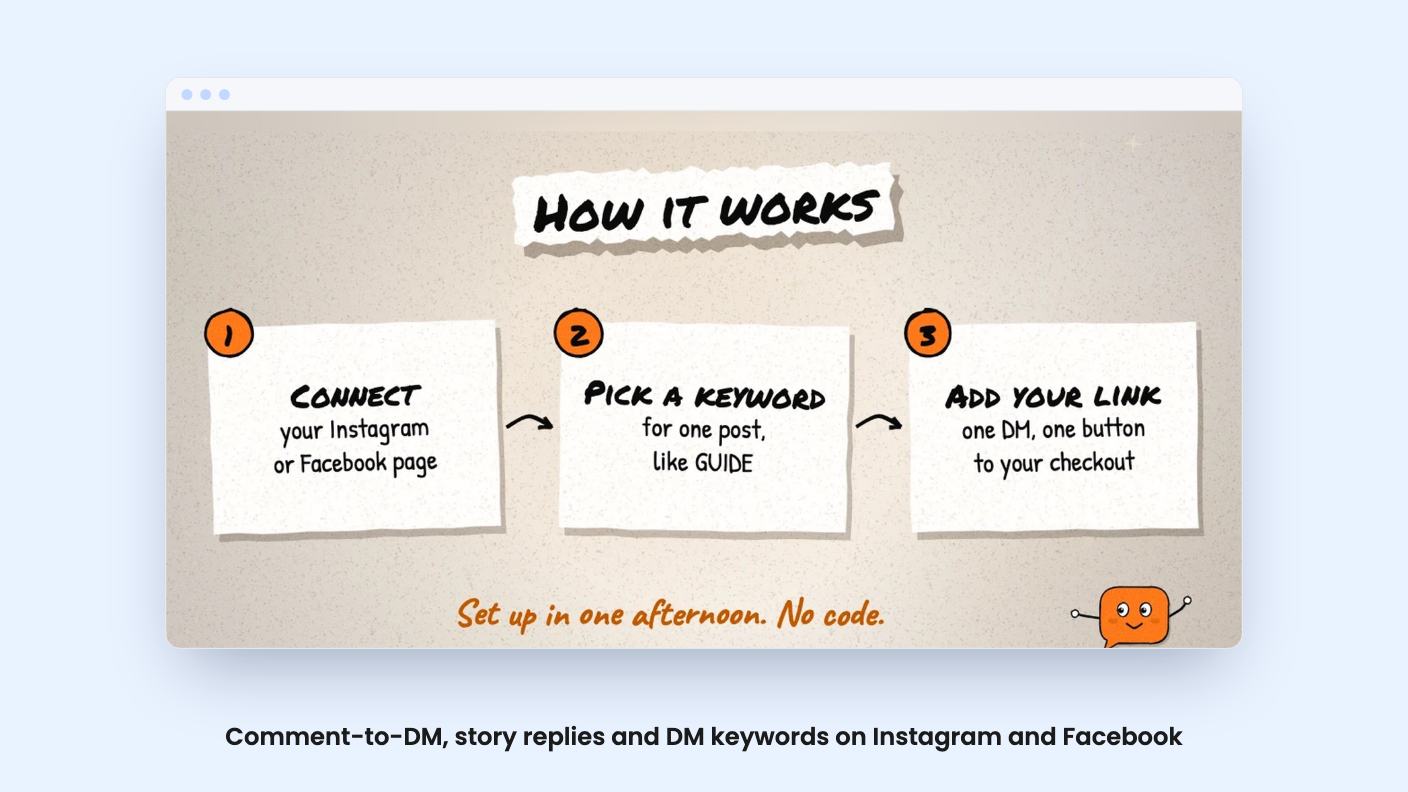
The core idea is simple. Someone comments a keyword on your Instagram or Facebook post, and Chat33 sends them a DM with your link. The listing says you can set up to 15 public reply variations, so your comment replies don’t all look copy-pasted. There’s also an optional ask-to-follow step, where people follow you before the link arrives.
It works on Instagram story replies and DM keywords too. Story replies are Instagram only, and Instagram needs a Business or Creator account.
The listing names ManyChat as the comparison, and that’s fair. Both automate Instagram and Facebook DMs with keywords, buttons and story replies. Chat33’s pitch is that it also publishes content, so you don’t pay for a separate scheduler.
Flows are built step by step, with a live phone preview of what people will see. You can send buttons, quick replies, images and carousels, and you can run an A/B split inside a flow to compare messages.
There are six templates: Sell From a Comment, a two-step comment funnel with one reminder, Story Reply to Checkout, Flash Sale, Appointment Booking and Quiz Starter. For a small shop, Sell From a Comment is the one that matters. You pick it, type your keyword and your link, and switch it on.
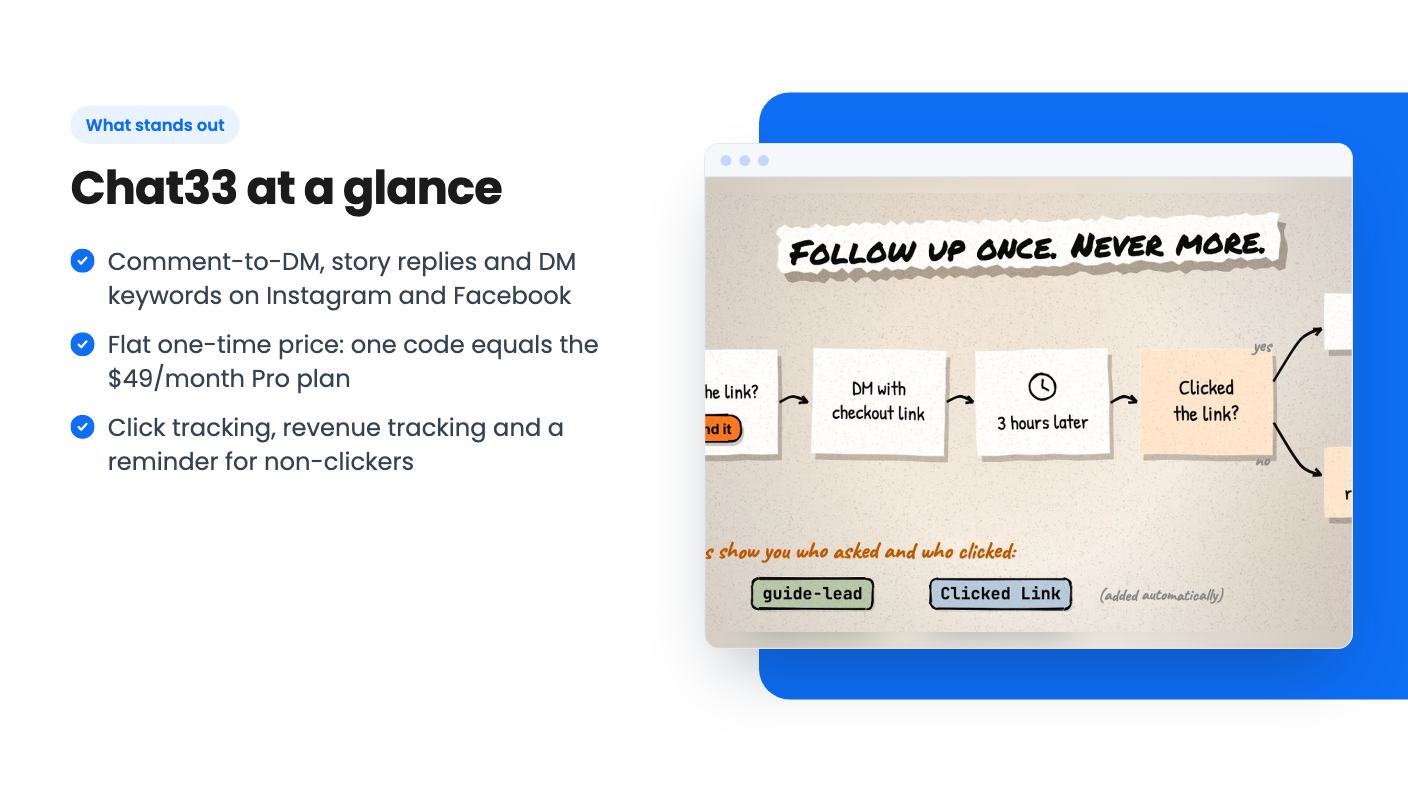
The reminder is the feature I like most on paper. A follow-up DM goes out hours later, only to people who didn’t click. Chat33 tags clickers automatically, so you don’t sort anyone by hand. The listing says “one reminder” every time, though. It doesn’t say whether you can add more, or how you set the delay. Ask before you build a funnel around it.
Tracking covers link clicks per flow and per post, plus revenue tracking that the listing says ties automation to real sales. It doesn’t explain how sales data gets in, whether through a store connection, a pixel or something you enter yourself. That’s a big question for an ecommerce shop. There’s also app install tracking for AppsFlyer, Adjust, Singular and Tenjin links, which only matters if you sell a mobile app.
Publishing works on Instagram (posts, reels, carousels), Facebook Pages, TikTok (video and photo), YouTube (videos and Shorts), X (posts, threads, video) and LinkedIn. X runs on pay-as-you-go credits at $0.04 per post because of X’s API pricing. Everything else is included.
The listing lists Buffer and Hootsuite as alternatives. I’d be careful with that. It says nothing about a content calendar, queues, approval steps or reporting, which are the things people actually pay those tools for. Treat this as a publisher bundled with a DM tool, not a full scheduler replacement, until you see the interface yourself.
DM automation doesn’t extend to those other networks. Comment-to-DM, keywords, buttons and follow-ups run on Instagram and Facebook Pages only.
For technical teams, there’s a REST API with webhooks, an official n8n node and an MCP server so assistants like Claude can manage flows, posts and the inbox. API access is included in the deal.
The video is a short pitch from the founder, Nemanja Divjak. The transcript reads as a sales message, not a walkthrough of the builder. He says a comment on a reel gets a DM in about two seconds, and that comments are “the new checkout button” for creators.
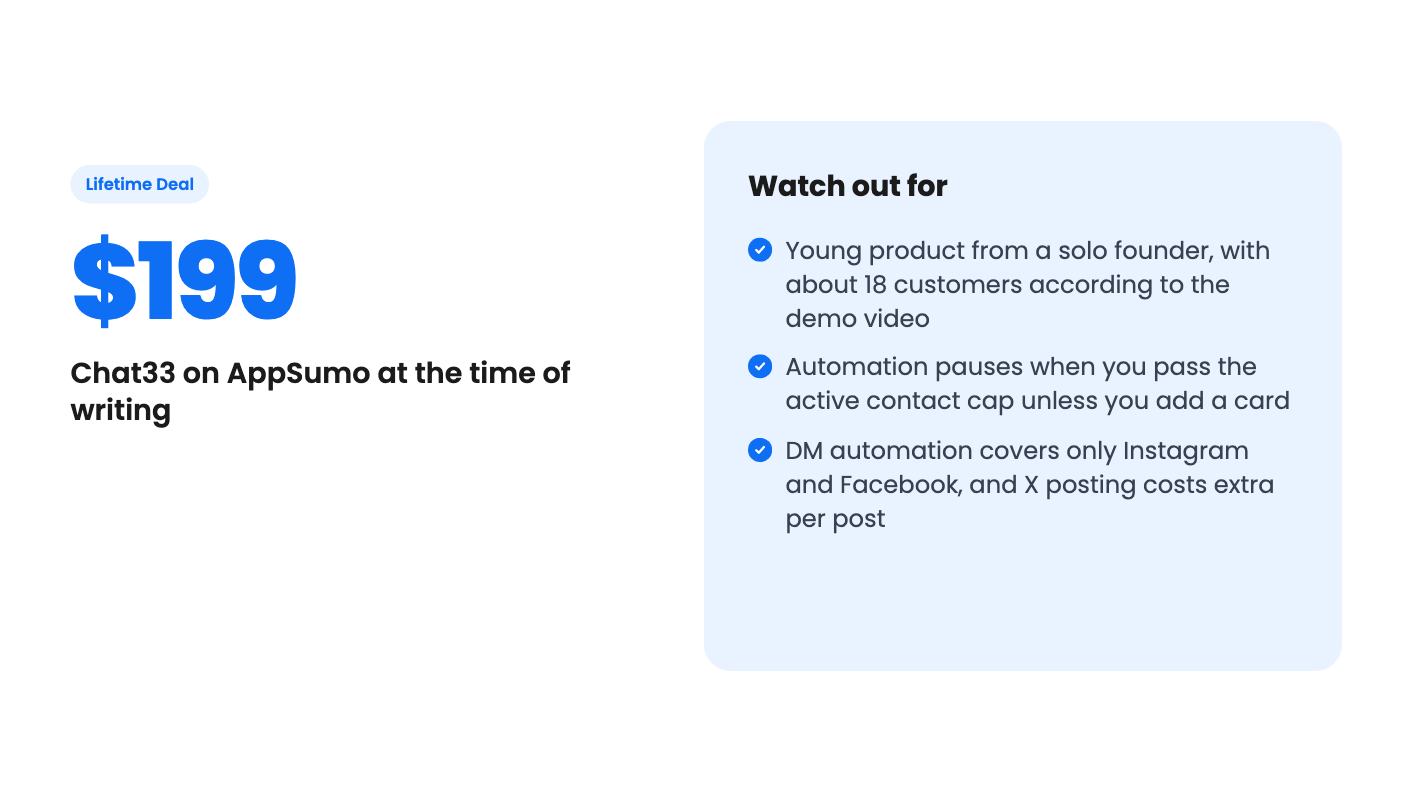
The more useful part is the business detail. He says he built Chat33 alone in 10 months and was approved as a Meta tech provider. Since launching in October, he says, there are 100 users, 18 customers and $2,000 in revenue.
I like that he’s upfront about the numbers. Meta approval matters too, because this kind of tool lives or dies on access to Meta’s platforms. But 18 customers is a very young product. A lifetime deal is a bet that one person keeps building, supporting and paying for infrastructure for years. Buying one code is a reasonable bet. Ten is a much bigger one.
One code costs $199. The listing says that’s the full Pro plan, normally $49 a month, for life. You get 5,000 active contacts per month, 20 connected channels, 5 team seats, 20 GB of media storage, unlimited flows, A/B testing, revenue tracking and priority support. That’s about four months of the monthly price.
Codes stack up to 10, and each one adds the same amount: 5,000 contacts, 20 channels, 5 seats and 20 GB. Tier 2 is $398, and tier 10 is $1,990 for 50,000 contacts, 200 channels, 50 seats and 200 GB. There’s no volume discount. The listing’s plan table also runs the tiers in a confusing order, so go by the FAQ and the per-code math. You have 60 days to redeem each code.
The contact cap is the part to watch. If you pass it, you can stack another code, or add a card and pay $0.012 per extra contact, which is $12 per 1,000. If you do neither, automation pauses until next month. A post that goes viral could stall your flows at the worst moment. The listing also doesn’t define what counts as an “active” contact, so don’t assume it means only people who bought.
The listing doesn’t mention any plan limits on flows. They’re unlimited, which is generous.
Skip it if your audience lives on TikTok, YouTube or LinkedIn and you want DM automation there, because it isn’t offered. Skip it if you need a scheduler with deep analytics, since the listing doesn’t show any. And skip it if you want a vendor with years of history and a big support team.
If you sell through Instagram or Facebook comments and a flat price appeals, the starting math is fair. Buy one code, connect one account, and run Sell From a Comment on a single post before you stack anything. Check the refund terms on the AppSumo page, because the listing text here doesn’t spell them out.
One code is the Pro plan for life, which the listing says is normally $49 a month. That means 5,000 active contacts per month, 20 connected channels, 5 team seats, 20 GB of media storage, unlimited flows, A/B testing, revenue tracking and priority support.
You can stack another code for 5,000 more contacts, or add a card and pay $0.012 per extra contact. If you do neither, automation pauses until the limit resets next month. Incoming messages are still received and stored.
It publishes to Instagram, Facebook Pages, TikTok, YouTube, X and LinkedIn, so it might. The listing says little about calendars, queues or analytics, though. X posts also cost $0.04 each in credits. Check what you'd miss before you drop your current tool.
How this review was made: researched from Chat33's official listing and a transcript of its demo video, and written with help from AI. We have not tested Chat33 hands-on yet. Prices and deal terms change, so check AppSumo before you buy. See our affiliate disclosure.
Both are $49 social media lifetime deals on AppSumo. Creator Insights helps you research and repurpose. SocialBu schedules, reports and handles the inbox.
Ten AppSumo lifetime deals for small businesses, from booking and forms to SEO and outreach, with the limits and tier quirks each listing shows.
Both are $49 AppSumo deals for social media. Creator Insights is built for research and scripting, PixaSocial Ai for cutting long video into shorts.

