
Forms & SchedulingReview
zcal Review: A Good-Looking Scheduler at a $59 Lifetime Price
zcal is a design-focused scheduling tool with team booking and custom domains. The lifetime deal runs $59 to $219, with user caps that matter.
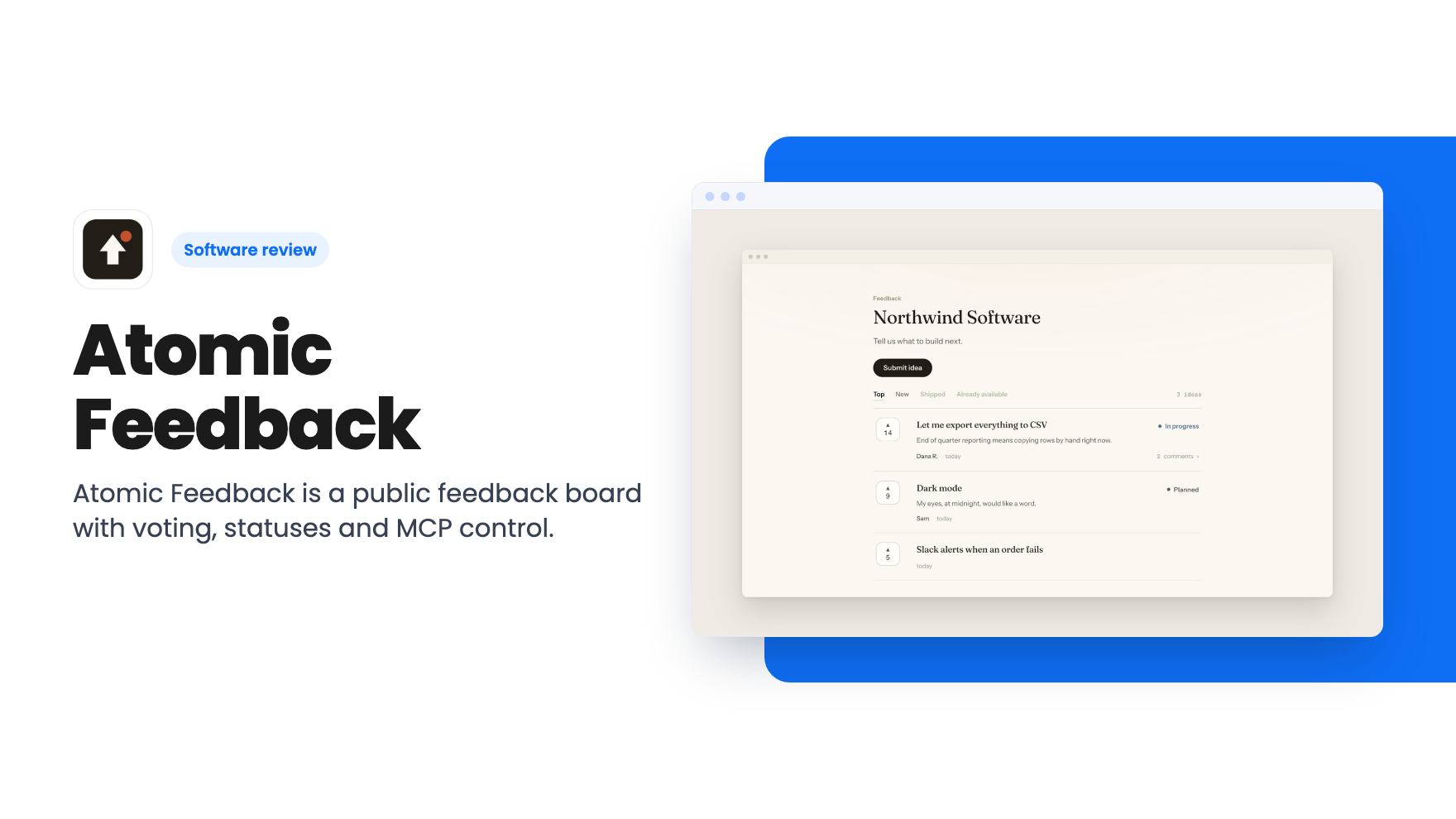
Atomic Feedback is a public feedback board with voting, statuses and MCP control. The AppSumo lifetime deal starts at $49, with real limits on the lower tier.
Lifetime deal price
$49$18073% off
Lifetime Deal
Our take: Buy the $49 tier if you're a solo founder or small team that wants a simple public voting board and has no use for roadmaps or analytics. Skip it if you need integrations, roles, changelogs or a product with a track record, and spend the extra on tier 2 only if branding removal matters.
Feature requests have a habit of scattering. One arrives in a support email, another in a DM, a third in a comment under a tweet, and by Friday you’re trying to remember which one three different customers asked for. Most small teams handle this with a spreadsheet and good intentions, and the spreadsheet loses.
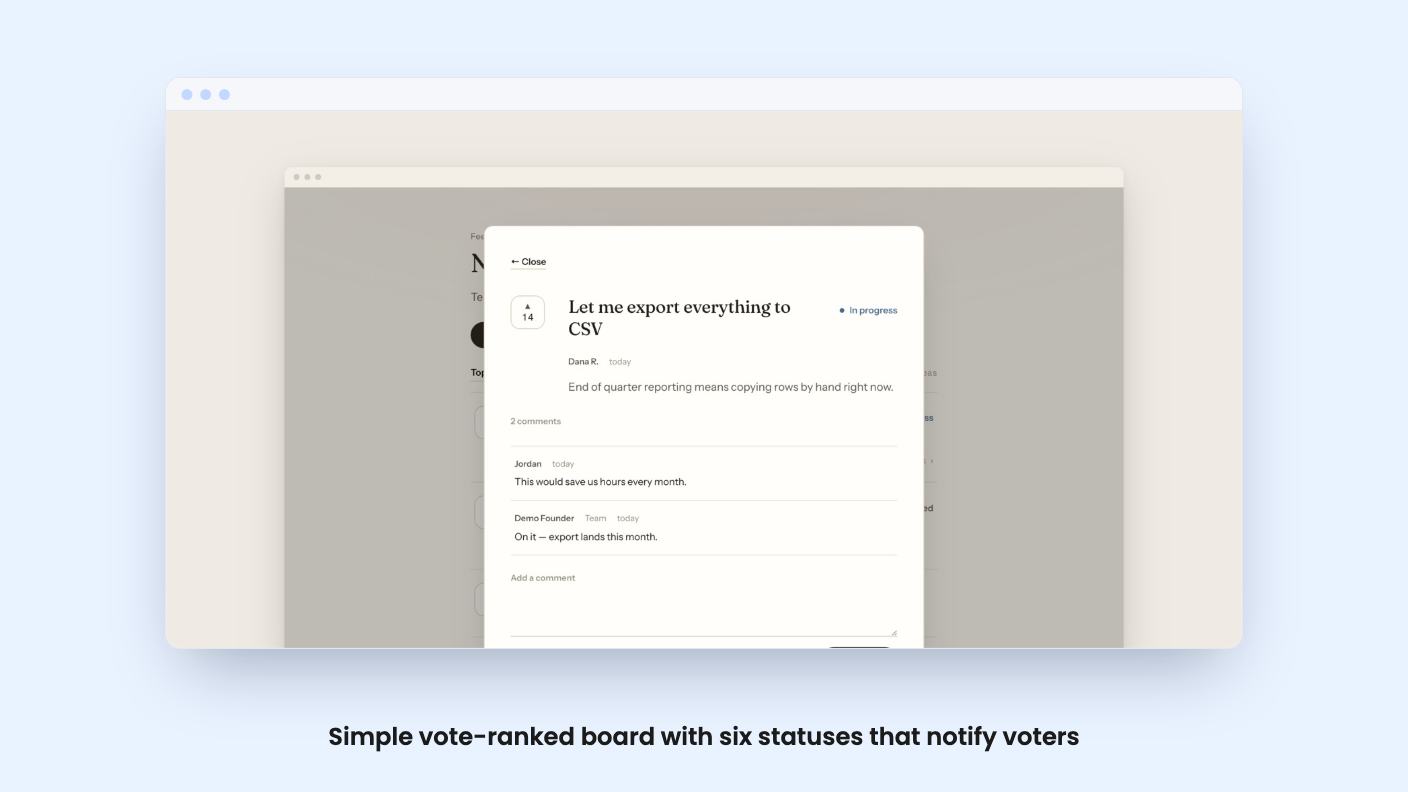
Atomic Feedback is a public board that tries to fix exactly that. Your users post ideas, vote on each other’s, and you set a status that tells everyone who asked what’s happening. It’s currently a lifetime deal on AppSumo at $49 for the lower tier and $99 for the higher one, and it lists Canny, Productboard and UserVoice as the products it replaces.
We haven’t used it. Everything here comes from the listing, and there’s no demo video to go on, so treat this as a read of what’s promised rather than what’s proven.
The core idea is small. Someone posts an idea, others vote it up, and the most wanted requests rise on their own. You can sort by top, new, shipped or already available without building a view first.
One detail I like: the board shows the raw vote count, not a percentage. A request with 4 votes and one with 140 look different at a glance, and you don’t have to guess what a percentage is a percentage of. That’s a sensible choice for a small product where the numbers are modest.
There’s no mention of duplicate merging, tagging, or any kind of search beyond those sort options. On a young board that’s fine. Once you have a few hundred ideas, you’ll probably want more, and the listing doesn’t say it’s coming.
This is the part that actually changes how customers feel about asking. You pick one of six statuses, and everyone who voted sees the idea move. The listing doesn’t name the six, so we can’t tell you whether they match how you already talk about work.
Replies are marked as coming from the team, so an official answer can’t be confused with another user’s guess. You can also open an idea over the board, read the thread, and close it without losing your place in the list. Small thing, but anyone who has scrolled a long feedback page and lost their spot will get it.
The promise is that you answer once, in public, and it’s visible to everyone who asked. That cuts the repeat emails. It also means your replies are public, so you’ll want to write them like it.
The design controls are modest but useful. You can pick a font for the board name and idea titles from six built in, and set any background color. The board then adjusts its text and borders so it stays readable against whatever you chose.
You can also decide whether visitors give a name and email or post anonymously, with a single switch. Requiring an email gives you people to follow up with. Allowing anonymous posts gets you more ideas and more noise. Pick based on how much spam you can tolerate.
The FAQ also says the board can be embedded in your own site with no visible chrome, using the same votes. That’s attractive if you want feedback to live at yoursite.com/feedback and not on a separate address. How you set up the embed isn’t described, so check that before you commit.
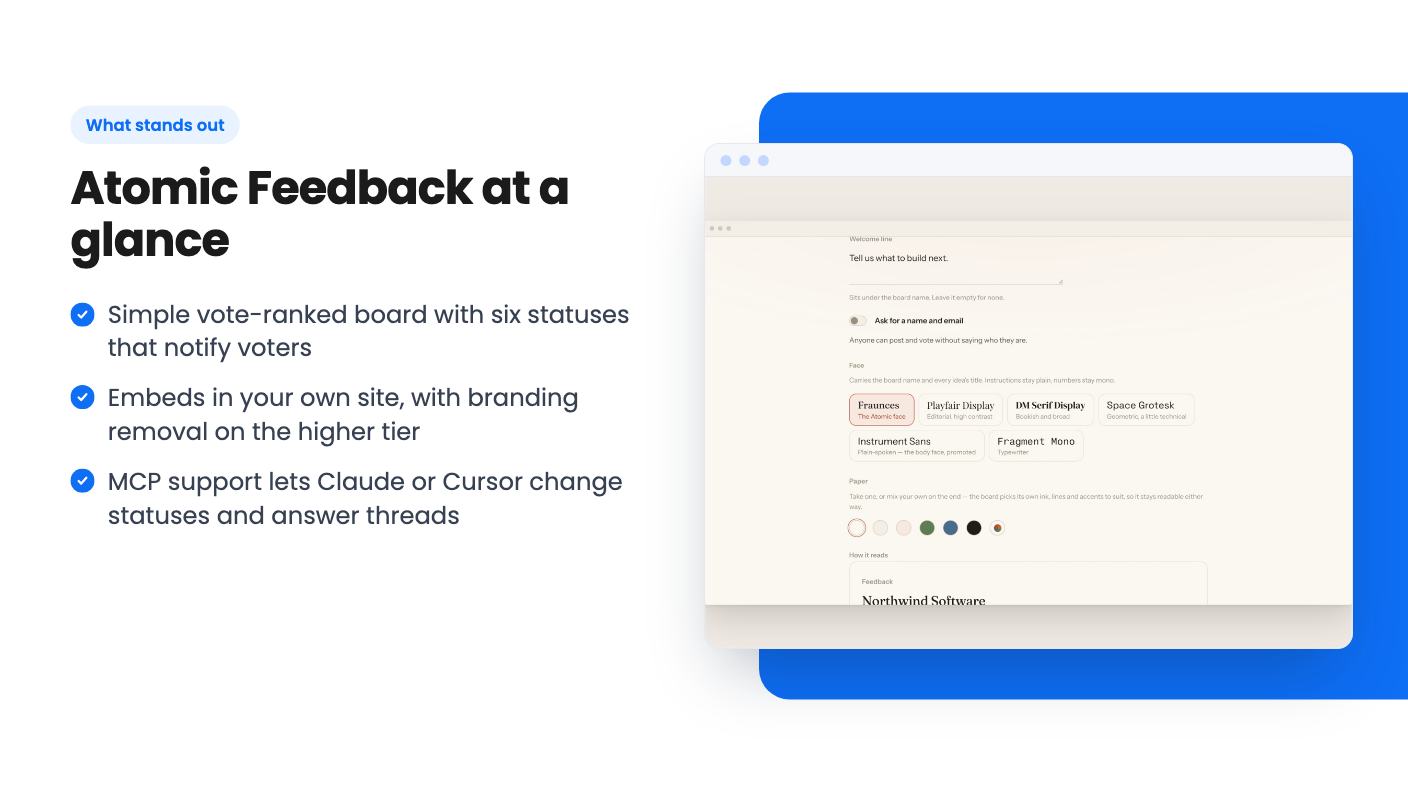
The most unusual item in the listing is MCP support. You connect Claude or Cursor with one sign-in and one approval, with no API key to manage. From there you can move a status or answer a thread from a conversation, under your own name.
The listing says access is limited to your own board, never a teammate’s account or anything you couldn’t reach yourself, and you can disconnect any tool from settings. That’s a reasonable security stance, at least on paper.
Is it useful? For a founder who already lives in an AI assistant, probably yes. Saying “mark the dark mode request as planned and reply that it’s coming next month” beats clicking through a dashboard. The listing also says you can reach your own posts and comments through the MCP server at any time, which is its answer to data export. There’s no mention of a CSV export, so if that matters to you, ask.
Both tiers include lifetime access and future plan updates, and you must activate your license within 60 days of purchase. You can switch between the two tiers, and there’s no code stacking.
Here’s how they differ, going by the FAQ’s description of Startup and Pro:
The listing’s feature table prints those values in the opposite order, so we’re relying on the FAQ and the price order. Confirm on the sales page before paying.
The branding point is the one to think about. If the board sits in front of your customers, a third-party badge on the $49 tier may bother you. At $99 you remove it and get the extra boards. Those list prices of $180 and $468 are the usual AppSumo anchors, so I’d ignore them and judge the deal on whether you’d pay $49 or $99 once.
One team note: invited teammates can do everything you can, and there are no roles or permissions. That’s simple, but it means anyone with access can change statuses and edit the board.
This is a lean tool, and the listing is honest about that by saying little beyond the board. There’s no mention of a public roadmap view, a changelog, analytics, a help desk link, or integrations with tools like Slack or Jira. The only integrations named are Claude, ChatGPT and MCP.
It’s also a young product with no demo video and no track record in the listing. A lifetime deal only pays off if the developer is still around in three years, and nothing here lets us judge that.
Skip it if you need role-based access, formal prioritization scoring, or a feedback system tied into a larger product stack. Those are the jobs Productboard is built for, and this isn’t trying to do them.
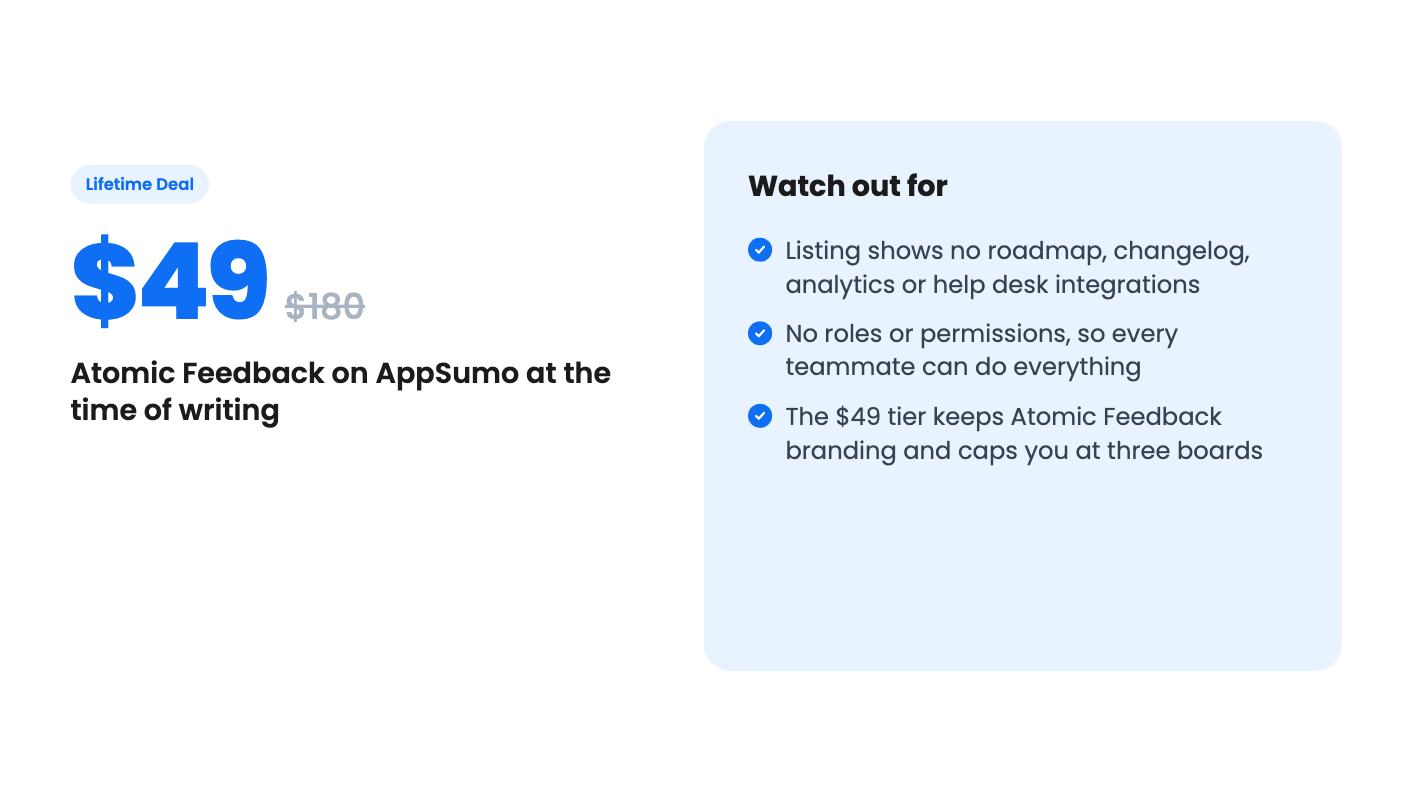
If you’re a small team that wants a public place for ideas and a clean way to tell people what happened to them, the $49 tier is a low-risk try, and the 60-day activation window gives you time to test the board with real users. Go to $99 only if you need the branding gone or more than three boards.
Per the listing, the $49 tier gives you three boards, 10 team members, shared board styling and Atomic Feedback branding. The $99 tier gives you ten boards, unlimited team members, each board's own face and paper, and branding removed. The listing's feature table prints the numbers in reverse order, but the FAQ confirms Startup has three boards and Pro has ten.
Yes, according to the listing. The same board with the same votes can sit inside your site with no visible chrome. The listing doesn't spell out how the embed is set up or whether the lower tier's branding shows inside it.
The listing doesn't mention any. The only integrations named are Claude, ChatGPT and MCP. If you need feedback to flow into a tracker or chat tool, ask the developer before buying.
How this review was made: researched from Atomic Feedback's official listing, and written with help from AI. We have not tested Atomic Feedback hands-on yet. Prices and deal terms change, so check AppSumo before you buy. See our affiliate disclosure.
zcal is a design-focused scheduling tool with team booking and custom domains. The lifetime deal runs $59 to $219, with user caps that matter.
AppSumo hasn't announced its Black Friday 2026 deals yet. Here's how to shortlist, check plan limits and which lifetime deals to watch.
Yoya swaps the booking form for an AI chat and sends you a pre-call brief. Here's what the $49, $129 and $249 AppSumo lifetime tiers really get you.

