Helpdesk & SupportReview
Hyperleap AI Review: Solid Chatbot Deal, Mind the Credit Cap
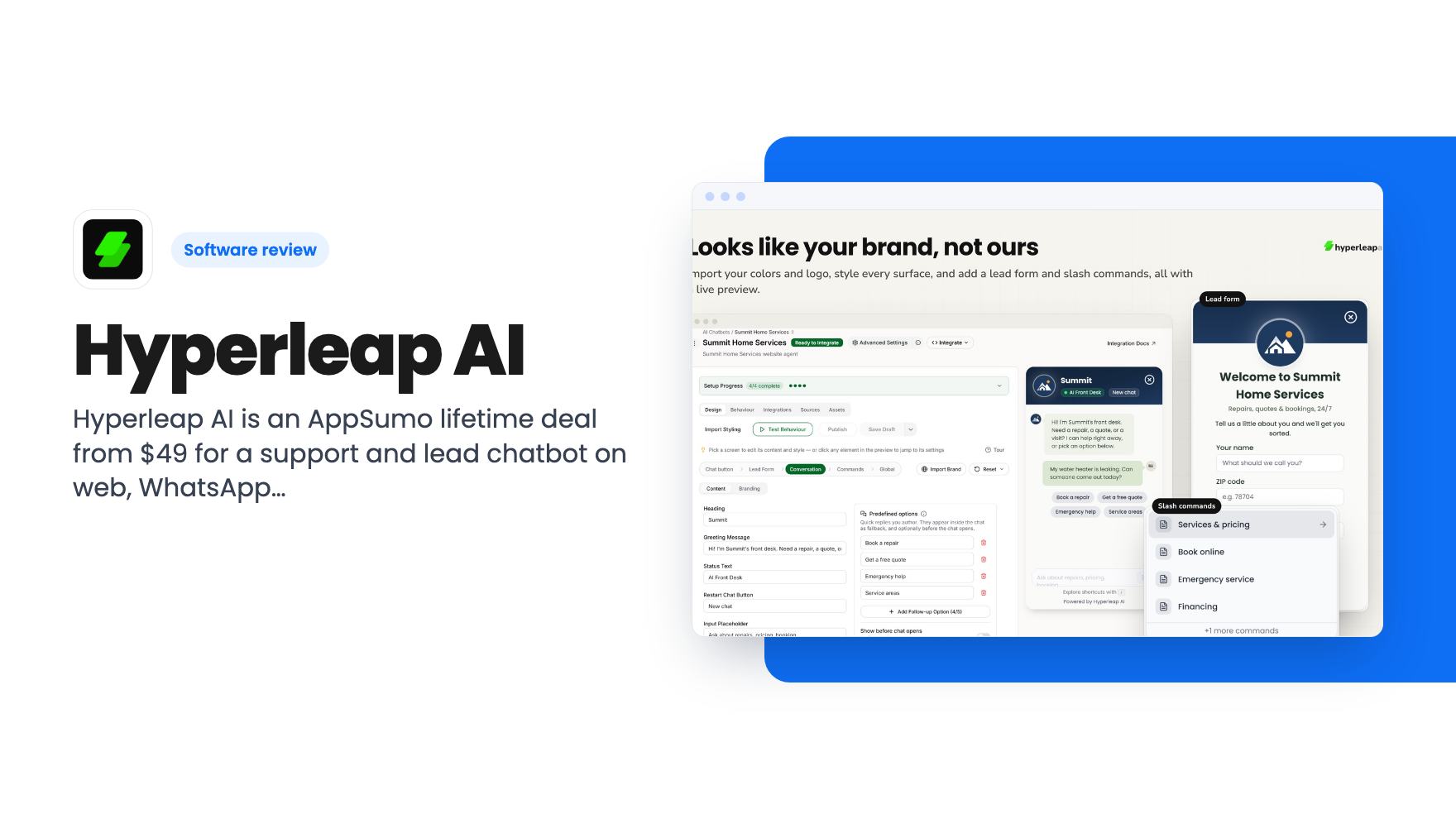
Hyperleap AI is an AppSumo lifetime deal from $49 for a support and lead chatbot on web, WhatsApp, Instagram and Messenger. Credits are capped, though.
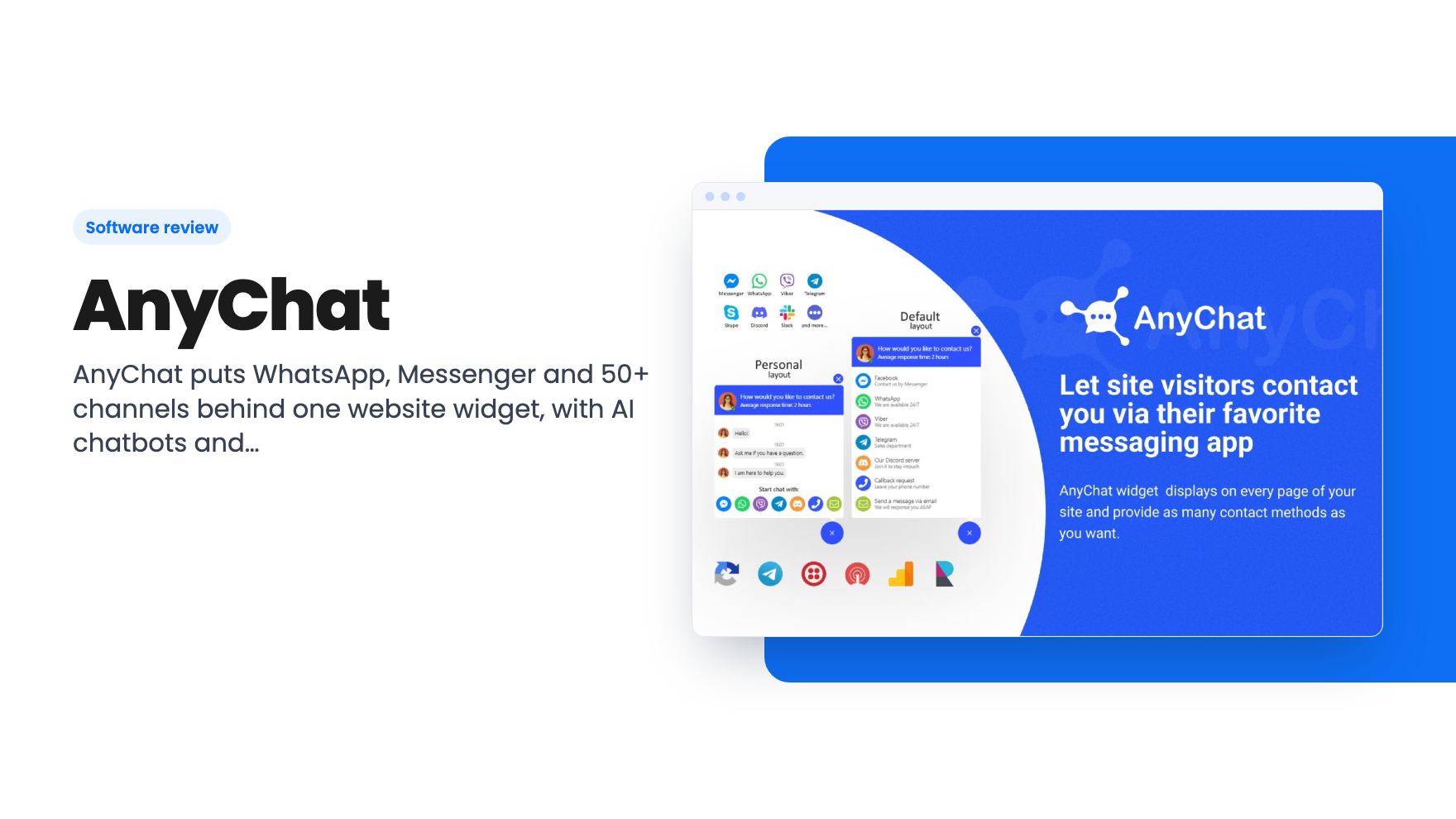
AnyChat puts WhatsApp, Messenger and 50+ channels behind one website widget, with AI chatbots and live chat. Is the $49 AppSumo lifetime deal worth it?
Lifetime deal price
$49$10855% off
Lifetime Deal
Our take: AnyChat is a good fit for small businesses and agencies that want one widget to route website visitors to WhatsApp, Messenger and other apps, and that want AI chatbots at a low one-time price. Skip it if you need a deep helpdesk with ticketing and reporting, since the listing and demo focus on the widget and messaging. Also check the tier limits closely: the cheaper tiers cap agents, chat history and AI assistants.
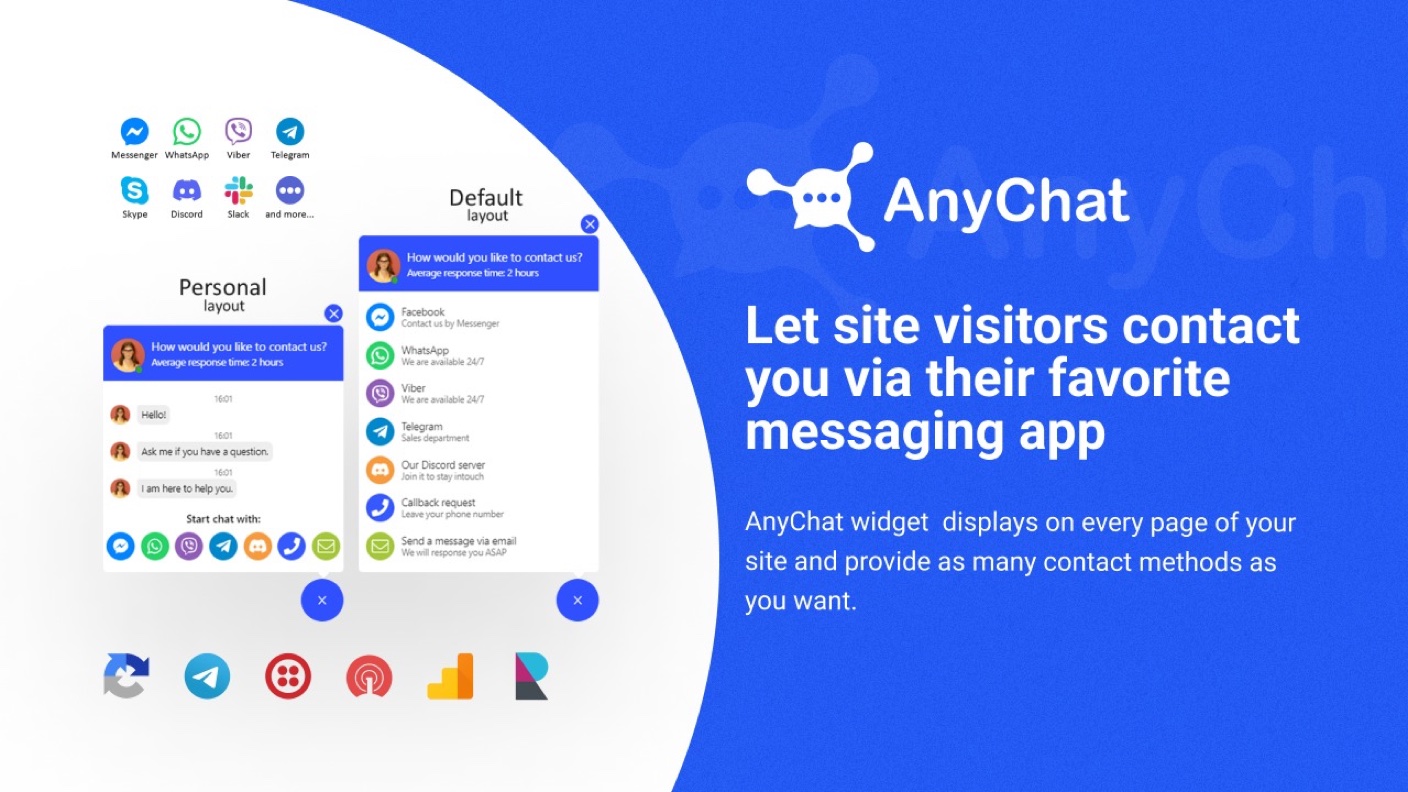
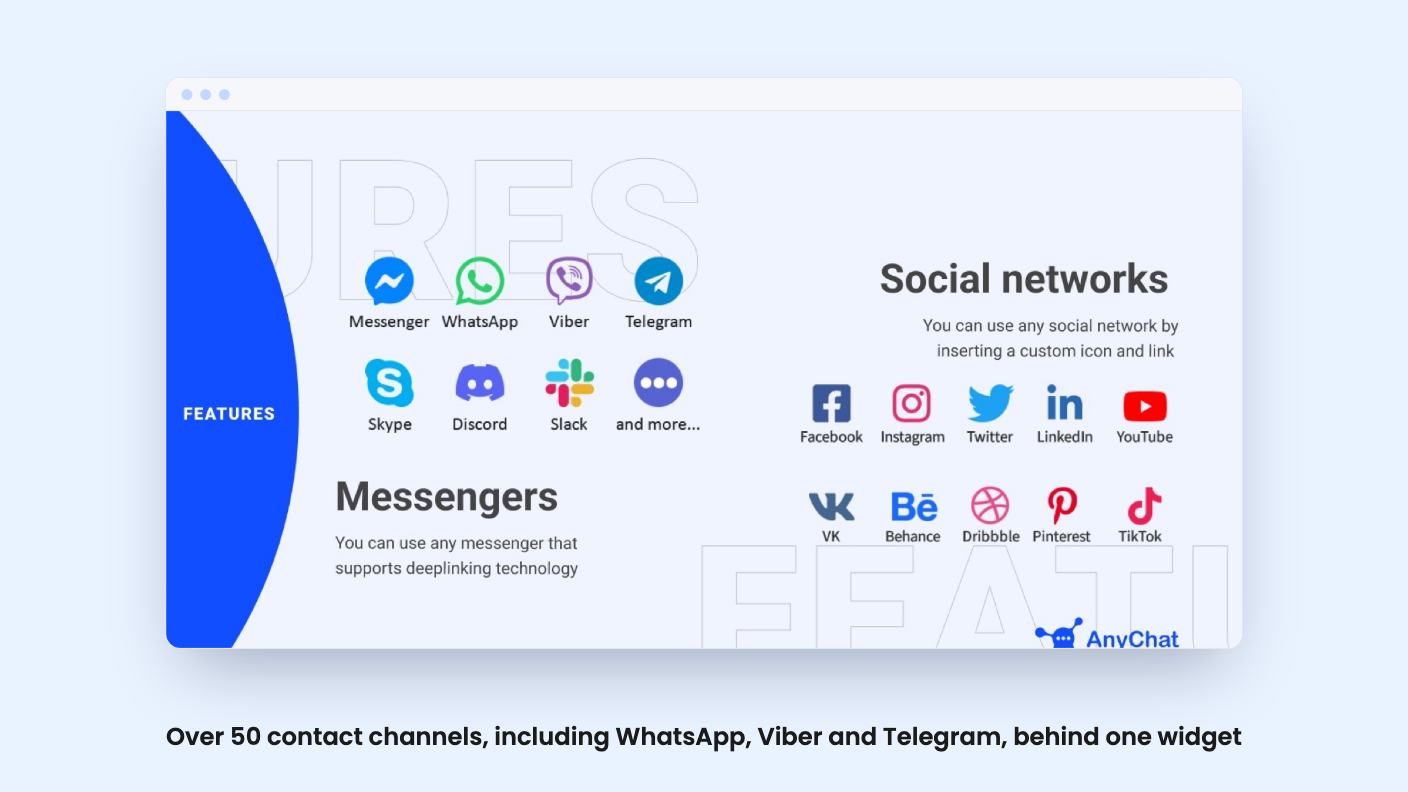
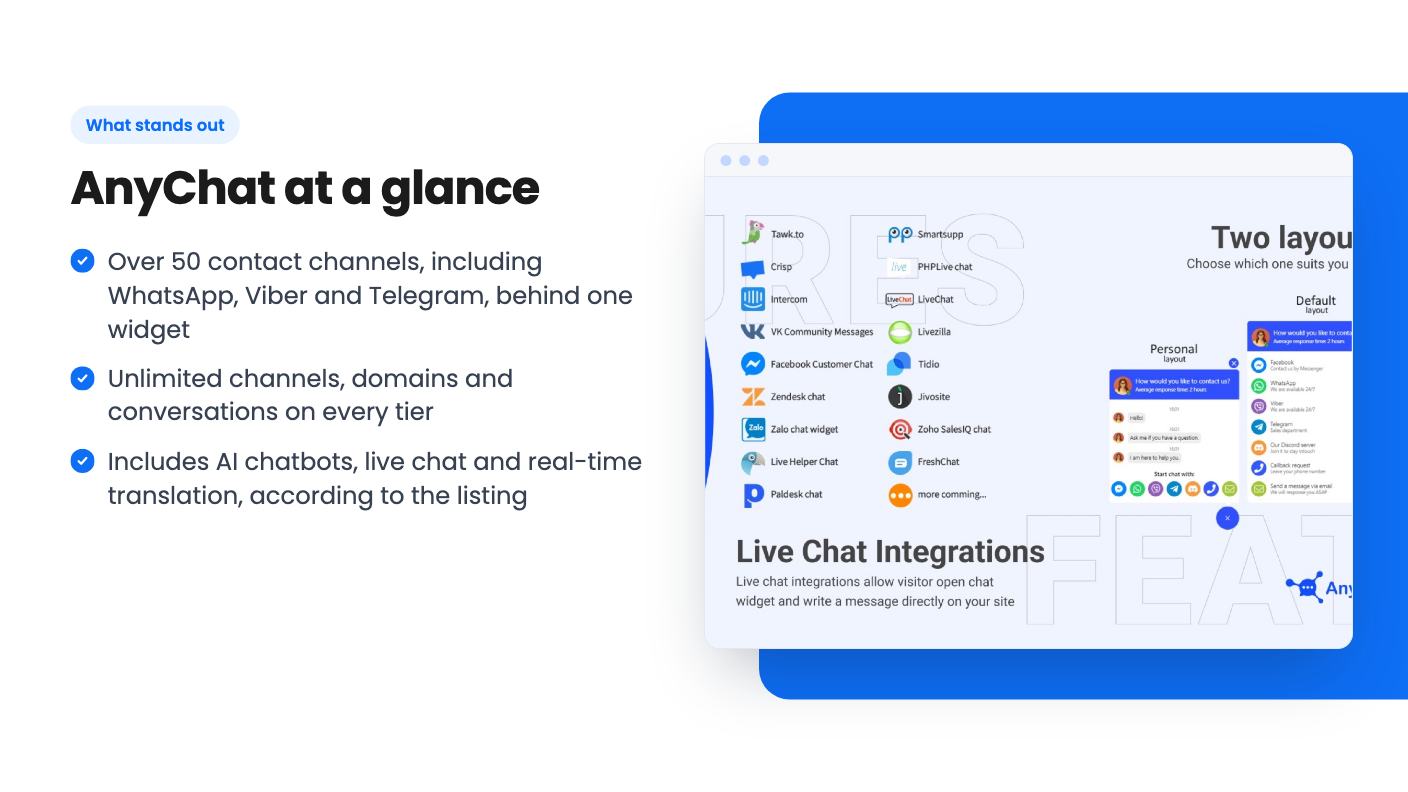
AnyChat is a website communication tool. It adds a single customizable widget to your site, and visitors can use it to contact you through the messaging app they already use. According to the listing, it supports over 50 channels, including WhatsApp, Viber and Telegram. AppSumo’s review summary also mentions Messenger and Instagram.
The tool also covers live chat, click-to-call-back and email requests, based on the demo video. The goal is to turn website visitors into leads and to make customer support easier.
The listing and demo video describe these features:
The listing’s plan table also mentions canned responses, chat flows, custom fields, inbox integrations and workspaces. These suggest it goes beyond a simple button and covers some inbox and automation work. The listing gives no detail on how deep those features go.
The demo video is a short narrated pitch. It does not walk through the dashboard, so it is not a product tour.
It says AnyChat lets visitors reach you through WhatsApp, Facebook, Viber, Telegram or other messaging apps. It also mentions live chat and click-to-call-back, plus direct email requests. It says the widget can be customized and connected to multiple websites and contact channels from one multi-tool button.
One point stands out. The video says visitors can keep chatting in their favorite apps even after they leave your website. That is useful for follow-up, but the video does not show how it works.
The video does not show the AI chatbot, the agent inbox, the chat flow builder or the translation feature. Those claims rest on the listing alone. Watch for a fuller demo or try the product within the refund window before relying on them.
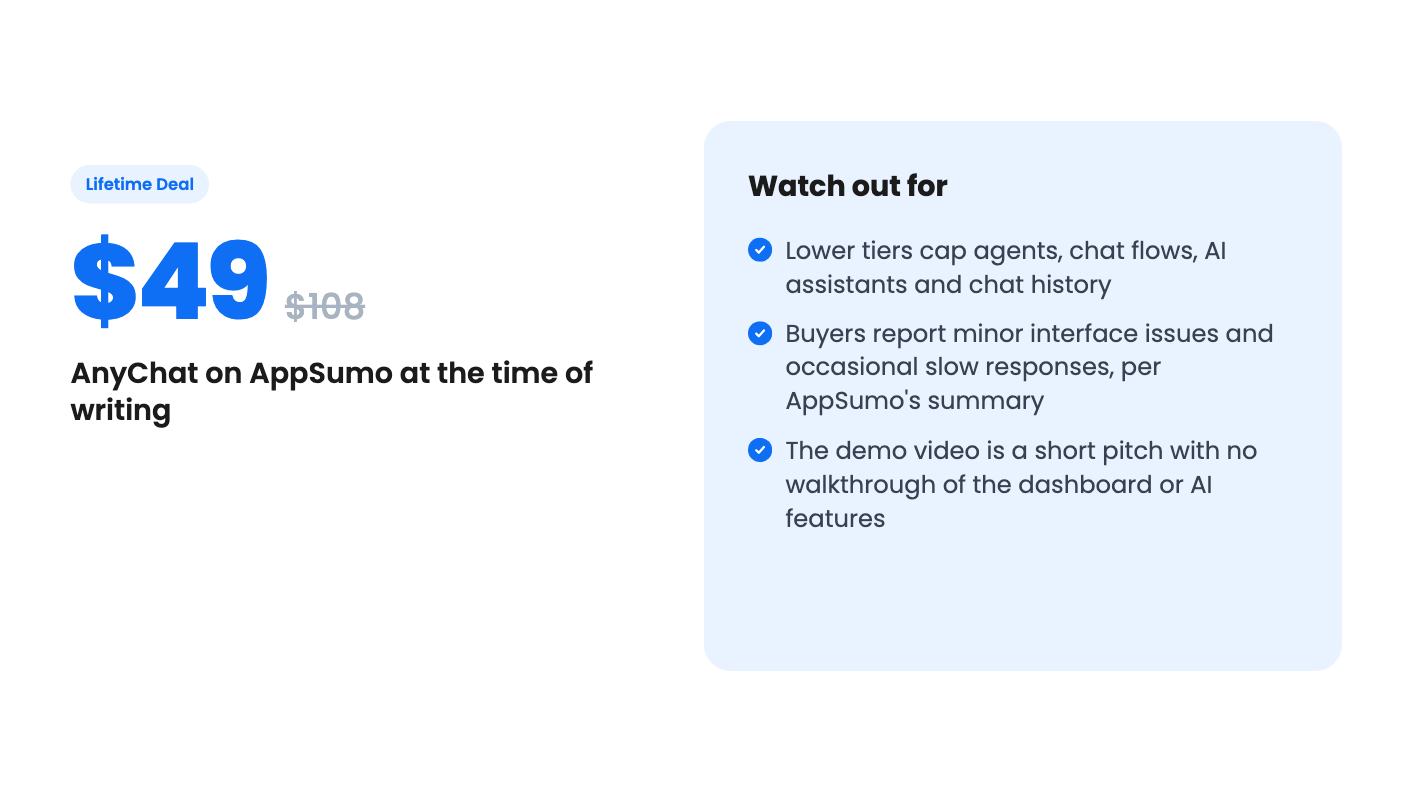
AppSumo sells AnyChat as a lifetime deal in three tiers. All of them are stackable. You must redeem your codes within 60 days of purchase, and the listing says you get all future plan updates.
| Tier | Price (list) | Agents | AI assistants | Chat flows | Chat history |
|---|---|---|---|---|---|
| 1 | $49 ($108) | 3 | 3 | 3 | 60 days |
| 2 | $98 ($168) | 5 | 5 | 5 | 90 days |
| 3 | $147 ($228) | 25 | Unlimited | Unlimited | Unlimited |
The listing’s feature list is a little hard to read. It shows three values per feature, and the order appears to run from the highest tier to the lowest. The table above reads it that way. Confirm the exact limits on the AppSumo page before you buy.
Channels, domains and conversations are unlimited on all tiers. The caps that matter are agents, chat history, AI assistants, chat flows, canned responses and custom fields.
The listing also offers a 60-day money-back guarantee, which lowers the risk of trying it.
A good fit if you:
Think twice if you:
AppSumo’s 4.75/5 average from 154 reviews is encouraging, but that summary is marketing copy. Treat it as a starting point and use the 60-day guarantee to test your own use case.
AnyChat looks like a low-cost way to put many messaging channels behind one website widget, with AI and live chat included. It suits small teams and agencies. Check the tier limits and test it inside the refund window before you commit.
According to the listing, AnyChat supports over 50 communication channels, including WhatsApp, Viber and Telegram. The listing's review summary also mentions Messenger and Instagram.
Yes. The listing says the deal is stackable. You must redeem your codes within 60 days of purchase. The listing also describes a 60-day money-back guarantee.
Yes. The listing says agency plans let you create subaccounts for clients, each with their own dashboard login and the plans and features you enable.
How this review was made: researched from AnyChat's official listing and a transcript of its demo video, and written with help from AI. We have not tested AnyChat hands-on yet. Prices and deal terms change, so check AppSumo before you buy. See our affiliate disclosure.
Hyperleap AI is an AppSumo lifetime deal from $49 for a support and lead chatbot on web, WhatsApp, Instagram and Messenger. Credits are capped, though.
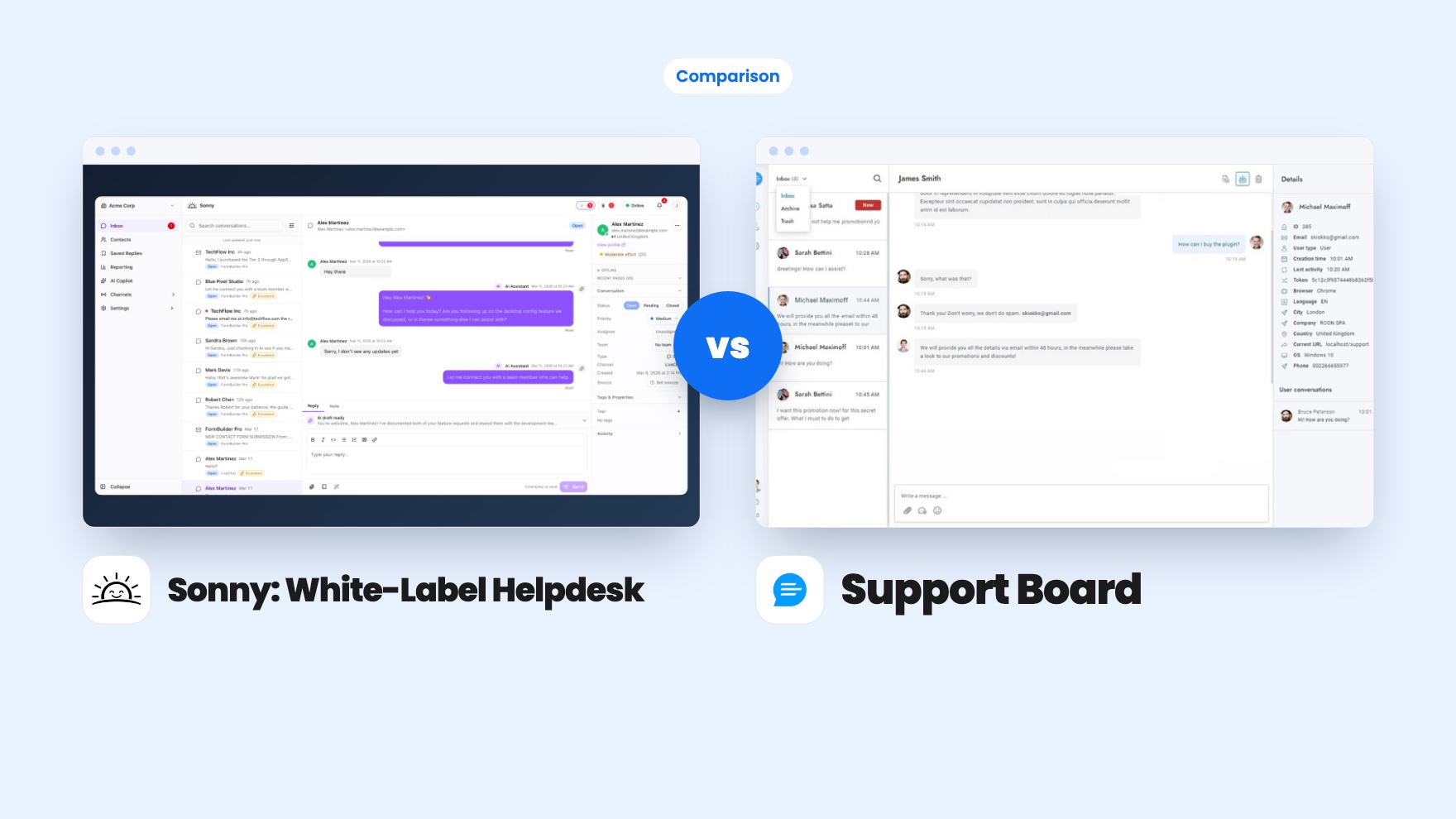
Sonny gives agencies unlimited white-label client workspaces for $149. Support Board offers WhatsApp, Instagram and an AI chatbot from $69, with fees on top.
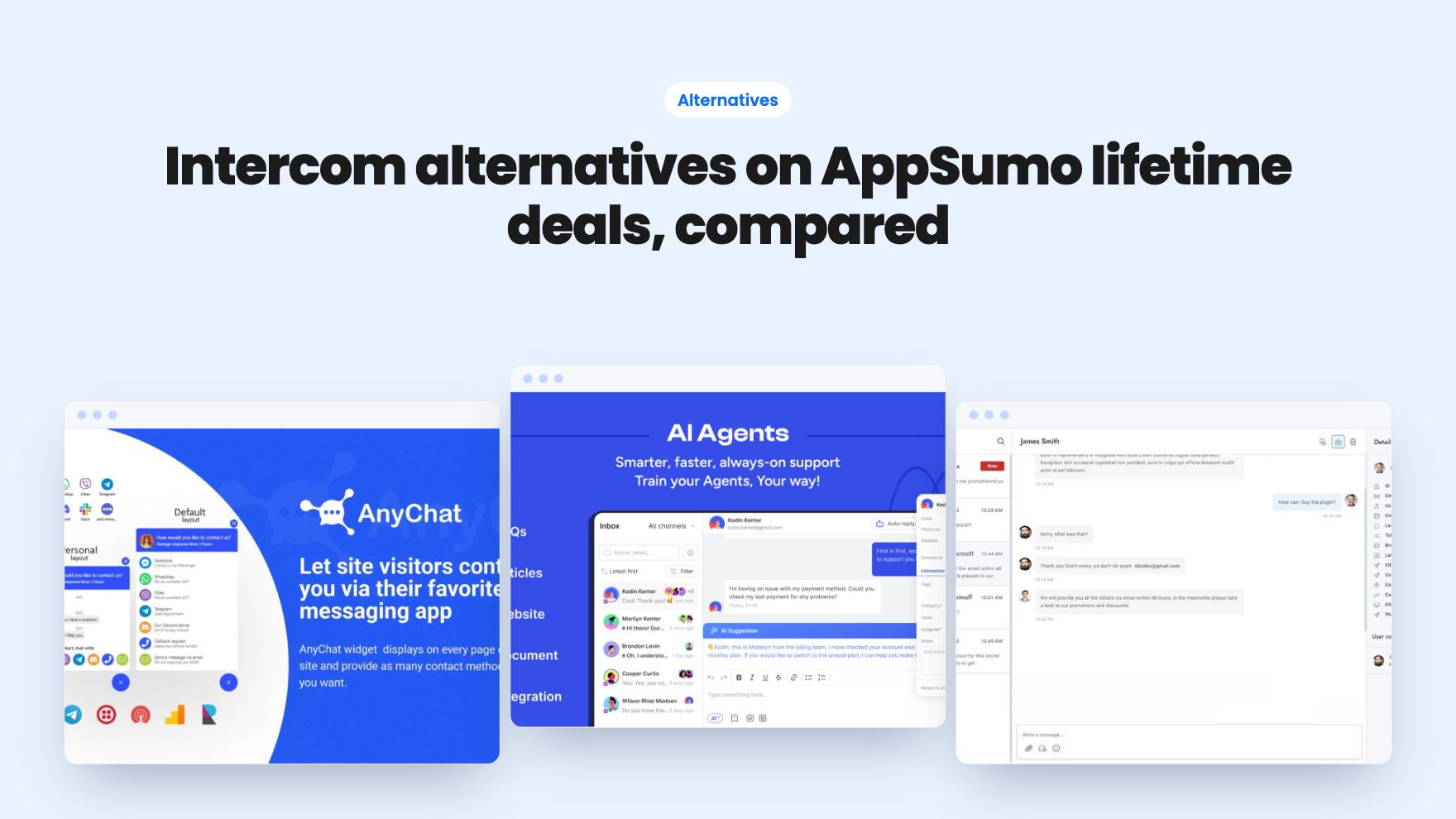
Seven AppSumo lifetime deals that stand in for Intercom, from WhatsApp widgets to AI bots and a resellable helpdesk. Tier limits and gaps, from the listings.