Lead GenerationReview
KingSumo Review: Free Giveaway Tool With a $49 Pro Upgrade
KingSumo runs viral email giveaways. Free tier has unlimited contests, and a one-time $49 Pro adds branding removal, tracking and Mailchimp, Kit and Klaviyo.
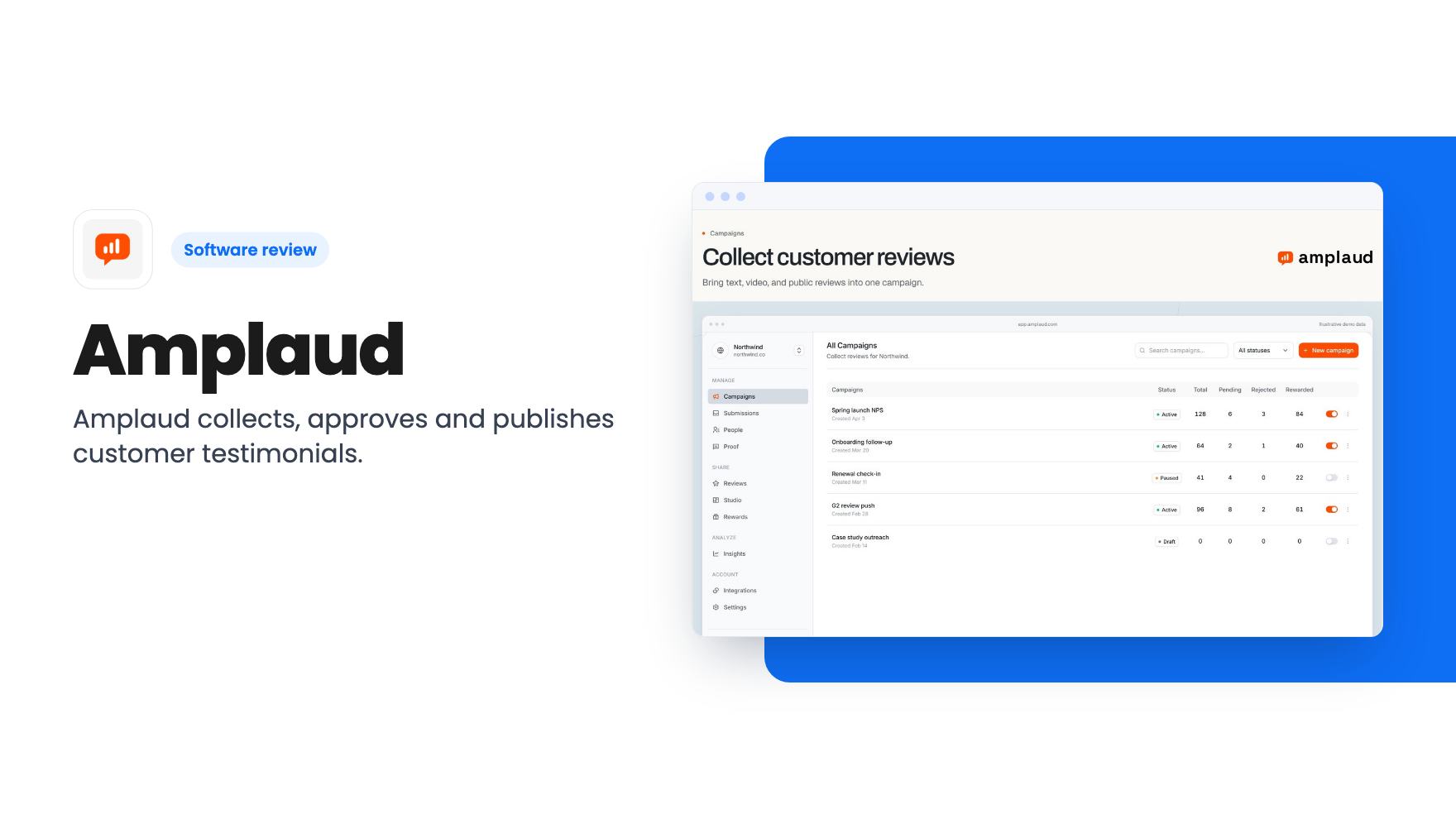
Amplaud collects, approves and publishes customer testimonials. We look at the three AppSumo tiers, what Tier 1 leaves out, and who should skip the deal.
Lifetime deal price
$49$27682% off
Lifetime Deal
Our take: Amplaud suits small teams that want one place to collect, approve and publish testimonials and reviews, and Tier 2 at $98 is where the deal makes sense. Skip Tier 1 if you need your own branding, integrations or rewards, and skip the whole thing if you already collect proof somewhere and it works.
You’ve got a lovely line from a customer buried in an email thread. Another one sits in a Slack message, a third is a five-star Google review, and a fourth is a screenshot someone sent you months ago. Then you need a few quotes for your pricing page and you lose an afternoon digging through all of it.
Amplaud is built to end that scramble. It’s a customer-proof tool sold on AppSumo as a lifetime deal, starting at $49. The listing pitches it as an alternative to Senja and Testimonial.to, which tells you the neighbourhood: collect testimonials, approve them, and show them on your site.
We haven’t tested it hands-on, and there’s no product video to go on, so everything below comes from the AppSumo listing. Treat it that way.
The collection side starts with branded campaign links. Per the listing, customers can record a video or write text through one of these links without logging in. That matters more than it sounds. Every extra step between a happy customer and the submit button costs you testimonials.
You can also point customers at public review sites instead. The listing’s FAQ mentions 10 public review sites and 6 social platforms you can route people to, with G2, Trustpilot and Google named as examples. It doesn’t list the full set, so check that your site of choice is on it before you buy.
If you already have reviews sitting in a spreadsheet, there’s a CSV import. That’s a sensible inclusion for anyone starting with a backlog rather than a blank slate.
One detail we like: campaigns are never capped, on any tier. Forms and widgets are included on all three tiers as well.
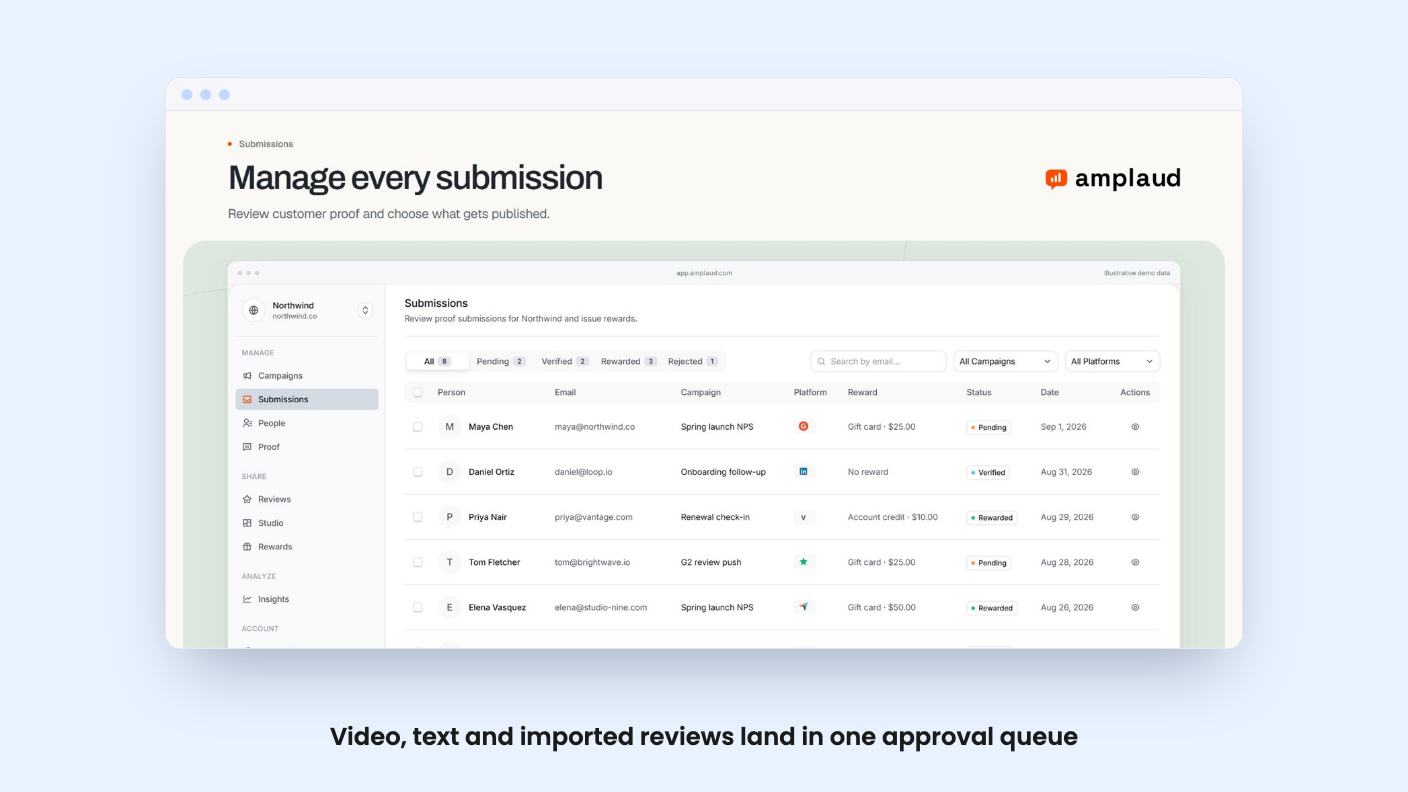
Everything you collect or import lands in a single library. Each item arrives with its source and campaign context, and your team approves or rejects it before it can appear anywhere public.
That approval step is the quiet selling point. Mixed-source proof gets messy fast, and a queue with context attached beats hunting through three tools to remember where a quote came from.
Publishing happens through a hosted, shareable Wall of Love with 9 templates. You can also embed testimonials with a script, an iframe, or a hosted page, and you choose which approved stories show up.
Nine templates is a modest number. The listing doesn’t show how much you can customise each one beyond removing the Amplaud branding, so we can’t say how closely a wall will match your site.

Most testimonial tools stop at collecting and displaying. Amplaud adds a rewards layer, and only on Tier 2 and Tier 3.
The flow, according to the listing, goes like this. You approve a submission, and a reward is queued against that advocate. You release it when you’re ready. Rewards go out as Tremendous gift cards, or as codes from your own inventory. The advocate and their reward history stay logged together.
It’s a neat way to thank people who take the time to record a video. It also means you’re managing a small incentive programme, and the listing doesn’t say who pays for Tremendous gift cards beyond the obvious: you’d presumably fund them. Nothing in the listing covers fees or how funding works, so find that out before promising anyone a reward.
Here’s the awkward part of the listing. The plan features table gives three values per row but doesn’t label the columns. The FAQ says rewards are on Tier 2 and Tier 3, which implies the order runs Tier 3, Tier 2, Tier 1. That’s our reading, so confirm it on the AppSumo page before you pay.
On that reading, the tiers look like this:
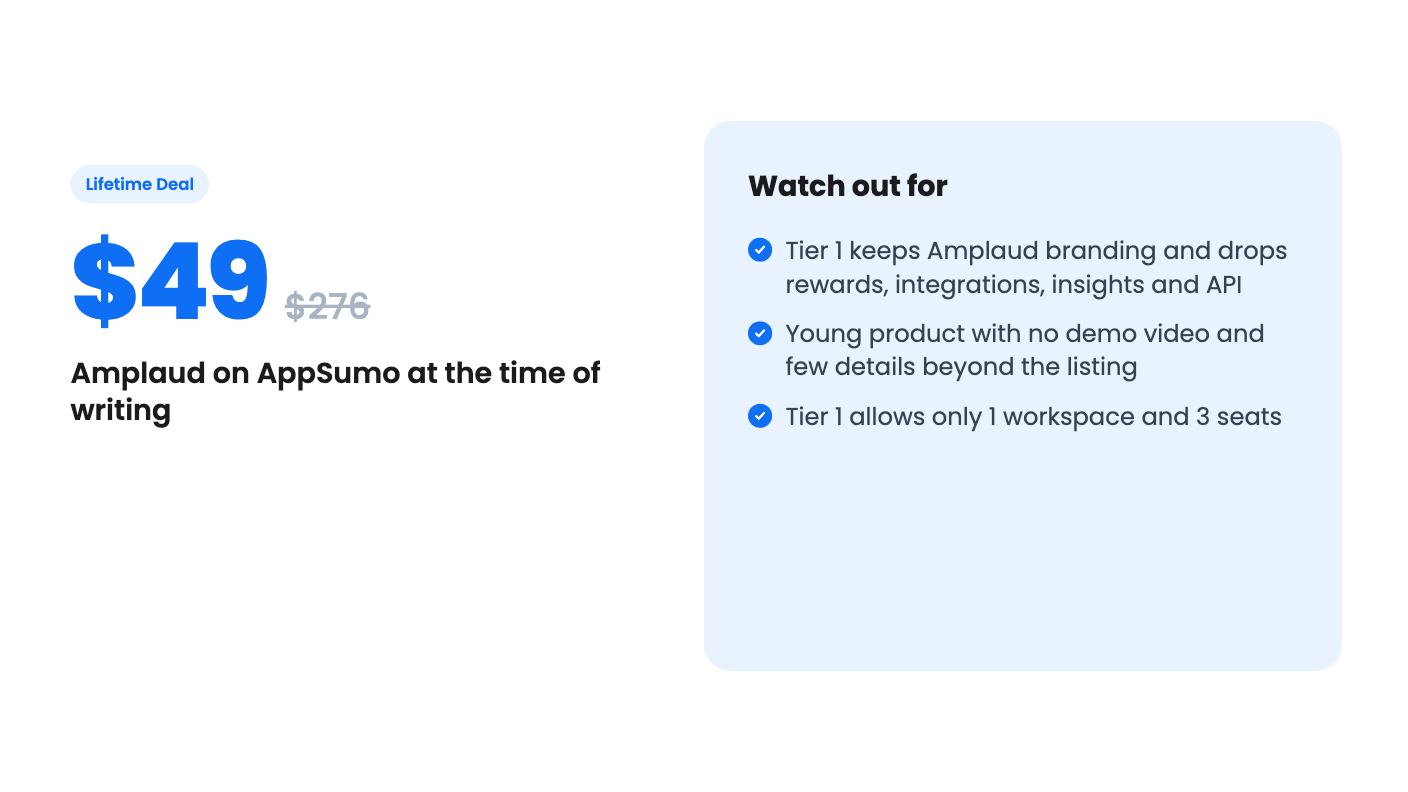
The jump from Tier 1 to Tier 2 is the one to focus on. For $49 more you get everything the listing treats as a real feature. Tier 1 is basically the collection tool with Amplaud’s name on your widgets.
Tier 3 only makes sense if you run client work. Unlimited workspaces and seats is an agency need, and the listing marks Agencies as a target buyer.
Treat the “list price” figures with a shrug. $2388 for Tier 3 is a number AppSumo deals love to show, and the listing doesn’t tell us what Amplaud costs as a monthly subscription today.
Skip Tier 1 if you care how your site looks. Amplaud branding on every wall and widget is fine for a quick test and awkward for a business trying to look established.
Skip the deal entirely if you only need a handful of quotes on a landing page. A plain form and a spreadsheet do that for free.
Be cautious if you want deep integrations. The listing names Discord, Shopify, Slack, Webhooks and Zapier, plus HubSpot in the plan table, but it doesn’t describe what each one does. A Slack alert on a new submission is one thing. A real Shopify workflow is another, and the listing doesn’t say which you’d get.
And remember this is a young product. We have no demo video, no review volume to lean on, and no roadmap. A lifetime deal is only as good as the company’s willingness to keep building, so spend only what you’d shrug off if development slowed down.
If you do buy, take Tier 2, run one real campaign in the first few weeks, and use AppSumo’s refund window if the wall or the approval flow doesn’t fit how you work.
For most small businesses, Tier 2 at $98. According to the listing, it removes Amplaud branding and adds rewards, Slack, Discord, Zapier, HubSpot and webhooks, insights and the REST API. Tier 1 at $49 leaves all of those out. Tier 3 at $147 mainly adds unlimited workspaces and seats, which agencies are more likely to need.
Yes. The listing says branded campaign links let customers record a video or write text without logging in. You can also route them to public review sites such as G2, Trustpilot or Google.
The listing says upgrading through AppSumo moves you to the higher tier, with new limits applying straight away and existing proof staying put. It also says you own the proof you collect. Reading it back out through the REST API is only listed for Tier 2 and Tier 3.
How this review was made: researched from Amplaud's official listing, and written with help from AI. We have not tested Amplaud hands-on yet. Prices and deal terms change, so check AppSumo before you buy. See our affiliate disclosure.
KingSumo runs viral email giveaways. Free tier has unlimited contests, and a one-time $49 Pro adds branding removal, tracking and Mailchimp, Kit and Klaviyo.
XMagnet bundles prospecting, warm-up, sequences and newsletters. The $59 to $539 AppSumo deal has one-time credits and mailbox caps worth checking first.
Five AppSumo lifetime deals that cover parts of what ZoomInfo does, from contact data to cold email and local prospecting, and who each suits.