You’ve got a few hundred ChatGPT conversations, a pile of Claude threads from client projects, and a handful of Gemini chats you vaguely remember. Somewhere in there is the email template you finally got right three weeks ago. You scroll the sidebar. You try the title search. Nothing. So you write the prompt again from scratch.
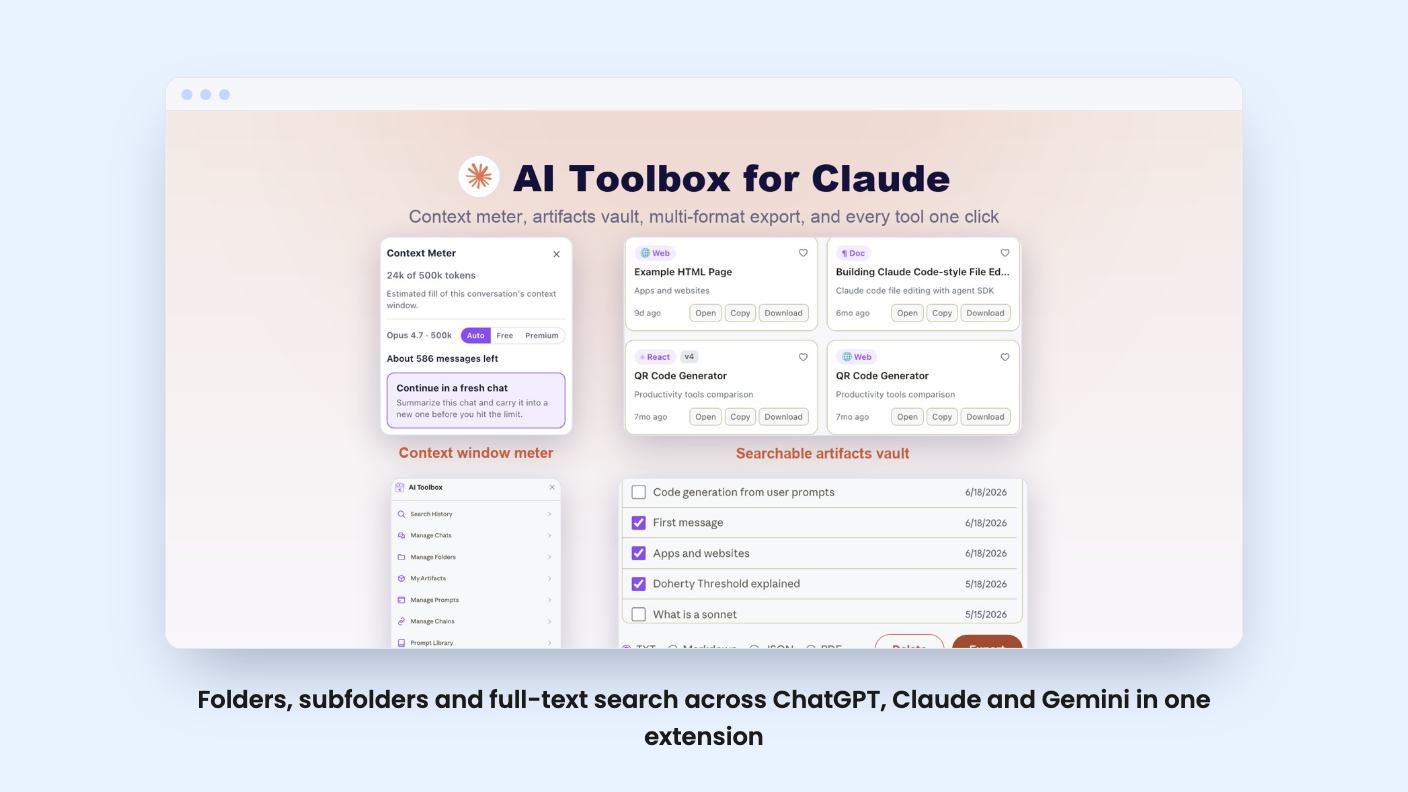
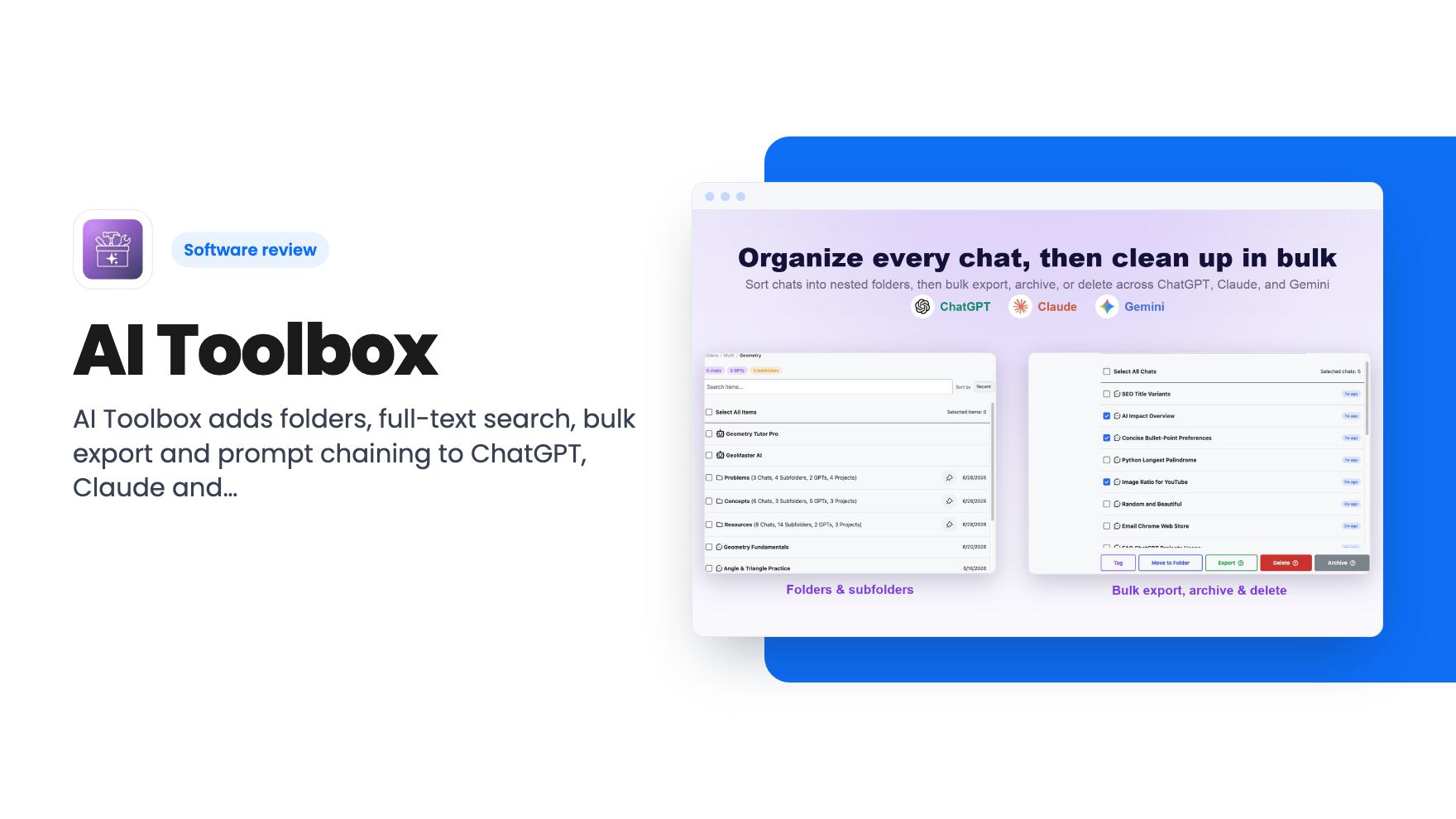
That’s the itch AI Toolbox is built to scratch. It’s a browser extension that bolts folders, search, export tools and a prompt library onto ChatGPT, Claude and Gemini. It’s not an AI model and it doesn’t write anything for you. It just tries to make the chat history you already have usable.
What you get inside each chat app
According to the listing, a new sidebar panel with a folder icon appears when you open chatgpt.com, claude.ai or gemini.google.com. From there you create nested, color-coded folders and drop conversations into them. The listing says this syncs across browsers and devices.
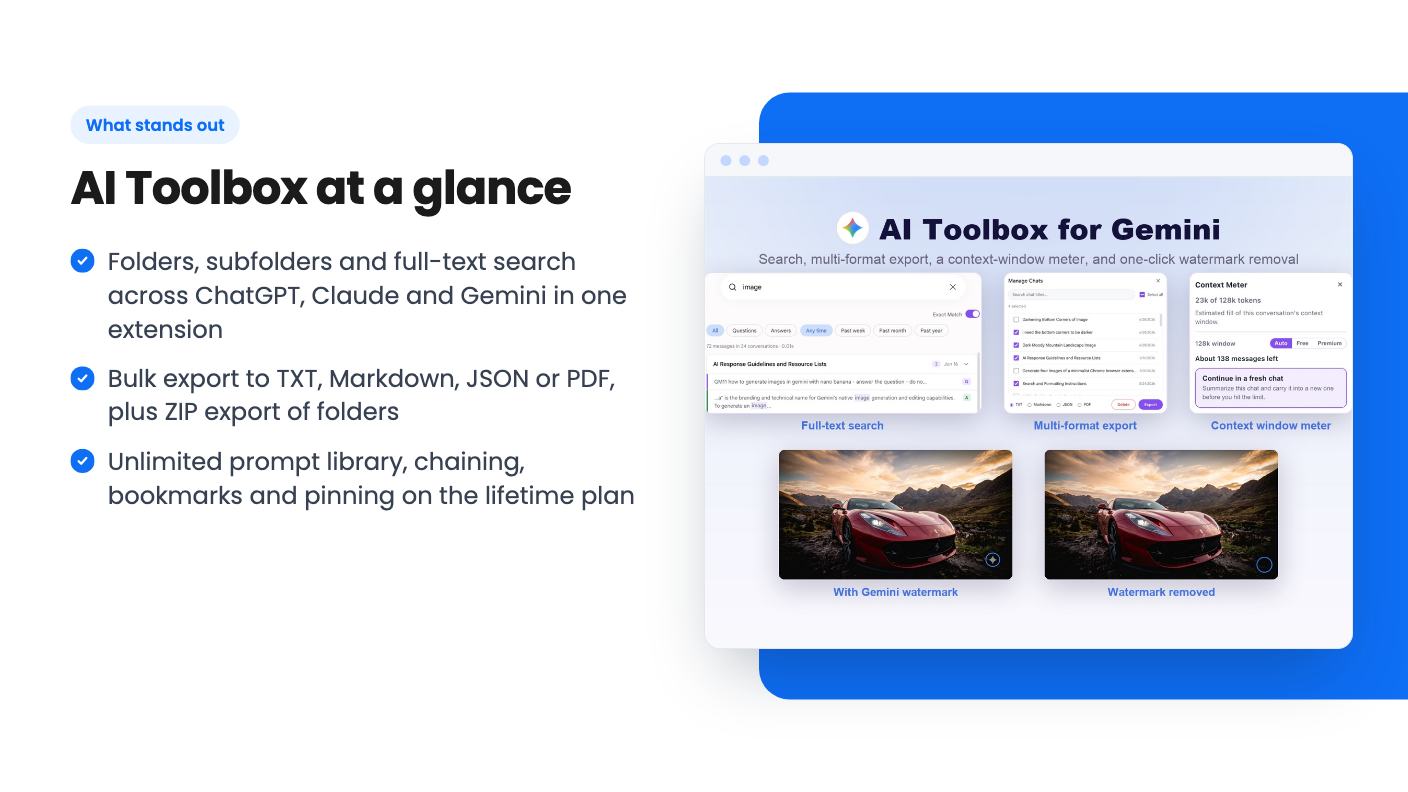
The search is the part I’d care about most. The listing says it indexes what was actually said in each conversation, not only titles, with filters for role and date, plus exact match on Gemini. Native search in these apps is weak enough that this alone could justify an extension for heavy users.
There’s also message bookmarking and labelling, so you can jump back to one useful answer inside a long thread. Smart tags sort chats into rough topics like coding, writing, research and business as you work. That’s a nice idea, but the listing doesn’t say how accurate the tagging is or whether you can edit the categories.
Export is the practical feature
Bulk export is where this tool looks most useful for a small business. The listing says you can select hundreds of chats and save them as TXT, Markdown, JSON or PDF. You can also export a whole folder or a ChatGPT project as a ZIP in one click.
If you do client work inside these tools, that matters. A folder per client, exported as a ZIP at the end of a project, is a tidy way to keep a record. Bulk delete and bulk archive are included too, which helps if you want to clear out old chats without clicking through them one by one.
One small inconsistency: the listing’s FAQ mentions TXT, JSON and PDF, while the feature sections and the demo video also include Markdown. Probably just copy that wasn’t updated, but check before you rely on a format.
Claude and Gemini extras
The listing gives Claude and Gemini their own sections. For Claude, you can pull a previous conversation or artifact into your current prompt instead of copy-pasting. A context-window gauge shows how full a long chat is, so you can carry it into a fresh one before it hits the limit. Gemini gets the same gauge.
Gemini also gets automatic removal of the AI watermark from generated images. The listing says clean downloads appear as soon as the image does. It’s a feature some buyers will like. Check Google’s terms and your own publishing rules before building a workflow around it, because the listing doesn’t address that.
What the demo video shows
The video is a short pitch from co-founder Muhammad, not a walkthrough. There’s no screen recording in the transcript, so we can’t tell you how the interface looks or how fast search feels on a big account. What he does cover is the feature list: bulk export, archive and delete, folders, auto-tagging, bookmarks, full-text search, and pulling an old conversation into a new chat as context.
He also mentions saved prompts you can chain into multi-step workflows that “run on their own.” The listing backs this up with a library of 1,000+ prompts and custom prompts with {{variable}} placeholders. How much chaining can really do is unclear from what we have. It sounds like running prompts in sequence inside the chat window, not automation across apps. The video also name-checks a live word counter and voice downloads, which the listing never explains.
The deal and its limits
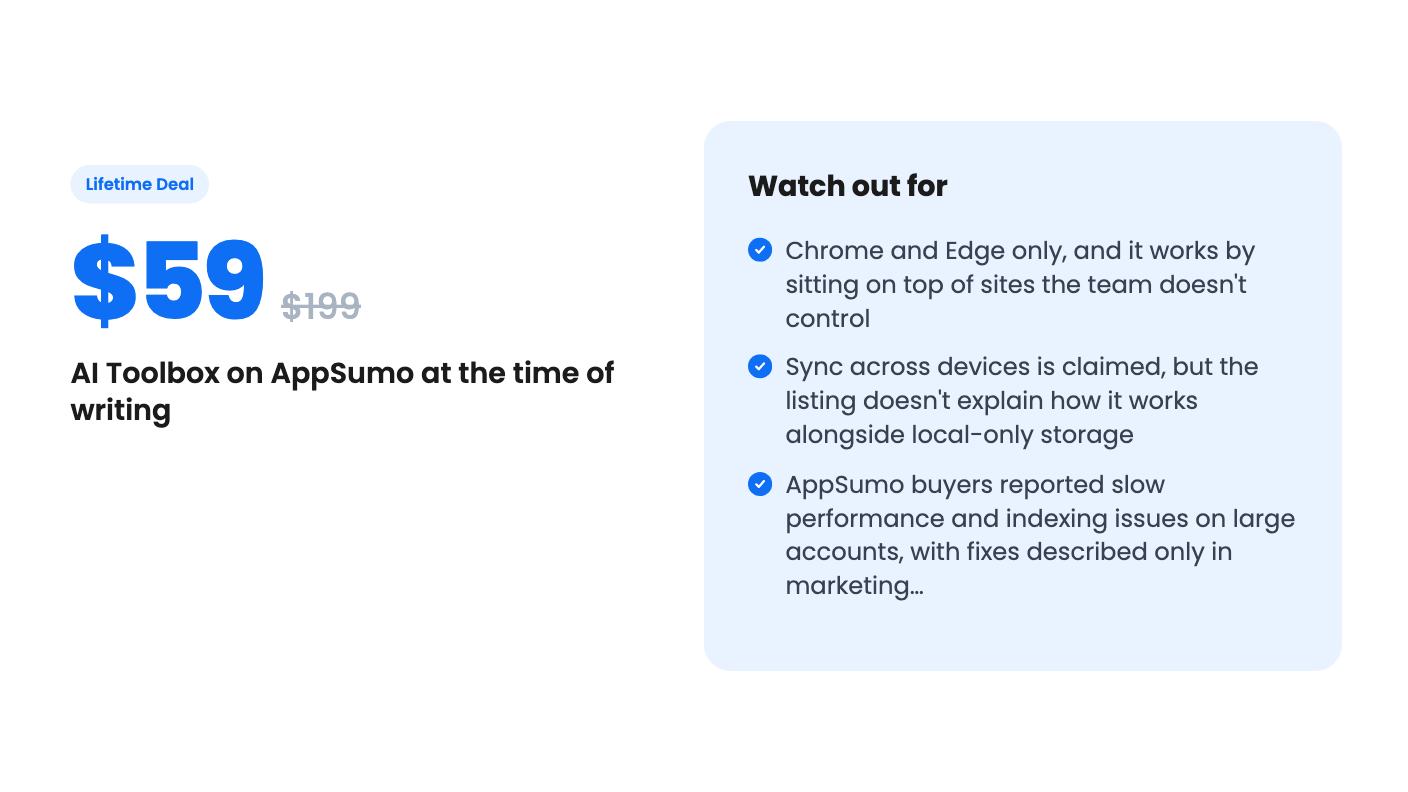
There’s one tier: $59, down from a listed $199. It gives you lifetime access and all future Premium Plan updates. If the plan gets renamed, your deal maps to the new name. The pitch in the video goes further and says it covers every feature “developed and yet to develop,” but the listing’s wording is narrower, and the listing is what I’d trust.
You need to activate your license within 60 days of purchase, and the tier can’t be upgraded or downgraded. AppSumo’s summary mentions a 60-day money-back guarantee, which gives you time to find out whether it fits your habits.
The plan features list almost everything as unlimited: folders, prompt chaining, pinning, bulk export, bookmarks. No caps is good. What’s missing is any detail on performance limits. AppSumo’s own summary of buyer reviews says some users hit slow performance on larger accounts and indexing issues, and that updates have addressed many of those. That comes from marketing copy, so treat it as a claim. The score is 4.15 out of 5 across 20 reviews, which is decent but a small sample.
Who should skip it
If you open ChatGPT a few times a week, you don’t have a history problem. The free plan’s 2 folders might be enough, and $59 buys you nothing you’ll feel.
It’s also Chrome and Edge only, according to the listing, which also says it works on Chromium browsers. Firefox and Safari users are out. And because the extension lives on top of three sites it doesn’t control, any redesign on their side can break features until the team patches it. That’s true of every tool like this, but a lifetime buyer is betting on the team to keep up for years.
The local-storage story needs a closer look too. The listing says everything stays in your browser and nothing goes to external servers, and it also promises sync across devices. It doesn’t say how both hold. If you work from two computers, ask before you buy.
For a freelancer or solo marketer who lives in these chat apps and keeps losing good work, $59 is a fair price for search and export alone. Just use the 60-day window properly: load your messiest account and see how search holds up.
How this review was made: researched from AI Toolbox's official listing and a transcript of its demo video, and written with help from AI. We have not tested AI Toolbox hands-on yet. Prices and deal terms change, so check AppSumo before you buy. See our affiliate disclosure.