
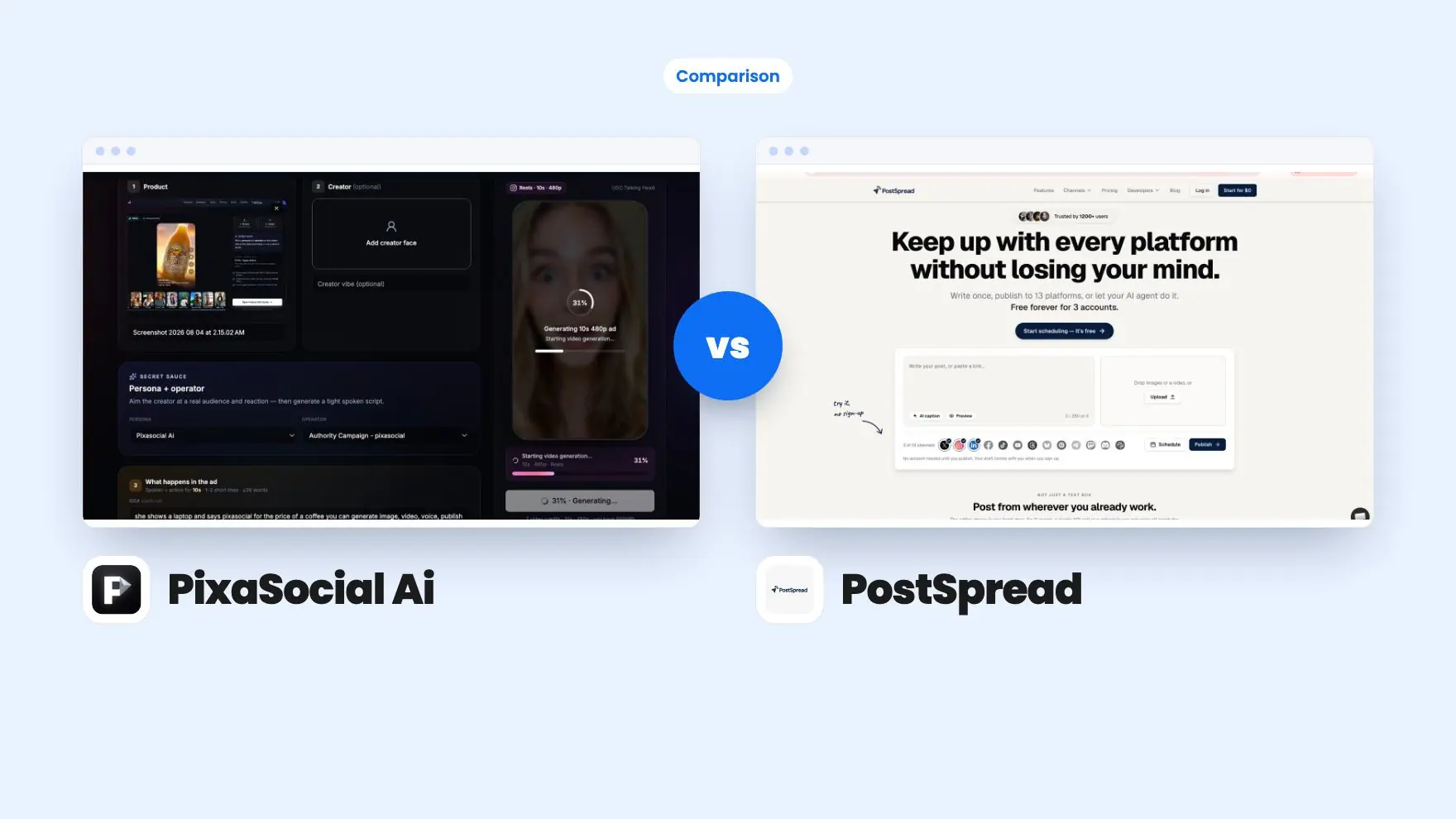


PixaSocial Ai takes 1 round, PostSpread takes 4.
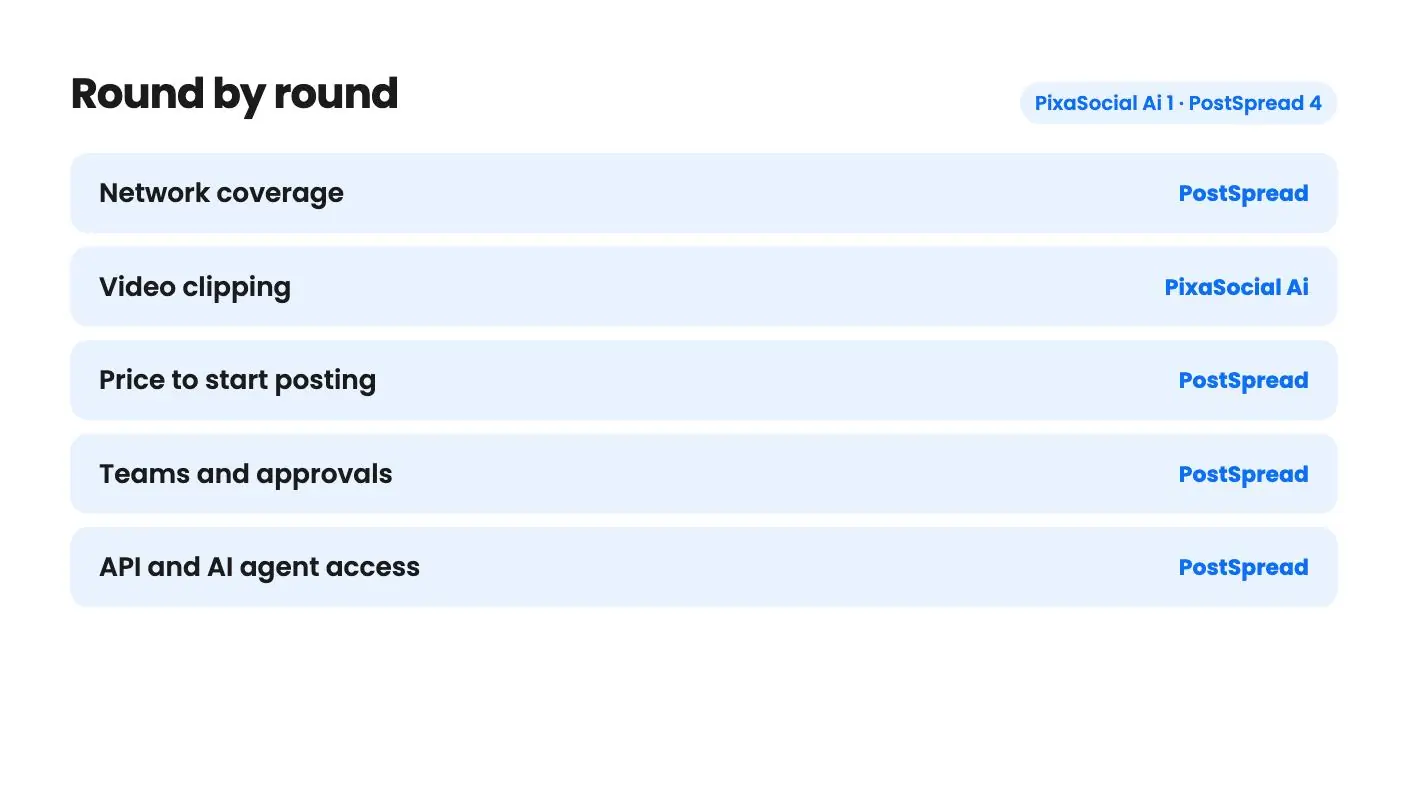
Round by round
| Round | Winner | Why |
|---|---|---|
| Network coverage | PostSpread | PostSpread lists 13 networks including Facebook and TikTok, while PixaSocial Ai lists 12 with no Facebook and a contradictory TikTok mention. |
| Video clipping | PixaSocial Ai | Reel Factory turns long video into captioned shorts with translation in 60+ languages, and PostSpread's listing describes nothing comparable. |
| Price to start posting | PostSpread | PostSpread includes publishing at $69, but PixaSocial Ai's $49 tier shows no connected accounts or posts, so posting starts at $99. |
| Teams and approvals | PostSpread | PostSpread offers 10 workspaces, up to 10 team members and approval workflows, and PixaSocial Ai's listing mentions none of these. |
| API and AI agent access | PostSpread | PostSpread includes a REST API and MCP access with 15 tools and approvals still applying, while PixaSocial Ai lists neither. |
| Track record | Tie | PixaSocial Ai has only two reviews at 4.00 and PostSpread shows no review history, so neither has proof yet. |
Side by side
| PixaSocial Ai | PostSpread | |
|---|---|---|
| Starts at | $49 | $69 |
| List price | $120 | Not listed |
| Plan | Lifetime Deal | Lifetime Deal |
| Deal ends | Not listed | Not listed |
| Best for | Content creators, Social media managers, Social media marketers | Content creators, Small businesses, Social media managers |
| Alternative to | Buffer, Hootsuite, Sprout Social, Buffer | Buffer, Hootsuite, Buffer |
Say you record a weekly webinar, and every Monday you face the same chore: find three good moments, cut them, caption them, then post them in six places. Or say you look after five small clients and the real chore is getting every post approved and scheduled on time. Those are different problems, and PixaSocial Ai and PostSpread each lean toward one of them.
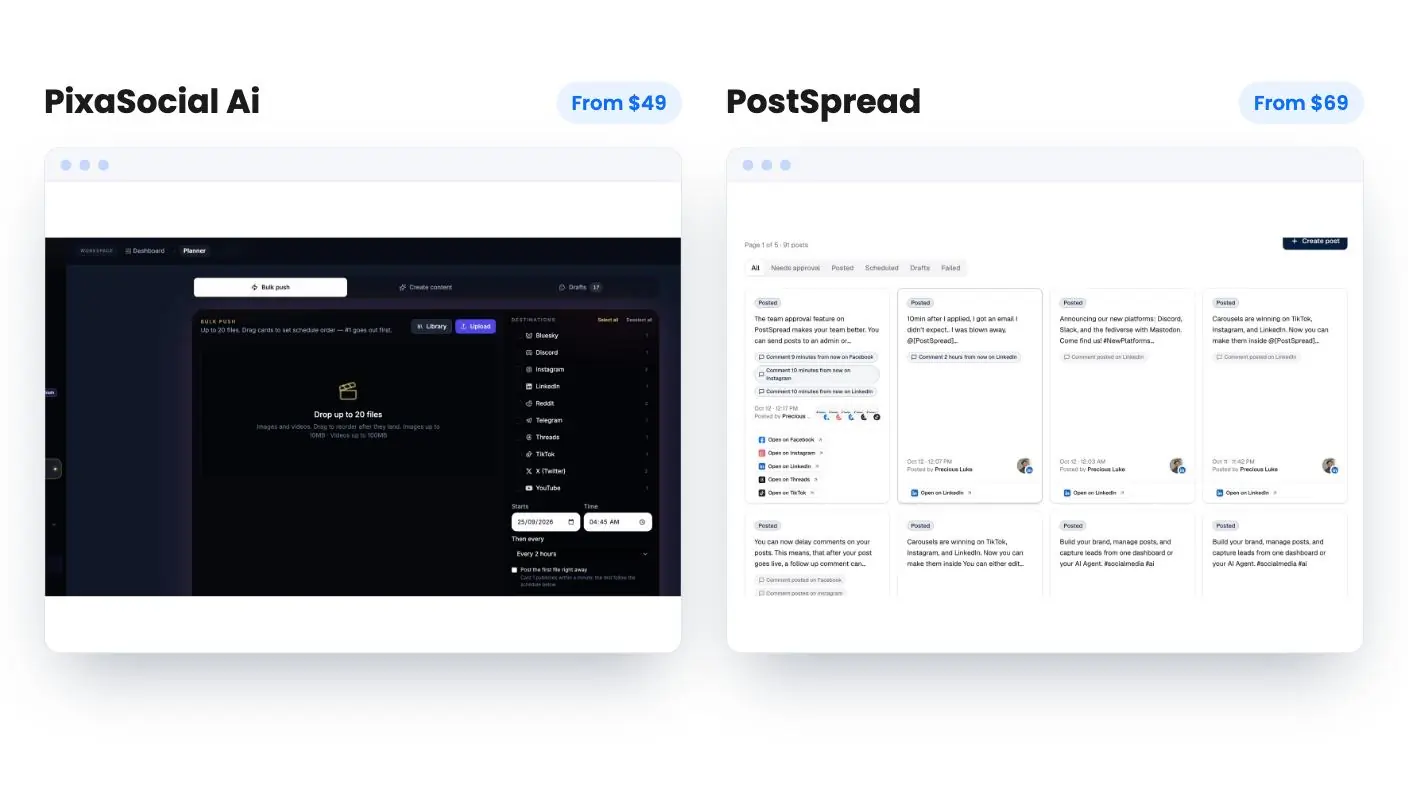
Both are on AppSumo as lifetime deals and both position themselves against Buffer and Hootsuite. We haven’t used either, so everything in this PixaSocial Ai vs PostSpread comparison comes from the listings, and I’ll flag where they go quiet.
Two tools that overlap less than the labels suggest
PixaSocial Ai is a content workshop that also posts. It bundles audience modules (psychographics, personas, Operators, Blueprint and a Feedback Simulator), Reel Factory for clipping video, a Media Studio for editing, and publishing to 12 networks. The starting price is $49.
PostSpread is a scheduler first. It covers a visual calendar, drafts and previews, carousels, Instagram Stories, a Grid Maker, AI caption rewrites, team approvals and an API. It costs $69.
So the honest question is where your time goes. If it goes into making content, PixaSocial Ai is aimed at you. If it goes into distributing and approving content, PostSpread is.
Reel Factory is PixaSocial Ai’s best card
The listing describes Reel Factory clearly. You feed it a long video and it produces captioned short clips, with automatic language detection, transcription and translation into 60+ languages. If you already record podcasts or talking-head videos, that could save real hours.
There’s a catch the listing states openly. Reel Factory is not prompt-to-video generation, so you need footage first. AI video also runs on top-up credits and isn’t unlimited. I like that the seller says so up front.
PostSpread has no equivalent. Its AI is about text: it rewrites a caption for each platform’s length and tone, fixes grammar, condenses, expands, and drafts from a one-line brief. It also mentions content repurposing but never explains what that means. Useful, but it won’t touch your video.
The audience modules in PixaSocial Ai are harder to judge. Operators and Blueprint are named and never explained, and there’s no example output or any word on what data feeds the Feedback Simulator. I’d treat them as a maybe, not a reason to buy.
Get PixaSocial Ai for $49 on AppSumo →
Networks, and one confusing gap
PostSpread supports X, Instagram, Facebook, LinkedIn, TikTok, YouTube, Threads, Pinterest, Bluesky, Telegram, Mastodon, Discord and Slack. That’s 13, and it includes the two big ones many small businesses can’t skip.
PixaSocial Ai’s 12 are X, Instagram, Threads, LinkedIn, YouTube, Reddit, Telegram, Pinterest, Mastodon, WordPress, Bluesky and Discord. No Facebook. TikTok is missing from that list too, yet the integrations field names TikTok. The listing contradicts itself, so ask before you pay if either network matters to you.
PostSpread has its own small oddity. The integration tag shows only five networks while the text names 13. The feature text and FAQ agree with each other, so I’d trust the longer list, but a quick check wouldn’t hurt.
What you actually pay
PostSpread is simple. One tier at $69 gets you unlimited connected accounts, 10 workspaces, up to 10 team members, approvals, analytics and priority support. Posts are unlimited except on X, which is capped at 1,000 a month. You must redeem within 60 days, and codes don’t stack. The $0 list price on AppSumo looks like a data glitch.
The listing’s FAQ gives a useful yardstick: its Forest plan is $42 a month, and the lifetime tier appears to line up with it. If that holds, $69 once is under two months of Forest.
PixaSocial Ai is messier. There are four tiers, and the table doesn’t climb the way you’d expect. Tier 1 at $49 shows no connected accounts and no posts per month, so it reads as an editor without publishing. Tier 2 at $99 gives 15 accounts, 100 posts a month, 360 Reel Factory clips a year and voice generation. Tier 3 at $199 drops to 12 accounts, 50 posts and 120 clips. Tier 4 at $349 has 10 accounts, 60 posts and no Reel Factory.
Paying more gets you less in several rows, which may be a listing error or a deliberate tilt toward image generation. The listing doesn’t say. The cut-off FAQ doesn’t help either.
There’s also the usage clock. Platform access and core modules are lifetime, but included usage covers 12 months, after which you top up. No top-up prices are given, so you can’t work out year-two costs. For video clipping that’s a real unknown. PostSpread’s listing mentions no AI caps at all, which could mean unlimited or could mean nobody wrote the limit down.
Teams, approvals and the API
This is where PostSpread pulls ahead. Approval workflows, 10 team members and 10 workspaces make it workable for a small agency or a founder with several brands. Delayed first comments on Facebook, Instagram and LinkedIn and retry on failed posts cover the daily annoyances.
It also includes a REST API with bearer tokens and an OpenAPI spec, plus MCP access for Claude, Cursor, VS Code or any MCP client. The agent gets 15 tools, sign-in uses OAuth, and team approvals still apply, so an agent can’t skip your review. If you don’t code or use agents, ignore all of it.
PixaSocial Ai’s listing mentions none of this. No approvals, no team seats, no calendar, no analytics. For a solo creator that’s fine. For anyone with a client waiting on sign-off, it’s a gap.
Which one to buy
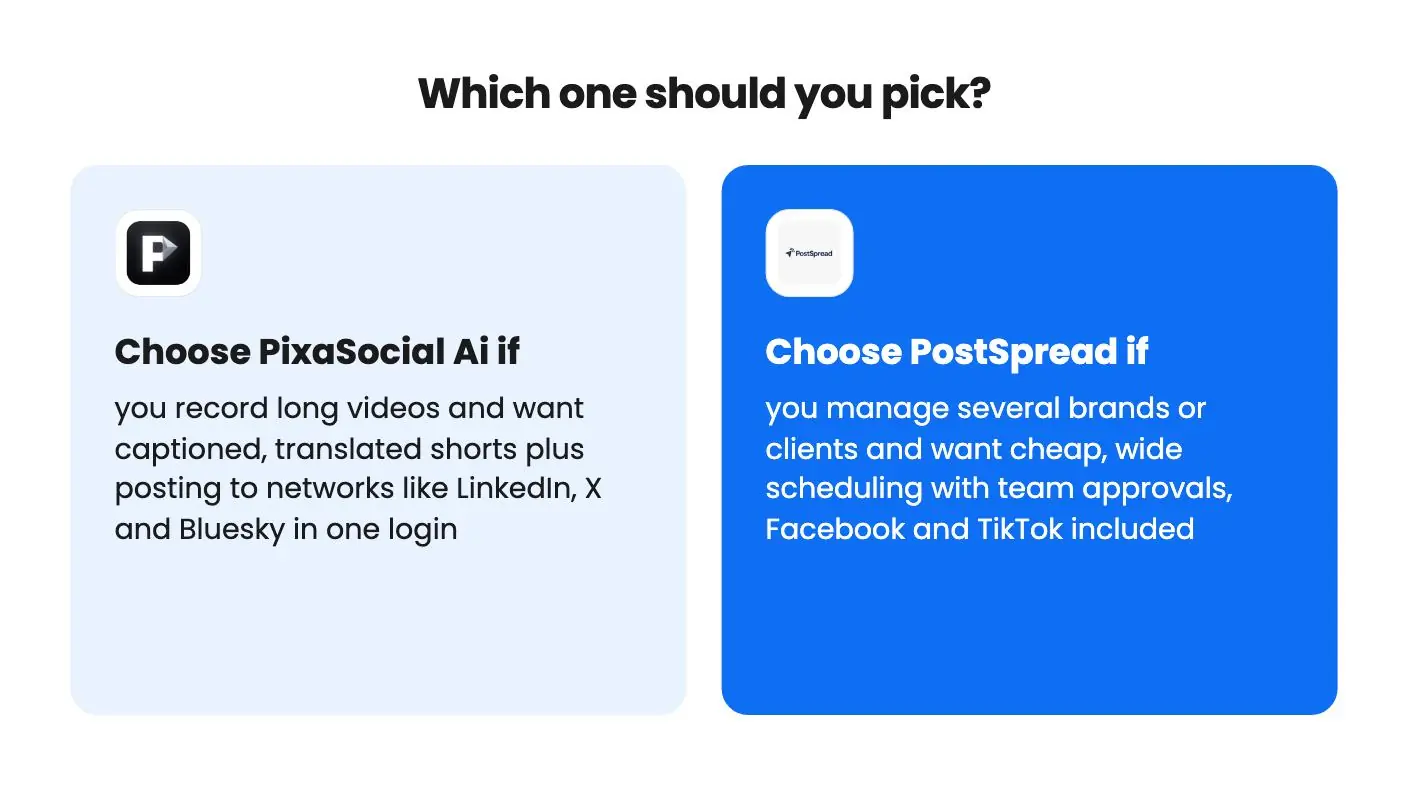
Buy PixaSocial Ai if you already have long-form video and want shorts, captions and translations without a separate clipping tool. Plan on tier 2 at $99, confirm the numbers on the live page, and use the refund window to run one real video through Reel Factory.
Buy PostSpread if you need broad, cheap scheduling with Facebook, TikTok, approvals and room for clients. It also has a free plan, so connect your real accounts and schedule a week of posts before spending $69.
Both are young, and neither listing shows real track record. PixaSocial Ai has two reviews averaging 4.00, and PostSpread shows no review history at all. For buyers weighing PixaSocial Ai vs PostSpread, either way you’re betting on the company staying around. At these prices the loss is small, but it’s still a bet, and PostSpread’s lower price and clearer terms make it the safer one to place.
Read the full reviews
Frequently asked questions
Which one is better for posting to Facebook and TikTok?
PostSpread. Its feature text and FAQ name both networks. PixaSocial Ai's 12-network list leaves out Facebook and TikTok, though its integration tag mentions TikTok, so you'd need to confirm with the seller.
Is the $49 PixaSocial Ai tier enough to schedule posts?
Not as the listing reads. Tier 1 shows None for connected accounts and posts per month, and Reel Factory isn't included. Tier 2 at $99 is where publishing appears to start.
Can I try PostSpread before buying the lifetime deal?
Yes. The listing says PostSpread has a free plan with multi-platform scheduling and multiple account management, and no credit card is needed. The listing doesn't mention a free plan for PixaSocial Ai.