Website BuildersReview
Consently Review: Cheap Cookie Consent, Odd Tier Math
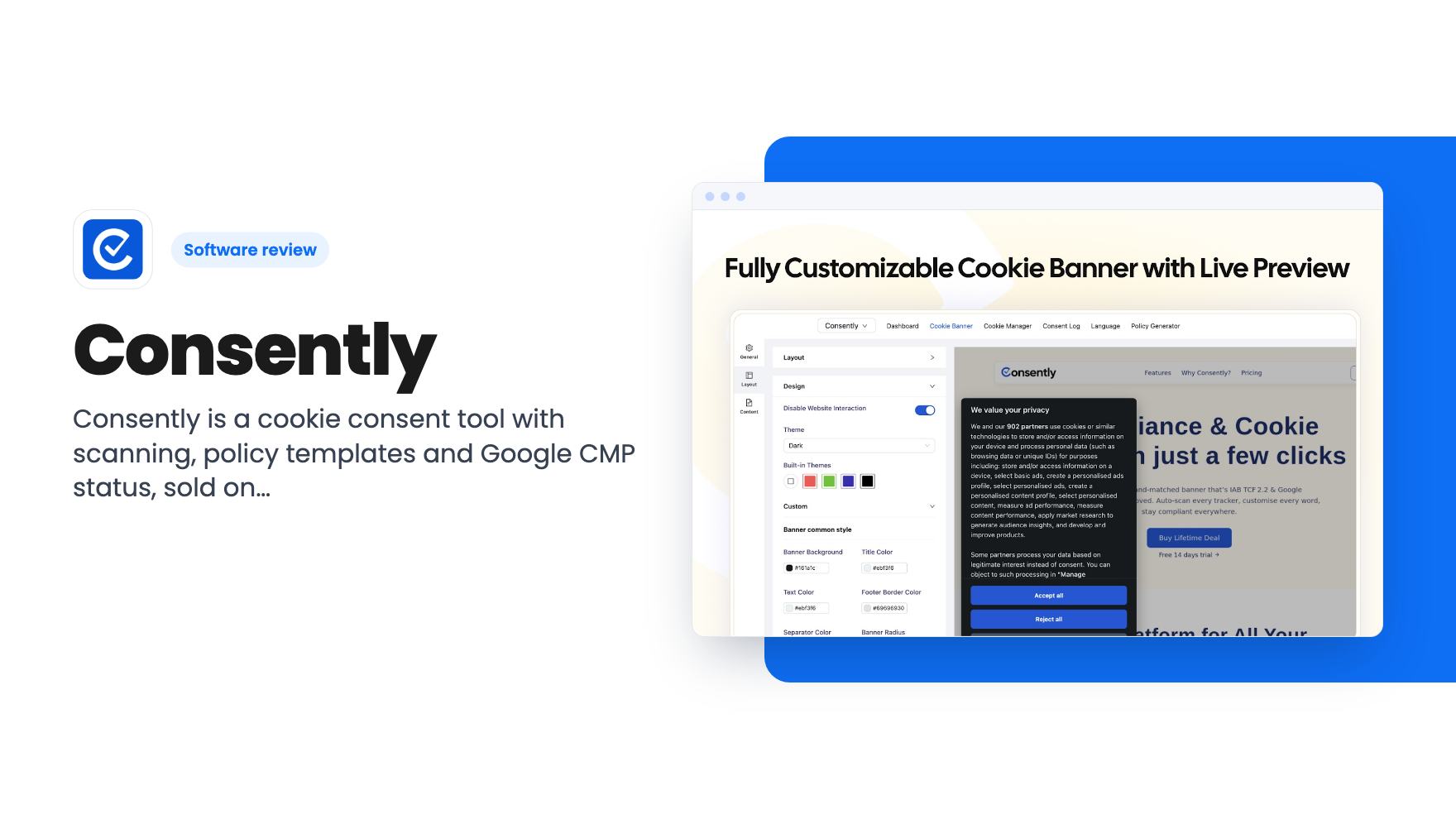
Consently is a cookie consent tool with scanning, policy templates and Google CMP status, sold on AppSumo from $39. Here's what the listing covers and where it's thin.
Kalium is a $69 WordPress theme with 23 starter sites. Meu Folio is a $49 AI one-page builder with Stripe and booking. Here's who each suits.

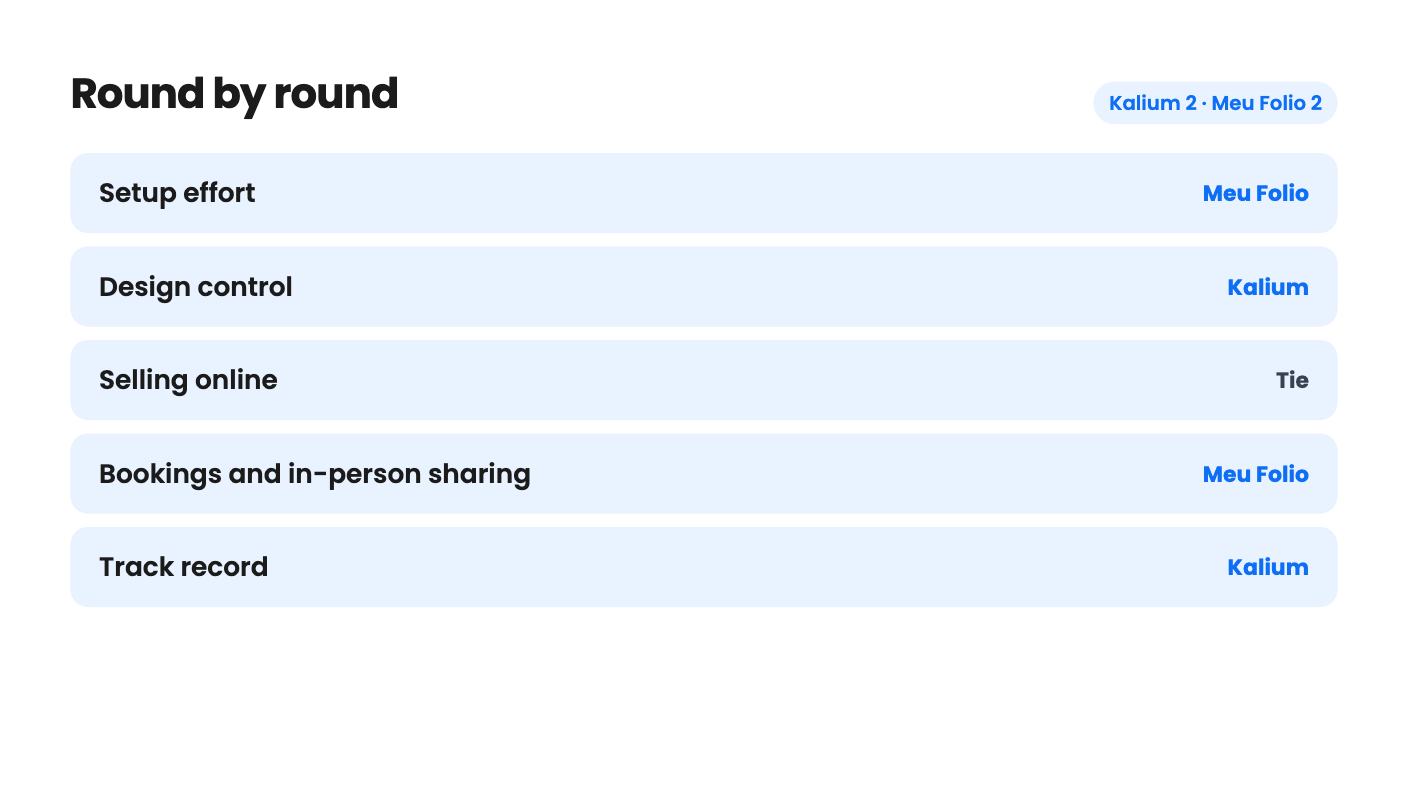
Kalium takes 2 rounds, Meu Folio takes 2.
| Round | Winner | Why |
|---|---|---|
| Setup effort | Meu Folio | Meu Folio generates a site from a short description and says hosting is included, while Kalium needs WordPress, separate hosting and PHP tuning. |
| Design control | Kalium | Kalium offers global colors, fonts, headers, footers and 23 starter sites, while Meu Folio's listing says little about how much you can customize. |
| Selling online | Tie | Kalium has deeper WooCommerce storefront layouts, while Meu Folio sells products, downloads, services and subscriptions through Stripe on one page. |
| Bookings and in-person sharing | Meu Folio | Meu Folio lists appointment booking, Google Calendar and Tap to Sell with NFC or QR, and Kalium lists no booking feature. |
| Track record | Kalium | Kalium launched in 2015 and its creator claims over 50,000 sites, while Meu Folio has no reviews or demo video. |
| Clarity of limits and tiers | Tie | Kalium's site-limit table doesn't line up with its prices, and Meu Folio publishes no limits on products, bookings or fees. |
| Kalium | Meu Folio | |
|---|---|---|
| Starts at | $69 | $49 |
| List price | $200 | $696 |
| Plan | Lifetime Deal | Lifetime Deal |
| Deal ends | Nov 20, 2026 | Not listed |
| Best for | Small businesses, Web design agencies, Web designers | Content creators, Small businesses, Solopreneurs |
| Alternative to | Squarespace, Webflow, Wix | Linktree, Squarespace, Wix |
Say you’ve got a month to get your business online. Maybe it’s a coaching practice, a small shop, or a side hustle that has outgrown Instagram DMs. Two AppSumo lifetime deals could plausibly solve that: Kalium at $69 and up, and Meu Folio at $49. They sit in the same category, but they’re built for different people.
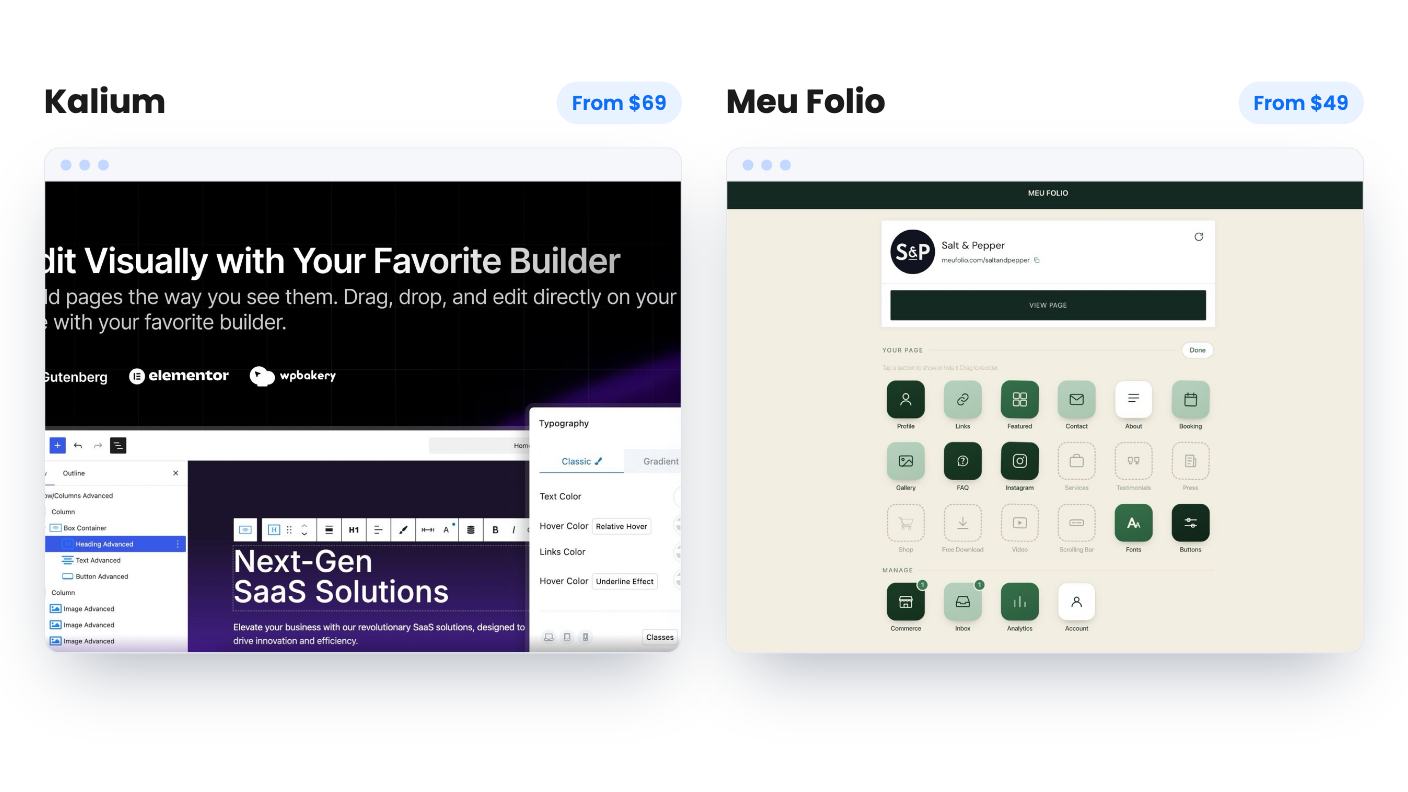
Kalium is a premium WordPress theme. Meu Folio is an AI tool that builds a single business page and bundles payments and bookings. We haven’t used either, so everything here is a read of the listings.
AppSumo lists Kalium as an alternative to Squarespace, Webflow and Wix. That label oversells it. Kalium is a theme, so you still need WordPress and somewhere to host it. The listing doesn’t mention hosting, which means you should budget for that on top of the deal price.
Meu Folio is pitched as an alternative to Linktree, Squarespace and Wix. Our read is that Linktree is the closest match. The listing talks about one page, one dashboard, and never mentions blogs, multiple pages or SEO settings.
That’s the core difference. Kalium gives you a toolbox for a full site you own and maintain. Meu Folio gives you a finished single page and asks you to stop fiddling.
Meu Folio’s flow is simple on paper. You describe your business or point it at an existing website, answer a few questions, and the AI generates the site. The listing says that takes about 30 seconds. Edits go live instantly, and the listing says hosting is included, although the FAQ answer cuts off right after “Hosting and security are”, so we can’t tell you what it promises about security.
We can’t judge how good the generated page looks. There are no screenshots, no demo video and no reviews on the listing. Thirty seconds is a claim, and we’d want to see a real page built from scratch before believing it.
Kalium takes longer, and the docs are upfront about why. You install the theme, preview a starter site in the Kalium dashboard, import it, then swap images, colors and copy. The listing says that takes minutes. Starting from a finished layout beats a blank page, but the setup has strings attached.
Kalium recommends PHP 7.4 or higher, MySQL 8.0 or MariaDB 10.5 or higher, and HTTPS. It also suggests raising PHP limits, including a memory_limit of 128M and max_input_vars of 3000. The docs even include a troubleshooting entry for white screens and failed demo imports. Cheap shared hosting could make your first afternoon rough.
This is where Kalium pulls ahead, at least on the evidence we have.
You get global control over colors, fonts and spacing from one panel, plus control over headers, footers, sidebars and template parts. There are 23 starter sites, and you can build with Elementor or the Block Editor. The listing also names WPBakery, but the FAQ only confirms the first two, so ask before buying if WPBakery is your tool. Theme options live in the WordPress Customizer with live preview. That’s familiar if you’ve used WordPress, and it isn’t a Webflow-style visual canvas.
Meu Folio says you can customize everything after the AI generates your site. It doesn’t say how much. Sites generated by AI tools tend to look alike, so if a distinctive brand look matters, find out what you can actually change.
Both tools let you sell, but they pitch it differently.
Kalium leans on WooCommerce. The listing promises customizable shop, catalog and product page layouts, styled cart, checkout and account pages, and grid, list and masonry views. The FAQ adds Kalium 4 features like a Free Shipping Bar, Cart Drawer, filter drawer and checkout steps. Those are the things small stores usually add with extra plugins. Payments, shipping and tax still come from WooCommerce itself, since a theme only controls how the store looks. The listing doesn’t say how it handles a large catalog.
Meu Folio’s commerce side is its strongest section. From one page you can sell physical products, digital downloads, services, appointments and subscriptions. Payments run through Stripe. Customers can book appointments, and the listed integrations include Google Calendar, Instagram, Shippo and Stripe. It also collects leads, though it doesn’t say whether it sends email campaigns.
Then there’s Tap to Sell, which shares your page by NFC card or QR code. You can also install the site like an app as a Progressive Web App. A barber, a market vendor or a coach who meets clients in person might actually use that. Kalium lists no booking features at all, so a service business would need to add that separately.
Meu Folio is one tier at $49, listed at $696, which we’d ignore as a reference point. You get lifetime access and future plan updates, you must redeem within 60 days, and the deal is not stackable. That last point matters because the listing publishes no limits. It doesn’t say how many products, bookings or sites you get, whether you can use your own domain, or whether Meu Folio takes a cut beyond Stripe’s fees. If a cap exists, you can’t buy past it.
Kalium has three tiers: $69 (Personal), $129 (Business) and $299 (Agency), listed at $200, $300 and $500. All include future updates to those plans. The plan table is the problem. It reads sites as Unlimited / 10 / 1, which in tier order would give the $69 buyer unlimited sites and the $299 buyer one. That can’t be right, but the columns aren’t labeled. It also lists Aurum and Oxygen themes without explaining them.
Until someone confirms which tier gets which limit, don’t pay for a higher tier. Kalium’s deal ends November 19, 2026, and you have 60 days to activate your license. You can only downgrade within 60 days of purchase. The listing doesn’t say how long support lasts.
On trust, Kalium has the edge. Its creator says it launched in 2015 and is used by more than 50,000 websites, a figure we can’t verify. AppSumo shows one review, a 5.00 average, which is a sample of one. Meu Folio has nothing comparable.
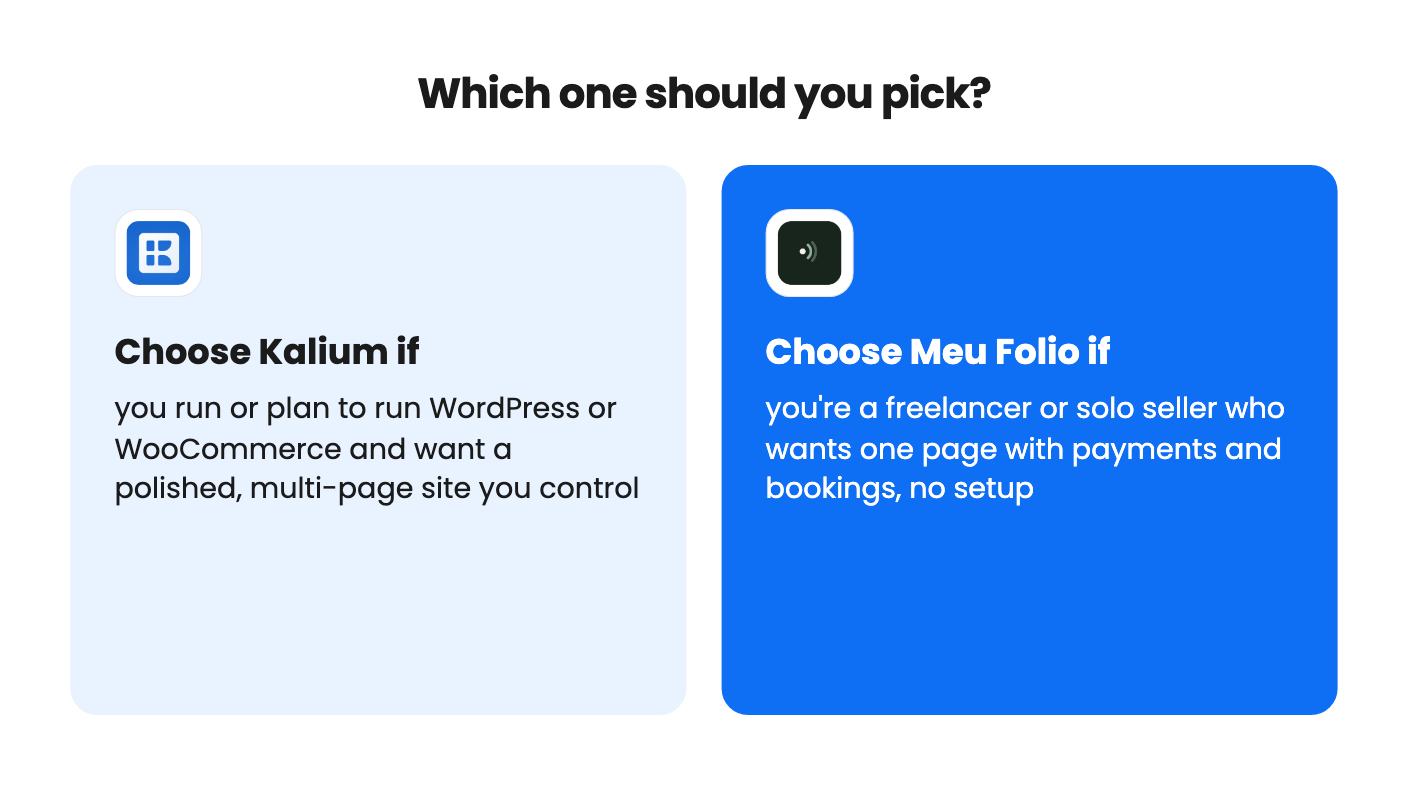
Pick Kalium if you already run WordPress, or you’re building a WooCommerce store and want a mature theme with finished layouts. The $69 tier is a low-risk way in. Skip it if you want hosting, security and updates to be someone else’s job.
Pick Meu Folio if you’re a freelancer, coach or consultant juggling a PDF price list, a payment app and a booking link. It also fits a creator selling a few downloads. Skip it if you need a blog, multiple pages, SEO control or a processor other than Stripe.
If you’re still undecided, ask yourself how much of a website you actually need. A single page that takes money and bookings is a different job from a site you’ll grow for years. Whichever you choose, use the 60-day window to build something real. For Kalium, check your host against the PHP requirements and open a few starter demos first. For Meu Folio, publish a page and send yourself a test payment.
Meu Folio's listing says hosting is included, though the FAQ answer cuts off before it describes security. Kalium is a theme, so you need WordPress and your own hosting, and the listing doesn't mention hosting at all.
It depends on the shop. Kalium suits a WooCommerce store that needs shop, catalog and product page layouts, a cart drawer and a free shipping bar. Meu Folio suits a few products, downloads, services or subscriptions sold through Stripe from one page. Meu Folio doesn't state product limits.
Not yet. Read in order, the table gives the $69 tier unlimited sites and the $299 tier one site, which looks backwards. The columns aren't labeled, so ask AppSumo or Kalium which tier gets which site limit before paying for a higher one.
How this comparison was made: researched from both tools' official listings and demo videos, and written with help from AI. We have not tested Kalium or Meu Folio hands-on yet. Prices and deal terms change, so check AppSumo before you buy. See our affiliate disclosure.
Consently is a cookie consent tool with scanning, policy templates and Google CMP status, sold on AppSumo from $39. Here's what the listing covers and where it's thin.
Five AppSumo lifetime deals listed as Webflow alternatives, from a $69 all-in-one site builder to AI app generators, with who each suits and what's missing.
Eight AppSumo lifetime deals named as Squarespace alternatives, grouped by need, with the limits and gaps each listing shows and who each one suits.