Website BuildersReview
Consently Review: Cheap Cookie Consent, Odd Tier Math
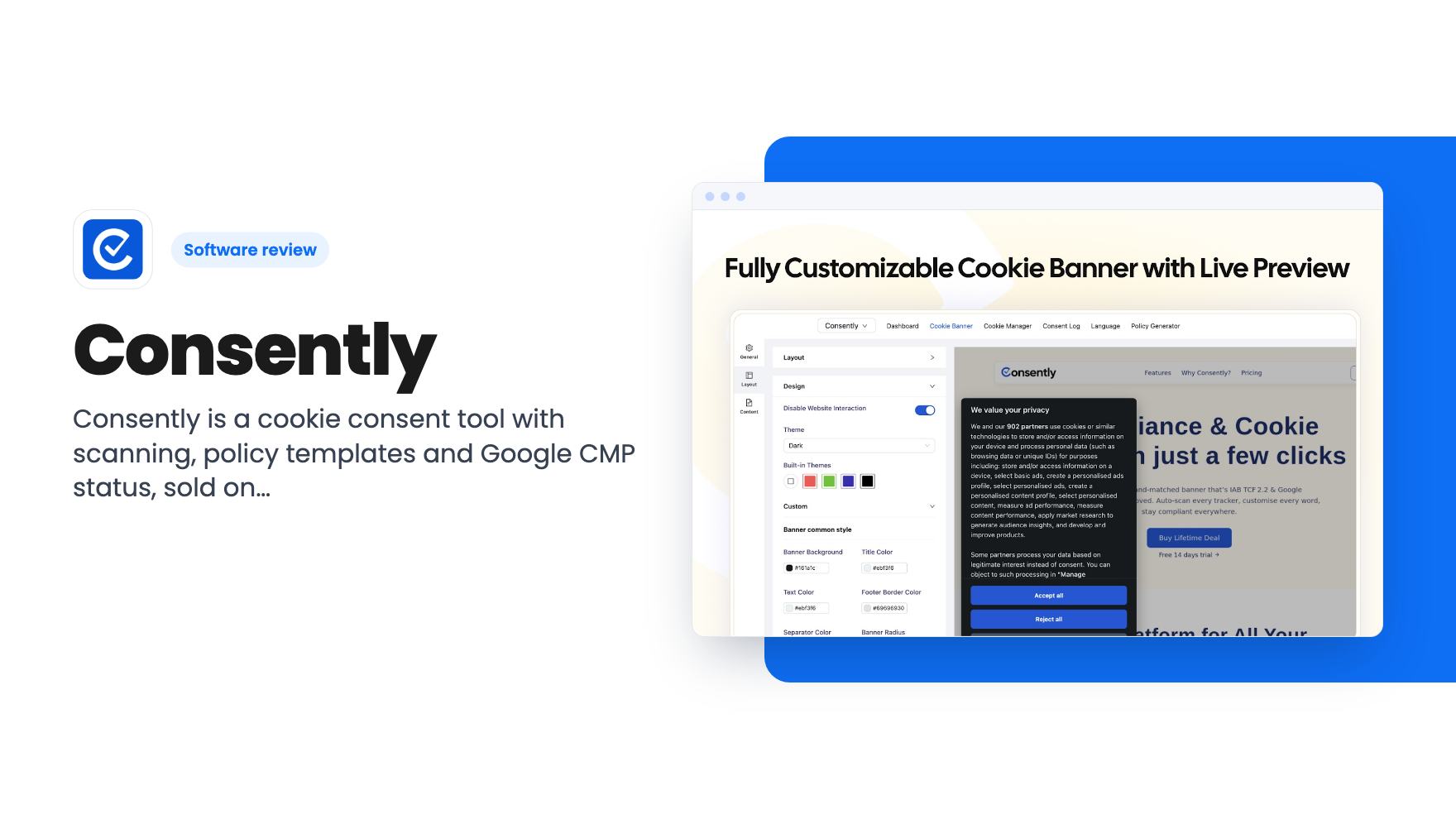
Consently is a cookie consent tool with scanning, policy templates and Google CMP status, sold on AppSumo from $39. Here's what the listing covers and where it's thin.
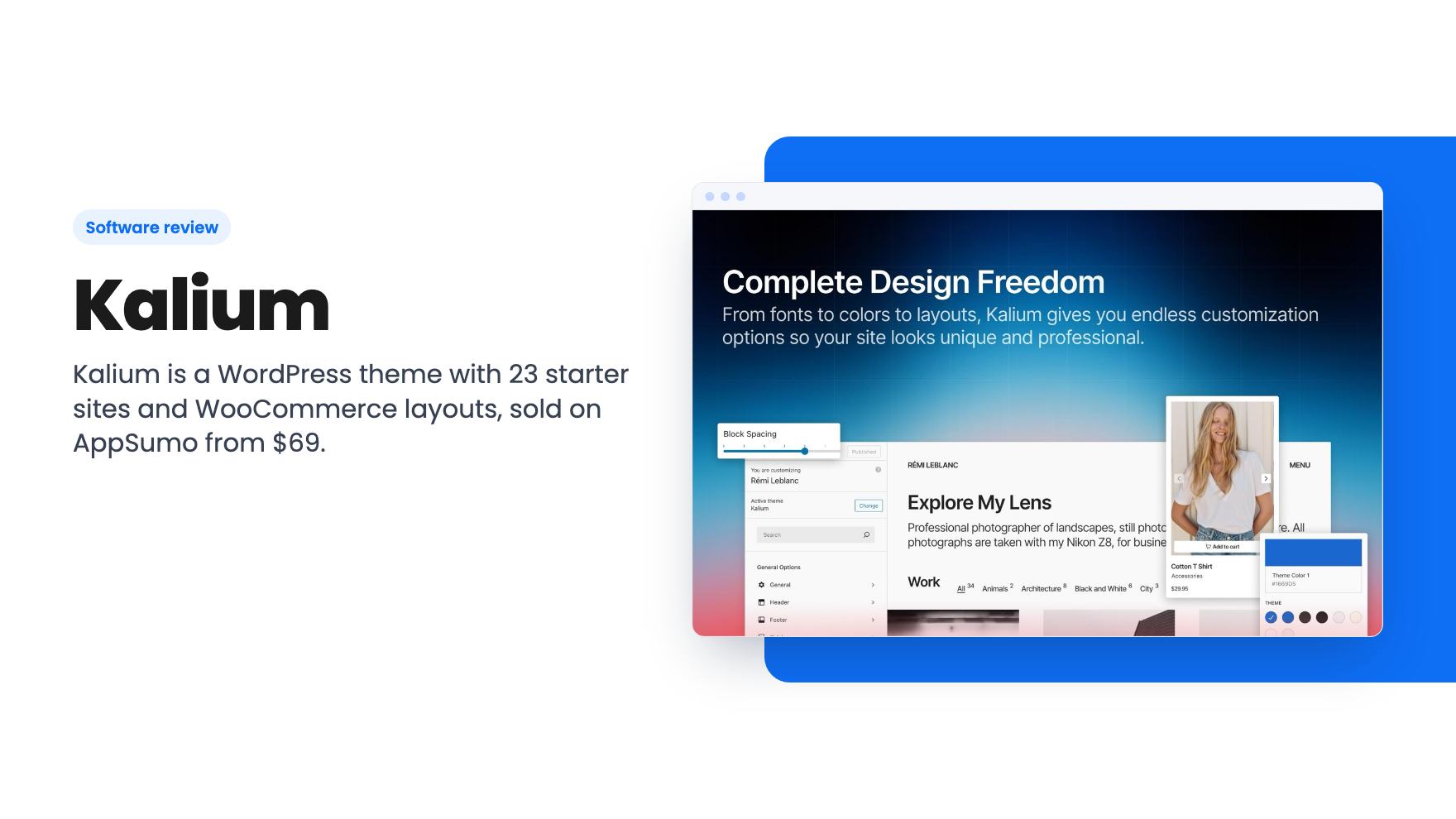
Kalium is a WordPress theme with 23 starter sites and WooCommerce layouts, sold on AppSumo from $69. Good value if you run WordPress, but the tier table is unclear.
Lifetime deal price
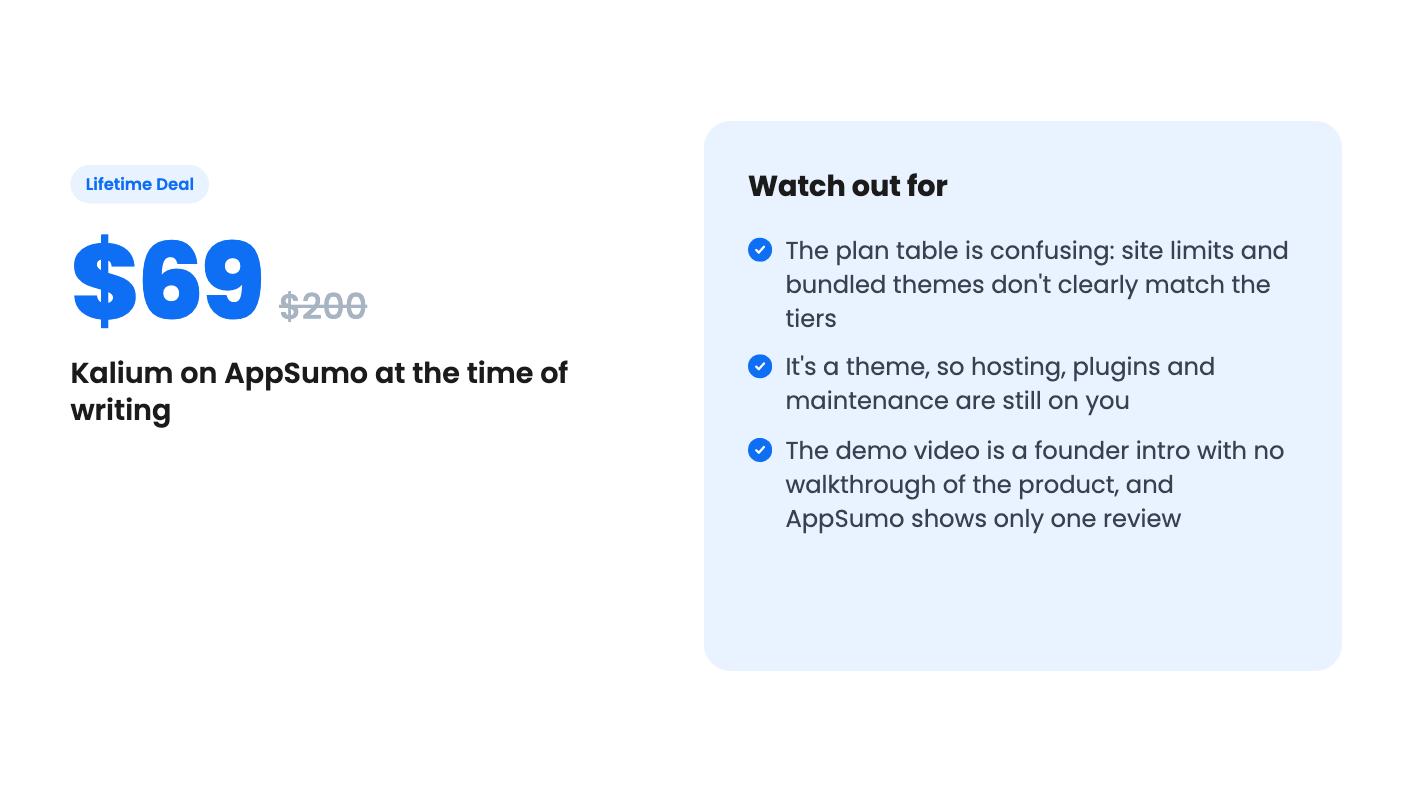
$69$20066% off
Lifetime Deal · ends Nov 20, 2026
Our take: Buy the $69 tier if you already run WordPress or WooCommerce and want a polished theme with starter sites you can import in a few clicks. Skip it if you want a hosted builder with no hosting or plugins to manage. Check the tier table with AppSumo before paying for a higher tier, because the site limits don't line up with the prices.
Free WordPress themes have a way of making every small business site look related. Same hero banner, same three icon boxes, same footer. Paying a designer to break the pattern costs real money, and the quote often arrives with a retainer attached. Kalium is a premium WordPress theme aimed at exactly that gap, and it’s on AppSumo as a lifetime deal starting at $69.
A bit of framing first. This is a theme, not a hosted site builder. AppSumo lists it as an alternative to Squarespace, Webflow and Wix, but you still need WordPress and somewhere to host it. The listing doesn’t mention hosting at all, so budget for that separately. A lifetime deal on the theme doesn’t make the site itself free to run.
The listing pitches four things. Global control over colors, fonts and spacing from one panel. Control over headers, footers, sidebars and template parts. Drag-and-drop page building. And 23 starter sites you can import and edit.
According to the listing FAQ, theme options live in the WordPress Customizer, where you can preview changes live. If you’ve touched WordPress before, that’s familiar ground. It’s also not a Webflow-style visual canvas, and we’d rather say so than let the comparison list imply otherwise.
The listing also promises pixel-perfect typography and responsive breakpoints for desktop and mobile. It doesn’t say how many breakpoints you get or how fine the controls are. That’s the sort of detail to check on the live demos before you pay.
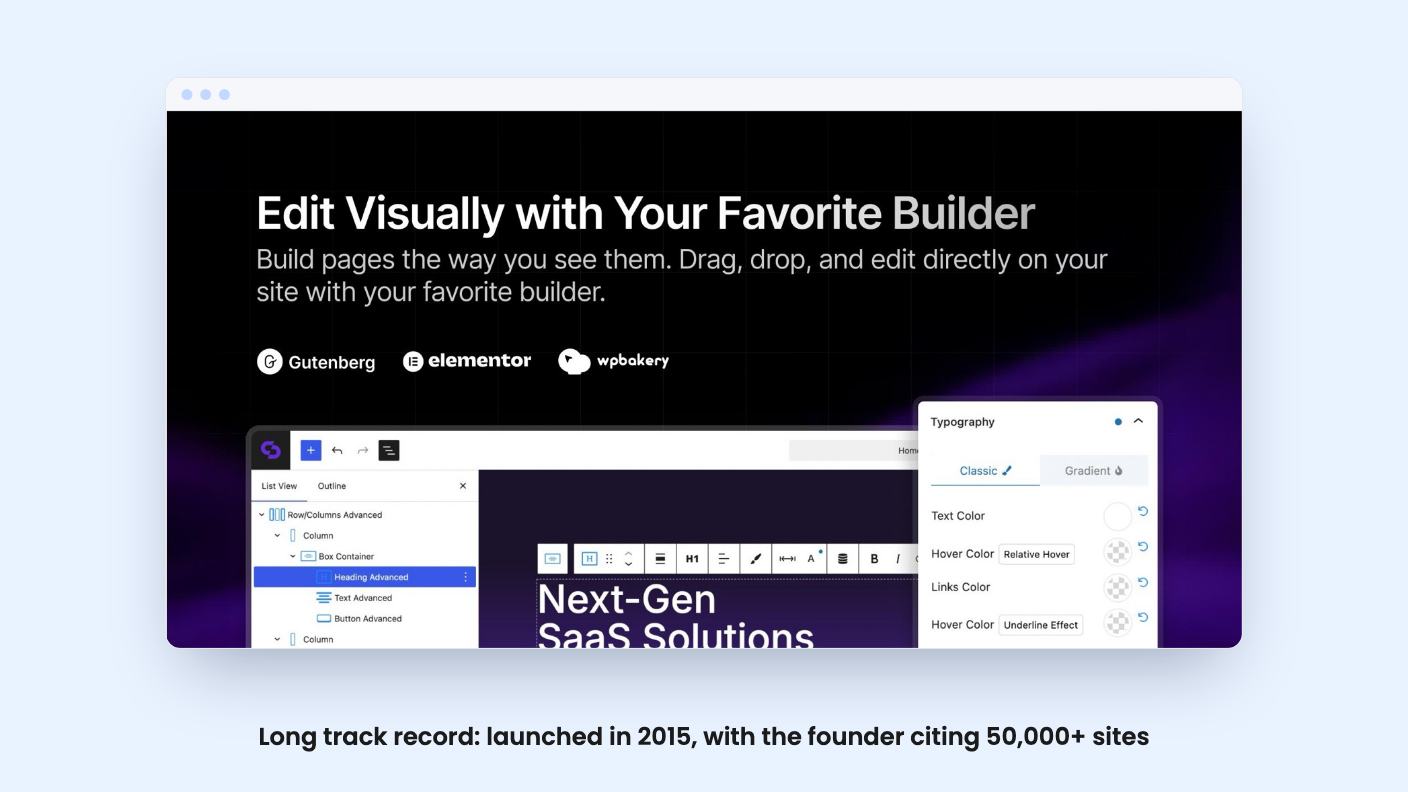
The listing says you can build with Gutenberg, Elementor or WPBakery, whichever you already know. The FAQ is narrower. It confirms full support for Elementor and the Block Editor, and says Kalium 4 includes starter sites prepared for both. WPBakery isn’t mentioned there, so if that’s your builder, ask before buying.
Starter sites are the real draw for a small business owner. You preview one in the Kalium dashboard, import it, then swap images, colors and copy. The listing says you can do that in minutes. That’s marketing language, but starting from a finished layout is still much faster than a blank page.
The imports come with a catch that the documentation is honest about. Kalium recommends PHP 7.4 or higher, MySQL 8.0 or MariaDB 10.5 or higher, and HTTPS. It also suggests raising PHP limits, such as memory_limit of 128M, max_execution_time of 120 to 180, and max_input_vars of 3000. The docs include a troubleshooting entry for white screens, blank pages and failed demo imports, which tells you these happen often enough to need one. Bargain shared hosting could give you a rough first afternoon.
If you sell products, this is where Kalium looks most useful. The listing promises customizable shop, catalog and product page layouts, plus styling for the cart, checkout and account pages. Shoppers can switch between grid, list and masonry views.
The FAQ gets more specific about Kalium 4. It lists a Free Shipping Bar, Cart Drawer, List Layout, multiple gallery types, cards and a card builder, a filter drawer, checkout steps and a layout switcher. Those are practical features, and a free shipping bar and cart drawer are the sort of thing small stores otherwise add with extra plugins.
Keep the scope in mind, though. A theme controls how a store looks. Payments, shipping rules and tax still come from WooCommerce and whatever plugins you add. The listing doesn’t say how the theme behaves with a large catalog either. The listed integrations are Elementor, Mailchimp, WooCommerce and Yoast.
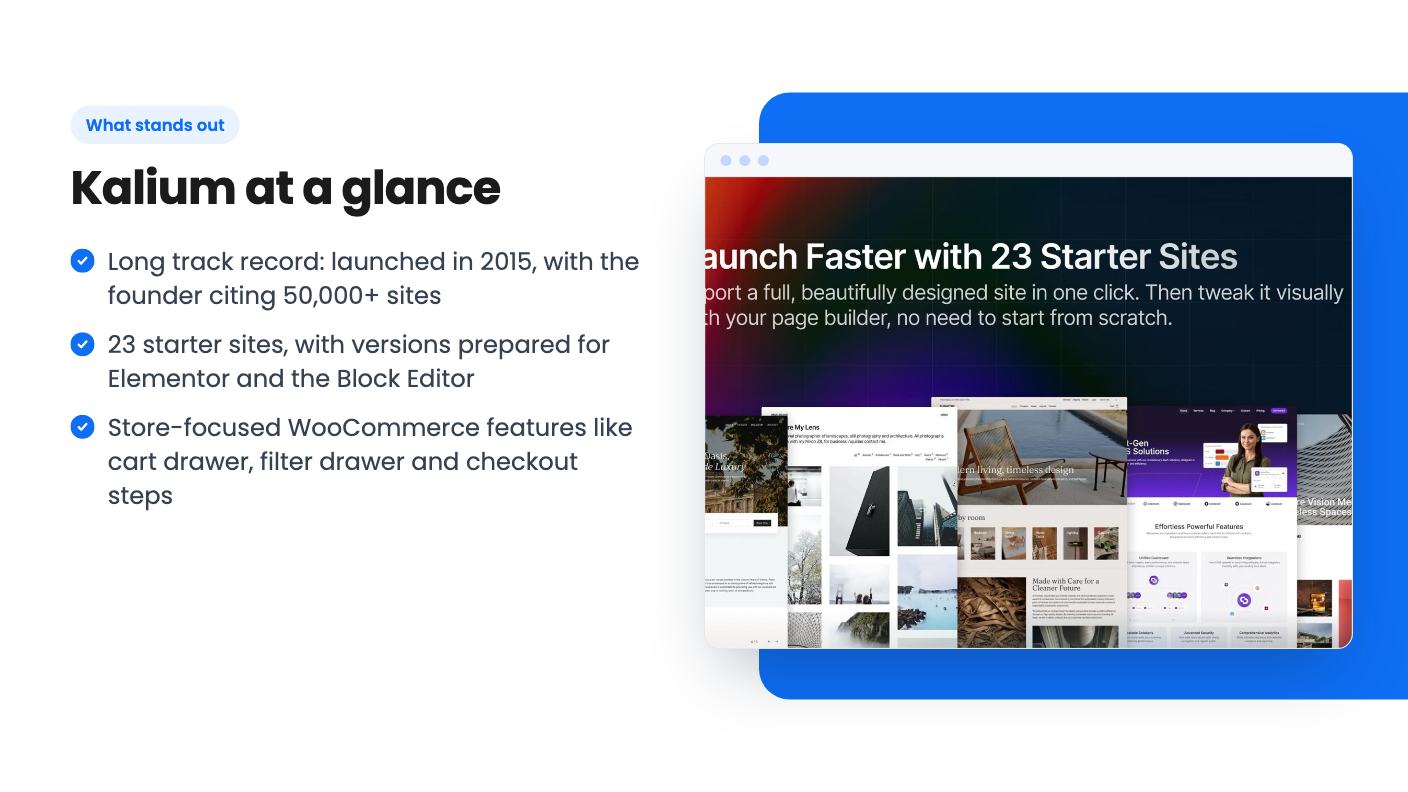
Not much about the product, to be straight about it. The video is a short introduction from Art, co-founder of Laborator and creator of Kalium. He says he and co-founder Arland have built WordPress products since 2011, and that Kalium launched in 2015 as a theme for creatives and agencies that wouldn’t look generic.
He also says Kalium is now used by more than 50,000 websites. We can’t verify that figure, but the age of the product is a point in its favor. A theme that has been maintained for roughly eleven years is a safer bet than a brand-new tool with a lifetime price.
There’s no walkthrough of the Customizer, the starter sites or the WooCommerce features in the transcript, so we can’t describe how any of it behaves. AppSumo also shows one review, a 5.00 average. That’s a sample of one.
There are three lifetime tiers. Tier 1 is $69 (listed as $200), tier 2 is $129 (listed as $300), and tier 3 is $299 (listed as $500). The plans are named Personal, Business and Agency, and all three include future updates to those plans. We can’t confirm the list prices are what Kalium normally charges.
This is the part we’d double-check. The plan features table reads: sites, Unlimited / 10 / 1. Aurum theme, false / true / false. Oxygen theme, true / false / false. Read in tier order, that would give the $69 buyer unlimited sites and the $299 buyer one site, which makes no sense. The columns may be in a different order, but the listing doesn’t label them. The listing also doesn’t explain what the Aurum and Oxygen themes are.
Until that’s clear, don’t pay for a higher tier on the assumption that it covers more sites. Ask AppSumo or Kalium which tier gets which limit.
The terms are fairly standard. Activate your license within 60 days. You can upgrade while the deal is live, but you can only downgrade within 60 days of purchase. The deal ends November 19, 2026. The listing doesn’t say how long support lasts or what the update policy is beyond future plan updates.
Skip Kalium if you want an all-in-one hosted builder where hosting, security and updates are somebody else’s job. Skip it if the Customizer and plugin juggling sound like a chore, or if you don’t already have a reason to be on WordPress. Agencies should hold off until the tier table is explained, since the site limit is the whole point of the higher plans.
If you already run WordPress, or you’re planning a WooCommerce store and want a mature theme with starter layouts, the $69 tier is a low-risk way in. Before you buy, open a few of the starter site demos on kaliumtheme.com, check that your hosting meets the PHP requirements, and get an answer on the tiers.
No. It's a WordPress theme. You need your own WordPress install and hosting, and the listing doesn't say anything about hosting. AppSumo lists those builders as alternatives, but the workflow is different.
The listing names Gutenberg, Elementor and WPBakery. The listing FAQ only confirms full support for Elementor and the Block Editor, so check WPBakery support if that's your builder.
You have to activate your license within 60 days. You can upgrade while the deal is live, but you can only downgrade within 60 days of purchase. The deal ends November 19, 2026.
How this review was made: researched from Kalium's official listing and a transcript of its demo video, and written with help from AI. We have not tested Kalium hands-on yet. Prices and deal terms change, so check AppSumo before you buy. See our affiliate disclosure.
Consently is a cookie consent tool with scanning, policy templates and Google CMP status, sold on AppSumo from $39. Here's what the listing covers and where it's thin.
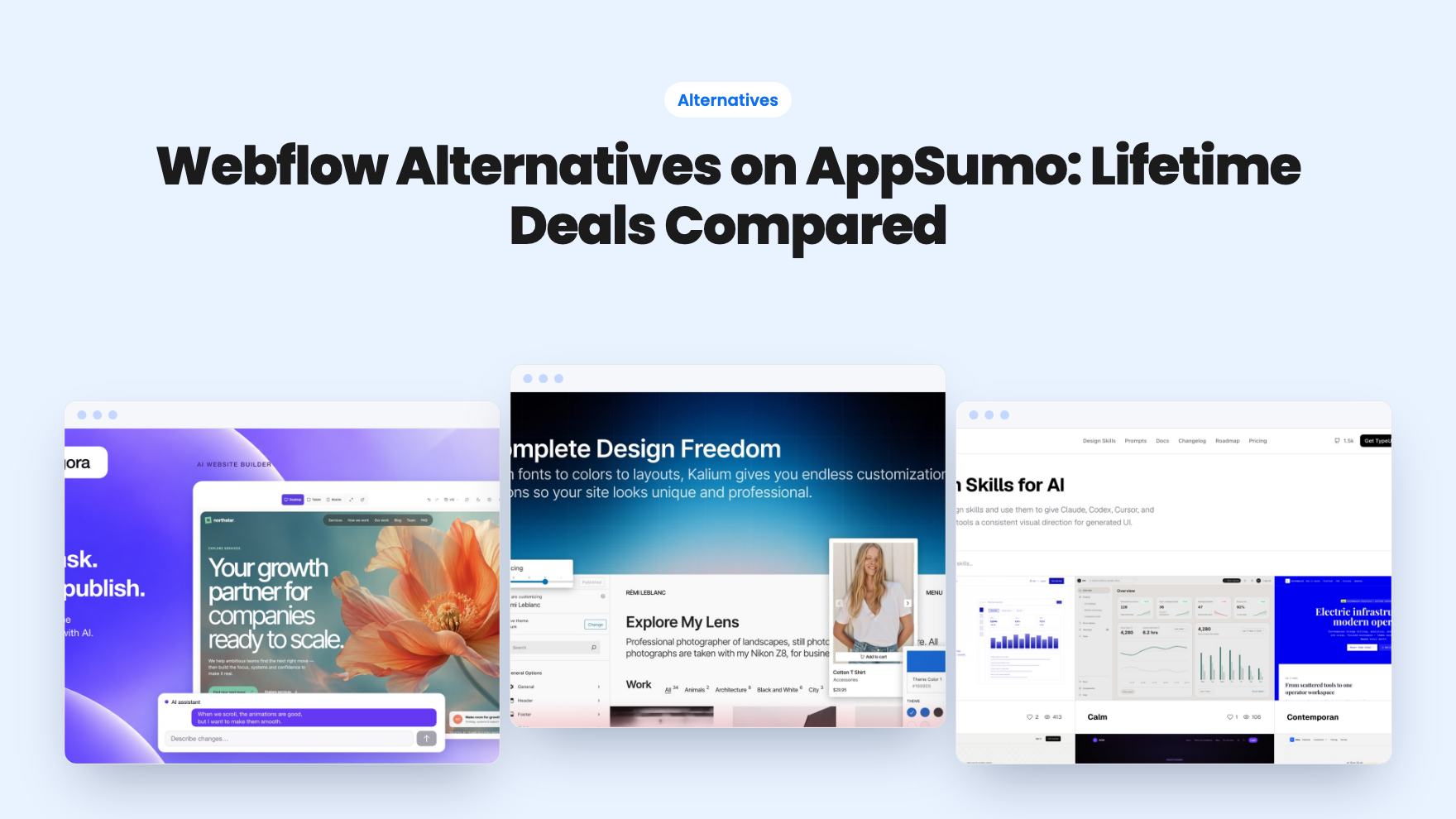
Five AppSumo lifetime deals listed as Webflow alternatives, from a $69 all-in-one site builder to AI app generators, with who each suits and what's missing.
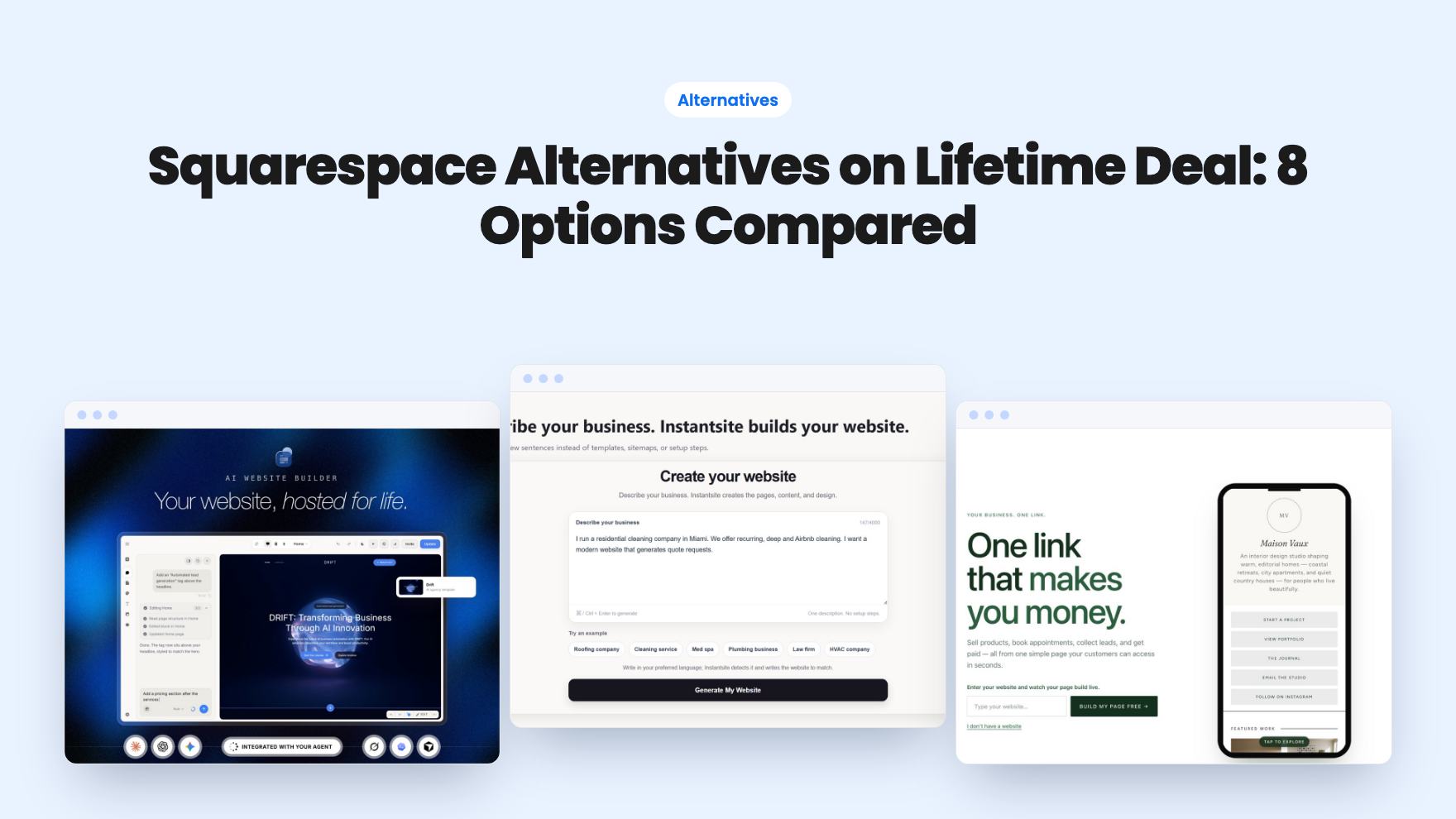
Eight AppSumo lifetime deals named as Squarespace alternatives, grouped by need, with the limits and gaps each listing shows and who each one suits.