
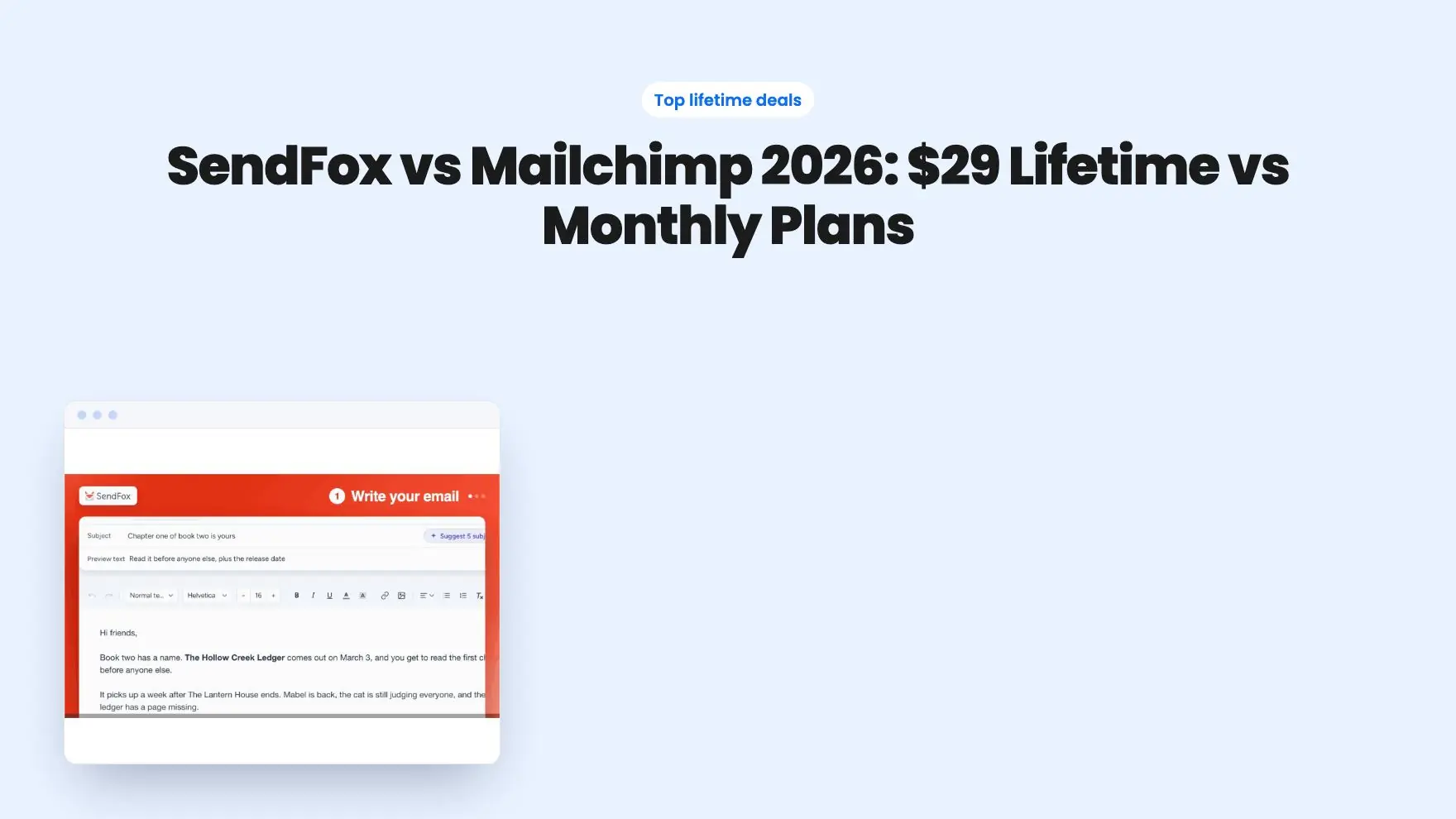


The deals at a glance
| Tool | Suits | Price |
|---|---|---|
| SendFox | Best for creators who want to stop paying monthly | $29 |
If you send a newsletter to people who signed up to hear from you, SendFox vs Mailchimp comes down to one question: do you want to pay once or pay every month? SendFox is a $29 lifetime deal built by AppSumo for creators. Mailchimp is the best-known email platform, priced monthly by list size. See the SendFox deal on AppSumo.
Get SendFox for $29 on AppSumo →
This guide compares real costs at 1,000, 5,000 and 10,000 contacts using each vendor’s own pricing, then walks through features and who each one fits.
SendFox vs Mailchimp: which should you choose?
Choose SendFox if you’re a creator, podcaster or blogger with a list under 5,000 who wants automations and RSS newsletters without a monthly bill. Choose Mailchimp if you run an online store, need a large team with seats and roles, or want advanced ecommerce automations.
Most solo creators sit firmly in the first group. At 5,000 contacts, the SendFox vs Mailchimp gap is $29 once against $900 to $1,200 a year, and the core newsletter tools are covered on both sides.
For the full picture on SendFox alone, read our SendFox review.
How much does each one cost?
SendFox costs $29 once for 5,000 contacts. Mailchimp’s regular rates run from $26.50 to $135 a month for 1,000 to 10,000 contacts, depending on the plan.
Mailchimp’s figures below are its US list prices as of November 2026. Mailchimp is currently advertising 50% off for the first 12 months on paid plans, so your first year may cost less, and the regular rate applies after that. Mailchimp prices by contact band, so 1,000 contacts falls in its 501 to 1,500 band.
| Contacts | SendFox lifetime | Mailchimp Essentials | Mailchimp Standard |
|---|---|---|---|
| 1,000 | $29 once | $26.50/mo ($318/yr) | $45/mo ($540/yr) |
| 5,000 | $29 once | $75/mo ($900/yr) | $100/mo ($1,200/yr) |
| 10,000 | One-time price for the 10,000-contact tier | $110/mo ($1,320/yr) | $135/mo ($1,620/yr) |
| Free option | None on AppSumo | Free plan up to 250 contacts | Free plan up to 250 contacts |
SendFox’s listing shows five license tiers with 5,000, 10,000, 15,000, 20,000 and 25,000 contacts. The $29 price is for the first tier, so check the AppSumo page for the current price of the bigger tiers.
SendFox’s optional Empire Add-On costs $10 a month. Even with Empire for a full year, SendFox’s year one comes to $149, which is less than half of Mailchimp Essentials at 1,000 contacts. From year two, the base plan costs nothing more, while Mailchimp’s bill keeps coming.
Mailchimp’s Premium plan starts at $350 a month for 10,000 contacts. It’s built for larger teams, so it isn’t a realistic comparison for a solo creator.
What does each cost over three years?
Over three years at 5,000 contacts, SendFox costs $29 against $2,700 on Mailchimp Essentials at regular rates. The gap grows every year because SendFox has no renewal.
Here’s how that plays out for three typical creators, using the same regular rates as the table above:
- The new podcaster with 1,000 subscribers. Mailchimp Essentials comes to $318 a year, or $954 over three years. Standard comes to $1,620 over three years. SendFox stays at $29, and the 5,000-contact tier leaves room to grow.
- The weekly blogger with 5,000 subscribers. Mailchimp Essentials is $2,700 over three years, and Standard is $3,600. SendFox is still $29. Adding Empire every month for all three years would add $360, for $389 in total.
- The YouTuber heading toward 10,000. Mailchimp Essentials is $3,960 over three years, and Standard is $4,860. On SendFox, you’d move to the 10,000-contact tier and pay that tier’s one-time price once.
These numbers leave out Mailchimp’s 50% intro discount, which lowers the first year only. They also leave out any list growth, which raises Mailchimp’s bill as you move into bigger contact bands, while SendFox’s price stays fixed inside each tier.
How do the features compare?
Both tools cover the newsletter basics: an editor, automations, signup forms or pages and reporting. Mailchimp goes deeper for ecommerce and teams, while SendFox focuses on what creators use every week.
| Feature | SendFox lifetime | Mailchimp Essentials | Mailchimp Standard |
|---|---|---|---|
| Pricing model | One-time payment | Monthly | Monthly |
| Contacts at entry price | 5,000 | 500 | 500 |
| Monthly email sends | Listing shows lifetime send allowances by tier | 10x your contact limit | 12x your contact limit |
| Automations | Multi-step sequences with A/B testing | Up to 4 flow steps | Up to 200 flows |
| AI help | Five subject line and preview-text pairs per draft | Not included | Generative AI features at no extra cost |
| Branding removal | Empire Add-On ($10/mo) | Included | Included |
| Referral widget | Included | Not listed on pricing page | Not listed on pricing page |
| Users | Not stated on listing | 3 seats | 5 seats |
| Integrations | API, Zapier, KingSumo, Sumo.com | 300+ | 300+ |
| Support | Not stated on listing | 24/7 email and chat | 24/7 email and chat |
Where SendFox stands out
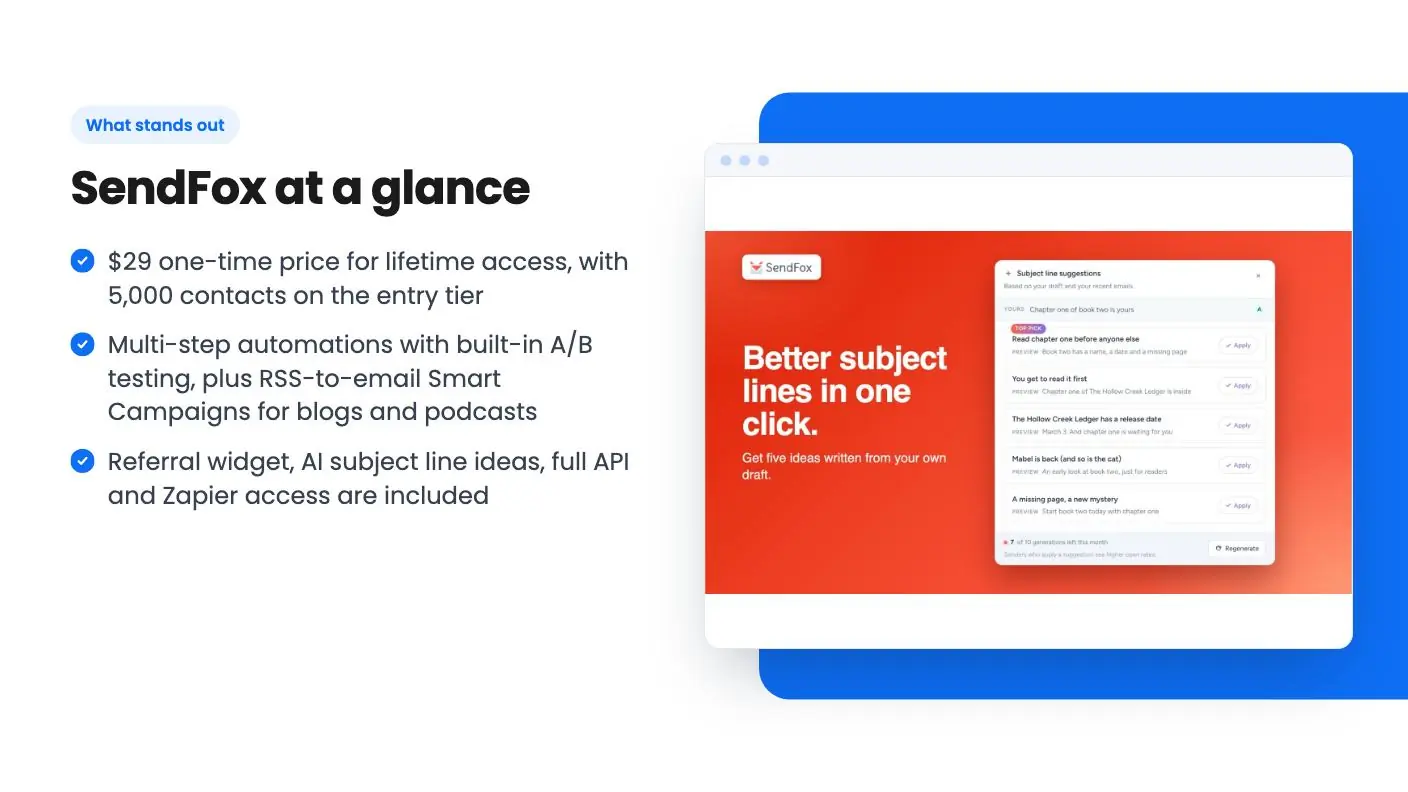
SendFox is built around content. RSS-to-email Smart Campaigns turn new blog posts or podcast episodes into newsletters automatically. That’s a big time saver if you publish on a schedule.
Its automations cover the sequences creators actually build: welcome series, onboarding and launch emails. You can A/B test the emails inside an automation, split traffic between two variants and let SendFox pick the winner.
List growth is part of the package. The referral widget rewards subscribers who share your newsletter, and Smart Pages give each offer its own landing page and list. If you run giveaways, KingSumo, another AppSumo Original, connects straight to SendFox.
Reporting covers a health score for list growth, opens and clicks, trends over time and a full activity timeline for each contact.
Where Mailchimp stands out
Mailchimp’s Standard plan adds dynamic content, custom reports, branded templates and up to 200 automation flows. It also includes generative AI features and one personalized onboarding session for new accounts.
Mailchimp lists 300+ integrations and 24/7 email and chat support on paid plans. It also offers SMS as a paid add-on in select countries. For a store owner who wants purchase data driving emails, that depth matters.
Teams get more structure too. Essentials includes 3 seats and 3 audiences, and Standard includes 5 seats and 5 audiences, with role-based access.
Does double opt-in matter?
On SendFox’s lifetime plan, every new subscriber confirms their address by email. For a creator newsletter, that’s usually a plus, because the list starts clean and everyone on it chose to be there.
It matters more if you import large lists or add contacts through the API, since each person must click a confirmation link. If that’s your workflow, the Empire Add-On lets you turn double opt-in off for API and form signups.
Who should pick SendFox?
SendFox is the better buy for creators who want to own their audience at a fixed cost. It’s a strong fit if you’re one of these:
- YouTubers and podcasters who want each new episode emailed to subscribers through RSS.
- Bloggers and newsletter writers sending weekly or monthly to a list under 5,000.
- Course creators and coaches who need a welcome sequence or short email course on autopilot.
- Solo founders who want landing pages and a referral widget without stacking subscriptions.
In the SendFox vs Mailchimp decision, these readers gain the most. They use the core tools both platforms share, and they save hundreds of dollars a year by paying once.
See the deal on AppSumo to lock in the $29 tier.
Get SendFox for $29 on AppSumo →
Who should pick Mailchimp?
Mailchimp is the better fit when your email needs go beyond a creator newsletter. Pick it if:
- You run a Shopify store. SendFox has no native Shopify integration yet, so you’d connect through the API, Zapier or Pabbly webhooks.
- You need raw SMTP. SendFox doesn’t expose SMTP credentials. It uses domain validation instead.
- You import contacts by API without confirmation. SendFox lifetime accounts keep double opt-in on unless you add Empire.
- You have a team. Mailchimp’s seats, audiences and roles suit several people working in one account.
- You want full HTML design control at no extra cost. SendFox’s lifetime plan uses the basic HTML editor, with the advanced one in Empire.
If you want a lifetime deal but SendFox isn’t the right shape, our Mailchimp alternatives guide groups other options by job.
How do you switch from Mailchimp to SendFox?
Export your Mailchimp contacts as a CSV, validate your sending domain in SendFox, then import the list. Plan for double opt-in on the lifetime plan.
A smooth switch looks like this:
- Tell your list first. Send a short note from Mailchimp saying a confirmation email is coming, so subscribers know to click it.
- Validate your domain in SendFox. You can then send from any address on that domain.
- Import your contacts. Keep separate lists if you had separate Mailchimp audiences.
- Rebuild your welcome sequence. Recreate your key automation first, then add A/B tests.
- Connect your RSS feed if you publish a blog or podcast.
- Update your signup forms to point at your new Smart Pages or SendFox forms.
Run both tools side by side for one send cycle if you can. Activate your SendFox license within 60 days of purchase, and use AppSumo’s money-back window to confirm everything works with your real list.
The verdict
For creators, SendFox wins on price by a wide margin and covers the newsletter jobs that matter most. Mailchimp wins on depth for stores and teams, and its monthly bill reflects that.
If you’re settling SendFox vs Mailchimp for a personal brand, podcast or blog, start with SendFox’s 5,000-contact tier. You’ll pay $29 once, and you can add Empire for $10 a month only if you need it.
Want to see what else AppSumo builds in-house? Browse the AppSumo Originals, compare more email marketing lifetime deals, or read our ConvertKit alternatives if you’re also weighing Kit.
Ready to stop paying monthly? See the deal on AppSumo.
Why each one made the list
- SendFox: $29 once covers 5,000 contacts with multi-step automations, RSS-to-email newsletters and a referral widget, while Mailchimp's Essentials plan lists $75 a month at the same size.
Frequently asked questions
Is SendFox cheaper than Mailchimp?
Yes, by a wide margin for small and mid-size lists. SendFox costs $29 once for 5,000 contacts. Mailchimp's regular rates at 5,000 contacts are $75 a month on Essentials and $100 a month on Standard, or $900 to $1,200 a year.
Does Mailchimp have a free plan?
Yes. Mailchimp's free plan covers up to 250 contacts and 500 sends a month, capped at 250 a day. SendFox has no free tier on AppSumo, but its $29 lifetime plan covers 5,000 contacts.
Can SendFox replace Mailchimp for a newsletter?
For most creator newsletters, yes. SendFox covers the editor, multi-step automations, RSS-to-email campaigns, landing pages and a referral widget. Mailchimp is the better fit if you need ecommerce flows, dynamic content or a large team with seats and roles.
Which has better automations, SendFox or Mailchimp?
Mailchimp's Standard and Premium plans list up to 200 automation flows, while Essentials is limited to 4 flow steps. SendFox's lifetime plan includes multi-step sequences with A/B testing inside the automation, which covers welcome, onboarding and launch sequences.
Does SendFox remove its branding like Mailchimp's paid plans do?
Mailchimp's paid plans include branding removal. On SendFox, removing branding is part of the Empire Add-On at $10 a month, which also unlocks the advanced HTML editor and lets you switch off double opt-in.
How do I move my list from Mailchimp to SendFox?
Export your contacts from Mailchimp as a CSV, validate your sending domain in SendFox, then import the list. Lifetime accounts use double opt-in, so send your subscribers a short heads-up email from Mailchimp before you switch.