


Lifetime deal price
$45$474% off
Lifetime Deal
4.7(3 AppSumo reviews)
Quick verdict
Our take: Buy it if you make a handful of short product ads a month and want planning, AI presenters and scheduling in one place, ideally on the $147 or $297 tier. Skip it if you need heavy video volume, long-form editing or a proven track record, because credits are finite and the product looks young.
Best for: Content creators, Ecommerce, Marketing agencies
Alternative to: Creatify, HeyGen
What we like
- Shows the plan and credit cost before anything is generated
- Three video types in one tool: motion-graphics ads, UGC-style presenter ads and scene-by-scene builds
- Exports 9:16, 1:1, 4:5 and 16:9 and schedules to YouTube, TikTok and Instagram
- 60-day money-back guarantee and top-up credits that don't expire
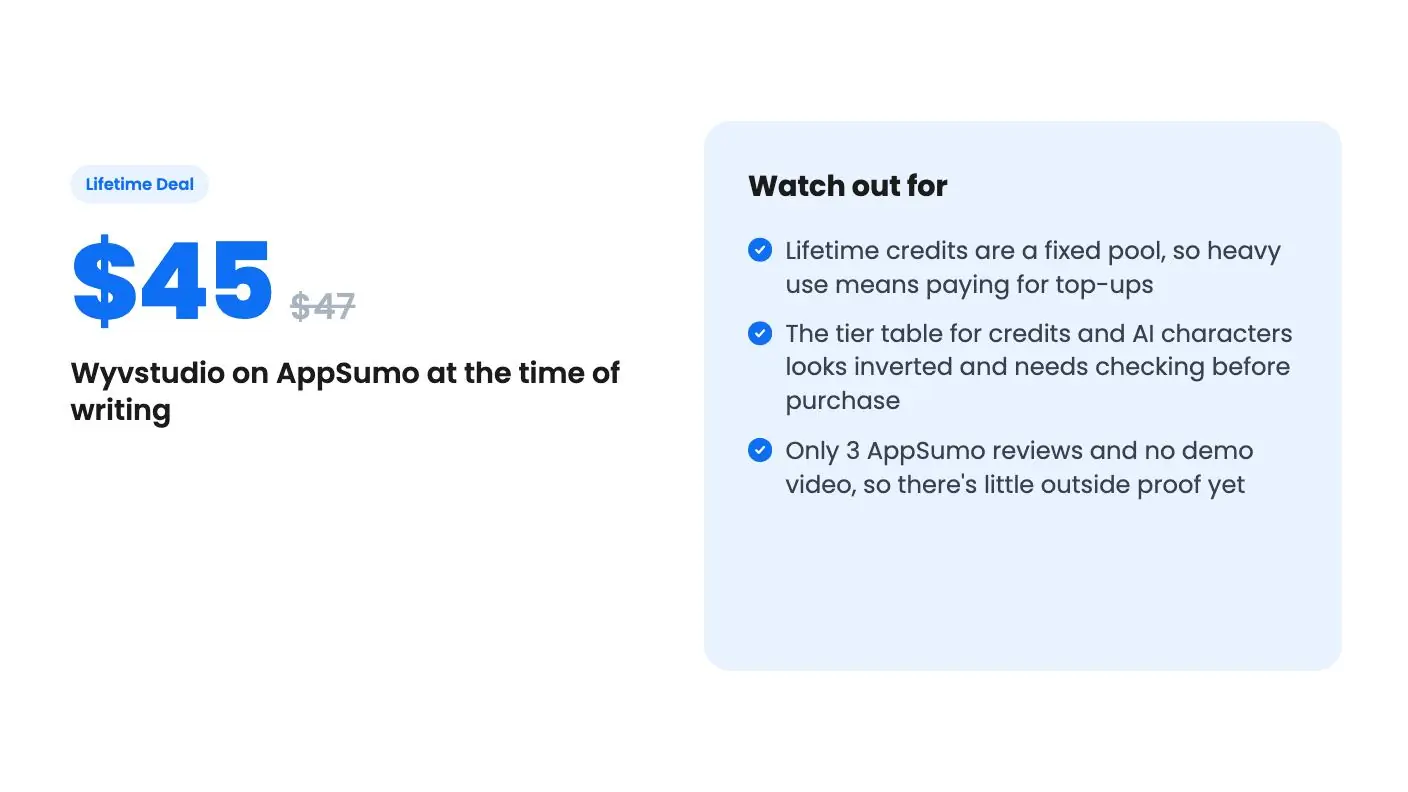
Watch out for
- Lifetime credits are a fixed pool, so heavy use means paying for top-ups
- The tier table for credits and AI characters looks inverted and needs checking before purchase
- Only 3 AppSumo reviews and no demo video, so there's little outside proof yet
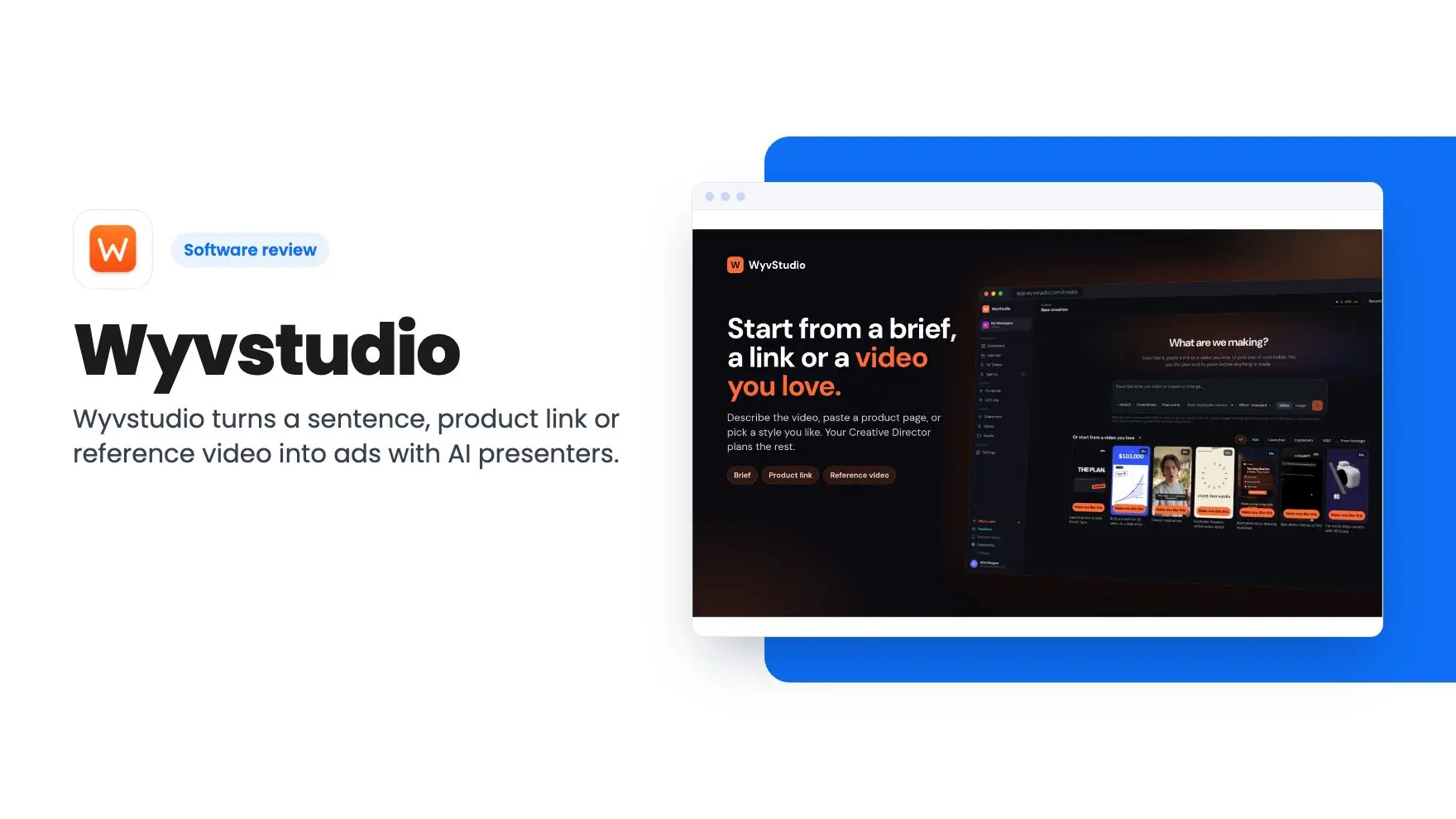
Picture a small online shop with a new product, a Friday launch and nobody to film it. You could book a creator, learn an editor, or paste a link into something that promises a finished ad by lunch. Wyvstudio is aimed squarely at that third option, and it’s on AppSumo as a lifetime deal from $45.
Get Wyvstudio for $45 on AppSumo →
We haven’t used it. Everything in this Wyvstudio review comes from the AppSumo listing, which is marketing copy, and there’s no demo video to lean on. So treat this as a close reading of what’s promised, plus a few flags about where the fine print matters.
What you actually get for the money
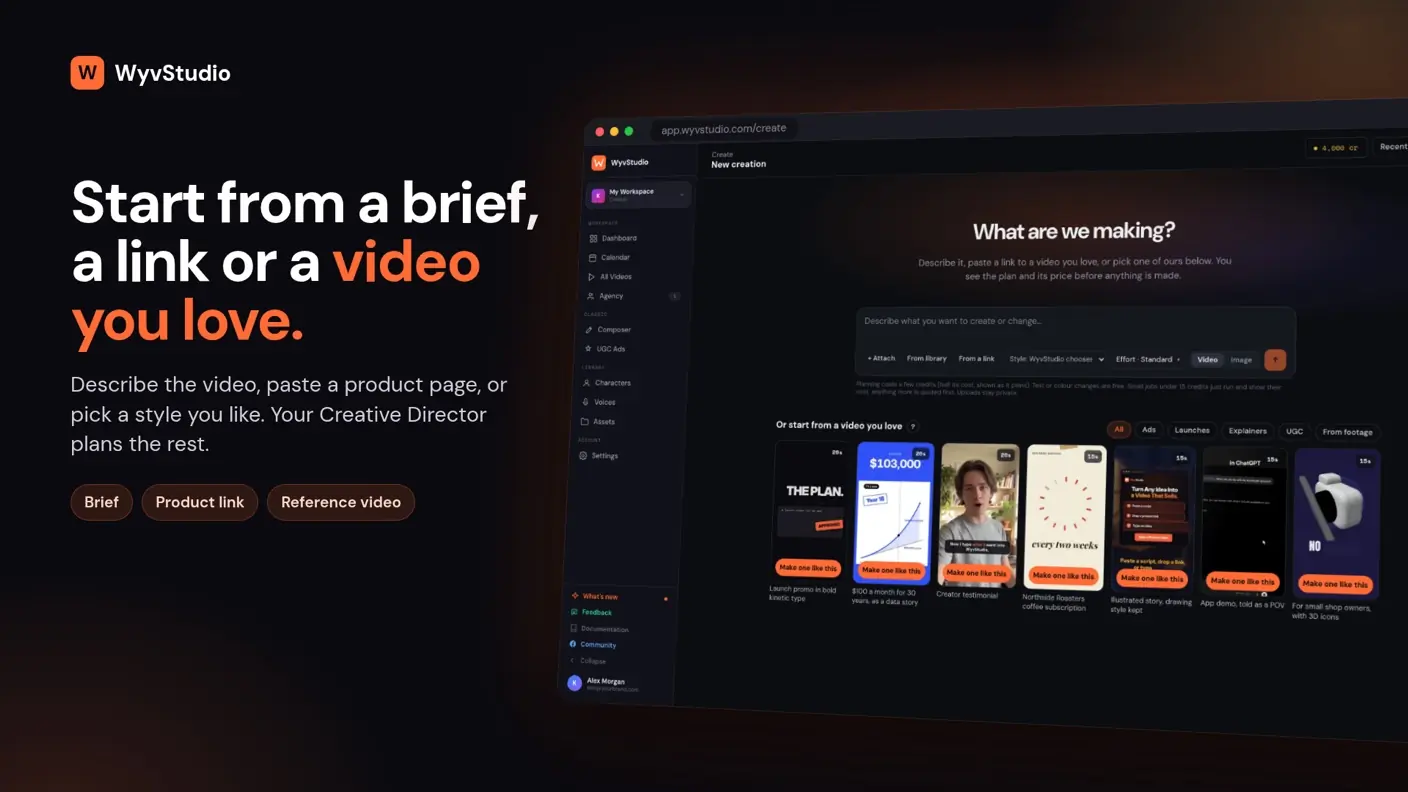
The listing describes three kinds of video in one tool. First, motion-graphics ads made from a sentence, a product link or a reference video whose style you like. Second, UGC-style ads with AI presenters. Third, script-first videos you build scene by scene in a composer.
That’s a sensible spread for a small business. Most of us need a punchy product ad, a talking-head style clip for social, and now and then something with more control. Having them under one login beats paying three subscriptions.
The tool positions itself against Creatify and HeyGen. That’s a fair comparison for the presenter side. Whether the output quality matches those tools, the listing doesn’t say, and with no video available this Wyvstudio review can’t judge it.
The part I like: seeing the price first
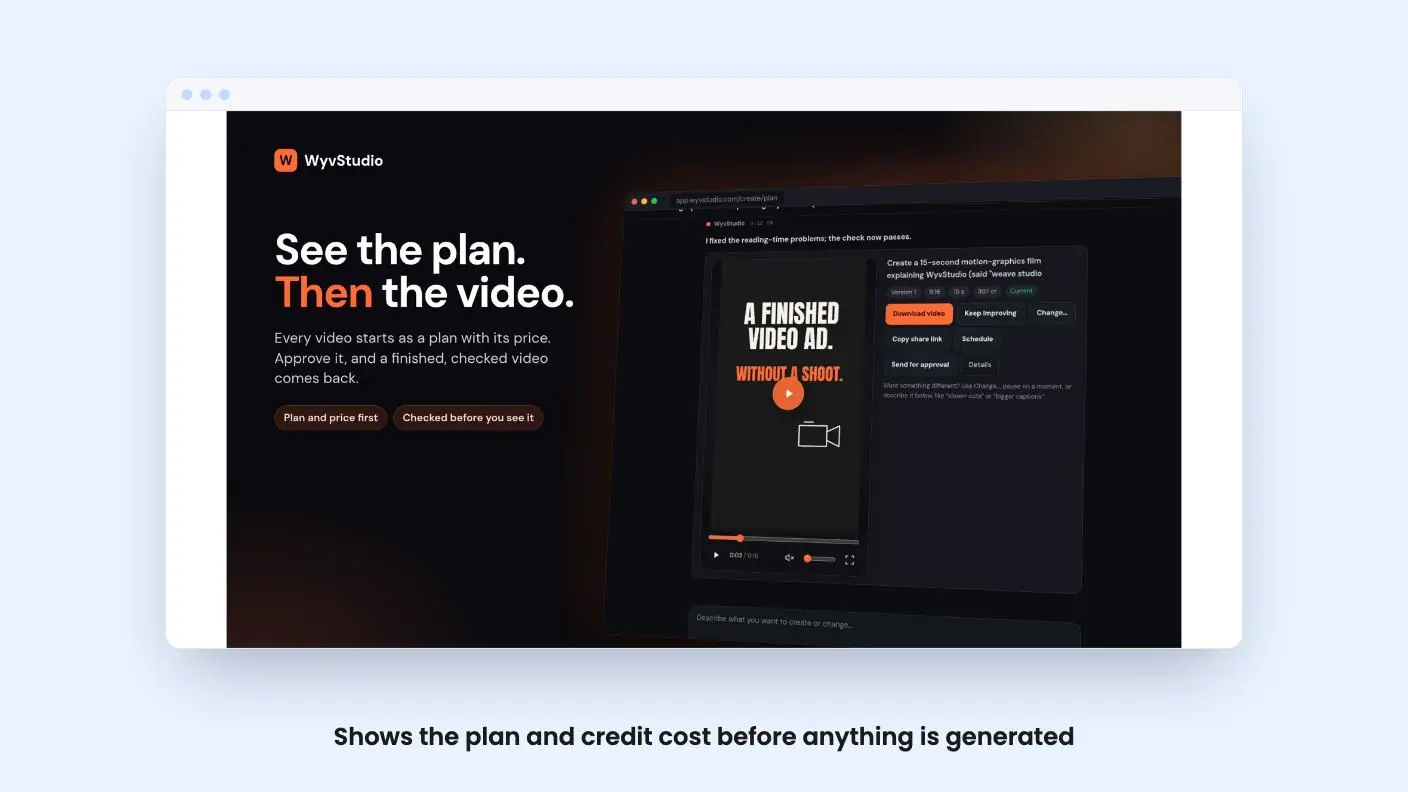
The best idea here is the Creative Director. Before anything is generated, it shows you the shots, the look and the credit cost. You approve, then it builds.
Anyone who has burned credits on a render that missed the brief will see the point. AI video tools often make you pay for the mistake. Here the plan comes first, and the listing says you always see an estimate before anything is made.
Two more details are useful. The tool says it checks the finished video, for example whether on-screen lines stay up long enough to read. And you change things by describing what’s different, while text and color edits are free. If the checking works as described, it saves a round of fixes. If it doesn’t, you’ve lost nothing but a bit of trust.
Get Wyvstudio for $45 on AppSumo →
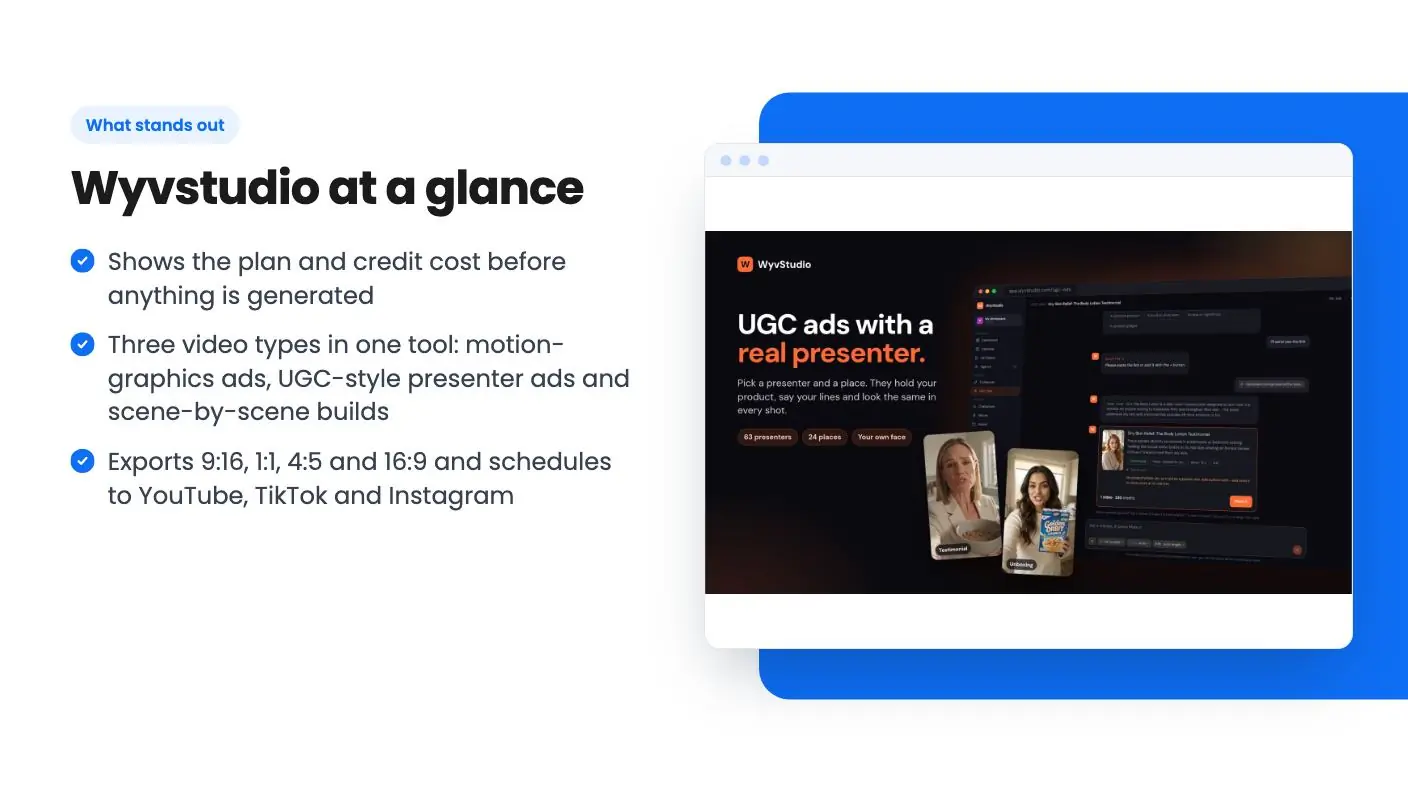
Wyvstudio UGC ads with AI presenters
This is the feature most buyers will want. You pick from 60+ AI actors, upload your own photo, or use a saved character. Add product photos or a link, and Wyvstudio reads it and writes the hook and script. You can supply your own words and choose the voice. The output is a 9:16 ad.
The catch is cost. The listing says presenter ads cost more than motion-graphics ads because every second of the presenter is generated video. It gives no credit figure for a UGC ad, which is the number we’d most want. Ask about it, or check the in-app estimate during your refund window.
One more thing: if you upload your own face, fine. The listing asks you to use photos only of people who’ve agreed to it, and that goes for client work too.
Publishing, brand kits and the ChatGPT or Claude link
Exports cover 9:16, 1:1, 4:5 and 16:9 from one project. You can schedule straight to YouTube, TikTok and Instagram, and the feature list also mentions Facebook, from one calendar. Brand kits hold your logo, colors, fonts and voice, and saved characters keep a consistent look across videos.
You can also connect Wyvstudio to ChatGPT or Claude and request a video from the chat. It spends the same credits as the app. That’s a nice convenience, but it doesn’t make videos cheaper, and the listing says nothing about how well the chat route handles revisions.
The Wyvstudio deal, tier by tier
There are three lifetime tiers. Here’s what the listing shows:
| Tier | Price | Limits | What you get |
|---|---|---|---|
| Tier 1 | $45 | 1 publishing channel, 1 brand kit, 3-minute max video length, 30 UGC ad takes per month | Standard rendering and standard support |
| Tier 2 | $147 | 3 publishing channels, 5 brand kits, 5-minute videos, 60 UGC takes per month | Priority support |
| Tier 3 | $297 | Unlimited channels and brand kits, 10-minute videos, 150 UGC takes per month | Priority rendering, top priority support, and up to 50 client workspaces |
Credits are the real limit. The listing gives them as 20,000, 9,000 and 2,500 for the life of your license. Read in tier order, that gives the $45 plan the most and the $297 plan the least, which makes no sense next to every other row. AI characters (10, 5, 2) show the same pattern. It looks like a display error, but the listing doesn’t explain it, so confirm the real numbers on the AppSumo page before paying.
As a rough guide, at 300 to 400 credits per 15-second motion ad, 2,500 credits covers about 6 to 8 of them. 9,000 covers roughly 22 to 30, and 20,000 roughly 50 to 66. UGC ads will stretch those pools less. That’s our arithmetic from the listing’s own figures, not a promise.
Top-ups run $8 for 500 credits and $70 for 5,000. At the small pack, a 15-second motion ad works out to roughly $4.80 to $6.40 in credits. That’s cheap against a freelancer, though it adds up if you publish daily.
The usual lifetime terms apply. You must activate your license within 60 days, you can move between the three tiers, future plan updates are included, and AppSumo’s 60-day money-back guarantee covers you.
Who should skip it
Skip it if you need a high volume of videos. A fixed credit pool is a different thing from an unlimited plan, and the first tier in particular could run dry fast, depending on which way the credit numbers really run.
Skip it if you want long-form editing or a polished timeline editor. The composer lets you edit scene by scene, but there’s no sign here of anything like a full video editor.
Be careful if you want proof. AppSumo shows 3 reviews averaging 4.67, which is a good score on a tiny sample, and this Wyvstudio review can’t add to it. This looks like a young product, and the listing gives no roadmap beyond saying updates are included. Lifetime deals depend on the company surviving, so a low-cost entry is the sensible way in.
For agencies, the $297 tier’s client workspaces are the draw, though 50 workspaces sharing one credit pool is something to test before you promise anyone a video schedule. If you do buy, the short version of this Wyvstudio review is to spend the first weeks making real ads and checking the credit estimates, and ask for the refund before day 60 if the output isn’t good enough.
Related reading: Wideo vs Wyvstudio, Synthers AI review.
All Wyvstudio features
Taken from Wyvstudio's AppSumo listing. We haven't tested these features hands-on.
Turn a sentence, a link or a video you love into a finished ad
- Start from anything: describe the video, paste a product link, or add a reference video whose style you want
- See the plan and the price first: your Creative Director shows the shots, the look and the credits before anything is made
- Checked before you see it: WyvStudio reviews the finished video, like whether each line on screen stays up long enough to read
- Change it by asking: pause on a moment and say what's different, or edit the text and colours for free
UGC-style ads with Al presenters, no creators to book
- Pick a presenter from 60+ AI actors, your own photo, or your saved characters
- Add your product photos or a link and WyvStudio reads it, then writes the hook and script
- Bring your own words or let it write them, and pick the voice
- See the price before anything is made, then get a ready-to-post 9:16 ad
Publish where your audience are
- Export multiple formats including 9:16, 1:1, 4:5, and 16:9 from the same project
- Schedule directly to YouTube, TikTok, and Instagram without downloading files
- Manage your calendar from one publishing dashboard across brands and channels
- Create once instead of rebuilding videos for every platform
Stay on brand, publish everywhere, and create from ChatGPT or Claude
- Brand kits keep your logo, colours, fonts and voice in every video
- Reuse the same characters across your videos, so every ad looks like the same brand
- Schedule to YouTube, TikTok, Instagram and Facebook from one calendar
- Connect WyvStudio to ChatGPT or Claude and make videos right from the conversation
What changes by plan
| Feature | Tier 1 $45 | Tier 2 $147 | Tier 3 $297 |
|---|---|---|---|
| Credits: for the life of your license | 2500 | 9000 | 20000 |
| UGC ad takes per month | 150 | 60 | 30 |
| Max video length | 10 min | 5 min | 3 min |
| Publishing channels | Unlimited | 3 | 1 |
| Brand kits | Unlimited | 5 | 1 |
| AI characters | 2 | 5 | 10 |
| Client workspaces | Up to 50 | — | — |
| Priority rendering | Priority | Standard | Standard |
| Support | Top priority Support | Priority support | Standard priority |
What the lifetime deal includes
- Lifetime access to Wyvstudio
- All future plan updates
- You must activate your license within 60 days of purchase
- Ability to upgrade or downgrade between 3 license tiers
- No codes, no stacking—just choose the plan that is right for you
At a glance
- Best for
- Content creators, Ecommerce, Marketing agencies
- Alternative to
- Creatify, HeyGen
- Integrations
- Facebook, Instagram, TikTok, YouTube, ChatGPT
- Category
- Media & Design › Video
- Website
- wyvstudio.com
Decided Wyvstudio fits? The lifetime deal starts at $45. Check the tier limits on AppSumo before you pick one.
Get Wyvstudio on AppSumoKeep reading about Wyvstudio
Wyvstudio FAQ
What do credits pay for in Wyvstudio?
According to the listing, credits cover planning, generated media (voiceover, music, AI images and video, presenters) and building the final video. Stock footage, text and color edits, downloads and publishing are free. A 15-second motion-graphics ad usually takes about 300 to 400 credits, and presenter ads cost more.
What happens when the credits run out?
You can top up without changing plan, from $8 for 500 credits up to $70 for 5,000. The listing says top-up credits don't expire while your license is active.
Which lifetime tier makes sense?
Tier 1 is $45, tier 2 is $147 and tier 3 is $297. Tier 3 is the only one with client workspaces (up to 50), unlimited brand kits and unlimited publishing channels, so agencies should look there. Check the credit numbers on the AppSumo page first, since the listing's credit row appears to run in the opposite direction from the others.
Is Wyvstudio worth it?
It may be if you make a handful of short product ads a month and want planning, AI presenters and scheduling in one place, ideally on the $147 or $297 tier. Credits are finite and the product looks young, so it is a weaker fit for heavy video volume or long-form editing.
Is the Wyvstudio lifetime deal refundable?
The listing says AppSumo's 60-day money-back guarantee covers the purchase. You also need to activate your license within 60 days and can move between the three tiers.
What are the best Wyvstudio alternatives?
The listing positions Wyvstudio against Creatify and HeyGen, which the article calls a fair comparison for the presenter side. Whether Wyvstudio's output quality matches those tools is not stated in the listing.