
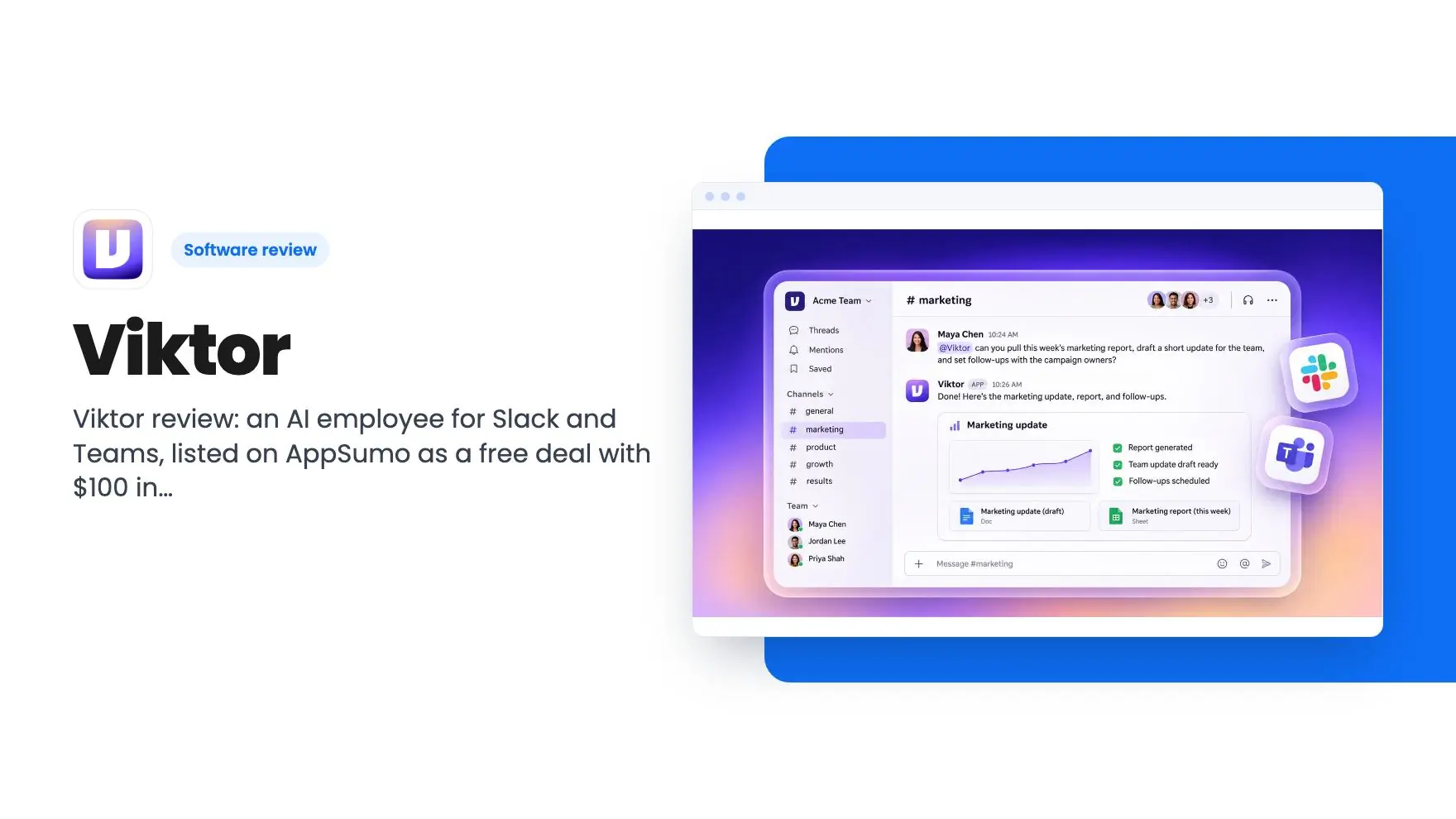


Lifetime deal price
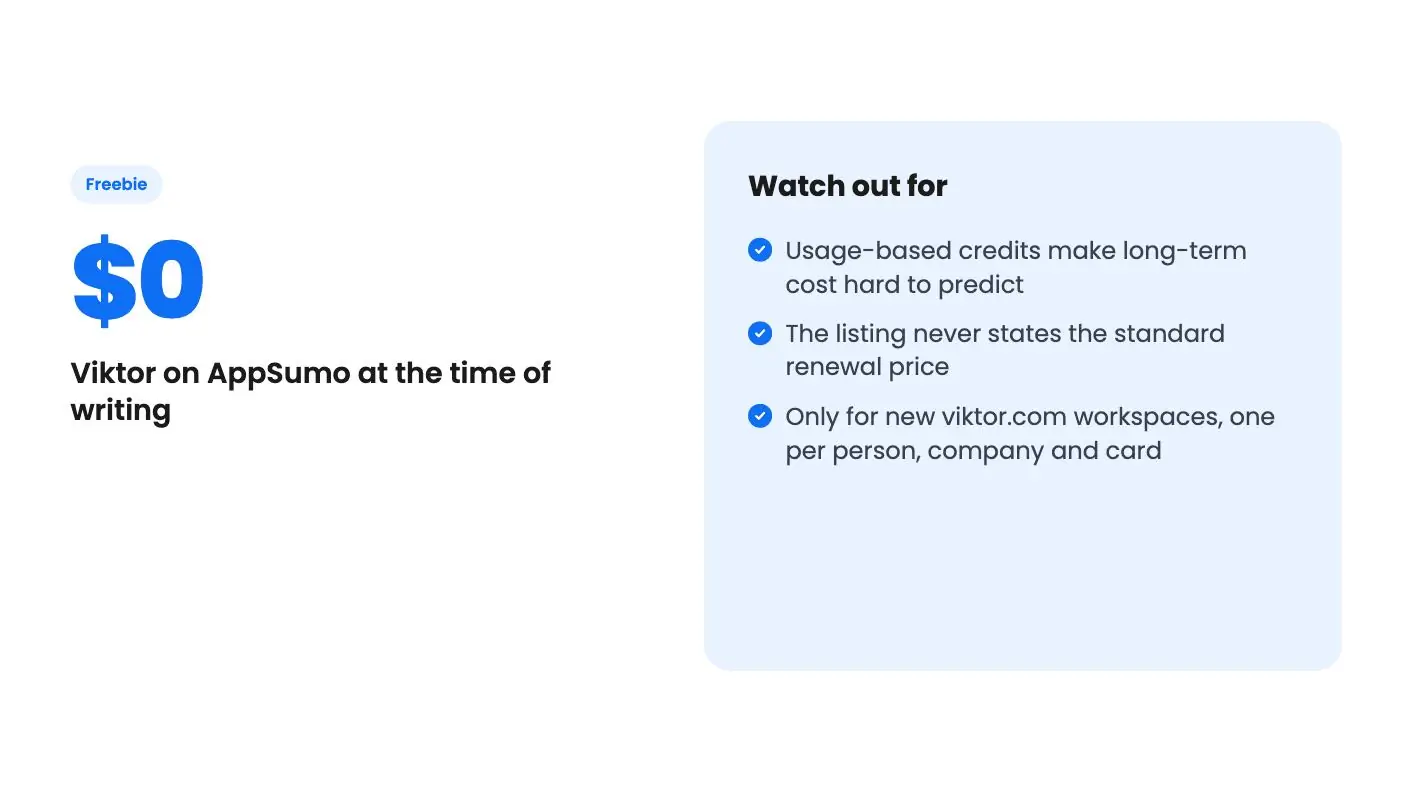
$0
Freebie
Quick verdict
Our take: Viktor is worth claiming if you run a small team in Slack or Teams and have recurring chores like weekly reports and follow-ups. The offer is free, but it's credit-based and renews at a standard price the listing never states. Skip it if you need fixed monthly costs or a long, proven track record.
Best for: Agencies, Founders, Small business owners
Alternative to: Lindy
What we like
- Free to claim, with $100 in starting credits
- Lives in Slack and Microsoft Teams, so there's no new app to learn
- No per-seat charge, so the whole team shares one workspace
- Asks for confirmation before high-stakes actions like sending emails
Watch out for
- Usage-based credits make long-term cost hard to predict
- The listing never states the standard renewal price
- Only for new viktor.com workspaces, one per person, company and card
It’s Monday morning and someone on your team has to pull last week’s sales from Shopify and Stripe, paste the numbers into a sheet, write a short summary and post it in Slack. Then they have to chase three people for the action items from Friday’s meeting. None of it is hard. It just eats an hour here and an hour there, and it never quite gets delegated.
That’s the kind of chore Viktor is aimed at. It’s sold as an AI employee that lives inside Slack or Microsoft Teams, and this AppSumo listing is a freebie rather than a classic lifetime deal. We haven’t used it ourselves, so everything in this Viktor review comes from the listing, and we’ll flag where that listing goes quiet.
What the listing says Viktor does
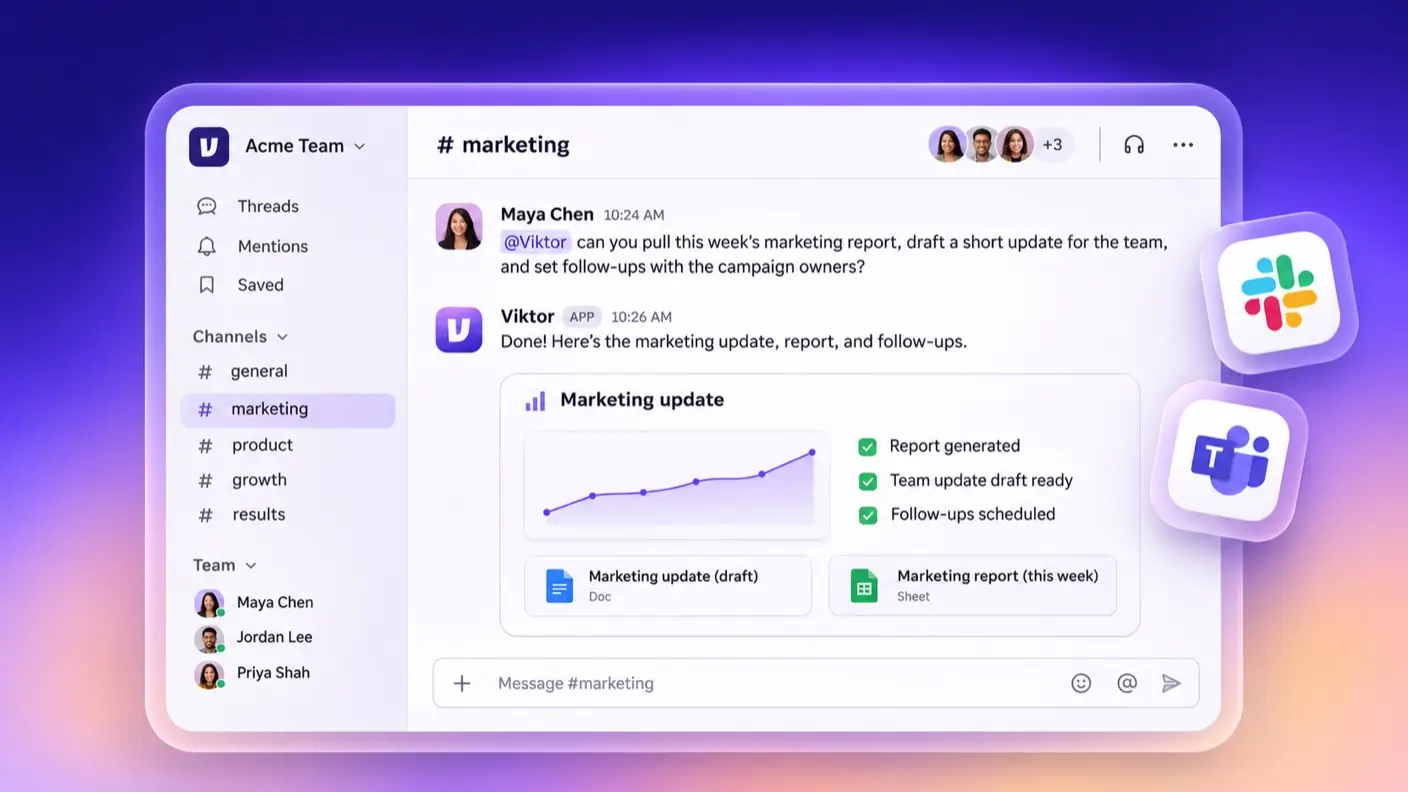
The pitch is that you message Viktor like a coworker and he does the work. According to the listing, he has his own cloud computer where he writes and runs code to finish tasks. The output is things like finished reports, drafts, Google Sheets and checklists.
Two examples in the listing show the idea. One pulls sales from Shopify and Stripe into a single Monday post the whole team reads. The other turns meeting notes into Notion tasks with owners and dates, then follows up on anything still open.
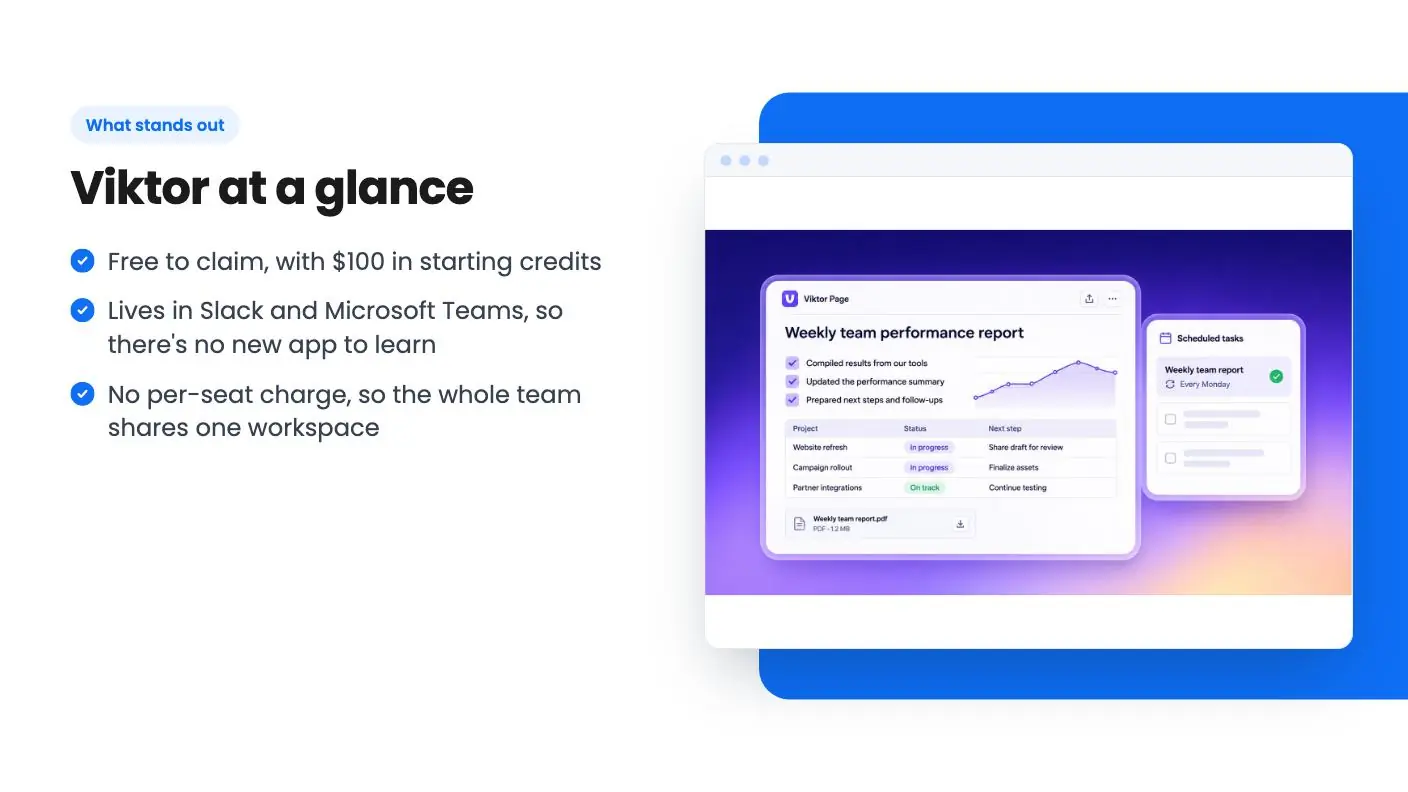
The listing also says he can run on a schedule without being asked, such as a weekly ad summary. He can nudge owners in Slack until items are closed, and send questions to the right person. That last part is the most interesting. Plenty of tools write a draft. Fewer keep poking people until the work is done.
Living in Slack and Teams
The big design choice is that there’s no separate dashboard to adopt. You assign work in a message, and results show up in the same channel. Shared channels mean everyone sees what Viktor produced, which helps with the usual problem of AI output vanishing into one person’s private chat window.
It also keeps training light. The listing says setup takes minutes: install him in Slack or Teams, connect your tools, and he introduces himself and asks what you need help with. We can’t confirm that from experience, but a chat-first setup is at least a sensible way to get a small team to actually use something.
On privacy, the listing says Viktor only sees the channels and chats he’s invited to, and you can remove him from any channel at any time. That’s a reasonable control for a tool that reads your team’s conversations.
Integrations, and how much to trust the number
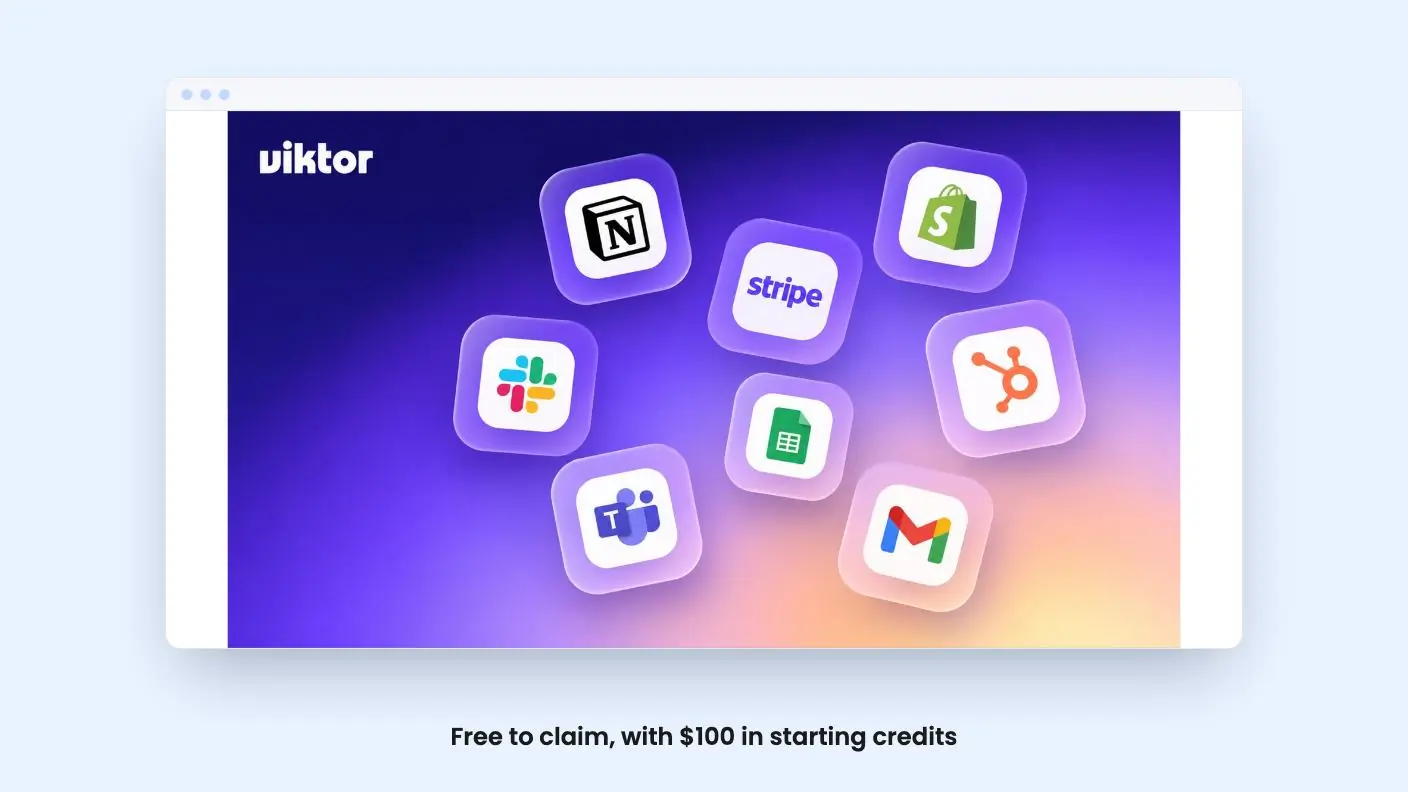
The listing names Gmail, Google Sheets, HubSpot, Microsoft Teams and Slack as integrations, and mentions Notion, Shopify and Stripe in the feature copy. The FAQ goes bigger: 9,800+ tools through managed connectors, plus 27 native integrations, with custom integrations built when something isn’t listed.
Treat the big number with some care. Thousands of connectors through a managed layer usually means a lot of them are thin. Whether Viktor handles your CRM or accounting tool well enough for real work is something you’ll only find out by trying it. The listing gives no depth on any single integration.
The security claims are more concrete. Each user gets an isolated compute environment, data is encrypted in transit and at rest, and Viktor never trains on your data. He is SOC 2 Type 1 compliant. Type 1 is a point-in-time check of controls, not a long-run audit, so it’s a decent start rather than a finish line.
The Viktor deal, and where it gets murky
The price is $0. In return you get $100 in free credits at signup, which replace the standard free credits, and up to $200 off your first invoice. The $200 discount only applies up to the amount of that first invoice, so it can’t exceed what you actually owe.
The conditions matter more than the headline:
- It’s for new viktor.com workspaces only.
- It’s limited to one per person, company and card.
- Plans renew at the standard price.
- It ends December 31, 2026, or when codes run out.
The listing doesn’t say what the standard price is, how many credits a typical task burns, or what the plan tiers look like. That’s the real gap in this Viktor review. A credit balance of $100 sounds generous until you know whether a weekly report costs cents or several dollars. It also doesn’t explain how the $100 credits and the $200 first-invoice discount fit together, since one is a signup credit and the other applies to an invoice. We’d read the fine print on the signup page before assuming both stack.
One point in Viktor’s favour: there are no seats. You pay for usage, and the whole team shares the workspace credits. For an agency or a ten-person shop, that beats per-user pricing. It also means a busy month can cost more than a quiet one, and the listing offers no cap or budget control that we can see.
Who should claim Viktor, and who should pass
This suits founders, small agencies and owners who already live in Slack or Teams and have a handful of repeating chores. Think weekly reports, status roundups and follow-up nagging. Because it costs nothing to start, the risk is low. Claim it, hand it one or two real recurring jobs, and watch how fast the credits drain.
Be realistic about accuracy. The listing admits Viktor can make mistakes and says he asks for confirmation before high-stakes actions like sending emails or deploying to production. That’s the right behavior, but it also means you shouldn’t expect to hand over finance or customer messaging and walk away.
Skip it if your team doesn’t use Slack or Teams, since there’s no sign of a standalone app. Skip it if you need a flat, predictable monthly bill, because usage-based credits and an unstated renewal price make budgeting a guess. And if you want a mature product with years of reviews behind it, this one is young and the listing gives us nothing on track record.
The listing lists Lindy as the alternative. If you’re already comparing the two, the Viktor review comes down to this: check the renewal pricing on both before you commit your workflows to either. Moving automations later is the part that costs real time.
Related reading: Formwise review, Nervant review.
All Viktor features
Taken from Viktor's AppSumo listing. We haven't tested these features hands-on.
Works in Slack and Teams
- Assign work in a message without switching between apps
- Get reports, drafts, and follow-ups right where your team already chats
- Work together in shared channels so everyone can see the results
Connects to thousands of tools
- Works with the tools you already use, from Gmail and Google Sheets to HubSpot and Notion
- Pulls sales from Shopify and Stripe into one Monday post the whole team reads
- Turns meeting notes into tasks in Notion with owners and dates, then follows up on anything still open
Takes ownership of tasks
- Delivers finished reports, drafts, Google Sheets, and checklists
- Runs on a schedule without being asked, like a Monday sales report or a weekly ad summary
- Sends questions to the right person and nudges owners in Slack until open items are done
Built for the whole team
- Work together in shared channels so your entire team can use Viktor
- Keep everyone in the loop with reports, drafts, and follow-ups visible in team conversations
- No seats to buy. You pay for what you use, not per user
Included in every plan
- when you sign up, in place of the standard free credits: $100 in free credits
- your first invoice: Up to $200 off
- to Sumo-lings: Exclusive
What the lifetime deal includes
- New viktor.com workspaces only
- One per person, company, and card
- $100 in free credits when you sign up, in place of the standard free credits
- $200 off applies up to the amount of your first invoice
- Plans renew at the standard price
- Offer ends December 31, 2026, or when codes run out
At a glance
- Best for
- Agencies, Founders, Small business owners
- Alternative to
- Lindy
- Integrations
- Gmail, Google Sheets, HubSpot, Microsoft Teams, Slack
- Category
- Customer Engagement › Chatbots & AI Agents
- Website
- ref.viktor.com
Decided Viktor fits? The lifetime deal starts at $0. Check the tier limits on AppSumo before you pick one.
Get Viktor on AppSumoKeep reading about Viktor
Viktor FAQ
Is Viktor really free on AppSumo?
The listing price is $0. You get $100 in free credits at signup in place of the standard free credits, plus up to $200 off your first invoice. Plans renew at the standard price, which the listing doesn't give.
Who can claim the Viktor deal?
Only new viktor.com workspaces. It's limited to one per person, company and card, and it ends December 31, 2026, or when the codes run out.
Does Viktor charge per user?
No. According to the listing, pricing is workspace-based, and your whole team shares the same credits instead of paying per seat.
Is Viktor worth it?
It looks worth claiming if you run a small team in Slack or Teams and have recurring chores like weekly reports and follow-ups. The offer costs $0 and comes with $100 in free credits. The catch is that it's credit-based and renews at a standard price the listing never states.
What are the best Viktor alternatives?
The listing names Lindy as the alternative to Viktor. If you're comparing the two, check the renewal pricing on both before you commit your workflows to either. Moving automations later is the part that costs real time.
Is Viktor safe to use with my team's data?
According to the listing, each user gets an isolated compute environment, data is encrypted in transit and at rest, and Viktor never trains on your data. It is SOC 2 Type 1 compliant, which is a point-in-time check of controls rather than a long-run audit. Viktor also only sees the channels and chats he's invited to.