SEO ToolsAlternatives
Linktree Alternatives on Lifetime Deal: 5 Tools Compared
Five AppSumo lifetime deals named as Linktree alternatives, from $19 to $59 entry prices. See who each suits and what the listings leave out.
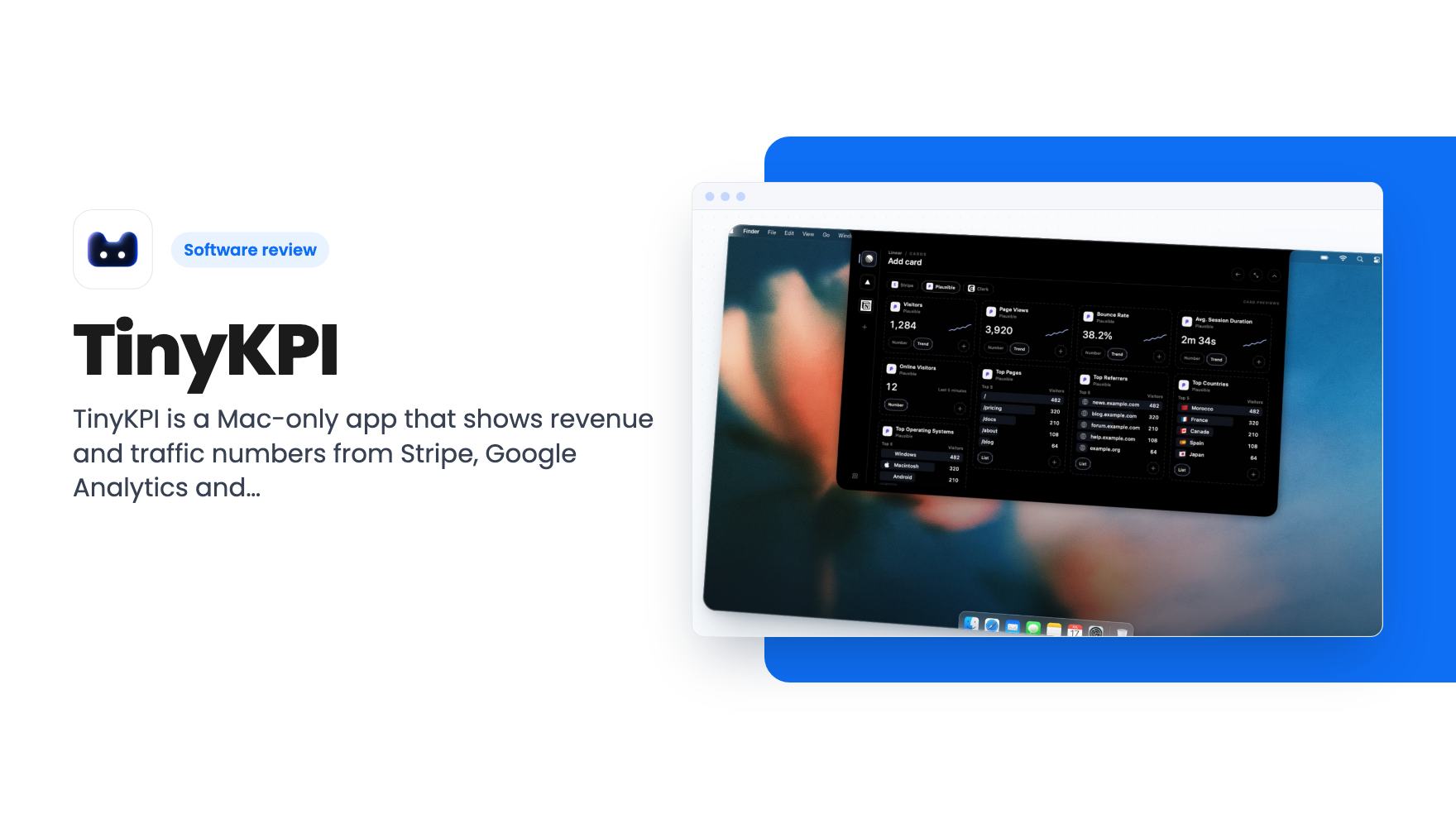
TinyKPI is a Mac-only app that shows revenue and traffic numbers from Stripe, Google Analytics and others. The $19 AppSumo deal covers one Mac.
Lifetime deal price
$19$2934% off
Lifetime Deal
Our take: Buy it if you're a solo founder on a Mac who checks Stripe and analytics several times a day and wants the numbers in the menu bar for $19. Skip it if you need Windows, team sharing, alerts or historical reporting, because the listing doesn't promise any of those.
You open Stripe to see whether anyone signed up overnight. Then Google Analytics to check traffic. Then a third tab for the product numbers. Ten minutes later you’ve forgotten what you were doing before. If you run a small SaaS or a handful of client projects, that loop is probably familiar.

TinyKPI is built to cut it down. It’s a native Mac app that pulls a few numbers from the tools you already pay for and puts them where you can see them without opening a browser. The AppSumo deal is $19, down from a $29 list price. That’s cheap enough that the real question is whether the product fits how you work.
The listing describes three views. “Glance” shows two metrics in a compact notch that’s always on. “Inspect” expands that same notch for more detail. “Explore” is the full dashboard for when you want everything at once.
The notch idea is the whole pitch. You don’t open a dashboard. Your MRR and today’s visitors are just sitting there. For a founder who checks numbers compulsively anyway, that’s a sensible way to do it.
The listing doesn’t show how big the notch gets or what it looks like on a Mac without a physical notch. We can’t tell you from the source, so check the screenshots on the AppSumo page before you buy.
The integration list is broader than the short summary at the top of the listing suggests. The summary names Google Analytics, Firebase, Paddle, Stripe and MongoDB. The feature section goes further and groups the rest by purpose:
The plan features also include custom database queries for PostgreSQL, MongoDB and MySQL. That one matters if your most useful number lives in your own database, like trial signups this week or active workspaces. You’ll need to be comfortable writing the query yourself, though. The listing doesn’t mention a query builder.
Each integration has its own fixed set of metrics, including revenue, subscriptions, visitors and page views. You pick from that menu. The listing doesn’t say how deep the menus go, so if you want something unusual, like churn broken out by plan, don’t assume it’s there. There’s a request form for missing integrations, which is fine, but a request isn’t a roadmap.
This part suits freelancers and anyone running more than one product. You group each business or client into its own project, and the dashboard changes when you switch. You can drag, resize and remove cards, and the layout saves itself.
It’s simple, and that’s a good thing. Most small-business owners don’t want a report builder. They want four cards in the right order.
What’s missing from the listing is anything about sharing. There’s no mention of exporting, sending a report to a client, or giving a co-founder access. As described, this is a personal viewer on your own machine.
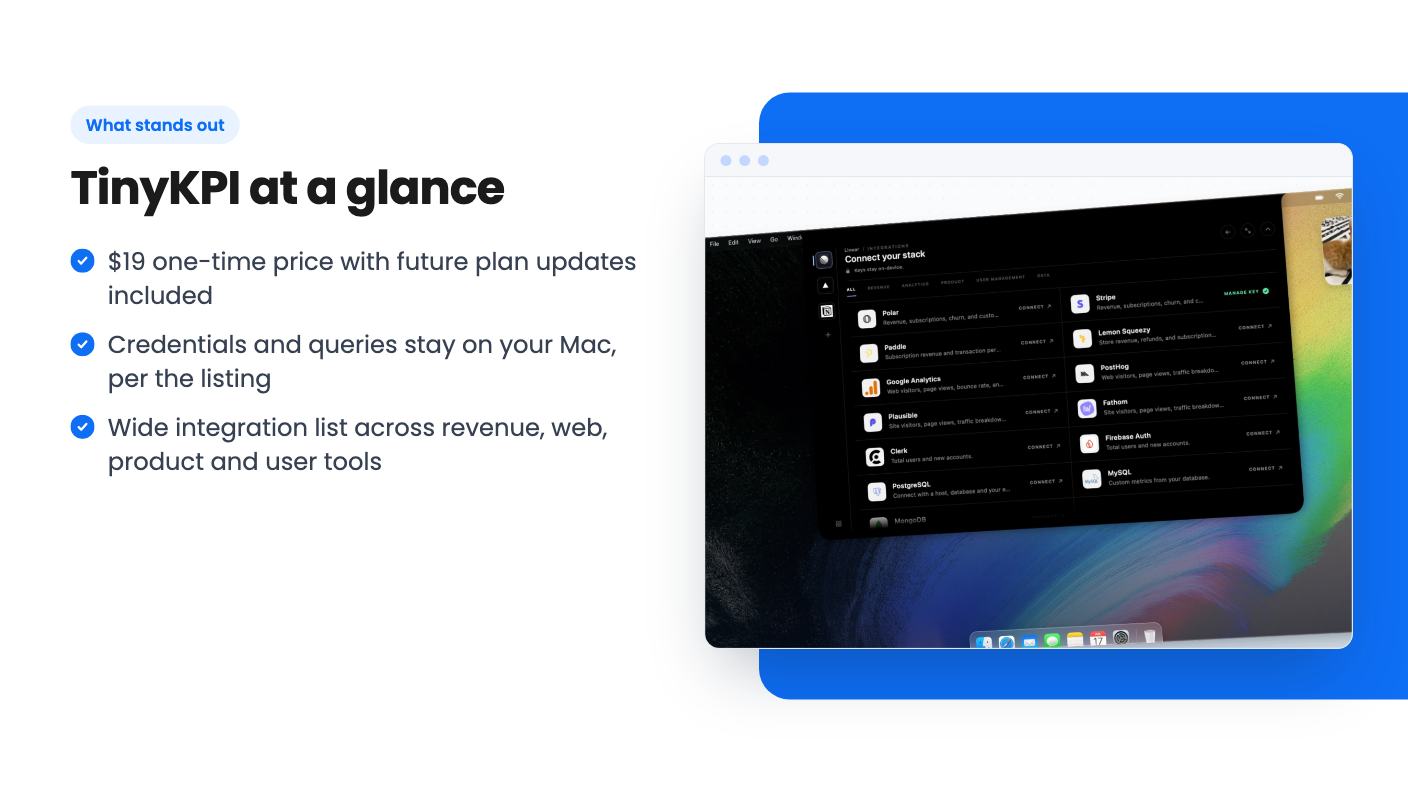
The listing makes a point of this. Credentials stay on your device, queries run from your Mac, and TinyKPI servers never store business data. For anyone nervous about handing API keys to yet another startup, that’s a real selling point.
It comes with trade-offs, and the listing is honest about one of them. Refresh happens about every five minutes, but only while the app is running. If your Mac is asleep or the app is closed, nothing updates. If a refresh fails, the last saved numbers stay on screen, which is helpful but also means you could be looking at stale data without an obvious warning. The listing doesn’t say whether a stale indicator exists.
No alerts are mentioned either. If revenue drops or a payment fails, this app won’t tell you. It shows you the number when you look.
The privacy claims are the vendor’s own, and we haven’t checked them. Still, a design where your Mac talks straight to Stripe is easier to reason about than a hosted dashboard holding your keys.
There’s one tier, $19 for lifetime access, and the listing says all future plan updates are included. That phrase is vague. It likely means new features in the current plan, but it doesn’t promise that any future paid tier would be covered.
Here are the practical terms:
The listing doesn’t state a refund window, and we haven’t seen the terms, so check AppSumo’s current policy before buying. It also doesn’t say how long the company has been around or how big the team is. There’s no product video, and the app looks young. At $19, the risk is small. But a lifetime deal is only as good as the developer’s willingness to keep shipping, and one person’s side project can go quiet.
Skip it if you’re on Windows or Linux, or if your team needs a shared view. Skip it if you want alerts, long-range historical charts or scheduled email reports. None of those appear in the source.
Also skip it if your stack isn’t on the list and you need that tool today. Google Analytics and Plausible are named as alternatives, but this isn’t a replacement for either. It reads from them. You still need the underlying tools.
If you’re a solo founder on a recent Mac, already paying for Stripe and an analytics tool, and you check your numbers constantly, this is a low-risk $19 bet. Look at the screenshots first and confirm your tools and metrics are covered.
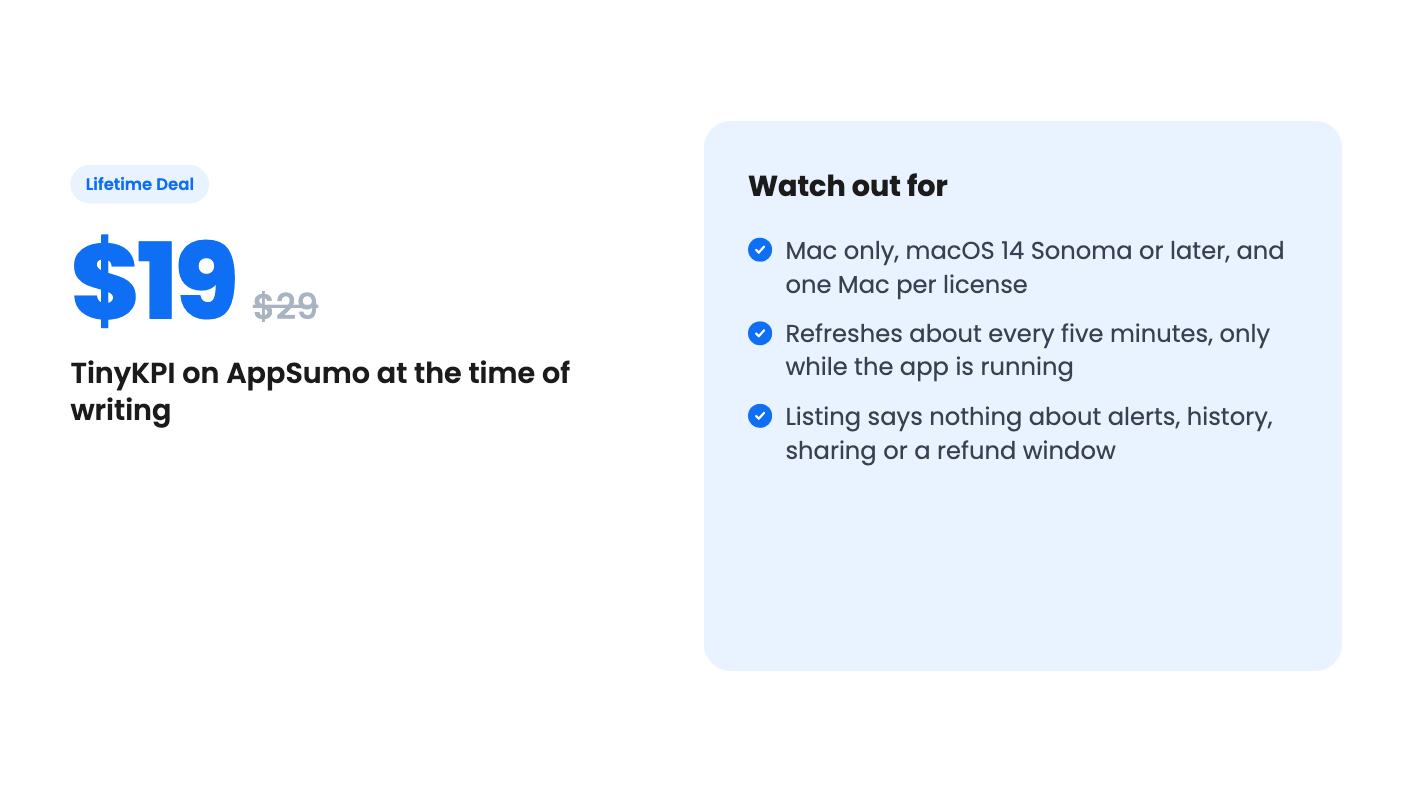
No Windows version is mentioned. It's a native macOS app requiring macOS 14 Sonoma or later, and the AppSumo plan covers a license for one Mac. The listing doesn't say whether you can move the license to another machine.
According to the listing, credentials and saved metrics stay on your Mac, your Mac connects directly to your providers, and TinyKPI servers don't store your business data. That's the vendor's claim, and we haven't verified it.
The listing says about every five minutes while the app is running. If a refresh fails, the last saved metrics stay visible. It doesn't mention real-time updates or alerts.
How this review was made: researched from TinyKPI's official listing, and written with help from AI. We have not tested TinyKPI hands-on yet. Prices and deal terms change, so check AppSumo before you buy. See our affiliate disclosure.
Five AppSumo lifetime deals named as Linktree alternatives, from $19 to $59 entry prices. See who each suits and what the listings leave out.
Six AppSumo lifetime deals pitched as Google Analytics alternatives, grouped by the job you need done, with tier limits and gaps spelled out.
Ten AppSumo lifetime deals named as Ahrefs alternatives, grouped by job: keywords, site fixes, AI search tracking and competitor research. Limits included.