SEO ToolsAlternatives
Linktree Alternatives on Lifetime Deal: 5 Tools Compared
Five AppSumo lifetime deals named as Linktree alternatives, from $19 to $59 entry prices. See who each suits and what the listings leave out.
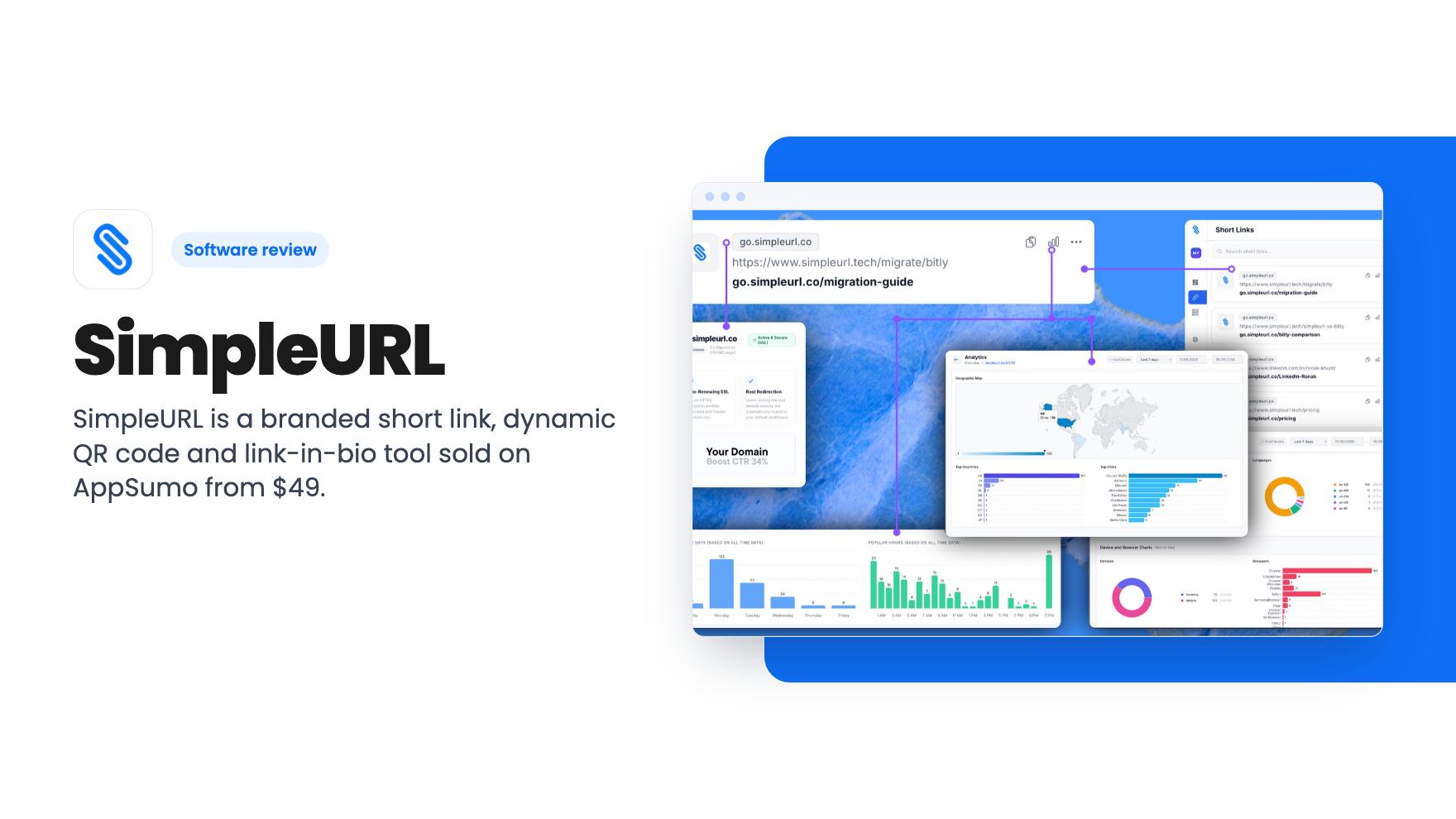
SimpleURL is a branded short link, dynamic QR code and link-in-bio tool sold on AppSumo from $49. Here is what each tier caps and where the listing is vague.
Lifetime deal price
$49$46890% off
Lifetime Deal
Our take: Buy the $49 tier if you run one brand, want your own domain on short links and QR codes, and can live with 250 links and six months of data. Skip it if you need bulk import, big link volumes or city-level analytics without paying for the top tier. The tier table has gaps and oddities, so confirm them before you pay.
If you’ve ever pasted a bit.ly link into a newsletter and wondered why your own brand isn’t anywhere in it, you already understand the pitch. A short link is a tiny billboard. On a generic shortener, the billboard advertises somebody else.
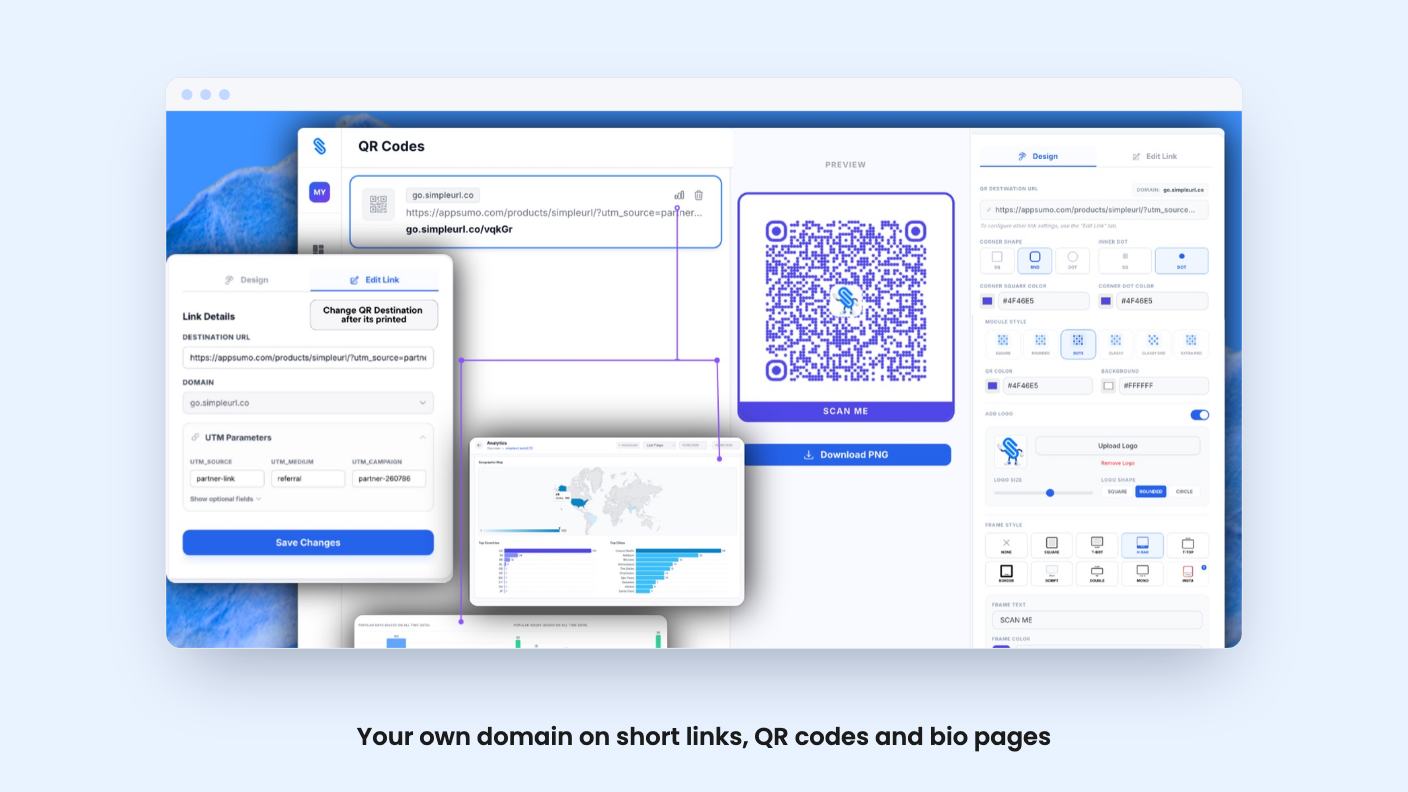
SimpleURL is a link tool built around that annoyance. It sells branded short links, dynamic QR codes and a link-in-bio page, all on a domain you own. AppSumo lists it from $49 as a lifetime deal, pitched as an alternative to Bitly and Rebrandly. It’s a young product, with six AppSumo reviews averaging 5.00, so treat that score as an early signal and nothing more.
The listing groups the product into four pieces. Short links sit on your own domain, so your audience sees something like go.yourcompany.com. You can edit the back-half slug, so the link says where it goes.
Then there are the QR codes. You can add a logo, colors, custom dot patterns and frame styles, and download a PNG. The useful part is that they’re dynamic. Print 10,000 flyers, change your mind about the campaign, and you repoint the code instead of reprinting.
Last is the link-in-bio page, which the listing says uses a block-based editor. You can change colors, fonts and button styles, and it goes live with auto-save and no publish step. It runs on your own domain too, in the shape yourdomain.co/you.
All of it shares one analytics layer. That’s a sensible design. One dashboard tells you whether the flyer, the Instagram bio or the email link did the work.
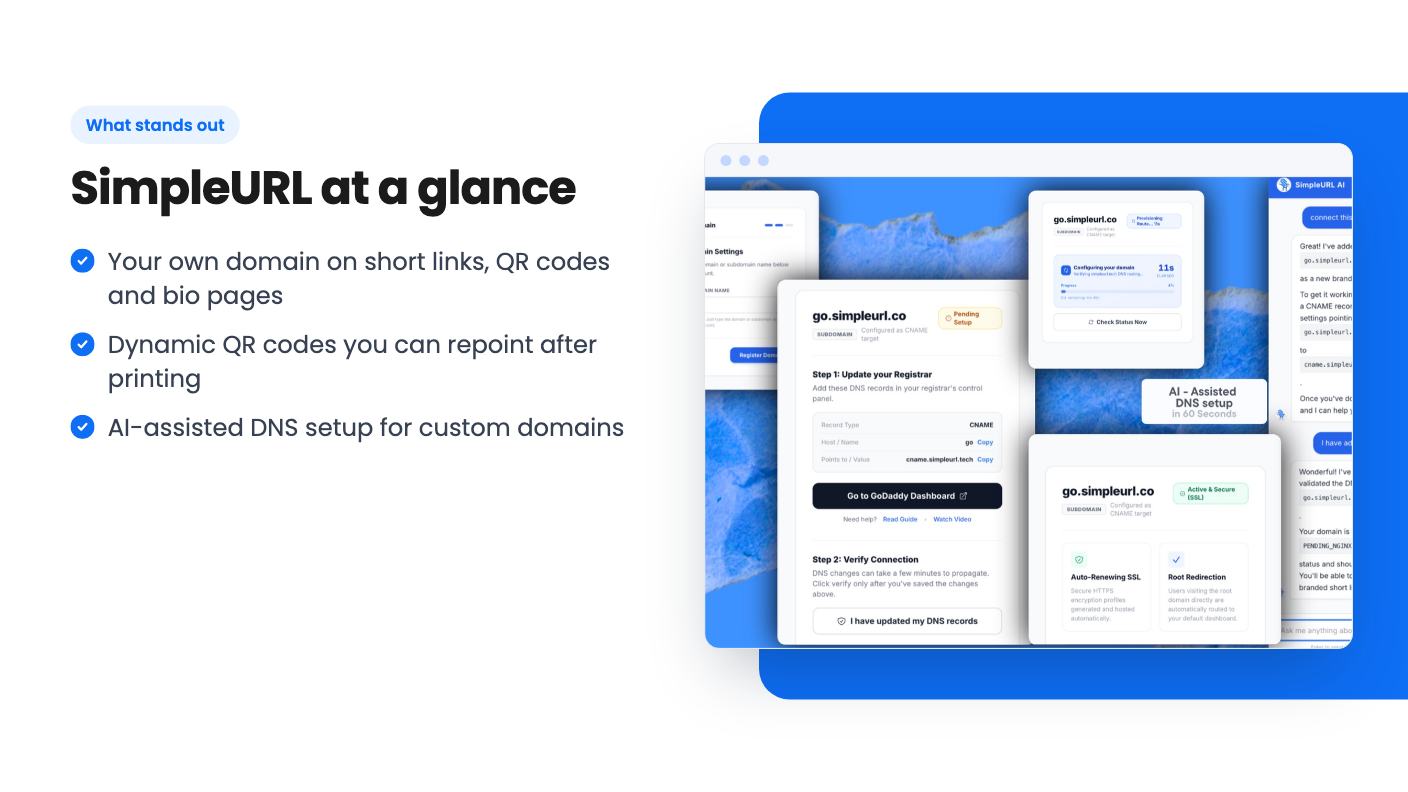
Custom domains are where most people stall with these tools. You have to add a CNAME or similar record at your registrar, and the instructions never match what your registrar shows.
SimpleURL says you paste in your domain and its AI generates the exact DNS records for your provider. The listing says the domain moves from “Pending Setup” to “Active & Secure (SSL)” in under a minute, with auto-renewing HTTPS and root redirection included. That’s the vendor’s claim, and DNS propagation doesn’t always follow marketing timelines. Still, if it works even most of the time, it removes the hardest step for non-technical owners.
There’s no product video, so we can’t judge how polished the dashboard is. All of this comes from the listing.
The headline feature is city-level analytics. Instead of “US: 47 clicks,” you see the city, the device and the referrer. The FAQ also mentions UTM campaign tracking. For a local business running print and social together, that level of detail is useful.
Here’s the catch. The plan table lists analytics depth as “Full analytics” for tier 1, “Top 10 countries” for tier 2 and “City and device level” for tier 3. That order doesn’t make sense. The tier 2 label sounds like a step down from tier 1, and city-level data appears to be reserved for the $199 plan. The marketing copy talks about city-level analytics as if everyone gets it. The listing doesn’t resolve this, so ask before you buy.
Data retention also varies. It’s 6 months on tier 1, 1 year on tier 2 and 2 years on tier 3. The listing says comparable tools wipe your data after 4 months, but it doesn’t name them, so take that with salt. Two years is the figure that matters, and you only get it at the top price.
All three tiers include lifetime access and future plan updates. You have to activate your license within 60 days. You can move between tiers, which is a useful safety net while you work out how much you need.
Here’s how the limits stack up:
The “list prices” are anchors. Ignore them. What matters is whether the caps fit you.
Some numbers deserve a second look. Team seats run 1, 5 and 1 across the tiers, and workspaces run 10, 2 and 1. So the top tier has one seat and one workspace, while tier 1 has ten workspaces. Maybe that’s deliberate, maybe it’s a typo in the table. The listing doesn’t explain it, and an agency or anyone with a team needs to know before choosing.
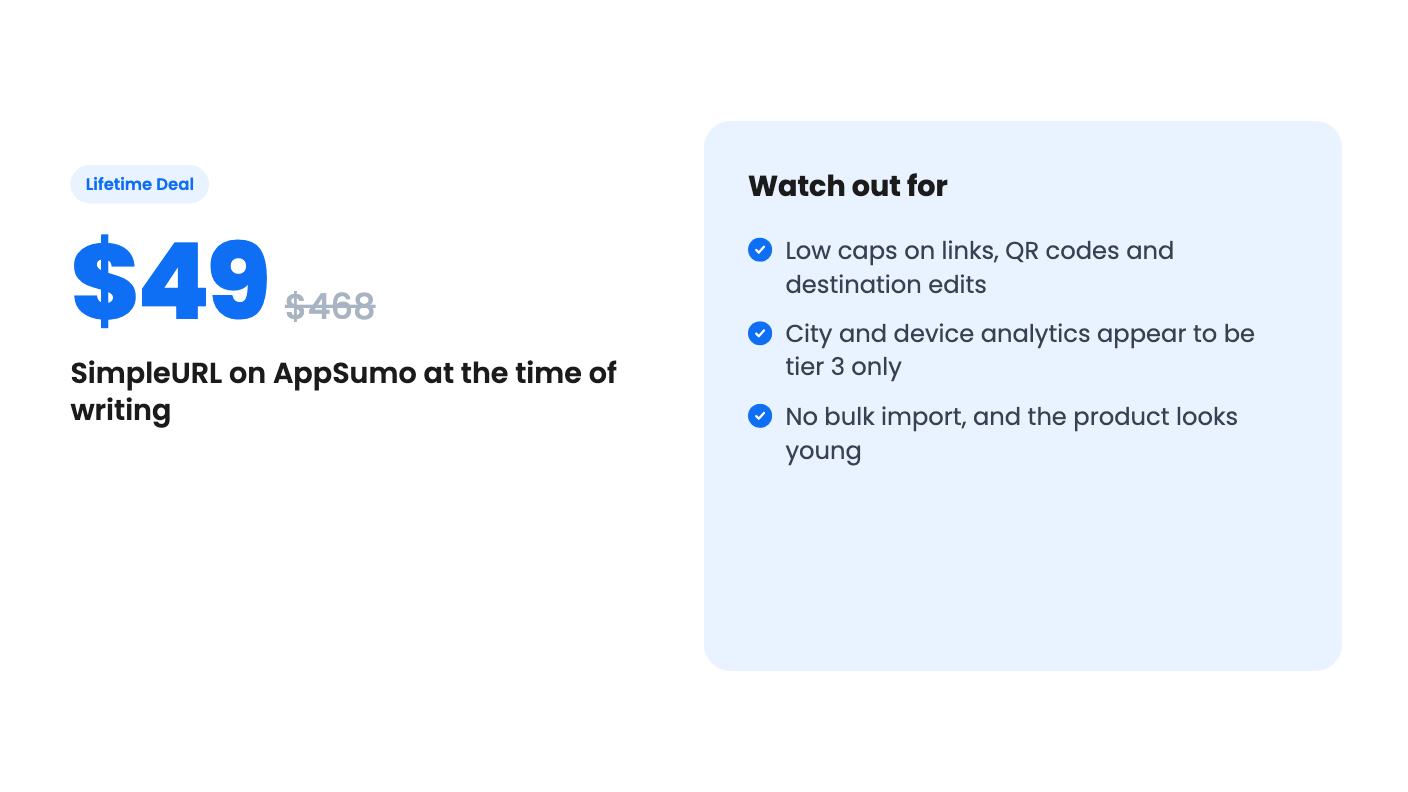
The listing also doesn’t say whether the link and QR caps are monthly or total. The FAQ says destination edits are monthly. Fifty edits a month is fine for one brand, but it adds up quickly if you rewrite campaigns often.
Skip it if you need to import a few thousand existing links. AppSumo’s own review summary mentions that bulk import is missing. Migrating off Bitly or Rebrandly would mean rebuilding links by hand, and old links will keep pointing at their old domains.
Skip it if you run an agency with many clients. The seat and workspace numbers are confusing, and 2,000 links on the top tier isn’t much once you spread it across accounts. Also skip it if city-level data is the main reason you’re buying and you only want to spend $49.
There’s a 7-day free trial with no credit card, according to AppSumo’s summary. Use it. Connect a real domain, create a QR code, and see which analytics your tier actually shows. Do that before the 60-day activation window starts running down. The product is new, the integrations are limited to Make and Zapier through an API key, and a lifetime deal only pays off if the company is still around in three years.
Yes. Tier 1 includes 1 branded domain, tier 2 includes 2 and tier 3 includes 5. The listing's FAQ says more domains are available as add-ons, but it doesn't give prices for them.
Yes, according to the listing. The QR codes are dynamic, so you can repoint them without reprinting. Edits count against your plan's destination edit limit of 50, 100 or 200, and the FAQ says that limit is monthly.
The listing names both. You generate an API key under Settings > API Keys and paste it into Make or Zapier. It doesn't say which actions or triggers are available.
How this review was made: researched from SimpleURL's official listing, and written with help from AI. We have not tested SimpleURL hands-on yet. Prices and deal terms change, so check AppSumo before you buy. See our affiliate disclosure.
Five AppSumo lifetime deals named as Linktree alternatives, from $19 to $59 entry prices. See who each suits and what the listings leave out.
Six AppSumo lifetime deals pitched as Google Analytics alternatives, grouped by the job you need done, with tier limits and gaps spelled out.
Ten AppSumo lifetime deals named as Ahrefs alternatives, grouped by job: keywords, site fixes, AI search tracking and competitor research. Limits included.