SEO ToolsAlternatives
Linktree Alternatives on Lifetime Deal: 5 Tools Compared
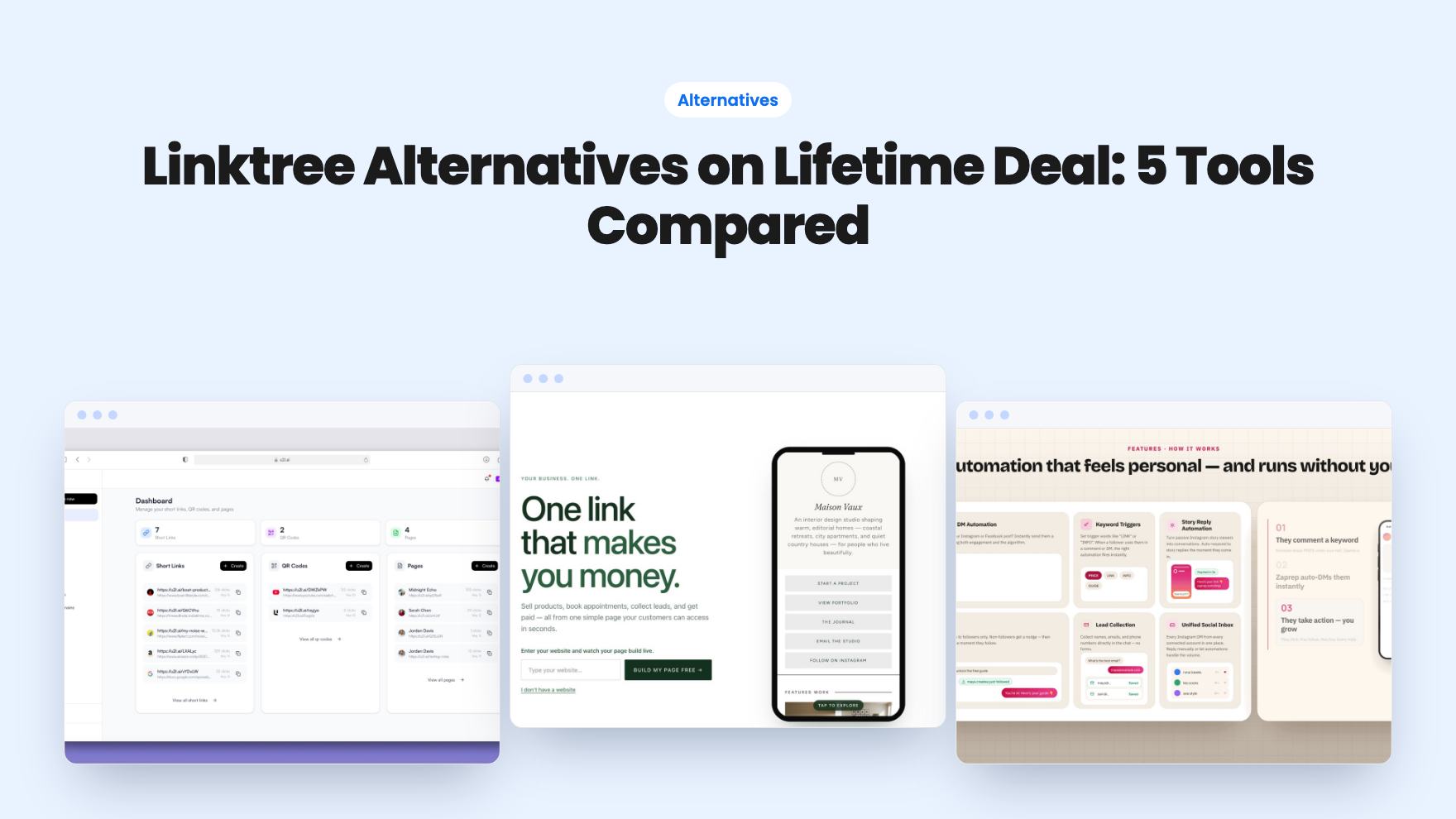
Five AppSumo lifetime deals named as Linktree alternatives, from $19 to $59 entry prices. See who each suits and what the listings leave out.
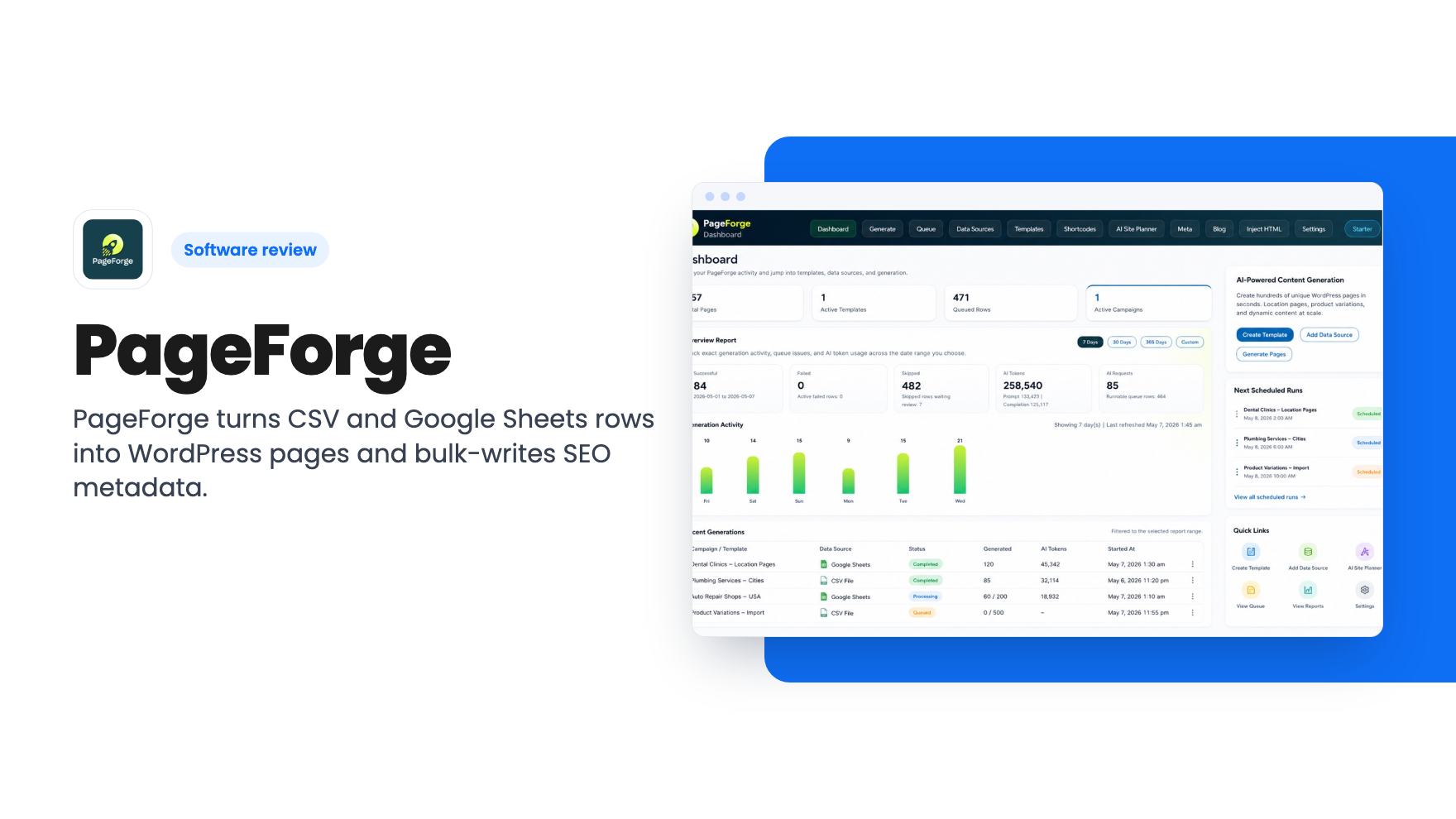
PageForge turns CSV and Google Sheets rows into WordPress pages and bulk-writes SEO metadata. A look at the AppSumo lifetime deal, site limits and gaps.
Lifetime deal price
$29$58895% off
Lifetime Deal
Our take: Buy the $29 tier if you run one WordPress site and need to turn a spreadsheet into dozens or hundreds of location or service pages, or fix thin metadata in bulk. Skip it if you want a hands-off AI writer, you aren't on WordPress, or you can't accept that the listing says little about page caps, reporting detail and the vendor's track record.
Say you’ve got a spreadsheet with 150 towns you serve, or 300 product variations, and a WordPress site that mentions none of them. Building those pages by hand is a week of copy, paste and mild despair. Skipping them means leaving search traffic on the table.
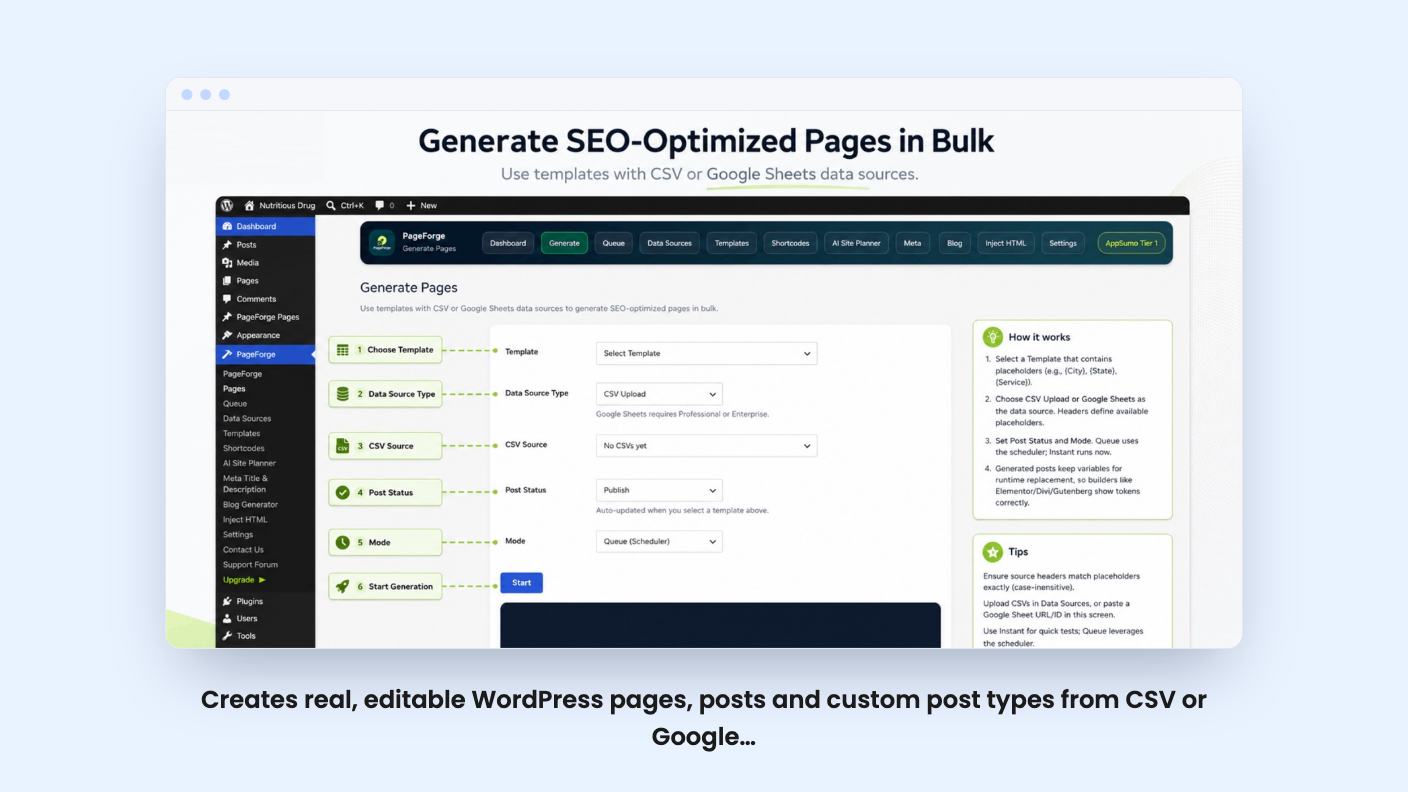
PageForge is a WordPress plugin aimed at exactly that gap. It’s sold on AppSumo as a lifetime deal starting at $29, and we haven’t tested it hands-on. There’s also no product video, so everything below comes from the listing, which is marketing copy. We’ll flag where it goes quiet.
The core idea is simple. You import a CSV or connect a Google Sheet, then map each column to a dynamic content token. One template, many rows, many pages.
The output is the part we like. According to the listing, PageForge generates standard WordPress pages, posts and supported custom post types, not virtual pages hosted somewhere else. They stay editable in the dashboard, in Gutenberg, or in a supported builder. Elementor and Divi are both named.
You can set each batch to land as a draft, pending review, private, or published. For anything templated, we’d start with drafts. Read five of them before you let a few hundred go live.
Titles, slugs, content, metadata and schema can all be driven by those tokens. The listing doesn’t say which schema types are supported, and it doesn’t say how many pages one run can produce. If you’re planning a 5,000-row import, ask before you pay.
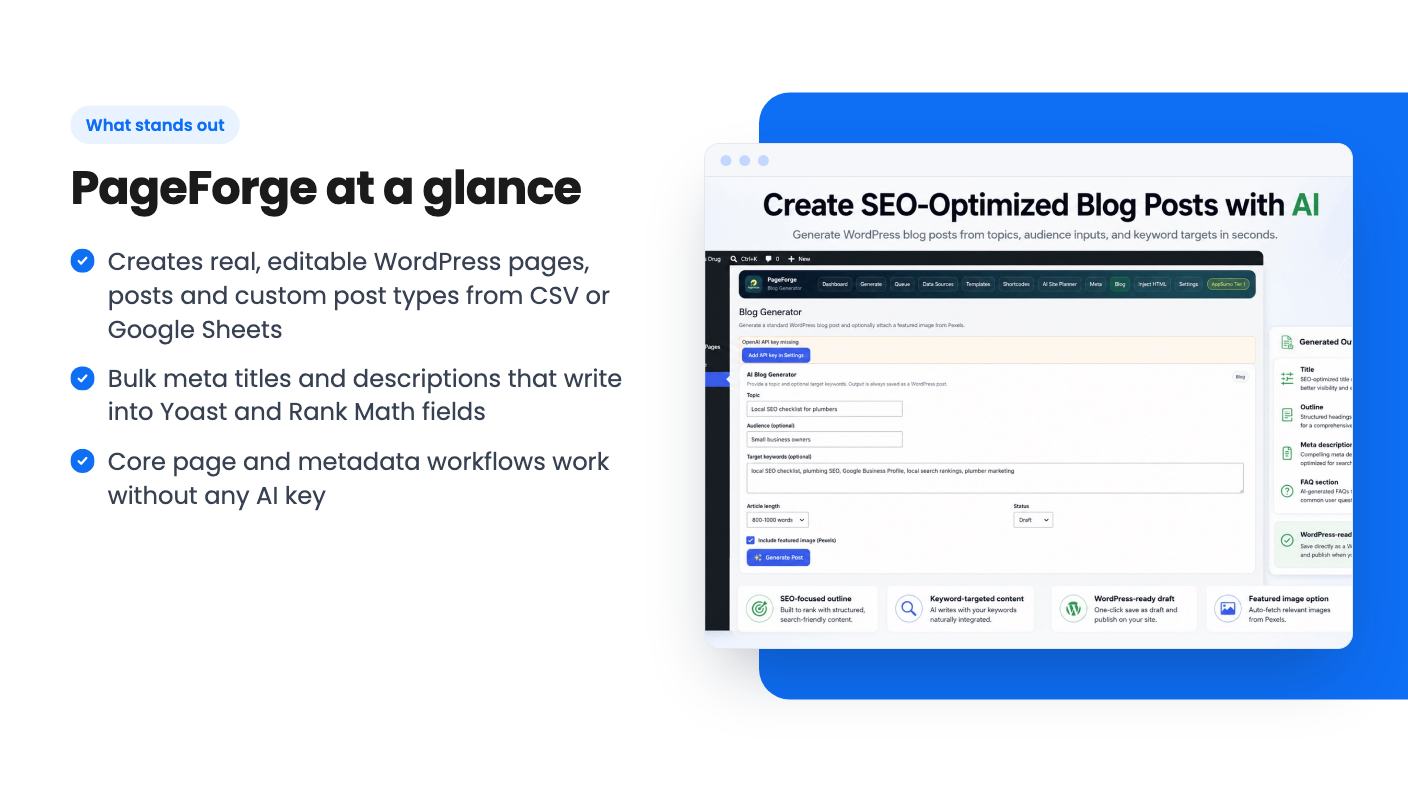
This is the feature we’d expect most small sites to use first. PageForge can generate SEO titles and meta descriptions in bulk for pages, posts and custom post types, using dynamic fields or optional AI help.
It writes into Yoast SEO and Rank Math fields, so the results land in the plugin you already use. That’s why we’d push back on AppSumo calling this an alternative to Yoast. It doesn’t replace it. It feeds it.
If your site has hundreds of pages with blank or duplicated meta descriptions, this is a practical fix. If your metadata is already decent, it’s a smaller win.
PageForge also generates blog drafts from keywords and topics. The listing says each draft includes headings, an introduction, sections, a conclusion and FAQs, along with a suggested title, description and outline.
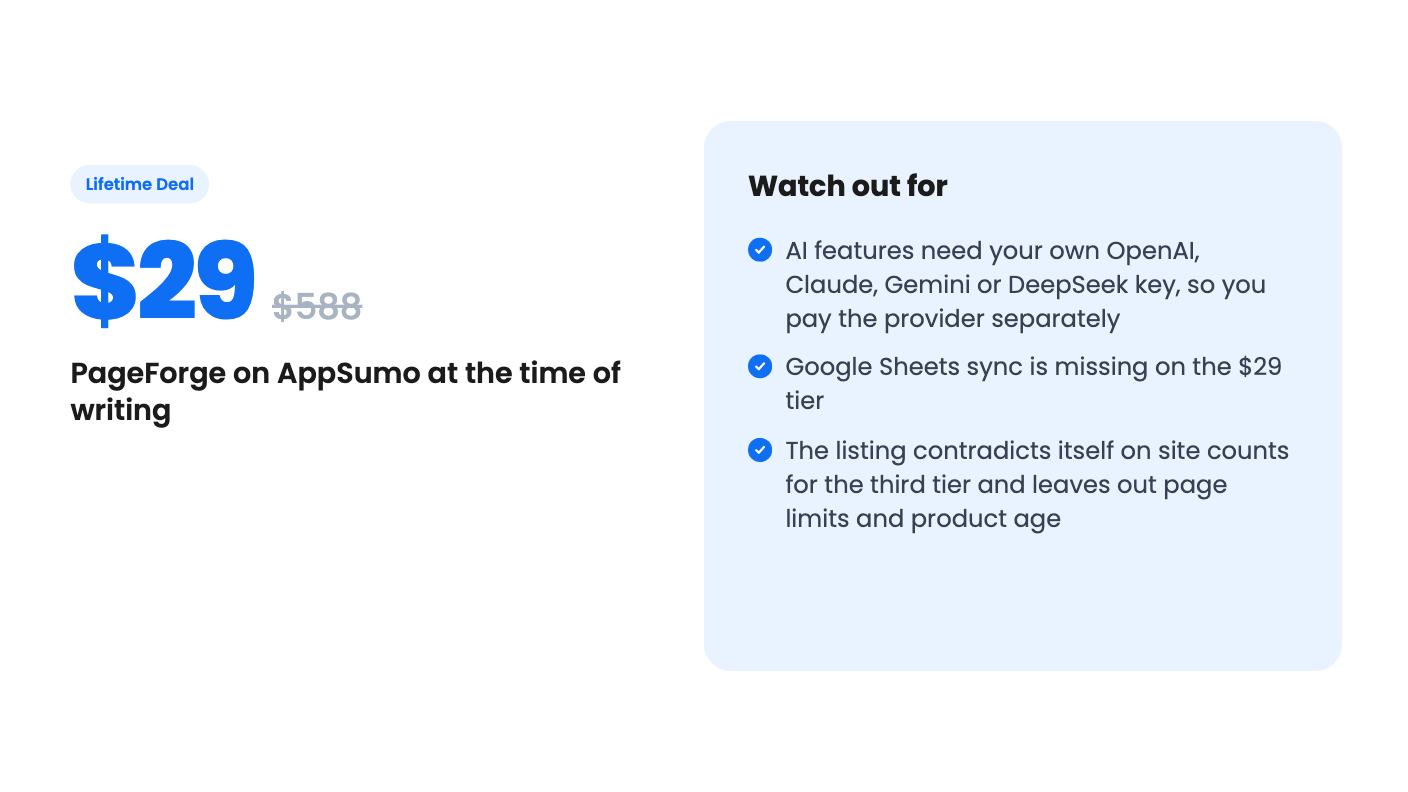
You connect your own key for OpenAI, Claude, Gemini or DeepSeek. That keeps the license price low, but the usage cost is yours and the listing is clear that it isn’t included. We can’t tell you what a typical batch costs, because the listing doesn’t say and it depends on the model you pick.
Drafts are reviewed and published inside WordPress, which is the right place for them. Treat them as first drafts. Machine-written articles with a few edits are still machine-written articles, and search engines have gotten better at spotting thin ones.
That same caution applies to the page generator. Hundreds of near-identical templated pages can look thin to Google if the only difference is the town name. The tool gives you the machinery. Making each page worth reading is still your job, and the listing doesn’t claim otherwise.
Pricing is per code, and you can stack up to four. Every tier gets lifetime access and all future plan updates, and you have 60 days after purchase to redeem.
Ignore the list prices. Nobody was paying $588 for this, and a number that large mostly tells you the vendor wants the discount to look big.
The bigger issue is that the listing disagrees with itself. The plan table says the third tier covers 10 sites. The FAQ says three codes cover 20. One of them is wrong, and you should get that settled in writing before you buy.
Also note that the cheapest tier drops Google Sheets sync. You can still use CSV, so it isn’t fatal, but if your data lives in a shared sheet that a team keeps updating, you’ll want tier 2 or higher. That’s a $29 price difference for the one feature that keeps pages current.
Agencies can use it on client sites within the site limit. The license itself can’t be resold or passed along.
It doesn’t say how long PageForge has existed, how big the team is, or how often it ships updates. The listing mentions internal linking, scheduling, publishing queues and reporting, but gives no detail on any of them. It compares itself with MPG, LPagery, Page Generator Pro and WP All Import, yet the comparison text is cut off in the material we have, so we can’t tell you how it claims to differ.
Those are established names in programmatic WordPress pages. A new tool with a lifetime price is a fair bet at $29. It’s a harder bet at $116 for 40 sites unless you’ve verified the features.
Skip PageForge if you’re not on WordPress, since that’s the only platform in the integrations list. Skip it if you want one click to produce finished, ranking-ready articles. And skip it if your site only needs a handful of pages, because a spreadsheet pipeline is overkill for that.
If you run a single site with a real dataset behind it, such as service areas, locations or product variants, the $29 tier is cheap enough to try inside the redemption window. Start with a small batch of drafts, check how the pages and metadata look in your theme, and only then think about stacking codes.
No. According to the listing, the structured-data, template, CSV, metadata and page-generation workflows work without AI. A key is only needed for AI blog drafts, page content, and AI-written titles or descriptions, and the provider bills you directly.
The plan table lists 1, 5, 10 and 40 sites across the four tiers ($29, $58, $87, $116). The listing FAQ says 1, 5, 20 and 40 for the same codes, so confirm the third tier with the seller before buying. Agencies may use it on client sites within the limit, but can't resell the license.
No. AppSumo lists Yoast as an alternative, but PageForge writes into Yoast SEO and Rank Math fields according to the listing. Think of it as a bulk page and metadata tool that sits next to your SEO plugin.
How this review was made: researched from PageForge's official listing, and written with help from AI. We have not tested PageForge hands-on yet. Prices and deal terms change, so check AppSumo before you buy. See our affiliate disclosure.
Five AppSumo lifetime deals named as Linktree alternatives, from $19 to $59 entry prices. See who each suits and what the listings leave out.
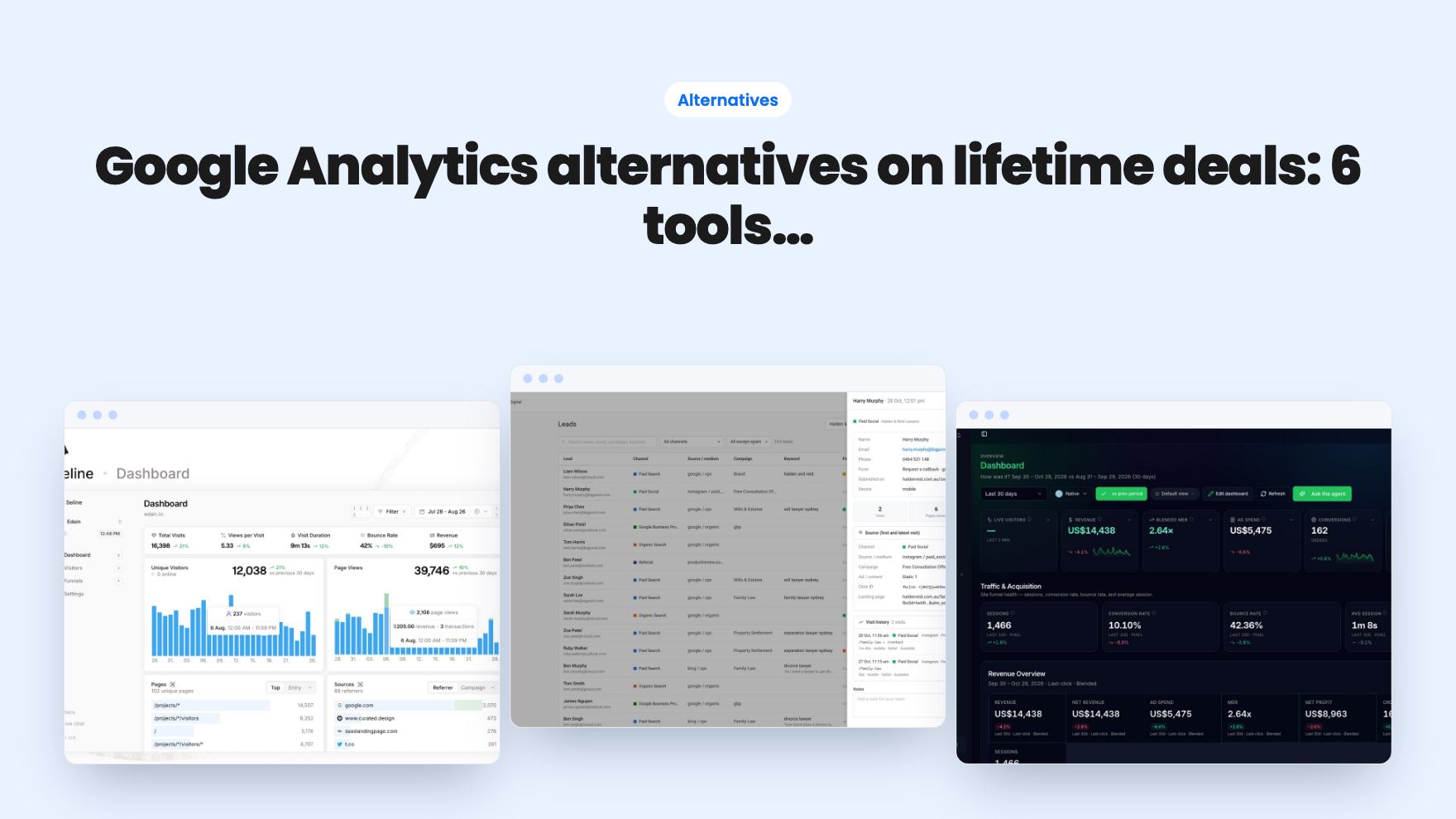
Six AppSumo lifetime deals pitched as Google Analytics alternatives, grouped by the job you need done, with tier limits and gaps spelled out.
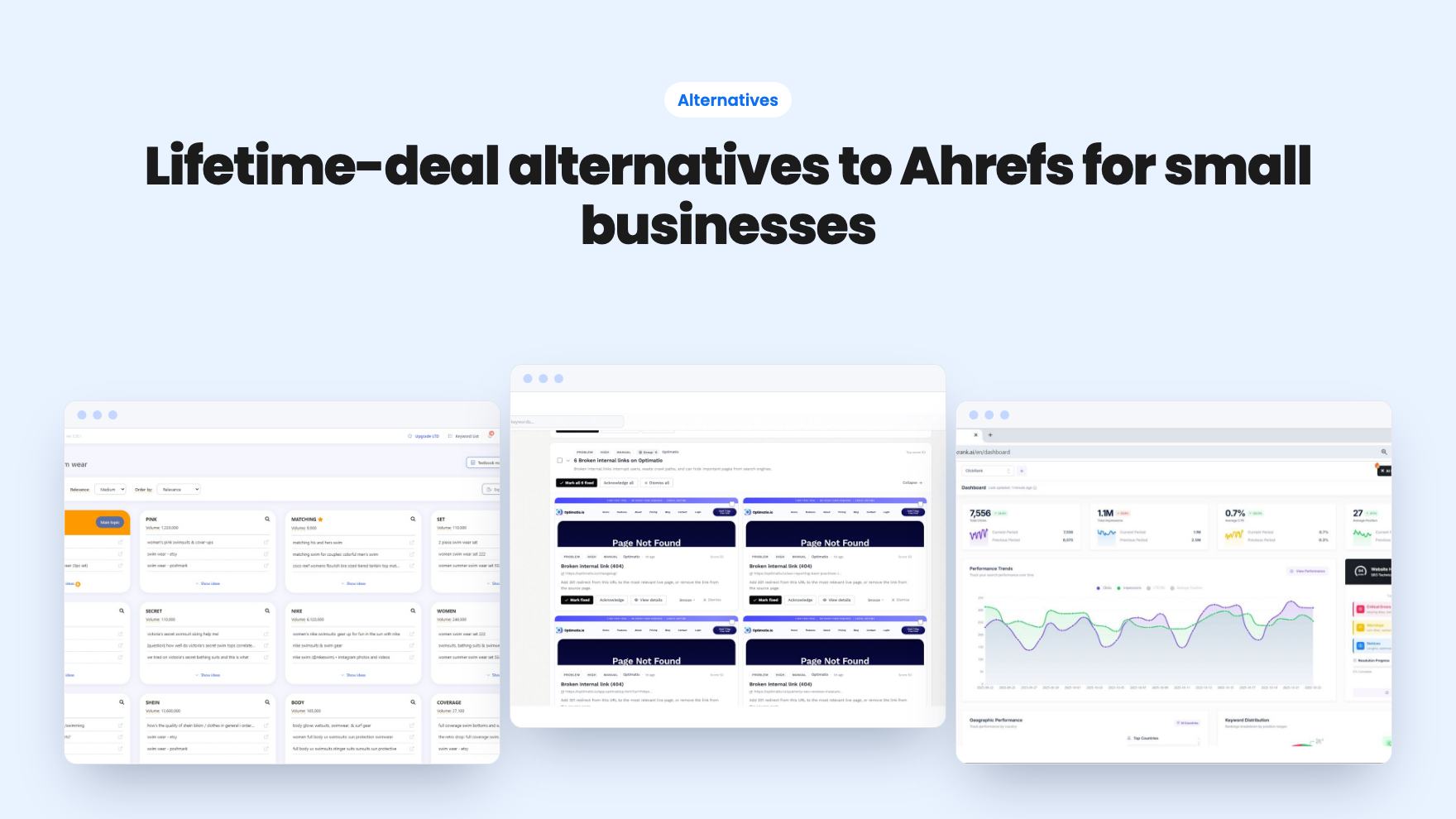
Ten AppSumo lifetime deals named as Ahrefs alternatives, grouped by job: keywords, site fixes, AI search tracking and competitor research. Limits included.