SEO ToolsAlternatives
Linktree Alternatives on Lifetime Deal: 5 Tools Compared
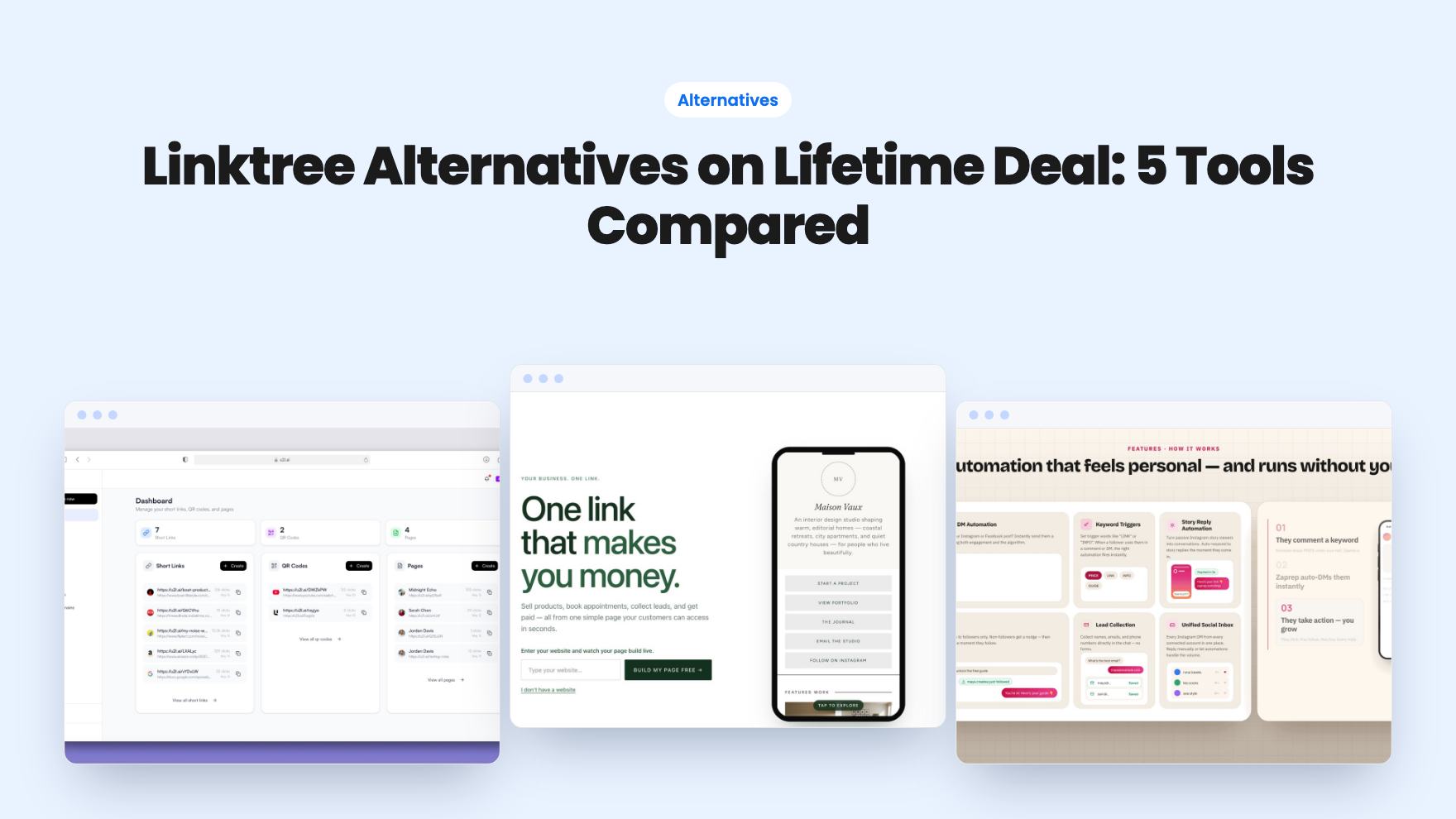
Five AppSumo lifetime deals named as Linktree alternatives, from $19 to $59 entry prices. See who each suits and what the listings leave out.
Otter A/B is an A/B testing tool sold on AppSumo from $79 for life. Here's what the three tiers cap, what's included, and who should pass.
Lifetime deal price
$79$46883% off
Lifetime Deal
Our take: Otter A/B is worth a look if you run one to five sites and want a cheap way to test headlines, buttons and checkout changes without paying monthly. Skip it if you need a proven, mature platform, have very little traffic, or need heavy enterprise features. The product looks young and we haven't tested it hands-on.
You’ve got a landing page that you suspect is underperforming. Maybe the headline is vague, maybe the button is buried. You can’t prove it, so you either guess or pay for a testing tool that costs more per month than the page earns. That’s the gap Otter A/B is aiming at, and the AppSumo deal starts at $79.
We haven’t used it hands-on. What follows comes from the AppSumo listing, which is marketing copy, so read it with that in mind.
Otter is an A/B testing tool. You show different versions of a page to different visitors, then see which version gets more of the action you care about. The listing positions it as an alternative to VWO, and it names ecommerce, marketing agencies and SaaS as the best fits.
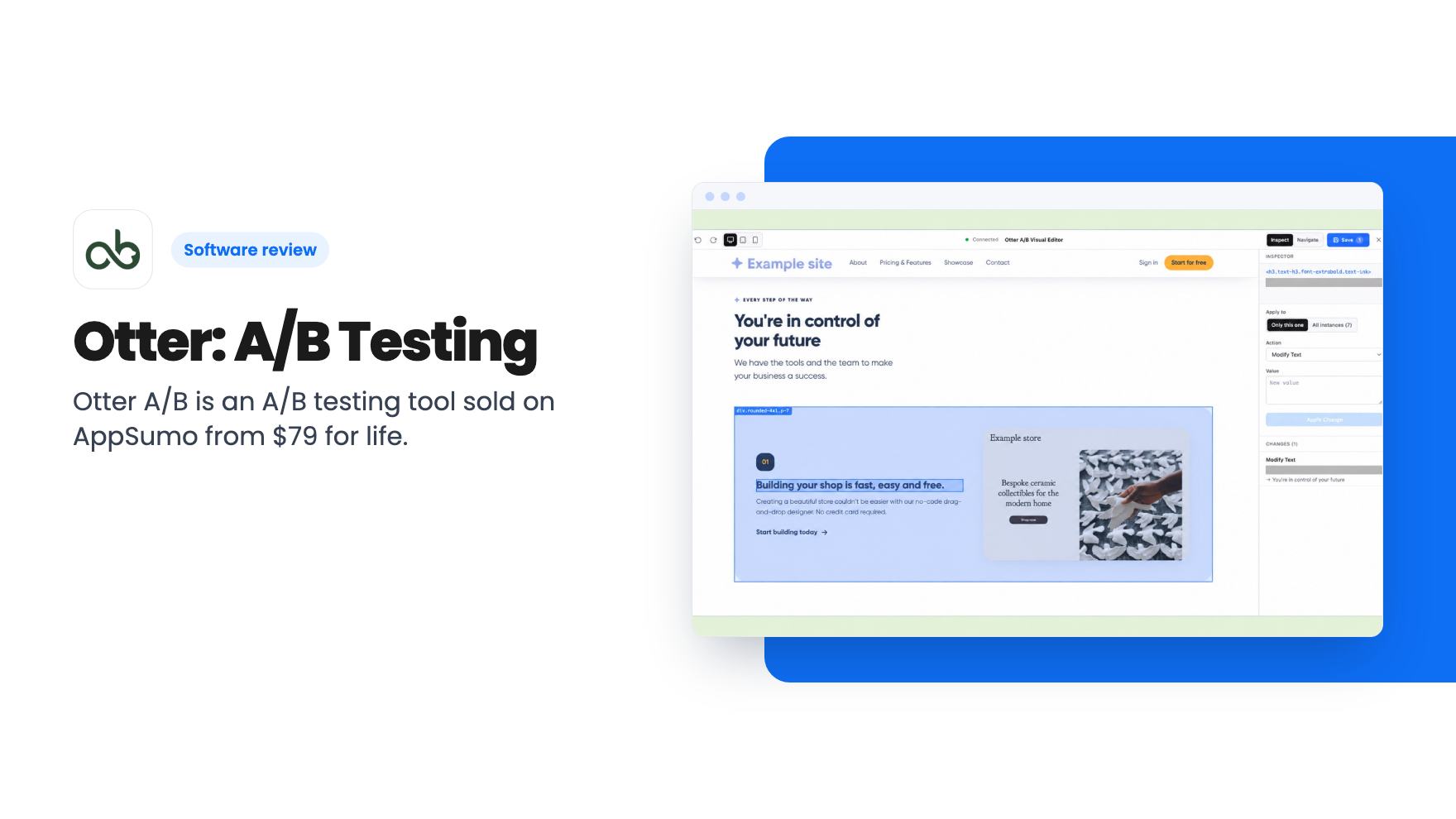
The main route is a point-and-click visual editor. You change a headline, button, image or style on your live page, on the same URL. No duplicate page to build and maintain.
If you already have two separate pages or themes, there’s also a split URL test. And there’s a personalization format for showing different content to different audiences. The listing doesn’t say how deep that personalization goes, so don’t assume it rivals a dedicated personalization platform.
The editor lets you check your changes on desktop, tablet and mobile, and preview variants before any visitor sees them. When a visual edit isn’t enough, you can drop in custom CSS or JavaScript. That matters, because point-and-click editors always hit a wall eventually.
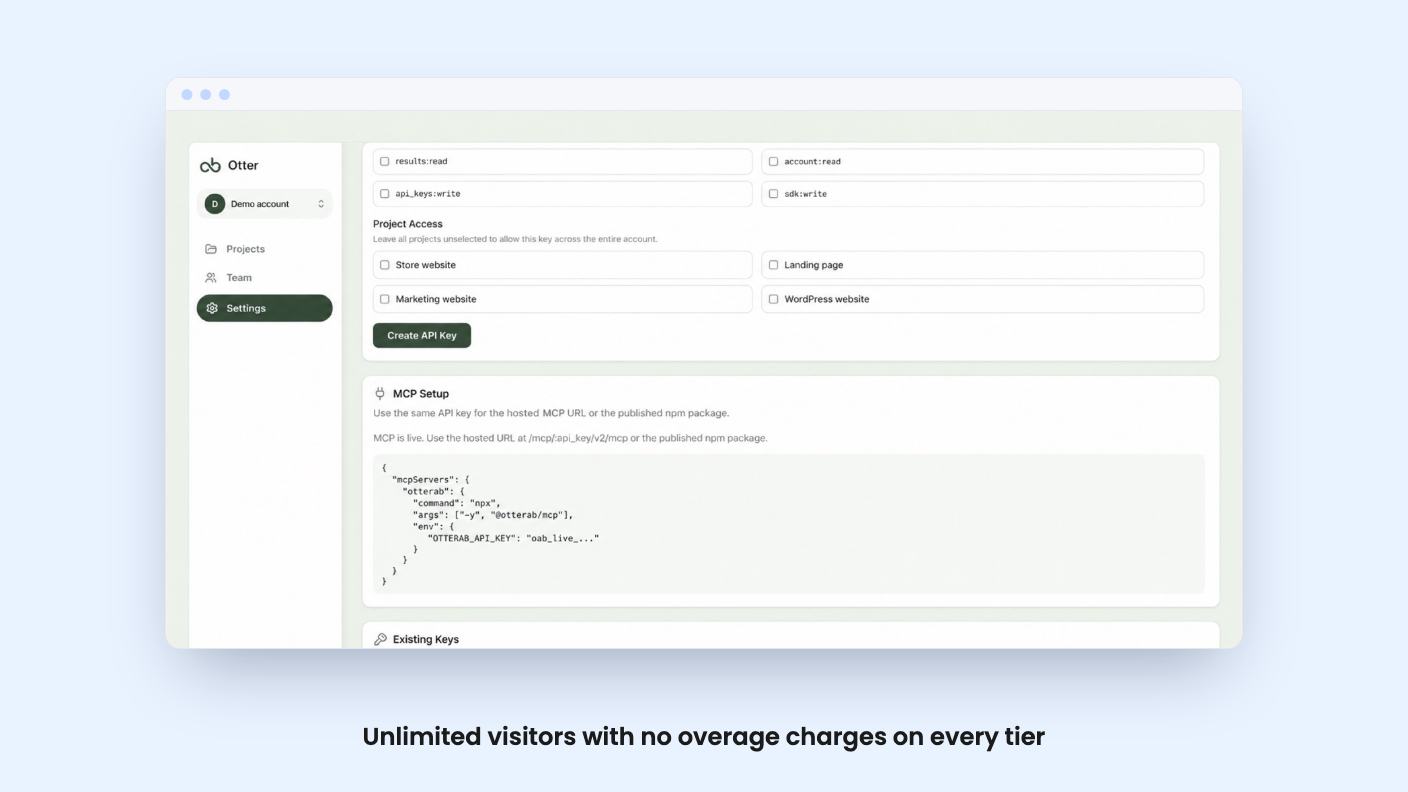
The more unusual feature is the MCP connection. You can hook up Claude Code, Claude Desktop or ChatGPT, describe a test in plain language, and get an experiment draft with variants and a measurable goal. The assistant can inspect the real page, check supported visual changes on desktop and mobile, and give you preview links to review before launch.
That’s a nice idea, and it could save setup time. But you bring your own assistant, and the listing says “supported” visual changes, which suggests some edits won’t be checked. You’d still want to review everything before launch. Treat it as a drafting helper, not an autopilot.
Not everyone sells products online, and Otter doesn’t assume you do. Goals can be pageviews, clicks, custom events, DataLayer events or revenue. So a B2B site can count form submissions, booked calls, downloads or signups.
Tracking runs through Otter’s own snippet, so Google Analytics isn’t required. If you do use GA4, you can connect it and reuse existing events as goals.
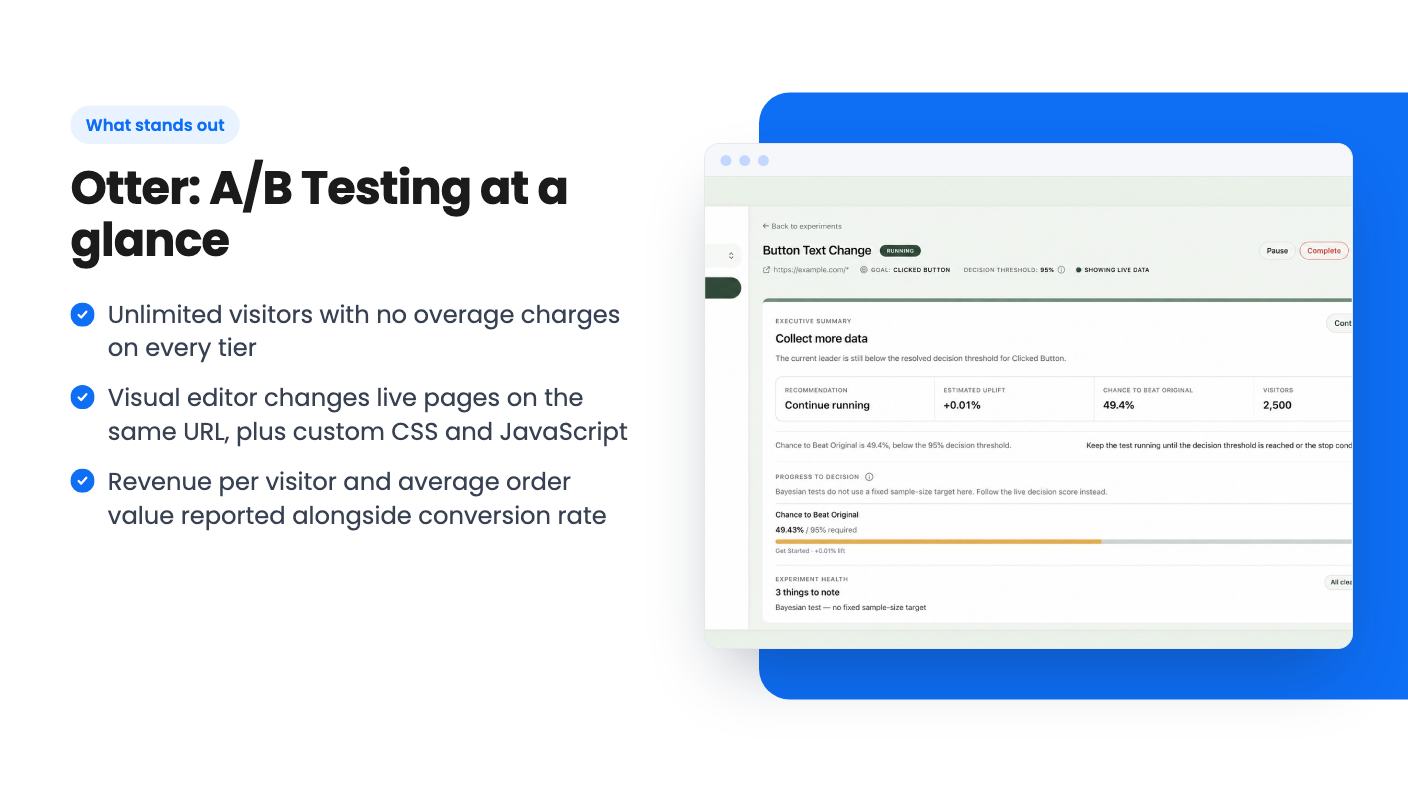
For stores, the revenue side is the stronger selling point. Otter shows revenue per visitor, conversion rate and average order value side by side for each variant. That’s useful because a variant can lift conversions while lowering order value, and a conversion rate alone would hide that. Purchases come through Shopify or WooCommerce, or you can send revenue events from a custom booking or checkout flow.
The listing also promises “clear decision guidance” on whether the evidence supports a winner or the test needs more data. It doesn’t explain the statistics behind that. If you care whether it uses frequentist or Bayesian methods, you’ll have to ask the developer or read the docs.
Setup means installing a snippet on your site. Shopify gets a theme snippet and a purchase pixel, and WordPress and WooCommerce get a plugin. Other sites and custom systems use the snippet plus custom events.
Privacy is where the listing is both useful and a little revealing. There’s an opt-in mode that keeps variants, cookies and tracking dormant until a visitor consents. Otter detects supported consent banners, and offers IP anonymisation and retention controls. But IAB TCF currently needs a manual bridge. AppSumo’s own summary says the tool now runs properly under GDPR and CCPA, “addressing previous concerns”. That tells you compliance was a problem earlier. If you serve European visitors, read Otter’s privacy docs carefully and have someone confirm your setup.
One project covers one domain. Register the root domain and its subdomains come along. A separate domain needs a separate project.
All three tiers include unlimited visitors, unlimited tests over time, the visual editor, the MCP connection, revenue tracking and reporting. The only differences are websites and concurrent experiments.
Those list prices are AppSumo’s reference numbers, so don’t read them as proof of a real discount. What counts is that there are no visitor overage charges, which is where subscription testing tools usually get expensive.
You must activate your license within 60 days of purchase. You can move between tiers, and future plan updates are included. Support is by email, and there’s a 60-day refund window.
Ten concurrent experiments on a single site is plenty for most small businesses. You’d have to be running a serious program to hit it. For most solo owners, Tier 1 is the sensible starting point, and the tier switching means you can move up later.
The track record is short. AppSumo shows five reviews averaging 5.00, which sounds great, but five is too few to say much. Combine that with a privacy fix that arrived after launch, and you’re buying into a young product. Lifetime deals depend on the developer sticking around, and the listing can’t promise that.
Skip it if your site gets very little traffic. The listing itself says smaller sites can run tests but may wait a long time for a confident result. No tool changes that arithmetic.
Also skip it if you need phone support, deep enterprise controls or a long list of integrations. The listed integrations are Google Analytics, Shopify, WordPress, Claude and ChatGPT, and that’s it. Agencies managing many client domains should look at Tier 2 or 3, but should check how reporting works per client first, because the listing doesn’t say.
For a store owner or a small SaaS team with steady traffic, $79 with a 60-day refund window is a low-risk way to find out whether testing pays off for you. Use the refund window properly: install it, run a real test, and check the privacy setup before day 60.
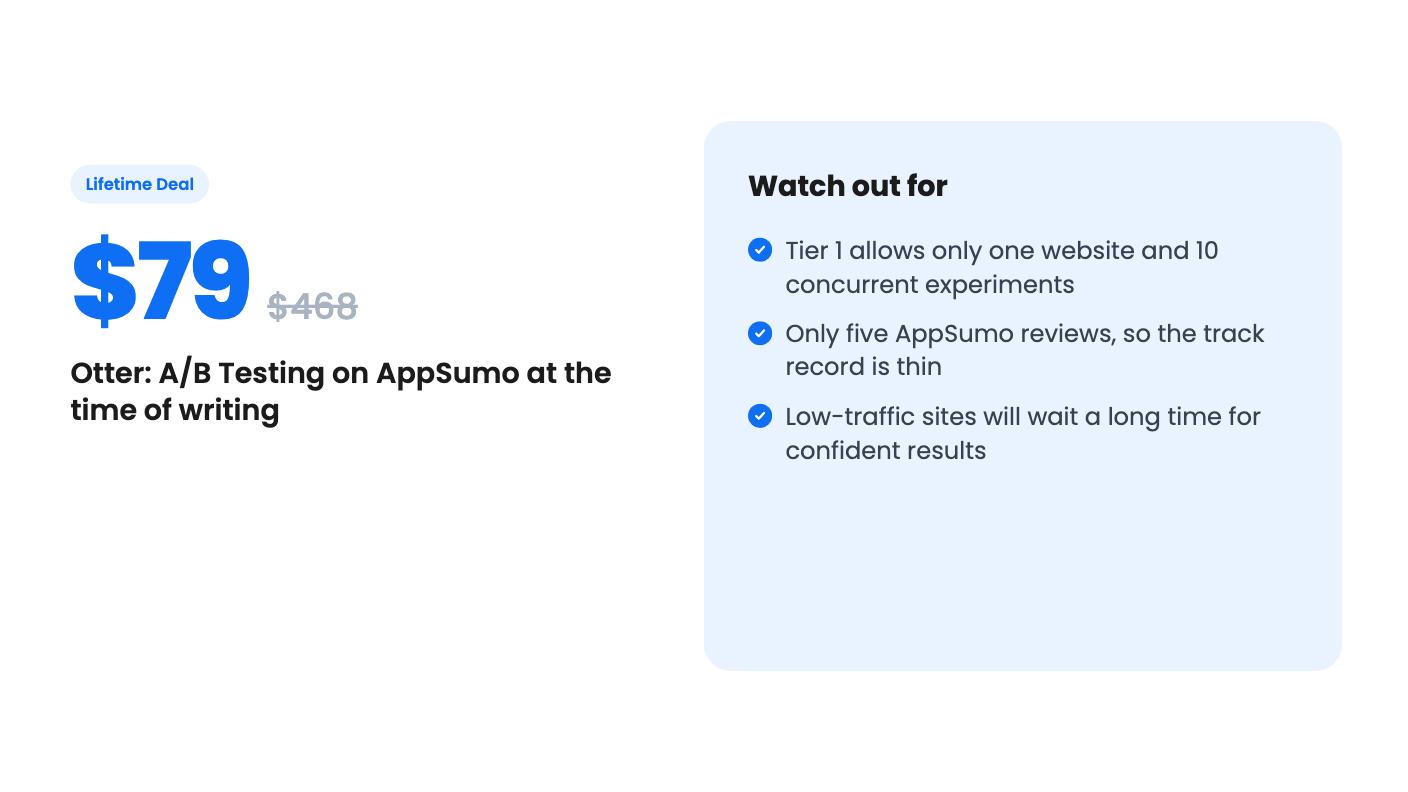
According to the listing, Tier 1 ($79) covers one website and up to 10 concurrent experiments. Tier 2 ($249) covers five websites with unlimited experiments. Tier 3 ($499) gives unlimited websites and experiments. Features are the same across tiers, and you can upgrade or downgrade between them.
No. The listing says Otter has its own tracking. GA4 is optional if you want to reuse existing events as goals. You install a snippet, or use the Shopify theme snippet and purchase pixel, or the WordPress and WooCommerce plugin.
You can run tests, but the listing admits a confident result may take longer when traffic or conversions are limited. No tool can fix that. If you get a few hundred visits a month, expect slow answers.
How this review was made: researched from Otter: A/B Testing's official listing, and written with help from AI. We have not tested Otter: A/B Testing hands-on yet. Prices and deal terms change, so check AppSumo before you buy. See our affiliate disclosure.
Five AppSumo lifetime deals named as Linktree alternatives, from $19 to $59 entry prices. See who each suits and what the listings leave out.
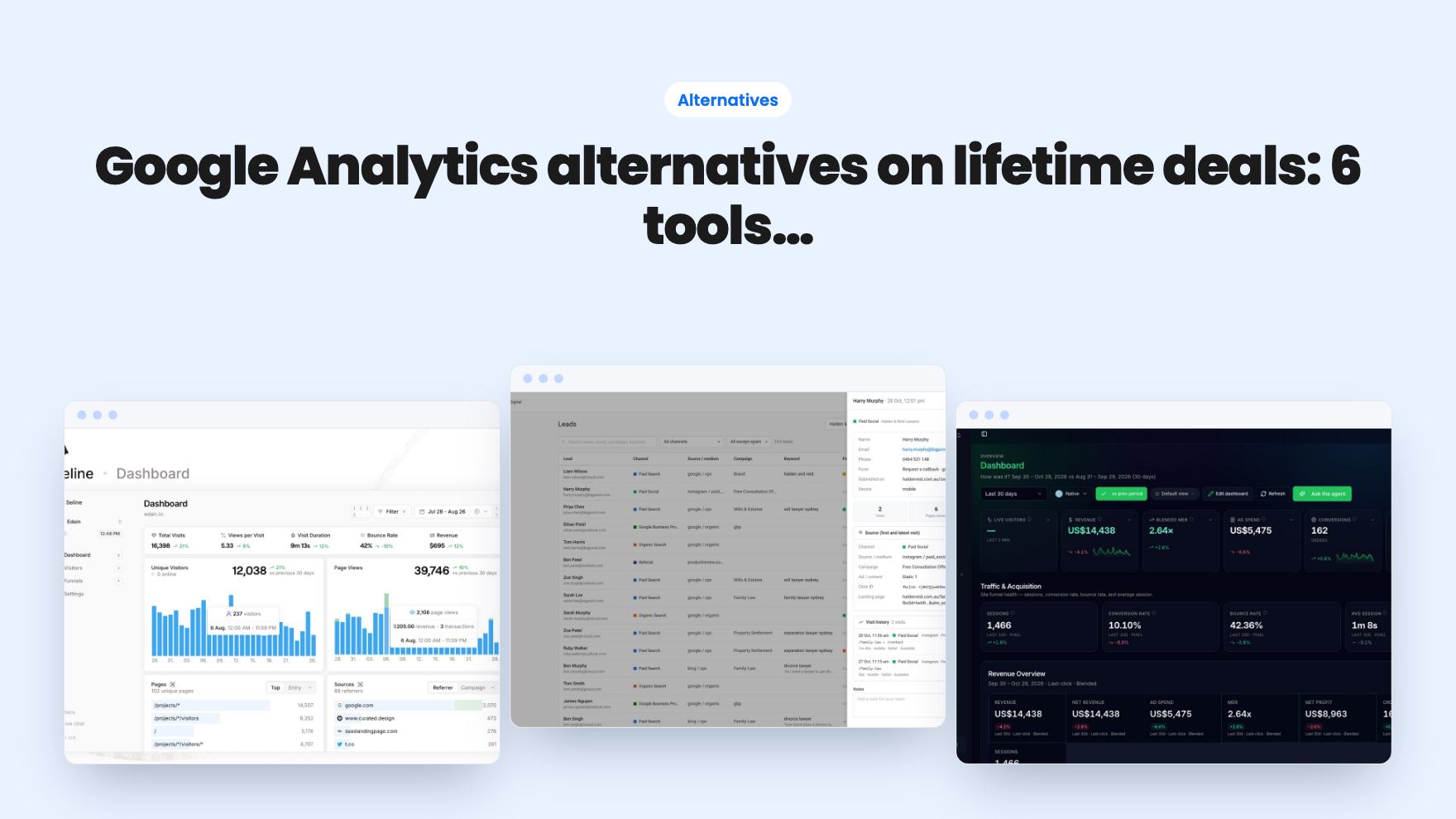
Six AppSumo lifetime deals pitched as Google Analytics alternatives, grouped by the job you need done, with tier limits and gaps spelled out.
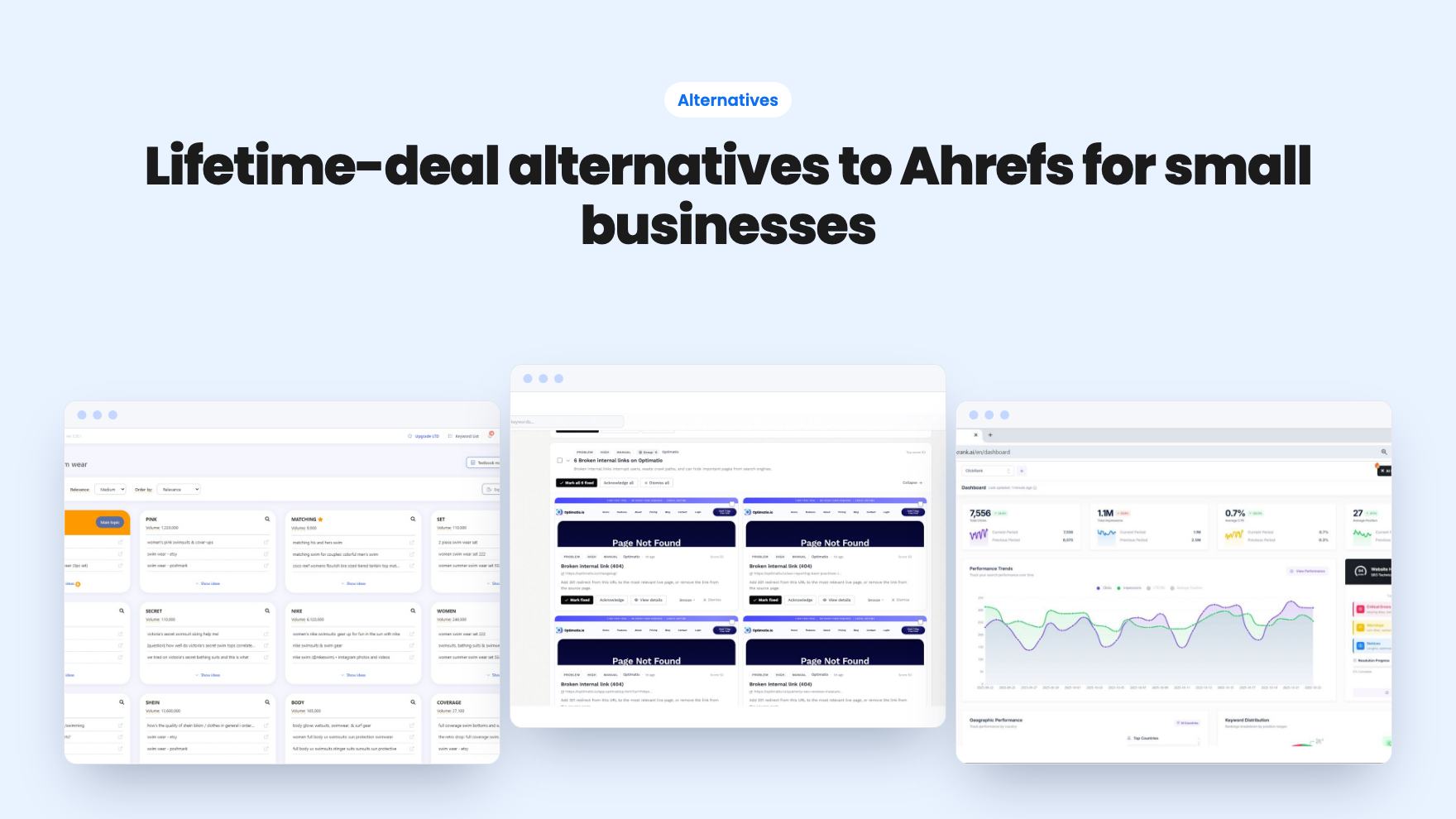
Ten AppSumo lifetime deals named as Ahrefs alternatives, grouped by job: keywords, site fixes, AI search tracking and competitor research. Limits included.