Website BuildersReview
Consently Review: Cheap Cookie Consent, Odd Tier Math
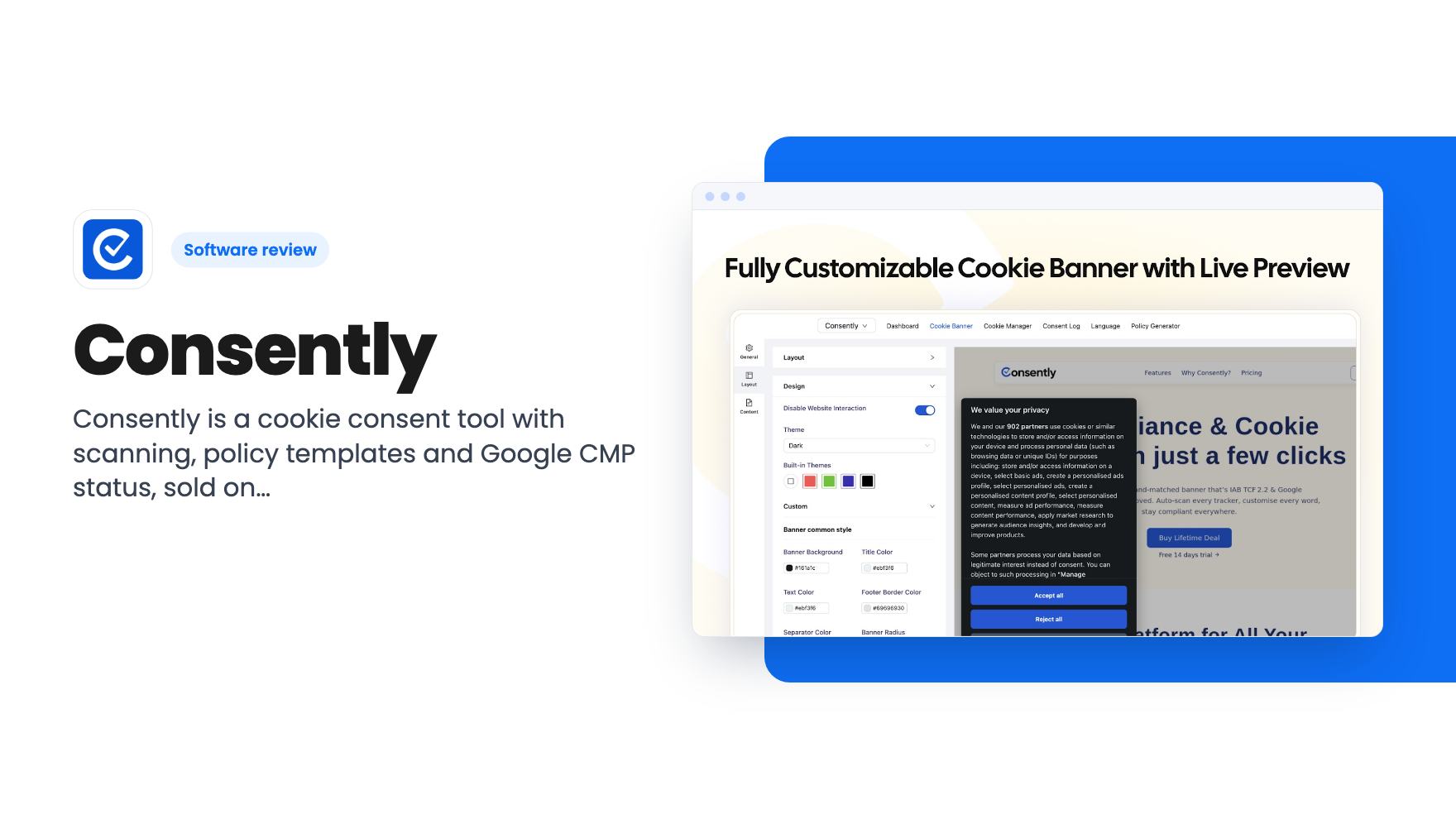
Consently is a cookie consent tool with scanning, policy templates and Google CMP status, sold on AppSumo from $39. Here's what the listing covers and where it's thin.
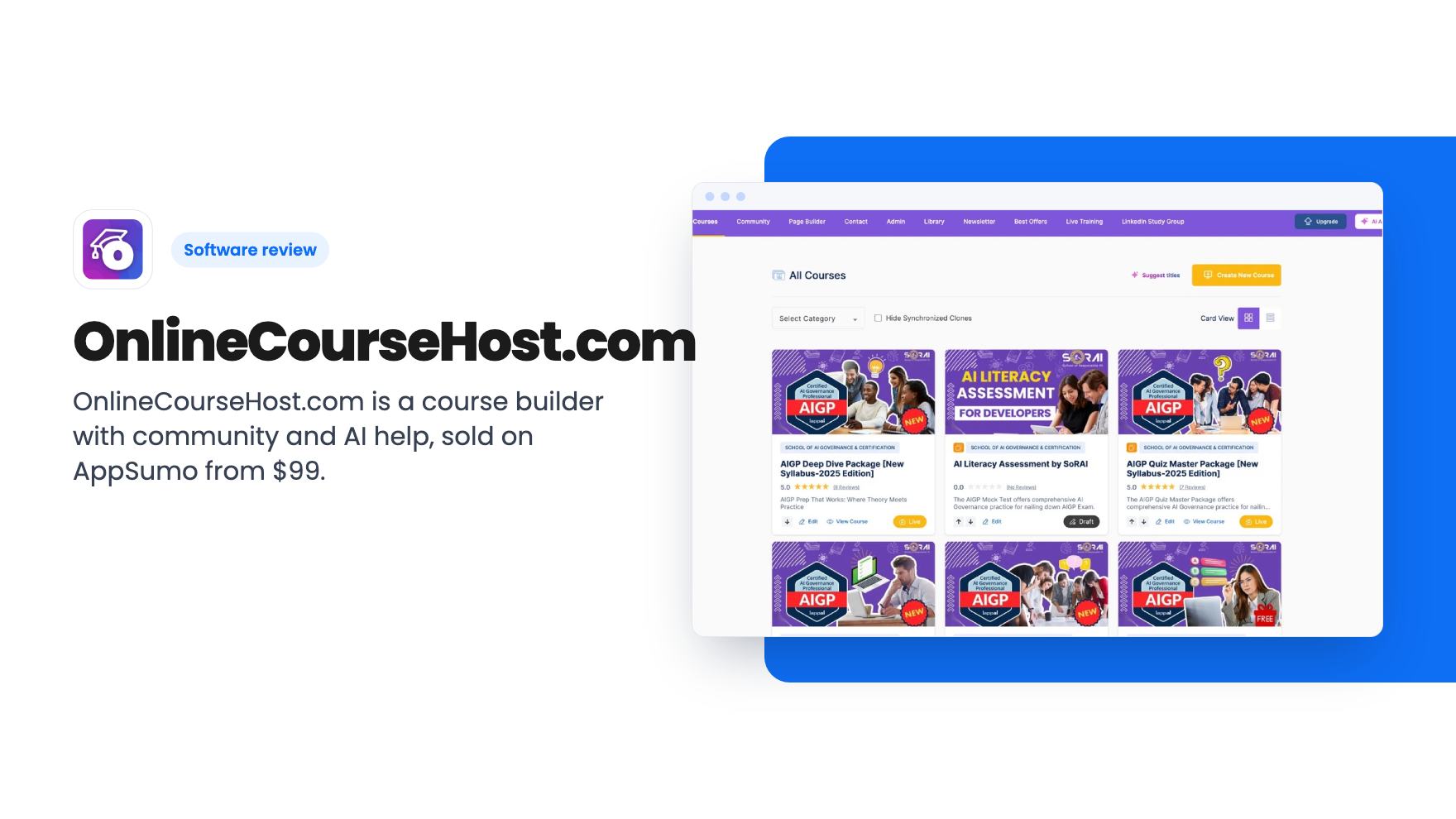
OnlineCourseHost.com is a course builder with community and AI help, sold on AppSumo from $99. Here's what the listing covers, what it leaves vague, and who should skip it.
Lifetime deal price
$99$78087% off
Lifetime Deal
Our take: Buy the $99 tier if you're a solo creator with one or two courses who wants to stop paying a monthly hosting fee and can live with a small, young platform. Skip it if you need deep design control, a large course catalogue on one code, or proof of how it handles big student numbers. The listing is vague on tier limits, so read the plan table before you pay.
Say you’ve finally recorded your course. Twelve video lessons, a few PDFs, maybe a quiz. Now you need somewhere to put it, and the big platforms want a monthly fee before a single student has paid you. That’s the gap OnlineCourseHost.com is aiming at, and the AppSumo deal is a very cheap way to find out if it fits.
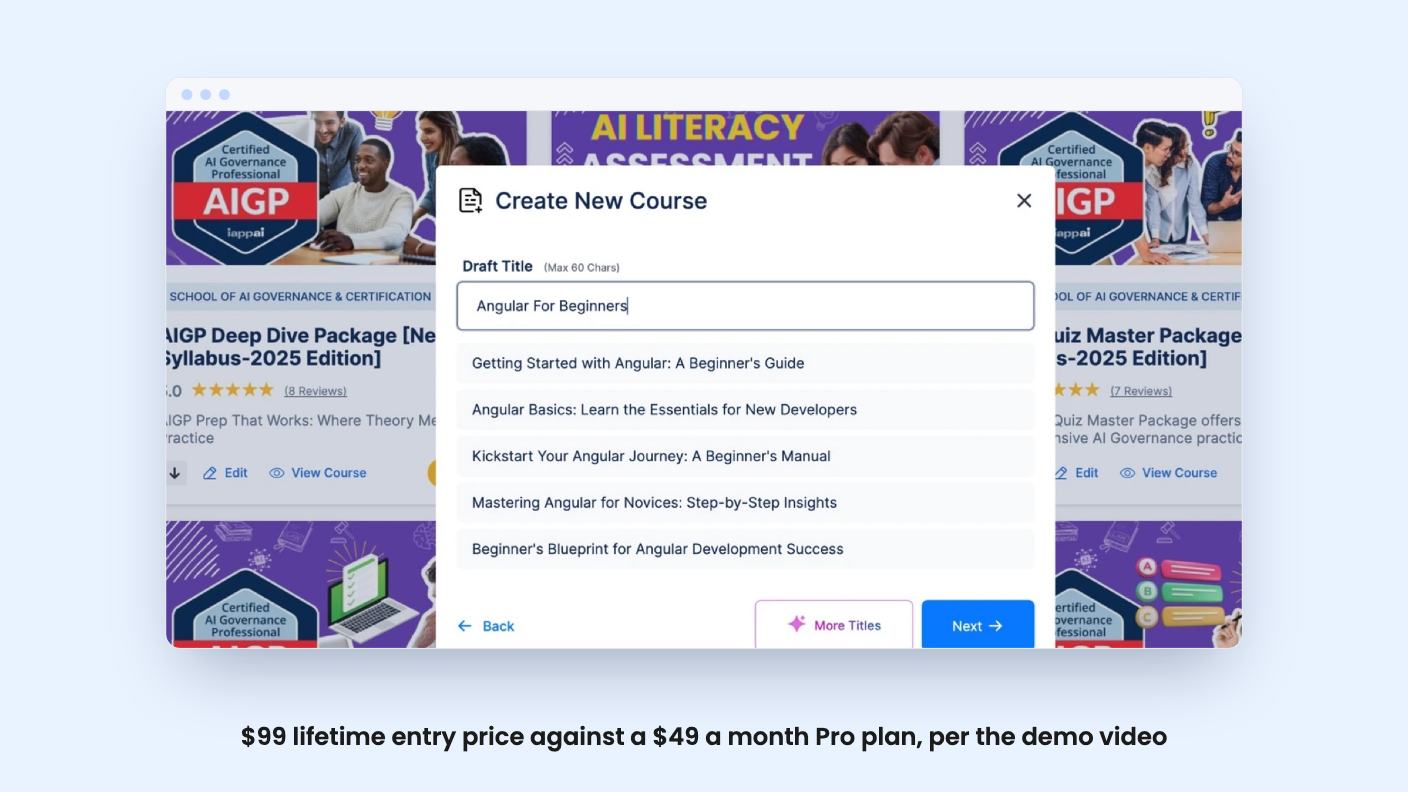
It’s a course platform with a built-in community, email tools and two AI assistants. The listing pitches it as an alternative to Kajabi, Teachable and Thinkific. Pabbly Connect, PayPal, Stripe and Zapier are the listed integrations, and the FAQ adds SendFox.
The listing says you can build courses with video, quizzes, assignments, downloads, text and audio lessons. You can sell them worldwide or keep access invite-only. Drip emails and lesson prerequisites let you release material in order rather than all at once.
The FAQ promises unlimited video hosting and bandwidth, multi-language support and a branded course site on your own domain. It also says there are no platform fees on any plan. Every sale lands in your Stripe or PayPal account, minus those processors’ own card fees.
That last point matters. Some course platforms take a cut of each sale on cheaper plans, and this one says it doesn’t. We haven’t verified that, so check it in the terms before you build a business on it.
There are two. The creator assistant helps you draft lesson titles, descriptions, teasers and images, and you can chat with it to rewrite text. The listing also says it can suggest features and recommend course pricing.
The student assistant is the more interesting idea. You train it on your own course content, and it answers student questions in real time. It also tracks which topics confuse people, which could tell you which lessons to reshoot.
Be realistic here. The listing doesn’t say which AI model sits behind either assistant, whether there are usage limits, or how well it copes with long courses. “Accurate answers” is a marketing claim until someone tests it. Treat the AI as a way to get a first draft down faster, not as a replacement for knowing your subject.
The community feature looks like a proper selling point. You can create multiple rooms, each set to free, paid, private or invite-only. Members can like, reply to and pin posts, and you can assign roles and badges to top contributors.
For a small coach, a paid room on top of a course is a decent way to build recurring revenue and keep people from drifting off after week two. The listing says the interface feels familiar to users, but it doesn’t show screenshots of how it handles moderation or notifications.
There are also built-in bulk email tools for messaging students. The listing doesn’t describe segmentation, templates or sending limits. If email is central to your business, you’ll probably still want a dedicated email tool, and Zapier or Pabbly can connect the two.
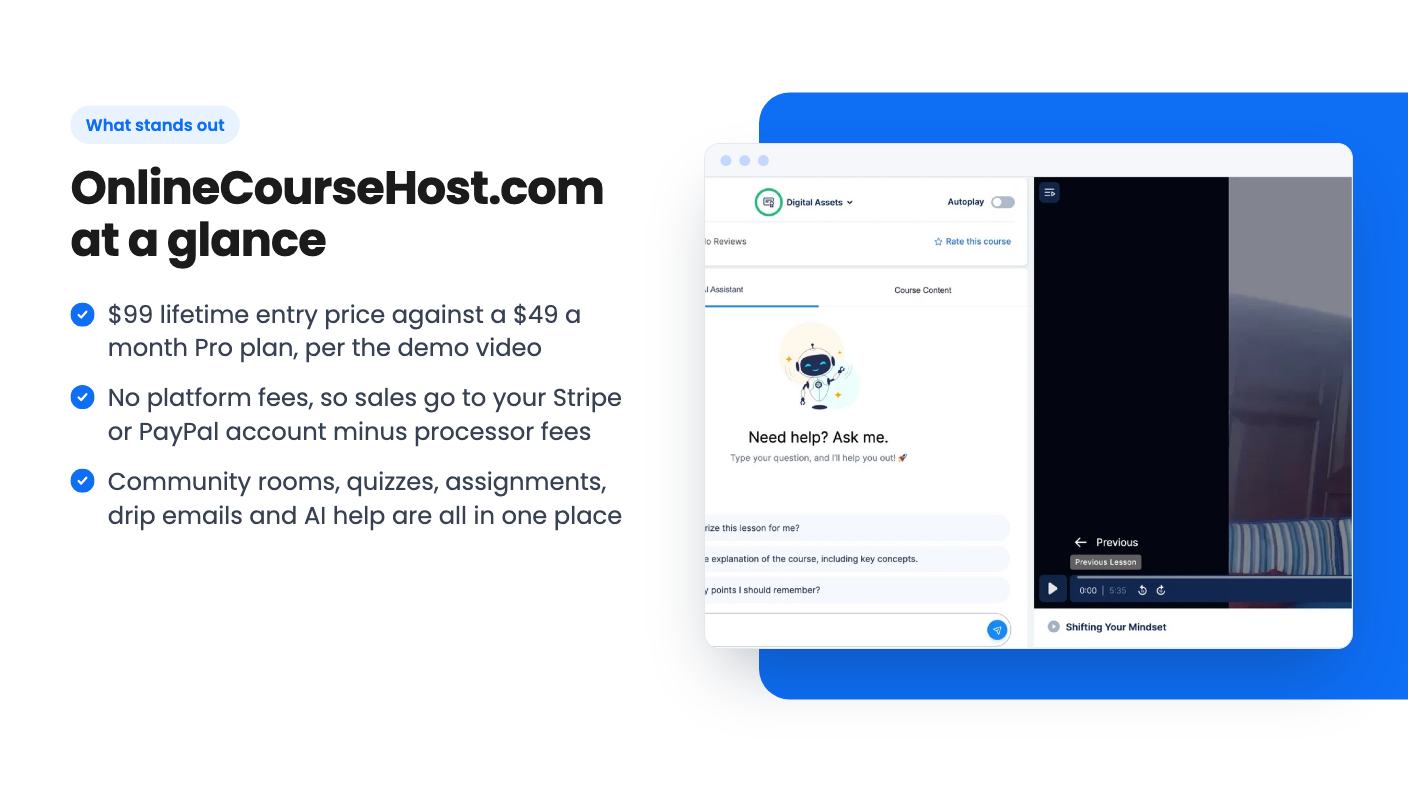
The video is mostly a pricing comparison. It says the normal Pro plan costs $49 a month, or $588 a year, with no transaction fees, unlimited video hosting and bandwidth, custom pages, extra admin accounts and 100 active users.
That last figure is worth pausing on. The video says 100 active users “should be enough” if you’re starting out, but could become a limit as you grow. The listing, meanwhile, says you can sell to unlimited students. Those two statements don’t obviously agree, and neither source explains how the lifetime plan treats active users.
The transcript then breaks off just as the presenter gets to the lifetime deal. We hear it’s $99 for lifetime access, with one course website and one custom domain per code and unlimited admin accounts, and then nothing useful. So the one part we most wanted explained is missing, and we can’t tell you what the video says about caps beyond that.
The deal runs from $99 up to $990 across ten tiers. According to the listing, each extra code you stack adds one course website and one custom domain. All tiers include future Pro Plan updates, and the listing says the deal will be mapped to a new plan name if the plan is renamed.
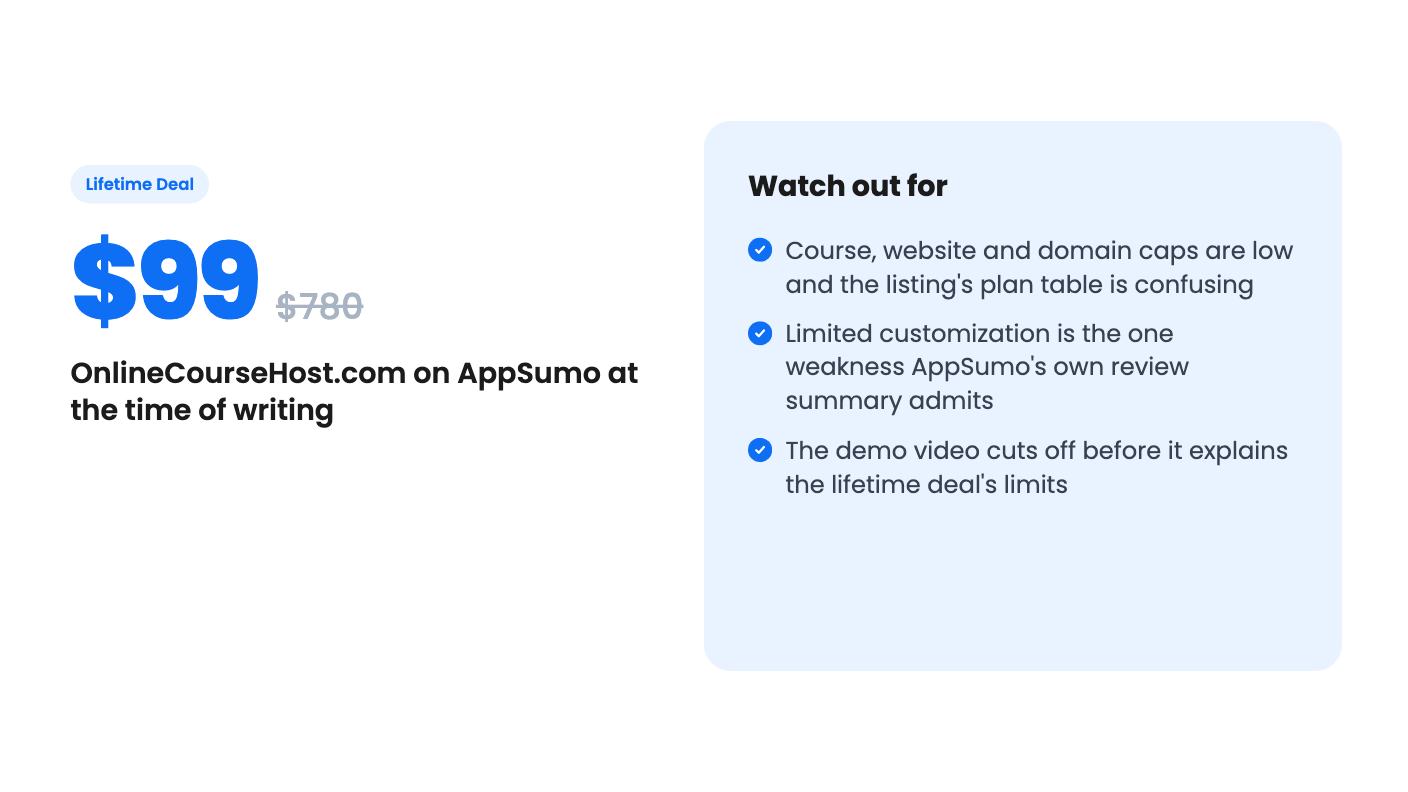
The plan table is where I’d slow down. The listing’s rows show courses running 30, 27, 24 and so on down to 3, and websites from 10 down to 1. That reads as if the biggest tier gets the biggest numbers. The custom domain row, though, goes 6, 5, 4, 3, 2, 10, 9, 8, 7, 1, which can’t be right as written. It looks like a copy error.
So here’s what we can say. The entry tier appears to be the smallest one, probably a handful of courses on a single site. Confirm the exact caps on the AppSumo page before you commit.
The other conditions are straightforward:
On price, $99 is about two months of the $49 Pro plan. If you’d stay a year or more, the maths is easy. The caution is that this is a young product, and a lifetime deal only pays off if the company is still around in three years.
Skip it if design is a big part of your brand. AppSumo’s own summary of buyer reviews admits “limited customization options,” and the listing never shows what the page editor can actually do. If you want pixel-level control, an established builder is a safer bet.
Skip it too if you plan to run a catalogue of many courses or several brands on a single code. You’d be stacking codes, and the costs climb toward the top tiers.
If you’re a solo creator with one or two courses, the sensible move is to buy the entry tier, build one real course in the first couple of weeks, and use the refund window if it doesn’t hold up. Ask support directly how active-user limits work on the lifetime plan before you drive traffic to it.
The listing says there are no platform fees on any plan, including the free trial. You'd still pay the normal card processing fees charged by Stripe or PayPal.
The listing doesn't state this clearly. Its feature rows run from 30 down to 3 courses and 10 down to 1 website across the ten tiers, and the custom domain row looks inconsistent. Each extra code you stack adds one course website and one custom domain, so check the live plan table before buying.
AppSumo's summary mentions a 60-day money-back guarantee. The listing also says you must redeem your code within 60 days of purchase, so don't let it sit in your inbox.
How this review was made: researched from OnlineCourseHost.com's official listing and a transcript of its demo video, and written with help from AI. We have not tested OnlineCourseHost.com hands-on yet. Prices and deal terms change, so check AppSumo before you buy. See our affiliate disclosure.
Consently is a cookie consent tool with scanning, policy templates and Google CMP status, sold on AppSumo from $39. Here's what the listing covers and where it's thin.
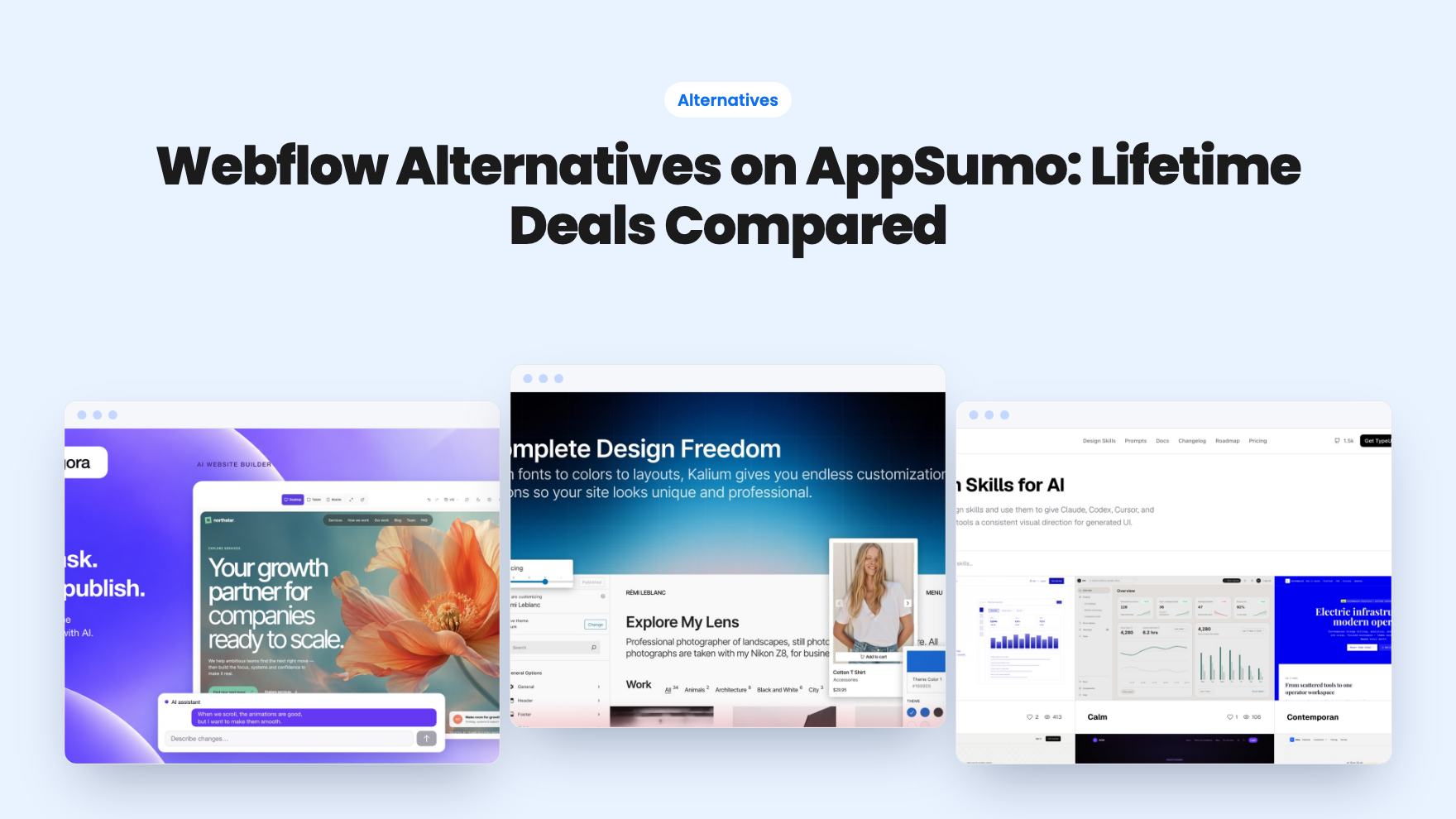
Five AppSumo lifetime deals listed as Webflow alternatives, from a $69 all-in-one site builder to AI app generators, with who each suits and what's missing.
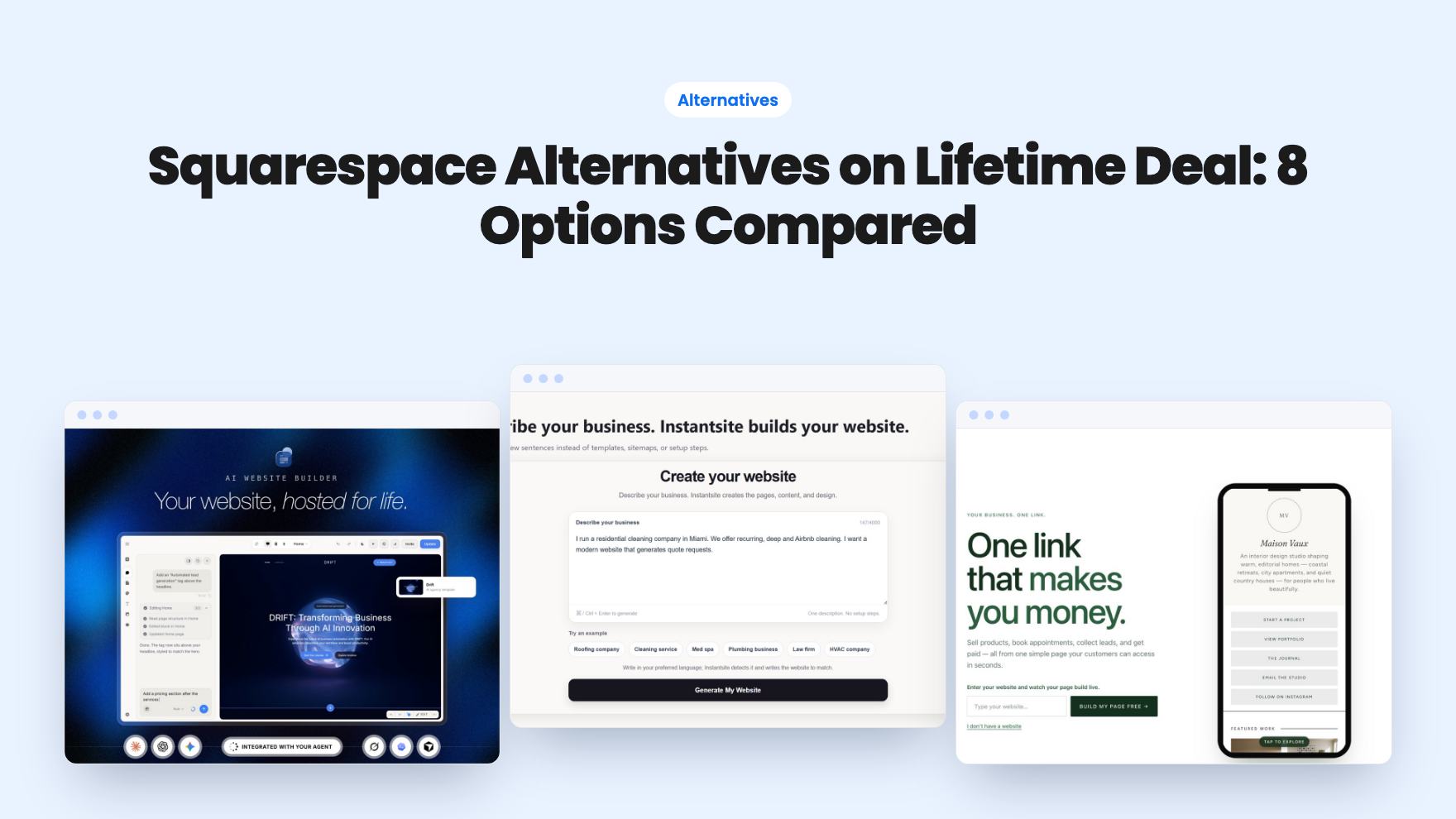
Eight AppSumo lifetime deals named as Squarespace alternatives, grouped by need, with the limits and gaps each listing shows and who each one suits.