Website BuildersReview
Consently Review: Cheap Cookie Consent, Odd Tier Math
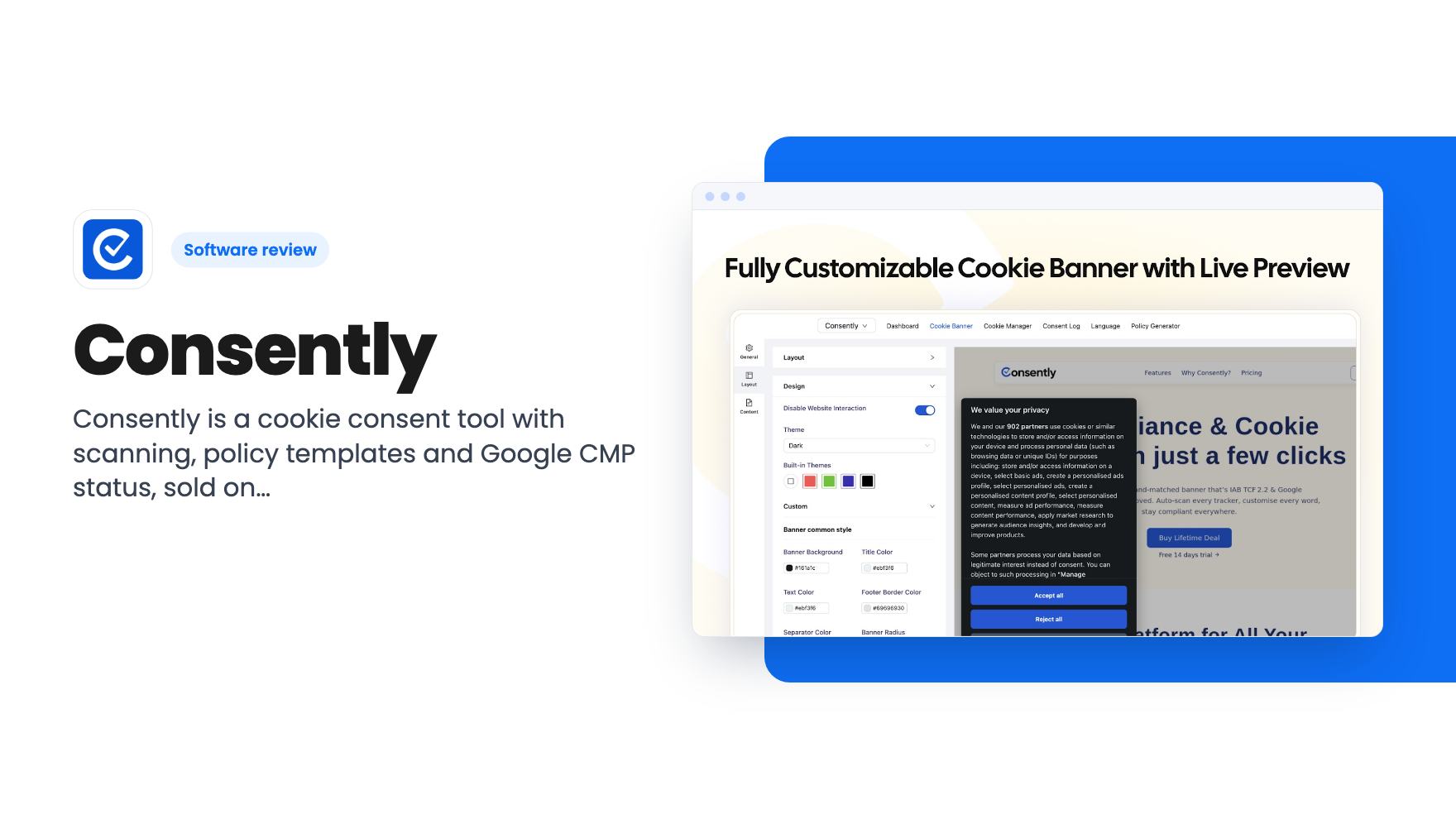
Consently is a cookie consent tool with scanning, policy templates and Google CMP status, sold on AppSumo from $39. Here's what the listing covers and where it's thin.
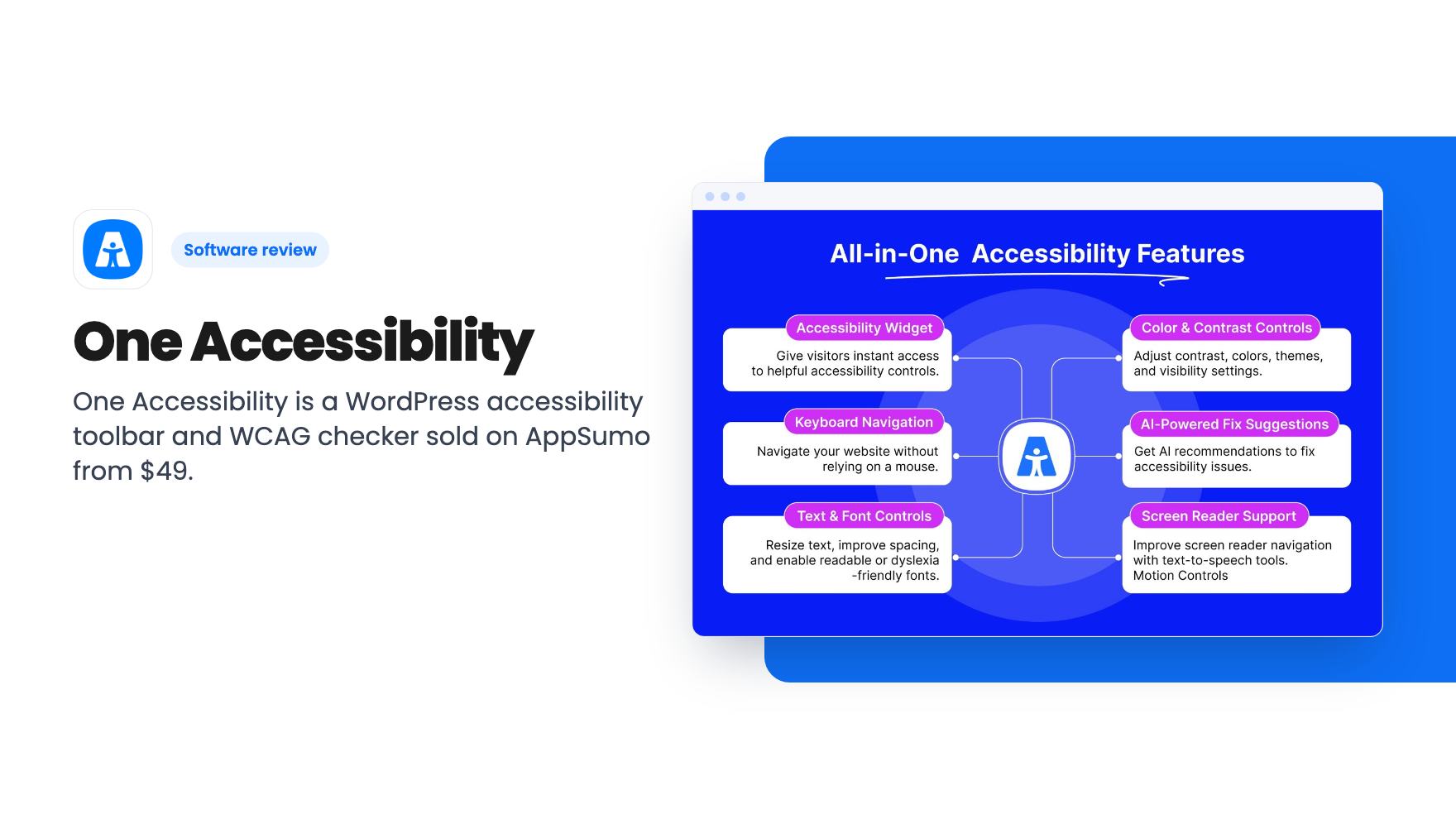
One Accessibility is a WordPress accessibility toolbar and WCAG checker sold on AppSumo from $49. Here's what the listing covers, what it skips, and who should buy.
Lifetime deal price
$49$13965% off
Lifetime Deal
Our take: Worth a look if you run one to five WordPress sites and want a visitor-facing accessibility toolbar plus a basic WCAG checker for a small one-time fee. Skip it if you're not on WordPress, or if you think a widget will settle your legal exposure, because the listing never claims that and neither should you.
Say you get an email from a customer, or worse a law firm, saying your WordPress site is hard to use with a keyboard or a screen reader. You didn’t build it that way on purpose. Most of us just never checked. That gap is where One Accessibility is aimed, and it’s sold as a lifetime deal on AppSumo starting at $49.
We haven’t used it hands-on, and there’s no demo video for this listing. What follows is based on the listing alone, which is marketing copy, so we’ll flag what’s solid and what’s vague.
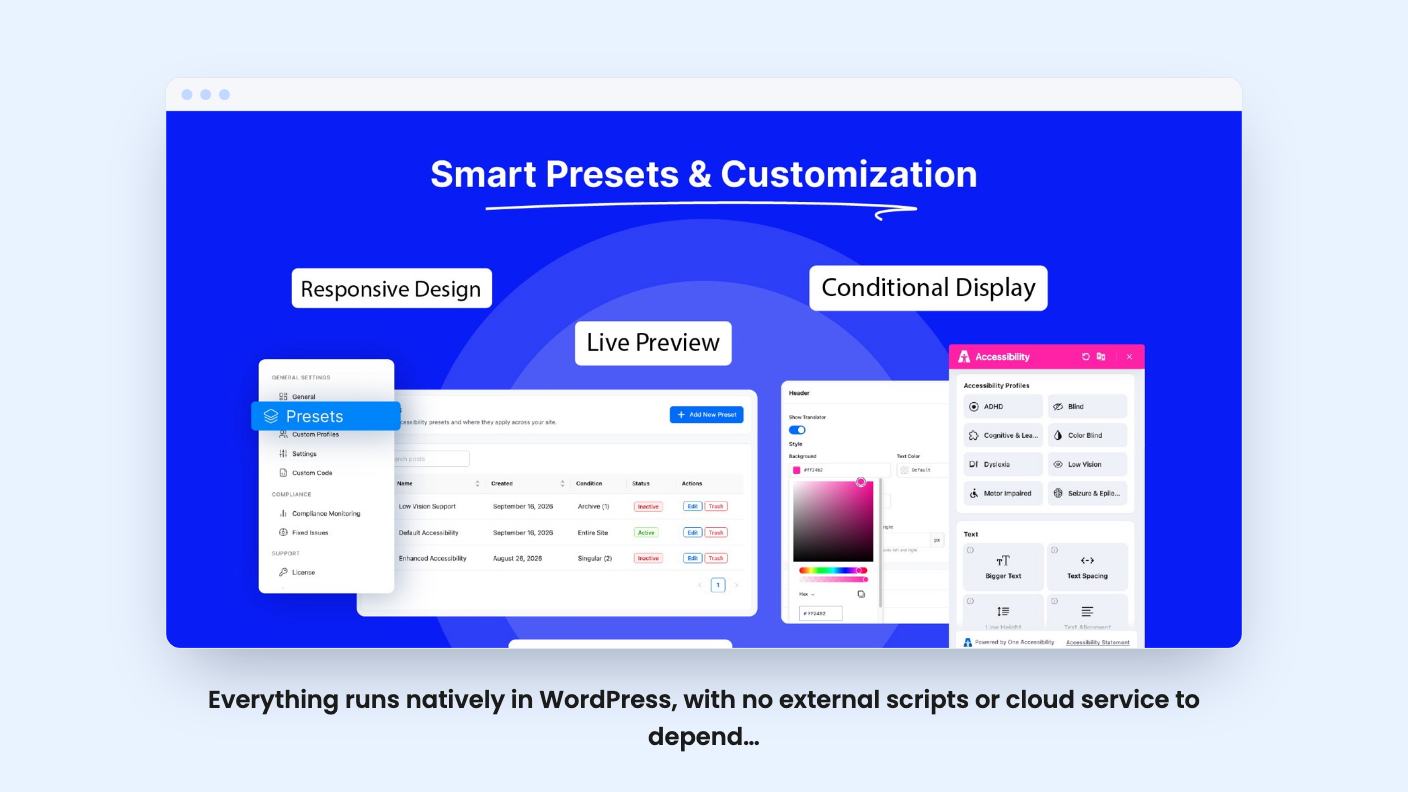
The headline feature is a visitor-facing toolbar. According to the listing, it offers more than 50 accessibility tools in one widget, including contrast controls, text size and spacing, and dyslexia-friendly fonts. Visitors can also pick from 7 ready-made profiles, and the whole site adapts when they do.
There’s a keyboard side too: visible focus indicators, an optimized tab order, skip links and an on-screen keyboard. A built-in text-to-speech screen reader and reading modes are listed, along with motion controls that pause animations.
It’s a long list. It’s also the same kind of list every accessibility widget publishes, so the real question is how well each piece works on your theme. The listing doesn’t say, and without a demo we can’t tell you.
A toolbar that clashes with your design tends to get ignored, or removed. One Accessibility includes a drag-and-drop editor for the icon, size, position, colors and layout, with a real-time preview before you publish. That’s a sensible thing to offer.
You can also build custom profiles with SVG icons, with multilingual and right-to-left options. Presets can be deployed site-wide or limited to specific pages, posts and archives through a conditional system. The listing says unlimited presets are allowed.
If you manage client sites, the backup and restore for presets is the useful bit. Build a setup once, clone it elsewhere. That’s a real time saver for an agency.
This is the part that matters most if legal risk is why you’re shopping. The listing describes an AI-driven checker that flags WCAG 2.0, 2.1 and 2.2 AA issues, plus a compliance monitoring dashboard. It also finds images missing alt text and lets you fix them from the dashboard, and it can publish an accessibility statement in one click.
Good, but be realistic. Automated checkers catch a limited slice of accessibility problems, and the listing doesn’t say how deep this one goes, how often it scans, or whether it handles large sites. “Keep receipts” is the listing’s phrase, and a statement plus a dashboard may help you show good faith. It isn’t a certificate of compliance, and nothing in the listing says it is.
One more detail: usage stats on which tools visitors pick are stored in your own WordPress database, not a third-party cloud. If privacy reviews are part of your life, that’s a point in its favor.
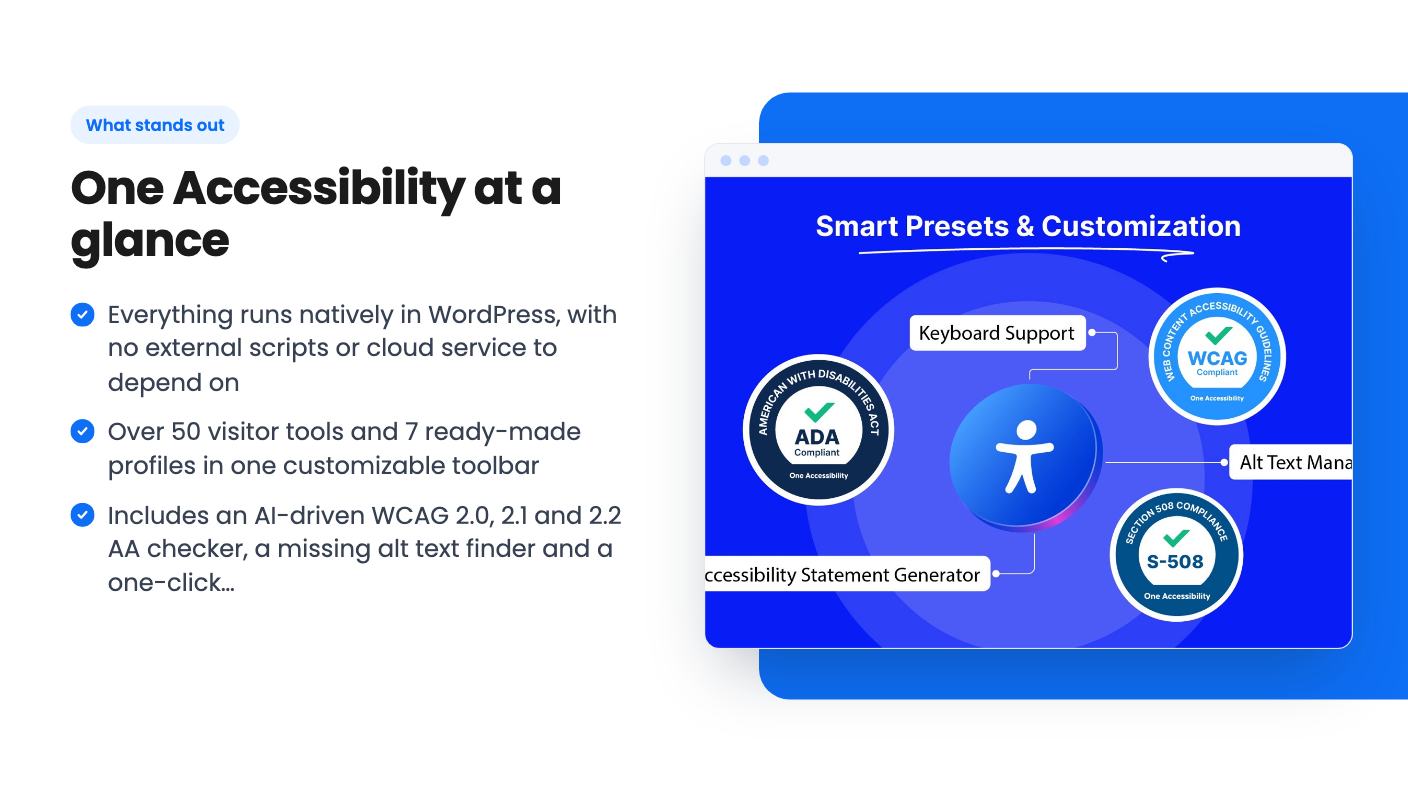
The listing’s main pitch against competitors like UserWay and AccessiBe is that it skips external scripts and cloud dependencies. Everything runs natively in WordPress, which the listing says protects page speed and Core Web Vitals. That’s a plausible benefit of the design, though we can’t verify performance numbers because none are given.
Listed integrations are Divi, Elementor, Gutenberg, WooCommerce and WordPress itself. The listing FAQ also mentions Beaver Builder, which isn’t in the integrations list, so there’s a small inconsistency there.
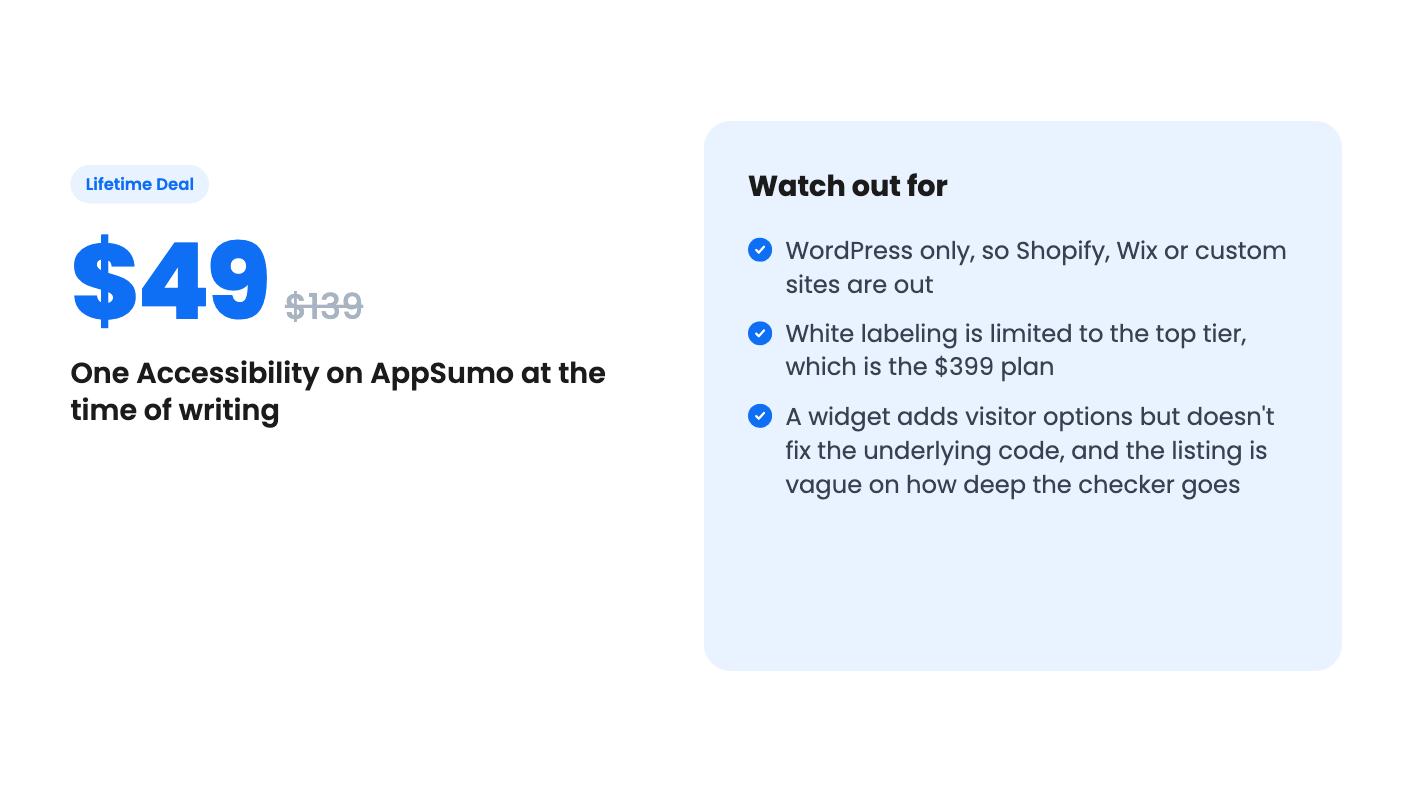
The flip side is obvious. If your site is on Shopify, Wix, Squarespace or something custom, this isn’t for you. It’s a plugin, not a general service.
There are four lifetime tiers. Each includes lifetime access and all future plan updates, and you can move between tiers. You must activate your license within 60 days of purchase, and there’s a 60-day money-back guarantee.
The site limits are where the listing gets sloppy. The plan table reads 1,000 / 50 / 5 / 1 websites, and white label as true / false / false / false. Read in order, that would give the $49 tier 1,000 sites and white labeling. Yet the feature text says white label removal is available in Tier 4. So the table is almost certainly in reverse order: 1 site at $49, 5 at $129, 50 at $279, and 1,000 plus white label at $399.
That’s our best reading, not a confirmed fact. Check the AppSumo checkout screen before paying, because the difference between one site and a thousand is the whole decision.
On that reading, $49 for one site is an easy trial for a small shop owner. The $399 tier is aimed at agencies, and 1,000 sites is far more than most will ever need.
Buy the entry tier if you run a single WordPress or WooCommerce site and want a visitor toolbar and a first-pass accessibility check without a monthly bill. The refund window makes the risk small. Use it: install it, run the checker, and see what it flags on your actual theme.
The mid tiers suit freelancers with a handful of client sites. Agencies who want to resell under their own name need Tier 4, so price that against the monthly cost of the competitors it replaces.
Skip it if you’re off WordPress, or if you’re hoping a plugin will make a legal problem go away. Real accessibility work often means fixing headings, labels, contrast and markup in the theme itself. A widget helps visitors, but it doesn’t rewrite your code.
Also keep in mind that we have no information on the company’s track record, support quality or update history, and the listing doesn’t provide it. A lifetime deal is only as good as the team behind it staying around. Treat the $49 tier as a cheap experiment and the $399 tier as a bet that needs more evidence.
The listing doesn't promise that. It describes a toolbar for visitors and a checker that flags WCAG 2.0, 2.1 and 2.2 AA issues. Flagging issues and fixing them are different jobs, so treat it as a helper and not as legal protection.
The plan table shows 1,000, 50, 5 and 1 websites, but it appears to be listed in reverse order. The most sensible reading is 1 site at $49, 5 at $129, 50 at $279 and 1,000 at $399, with white label only on the $399 tier. Confirm this on the AppSumo page before you buy.
Yes. The listing mentions a 60-day money-back guarantee. You also have to activate your license within 60 days of purchase.
How this review was made: researched from One Accessibility's official listing, and written with help from AI. We have not tested One Accessibility hands-on yet. Prices and deal terms change, so check AppSumo before you buy. See our affiliate disclosure.
Consently is a cookie consent tool with scanning, policy templates and Google CMP status, sold on AppSumo from $39. Here's what the listing covers and where it's thin.
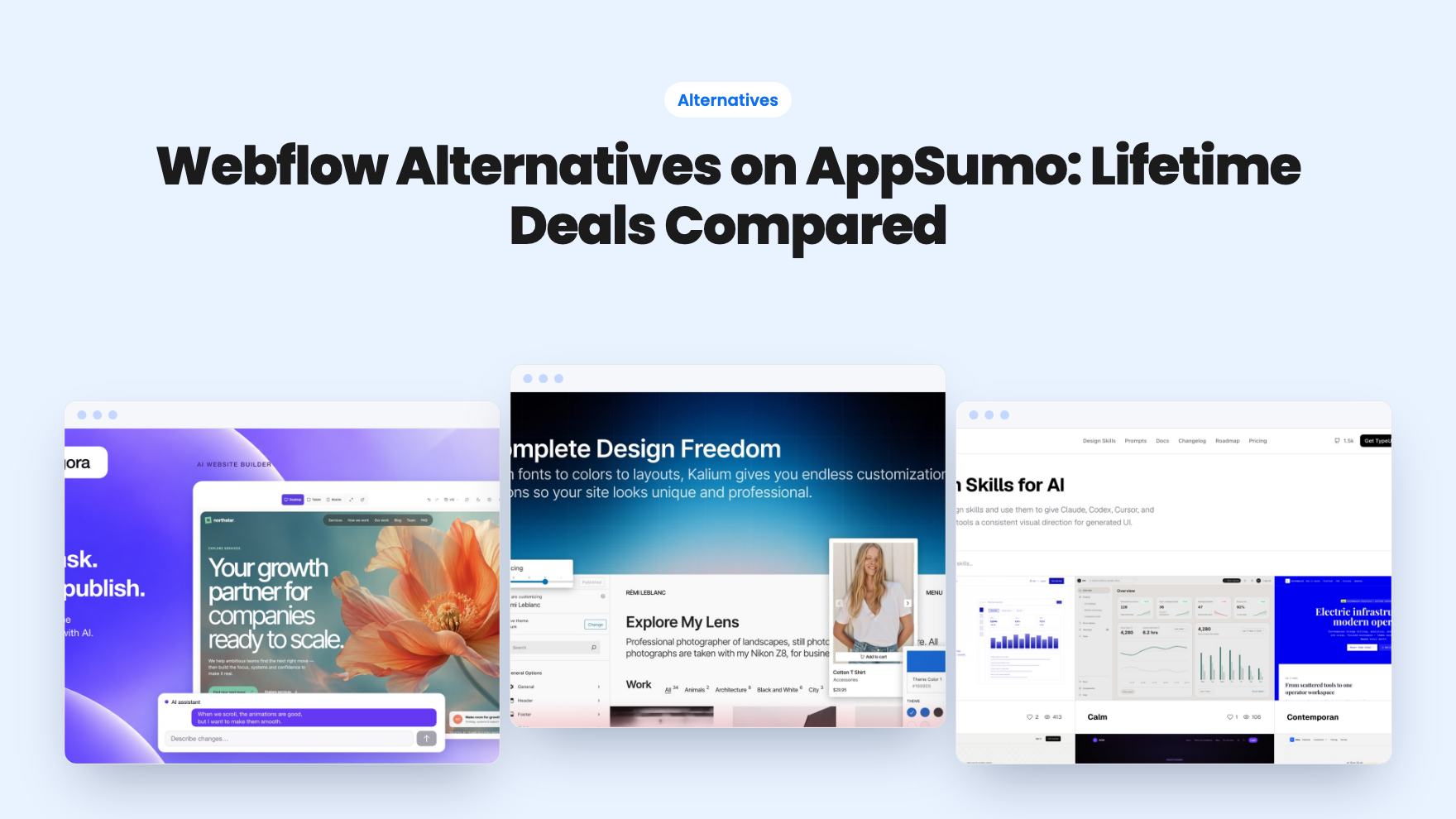
Five AppSumo lifetime deals listed as Webflow alternatives, from a $69 all-in-one site builder to AI app generators, with who each suits and what's missing.
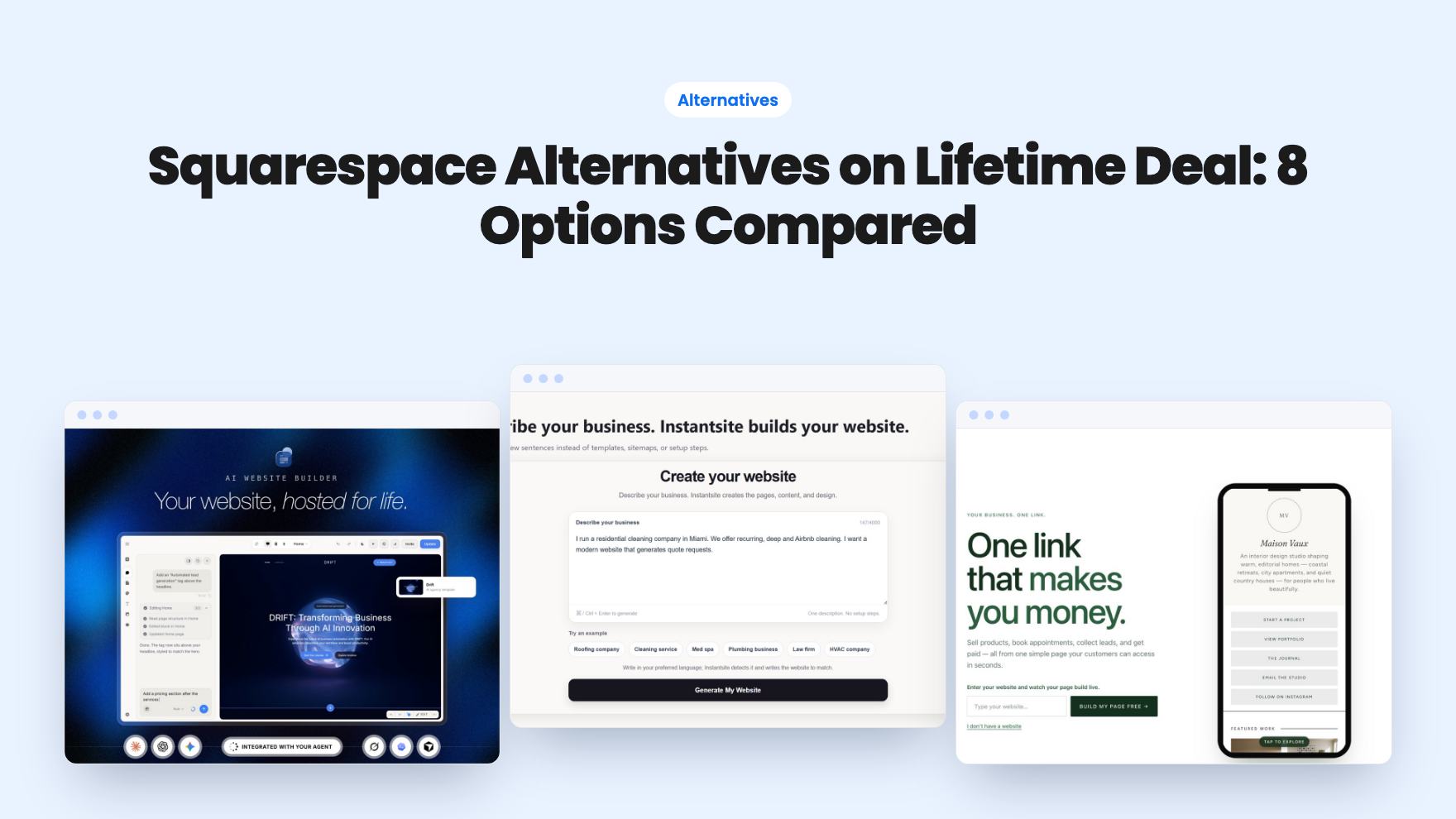
Eight AppSumo lifetime deals named as Squarespace alternatives, grouped by need, with the limits and gaps each listing shows and who each one suits.