SEO ToolsAlternatives
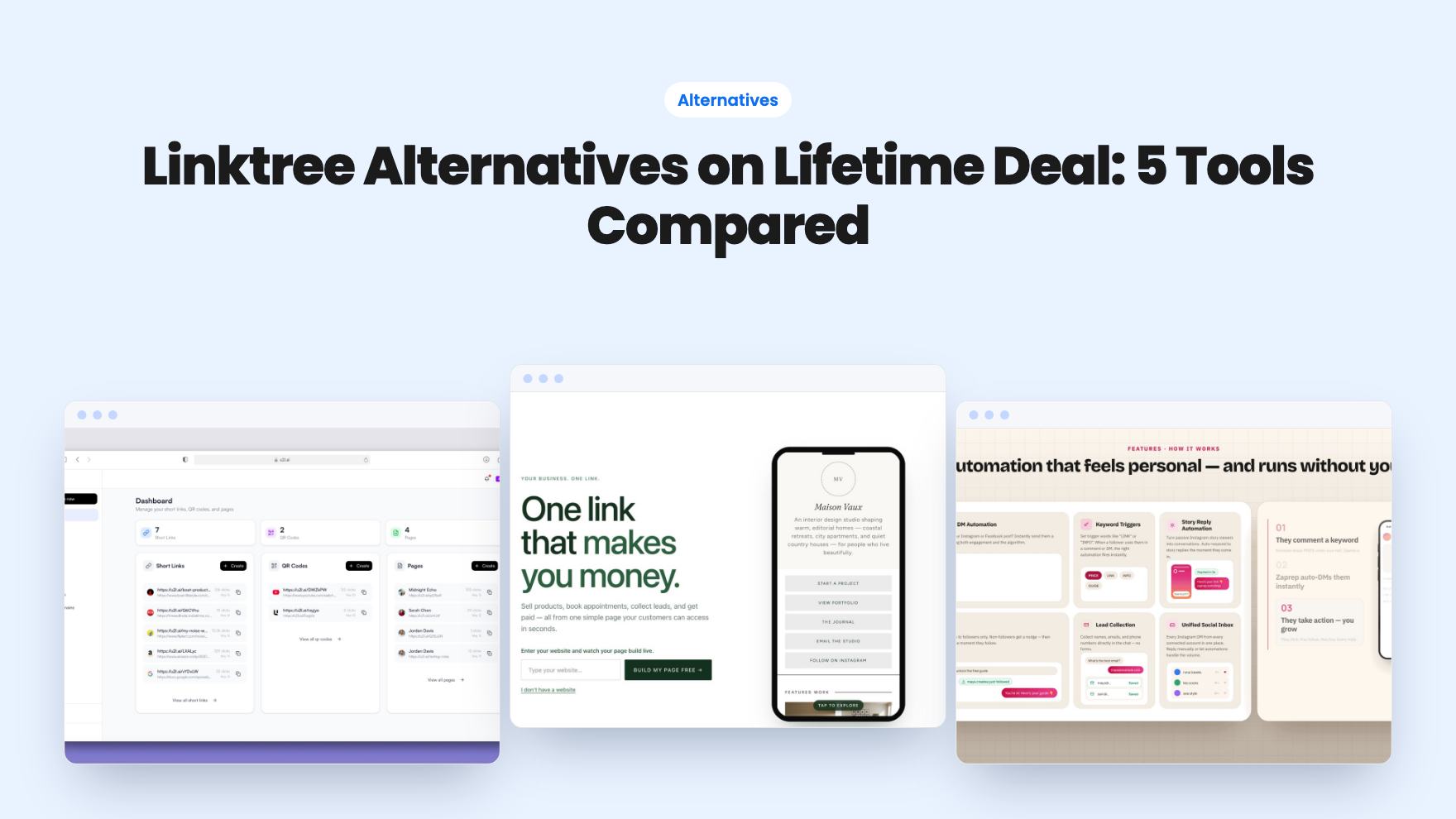
Linktree Alternatives on Lifetime Deal: 5 Tools Compared
Five AppSumo lifetime deals named as Linktree alternatives, from $19 to $59 entry prices. See who each suits and what the listings leave out.
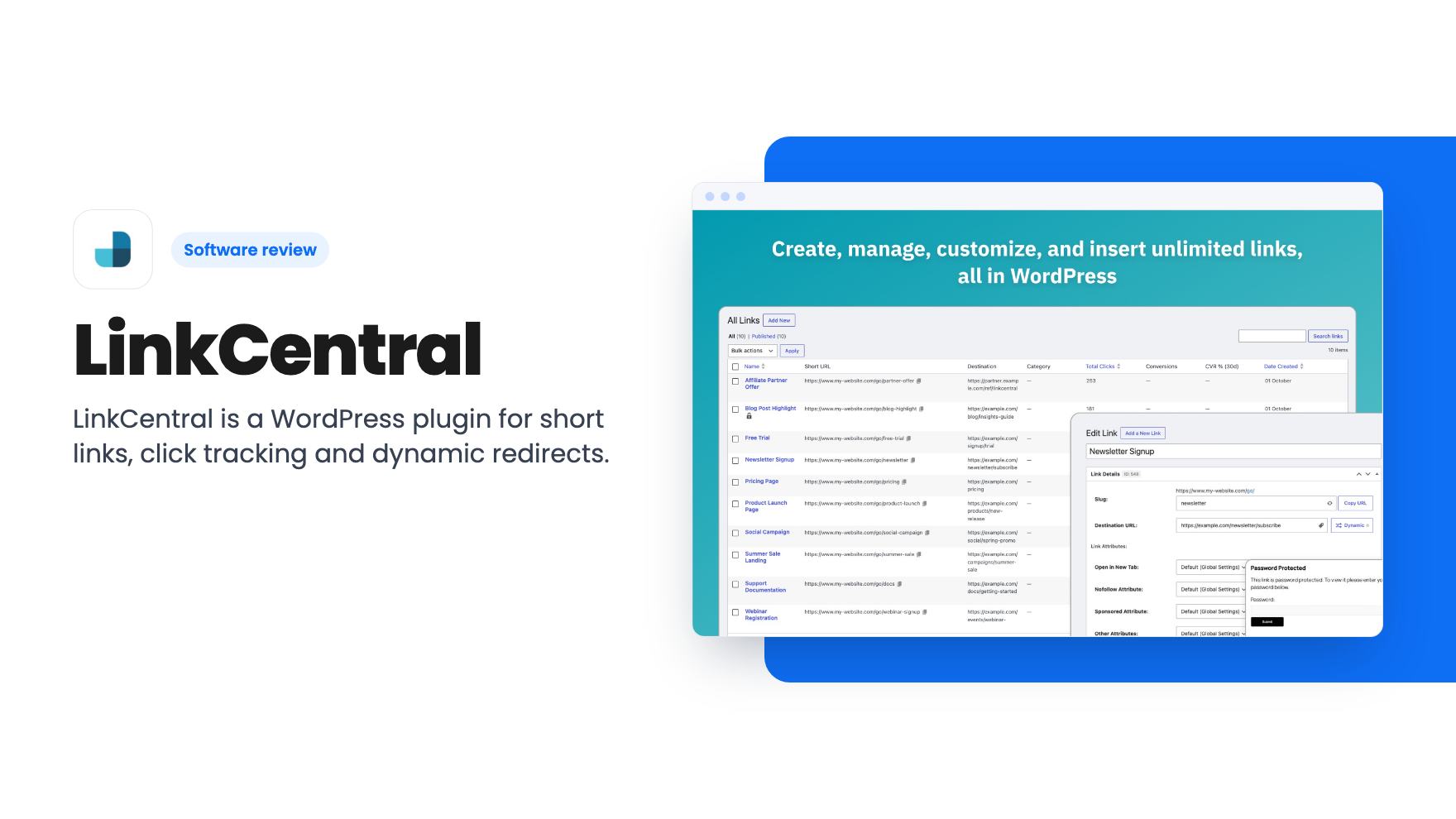
LinkCentral is a WordPress plugin for short links, click tracking and dynamic redirects. Here's what the $59 AppSumo lifetime deal gets you and where it falls short.
Lifetime deal price
$59$29980% off
Lifetime Deal
Our take: Buy it if you run one or more WordPress sites with affiliate or campaign links and want link management and click data inside your own install. Skip it if your site isn't on WordPress, or if you need a hosted short-link service with its own branded domain. The listing doesn't say whether custom short domains are supported.
You wrote a roundup post two years ago with a dozen affiliate links in it. Since then one merchant has changed its URLs, another has closed its program, and a third now sends people to a page that doesn’t match your recommendation. You find out when a reader emails you, or you never find out at all. Fixing it means opening each post and editing links by hand.
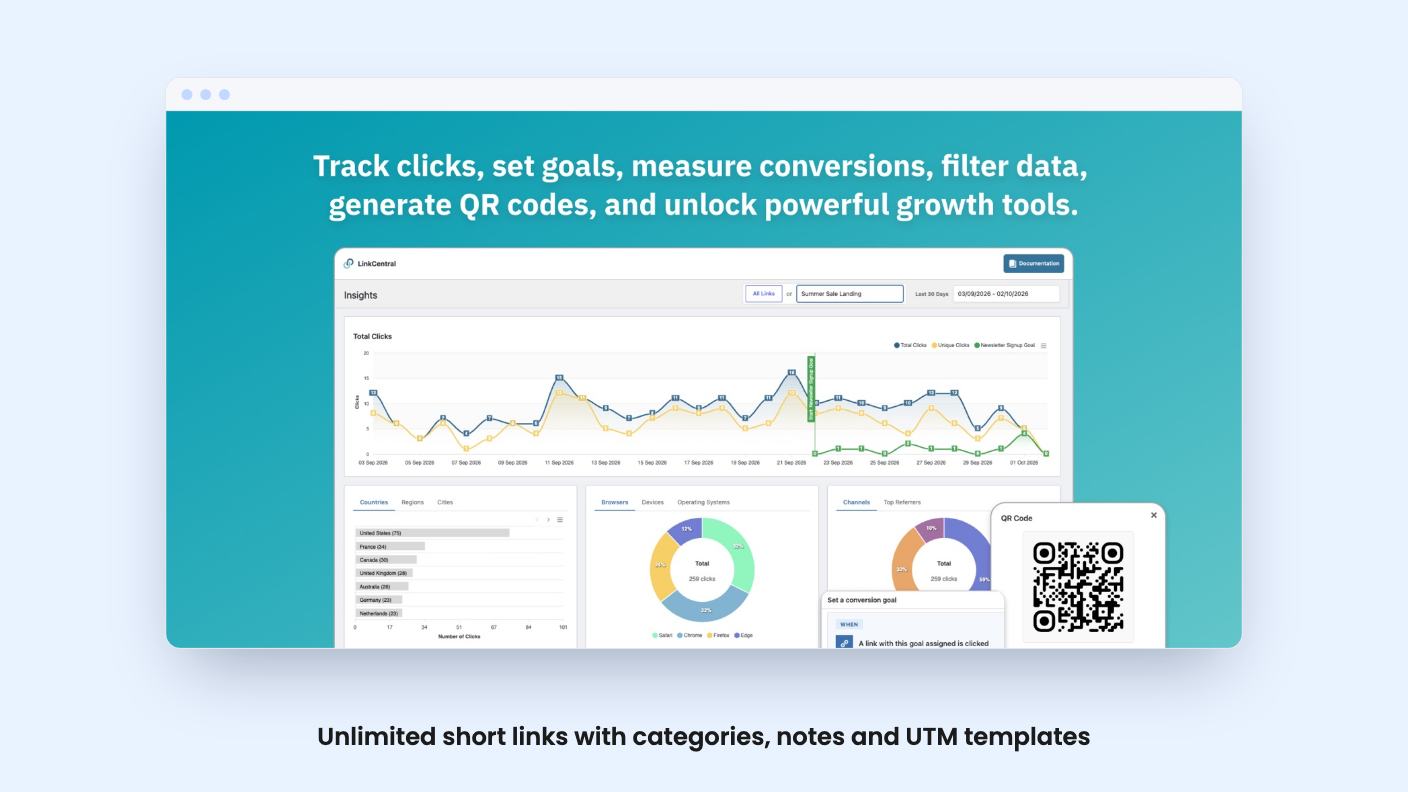
That’s the kind of mess LinkCentral is meant to clean up. It’s a WordPress plugin from Design for WP, and AppSumo is currently selling it as a lifetime deal starting at $59 (listed at $299).
LinkCentral is a link manager that lives inside your WordPress install. You create short links on your own domain, give them slugs and categories, and point them at wherever you like. Change the destination once and every post using that link updates.
The listing pitches it as an alternative to Bitly, Linktree and Rebrandly. That comparison is only partly fair. Those are hosted services, while this is a plugin. The closer rivals are the WordPress link plugins the company names in its own FAQ: ThirstyAffiliates, Pretty Links and BetterLinks. The company says LinkCentral beats them on interface and redirect variables. That’s their claim, and we haven’t compared them ourselves.
The upside of the plugin approach is control. The listing says your links and data stay on your site rather than with an outside service. The flip side is obvious: if you don’t run WordPress, this isn’t for you.
You get unlimited short links, which removes the usual worry about hitting a cap. You can set a prefix and slug, choose the redirection type, add attributes and parameters, and sort links into categories with notes attached.
Inserting links is meant to be quick. The listing names built-in integrations for Gutenberg, Elementor and Bricks, so you don’t have to leave the editor to grab a link.
Two smaller features are worth a look. UTM templates let you save a set of tags once and apply them to a link with one click, which beats retyping parameters every time. And a broken link scanner checks your links automatically and notifies you when something dies. For anyone with an older blog full of affiliate links, that scanner alone could justify the price.
There’s also automatic keyword linking, where chosen words in your content turn into links. Handy for evergreen pages, though you’ll want to watch it so you don’t over-link your own posts.
LinkCentral records clicks with geolocation, devices and referrers. AppSumo’s summary also mentions country, browser and OS breakdowns. You can filter by individual link or by category, which is what you want when you’re comparing one merchant’s links against another’s.
You can forward the data to Google Analytics 4 or a webhook, or have email reports sent to you. Goals let you track conversions, and the listing specifically names AWIN and Impact support. If you earn through those networks, that’s a practical detail.
Privacy controls are included: GDPR and CCPA-friendly settings, bot filtering and IP exclusions. The listing doesn’t say how long click data is kept, or how much it grows your database over time. Since the data lives in your WordPress site, that’s a fair question to put to the developer before you point heavy traffic at it.
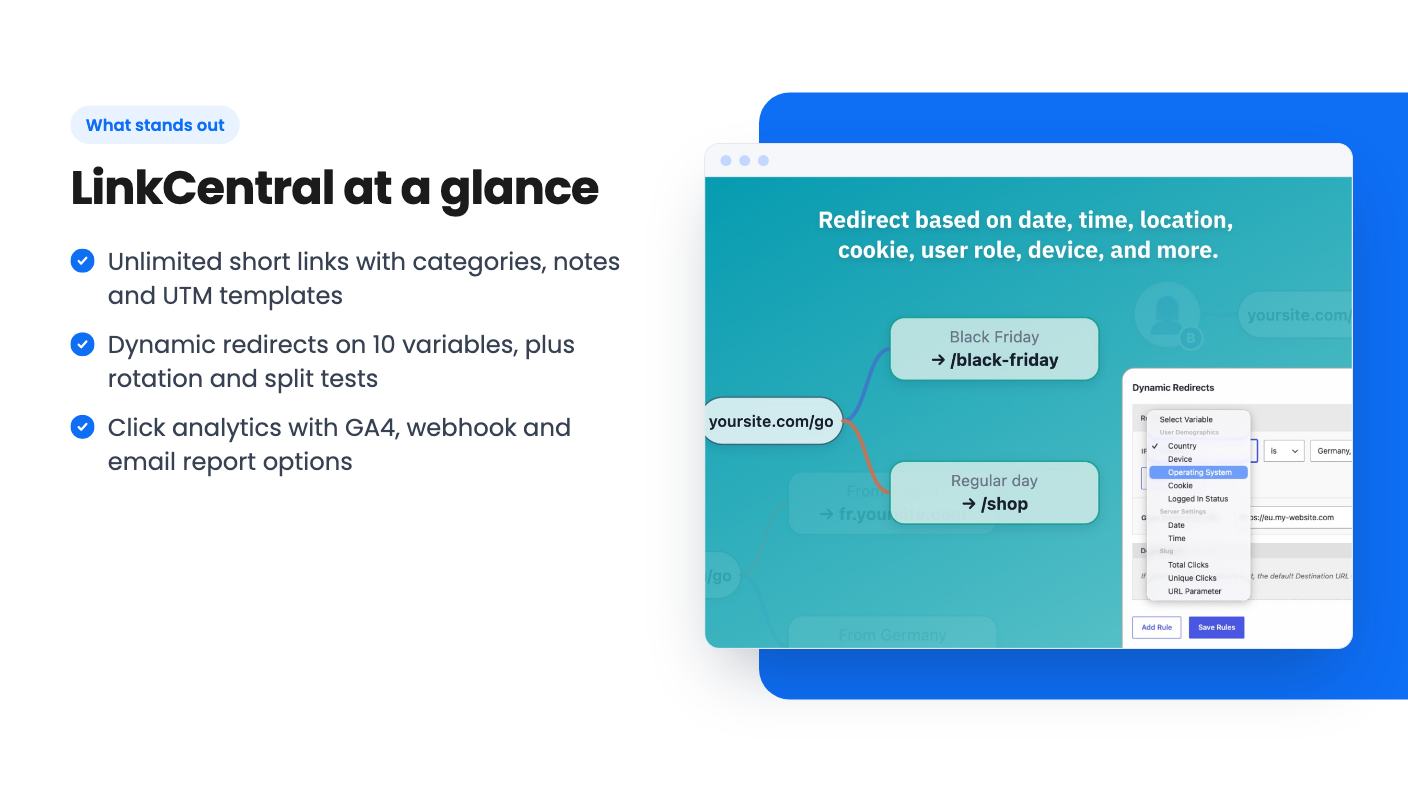
This is the most interesting part of the listing. Redirects can respond to 10 variables, including date, time, country, cookie, login status, user role and device.
In practice, that means a US visitor can go to one store page and a UK visitor to another. Mobile users can land on an app link while desktop users get the web version. You can also rotate URLs and run split tests, schedule a redirect for a future date, or put a link behind a password-protected page.
Deep links are supported too, for sending people to specific content rather than a homepage.
We’d treat the split testing as a convenience rather than a full testing tool. The listing doesn’t describe how results are reported or how winners are picked, so don’t expect it to replace a dedicated experimentation platform.
You can generate QR codes with custom styles and build simple Link in Bio pages. These are bonus features. If you have a social following, they save you paying for a separate Linktree-style tool. If you don’t, you can ignore them.
The pricing is simple. Every tier includes every feature, and the only difference is how many websites you can use it on.
The per-site cost drops fast. Tier 1 works out to roughly $20 a site, tier 2 about $12 and tier 3 under $4. If you manage client sites, tier 3 is clearly the sweet spot. Solo bloggers with one or two sites will be fine at tier 1.
The listing says you can stack up to 3 codes, and that you must redeem within 60 days of purchase. It also promises all future Premium Plan updates. It doesn’t spell out what happens beyond the Premium Plan, such as any future higher plan, so read the terms before assuming everything is covered.
On trust: Design for WP started in 2021 as a blog and now makes two WordPress plugins, LinkCentral and ScreenGlow. It describes itself as bootstrapped with low monthly costs. AppSumo shows 24 reviews averaging 5.00. That’s a good sign, but it’s a small sample and AppSumo’s own summary is marketing copy. The summary does mention requests for more website tiers and more customization options.
If your site isn’t on WordPress, skip it. That’s the whole story.
Skip it too if you need branded short links on a separate domain for sharing on social media. The listing doesn’t say whether that’s supported, so check before you buy. Teams that want shared reporting dashboards outside WordPress will also find a plugin limiting.
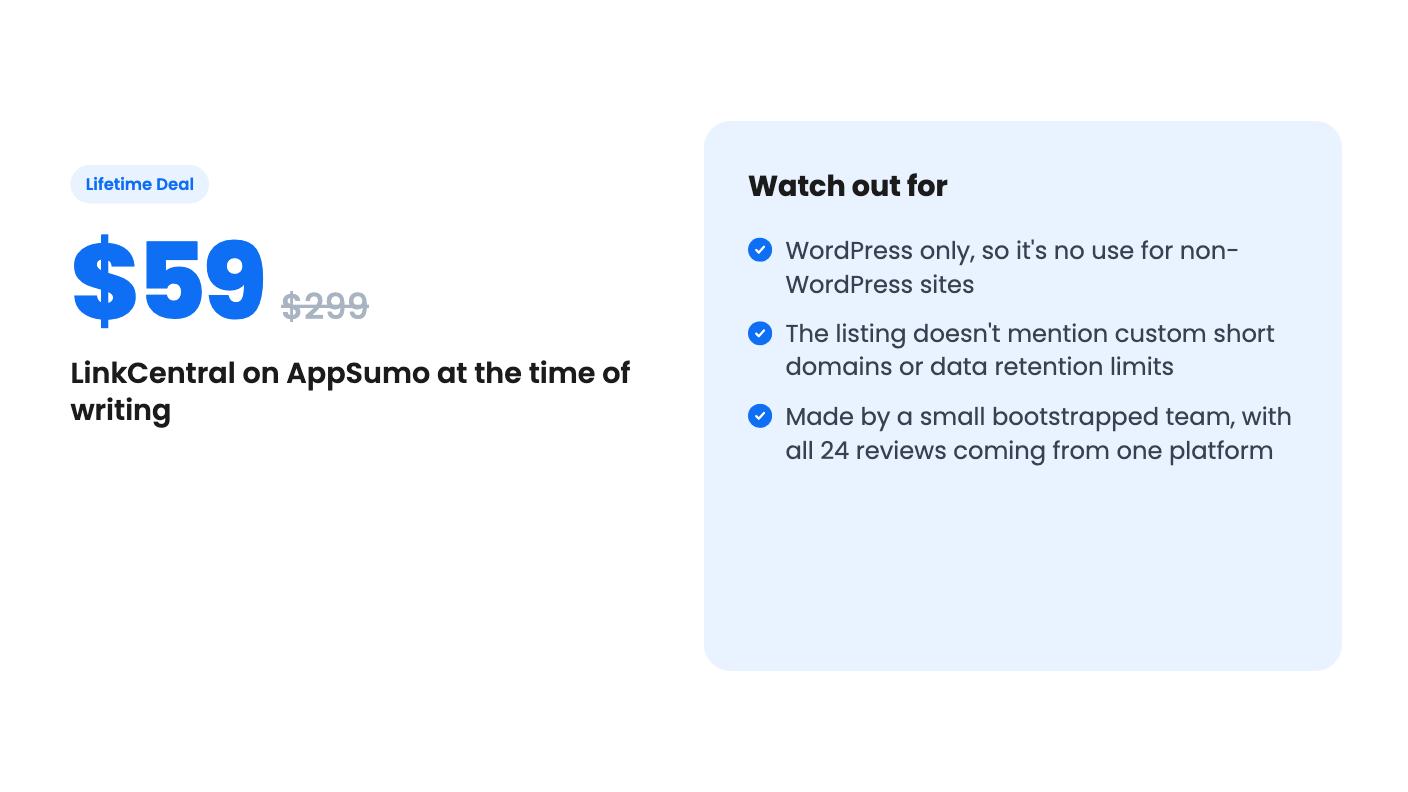
If you already use a well-liked link plugin and it works, switching only makes sense if the redirect variables or the broken link scanner solve a problem you actually have. For everyone else running affiliate content on WordPress, $59 with a 60-day refund window is a low-risk way to find out.
No. According to the listing, all features are included in every tier. The tiers differ only in how many websites you can use it on: 3 for $59, 10 for $118 and 50 for $177.
No. The listing describes it as a link management plugin built specifically for WordPress, with everything stored inside your own site. If your site runs on another platform, a hosted tool is the better fit.
AppSumo's review summary mentions a 60-day money-back guarantee. The listing also says you must redeem your code within 60 days of purchase, so install it soon after buying.
How this review was made: researched from LinkCentral's official listing, and written with help from AI. We have not tested LinkCentral hands-on yet. Prices and deal terms change, so check AppSumo before you buy. See our affiliate disclosure.
Five AppSumo lifetime deals named as Linktree alternatives, from $19 to $59 entry prices. See who each suits and what the listings leave out.
Six AppSumo lifetime deals pitched as Google Analytics alternatives, grouped by the job you need done, with tier limits and gaps spelled out.
Ten AppSumo lifetime deals named as Ahrefs alternatives, grouped by job: keywords, site fixes, AI search tracking and competitor research. Limits included.