SEO ToolsAlternatives
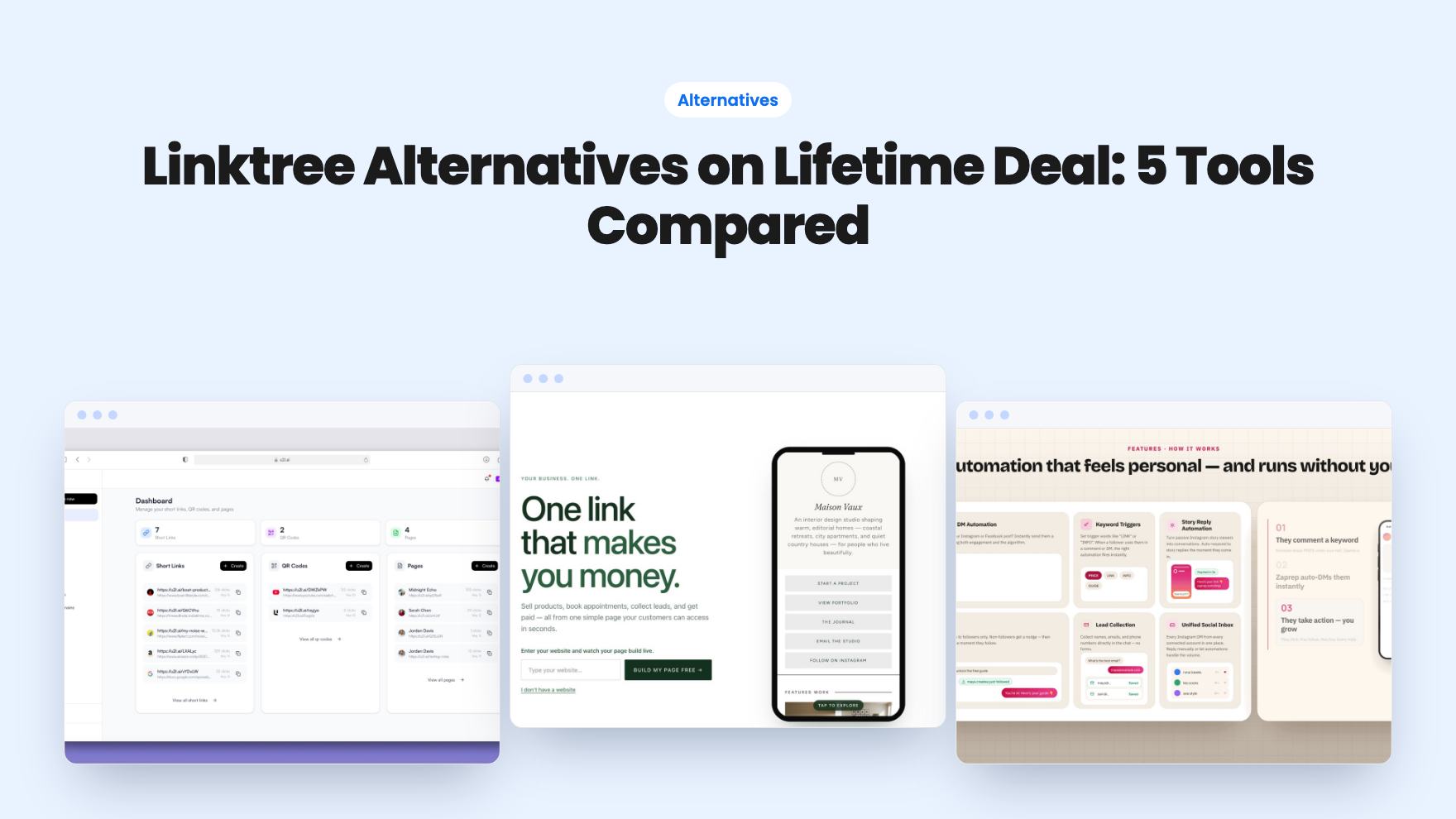
Linktree Alternatives on Lifetime Deal: 5 Tools Compared
Five AppSumo lifetime deals named as Linktree alternatives, from $19 to $59 entry prices. See who each suits and what the listings leave out.
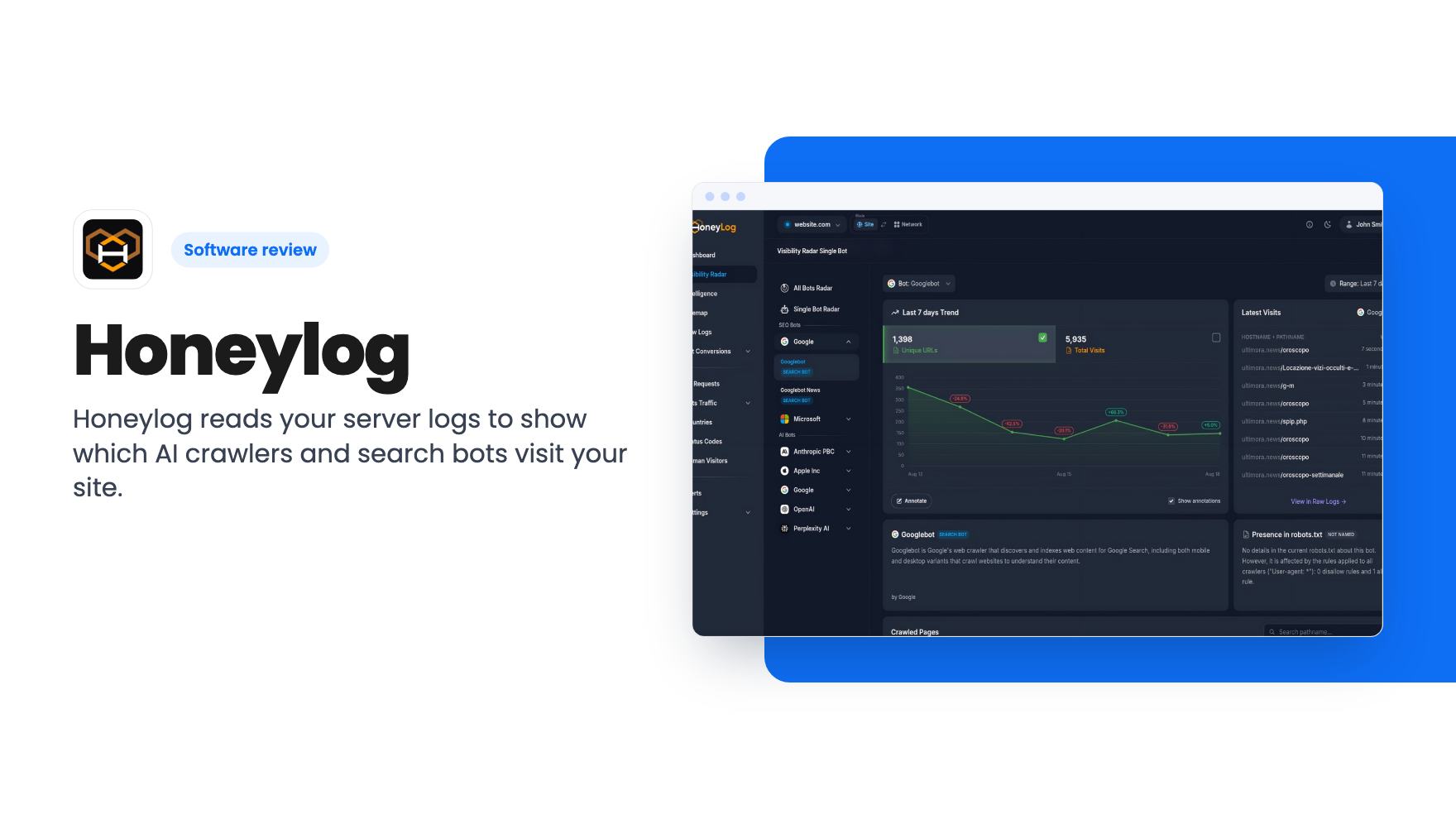
Honeylog reads your server logs to show which AI crawlers and search bots visit your site. The AppSumo deal runs $59 to $799, with event caps that matter.
Lifetime deal price
$59$12954% off
Lifetime Deal · ends Nov 11, 2026
Our take: Buy the $59 or $149 tier if you run one or a few content or ecommerce sites and want to see GPTBot, ClaudeBot and Googlebot activity without adding a script. Skip it if you need classic analytics, can't get access to server or CDN logs, or want proof the product will last before paying.
If you run a content site or an online shop, you’ve probably started wondering what ChatGPT, Perplexity and the rest are doing with your pages. Are they crawling you? Are they sending anyone back? Your regular analytics tool is built around human visitors running JavaScript, so it mostly can’t answer that. Honeylog is aimed at exactly this gap.
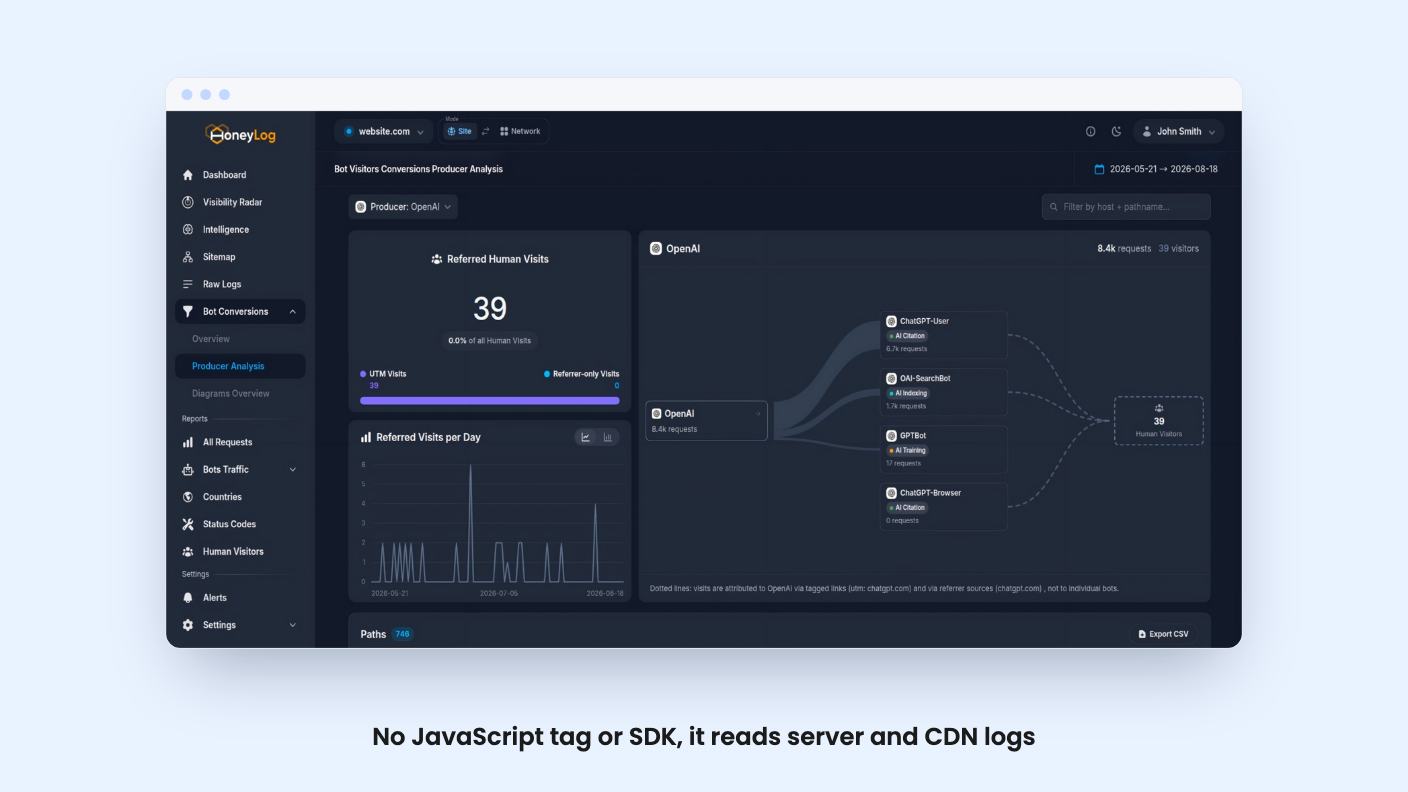
The approach is different from most analytics tools. Instead of a tracking script, Honeylog reads your server or CDN logs. According to the listing, that means no JavaScript tag, no SDK and no code changes, and most setups take under 30 minutes. It supports Nginx, Apache and Caddy logs, plus Cloudflare, Fastly, AWS CloudFront and Akamai. WordPress also appears in the integrations list.
That design has a catch we’ll come back to. If you’re on a locked-down host and can’t get at logs or a CDN, this gets harder.
The core view tracks Googlebot, AI crawlers and other search bots by visits, unique URLs and growth over time. The listing names GPTBot, ClaudeBot, PerplexityBot, Google-Extended, Bytespider, CCBot, Meta-ExternalAgent, Applebot-Extended and Amazonbot, and says the list is updated as new crawlers appear. It also claims to separate AI citation bots from training bots and from ordinary search crawlers. That distinction is useful, because you may want to welcome one kind and block another.
You can mark each frequent bot as allowed, blocked or not managed. Honeylog then flags bypasses and behavior changes against that decision. It also shows robots.txt compliance, so you can see who ignores your rules.
The listing doesn’t say how that compliance check works. It reads like a summary view, not a detailed audit.
Two features stand out as more concrete than the usual marketing language.
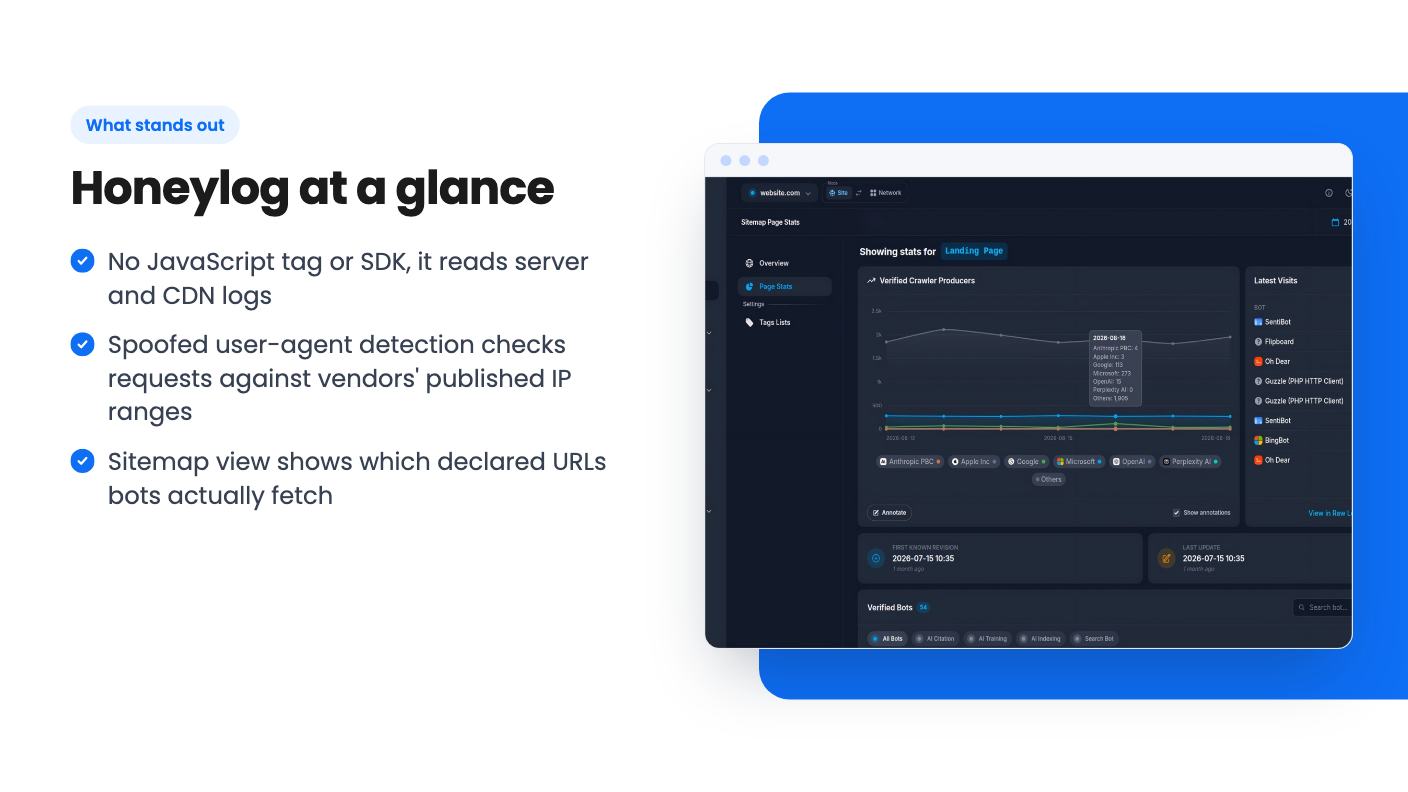
The first is spoofing detection. Honeylog compares the user agent a request claims against the IP ranges published by vendors such as OpenAI, Anthropic, Perplexity and Google. If something says it’s a known crawler but comes from outside those ranges, it gets flagged. That’s a sensible method. It only works for vendors who publish their ranges, though, and the listing doesn’t say which ones are covered beyond that short list.
The second is sitemap intelligence. You add your sitemap URLs, Honeylog scans them straight away and then roughly every hour. It cross-references those URLs with real traffic, so you can see which declared pages bots fetch and which get zero attention. For a shop with thousands of product pages, a list of pages no crawler visits is a handy thing to have. What you do about it is still up to you, since the tool shows the gap but the listing doesn’t mention any fix.
The most ambitious pitch is proving which AI platforms drive real visitors. Honeylog says it connects bot crawls to human visits by producer and source, using UTM tags and referrers, and avoids double counting. The listing also mentions exportable data.
This is the claim to be most skeptical about. AI chat tools often send visitors with no referrer at all, so attribution depends on what shows up in your logs. The listing doesn’t explain how Honeylog handles missing referrers or what accuracy to expect. Treat the “defensible data” language as a goal, not a guarantee. Every tier includes bot conversions analysis, so you can check it yourself on the entry plan before relying on it.
Alerts measure a metric over a trailing window and can check anywhere from every 5 minutes to once a day. Notifications go by email to up to 10 recipients, with a cap of 10 alert emails per site per day. Extra triggers are recorded but suppressed. Slack, Telegram and Google Chat integrations are also listed, and the listing says they require an active subscription.
Here’s an inconsistency. The feature copy promises automated alerts, yet the plan table lists custom alerts as N/A on tiers 1 and 2. Alerts show up as 15, 20 and 50 on tiers 3 to 5. If alerts matter to you, confirm what the cheaper tiers include before buying.
All tiers are one-time payments and include future updates within their plan family. Here’s how they compare:
The listing never defines what counts as an event. If it means every logged request, a busy site could blow through 150,000 a month quickly, since bots alone can generate a lot of hits. Ask the vendor before you pick a tier, because the cap is the number that decides whether this works for you.
The $59 tier is a fair way to find out. But with one site and six months of retention, it’s an experiment, not a long-term archive.
Buy if you publish content or sell online, you can reach your server or CDN logs, and you want to see AI crawler behavior and bot-versus-human patterns. Agencies with several client sites should look at tiers 2 and 3, where the site and user counts make sense.
Pass if you want a replacement for Google Analytics. The listing lists it as an alternative, but nothing in the feature copy describes standard human-visitor reporting like funnels or goals. Pass too if you’re on shared hosting without log access.
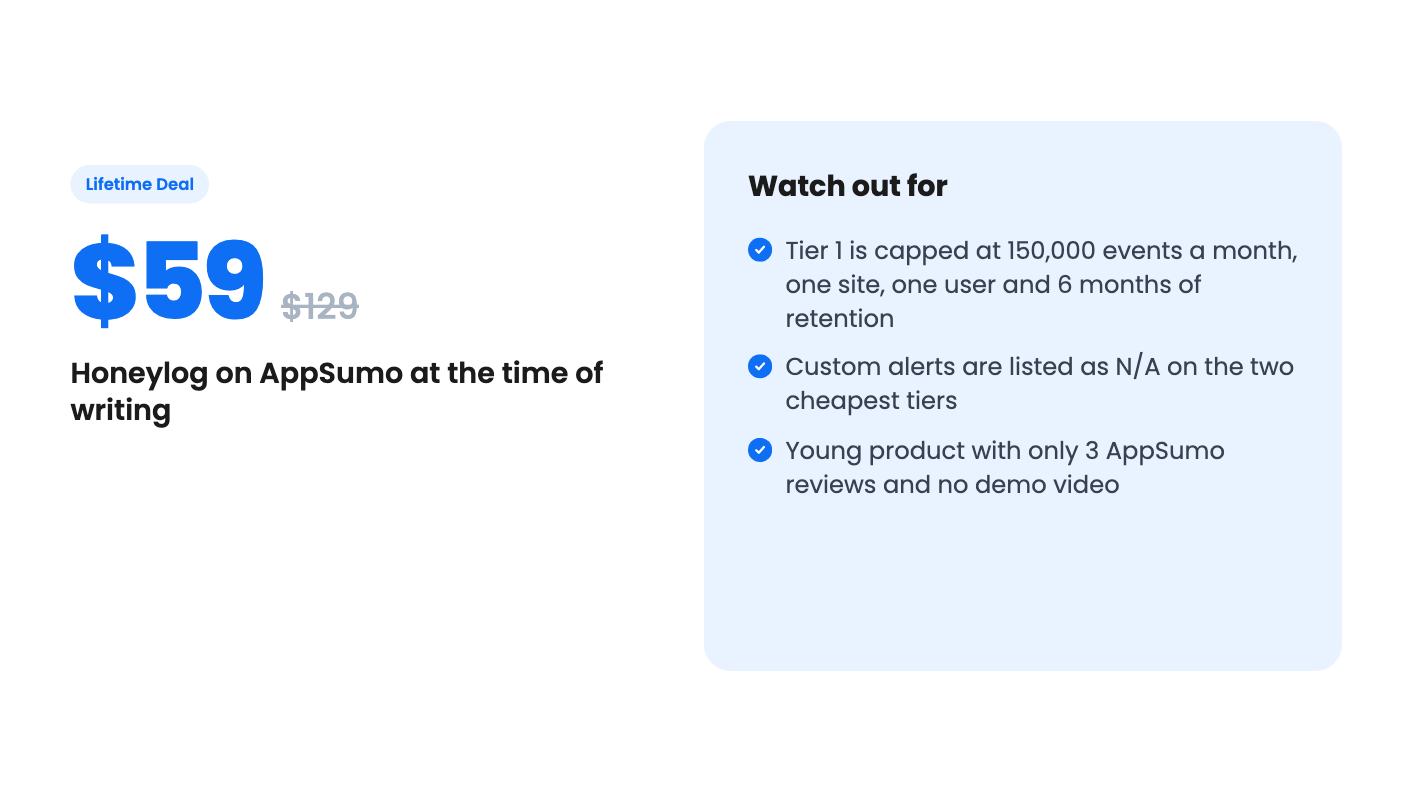
The product is also young. AppSumo shows 3 reviews averaging 4.67 out of 5, which is a nice number from a very small sample, and there’s no demo video in the listing. The deal is only open to brand-new Honeylog users, you must activate within 60 days, and it ends November 10, 2026. Those are the dates to plan around.
No. According to the listing, there is no JavaScript tag, SDK or code change. It reads requests at the server level, and the listing says most setups take under 30 minutes. It names Nginx, Apache, Cloudflare, Fastly, AWS CloudFront and custom edge setups.
For one site, the $59 tier gives you 150,000 monthly events, one website and one user. If you manage a few sites or have a teammate, the $149 tier gives 300,000 events, 5 users, 5 websites and 1 year of retention. Alerts are only listed from the $249 tier up.
Probably not. AppSumo lists it as an alternative to Google Analytics and Screaming Frog, but the listing focuses on bot activity and AI referral attribution. It doesn't describe full human-visitor reporting, so treat it as a companion tool.
How this review was made: researched from Honeylog's official listing, and written with help from AI. We have not tested Honeylog hands-on yet. Prices and deal terms change, so check AppSumo before you buy. See our affiliate disclosure.
Five AppSumo lifetime deals named as Linktree alternatives, from $19 to $59 entry prices. See who each suits and what the listings leave out.
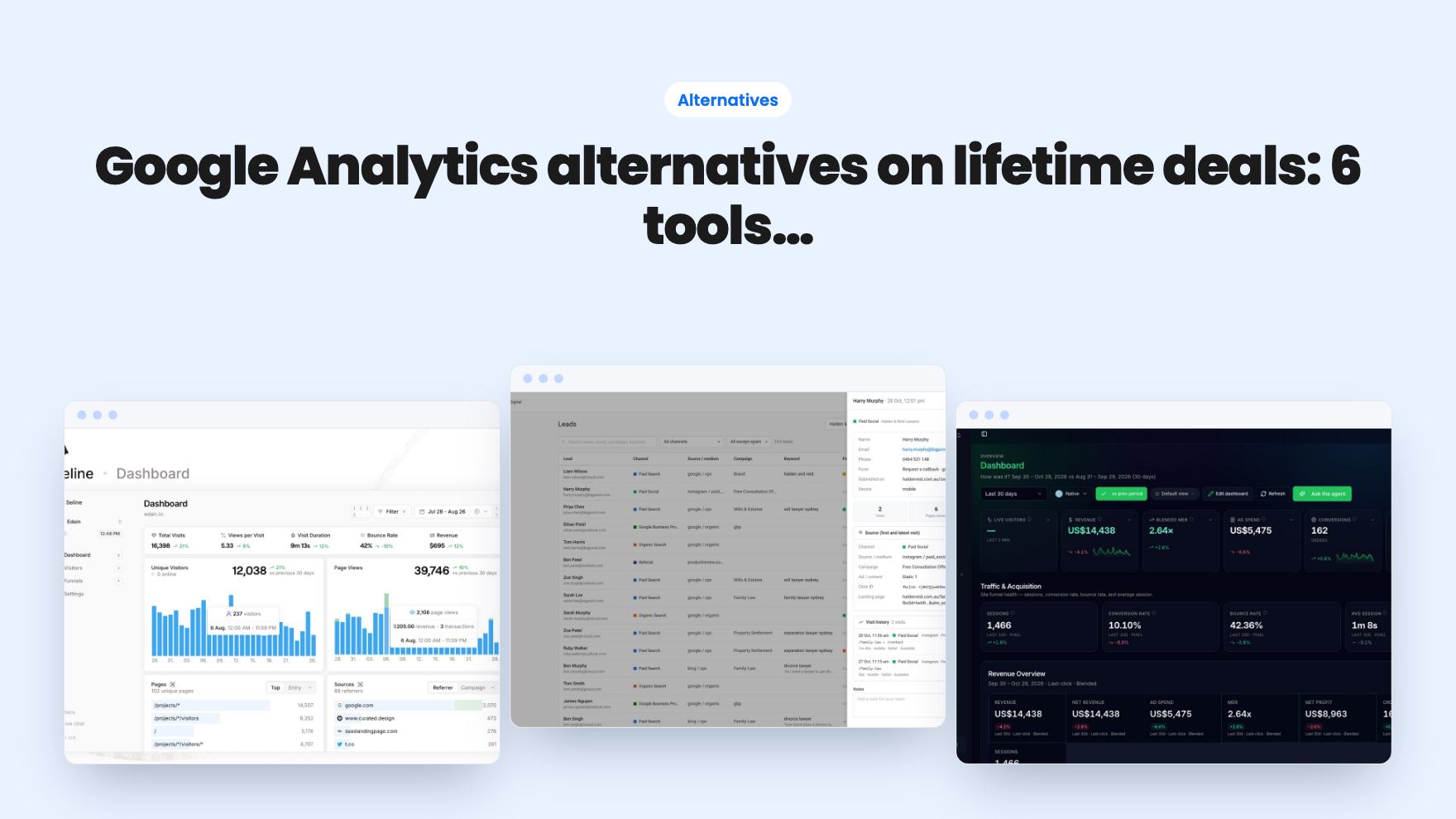
Six AppSumo lifetime deals pitched as Google Analytics alternatives, grouped by the job you need done, with tier limits and gaps spelled out.
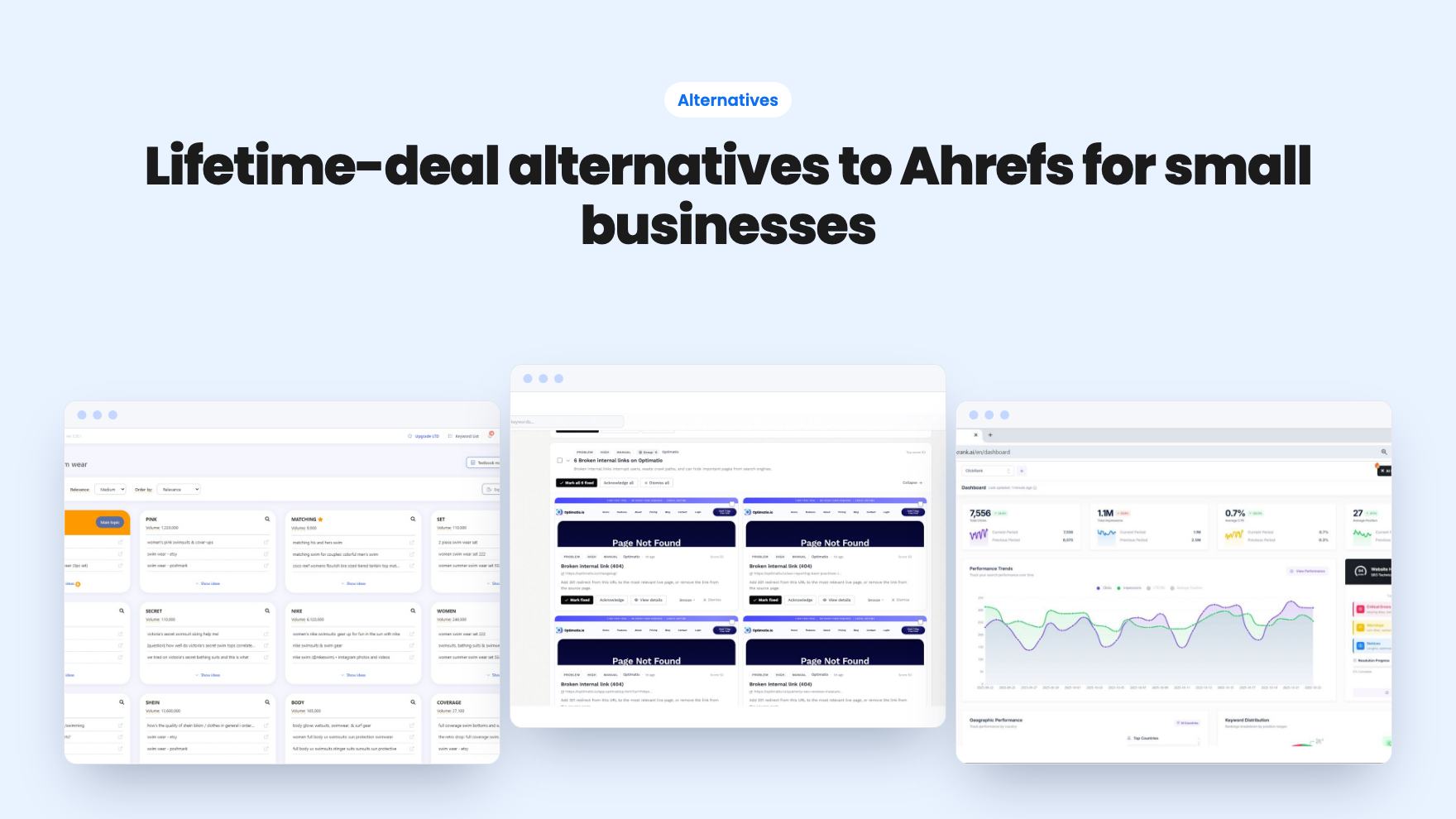
Ten AppSumo lifetime deals named as Ahrefs alternatives, grouped by job: keywords, site fixes, AI search tracking and competitor research. Limits included.