SEO ToolsAlternatives
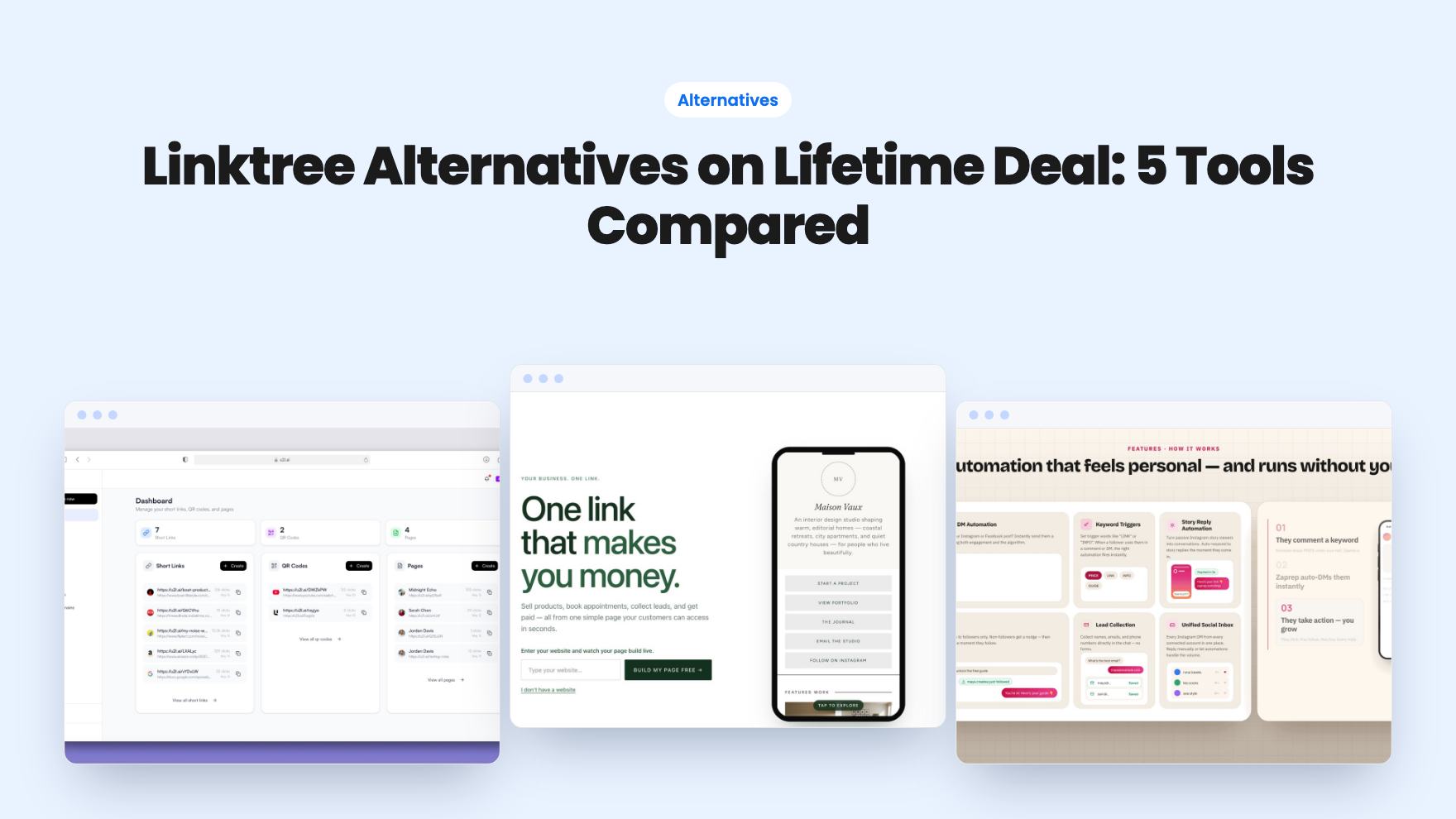
Linktree Alternatives on Lifetime Deal: 5 Tools Compared
Five AppSumo lifetime deals named as Linktree alternatives, from $19 to $59 entry prices. See who each suits and what the listings leave out.
GSEO Editor scores your content for SEO, AI-search citability and E-E-A-T. The $79 AppSumo deal is cheap, but page caps and credit costs aren't clear.

Lifetime deal price
$79$22865% off
Lifetime Deal
Our take: Buy the $79 tier if you write a handful of articles a month, want a scoring checklist, and care about showing up in AI answers. Skip it if you need hard numbers on page limits and credit costs before paying, or if you want a full keyword research suite. The 60-day refund window makes a small trial affordable.
You publish a solid article, it limps onto page two of Google, and meanwhile someone asks ChatGPT the same question and gets an answer that cites your competitor. That second problem is newer, and it’s the one GSEO Editor is built around.
The listing treats GEO, short for generative engine optimization, as a peer to regular SEO. The idea is to make your pages easy for AI engines like ChatGPT, Perplexity and Google AI Overviews to quote. Whether that works is a separate question, and we’ll get to it. First, what you actually get.
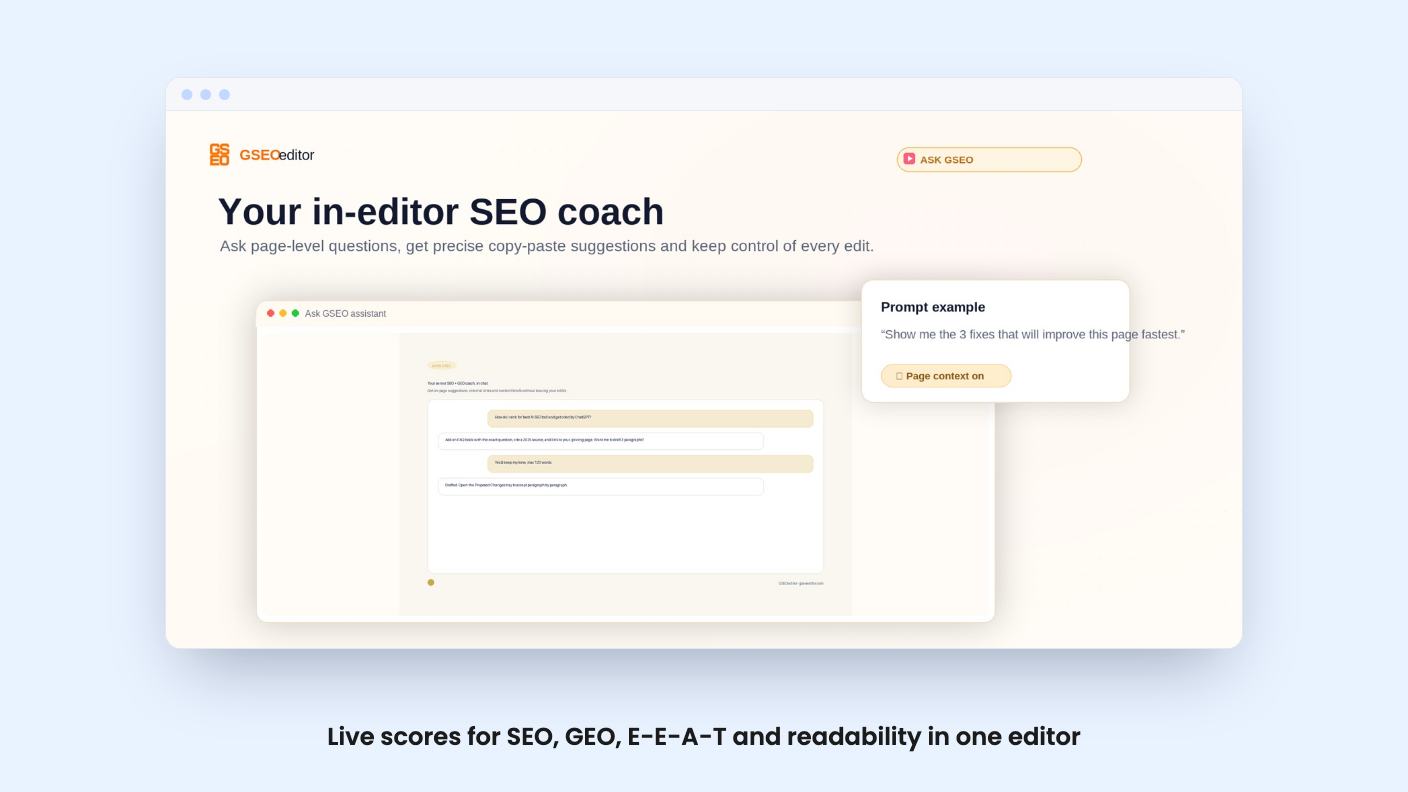
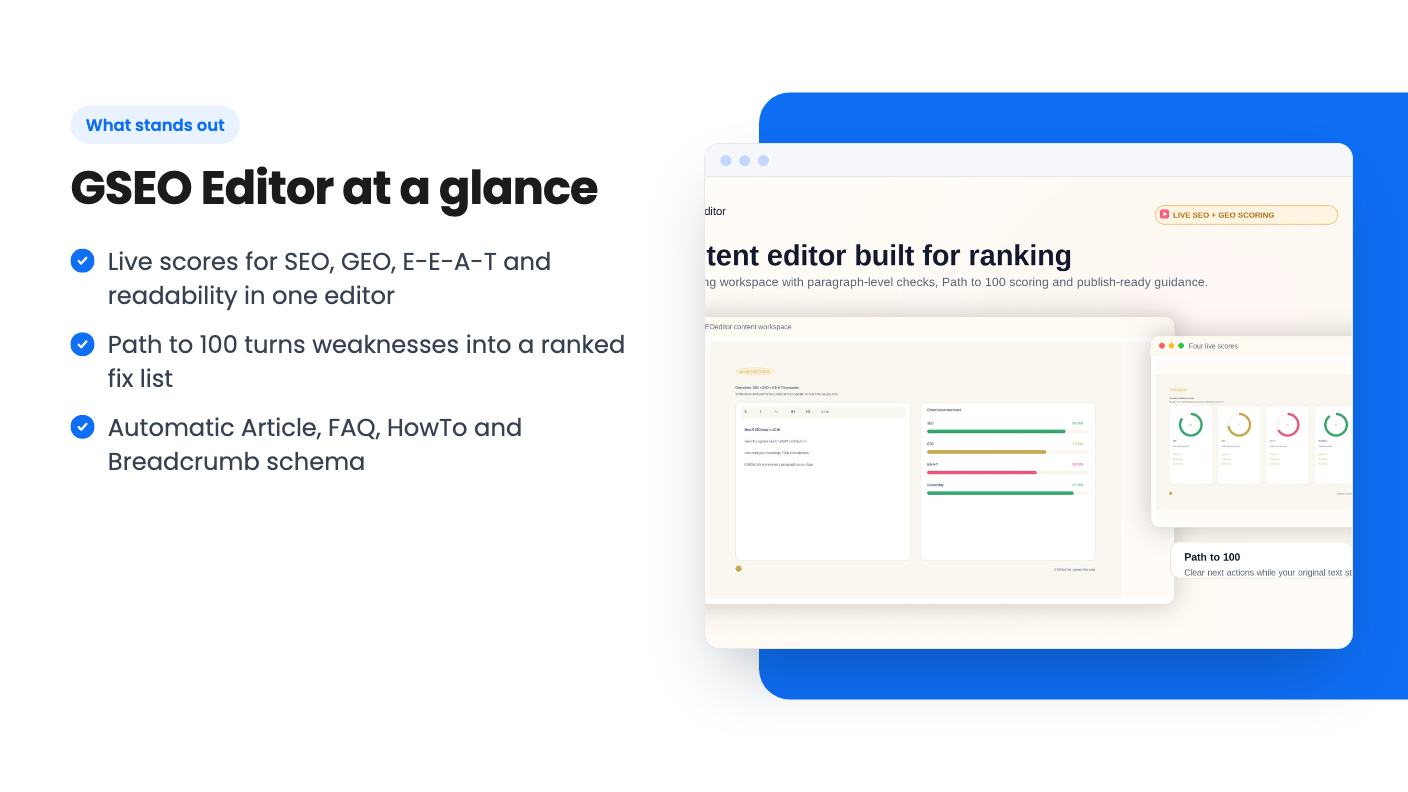
GSEO Editor is a writing workspace with scoring built in. You paste a URL or some text, and it gives you live scores for SEO, GEO, E-E-A-T and readability. The scores update as you edit, so you can see the effect of a change without running a separate audit.
The headline feature is what the listing calls Path to 100. It takes the weaknesses it finds and lists them as a ranked checklist, with the number of points each fix is worth. If you’ve ever stared at a vague “improve your content” score, you’ll see why this is appealing. A ranked list tells you what to do first.
The listing says there’s zero setup. For a content tool that’s a fair claim, since there’s no site crawl or project configuration to get started. Integrations are listed as Google Gemini, Google Search Console and Semrush.
Ask GSEO is the built-in AI co-writer. It can rewrite a passage, work keywords into your text and draft FAQs as copy-paste prose. The listing is firm that it never overwrites your copy unless you choose to let it, which is the right default for anyone who has been burned by an editor that quietly rewrote a paragraph.
The listing also says Ask GSEO is trained on the latest Google Search guidance. That’s a marketing line. There’s no detail on how it’s kept current or what it’s trained on, so treat it as a claim and judge the advice on its merits.
For E-E-A-T, the tool offers guided prompts that nudge you to add named authors, sources and first-hand experience signals. It also generates Article, FAQ, HowTo and Breadcrumb JSON-LD beneath the editor. Schema is the sort of thing small business owners know they should have and never get around to, so automatic generation is a real time saver if it works as described.
There’s also a “brain per workspace” that feeds consistent, on-brand context into every page. The listing doesn’t explain how much brand material it can hold.
This is the feature that separates it from a plain on-page optimizer. The listing says it tracks whether ChatGPT, Gemini and Perplexity mention or cite your brand, with citation share-of-voice and sentiment against competitors. It promises real-time metrics from live data, not hallucinated numbers.
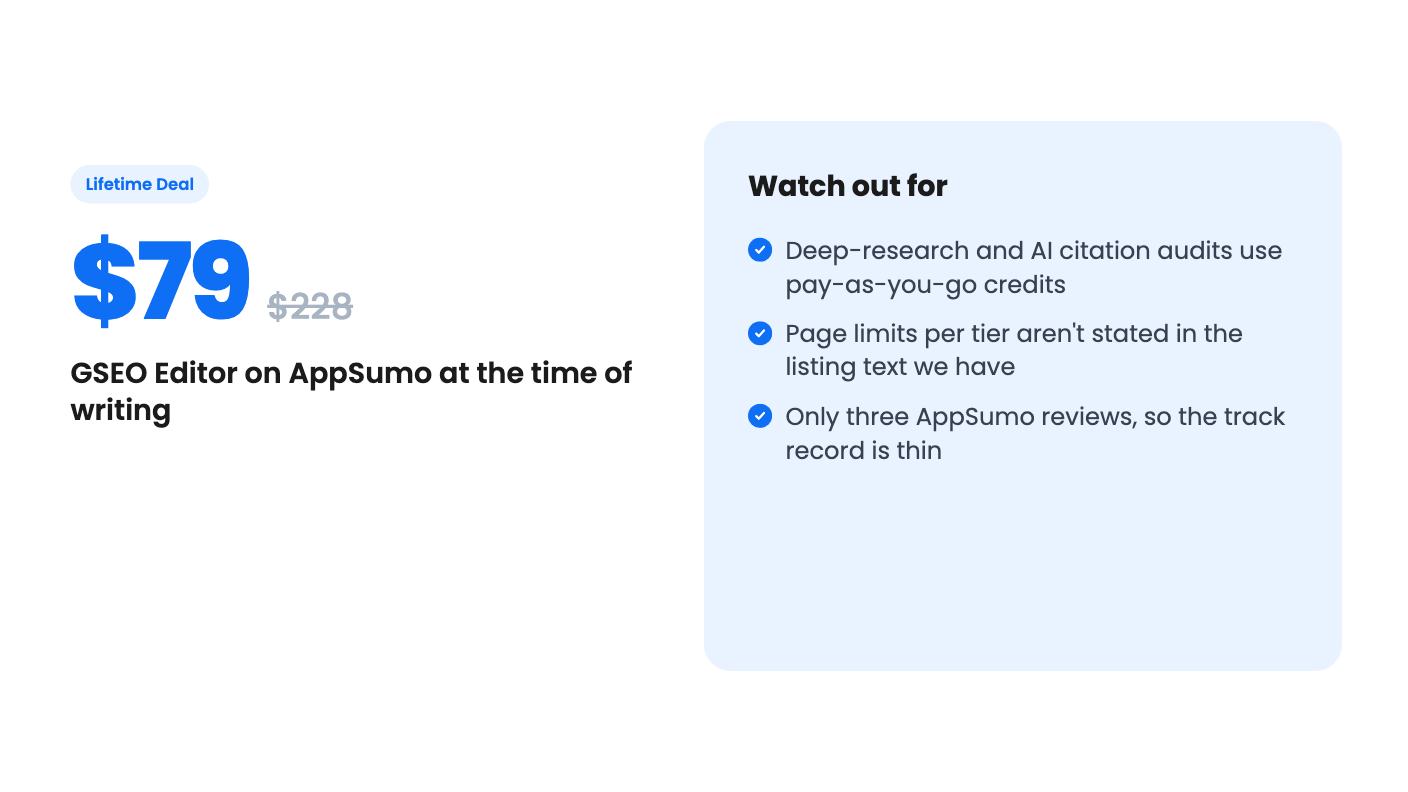
Here’s the catch. According to the listing’s FAQ, AI-engine citation audits consume pay-as-you-go credits. So the most distinctive feature isn’t covered by the lifetime fee alone. The listing doesn’t say how many credits a typical audit costs, how big the starter balance is, or what a top-up pack runs.
That’s the biggest gap in the listing. If you plan to check your AI visibility weekly across several pages, the credit cost could matter more than the $79.
Not much. The transcript we have for the video is essentially blank, just a few repeated filler sounds, so we can’t describe what the demo covers or how the interface behaves. Everything in this review comes from the listing text. We haven’t tested the tool hands-on.
That means we can’t tell you how fast the scores update, how accurate the suggestions are, or whether the Path to 100 points track with actual rankings. Look at the product’s own site and the video before you commit.
There are three lifetime tiers:
All three include lifetime access and future plan updates. You must activate your license within 60 days of purchase, and you can upgrade or downgrade between the tiers. AppSumo’s summary also mentions a 60-day money-back guarantee.
The list prices are the part to be skeptical about. A $9,588 list price for tier 3 is a number few buyers will ever have paid, so ignore the discount percentages and judge the tools by what you’d use.
The tiers differ mainly by active page count, according to the listing’s FAQ. Each tier includes a set number of active pages, pages are scoped to projects, and archiving a finished page frees up a slot. The listing text we have doesn’t give the numbers. It also mentions multi-project workspaces, white-label exports and team seats on agency and higher tiers, without saying which AppSumo tier that is. Ask before buying, or use the refund window to find out.
The active-page model is a real constraint. If you publish a lot, you’ll be archiving pages to make room.
AppSumo shows three reviews averaging 4.00 out of 5. Its own summary quotes an overall 4.4 rating, which doesn’t match, and mentions some activation and onboarding problems. Three reviews is too few to say much, and the mismatch is worth noticing.
The tool also lists Semrush and Jasper as alternatives. It isn’t a replacement for either. There’s no sign in the listing of the large keyword database or backlink data Semrush is known for, and it’s an editor first, not a full content generator. Think of it as a scoring layer on top of the writing you already do.
Skip it if you need a full SEO suite with rank tracking, site audits and backlink data. Skip it if you want predictable monthly costs, because the credit system leaves a variable on the table. And skip it if you publish dozens of pages a month and can’t see the page cap.
It makes more sense for a solo marketer, a copywriter or a small business owner who writes a few pieces a month and wants a clear checklist before hitting publish. At $79 with a 60-day refund window, trying tier 1 is a low-risk bet. Just activate early, and find out what the credits cost before you rely on the AI visibility reports.
According to the listing, Ask GSEO is included and unlimited for guidance, strategy and copy-paste suggestions. Deep-research actions such as real-time SERP intelligence and AI-engine citation audits use pay-as-you-go credits. Each tier comes with a starter balance, and top-up packs are sold inside the app.
Tier 1 is $79 (list $228), tier 2 is $299 (list $1,908) and tier 3 is $599 (list $9,588). You must activate your license within 60 days of purchase, and you can move between the three tiers later.
The listing says agency and higher tiers support multi-project workspaces, white-label exports and team seats, plus PDF or Word reports. It doesn't say in the text we have which of the three AppSumo tiers counts as agency, so check before buying.
How this review was made: researched from GSEO Editor's official listing and a transcript of its demo video, and written with help from AI. We have not tested GSEO Editor hands-on yet. Prices and deal terms change, so check AppSumo before you buy. See our affiliate disclosure.
Five AppSumo lifetime deals named as Linktree alternatives, from $19 to $59 entry prices. See who each suits and what the listings leave out.
Six AppSumo lifetime deals pitched as Google Analytics alternatives, grouped by the job you need done, with tier limits and gaps spelled out.
Ten AppSumo lifetime deals named as Ahrefs alternatives, grouped by job: keywords, site fixes, AI search tracking and competitor research. Limits included.