Website BuildersReview
Consently Review: Cheap Cookie Consent, Odd Tier Math
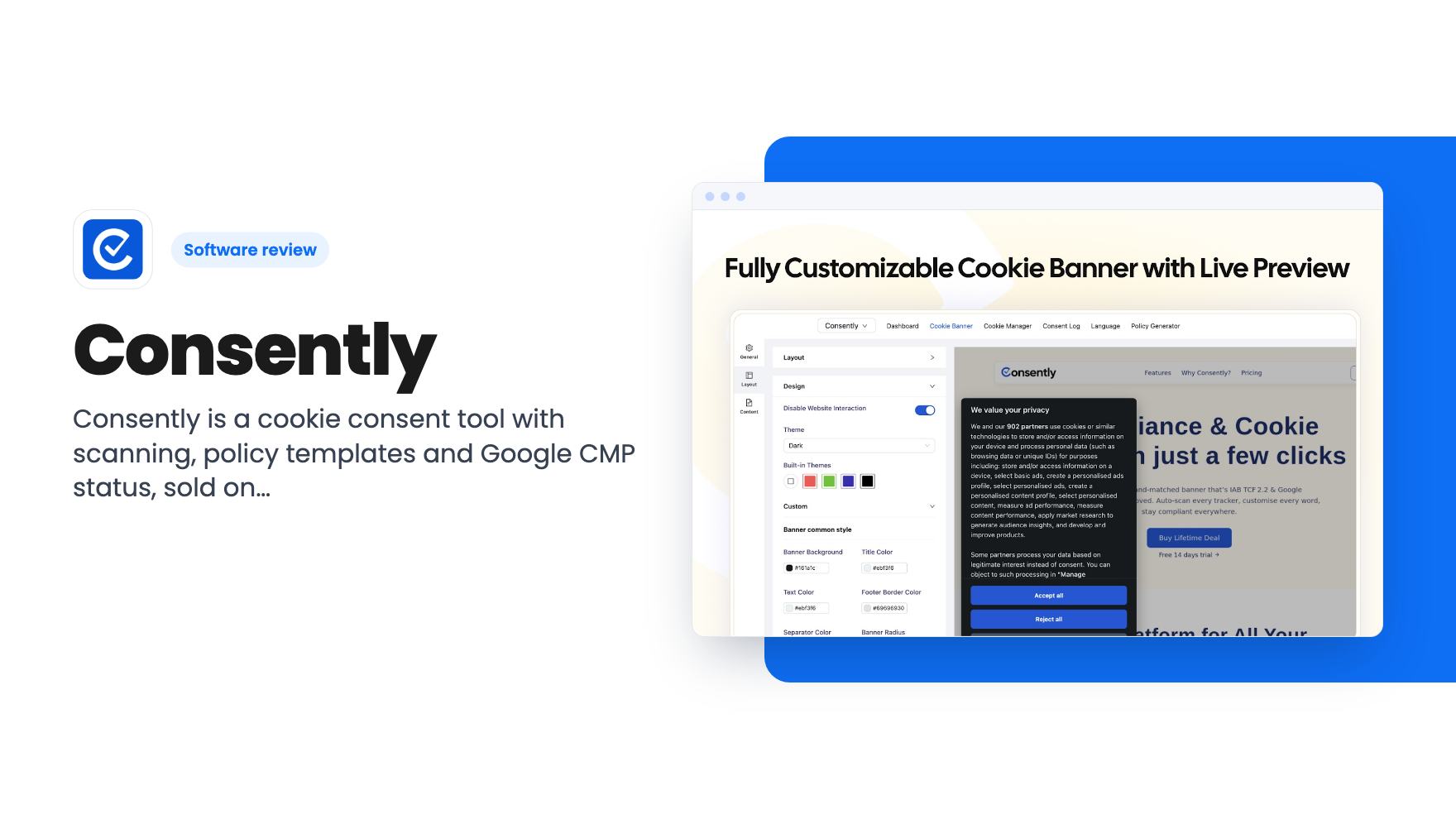
Consently is a cookie consent tool with scanning, policy templates and Google CMP status, sold on AppSumo from $39. Here's what the listing covers and where it's thin.
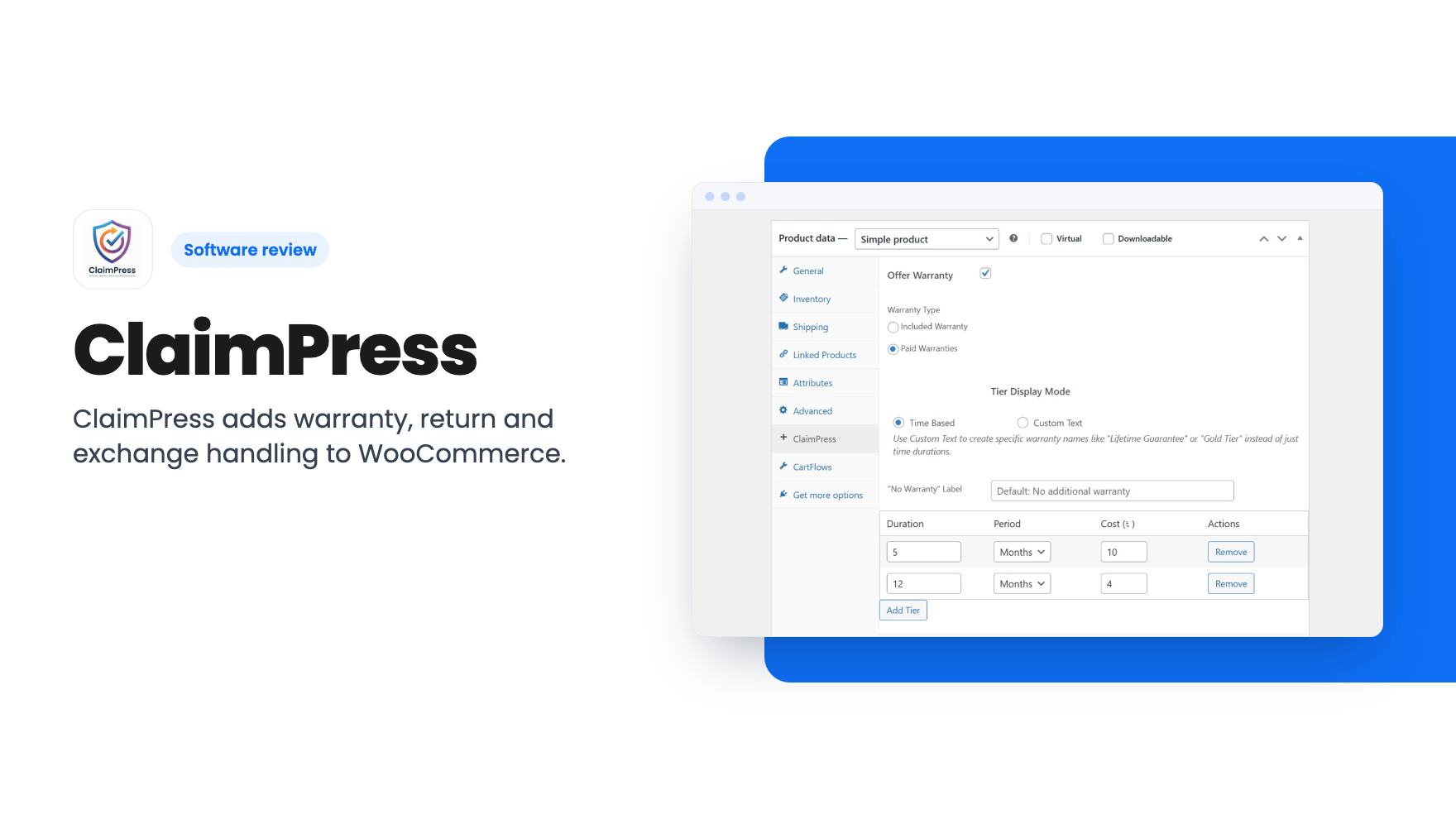
ClaimPress adds warranty, return and exchange handling to WooCommerce. The AppSumo lifetime deal starts at $99 for one site, but the listing leaves gaps.
Lifetime deal price
$990
Lifetime Deal
Our take: ClaimPress suits WooCommerce store owners who sell physical products and want warranty, return and exchange requests handled inside WordPress on their own server. Skip it if you're on Shopify, need a helpdesk or refund automation, or want proof of a track record first, because the listing is thin and the product looks young.
Picture a customer emailing you three weeks after delivery. The blender is making a noise, they think it’s under warranty, and they’d like a replacement. You dig through the order, check which product has which warranty, reply, and track the whole thing in a spreadsheet or your inbox. Do that twice a week and it’s an annoying chore. Do it twenty times a week and it’s a real cost.
ClaimPress is a WordPress plugin that tries to move that process into WooCommerce itself. It handles warranty, return and exchange claims in one place, and the listing pitches it as an all-in-one claim solution. We haven’t used it, and there’s no demo video, so everything below comes from the AppSumo listing.
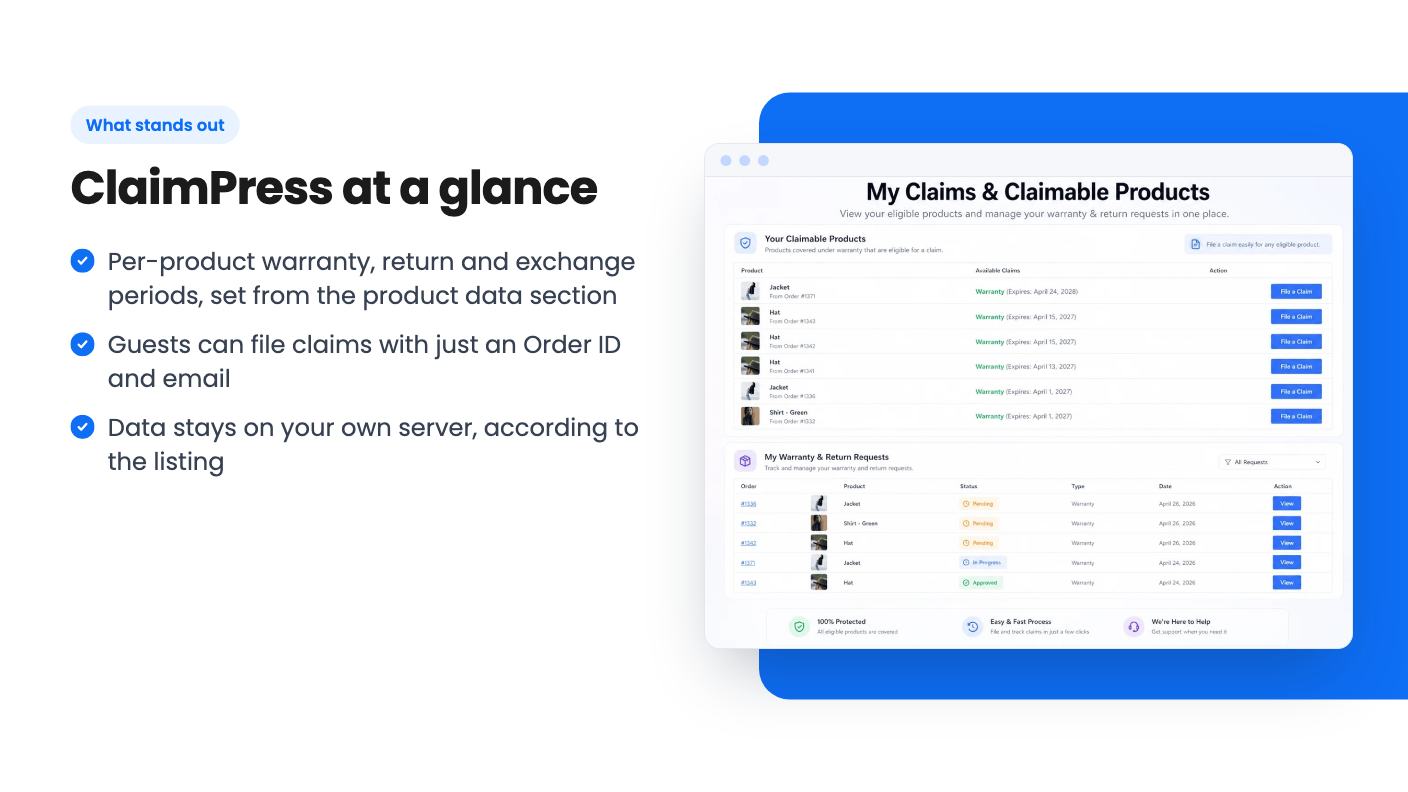
The listing groups the plugin around three jobs. You set warranty, return and exchange rules on your products. Customers file requests from their account or through a guest form. You manage the resulting claims from one screen, with notifications.
Two extras are worth knowing about. The first is an offer type split, which separates exchanges from paid warranty. That suggests you can sell an extended warranty as an add-on, though the listing doesn’t explain how payment for it works. The second is a top products by revenue report, which sounds like a way to see which products drive the most money through claims. The listing gives no detail on what the report actually shows.
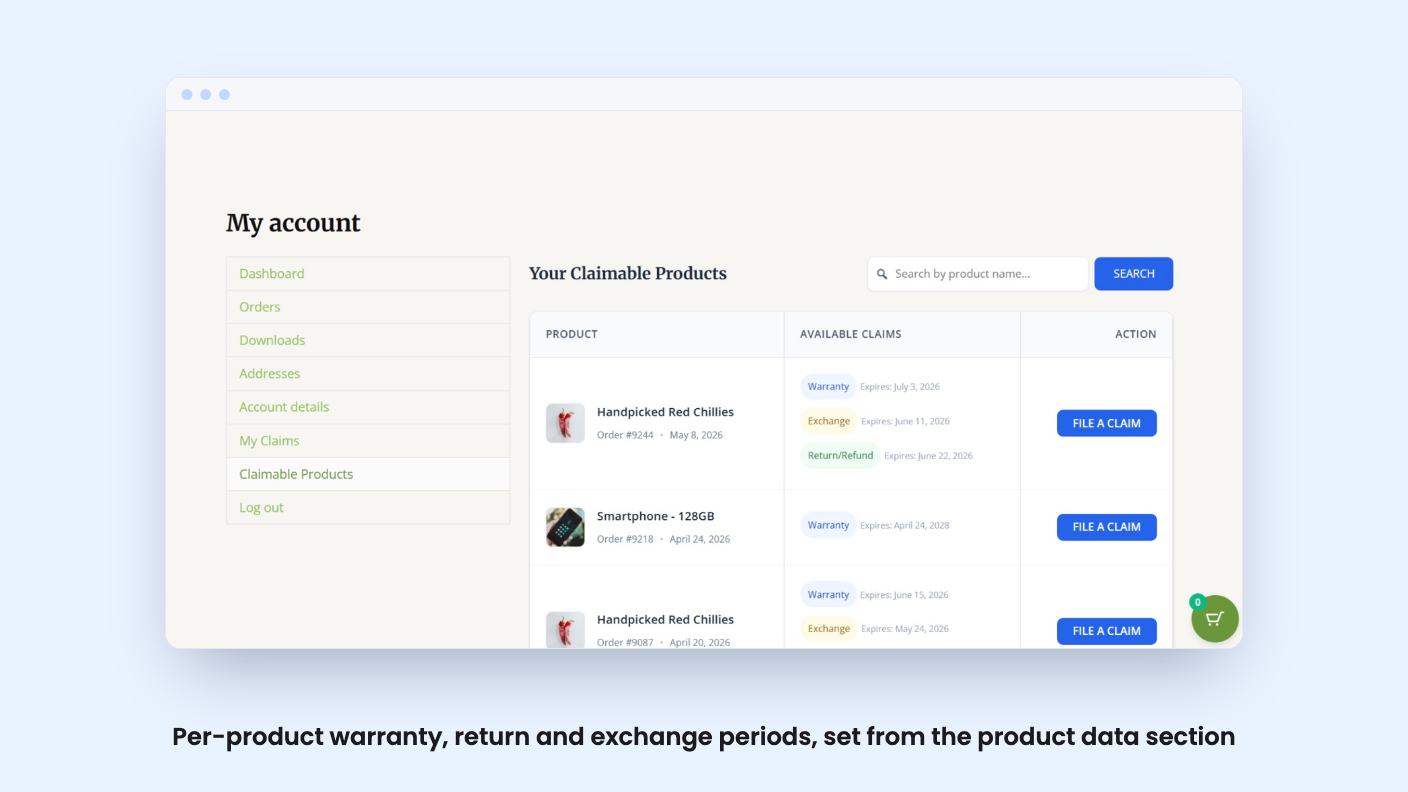
This is the part that matters most for a store with mixed inventory. According to the listing, you can set included and paid warranty options per product, and define durations right from the product data section of WooCommerce. A 12-month warranty on one item and a 30-day return window on another is the sort of thing a real catalogue needs.
The FAQ adds that you can apply periods globally across categories too. That’s useful if you have 400 products and don’t want to edit each one by hand. What the listing doesn’t say is whether you can bulk edit, import settings, or override a category rule for a single product. Ask before you count on it.
Logged-in customers go to My Account, then Claimable Products, and file from there. The listing mentions customizable refund policies and clear timelines so shoppers know where their request stands. Customers can also request exchanges straight from the claim form.
Guests aren’t left out. They use a secure form with their Order ID and email. That matters for stores where plenty of buyers check out without creating an account, and it saves you the “please log in first” email.
The claim form is customizable for colors, text and layout. The FAQ also says the Pro version offers more advanced styling options. That’s the first hint that some features sit behind a Pro tier, and the listing never lists which ones. More on that below.
You can customize any email template and keep your branding in the messages. For a store that already sends polished order emails, that’s a sensible inclusion. A claim confirmation in a different style from the rest of your mail looks sloppy.
On data, the listing says everything is stored on your own server and the ClaimPress team never sees customer information. For a self-hosted plugin that’s plausible and a genuine plus for anyone nervous about third-party tools.
Here’s what the listing doesn’t tell you:
The only integrations named are WooCommerce and WordPress. If your workflow involves a helpdesk or accounting tool, assume there’s no link until the developer says otherwise.
There are three lifetime tiers. Tier 1 is $99, tier 2 is $199 and tier 3 is $299. All three include lifetime access, all future plan updates, and the ability to move up or down between tiers. You must activate your license within 60 days of purchase. There are no codes and no stacking.
The site license row reads “/ 1 / 5 / 50” with the first slot blank, so the formatting is a little off. Reading it across, the most likely meaning is 1 site at $99, 5 sites at $199 and 50 sites at $299. Check that on the live page. If it’s right, $99 for a single store is the sensible entry point, and the higher tiers only make sense for agencies running client stores.
The listing also shows the list price as $0, which tells you nothing about what the plugin would normally cost. We can’t judge the discount, so judge it against what you’d pay for similar WooCommerce warranty or returns plugins.
There’s one more oddity. The FAQ talks about a 7-day money-back guarantee on the Pro plan, which doesn’t obviously match an AppSumo lifetime purchase. Check the refund window on the AppSumo page and don’t assume the FAQ applies.
If you don’t run WooCommerce, there’s nothing here for you. It’s a WordPress plugin and nothing else, so Shopify and hosted store owners are out.
Skip it too if your returns are rare. A few requests a month can live in email without much pain, and a plugin adds one more thing to update and test after WooCommerce changes. The same goes for stores that need a full support desk with tickets, macros and live chat. ClaimPress looks narrowly focused on claims.
It also looks like a young product. There’s no video, no reviews in the material we have, and no changelog. Lifetime deals depend on the developer sticking around, so a plugin without a visible track record carries more risk than an established one.
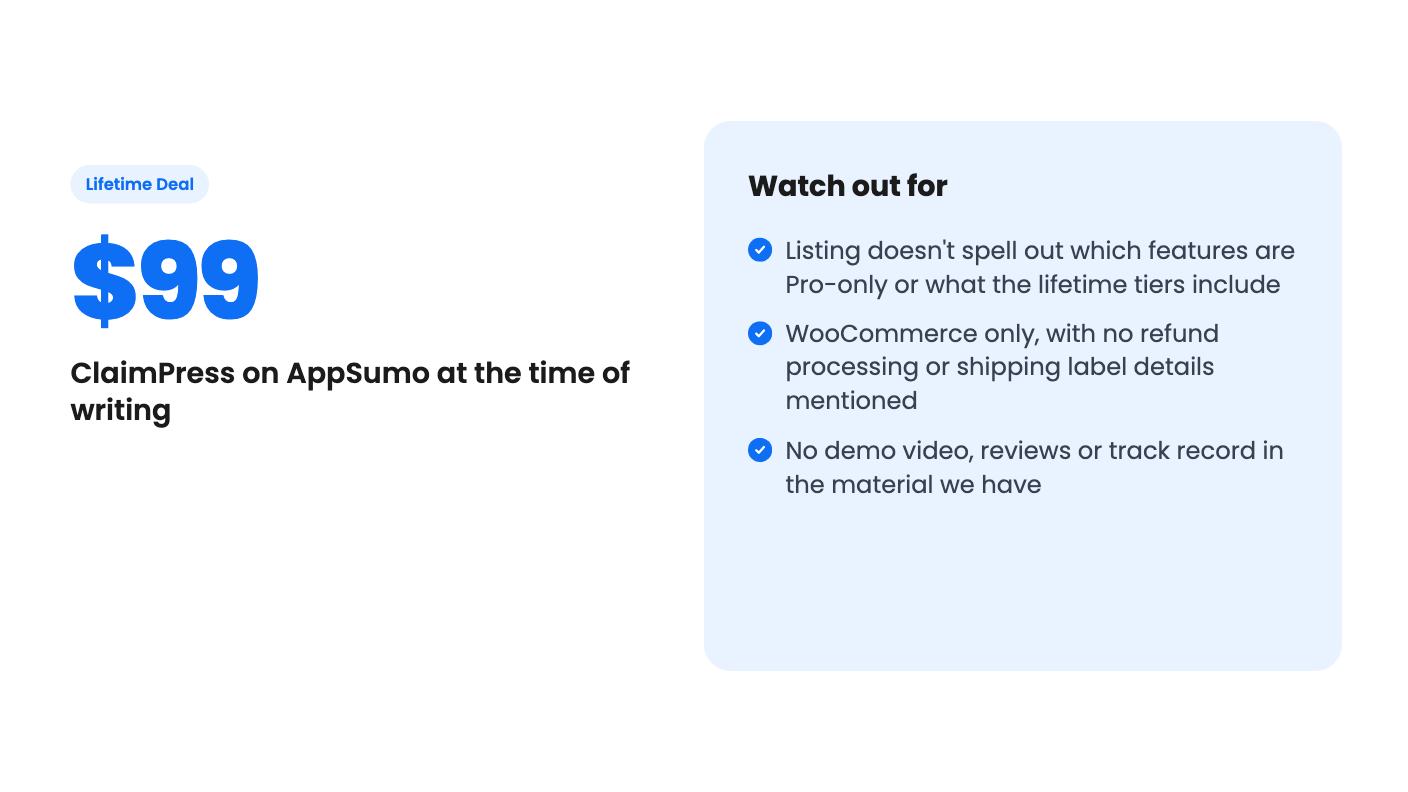
If you do sell physical goods with warranties or exchange windows, the $99 entry tier is a fairly low-risk way to try it. Install it on a staging copy of your store, check it against your theme, send yourself a guest claim, and see whether the emails and the admin screen match how you actually work. If they do, the lifetime price is easy to justify. If the Pro-only features turn out to be the ones you need, that’s your cue to ask the developer before you commit.
The listing shows site licenses of 1, 5 and 50 for the $99, $199 and $299 tiers, though the formatting is a little ambiguous. Confirm the exact numbers on the AppSumo page before you buy. You can move between the three tiers.
No. According to the listing, logged-in customers use My Account and then Claimable Products, while guests use a secure form with their Order ID and email.
The listing says it's built for compatible, well-coded WooCommerce themes and names Astra, WoodMart and Flatsome. A badly coded theme could still cause display problems, so test on a staging copy first.
How this review was made: researched from ClaimPress's official listing, and written with help from AI. We have not tested ClaimPress hands-on yet. Prices and deal terms change, so check AppSumo before you buy. See our affiliate disclosure.
Consently is a cookie consent tool with scanning, policy templates and Google CMP status, sold on AppSumo from $39. Here's what the listing covers and where it's thin.
Five AppSumo lifetime deals listed as Webflow alternatives, from a $69 all-in-one site builder to AI app generators, with who each suits and what's missing.
Eight AppSumo lifetime deals named as Squarespace alternatives, grouped by need, with the limits and gaps each listing shows and who each one suits.